Supports iOS/iPadOS 26
Dr.Fone - System Repair (iOS) Supports iOS/iPadOS 26

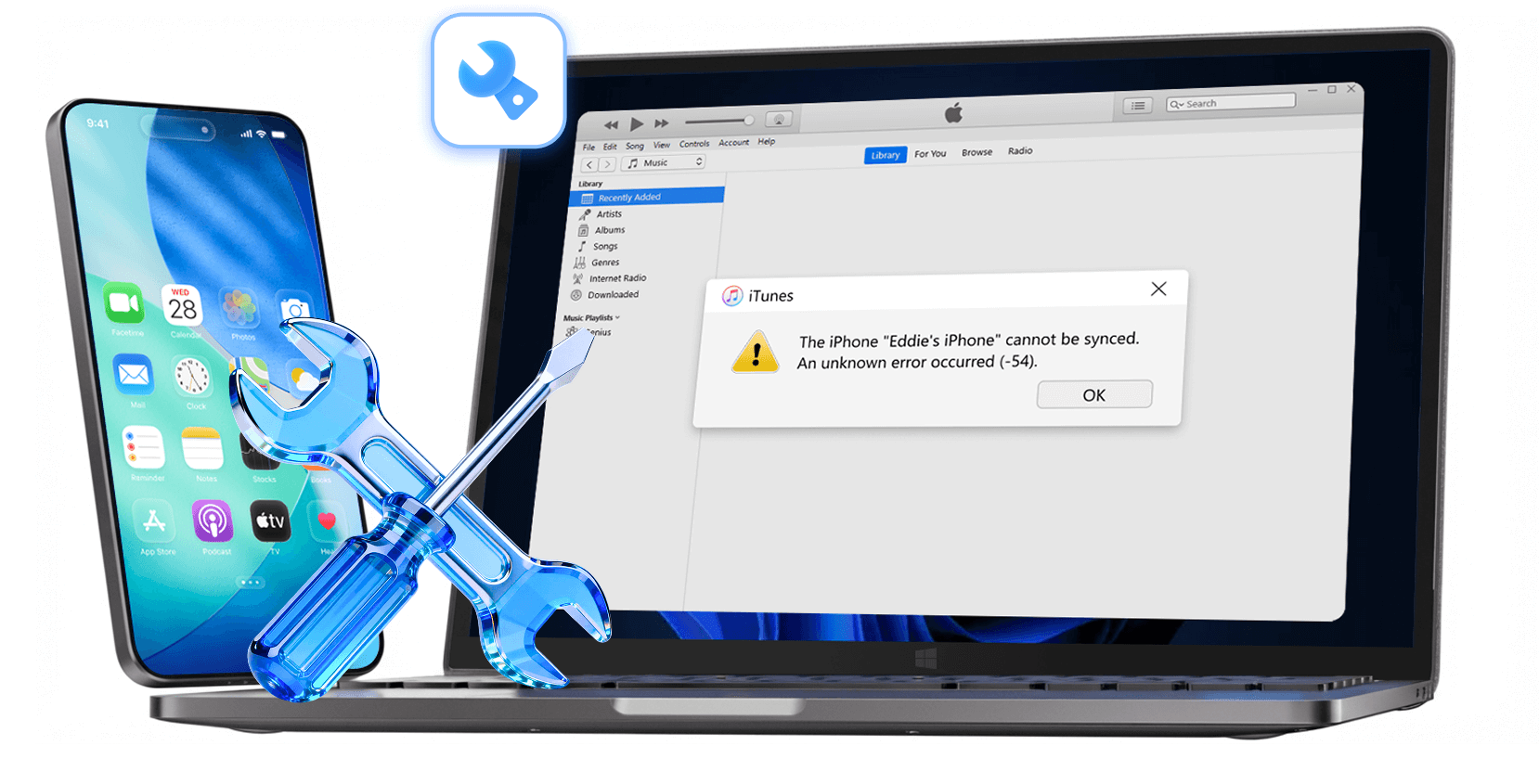
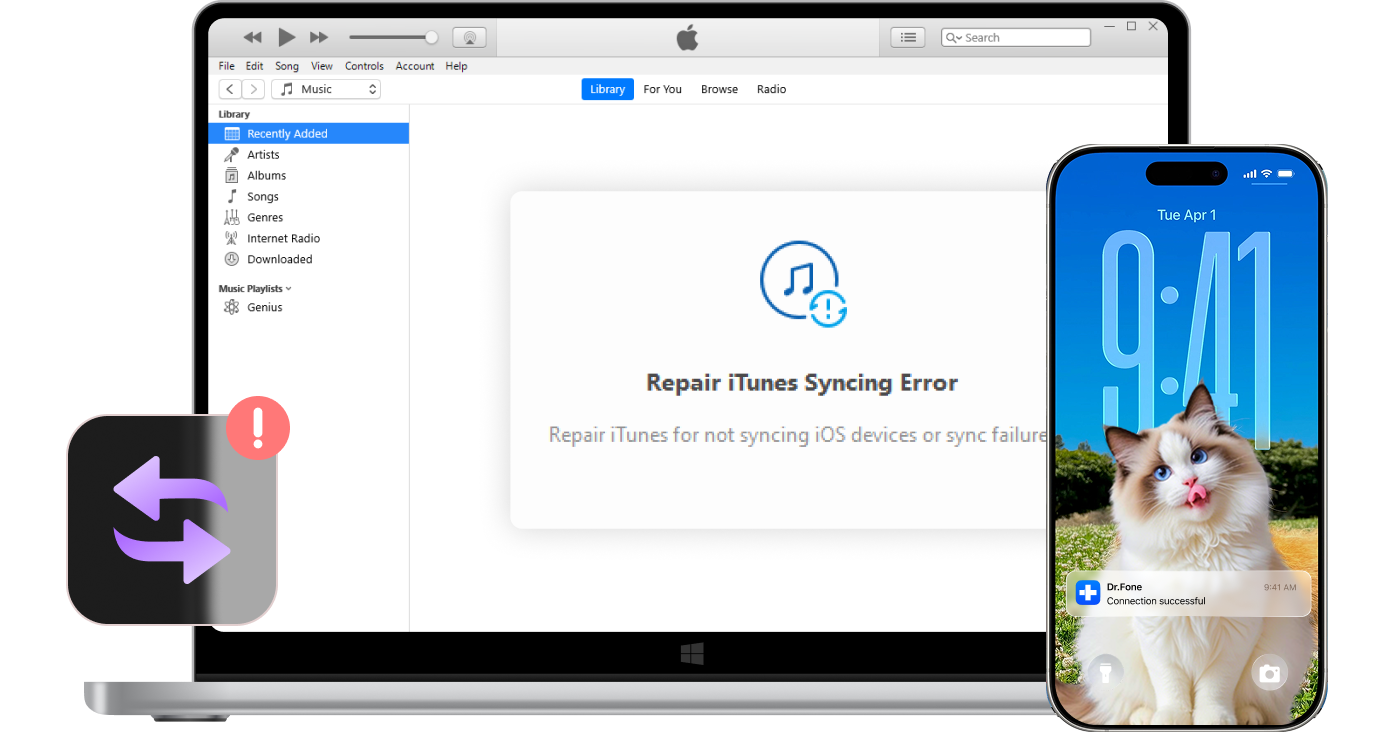
iTunes Not Working? Fix All iTunes Errors in One Click

Professional iTunes repair tool to resolve 200+ errors, connection issues, and syncing problems—no tech skills needed.

  • Compatible with all iTunes versions and the latest iPhone 17 Series.
  • Repair iTunes to normal without any data loss at all.
  • One-click repair solution—boost your iTunes in seconds.
  • No technical skills required—user-friendly for everyone.

Note: iTunes Repair supports Windows only. Please download it on a Windows device.

Watch how to repair iTunes

Three Core Solutions for Every iTunes Issue

Repair iTunes errors, restore device connections, and resolve syncing problems—fast, safe, and effortless.

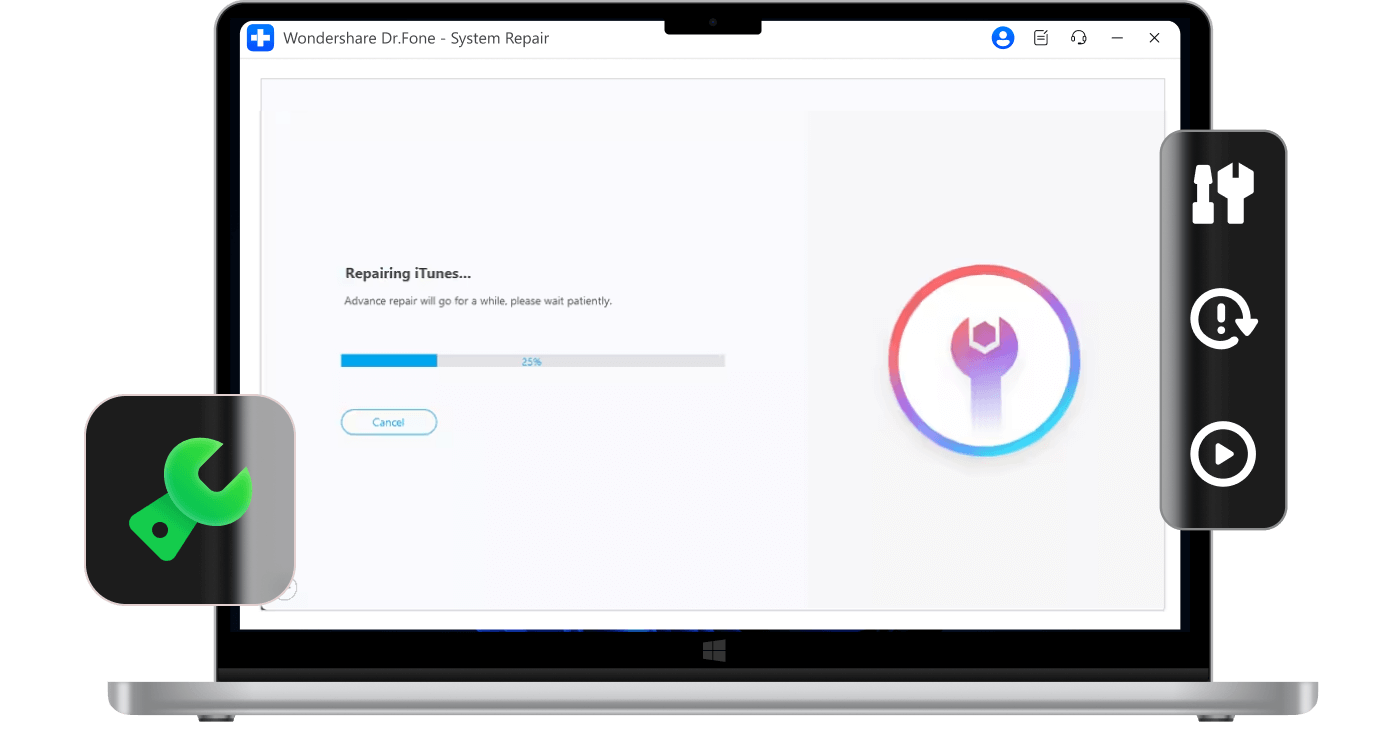
Fix All Types of iTunes Errors Instantly

Dr.Fone iOS system repair tool repairs iTunes component failures, startup crashes, update errors, and 200+ other iTunes issues without reinstalling.

Fix iTunes startup errors including 0xc00007b popups and crashes.
Resolve iTunes update failures and won't update to latest version.
Repair iTunes freezing, not responding, and component errors.
fix itunes startup errors
fix itunes connection errors

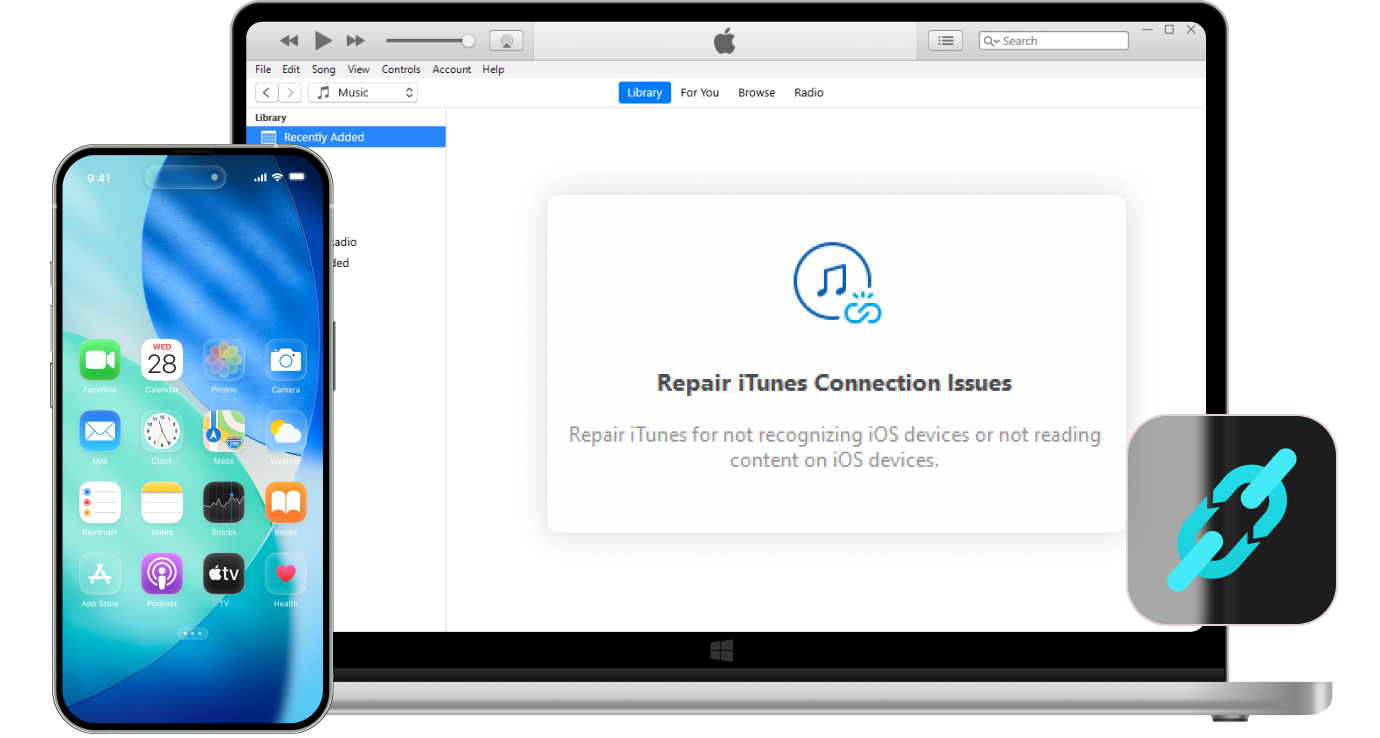
Restore iTunes and iOS Device Connections

Dr.Fone iOS system repair tool fixes iTunes recognition problems when your iPhone, iPad, or iPod won't connect or show up in iTunes.

Fix iTunes Error 14, Error 13010, and other connection errors.
Resolve "iTunes could not connect to this iPhone/iPad" issues.
Repair device not recognized or not appearing in iTunes.

Resolve All iTunes Syncing Problems

Dr.Fone iOS system repair tool eliminates iTunes sync failures and session errors, ensuring smooth synchronization between iTunes and your iOS devices.

Fix iTunes Error 54 and sync session failed errors.
Resolve "waiting for items to copy" and iTunes match not syncing.
Repair partial sync failures for music, photos, videos, and more.
fix itunes syncing errors

More Dr.Fone Features for Complete iTunes & iOS Solutions

ios unlock

iOS Backup Unlocker

Unlock forgotten iTunes backup passwords. Safely remove backup encryption to regain access to your files. It’s the perfect solution when backup options are greyed out, enabling seamless restoration without the original password.

ios data recovery

iOS Data Recovery

Retrieve data from iPhone, iTunes, or iCloud. Recover lost files directly from your device or selectively extract what you need from backups. Get your photos and messages back without a full device restore or any data risk.

itunes manager

iTunes Manager

Transfer media without iTunes syncing limits. Rebuild your library and sync music or movies between iOS, Android, and iTunes effortlessly. Move your files freely and avoid common iTunes syncing errors.

Why Choose Dr.Fone?

148.5 M+
Satisfied Customers
95+
Countries Served
100%
Data Security
650K+
Partners Worldwide
24/7
Technical Support
148.5 M+
Satisfied Customers
95+
Countries Served
100%
Data Security
650K+
Partners Worldwide
24/7
Technical Support
quotation

System Repair by Wondershare Dr.Fone is an excellent alternative to iTunes for fixing iOS issues. It resolves many problems by re-installing the latest package, which doesn’t wipe out your iPhone’s data.

quotation

With its new powerful desktop and online solution, Wondershare Dr. Fone offers a complete mobile device solution for Android and iOS devices, with useful how-to guides and technical fixes for a wide variety of mobile issues.

quotation

The iOS dr.fone 10 Toolkit for Mac and Windows offers a suite of applications that make professional-level features accessible to anyone. Some of the compelling apps include dr. fone Recover, dr.fone Restore Social App, and dr. fone Unlock.

quotation

If your iPhone is not responding or turning on, then this is probably one of the best tools to fix it. The tool guarantees that during the recovery process, none of your data will be lost.

quotation

Dr.Fone can help you with your smartphone in many ways. It can recover deleted data, back up and transfer files, unlock screens, repair your OS, switch between different types of smartphones, transfer WhatsApp chats between iOS and Android, and more.

quotation

Dr.Fone is a comprehensive software suite developed by Wondershare that addresses a wide range of needs for smartphone and computer users. When transferring data between Android devices, Dr.Fone offers a mix of ease, efficiency, and security, making it a preferred choice for many.

quotation

System Repair by Wondershare Dr.Fone is an excellent alternative to iTunes for fixing iOS issues. It resolves many problems by re-installing the latest package, which doesn’t wipe out your iPhone’s data.

quotation

With its new powerful desktop and online solution, Wondershare Dr. Fone offers a complete mobile device solution for Android and iOS devices, with useful how-to guides and technical fixes for a wide variety of mobile issues.

quotation

The iOS dr.fone 10 Toolkit for Mac and Windows offers a suite of applications that make professional-level features accessible to anyone. Some of the compelling apps include dr. fone Recover, dr.fone Restore Social App, and dr. fone Unlock.

quotation

If your iPhone is not responding or turning on, then this is probably one of the best tools to fix it. The tool guarantees that during the recovery process, none of your data will be lost.

quotation

Dr.Fone can help you with your smartphone in many ways. It can recover deleted data, back up and transfer files, unlock screens, repair your OS, switch between different types of smartphones, transfer WhatsApp chats between iOS and Android, and more.

quotation

Dr.Fone is a comprehensive software suite developed by Wondershare that addresses a wide range of needs for smartphone and computer users. When transferring data between Android devices, Dr.Fone offers a mix of ease, efficiency, and security, making it a preferred choice for many.

avatar
John Davis – Music Producer, Los Angeles, CA, 34
star
iTunes kept crashing whenever I tried to sync my music library with my iPhone. I used Dr.Fone iTunes Repair, and it fixed the issue in less than 5 minutes. Now everything works perfectly, and I didn't lose any of my playlists or tracks. This tool is a lifesaver for music professionals!
avatar
Sarah Wilson – Teacher, London, UK, 28
star
I was getting Error 54 every time I connected my iPhone to iTunes. I tried everything online but nothing worked until I found Dr.Fone iTunes Repair. It solved the problem instantly without any data loss. My photos and music synced perfectly afterward. Highly recommended!
avatar
Michael Brown – IT Manager, Toronto, Canada, 42
star
As an IT professional managing multiple devices, iTunes connection issues were a constant headache. Dr.Fone iTunes Repair fixed all of them efficiently across our office computers. Its the best iTunes troubleshooting tool I've used—fast, reliable, and effective.
avatar
Emily Garcia – Photographer, Sydney, Australia, 31
star
iTunes wouldn't recognize my iPad after I updated to the latest version. I was worried about losing my photo backups. Dr.Fone resolved the connection issue immediately, and all my backups were safe. The interface is easy to use, though I wish it had more detailed progress indicators during the repair.
avatar
David Miller – Accountant, Chicago, IL, 45
star
Error 4013 kept preventing me from updating iTunes and syncing my devices. After trying Dr.Fone iTunes Repair, the error was gone in minutes. This tool saved me hours of frustration and a trip to the Apple Store. Worth every penny!
avatar
Priya Sharma – Graphic Designer, Mumbai, India, 29
star
My iTunes sync kept failing for weeks, and I couldn't transfer my design files to my iPhone. Nothing worked until I found Dr.Fone iTunes Repair. It identified and fixed the problem instantly, and all my files synced perfectly. I'm so relieved!
avatar
James Cooper – Software Developer, Manchester, UK, 38
star
As a developer who uses multiple iOS test devices, iTunes connection problems were constant. Dr.Fone iTunes Repair solved all of them efficiently and quickly. This tool is a must-have for anyone managing multiple Apple devices. Excellent software!
avatar
Lisa Anderson – Marketing Manager, Seattle, WA, 33
star
iTunes startup errors were driving me crazy—it wouldn't even open half the time. Dr.Fone iTunes Repair fixed the startup issues immediately, and I haven't had any problems since. The repair process was fast, though it would be nice to have a detailed log of what was fixed. Still very satisfied!
avatar
Thomas White – Business Consultant, Vancouver, Canada, 47
star
Error 3194 blocked my iPhone restore through iTunes for days. I was about to give up when I tried Dr.Fone iTunes Repair. It cleared the error in seconds and allowed me to complete the restore. Incredible tool that actually does what it promises!
avatar
Rajesh Kumar – Civil Engineer, Bangalore, India, 36
star
iTunes wouldn't read my iPhone content after an iOS update, and I needed access to my project files. Dr.Fone iTunes Repair identified and fixed the connection problem right away. My device is recognized perfectly now. Great software that works!
avatar
Daniel Roberts – Data Analyst, Melbourne, Australia, 40
star
Multiple iTunes errors were affecting my workflow—syncing failed, backups wouldn't complete, and updates kept crashing. Dr.Fone iTunes Repair fixed them all in one go. The one-click solution works well, though the interface could be more modern. Overall, excellent tool for iTunes troubleshooting!
avatar
Emma Thompson – Content Writer, Birmingham, UK, 27
star
My iTunes kept showing session sync failed errors whenever I tried to sync my audiobooks and documents. Dr.Fone iTunes Repair diagnosed and fixed the issue quickly. Now I can sync everything without any problems. Very satisfied with this tool!
avatar
John Davis – Music Producer, Los Angeles, CA, 34
star
iTunes kept crashing whenever I tried to sync my music library with my iPhone. I used Dr.Fone iTunes Repair, and it fixed the issue in less than 5 minutes. Now everything works perfectly, and I didn't lose any of my playlists or tracks. This tool is a lifesaver for music professionals!
avatar
Sarah Wilson – Teacher, London, UK, 28
star
I was getting Error 54 every time I connected my iPhone to iTunes. I tried everything online but nothing worked until I found Dr.Fone iTunes Repair. It solved the problem instantly without any data loss. My photos and music synced perfectly afterward. Highly recommended!
avatar
Michael Brown – IT Manager, Toronto, Canada, 42
star
As an IT professional managing multiple devices, iTunes connection issues were a constant headache. Dr.Fone iTunes Repair fixed all of them efficiently across our office computers. Its the best iTunes troubleshooting tool I've used—fast, reliable, and effective.
avatar
Emily Garcia – Photographer, Sydney, Australia, 31
star
iTunes wouldn't recognize my iPad after I updated to the latest version. I was worried about losing my photo backups. Dr.Fone resolved the connection issue immediately, and all my backups were safe. The interface is easy to use, though I wish it had more detailed progress indicators during the repair.
avatar
David Miller – Accountant, Chicago, IL, 45
star
Error 4013 kept preventing me from updating iTunes and syncing my devices. After trying Dr.Fone iTunes Repair, the error was gone in minutes. This tool saved me hours of frustration and a trip to the Apple Store. Worth every penny!
avatar
Priya Sharma – Graphic Designer, Mumbai, India, 29
star
My iTunes sync kept failing for weeks, and I couldn't transfer my design files to my iPhone. Nothing worked until I found Dr.Fone iTunes Repair. It identified and fixed the problem instantly, and all my files synced perfectly. I'm so relieved!
avatar
James Cooper – Software Developer, Manchester, UK, 38
star
As a developer who uses multiple iOS test devices, iTunes connection problems were constant. Dr.Fone iTunes Repair solved all of them efficiently and quickly. This tool is a must-have for anyone managing multiple Apple devices. Excellent software!
avatar
Lisa Anderson – Marketing Manager, Seattle, WA, 33
star
iTunes startup errors were driving me crazy—it wouldn't even open half the time. Dr.Fone iTunes Repair fixed the startup issues immediately, and I haven't had any problems since. The repair process was fast, though it would be nice to have a detailed log of what was fixed. Still very satisfied!
avatar
Thomas White – Business Consultant, Vancouver, Canada, 47
star
Error 3194 blocked my iPhone restore through iTunes for days. I was about to give up when I tried Dr.Fone iTunes Repair. It cleared the error in seconds and allowed me to complete the restore. Incredible tool that actually does what it promises!
avatar
Rajesh Kumar – Civil Engineer, Bangalore, India, 36
star
iTunes wouldn't read my iPhone content after an iOS update, and I needed access to my project files. Dr.Fone iTunes Repair identified and fixed the connection problem right away. My device is recognized perfectly now. Great software that works!
avatar
Daniel Roberts – Data Analyst, Melbourne, Australia, 40
star
Multiple iTunes errors were affecting my workflow—syncing failed, backups wouldn't complete, and updates kept crashing. Dr.Fone iTunes Repair fixed them all in one go. The one-click solution works well, though the interface could be more modern. Overall, excellent tool for iTunes troubleshooting!
avatar
Emma Thompson – Content Writer, Birmingham, UK, 27
star
My iTunes kept showing session sync failed errors whenever I tried to sync my audiobooks and documents. Dr.Fone iTunes Repair diagnosed and fixed the issue quickly. Now I can sync everything without any problems. Very satisfied with this tool!

3 Steps for Using iTunes Repair Easily

With iTunes Repair, all the iTunes errors, including installation/update/connection/restoration/backup and other issues, will be fixed in seconds, without any data loss.

itunes repair step 1
itunes repair step 2
itunes repair step 3
itunes repair step 1
itunes repair step 2
itunes repair step 3
1
2
3
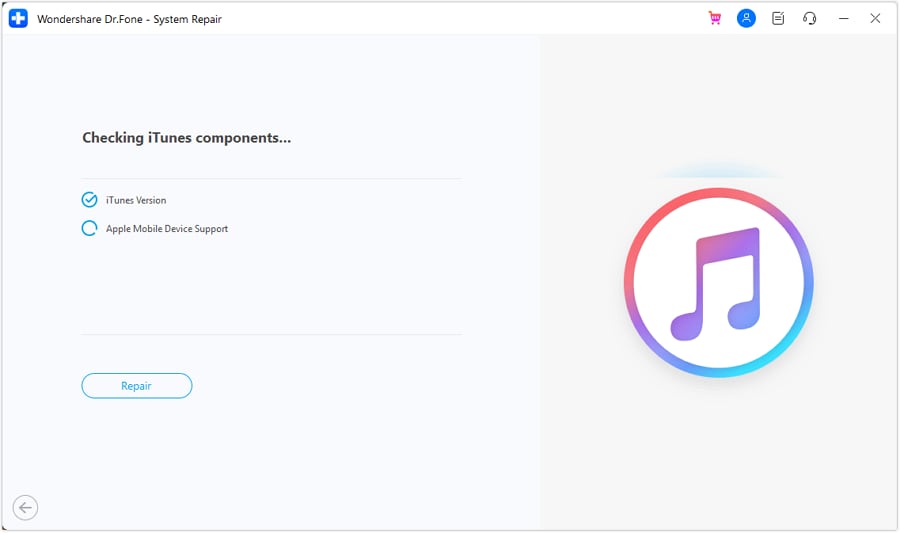
Launch Dr.Fone, click System Repair and select iTunes Repair.
Select the proper mode to repair various iTunes issues.
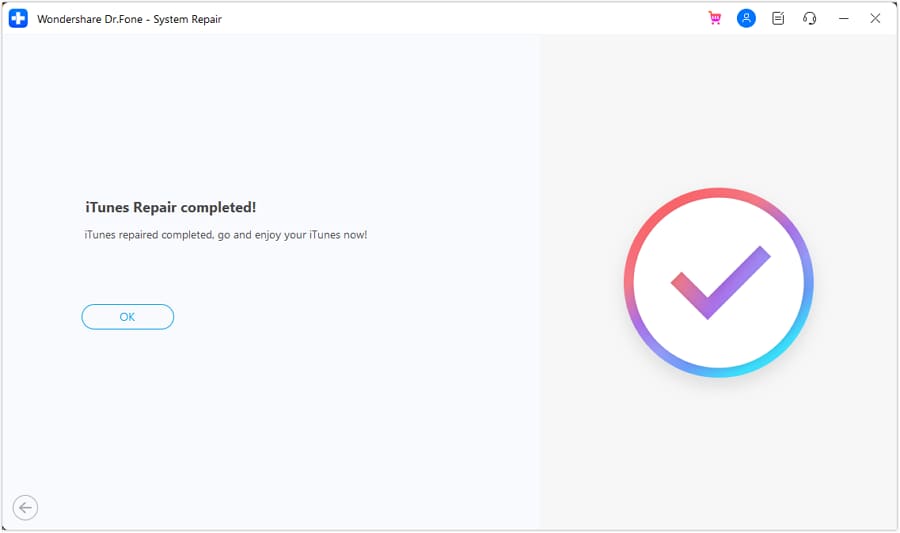
Follow the on- screen instructions step by setp to fix iTunes issues.

Tech Specs

itunes repair

Processor

1 GHz or faster processor (Intel or AMD)

itunes repair

Hard Disk Space

At least 20 GB of free disk space

itunes repair

RAM

2 GB or more of RAM

itunes repair

iOS

Support all iOS versions, including the latest iOS version

itunes repair

Computer OS

Requires Windows 7 or newer

itunes repair

Processor

1 GHz or faster processor (Intel or AMD)
At least 20 GB of free disk space
2 GB or more of RAM
Support all iOS versions, including the latest iOS version
Requires Windows 7 or newer

iTunes Repair – FAQs

Q1. Is iTunes Repair feature free in Dr.Fone - System Repair (iOS)?
Dr.Fone - System Repair (iOS) offers a free trial version that allows you to diagnose iTunes problems and detect all errors. To repair and fix the detected issues, you'll need to purchase the full version. However, the investment is worth it considering the time and frustration saved compared to manual troubleshooting or Apple Store visits.
No, Dr.Fone - System Repair (iOS) is designed to fix iTunes errors without affecting your data. Your music library, playlists, iOS backups, app data, and all other iTunes content will remain completely intact and safe throughout the repair process. The tool only repairs iTunes components and settings.

Dr.Fone can repair over 200 types of iTunes errors including:

1. Installation and update errors (Error 0xc00007b, installation failures)

2. Connection issues (iTunes not recognizing iPhone/iPad, Error 14, Error 13010)

3. Syncing failures (Error 54, sync session failed, waiting for items to copy)

4. Startup errors (iTunes won't open, crashes on launch)

5. Backup errors (Error 50, Error 5000, backup cannot be saved)

6. And many more iTunes-related problems

Show MoreLess
Dr.Fone - System Repair (iOS)
Dr.Fone - System Repair (iOS) is the best software to repair iTunes errors. It fixes 200+ iTunes problems, including crashes, update failures, and component issues. Quickly restore iTunes connections and syncing with your iPhone, iPad, or iPod, all in one click—safely and without losing any data.
Repair iOS System Issues
Upgrade or Downgrade iOS
Explore iOS Beta Features
Reset iOS Device
Repair iTunes Issues
Fix 1110 / 4013 Errors
Enter or Exit Recovery Mode
Exit DFU Mode
data safe and secure
100% data safe & secure
150M+
Downloads
148.5M+
Satisfied Customers
22+ Years
Experience
95+
Countries Served
100%
Data Security
99%
Success Rate