iPhone SIM Unlock: Unlock a SIM-Locked iPhone on Supported Devices
If your iPhone says SIM locked or SIM not supported, you may be dealing with a carrier restriction. Dr.Fone helps simplify iPhone SIM unlock on supported models, so you can use a compatible SIM card from another carrier more easily.
-
Fast guided workflow.
-
Permanent unlock after successful process.
-
No data loss during unlocking.
-
Supports multiple major carriers, including AT&T, Sprint, T-Mobile, and Verizon.
-
Supports iPhone 5s to iPhone X, iOS 12.0 to iOS 27.
 based on 1000+ reviews on
Trustpilot
based on 1000+ reviews on
Trustpilot
based on 1000+ reviews on Trustpilot
Check If Your iPhone Is Carrier Locked First
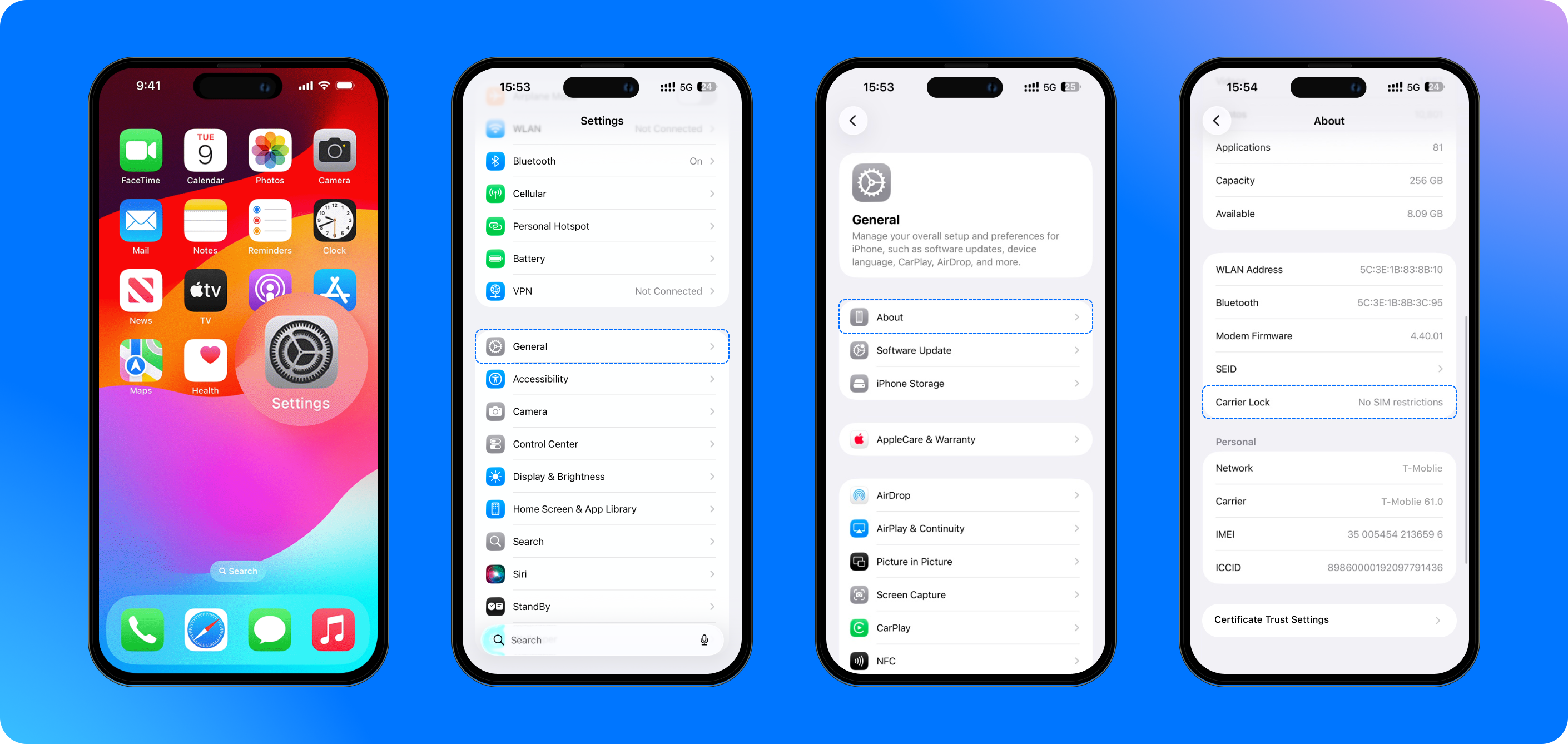
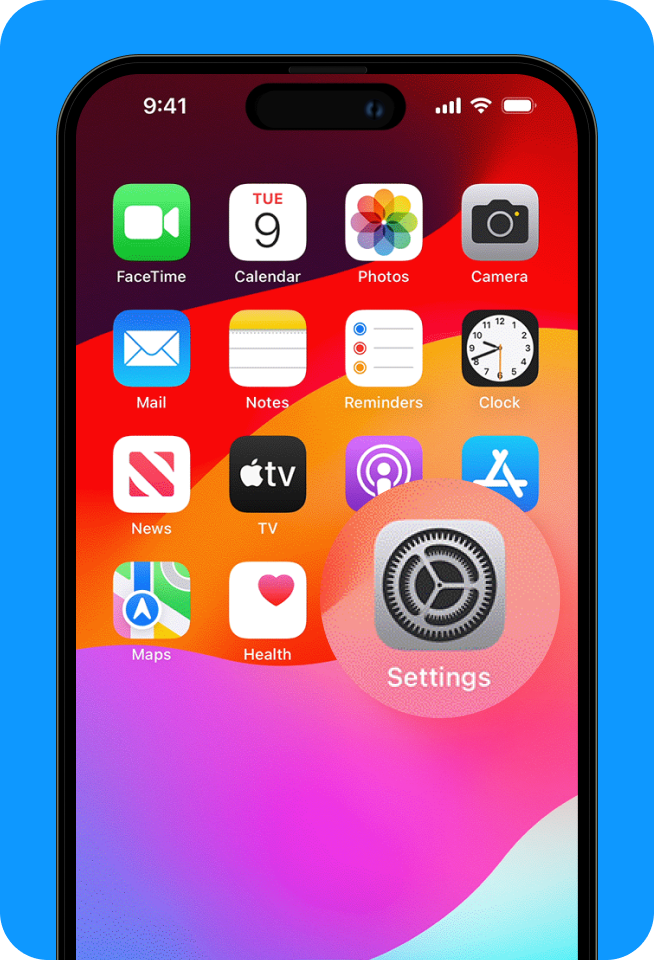
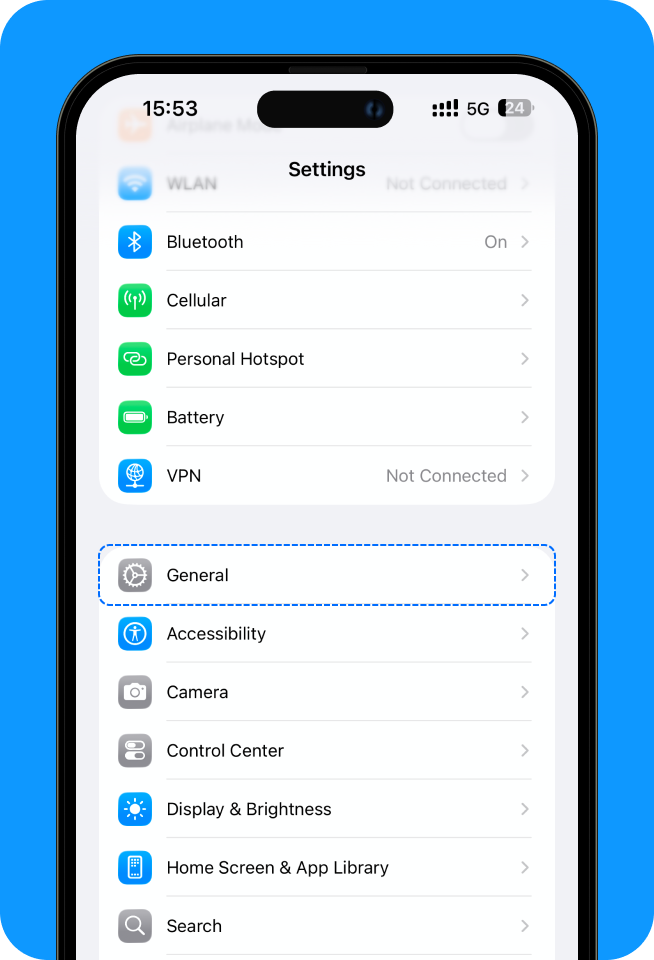
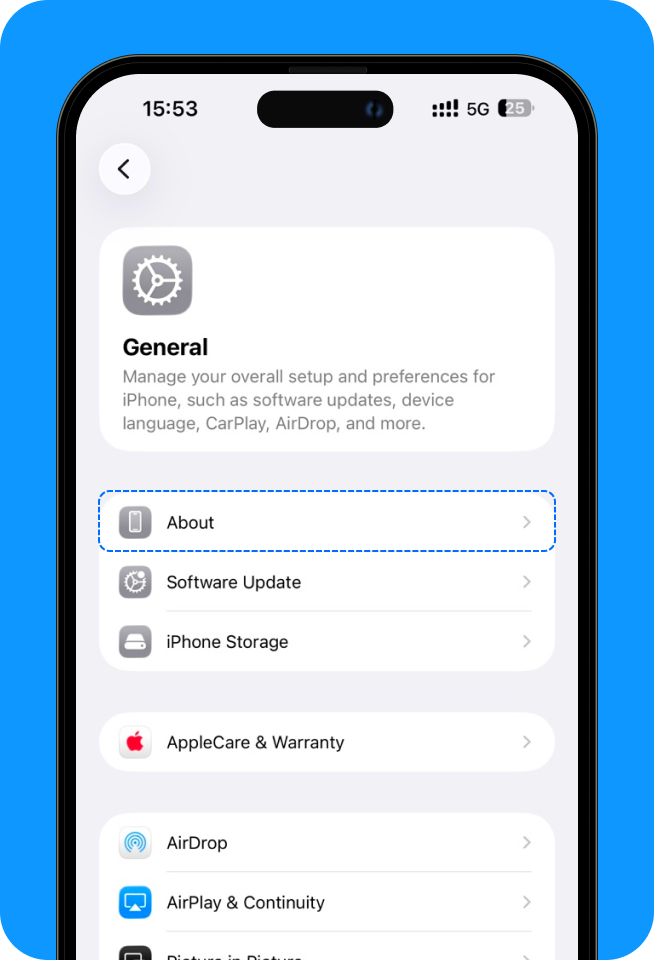
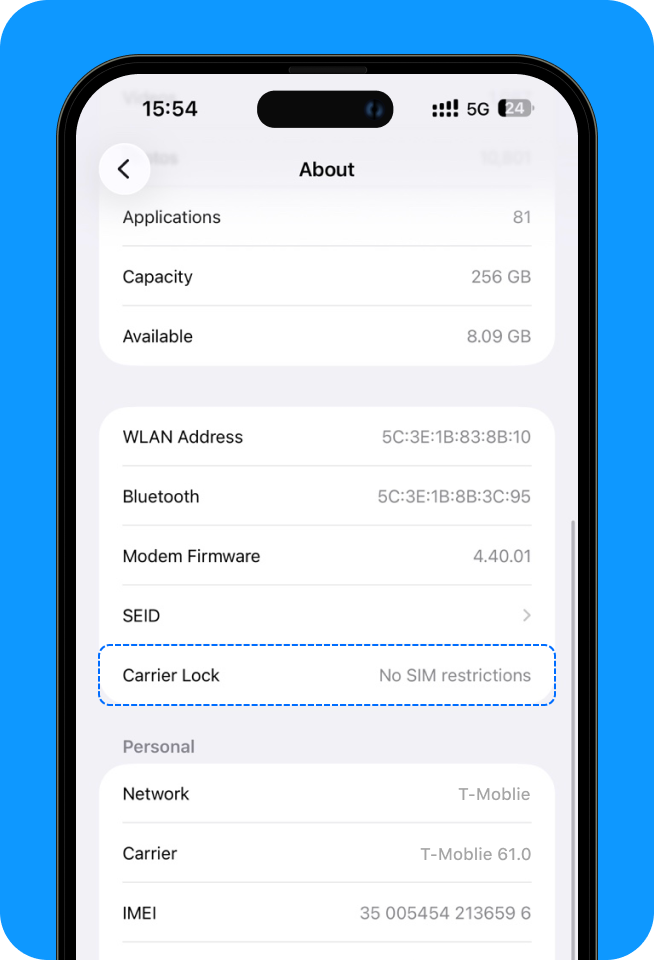
Before trying any iPhone SIM unlock method, check your lock status:
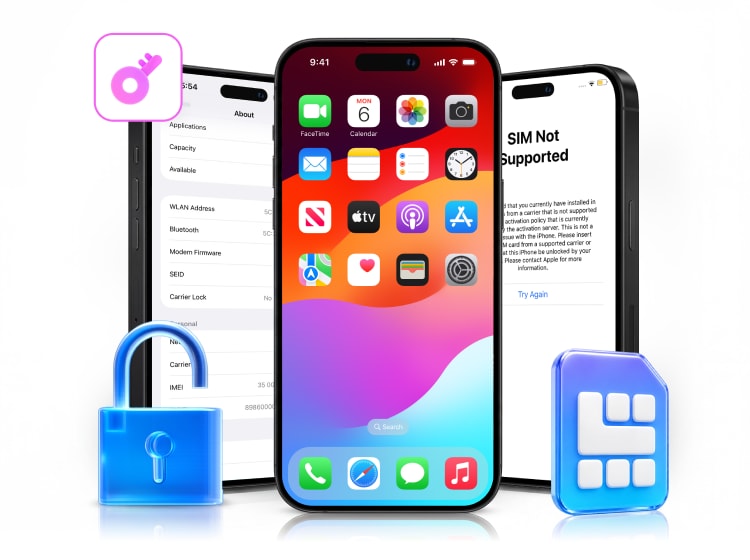
Why Does My iPhone Say SIM Locked or SIM Not Supported?
When an iPhone shows messages like SIM locked, SIM not supported, or SIM card not supported, it usually means one of the following:
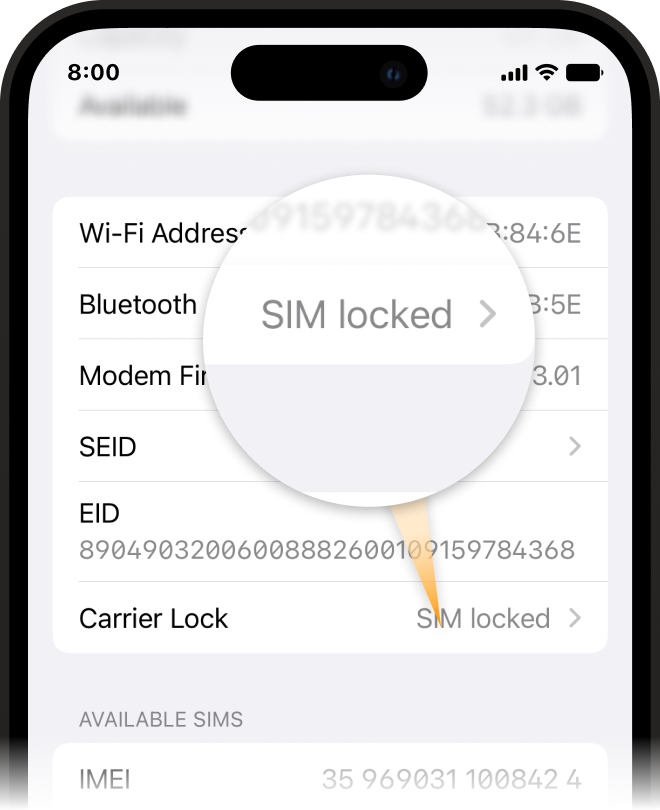
The iPhone is locked to a specific carrier
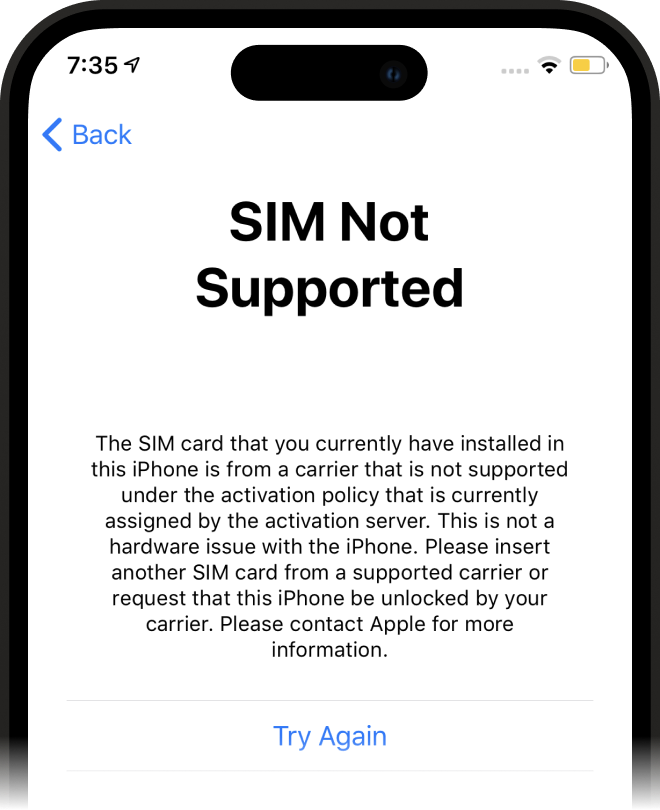
The inserted SIM card is not from the supported carrier
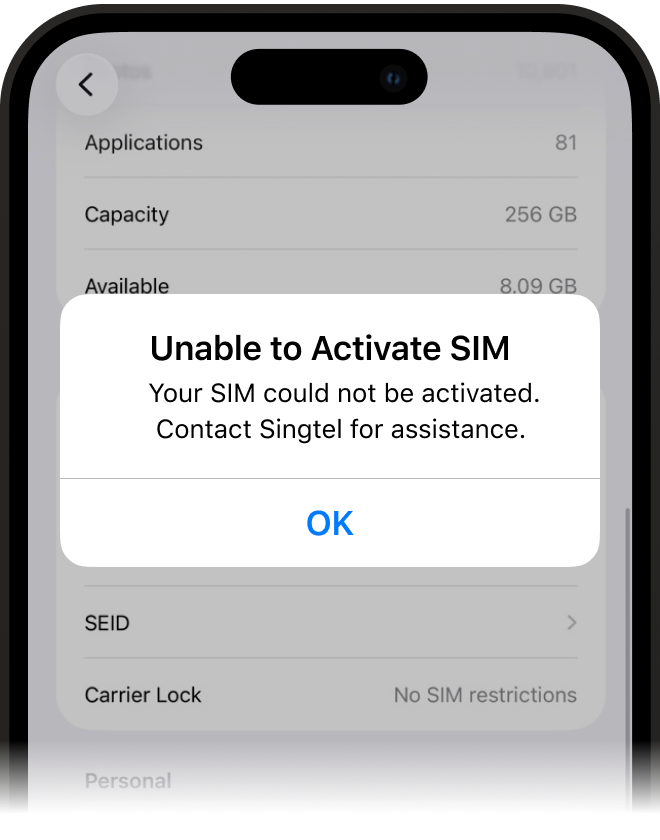
The SIM card is inactive or not properly activated
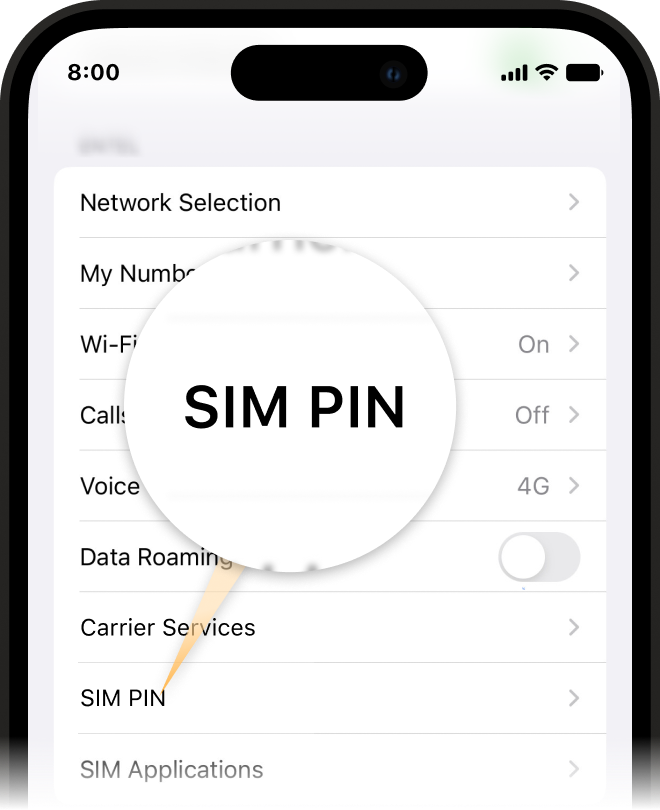
The issue is related to SIM PIN settings rather than carrier lock
The iPhone is locked to
a specific carrier
The inserted SIM card is not from
the
supported carrier
The SIM card is inactive or
not
properly activated
The issue is related to SIM PIN
settings rather than carrier lock
SIM PIN Lock vs. Carrier Lock: Know the Difference
SIM PIN Lock:
A SIM PIN lock protects the SIM card itself. If you enter the wrong PIN too many times, the SIM may become locked and you may need a PUK code from your carrier to unlock it.
Carrier Lock:

A carrier lock restricts your iPhone to one mobile network. If you insert a SIM card from another carrier, your iPhone may show messages like SIM not supported or SIM card not supported on this iPhone.
Why Choose Dr.Fone for iPhone SIM Unlock?

Fast Guided Workflow:
Follow a clear process that helps you move from a SIM-locked iPhone to a compatible carrier setup more efficiently.

Permanent Unlock After Success:
Once the unlock is successfully completed, the device remains unlocked unless certain device changes or resets affect the status.

No Data Loss During Unlocking:
Dr.Fone is designed to keep your iPhone data intact during the SIM unlocking process.

Works with Major Carrier Scenarios:
Useful for users who want to switch carriers, use a local SIM while traveling, or activate a second-hand iPhone on a compatible network.
Common Scenarios We Help With


Compatible Carrier Scenarios
Dr.Fone is commonly used in carrier-switching scenarios
involving major networks
such as ATT carrier unlock, T mobile sim unlock, verizon sim unlock Sprint
sim unlock, and more






If your iPhone is tied to a carrier plan and you want to switch networks without buying another phone, first confirm the device is supported and the IMEI is not blacklisted.
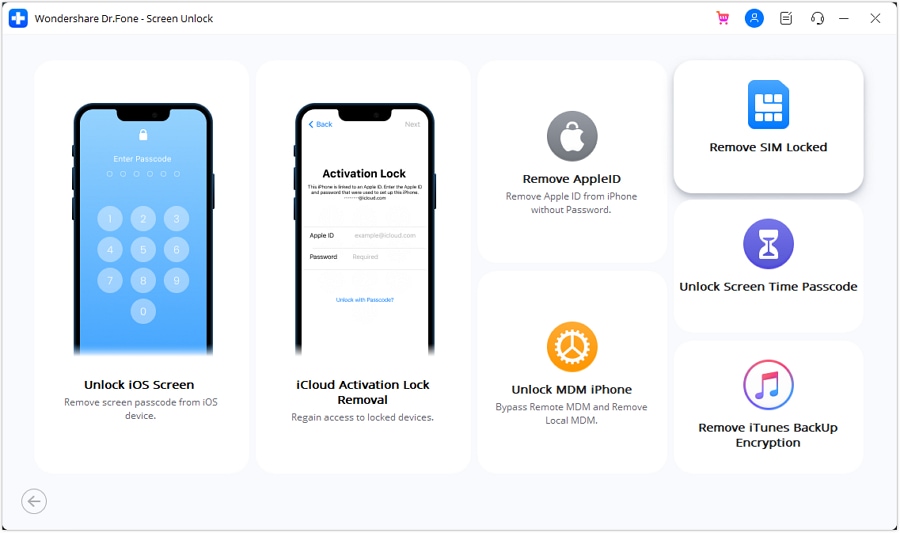
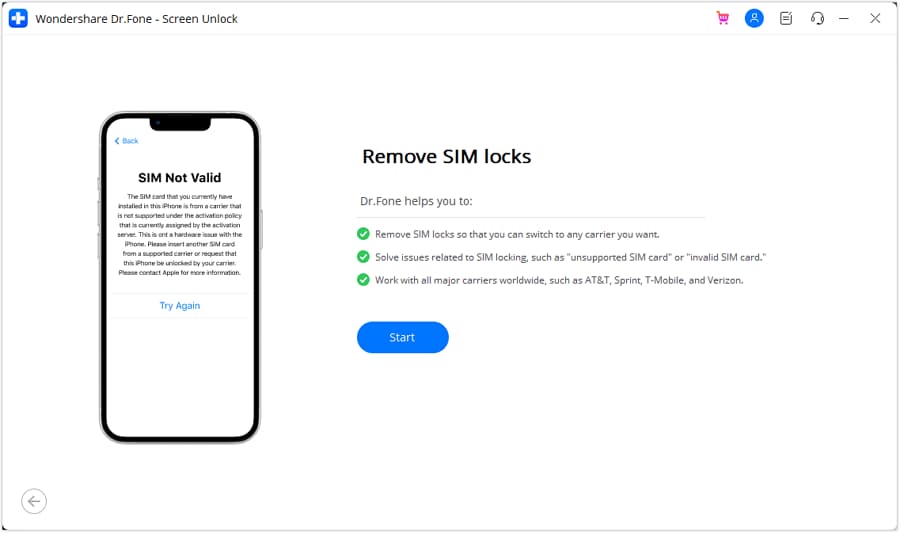
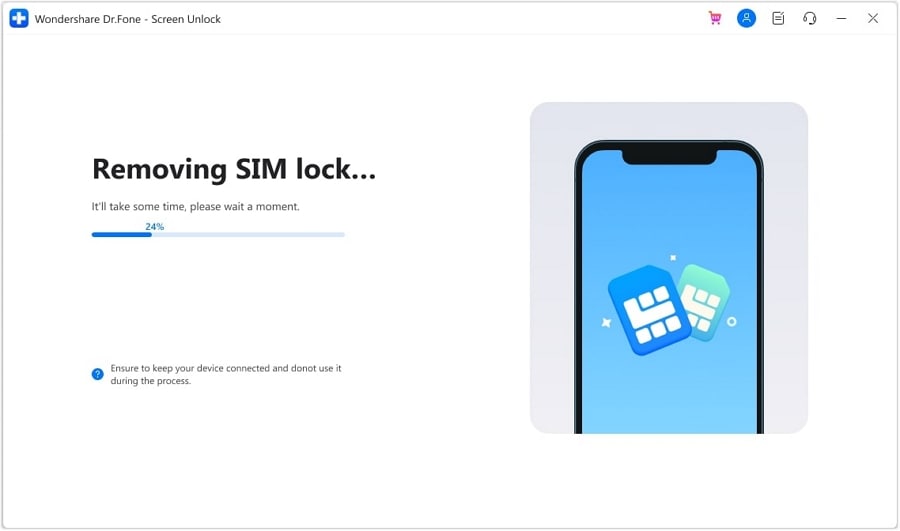
How to Unlock SIM Lock on iPhone with Dr.Fone
Dr.Fone provides a guided workflow to help remove SIM restrictions on supported iPhone models. No technical expertise is required—just follow the on-screen instructions step by step.
Supported Devices and Important Notes
Supported models:
Supported models: iPhone 5s to iPhone X
Supported iOS
Supported iOS versions: iOS 12.0 to iOS 27
Jailbreak
Jailbreak is required to remove SIM restrictions
Blacklisted IMEI
Blacklisted IMEI devices are not supported
Bypass Activation Lock: Compatible with iPhone 5S to iPhone X, iPad 3 to iPad 7, and iPod touch 6 to iPod touch 7 running iOS 12.0 to iOS 16.7.11.
Remove Sim Lock: Compatible with iPhone 5S to iPhone X running iOS 12.0 to iOS 27.
Other unlocking functions: Compatible with all iOS versions starting from iOS 7.0.
Factory reset
A factory reset or ROM update may affect unlock status
Supported models:
Supported iOS
Jailbreak
Blacklisted IMEI
Factory reset
iPhone SIM Unlock FAQs & Hot Topics
Go to Settings > General > About and check Carrier Lock. If it says No SIM restrictions, your iPhone is unlocked.