Photos and Videos
- Photos
- Videos
- Screenshots
- Screen Recordings
- Audio & Music
- GIF Images
- And More Media Files











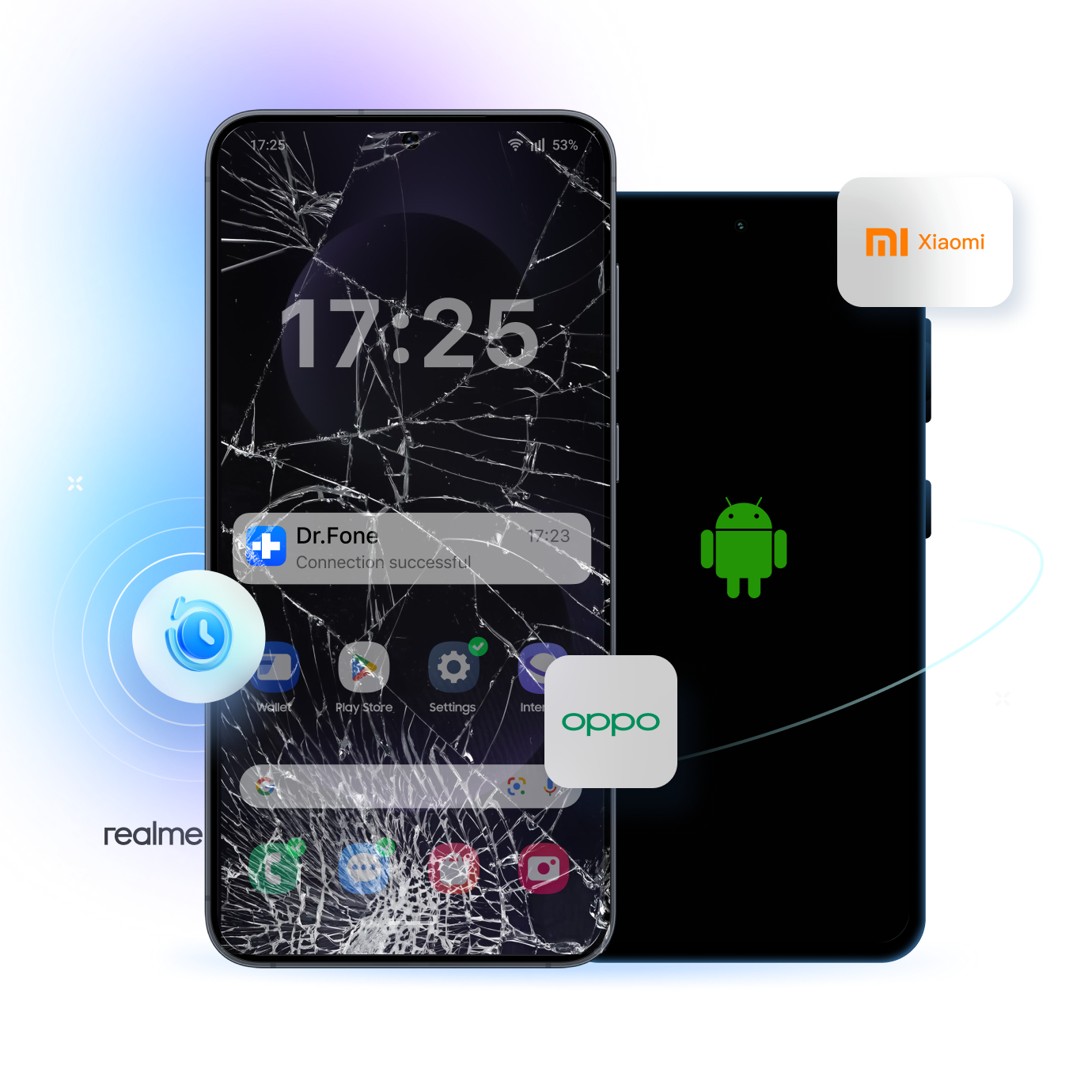
Even if an Android phone has been broken or not responding, Dr.Fone - Data Recovery (Android) can extract all sorts of data from it. It is a highly advanced Android data extraction tool that supports the recovery of all types of data from a broken Android device. This tool allows anyone to recover data from a broken Android phone, needing no technical skills.
Dr.Fone - Data Recovery (Android) helps recover or export data from a broken Android phone. If your screen is visible but touch is unresponsive, you can control the phone from a PC and export data. If your phone has a black screen or cannot be accessed, recovery is available only for certain older Samsung models. You can start with a free scan and preview recoverable files before exporting.
If your Android screen still turns on but taps and swipes no longer work, use Dr.Fone to control the phone from your PC and export photos, videos, messages, contacts, and other accessible files.
 Connect your Android phone to the computer and open Recover from Broken Phone.
 Select “Display still works, but the screen is broken or unresponsive”.
 Use your mouse and keyboard to control the phone from your PC, then export the files you need.
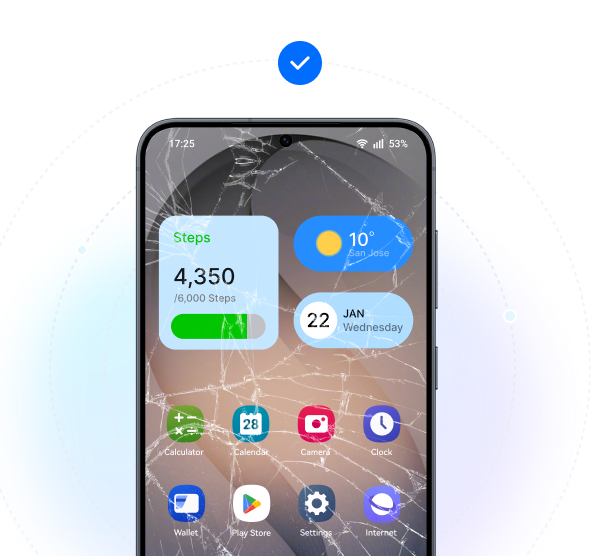
Need to recover data from a broken Samsung screen? If your Samsung phone is unresponsive or cannot be accessed, connect it to your computer, select your exact device model first to see whether this recovery path is available.
Open Recover from Broken Phone and select “Touch screen not responsive, or cannot access the phone”.
Select the correct Samsung device model before continuing.
Recover data from the supported Samsung device, preview what’s found, and save selected files to your computer.
Need to recover data from a phone with a black screen? If the phone still powers on but the screen stays black or unreadable, choose this path and confirm your Samsung model before starting.
Open Recover from Broken Phone and select “Black/broken screen”.
Select the correct Samsung device model, then confirm you’re ready to continue.
Analyze the supported device, extract recoverable data, and restore the files you want to keep.
Use the free trial to scan your device and preview files that may be recoverable. After the scan, select the files you need and export them to your computer.
The video below shows a Samsung broken-screen recovery example, and the exact steps may vary by device model and screen condition.



The application supports the recovery of every major kind of data. Presently, the broken Android data recovery tool supports hundreds of photo, video, and audio extensions. Apart from that, it can also recover your lost contacts, messages, call logs, notes, browser data, and even third-party content.
Yes – you can even look for WhatsApp chats and attachments in Android with a broken screen.
There are all kinds of scenarios that Dr.Fone - Data Recovery (Android) can tackle without any trouble. It performs an extensive broken Android data recovery to get back the saved content on the device. Some of the common scenarios that the cell phone data extraction software supports are:
 Visible screen, touch not working
Visible screen, touch not working
Visible screen, touch not working
 Cracked screen, display still readable
Cracked screen, display still readable
Cracked screen, display still readable
 Broken display, phone still detectable
Broken display, phone still detectable
Broken display, phone still detectable
 Black or unreadable screen
Black or unreadable screen
Black or unreadable screen
 Touch failure after update
Touch failure after update
Touch failure after update
 Frozen Android
Frozen Android
Frozen Android
 Android Firmware issue
Android Firmware issue
Android Firmware issue
 Android won’t boot
Android won’t boot
Android won’t boot






















The interface will let you preview the recoverable content for free. If you are satisfied with the results, then you can get its premium version and perform unlimited data recovery.
Select and recover the data in broken Android from categories like Contacts, Messaging, Call history, WhatsApp data, Gallery, Audio, Videos, and Docs.
When recoverable data are scanned and listed on the screen, you can easily export them from your broken Android to computer for secure storage.