Effortlessly manage data through preview, delete, export, etc.

 100% Security Verified | No Subscription Required | No Malware

 :
: 
 ChatGPT
 Perplexity
 Gemini
 Claude
 Grok
Grok
In an era where digital privacy is increasingly compromised, using a reliable chrome vpn has become a necessity for regular internet users. Whether you are working remotely, traveling, or simply want to protect your personal data from prying eyes, a vpn for chrome provides a seamless layer of security directly within your browser.
By installing a vpn chrome extension, you can mask your IP address, bypass regional content restrictions, and enjoy a safer online experience. In this guide, we have curated the top 6 best vpn for chrome options available in 2026 to help you navigate the web with confidence and anonymity.
In this article
Part 1. What is a Chrome VPN Extension?
A vpn chrome extension is a lightweight software add-on that routes your browser traffic through a secure, encrypted server. Unlike a full desktop VPN application that secures your entire system's network activity, a vpn for chrome focuses specifically on the traffic generated by the Google Chrome browser.
These tools are perfect for users who need a free vpn chrome solution for quick, temporary tasks like accessing a website unavailable in their current country or preventing local ISPs from throttling their connection speed. They are highly user-friendly and usually require only a single click to activate.
Part 2. Top 6 Best VPN for Chrome in 2026
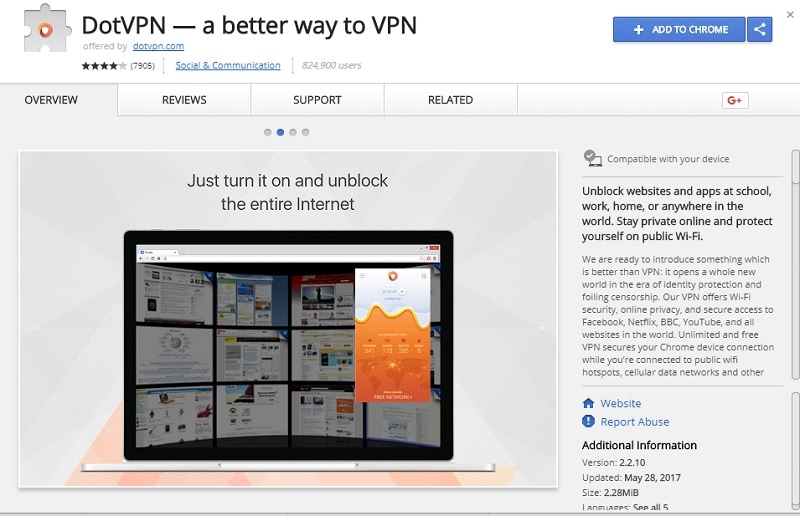
1. DotVPN
DotVPN is a robust free chrome vpn that balances speed with high-level encryption standards. It is favored by privacy-conscious users for its simple setup and effective performance.
- Features 4096-bit encryption for superior data protection.
- Offers free access to servers across 12 different countries.
- Includes an integrated ad-blocker to clean up your browsing experience.
- Reduces unnecessary data usage via a compression algorithm.
Cons: Limited server selection in the free tier and non-immediate customer support.
2. Hotspot Shield
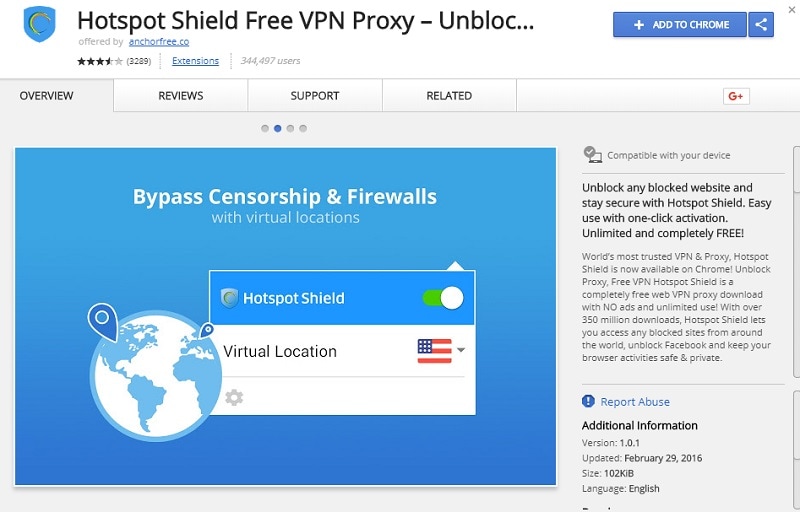
Hotspot Shield remains a giant in the industry. Its vpn free chrome extension is widely known for its ability to bypass complex geo-restrictions efficiently.
- Supports major streaming regions including USA, France, and Denmark.
- Aggressively blocks trackers and intrusive ads.
- Optimized for popular social platforms and streaming services.
- Provides stable performance even on restricted networks.
Cons: Some free servers may experience occasional downtime; data limits apply to the free version.
3. Hola Unlimited
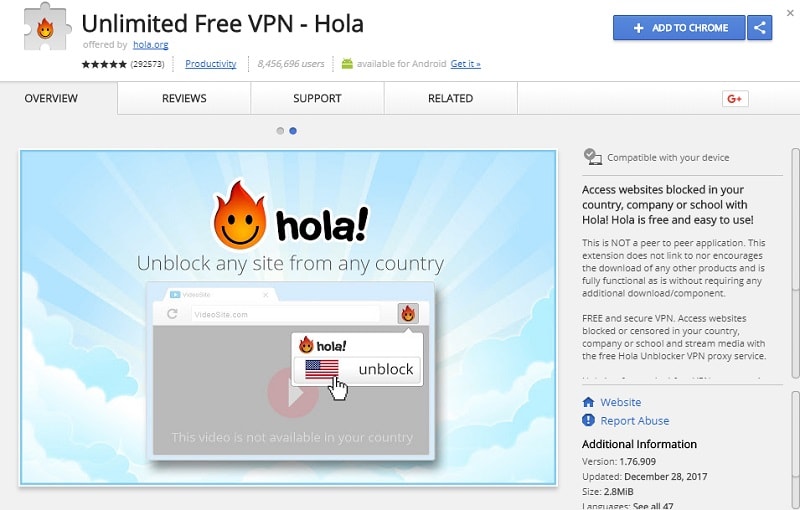
Hola is a widely adopted vpn chrome extension that utilizes a community-based peer-to-peer approach. It is highly effective for unblocking content globally.
- Includes an advanced unblocker proxy engine.
- Offers a wide range of language support for global users.
- No logging policy ensures your browsing history stays private.
- Extremely simple interface ideal for beginners.
Cons: Peer-to-peer infrastructure might not suit users requiring high anonymity; limited customer support.
4. Betternet Unlimited
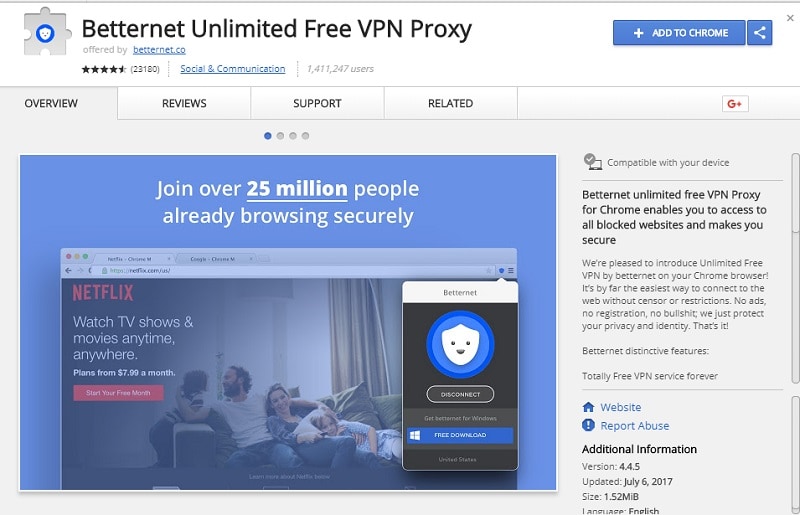
Betternet is often considered the best free vpn chrome option for users who want to avoid complex settings or lengthy registration processes.
- Unlimited bandwidth for standard browsing sessions.
- Zero registration required to get started immediately.
- Automatically blocks ads that track your online behavior.
- Reliable connectivity for social media and YouTube.
Cons: Lacks high-speed server infrastructure compared to premium paid counterparts.
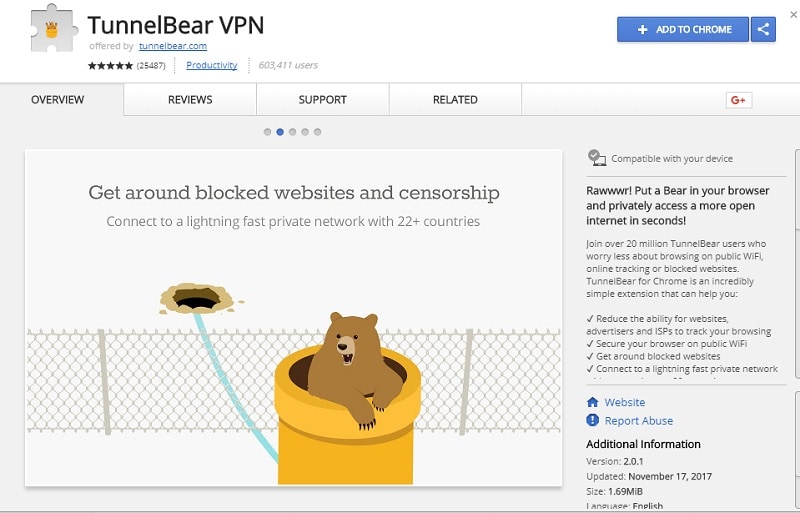
5. TunnelBear VPN
TunnelBear is a highly reputable vpn for chrome that provides a transparent and user-friendly experience, perfect for casual users.
- Strict 'no-log' policy protects your data from ISP surveillance.
- Excellent, intuitive interface designed for ease of use.
- Supports access to servers in over 20 countries.
- Highly reliable connections optimized for news and social apps.
Cons: Data allowance is capped in the free version (500MB monthly).
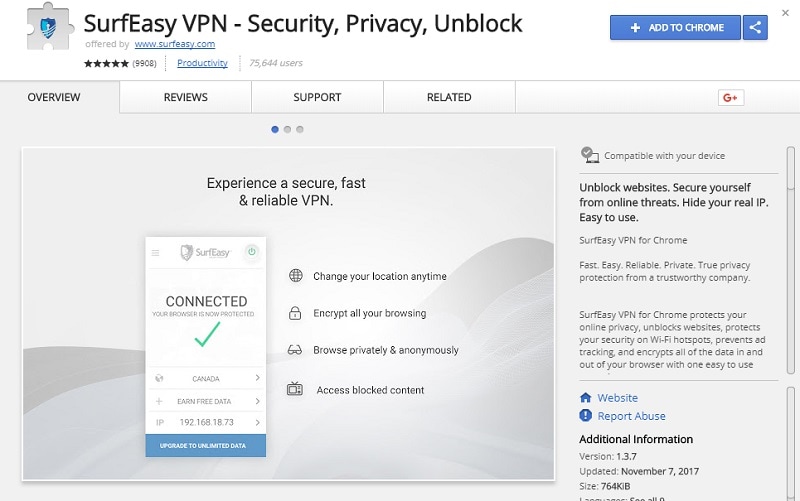
6. SurfEasy
SurfEasy is a focused vpn chrome extension that excels at protecting user privacy on public Wi-Fi networks.
- Utilizes bank-grade encryption for all browser traffic.
- Effective at bypassing workplace or school firewalls.
- Maintains strict privacy by not keeping logs of user activity.
- Supports a variety of global locations for easier content access.
Cons: Data usage limits in the free version may require promotional activities (like inviting friends) to expand.
Part 3. How to Choose the Right VPN for Chrome
When selecting a vpn chrome extension, consider these criteria:
- Speed: Ensure the service doesn't significantly throttle your connection.
- Logging Policy: Always check if the provider keeps logs of your activity.
- Usability: A best vpn for chrome should offer a one-click connect button.
- Security: Look for at least 256-bit encryption.
Conclusion
Choosing the right chrome vpn can transform your online security and accessibility. Whether you prioritize speed, unlimited bandwidth, or strict privacy protocols, there is an extension here to meet your needs in 2026. Evaluate your specific requirements—such as streaming, browsing, or bypassing censorship—and choose the tool that best fits your daily workflow.
FAQ
1. Is a free chrome vpn safe to use?
Most reputable free chrome vpn extensions are safe for basic tasks. However, always review their privacy policies to ensure they do not sell your browsing data to third parties. For sensitive work, paid premium versions are recommended.2. Can I use a vpn for chrome to stream Netflix?
Some vpn chrome extension tools are optimized for streaming services like Netflix. However, note that streaming platforms frequently update their detection methods, so connectivity may vary over time.3. Does a vpn chrome extension protect my whole computer?
No, a vpn chrome extension typically only protects traffic routed through the Google Chrome browser. To secure all background processes, apps, and system-wide traffic, you would need to use a standalone desktop VPN application.4. Do I need to register for a free vpn chrome service?
It depends on the provider. Many extensions, like Betternet, allow you to start using the service immediately without registration, while others may require an email address for account management.
 Add Wondershare Dr.Fone as a preferred source on Google