 Teleport your device anywhere instantly with one click.

 100% Security Verified | No Subscription Required | No Malware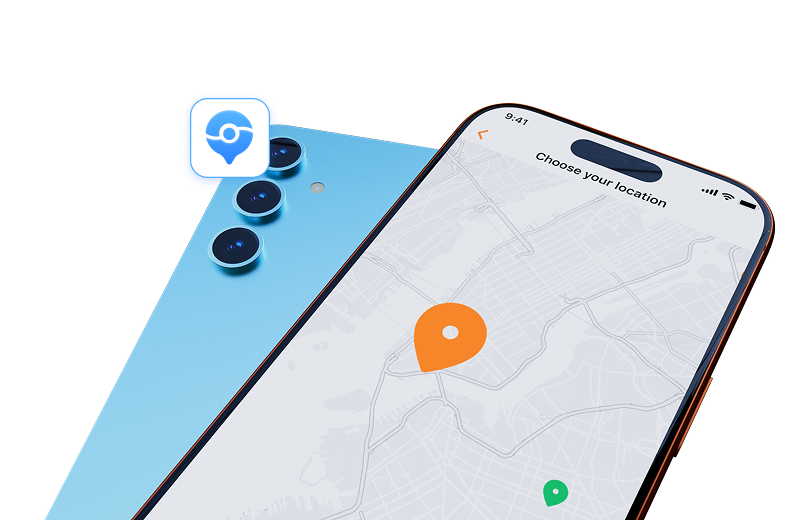

 :
: 
 ChatGPT
 Perplexity
 Gemini
 Claude
 Grok
Grok
It's a frustrating experience: you've activated Tinder Passport, excited to connect with people in a new city, only to be met with silence. Many users have taken to platforms like Reddit to report the exact same issue: Tinder Passport no matches. If you're stuck in this situation, wondering if the feature is broken or if you're doing something wrong, you've come to the right place.
Whether you're getting far fewer matches than usual or zero matches at all, the problem often isn't with the Passport feature itself. Instead, it's usually tied to how the Tinder algorithm perceives your profile. This guide will walk you through the primary reasons this happens and provide clear, actionable steps to fix it.
In this article
Part 1. Key Reasons You're Getting No Matches with Tinder Passport
Before jumping into solutions, it's crucial to understand why you're facing this issue. Getting no matches on Tinder Passport is rarely a random bug. Here are the most common culprits that could be making your profile invisible to potential matches.
1.1. Your Swiping Habits Have Triggered the Algorithm
Tinder's algorithm aims to create genuine connections, and it penalizes accounts that seem like bots or spammers. If you've been swiping right on every single profile you see, the algorithm will lower your internal 'desirability score.' A low score means your profile is shown to fewer people, or even hidden altogether, drastically reducing your chances of getting a match.
1.2. Your Profile is Incomplete or Unappealing
An empty bio, low-quality photos, or a profile filled only with selfies can be major red flags. Tinder prioritizes profiles that appear genuine and interesting. An incomplete bio suggests you're not serious about finding a match. Similarly, if your photos are blurry, poorly lit, or don't showcase your personality, others are likely to swipe left. Remember, your profile is your first impression.
1.3. You Might Be Shadowbanned
A shadowban is when your account is still active, but your profile is hidden from other users without your knowledge. This can happen if you've tried to reset your account incorrectly, if you've been reported by other users too often, or if you've violated Tinder's terms of service. If you suddenly go from getting some matches to zero, a shadowban is a strong possibility.
1.4. You're Using an Unreliable Location Spoofing App
While Tinder Passport is a native feature, some users try to use third-party apps to change their location. If you use a free or untrustworthy location spoofer, Tinder can often detect it. This can lead to your profile being flagged, penalized by the algorithm, or even banned, resulting in no matches.
Part 2. How to Fix the 'Tinder Passport No Matches' Problem
Now that you understand the potential causes, let's explore the most effective solutions to get your profile back in the game. From resetting your account correctly to optimizing your profile, these steps can make a significant difference.
2.1. Perform a Proper Tinder Account Reset
If you suspect a bug or a shadowban is the cause, a full account reset is often the most effective solution. However, it must be done correctly to work.
-
Step 1Delete Your Account
Open the Tinder app, go to your profile, tap 'Settings,' scroll to the bottom, and select 'Delete Account.' Simply uninstalling the app is not enough.
-
Step 2Unlink Social Media
After deleting the account, go to the settings of any social media platform linked to Tinder (like Facebook) and remove Tinder's permissions.
-
Step 3Wait and Reinstall
Wait at least 24-48 hours. Then, reinstall Tinder and create a new account. It's recommended to use a new phone number, Apple ID, or Google Play account if possible to ensure a completely fresh start.
2.2. Boost Your Profile's Desirability Score
Your profile is your currency on Tinder. To improve its value in the eyes of the algorithm and other users, follow these tips:
- Be More Selective: Stop swiping right on everyone. Take the time to look at profiles and only swipe right on people you are genuinely interested in. This signals to the algorithm that you are a discerning user.
- Upload High-Quality Photos: Ditch the bathroom selfies. Use clear, well-lit photos that show your face and your interests. Include a mix of headshots and full-body shots.
- Write a Compelling Bio: Express your personality. A funny, engaging, or intriguing bio is far more effective than an empty one. Ask a question to encourage people to start a conversation.
2.3. Be Mindful of Your Activity Level
Being active on the app helps your score. Respond to messages promptly and engage in conversations. An inactive profile is less likely to be shown to others. If you've been ignoring your existing matches, the algorithm may deprioritize your account.
Part 3. A Safer Alternative for Changing Your Tinder Location
Many Tinder users want to explore matches in different locations without the risks associated with unreliable tools. If you want to change your location safely without triggering Tinder's alarms, using a professional and trustworthy tool is essential. A faulty app can get your account blocked, undoing all your hard work.
Dr. Fone - Virtual Location is a highly regarded tool that allows you to change your device's GPS location with a single click. It's designed to work seamlessly with location-based apps like Tinder, Snapchat, and Pokémon GO, ensuring your activity appears natural and avoids detection.
 Set your map route to simulate GPS movement.
- Set your wanted movement speed.
- HD and large map view to check location.
- Fake GPS location to anywhere.
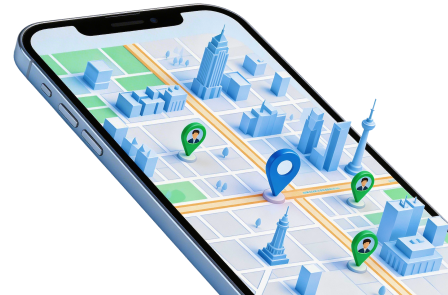
Using Dr. Fone - Virtual Location is straightforward and available for both iOS and Android devices. Watch the video below to see how you can use it to explore different locations on Tinder safely.
By using a reliable tool, you can enjoy the benefits of browsing profiles in any city you choose, all from the comfort of your home, without putting your account at risk.
Conclusion
Experiencing Tinder Passport no matches can be disheartening, but it's almost always a solvable problem. The issue typically lies with your profile's standing in the Tinder ecosystem, not a malfunction of the Passport feature. By understanding how the algorithm works, being more strategic with your swiping, and presenting an attractive and complete profile, you can dramatically improve your results.
If you're considering using tools to explore new locations, always prioritize your account's safety. Opting for a secure and reliable solution like Dr.Fone - Virtual Location ensures you can broaden your horizons without the fear of being penalized. With these tips, you'll be on your way to making meaningful connections around the world.
FAQ
-
1. Why am I suddenly getting no matches with Tinder Passport?
This is often due to a low desirability score caused by swiping right too often, an incomplete or unappealing profile, or a potential shadowban from violating Tinder's terms or resetting your account incorrectly. Your profile may have become less visible to others. -
2. Can my potential matches see that I'm using Tinder Passport?
No, other users cannot see that you are using the Passport feature. However, they will see the location you have set in Passport, so they will know you are not physically nearby. Your distance will be displayed based on the city you've chosen. -
3. Is it better to reset my Tinder account if Passport isn't working?
A full account reset is often the most effective solution if you suspect a technical glitch or a shadowban is preventing you from getting matches. Make sure to follow the correct procedure: delete the account from within the app, unlink it from social media, wait 24-48 hours, and then create a new one. -
4. Will using a third-party location changer get my Tinder account banned?
Using unreliable or free location spoofing apps can get your account flagged or banned, as Tinder's systems are designed to detect them. To change your location safely, it is crucial to use a trusted and sophisticated tool like Dr.Fone - Virtual Location, which is designed to avoid detection.
 Add Wondershare Dr.Fone as a preferred source on Google



