Effortlessly manage data through preview, delete, export, etc.

 100% Security Verified | No Subscription Required | No Malware

 :
: 
 ChatGPT
 Perplexity
 Gemini
 Claude
 Grok
Grok
In our increasingly digital world, the need to keep a watchful eye on mobile activity has become a priority for many. Whether you are a concerned parent wanting to protect your child from online threats, or an employer ensuring company assets are used appropriately, finding the right Android monitoring app is essential. These tools have evolved significantly, offering robust features to help you stay informed while sitting anywhere in the world.
Android monitoring apps are designed to provide transparency into smartphone activities, from real-time GPS location tracking and message logging to monitoring social media interactions. Below, we explore the most effective solutions currently available to help you make an informed decision based on your specific requirements.
In this article
Part 1: mSpy
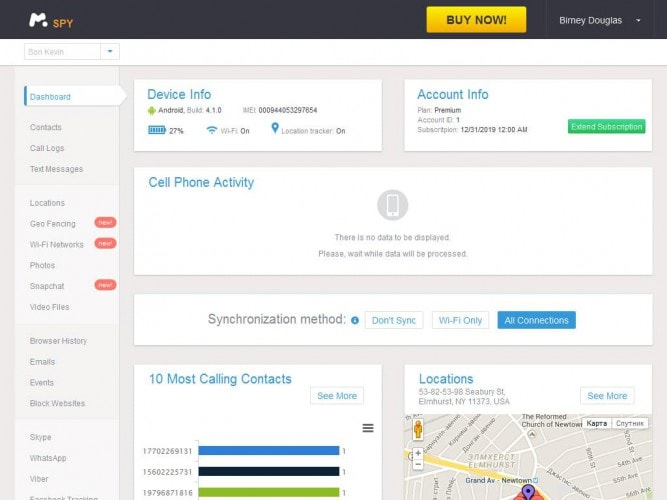
mSpy remains a industry leader when it comes to comprehensive Android monitoring. It provides a reliable and powerful dashboard that allows you to track messages, call logs, WhatsApp activities, emails, and GPS locations effortlessly. Designed for convenience, it includes guided installation instructions and accessible online support, making it an excellent choice for users of all technical levels.
 Scan Android phones and tablets directly.
- Preview and recover only what you want.
- Supports WhatsApp, photos, videos, contacts, and more.
- Works with 6000+ Android devices.
Key Features:
- Accessible via any standard web browser.
- Simplified installation with dedicated setup guides.
- Works without requiring device rooting in most cases.
- Monitors multiple devices simultaneously.
- Secure cloud data backup and export.
- Remote blocking of calls and websites.
- Does not support native call recording.
- Multiple subscription plans can be confusing.
Part 2: Cell Tracker
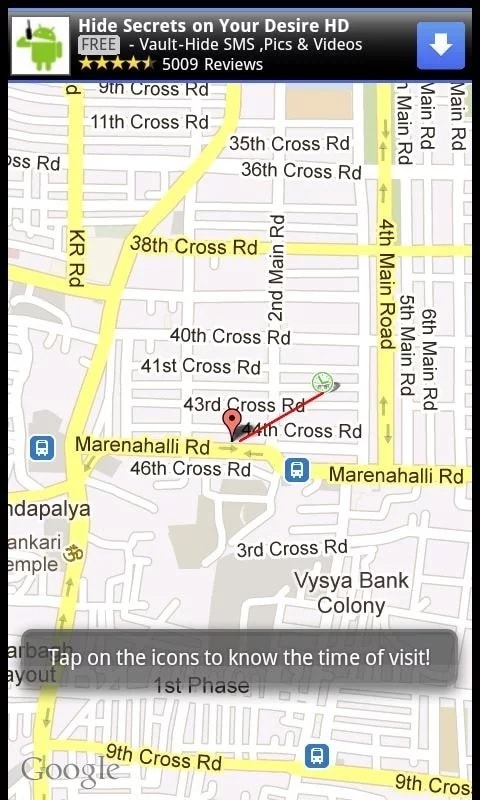
Cell Tracker is a straightforward mobile monitoring solution focused on providing real-time location tracking for Android devices. This tool is highly effective for keeping tabs on family members or colleagues without the need for constant physical access to their handsets, as it operates smoothly across various network carriers.
Key Features:
- Provides accurate address sharing for peace of mind.
- Useful for location safety during emergencies.
- Simple setup for immediate usage.
- Effective against device theft.
- Assists in finding misplaced phones.
- Excellent for coordinating arrival times with family.
- Limited feature set compared to advanced suites.
- The interface lacks advanced configuration options.
Part 3: Children Tracker
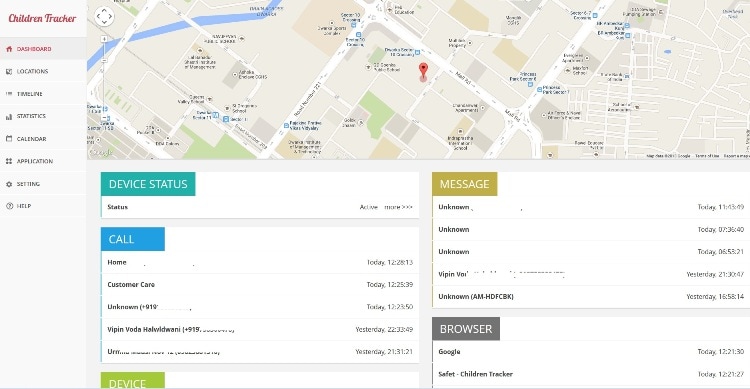
Children Tracker serves as a dedicated parental control tool designed to monitor the movements of your children throughout the day. By providing real-time location updates, it offers parents reassurance regarding their child's whereabouts and safety, even if they are traveling or out of the house.
Key Features:
- Calculates the most efficient routes to your child's location.
- Integrated chat functions for family communication.
- Real-time monitoring of child movements.
- Extremely simple and user-friendly interface.
- Provides accurate, high-fidelity real-time location.
- More limited functionality than competitors.
- Ad-supported model may impact user experience.
Part 4: iKey Monitor
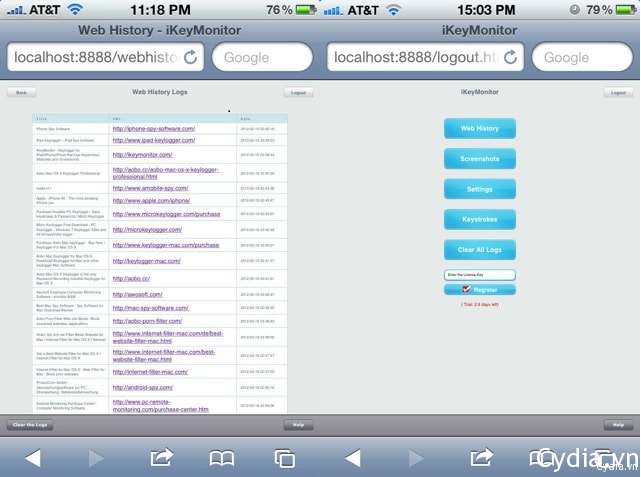
Originally designed for iOS, iKey Monitor has expanded its reach to provide comprehensive Android monitoring capabilities. It excels at logging keystrokes, capturing call histories, saving SMS messages, and recording GPS history. It is a preferred choice for those seeking detailed evidence logs, as it even allows for automated screenshot capture of target activities.
Key Features:
- Comprehensive call, SMS, and email logging.
- Multilingual keylogging support for all installed applications.
- Automated capture of keystrokes across the entire system.
- Offers a trial to test functionality before purchasing.
- Captures activity screenshots.
- Operates stealthily on the target Android device.
- Some advanced features may lag behind the iOS version.
Part 5: MobiStealth Android Monitoring Software
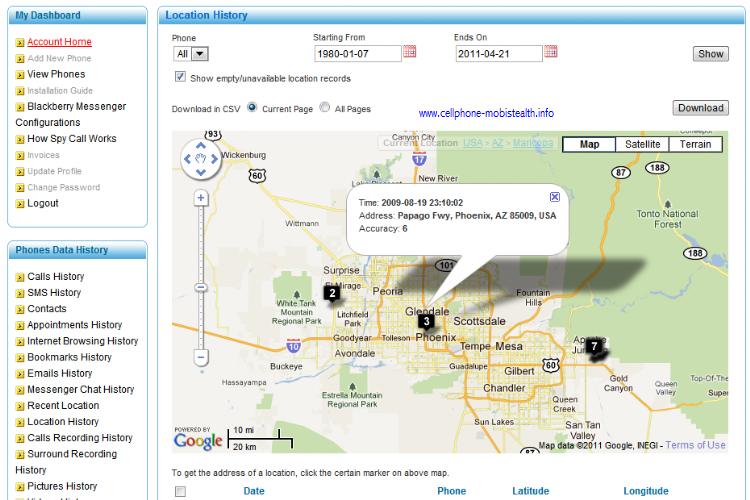
MobiStealth is a professional-grade solution designed to track phones in real-time, whether for parental control or corporate monitoring. The platform is highly versatile, providing support for both PC and mobile tracking, ensuring that monitoring persists even when the target device is in a remote location.
Key Features:
- Advanced email logging for sent, received, and draft messages.
- Secret call recording capabilities.
- Remote data management, including erasure and file saving.
- Affordable pricing plans available.
- Intuitive and easy-to-navigate interface.
- Does not require device rooting.
- Remote call blocking is unavailable.
- Lacks an interactive demo experience for users.
Part 6: Track it
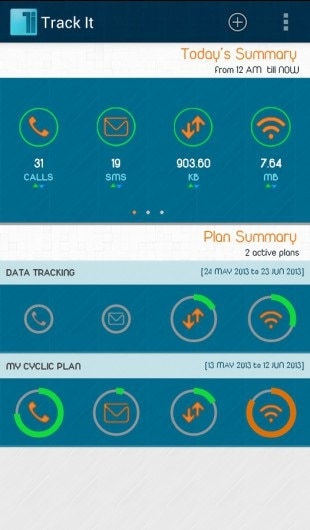
Track it is an all-in-one data monitoring application that allows users to monitor call logs, SMS threads, and data usage remotely. It turns any compatible Android device into a manageable tracking unit, making it easier to identify how device resources are being utilized.
Key Features:
- Four-in-one utility tool for comprehensive tracking.
- Detailed daily, weekly, and monthly activity summaries.
- In-depth call and SMS usage statistics.
- Tracks both mobile data and Wi-Fi usage.
- Sends automated notifications for monitored activities.
- Supports blocking Viber calls.
- Limited functionality for tracking modern social media apps.
- Location tracking capabilities are redundant compared to other tools.
Part 7: iSpyoo
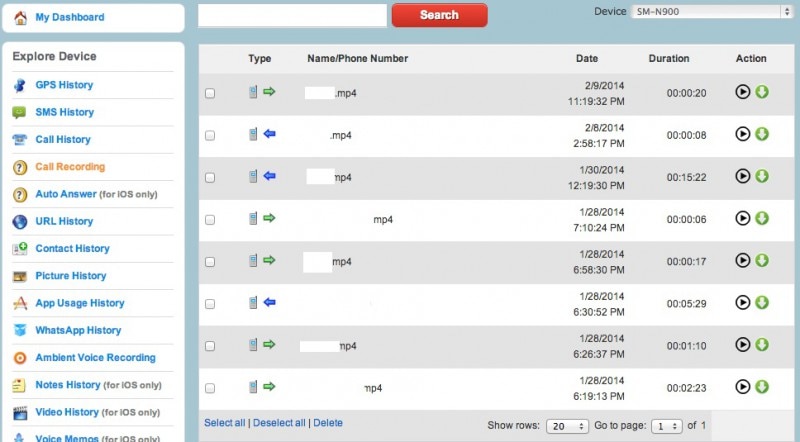
iSpyoo offers a robust environment for monitoring both device activity and the surrounding environment of the target phone. With capabilities to access photos, call logs, and messages, this tool is favored by those needing a high degree of control over a target device in a stealthy manner.
Key Features:
- Real-time location and cellular activity monitoring.
- Comprehensive SMS and WhatsApp tracking.
- Included call recording facility.
- High-quality call recording storage.
- Quick and simple sign-up process.
- Limited customer support availability.
- The user interface can be difficult for beginners to master.
Part 8: Automatic Call Recorder
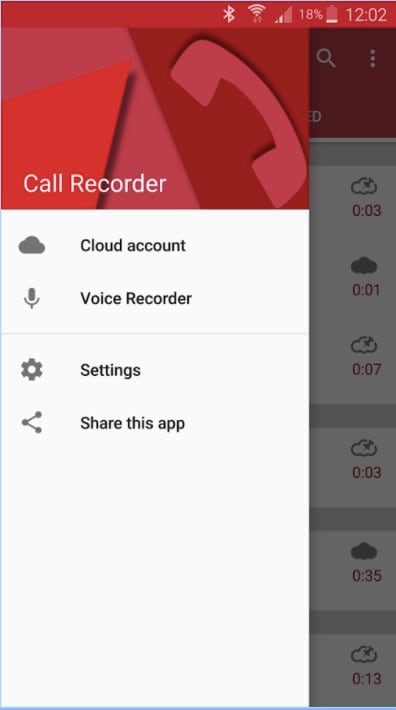
As the name suggests, the Automatic Call Recorder is a specialized tool dedicated to logging phone conversations. It is an excellent choice for users who need to store call evidence or review important business calls, with options for cloud synchronization to ensure nothing is lost.
Key Features:
- Flexible recording modes: record everything, ignore contacts, or record selectively.
- Instant saving of audio logs.
- Supports cloud storage backups.
- Includes a call summary feature after each conversation.
- Very friendly and intuitive interface.
- The app remains discrete during active recording.
- Ad-supported interface.
- Does not record calls made via social media platforms.
Part 9: The TruthSpy
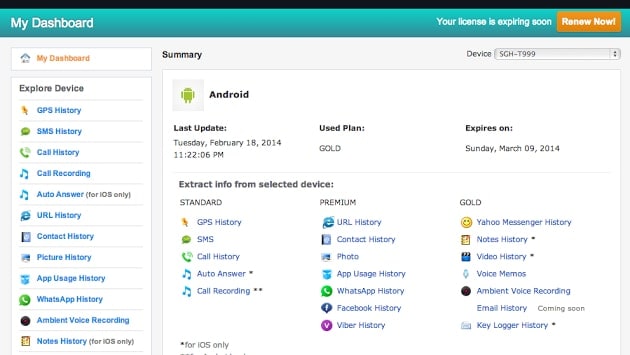
The TruthSpy provides a feature-rich interface for those looking to track and monitor Android smartphones. It is designed to be user-friendly, ensuring that even those without technical expertise can easily configure the app to start receiving logs through their control panel within minutes.
Key Features:
- Fast configuration and setup process.
- Acts as both a tracker and parental control tool.
- Effective for locating misplaced devices.
- Extremely intuitive interface design.
- Comprehensive access to app data, including WhatsApp and Facebook.
- Reported instability issues with app crashing or freezing.
- Transfer WhatsApp across Android & iOS.
- Backup & restore WhatsApp to PC securely.
- Preview & export chats selectively.
- Works with all iPhone & Android models.
Conclusion
Choosing the right Android monitoring app depends entirely on your specific monitoring goals, whether they involve ensuring the safety of your children or maintaining data integrity on company-managed devices. By carefully evaluating the features, pros, and cons of the options listed in this guide, you can select the most appropriate software to address your monitoring needs in 2026. Always remember to prioritize privacy and legal regulations when utilizing these powerful tools.
FAQ
1. Is it legal to use Android monitoring apps?
The legality of monitoring apps depends on jurisdiction and intent. It is generally legal to monitor devices you own for parental control or company phones, provided you inform the users or adhere to local privacy laws. Always check your local regulations before installation.2. Can I monitor an Android device without having physical access?
Most professional monitoring solutions require an initial, one-time physical access to the target device to install the app and grant necessary permissions. Once installed, however, you can monitor the device remotely through a cloud-based dashboard.3. Do I need to root the Android device for these apps to work?
Many modern monitoring solutions operate efficiently without requiring you to root the device. However, some advanced features—such as deep social media monitoring or full keystroke logging—might necessitate elevated permissions (rooting) on certain Android versions.4. Can these apps record calls without the user knowing?
Some apps, like the Automatic Call Recorder, are designed to log conversations silently. Whether this remains hidden from the user depends on the app's design and stealth capabilities, though privacy ethics should always be a consideration.
 Add Wondershare Dr.Fone as a preferred source on Google