
GPS Location Changer for iOS & Android
Dr.Fone - Virtual Location lets you change your reported GPS location, simulate movement along custom routes, and control virtual movement with a joystick—without jailbreaking iOS or rooting Android.
- Instant Teleport: Change iPhone/Android GPS location in one click.
- Route Simulation: Mimic real movement with customized speeds.
- 360° Joystick: Flexible manual control for AR games and apps.
- App Support: Works with many location-based games and apps, depending on device and platform.
- No Jailbreak/Root: Fully compatible with iOS 27 and Android 16.

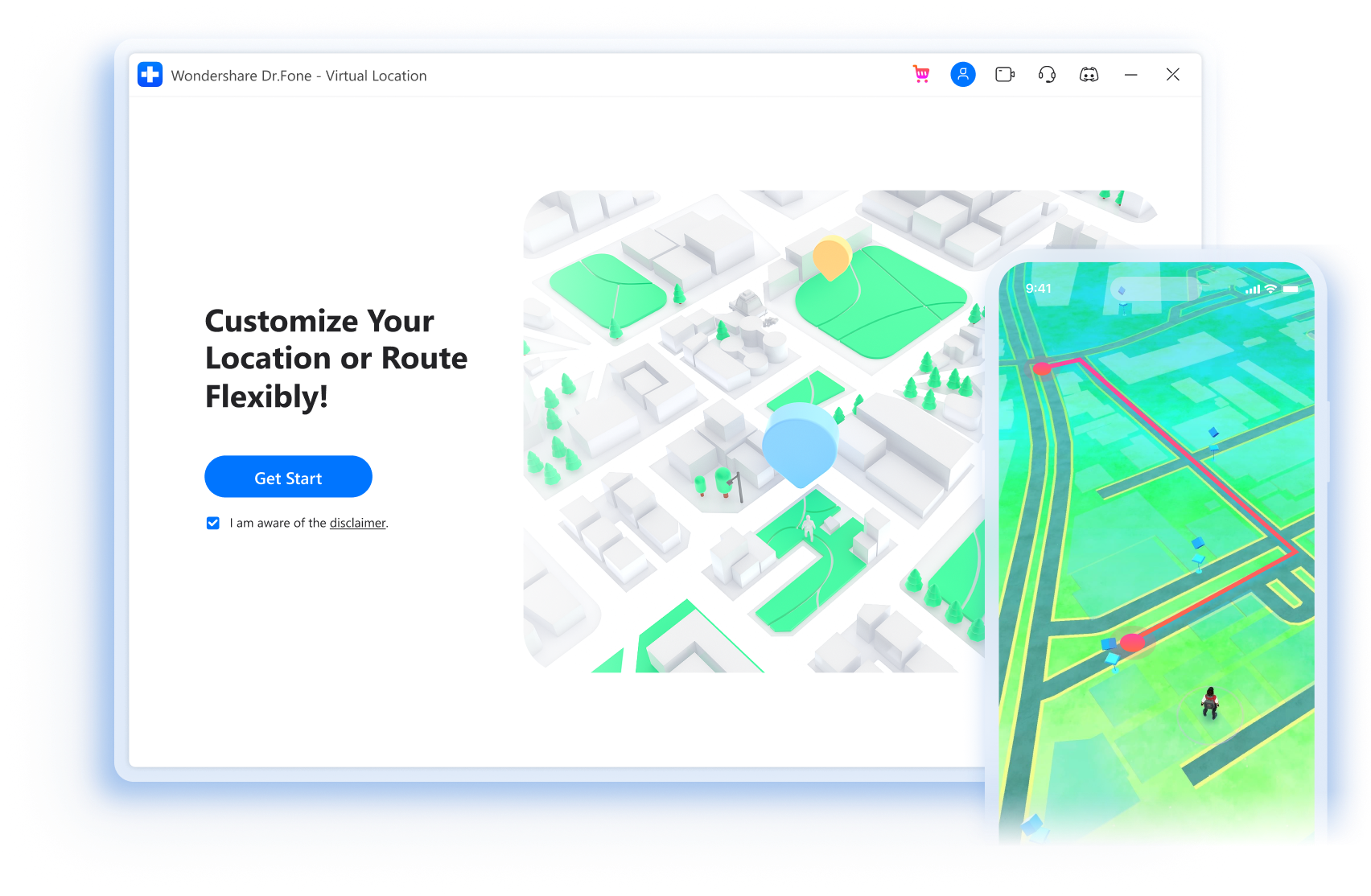

Play Geo-Based Games without Going Outside
With this amazing location changer, you can now play popular location-based AR games like Pokémon GO and hatch the eggs without actually
moving/walking!
Select the mode type according to your needs. Keep moving, and enjoy your game!
* Set default start and end location on the map, then the GPS will move according to the automatically generated real route to help the game users complete different tasks.
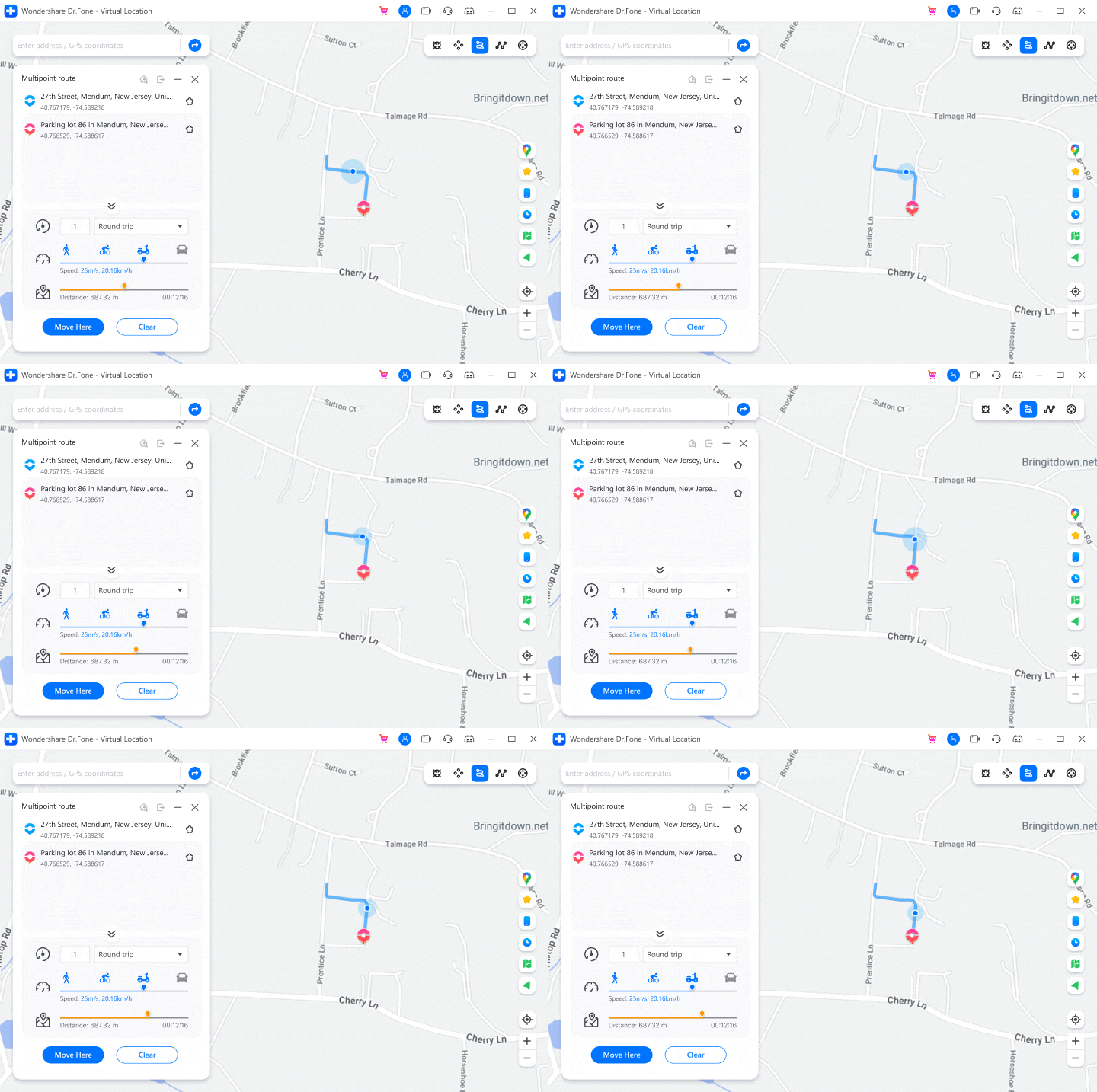



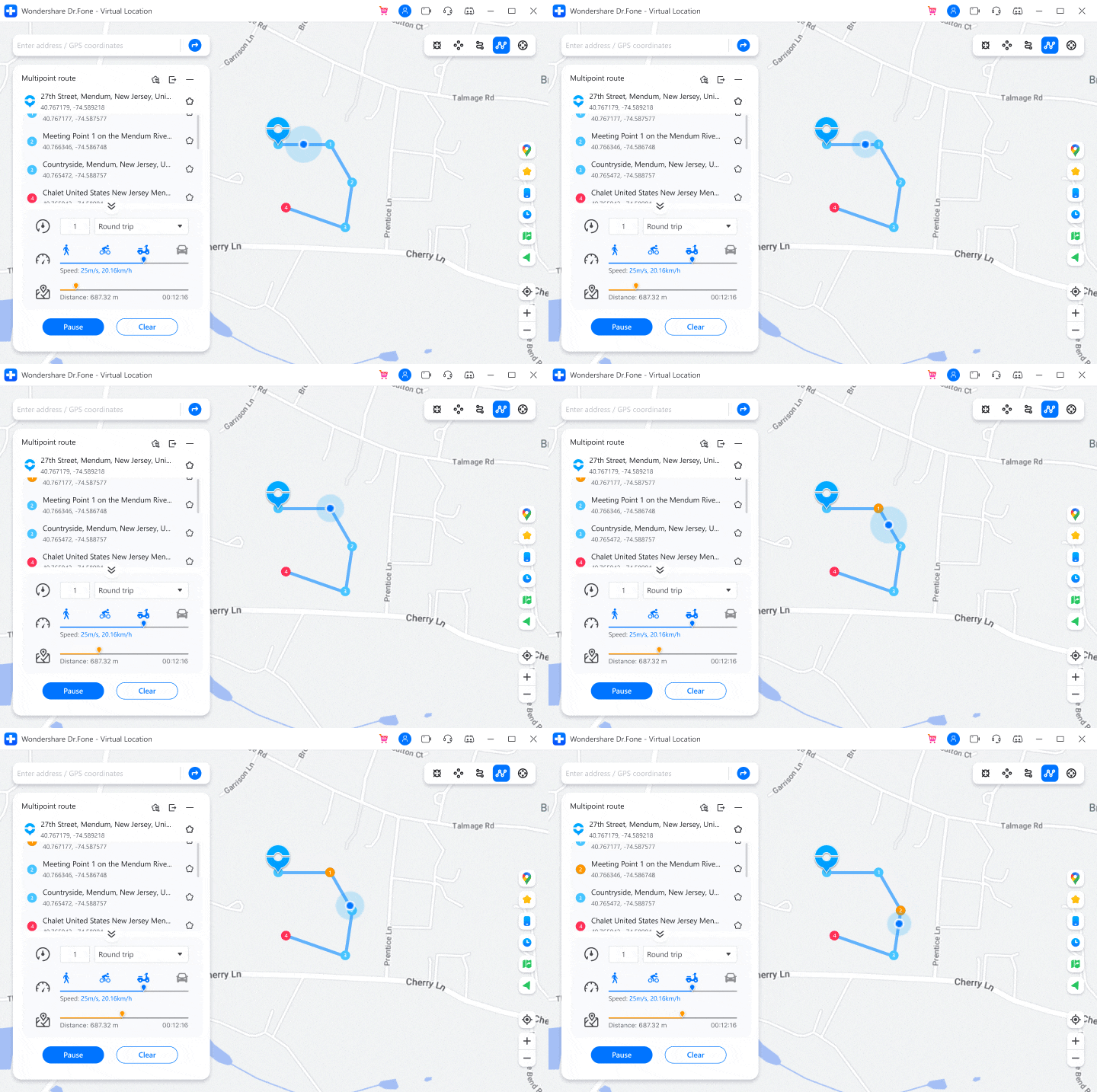
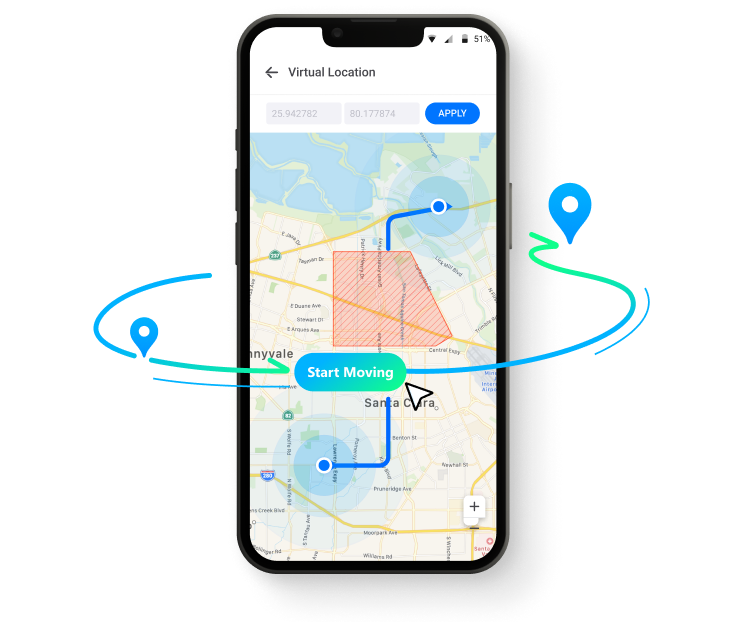
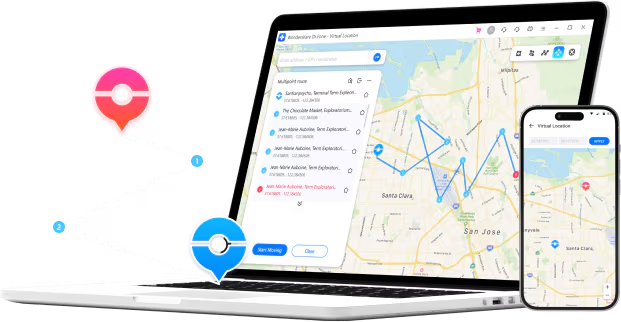
* Plan a route by selecting multiple spots on the map, then the GPS will move along with different simulated speed, like walking, cycling, or driving etc.

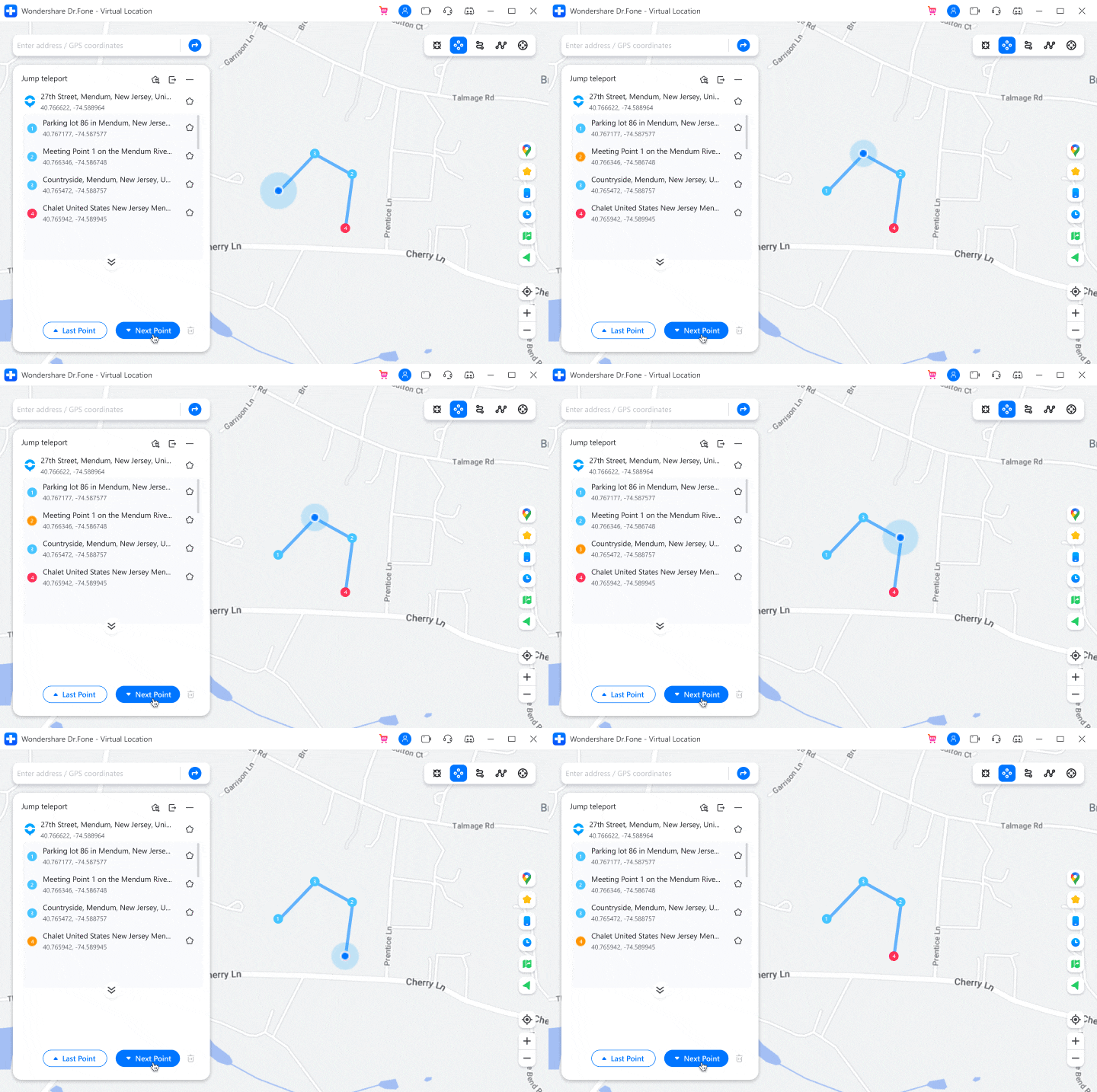
* Realize teleport jumps between multiple locations on the map. E.g., after entering multiple coordinates obtained from the Discord community, the game users can instantly jump to each point to catch rare and legendary Pokémon.

Fake GPS Location on iOS and Android in One Click
Hide Location on iOS and Android
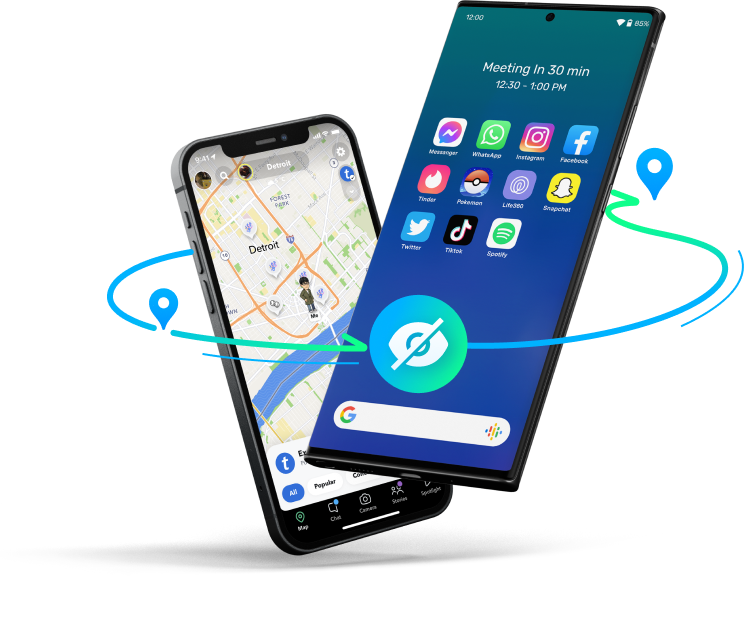
Some apps now give almost anyone permission to track their location, which is dangerous for cell phone users. This GPS location changer can fake your location anywhere to protect your privacy from being tracked.
Spoof Location on Social Apps
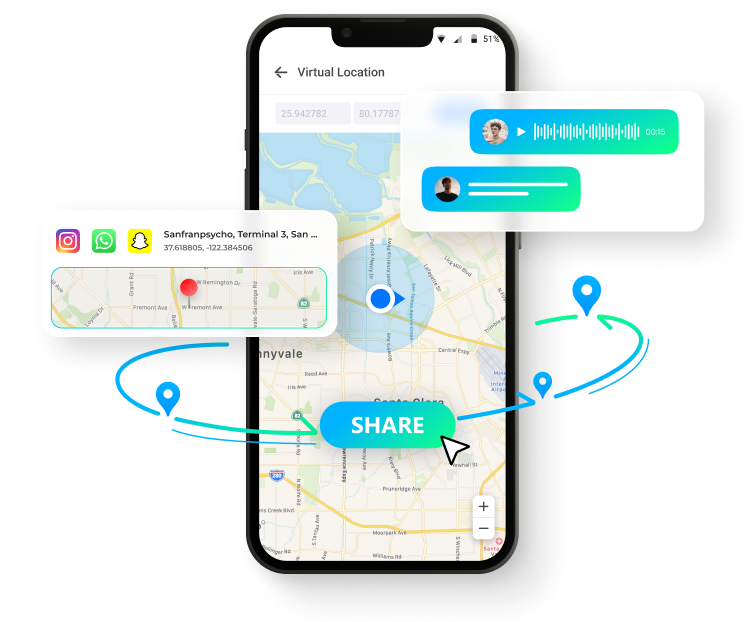
Pretend to "travel" anywhere you've never been, allowing you to travel the world without leaving home. You can also share virtual locations and easily prank your friends on social platforms like WhatsApp/Instagram.
Mock Location on Dating Apps
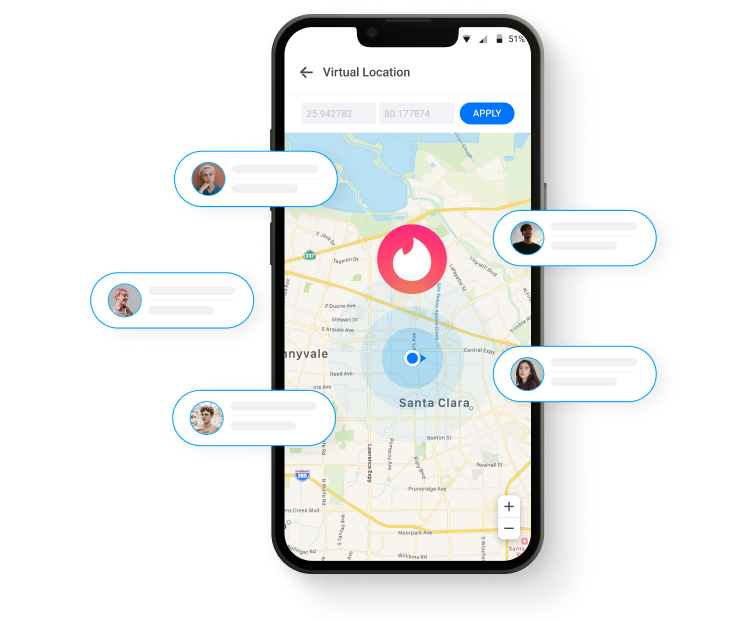
Get more likes and matches from other regions on dating apps by changing your location on Tinder, Bumble, and other dating apps.
Bypass Geo-Blocking/Geo-Restriction
Spoof your location on iOS and Android devices to bypass regional restrictions and access geo-restricted content and services like games, social apps, location-sharing apps (life 360), etc.
Spoofing Location on the Most Popular Apps for iOS and Android
iOS devices apply to including but not limited to:
Virtual location can well meet the needs of iOS users, such as games, social media, etc., and it is simple and effective, without jailbreak.
Game


Social


Dating


Real-time Tracking


Navigation


Android devices apply to including but not limited to:
Virtual Location allows Android users to spoof location on most social and location-based sharing apps without root. (* Not support Pokémon GO)
Game

Social


Dating

Real-time Tracking

Navigation
Mock GPS with Joystick Control
Traditional emulators often lead to game crashes. For gamers, using a joystick or keyboard can better
manipulate the GPS movement direction.
Let's enjoy perfect game stability and play longer without fear!
Automatic Movement
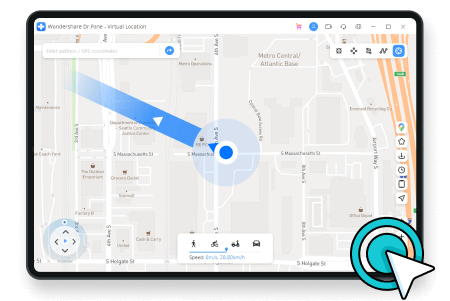
One-click to make the GPS spot move automatically. Directions are changeable in real time.
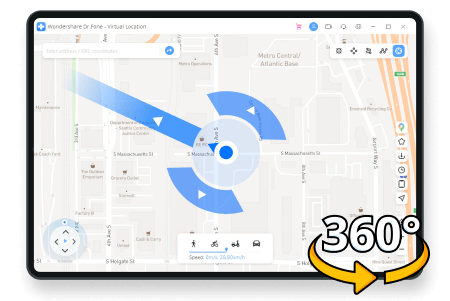
360-Degree Directions
360-degree directions to set. Move forward or reverse by clicking the Up or Down arrows.
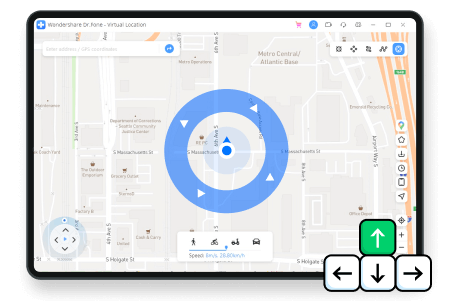
Keyboard Control
Use keys W, A, S, and D on your keyboard or keys Up, Down, Left, and Right to control GPS movement.

- Fake your GPS coordinates on most location-based apps
- Zoom in and zoom out to move the map to any location worldwide
- GPS position is stable and won't jump between true and false


More Features for You to Explore
As the top leader of location changers, Dr.Fone - Virtual Location is always thriving to provide the best services for our customers to enjoy more fun.

Import/Export GPX File
Import/export GPX files of different paths to save and view your favorite routes with a single click.

Favorite List
Manually collect your favorite locations and routes for quick one-click access next time.

Historical Records
Automatically records and saves the visited locations for easy re-selection and management.

Multi-Device Control
Supports changing GPS location on up to 5 iOS devices simultaneously on 1 PC/Mac.

No Jailbreak
You don't need to jailbreak your iOS device for location spoofing.

With Customized Speed
Move along with different simulated speeds, like walking, cycling, driving, etc., from 3.6km/h to 108km/h.

Realistic /Fluctuation Mode
You can choose realistic/fluctuation mode to experience a lifelike movement with adjustable speed.

Cooldown Timer
To avoid unnecessary bans, cooldown timer reminds you not to frequently change your location on devices.
How Dr.Fone Virtual Location Works
Choose a destination to teleport instantly, build a route to simulate walking or driving, or use the joystick to control virtual GPS movement in real time. You can also import GPX routes for repeatable location simulations.
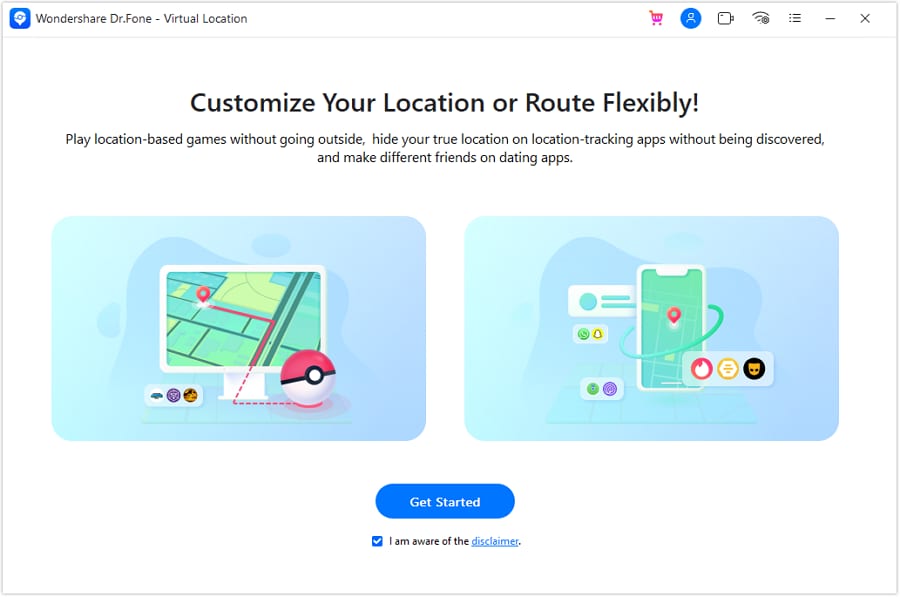
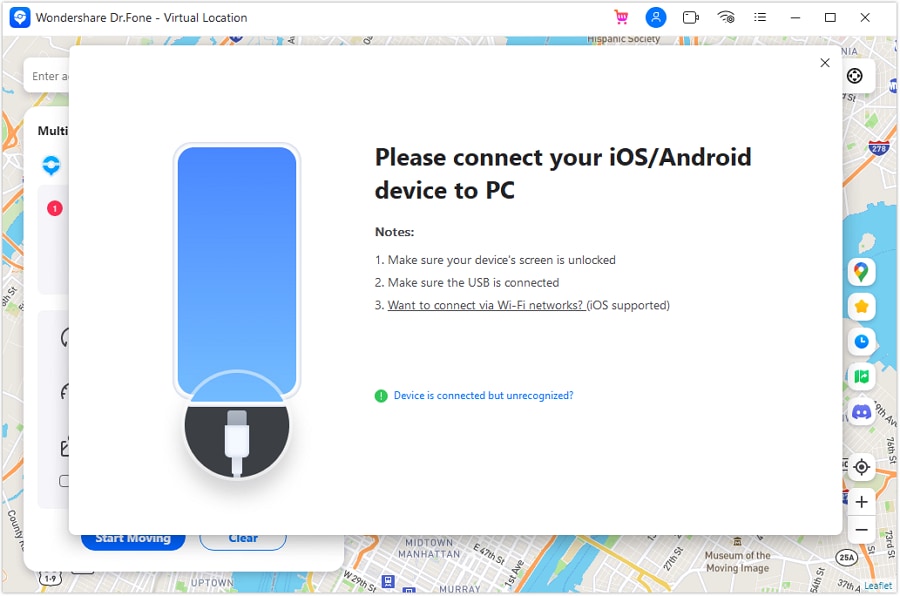
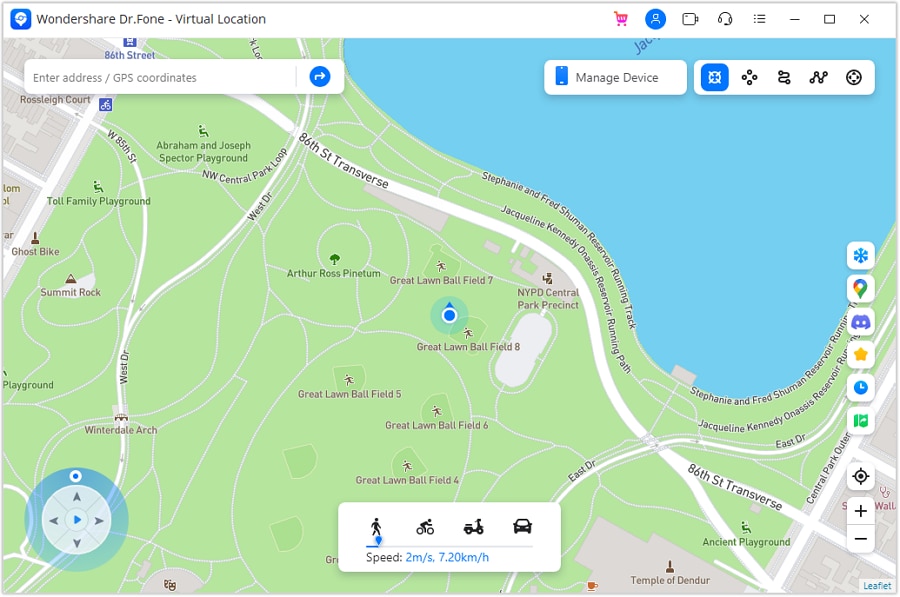
Step1: Launch the program on your
computer
Launch Dr.Fone, click Virtual Location, and connect your phone or
iPad.
Step2: Connect your phone to the
computer
Choose WiFi / USB connection. For iPhone users, it's possible to connect the
software with WiFi after being connected once.
Step3: Choose your desired mode to
change GPS location
You can find your actual location on the map and just pick a spot where you
want to go.
Technical Specifications
1 GHz or faster (Intel or AMD)
1 GB of free RAM (2 GB or higher recommended)
7 GB of available hard disk space
- iOS 5.0 and later
- Android 5.0 and later
- Windows 11, 10, 8.1, 8, 7
- macOS 10.13 or later
Location Changer FAQs
-
What is Dr.Fone Virtual Location?
Dr.Fone - Virtual Location is a GPS location changer for iPhone and Android. It can teleport your reported location, simulate movement along custom routes, control virtual movement with a joystick, and import supported GPX routes. -
Does Dr.Fone Virtual Location require jailbreak or root?
No. Dr.Fone Virtual Location does not normally require jailbreaking an iPhone or rooting an Android device. The exact setup can vary by device, operating system, and connection method. -
Is Dr.Fone Virtual Location available for PC or mobile?
Dr.Fone Virtual Location is available through Windows and macOS desktop workflows, and the page also provides supported mobile options. Features and setup can differ by platform, so use the download option shown for your device and operating system. -
Can Dr.Fone Virtual Location simulate GPS movement and routes?
Yes. You can teleport to a location, create one-stop or multi-stop routes, simulate walking, cycling, or driving speeds, use joystick controls, and import or export supported GPX routes. -
Can my iPhone use a fake GPS?
Yes. Dr.Fone Virtual Location can change the reported GPS location on supported iPhones without jailbreaking the device. On the desktop workflow, connect the iPhone to the computer and choose the location or route you want to simulate. -
Can you fake your location on Maps?
Yes. A GPS location changer can temporarily report a different GPS position to supported apps and maps. This is different from a VPN, which mainly changes your IP-based location rather than the device's GPS coordinates. -
Can you change the location shown in Find My?
Location-sharing behavior can vary by Apple service and device setup. If your goal is simply to stop sharing your real location, use Apple's built-in location-sharing controls first. If you use a virtual-location workflow, test it on your own device and check how the specific app reports location. -
How do I hide or change my location on iPhone?
If you only want to stop sharing your real location, use the iPhone's built-in privacy and location-sharing settings. If you want to test or simulate a different GPS position, Dr.Fone Virtual Location can change the reported location on supported iPhones without jailbreak.
Location Changer
With Dr.Fone - Virtual Location (iOS/Android), you can freely change your GPS location to anywhere without jailbreak! Also, it enables you to simulate GPS movement with the joystick, customized speeds, and imported GPX route files.
Latest Posts
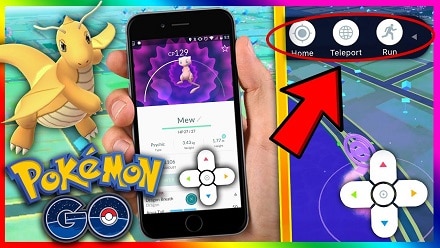
Pokemon Go Walking Hack: Play Pokemon Go Without Moving
Looking for a way to play Pokemon Go without moving? If yes, then you’re in the right place as here you’ll get to know how to play Pokemon Go game without walking.

How to Teleport in Pokemon Go Safely
Get to know about the best Pokemon Go teleport hack right here. We have covered all the GPS spoofing risks so that you can use the Pokemon Go teleport feature safely.

Methods to Change GPS Location on iPhone
The best way to access geo-restricted content, or simply stay secured over the world wide web, is by changing the GPS Location on iPhone. Here's how you do it.

Proven Tactics to Fake GPS/Location on Tinder
The latest fag of faking the GPS Location on Tinder is currently phenomenal. Don't know how to do that? Here are the proven tactics to fake GPS/Location on Tinder.
5 Hassle-Free Solutions to Fake Location on Find My Friends
If faking location on find friends is what you need, this writing might interest you. Check out this piece to know how you can fake Find My Friends location without jailbreak.

How to Change GPS Location on iPhone Easily & Safely
If you are fed up with "online" interventions and wondering how to change location services on your iPhone, then here is some software that will help you do that.
Our Customers Are Also Downloading
Unlock any iPhone lock screen when you forget the passcode on your iPhone or iPad.

Fix Android issues in many common scenarios, such as black screen, boot loop, bricked Android, and more.

One-stop data management solution. Back up and manage phone data, and mirror your phone screen to a PC.

Change GPS Location on Android Easily and Safely
