Effortlessly manage data through preview, delete, export, etc.

 100% Security Verified | No Subscription Required | No Malware

 :
: 
 ChatGPT
 Perplexity
 Gemini
 Claude
 Grok
Grok
Android customization is a primary reason many users seek to "root" their devices. Much like jailbreaking on iOS, rooting an Android smartphone grants you superuser (administrator) access to the system directory. This unlocks the ability to remove bloatware, install custom ROMs, overclock the processor for better performance, and gain fine-grained control over system-level settings that are otherwise restricted by the manufacturer.
For many, the biggest barrier to entry is the need for a PC connection and complex ADB commands. Fortunately, several "Root APK" solutions have emerged that allow you to initiate the process directly from the device. Below, we explore the top 8 root APK tools that have gained popularity for their simplified one-click interfaces.
In this article
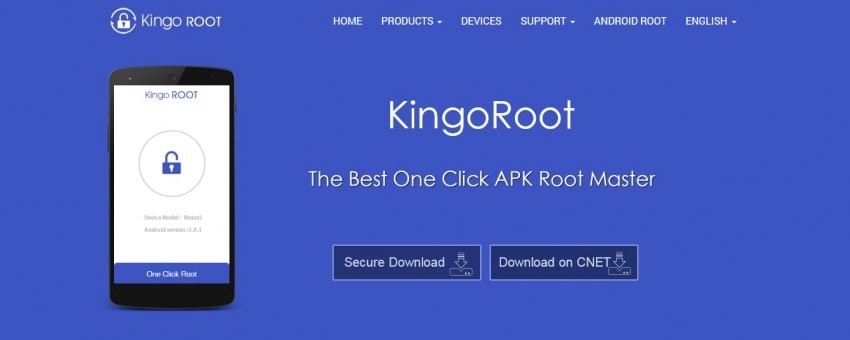
1. KingoRoot APK
KingoRoot remains one of the most recognized names in the rooting community. While they offer a robust desktop client, their Android APK version allows users to attempt the rooting process directly on the phone. It is known for its wide compatibility with various Android manufacturers and chipsets.
Features:
- Unlocks system-level hidden features.
- Optimizes system performance and battery efficiency.
- Effective at removing system-preinstalled advertisements.
- Enhances internal privacy and security permissions.
- High success rate on older Android versions.
- Faster execution process.
- The APK version may not support modern, highly encrypted security patches.
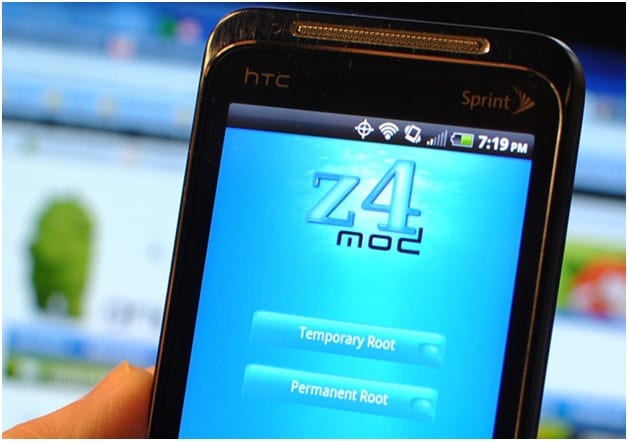
2. Z4Root APK
Z4Root is historically significant as one of the oldest apps designed specifically for rooting devices without a computer. It is particularly effective on older flagship devices that were popular during the early days of Android.
Features:
- Operates completely free of charge.
- Lightweight design that does not strain older hardware.
- Clean interface without aggressive advertisement pop-ups.
- Trusted reputation within legacy device circles.
- Particularly well-optimized for the Samsung Galaxy series.
- Very limited updates for newer Android versions.
- The process can be time-consuming compared to modern methods.
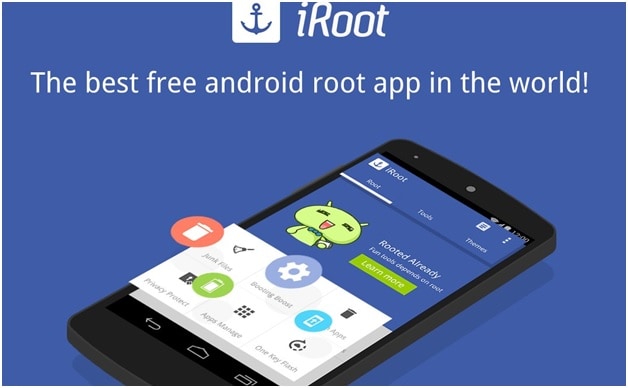
3. iRoot APK
iRoot has evolved significantly, shifting from a primarily Chinese-language tool to a globally accessible English app. It offers a very streamlined approach to rooting, making it a popular choice for beginners.
Features:
- Utilizes a one-click engine for rapid processing.
- Includes a recovery mode option for more stable results.
- Frequently updated to improve device compatibility.
- Highly flexible with diverse firmware versions.
- Extensive community support.
- Rooting inevitably voids the manufacturer warranty.
- Risk of temporary system instability or boot-loops.
4. Root Master APK
Root Master was one of the early pioneers in providing a native English interface for Android users wanting to root without connecting to a PC. It is designed to be accessible, prioritizing a balance between efficiency and user-friendliness.
Features:
- Rooting capabilities independent of desktop connectivity.
- Integrated cleanup tools to enhance performance.
- Built-in manager to uninstall pre-installed system apps.
- Free distribution model.
- Well-documented for various legacy models.
- Safety concerns regarding potential security vulnerabilities.
- Compatibility is limited to specific kernel versions.
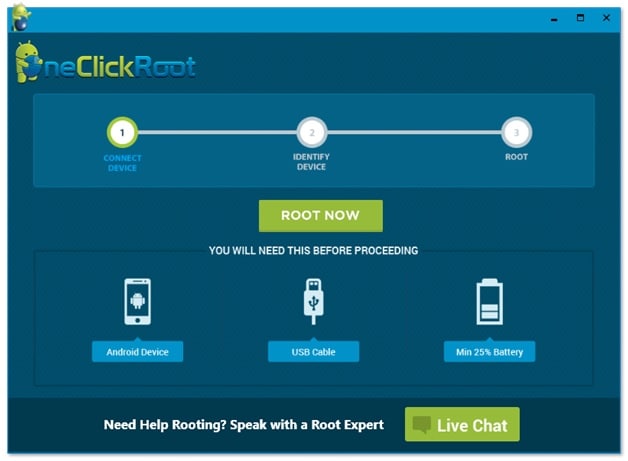
5. One Click Root APK
As the name suggests, this tool focuses on speed and simplicity. It aims to make the rooting process as painless as possible for the average user, even those with no technical background.
Features:
- Supports custom kernel flashing for power users.
- Enables features like Wi-Fi tethering on restricted plans.
- Allows mapping of external peripherals (game controllers).
- Full system backup and restore capabilities.
- Offers one of the fastest rooting experiences available.
- Advanced features like battery optimization.
- Some reports of stability bugs in specific software builds.
- Does not support most HTC-branded devices.
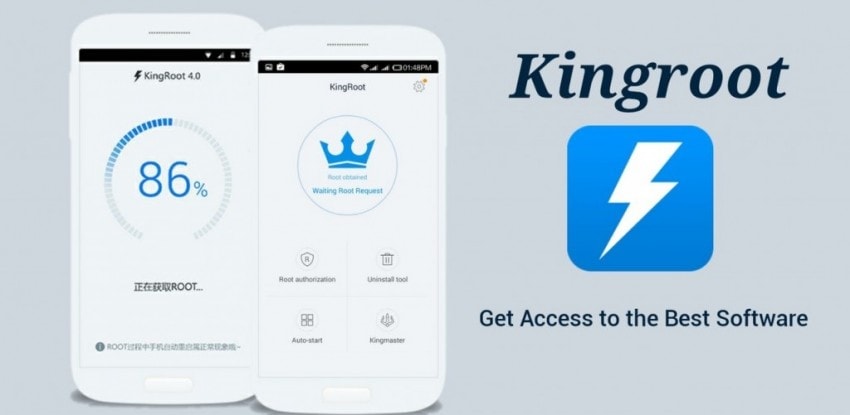
6. KingRoot APK
KingRoot is distinct from KingoRoot. It gained massive popularity for its "one-click" simplicity and extremely high success rate across various mid-range Android devices.
Features:
- Streamlined one-click root activation.
- Includes the 'Purify' app to manage battery and system resources.
- Requires a stable internet connection for the root server verification.
- Highly popular with extensive device support databases.
- Straightforward process minimizes user errors.
- The modification of system partitions may lead to OTA update failures.
7. TowelRoot APK
Developed by Geohot, TowelRoot is famous for exploiting a Linux kernel vulnerability. It was a groundbreaking tool for HTC users who were previously locked out by aggressive manufacturer security.
Features:
- Reduces the rooting process to a single button tap.
- Works universally through a kernel exploit.
- Highly effective even on devices deemed difficult to root.
- One of the most effective solutions for HTC smartphones.
- Minimalist app design.
- Exploiting kernel vulnerabilities carries inherent security risks.
- Not suitable for devices with patched kernels (post-2015).
8. Baidu Root APK
Baidu Root is a powerhouse, boasting compatibility with over 6,000 devices. It is an excellent choice for users dealing with older, less common Android handsets.
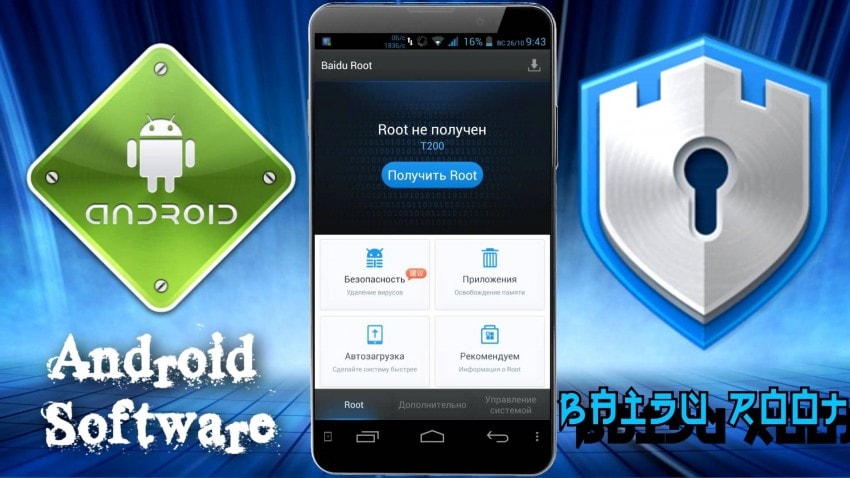
Features:
- Broad support for Android versions 2.2 through 4.4.
- Advanced memory management features.
- Ability to remove pre-installed bloatware safely.
- Covers a vast array of legacy hardware.
- Includes English support for non-Mandarin speakers.
- Increased risk of privacy concerns given the software source.
- May fail on modern security-hardened Android iterations.
Conclusion
Rooting your Android device provides unparalleled control, allowing you to tailor your phone's behavior, performance, and features to your exact needs. While tools like KingoRoot, iRoot, and KingRoot offer convenience, it is vital to remember that rooting is not without risks—including the potential for data loss and warranty voiding. Always ensure you are using the most current, verified version of these tools and perform a full device backup before starting. By selecting the tool that aligns with your specific device model, you can safely explore the benefits of a rooted Android environment in 2026.
FAQ
1. Is it safe to root my Android device?
Rooting is generally safe if performed correctly, but it does carry risks such as data loss, loss of manufacturer warranty, and potential security vulnerabilities. Always use trusted software and back up your data before attempting it.2. Can I unroot my device after using these APKs?
Yes, most rooting tools include an "unroot" option within their settings. Alternatively, flashing the original stock firmware for your device model will completely remove root access and revert the system to factory standards.3. Why don't some of these apps work on my newer phone?
Most of these root APKs rely on vulnerabilities present in older Android kernels. Modern Android devices (Android 8.0 and above) have significantly enhanced security, such as Verified Boot, which prevents these older exploits from working.4. What is the most recommended method for data recovery if something goes wrong?
If your device becomes unstable or you lose data during the rooting process, specialized software like Dr.Fone - Data Recovery is recommended to scan your device and restore essential contacts, photos, and messages.
 Add Wondershare Dr.Fone as a preferred source on Google