 Teleport your device anywhere instantly with one click.

 100% Security Verified | No Subscription Required | No Malware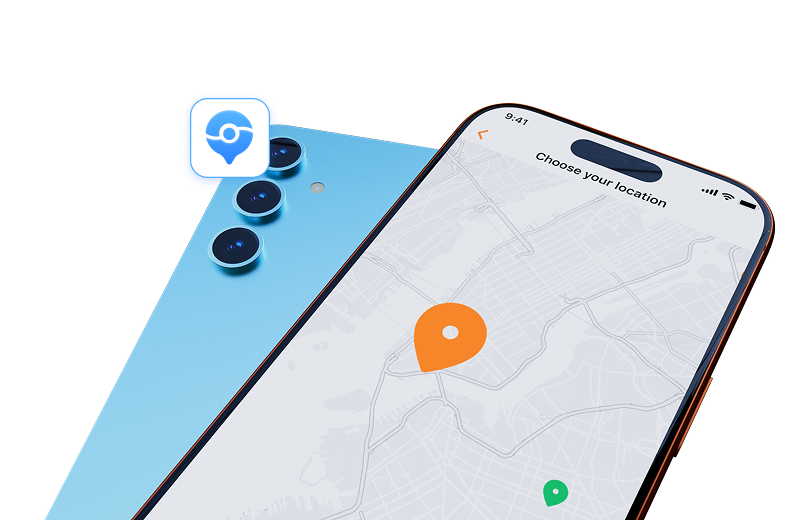

 :
: 
 ChatGPT
 Perplexity
 Gemini
 Claude
 Grok
Grok
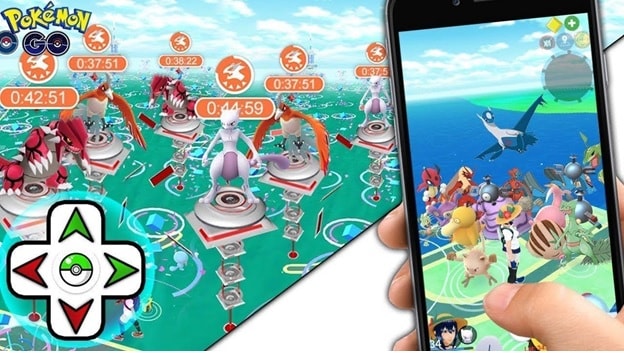
Pokémon Go remains a global phenomenon, encouraging players to explore the real world. However, geographical limitations or the desire to catch rare Pokémon have led many to use location spoofing apps. For a long time, iSpoofer was a top choice for this, but many users are now finding that iSpoofer is not working.
If you've recently tried to use the app, you've likely discovered that it's no longer functional, leaving many trainers searching for a solution. Has iSpoofer been shut down for good? And more importantly, what safe and reliable alternatives are available for spoofing your location in Pokémon Go on iOS and Android devices? This guide answers all these questions.
In this article
Part 1. The Real Reason Why iSpoofer Is Not Working
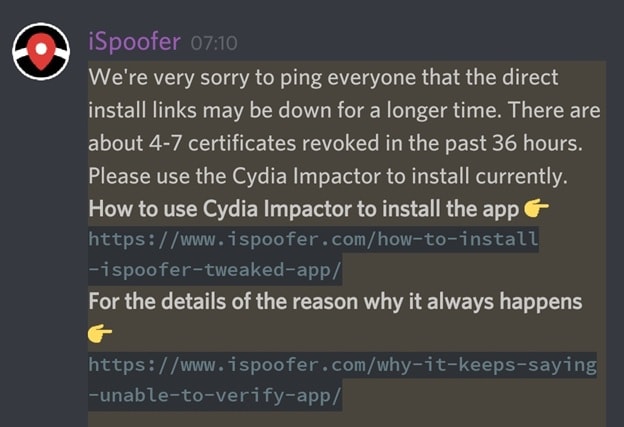
If you're encountering the issue of iSpoofer not working, you're not alone. The unfortunate reality is that the application has been discontinued. Users with old versions installed on their devices will likely see a perpetual "under maintenance" message, but this is not a temporary issue. The service is no longer operational.

The primary reason for iSpoofer's shutdown is its direct conflict with Pokémon Go's terms of service. Niantic, the developer behind Pokémon Go, has a strict policy against the use of any third-party software that manipulates gameplay, especially location data. Using such tools undermines the core concept of the game, which is to get out and explore.
Niantic implemented sophisticated anti-cheating measures to detect and penalize players using apps like iSpoofer. This resulted in waves of account suspensions and bans for users, which severely damaged iSpoofer's user base and reputation. Faced with legal pressure and a dwindling audience, the developers had little choice but to cease operations. Therefore, the problem of iSpoofer Pogo not working is permanent, and users must seek other methods.
Part 2. Exploring Safe and Reliable Alternatives to iSpoofer
With iSpoofer off the table, particularly for iPhone users who have fewer customization options, finding a safe alternative is crucial. Using the wrong tool can lead to your Pokémon Go account being flagged or even permanently banned. Let's look at the common options and their effectiveness.
1. VPN Services
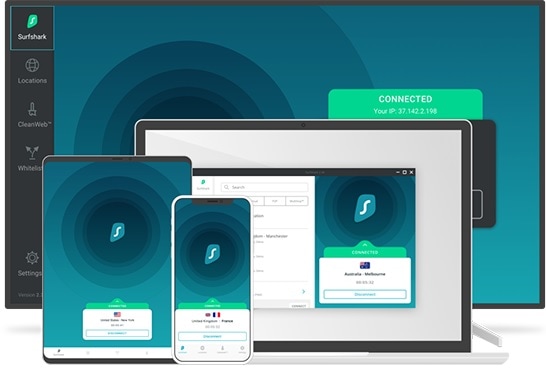
A Virtual Private Network (VPN) is often considered for location spoofing, but it primarily works by changing your IP address, not your device's GPS coordinates. While some VPNs, like Surfshark, offer GPS override features for Android, they are generally not reliable for sophisticated games like Pokémon Go. Niantic's systems can often detect discrepancies between your IP location and your GPS data, making VPNs a risky and often ineffective choice for iOS.
2. Apps from the App Store
A quick search on the App Store for "fake GPS" will yield numerous results. However, most of these applications are unreliable. Many are filled with intrusive ads, fail to work as advertised, or are quickly detected by Pokémon Go's security measures. Relying on these apps is a game of trial and error that can waste your time and put your account at risk.
3. The Recommended Solution: Dr.Fone - Virtual Location
For a reliable, safe, and feature-rich iSpoofer alternative, the best option is a dedicated desktop application like Dr.Fone - Virtual Location. This software allows you to modify your iOS or Android device's GPS location directly from your computer, offering a seamless and undetectable experience. It doesn't require jailbreaking your device, which is a major security advantage.
Key features that make it the ideal choice include:
- Teleport Mode: Instantly change your GPS location to anywhere in the world with a single click.
- Route Simulation: Simulate movement between two or multiple points at a customized speed, making your travel look natural.
- Joystick Control: Enjoy precise, 360-degree control over your movement in the game for a more immersive experience.
- Safety and Security: Works without jailbreaking or rooting your device, significantly reducing the risk of detection by Niantic.
- Wide Compatibility: Supports the latest iOS and Android versions and works with all location-based apps.
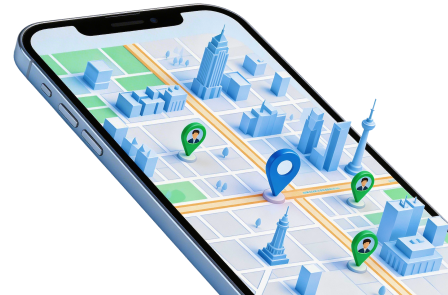
 Set your map route to simulate GPS movement.
- Set your wanted movement speed.
- HD and large map view to check location.
- Fake GPS location to anywhere.
Part 3. Step-by-Step Guide to Safely Spoof Your Location
Using Dr.Fone - Virtual Location is incredibly straightforward. You can change your location and start exploring new areas in Pokémon Go within minutes. Follow these simple steps:
-
Step 1 Download and Launch Dr.Fone
First, download and install the Dr.Fone toolkit on your Windows or Mac computer. Launch the program and select the "Virtual Location" module from the main interface.
-
Step 2 Connect Your Device
Connect your iPhone or Android device to the computer using a USB cable. Click "Get Started" and unlock your device, trusting the computer if prompted. The software will detect your device and show your current location on a map.
-
Step 3 Choose Your Desired Location
Activate "Teleport Mode" by clicking the first icon in the top-right corner. Enter the name of a place or its coordinates in the search bar and click "Go." Confirm the new location in the pop-up box by clicking "Move Here."
-
Step 4 Start Spoofing in Pokémon Go
Your device's GPS will now be set to the new location. You can open Pokémon Go and you will find your character at the selected spot. You can also use the multi-stop route or joystick features to simulate walking and catch Pokémon without leaving your home.




Conclusion
While the days of using iSpoofer for Pokémon Go are over, the desire for location spoofing remains strong. The key takeaway is that the problem of iSpoofer not working is permanent due to Niantic's strict policies. Instead of risking your account with unreliable and unsafe methods, it's essential to choose a robust and secure alternative. Dr.Fone - Virtual Location stands out as the best choice, offering powerful features, ease of use, and, most importantly, a safer way to explore the world of Pokémon Go from the comfort of your home. By using a trusted tool, you can continue your adventure without worrying about account bans.
FAQ
-
1. Is iSpoofer permanently shut down in 2026?
Yes, for all practical purposes, iSpoofer is permanently non-functional. The service was discontinued after being targeted by Niantic for violating Pokémon Go's terms of service. There are no signs of it returning. -
2. Can I get banned for using a location spoofer in Pokémon Go?
Yes, using any unauthorized third-party application to alter your GPS location is against Niantic's rules and can lead to penalties. They follow a three-strike policy: the first strike is a warning, the second a temporary suspension, and the third is a permanent ban. Using safer tools like Dr.Fone - Virtual Location reduces this risk significantly compared to free, unreliable apps. -
3. Does Dr.Fone - Virtual Location require jailbreaking my iPhone?
No, one of the primary advantages of Dr.Fone - Virtual Location is that it does not require you to jailbreak your iPhone. It works securely with the standard iOS, preserving your device's warranty and security. -
4. What is the difference between a VPN and a GPS spoofer for Pokémon Go?
A VPN (Virtual Private Network) changes your IP address to make it appear as if you are browsing from a different location. A GPS spoofer, on the other hand, directly modifies the GPS coordinates that your phone reports to apps. For games like Pokémon Go that rely on GPS data, a dedicated GPS spoofer like Dr.Fone is necessary, as a VPN alone is insufficient and easily detectable.
 Add Wondershare Dr.Fone as a preferred source on Google



