
iPhone 18 Pro & iOS 27:
Keep Your Upgrade on Track
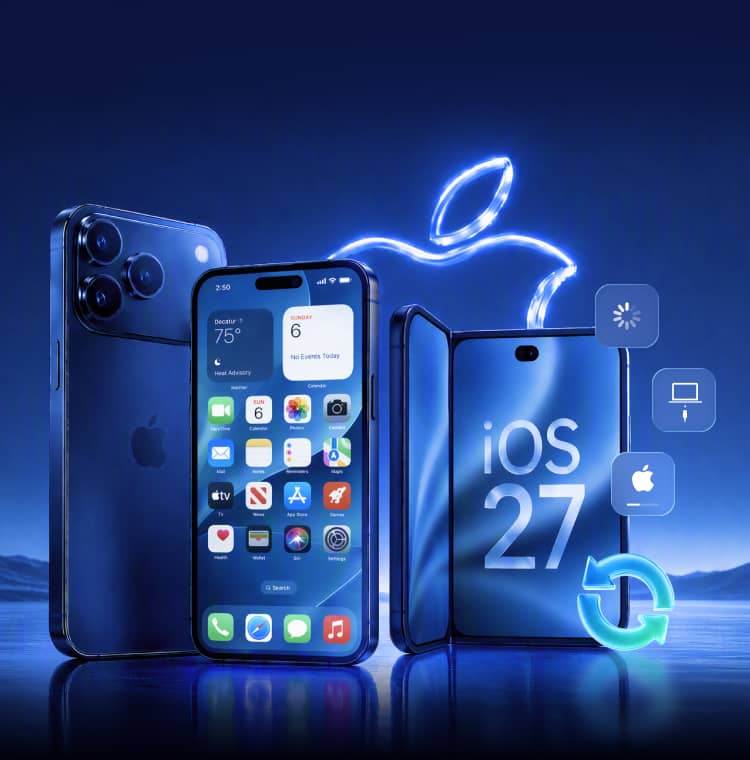
Moving to iPhone 18 Pro or iPhone 18 Pro Max, or updating your current iPhone to iOS 27? Explore what’s new, troubleshoot update and startup issues, and find Dr.Fone repair and recovery options for supported devices and data sources.
-
 Standard Repair Designed to Preserve Data
-
Repair 150+ iOS System Issues
-
Recover 35+ Supported Data Types

iPhone 18 Pro, Foldable iPhone Duo & iOS 27:
The 2026 Upgrade Story
Explore the latest iPhone hardware and iOS features, then prepare your data and device for the move.
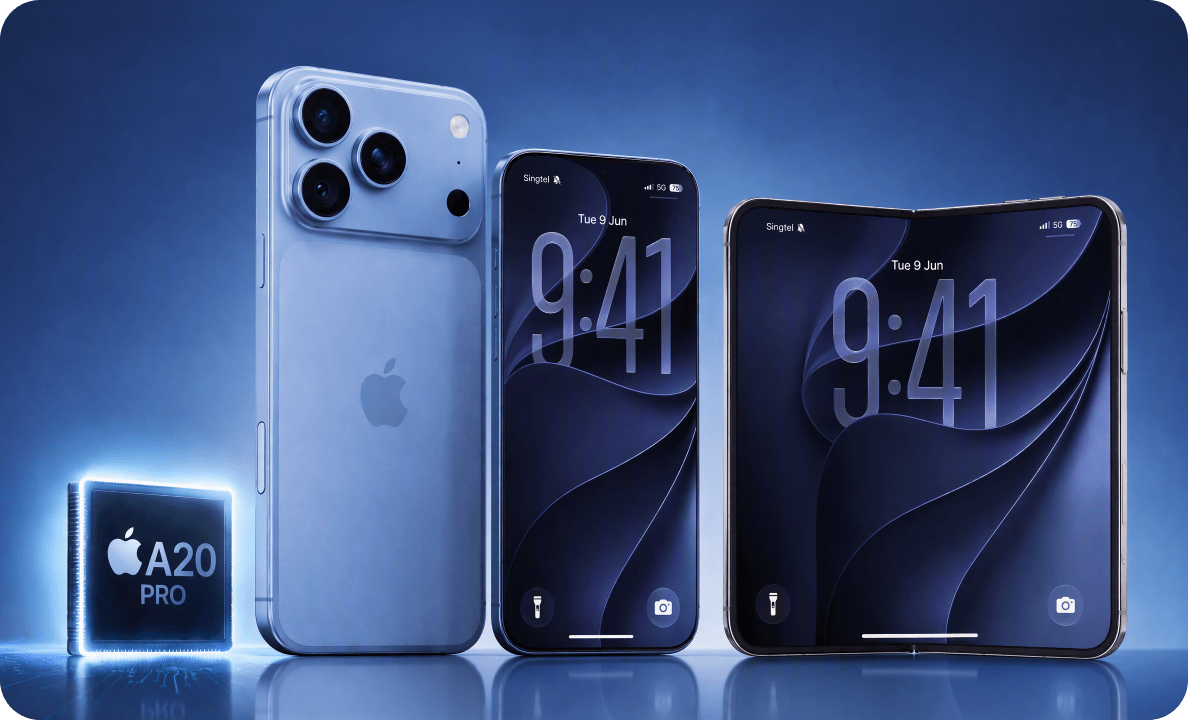
iPhone 18 Pro, iPhone 18 Pro Max & Foldable iPhone Duo
Explore Apple’s latest Pro models and its first foldable iPhone—a new way to watch, create, and multitask.
- A20 Pro and efficiency improvements are among the iPhone 18 Pro Series.
- Smaller Dynamic Island and camera upgrades are key feature-search themes.
- Meet iPhone Duo, Apple’s first foldable iPhone—unfold a 7.6-inch display for immersive entertainment and side-by-side multitasking with iOS 27.
- The standard iPhone 18 release date is currently widely reported for spring 2027 rather than September 2026.
iOS 27: Siri AI + Next-Generation Apple Intelligence
Apple has officially previewed iOS 27 for fall 2026.
- Siri AI adds more conversational interactions, personal context and onscreen awareness.
- Apple Intelligence expands across everyday apps including Photos, Messages and Safari.
- New photo AI tools such as Spatial Reframing and upgraded Clean Up are part of the iOS 27 story.
- iOS 27 release date remains a high-interest launch query; Apple says the update is coming this fall.
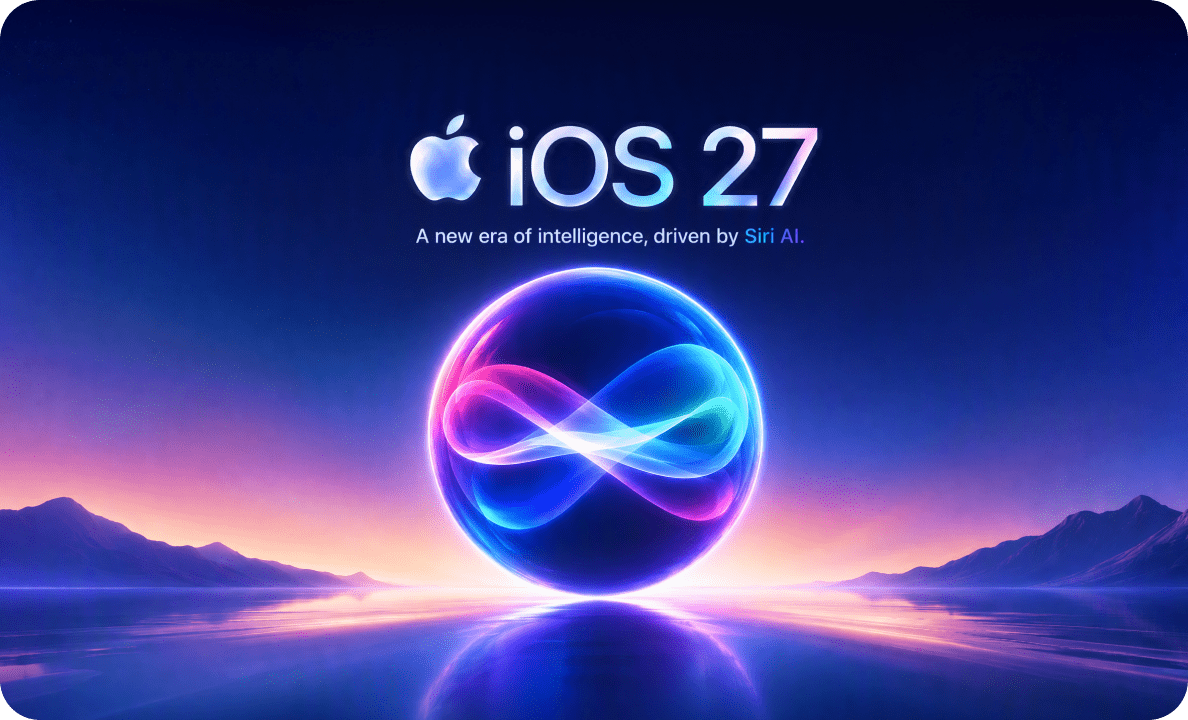

Launch status: Before upgrading, back up your current iPhone and check device, software, and feature compatibility.
Common iPhone 18 & iOS 27 Problems After Setup or Update
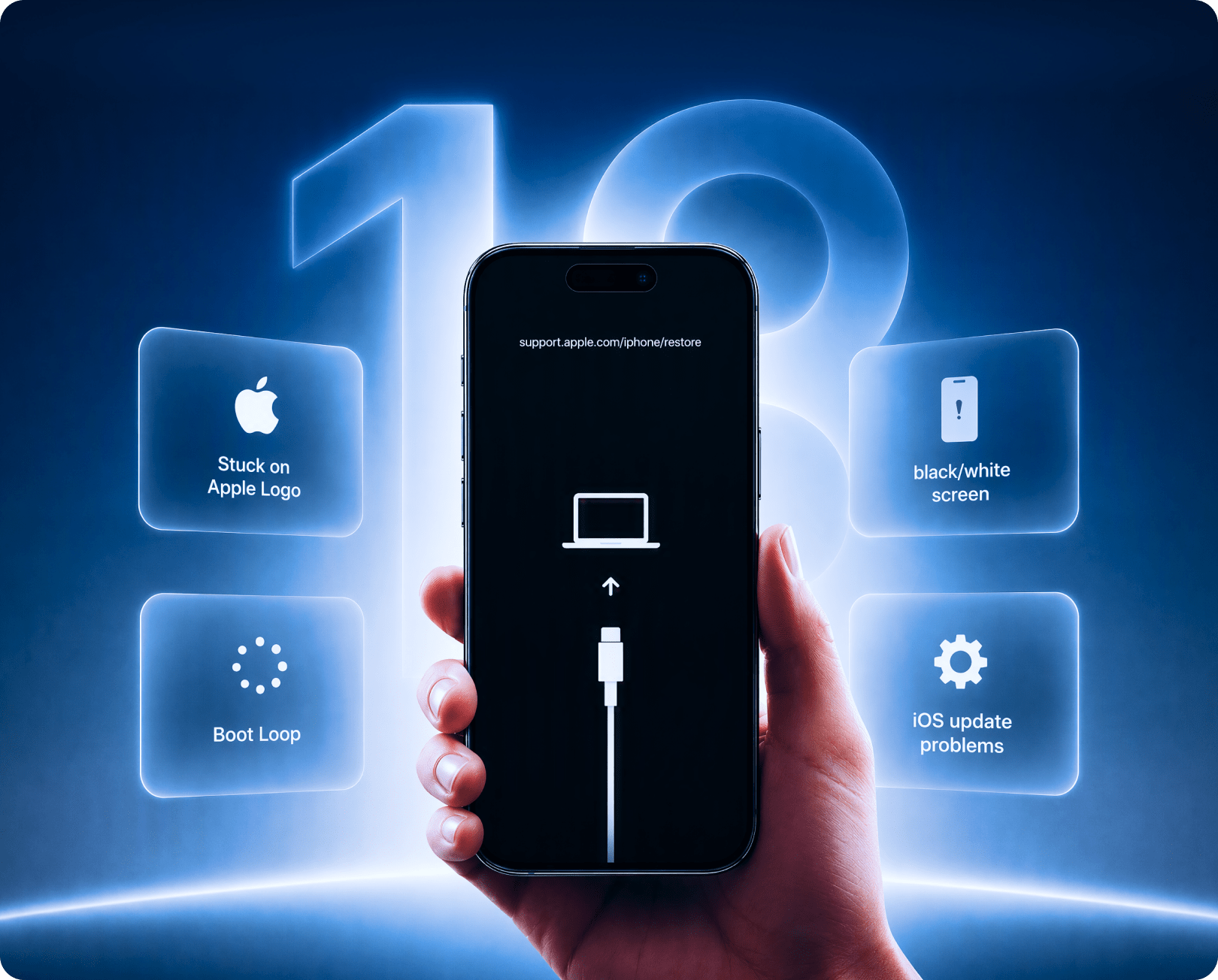
Stuck during setup, an update, or a restart? Find the symptom below and check the recommended next step. If your iPhone starts normally but content is missing, check transfer and sync status before exploring recovery options.

iPhone 18 Pro Stuck on Apple Logo
Startup stops at the Apple logo after an iOS 27 update, restore, reboot or interrupted setup.
Get Started Get Started
iPhone 18 Boot Loop
The iPhone keeps restarting, flashes the Apple logo, and never reaches the Home Screen.
Get Started Get Started
Stuck in Recovery Mode or DFU Mode
The cable-to-computer screen returns repeatedly, or the device will not exit Recovery / DFU Mode.
Get Started Get Started
iPhone Black Screen or Won’t Turn On
The screen stays black, white or frozen after restart, update, charging or a failed system process.
Get Started Get Started
iOS 27 Update Failed or Stuck
The update hangs on preparing, verifying or installing, or the iPhone ends in an update error state.
Get Started Get Started
Quick Start, iCloud Restore or Transfer Failed
New iPhone setup stalls, activation does not finish, or photos, messages and other data appear missing after transfer.
Get Started Get Started
Fix iOS 27 System Problems with the Right Repair Mode
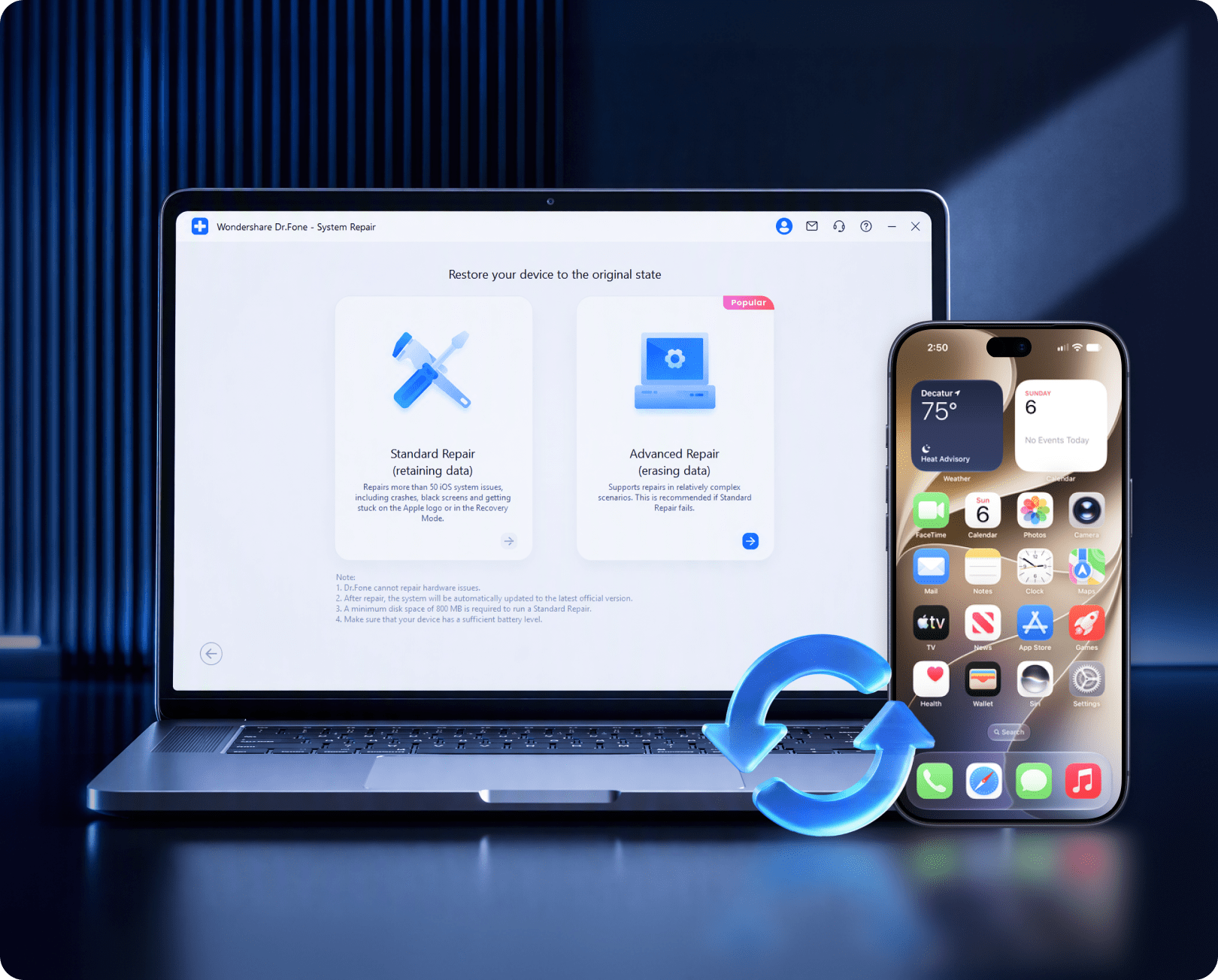
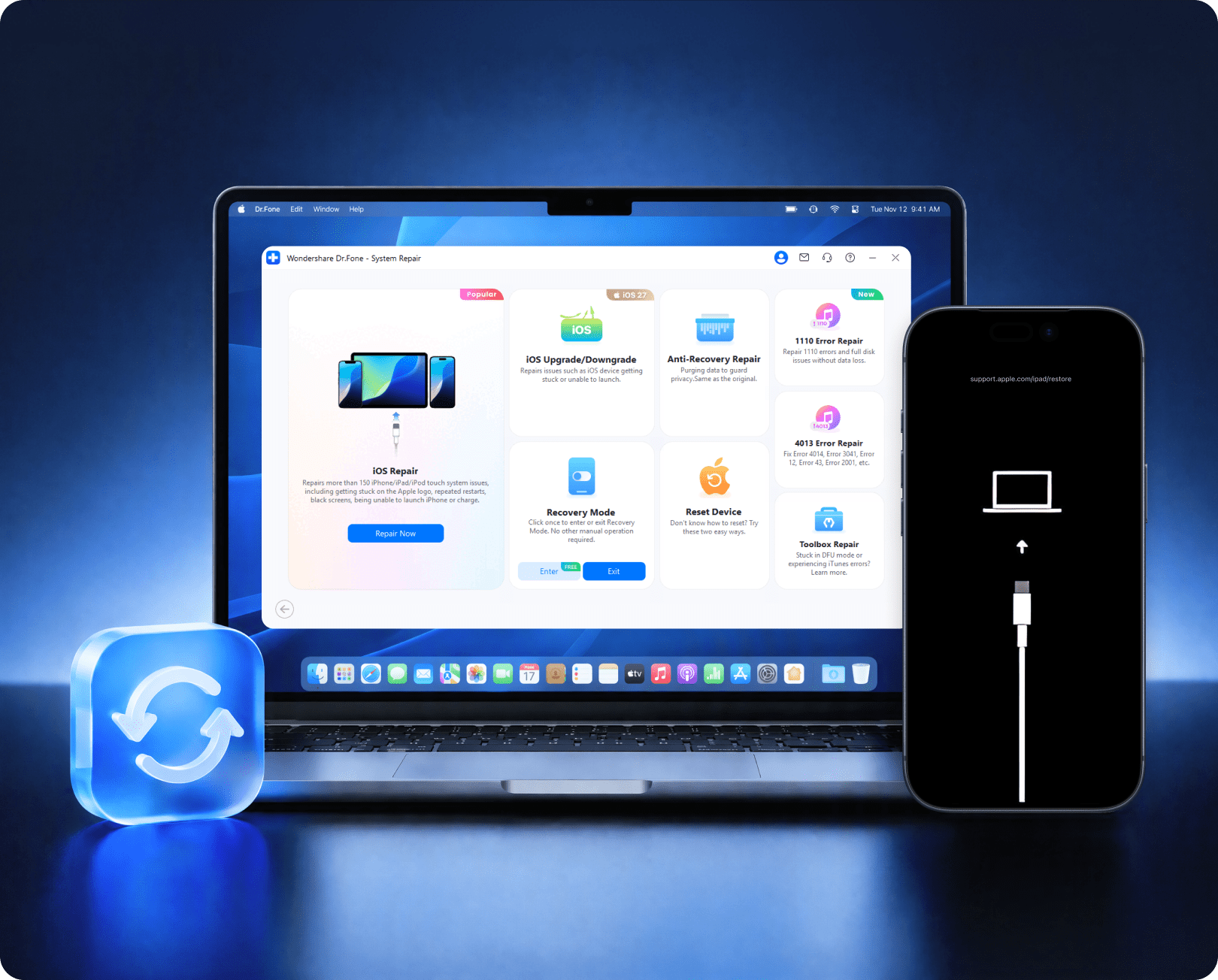
Dr.Fone - System Repair (iOS) provides guided firmware repair for 150+ iOS system issues and 200+ iTunes errors. Standard Repair is designed to preserve personal data; Advanced Repair is available for more severe software damage.
 Recommended first
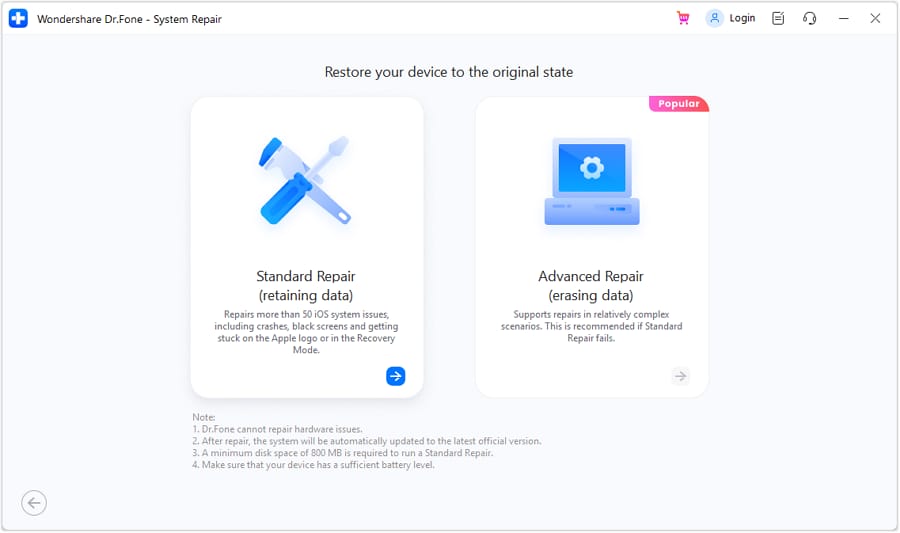
Standard Repair — Designed to Preserve Your Data
Repair supported startup, recovery-mode, and update issues while preserving personal data. Back up your iPhone first whenever possible.
Advanced Repair — For Persistent iOS Problems
Consider Advanced Repair if Standard Repair does not resolve the issue. Review the data-erasure warning and back up accessible data before continuing.
Recovery Mode Tools and DFU Guidance
Access supported recovery-mode tools and follow on-screen instructions when a repair requires Recovery Mode or DFU Mode.
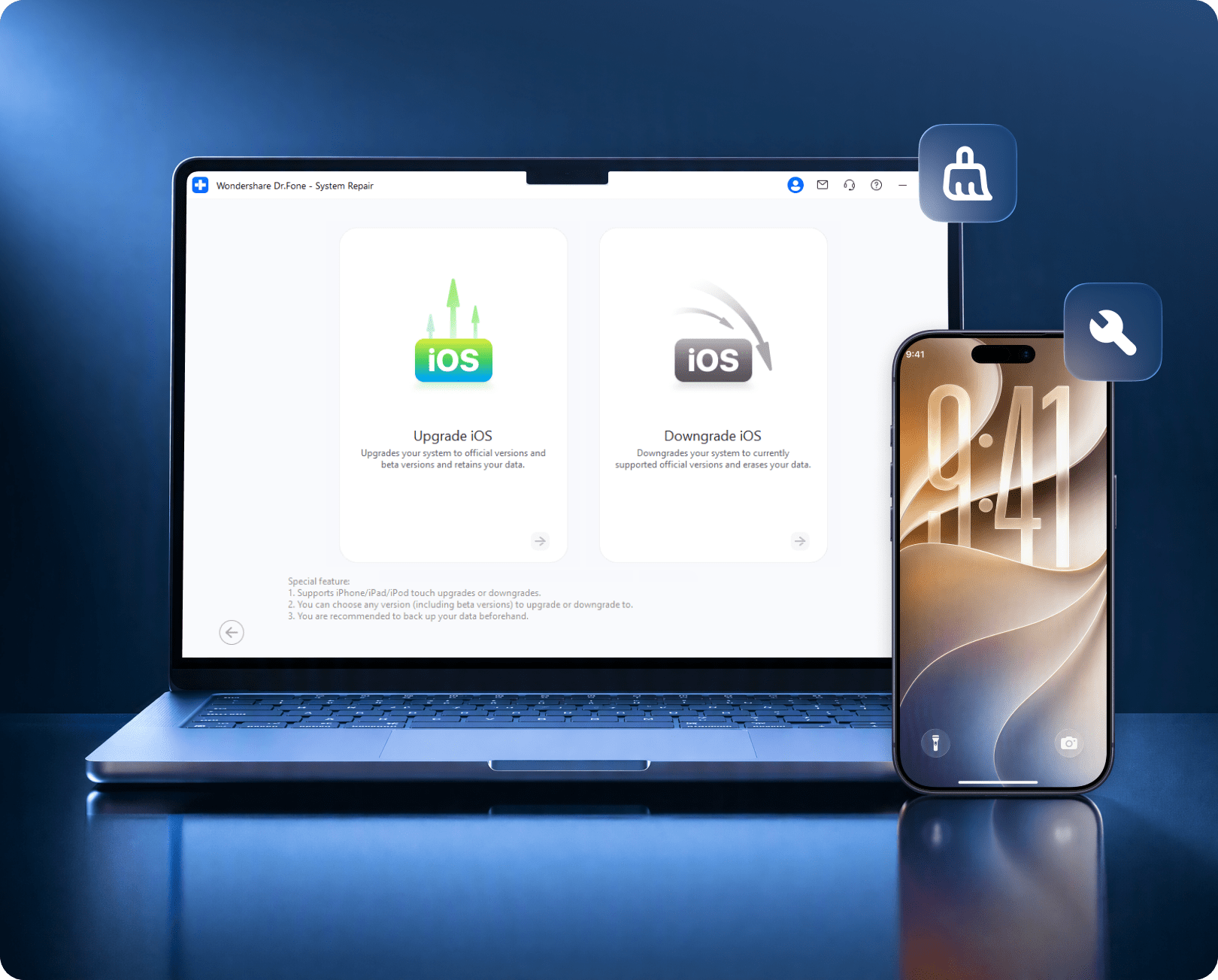
Upgrade or Downgrade Supported iOS Versions
Install compatible firmware through a guided workflow. Downgrading requires a version supported by your device and still signed by Apple.
Compatibility note: Supports iOS 27 and the iPhone 18 series. Available repair options depend on your device model, installed iOS version, and compatible firmware.
Choose the iOS System Repair Plan That Fits Your Upgrade
Choose monthly, annual, or perpetual access to Dr.Fone – System Repair (iOS). Compare the license term and included benefits below.
 UP TO 25% OFF
UP TO 37% OFF
UP TO 40% OFF
UP TO 50% OFF
UP TO 25% OFF
UP TO 37% OFF
UP TO 40% OFF
UP TO 50% OFF
Annual
- 1-year System Repair (iOS) access
- Repair 150+ iOS system issues
- Upgrade / downgrade supported iOS versions
- Recovery Mode / DFU utilities
- Perform general or factory resets on iOS devices
- Up to 5 mobile devices + 2 PCs
- Software updates + technical support during the plan
UP TO 37% OFF
UP TO 47% OFF
PERPETUAL
- Perpetual access to the purchased software version
- Repair 150+ iOS system issues
- Firmware repair + Recovery / DFU utilities
- Fix 200+ iTunes errors and connection/sync issues
- Enter Recovery Mode in one click Free
- Up to 5 mobile devices + 2 PCs
- Major-version upgrades may require a separate purchase
Missing Data After Moving to iPhone 18 or Updating to iOS 27?
If the iPhone works but important content is missing, switch from system repair to recovery. Dr.Fone supports 35+ iOS data types, free scan and preview, and recovery from the device, iCloud and iTunes/local backup sources.
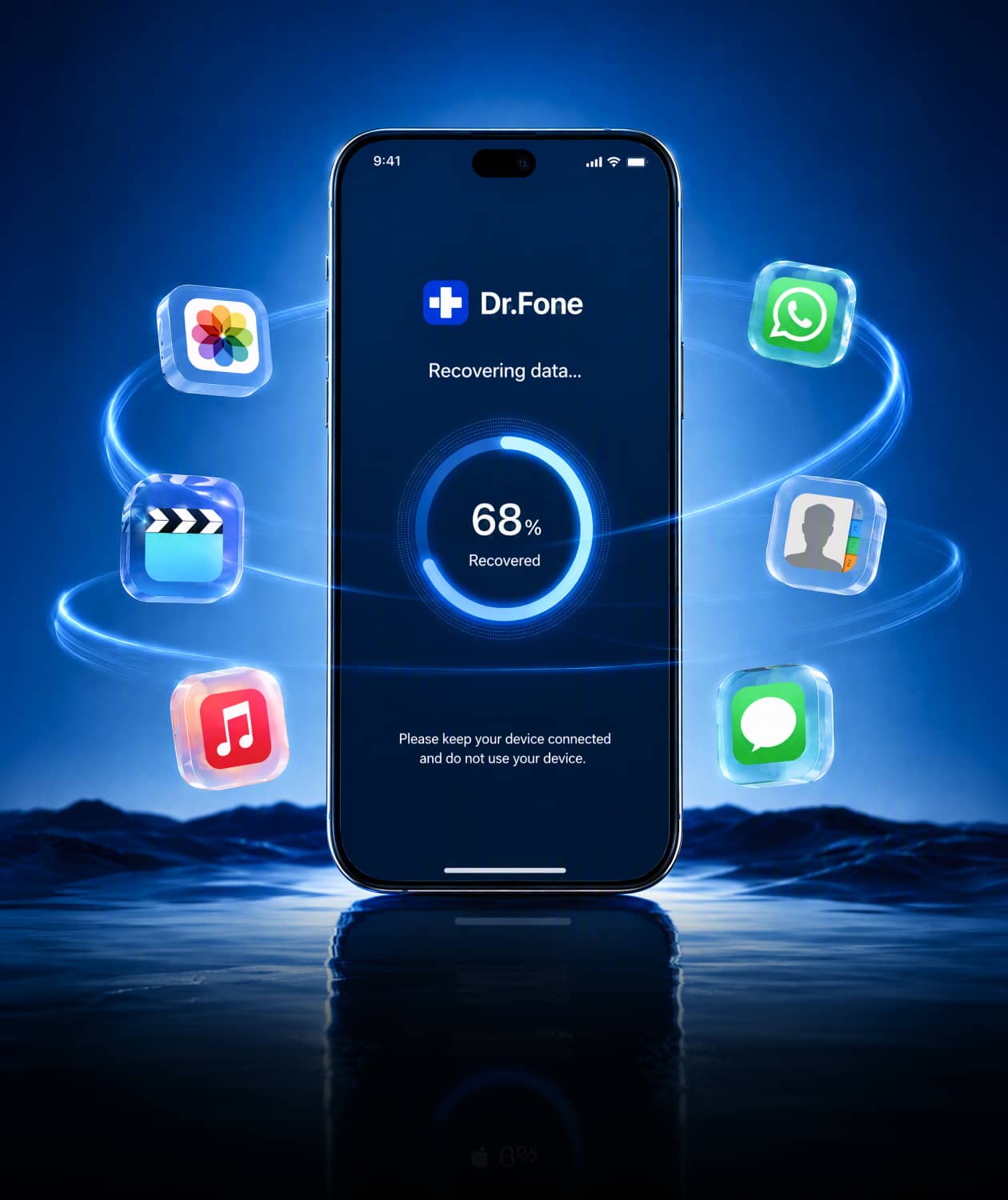
Recover lost data directly on your phone with the Dr.Fone App—just a few taps to get back what matters.
Recover Deleted Photos, Messages & Contacts
Scan supported data and preview what may still be recoverable before export or restore.
Recover Supported WhatsApp, LINE, Viber, Kik & Snapchat Data
Availability varies by app, device, iOS version and recovery source.
Recover from iCloud or iTunes Without a Full Reset
Preview and selectively recover supported items from iCloud Backup, iCloud-synced data, iCloud Drive, iTunes or local backups.
Data Missing After Quick Start or Phone Transfer
Recover supported content when migration finishes but files, messages or app data do not appear as expected.

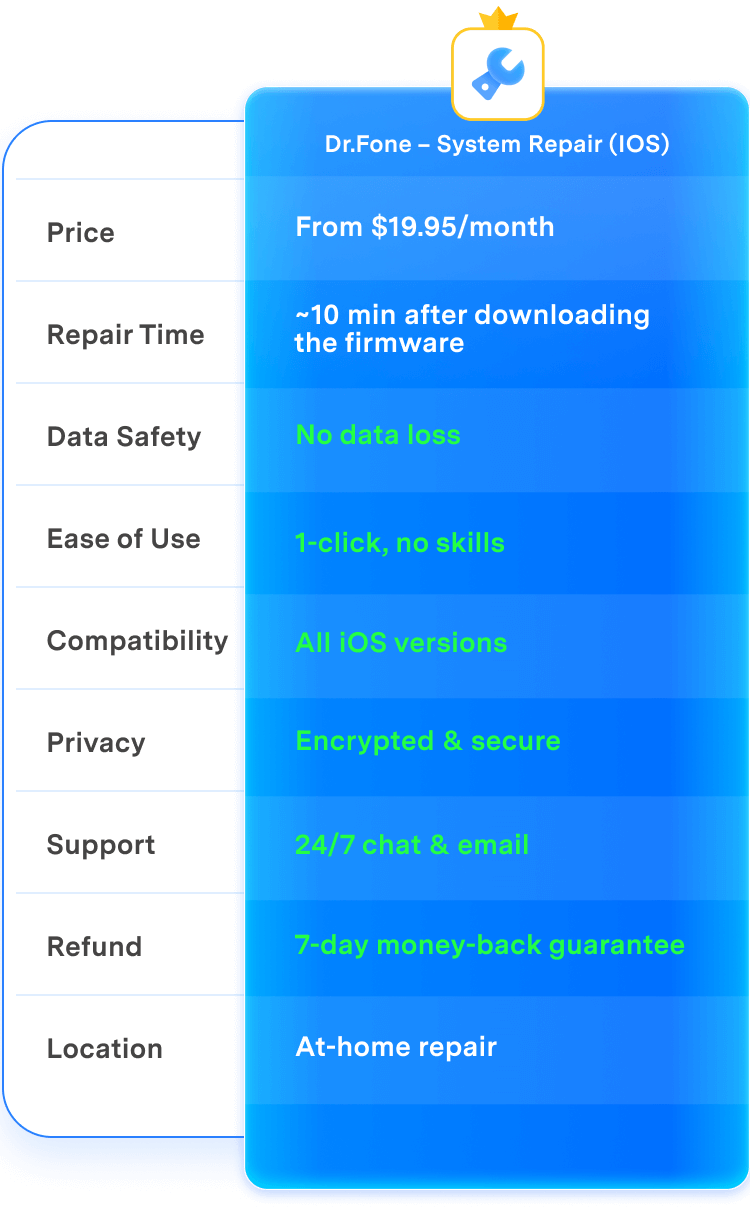
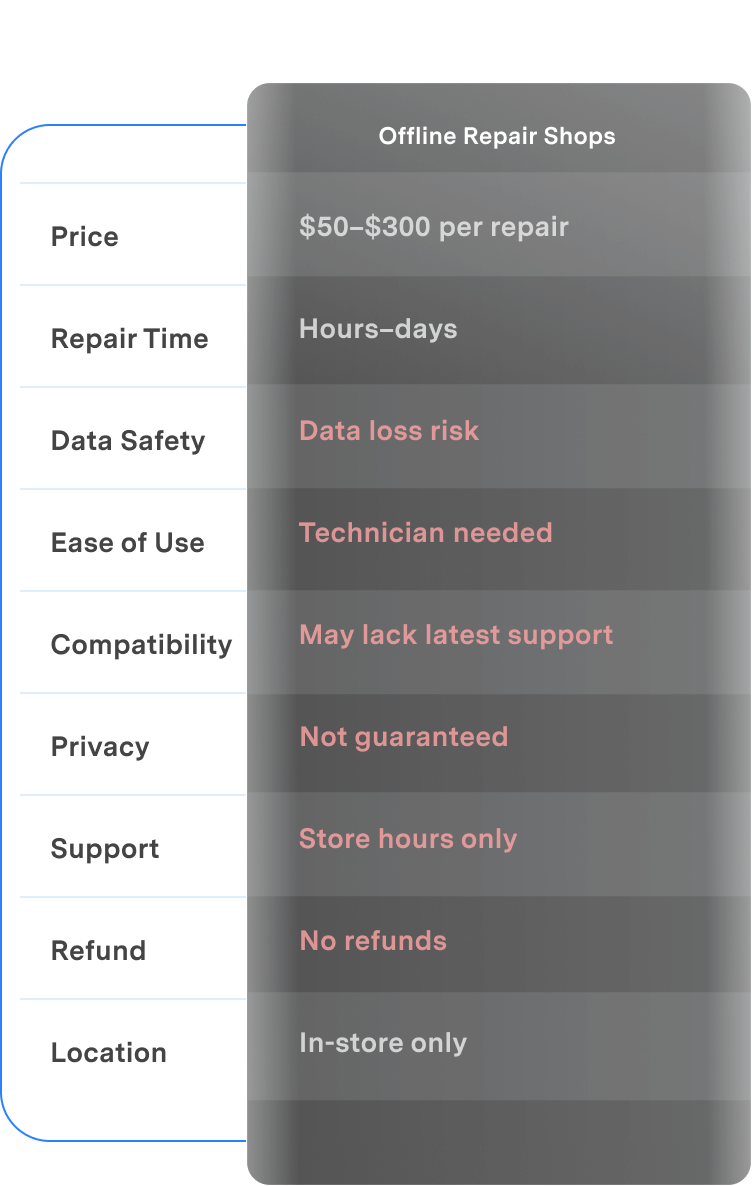
Dr.Fone vs Offline Repair Shops: Compare the Repair Experience
Compare a guided at-home software repair workflow with an in-person repair shop. The right option depends on whether your problem is software-related or caused by physical hardware damage.
| Feature | Dr.Fone – System Repair (iOS) | Offline Repair Shops |
|---|---|---|
| Price |
From $19.95/month
|
$50–$300 per repair
|
| Repair Time |
~10 min after downloading the firmware
|
Hours–days
|
| Data Safety |
 No data loss No data loss |
Data loss risk
|
| Ease of Use |
1-click, no skills
|
Technician needed
|
| Compatibility |
All iOS versions
|
May lack latest support
|
| Privacy |
Encrypted & secure
|
Not guaranteed
|
| Support |
24/7 chat & email
|
Store hours only
|
| Refund |
7-day money-back guarantee
|
No refunds
|
| Location |
At-home repair
|
In-store only
|

| Dr.Fone – System Repair (iOS) |
|---|
|
From $19.95/month
|
|
~10 min after downloading the firmware
|
|
No data loss
|
|
1-click, no skills
|
|
All iOS versions
|
|
Encrypted & secure
|
|
24/7 chat & email
|
|
7-day money-back guarantee
|
|
At-home repair
|
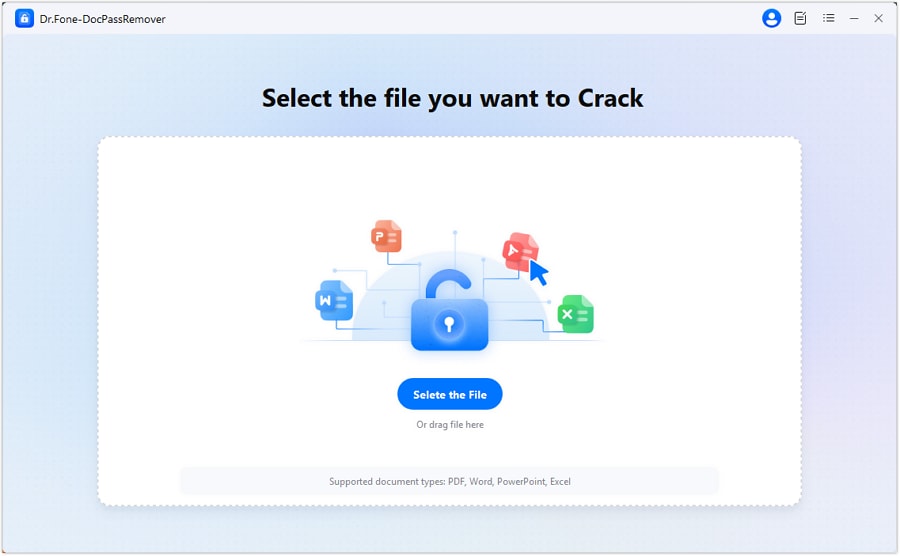
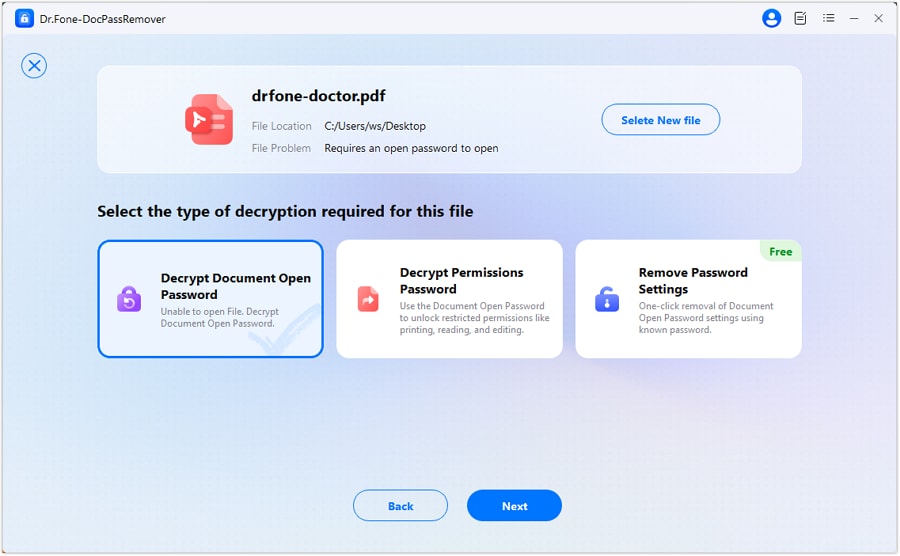
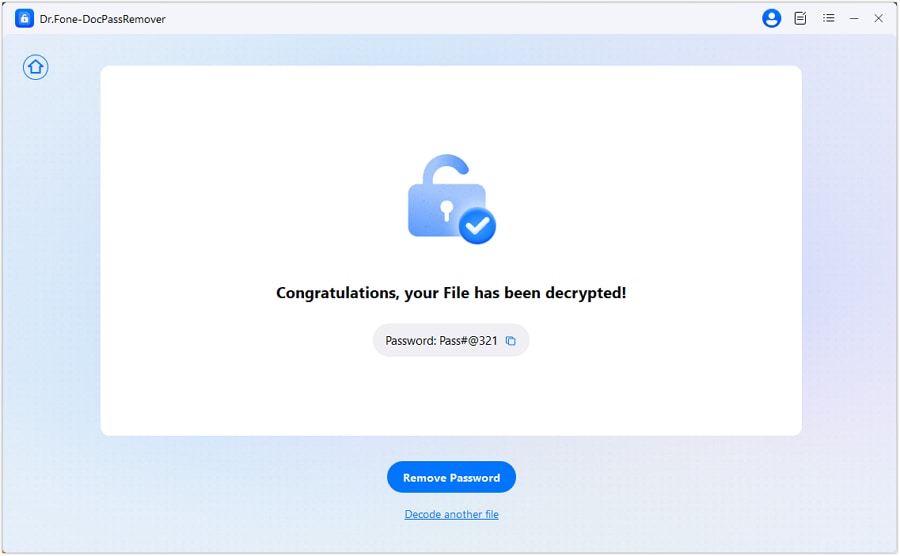
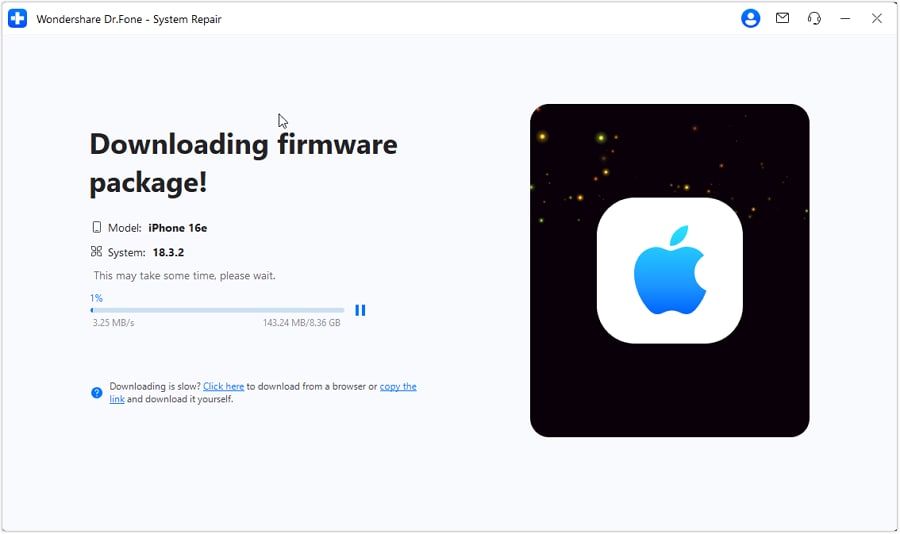
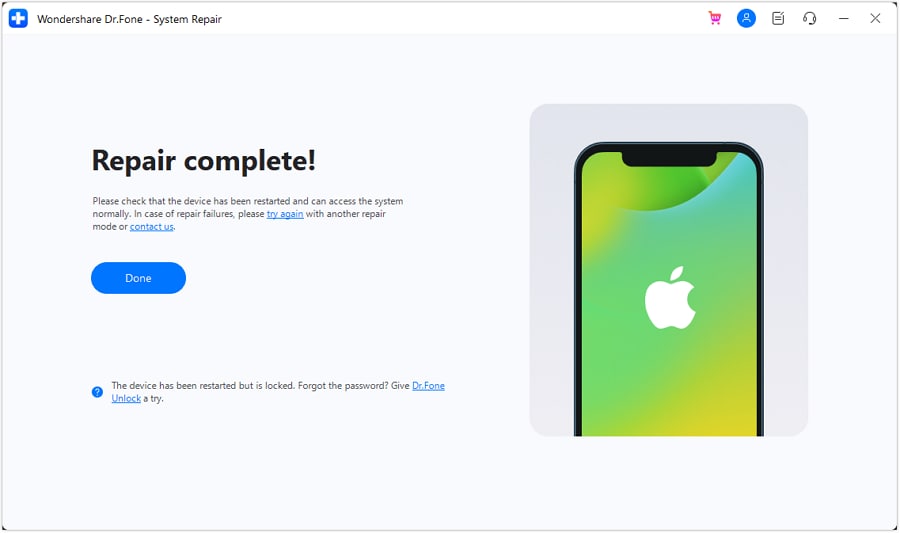
3 Steps from iPhone Problem to Normal Startup
Connect the iPhone, choose the repair mode that matches the problem, download compatible firmware, then complete the repair and verify the restart.
Why Choose Dr.Fone?
A new iPhone, a new iOS release, large transfers and firmware changes arrive at the same time. Dr.Fone combines repair depth, recovery options and guided workflows for the moments when upgrade plans go wrong.


System Repair by Wondershare Dr.Fone is an excellent alternative to iTunes for fixing iOS issues. It resolves many problems by re-installing the latest package, which doesn't wipe out your iPhone's data.

With its new powerful desktop and online solution, Wondershare Dr. Fone offers a complete mobile device solution for Android and iOS devices, with useful how-to guides and technical fixes for a wide variety of mobile issues.

Dr.Fone offers iPhone and iPad users a full software suite that goes beyond the iOS management that's possible with iTunes/Finder in macOS. Features include data recovery, system repair, getting around your device's lock screen, and more.

If your iPhone is not responding or turning on, then this is probably one of the best tools to fix it. The tool guarantees that during the recovery process, none of your data will be lost.

Dr.Fone can help you with your smartphone in many ways. It can recover deleted data, back up and transfer files, unlock screens, repair your OS, switch between different types of smartphones, transfer WhatsApp chats between iOS and Android, and more.

Dr.Fone is a comprehensive software suite developed by Wondershare that addresses a wide range of needs for smartphone and computer users. When transferring data between Android devices, Dr.Fone offers a mix of ease, efficiency, and security, making it a preferred choice for many.
System Repair by Wondershare Dr.Fone is an excellent alternative to iTunes for fixing iOS issues. It resolves many problems by re-installing the latest package, which doesn't wipe out your iPhone's data.
With its new powerful desktop and online solution, Wondershare Dr. Fone offers a complete mobile device solution for Android and iOS devices, with useful how-to guides and technical fixes for a wide variety of mobile issues.
Dr.Fone offers iPhone and iPad users a full software suite that goes beyond the iOS management that's possible with iTunes/Finder in macOS. Features include data recovery, system repair, getting around your device's lock screen, and more.
If your iPhone is not responding or turning on, then this is probably one of the best tools to fix it. The tool guarantees that during the recovery process, none of your data will be lost.
Dr.Fone can help you with your smartphone in many ways. It can recover deleted data, back up and transfer files, unlock screens, repair your OS, switch between different types of smartphones, transfer WhatsApp chats between iOS and Android, and more.
Dr.Fone is a comprehensive software suite developed by Wondershare that addresses a wide range of needs for smartphone and computer users. When transferring data between Android devices, Dr.Fone offers a mix of ease, efficiency, and security, making it a preferred choice for many.


iPhone 18 Repair & Recovery - FAQs

Regain Control of Your iOS System
Fix any iOS system issue and restore your device—fast and easy