Stop Using the Android Phone Immediately
After deletion or data loss, stop using the phone right away. New messages, media, app updates, or system cache writes can overwrite recoverable WhatsApp data.











A few quick checks can help you see whether your WhatsApp data is still available before recovery.
If these checks do not solve the problem, choose a recovery option below based on where your WhatsApp data may still be available.
Whether your chats were deleted, your Google Drive backup won’t restore, or your phone is broken, choose the recovery option that fits your case.
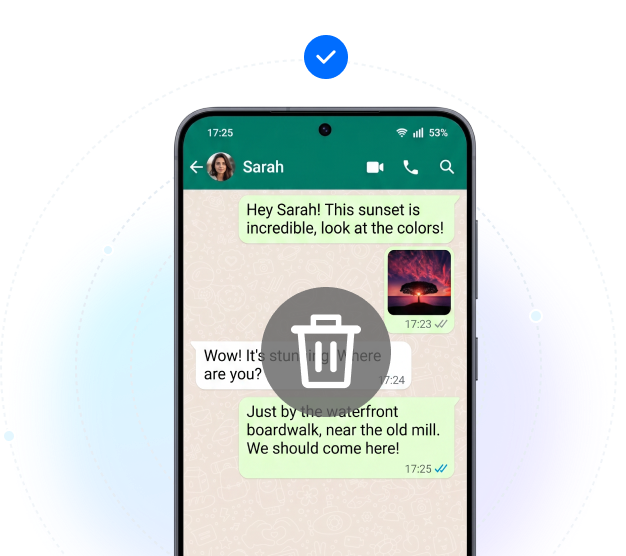
Deleted a WhatsApp chat by mistake? If messages, photos, videos, or voice notes are no longer visible and there is no usable backup, a direct Android device scan can help check what may still be recoverable. For device scanning, make sure your phone can connect to the computer properly; if needed, follow this Android USB debugging guide.
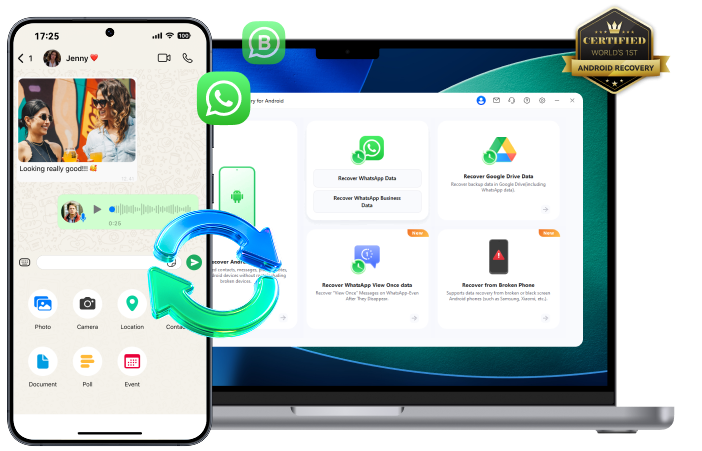
Dr.Fone scans your Android phone for recoverable deleted WhatsApp chats and attachments, including photos, videos, voice messages, and documents. Preview the results and save only what you need to your computer.
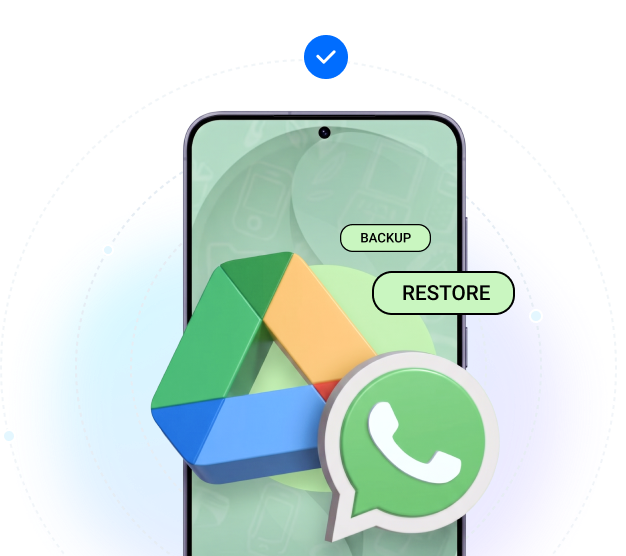
If your WhatsApp backup is in Google Drive but your chats do not come back after reinstalling WhatsApp or changing phones, Dr.Fone can help check the backup before you overwrite your current data.
Dr.Fone helps you preview supported Google Drive backup data first, then recover selected WhatsApp content without relying only on the standard WhatsApp restore process.
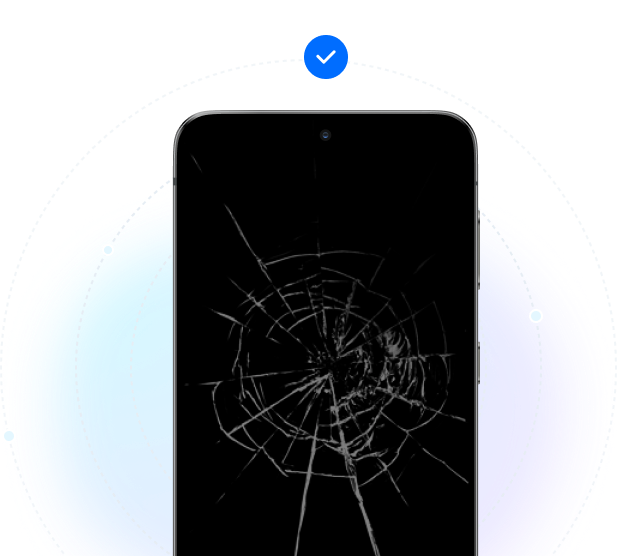
If your Android phone is cracked, broken, has a black screen, or no longer responds, Dr.Fone can help check whether important WhatsApp chats, photos, videos, or documents are still recoverable.
Dr.Fone provides a dedicated recovery option for supported broken Android cases where normal phone access is no longer possible.
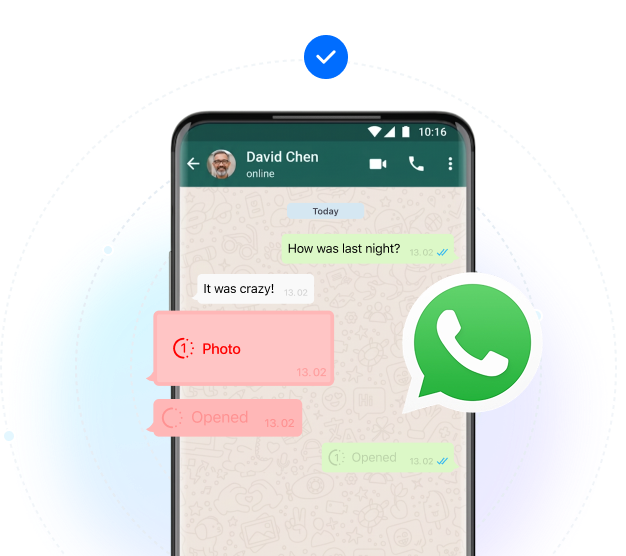
Opened a View Once photo or video and need it again for reference or recordkeeping? Dr.Fone offers a dedicated Android workflow for supported View Once media recovery.
Dr.Fone helps recover supported WhatsApp View Once media when the content can still be accessed through the recovery workflow.
Lost WhatsApp Business chats, order details, media files, or customer records after reinstalling the app, changing phones, or restoring your account? Dr.Fone can help check what is still recoverable from the Android phone or Google Drive backup.
Dr.Fone scans for recoverable deleted WhatsApp Business chats and attachments, helping you retrieve customer conversations, order details shared in messages, and business files—even without a backup. Preview and save selected items to your computer.

Choose a recovery path, preview what’s found, and recover only the WhatsApp data you need.


Preview recoverable WhatsApp and WhatsApp Business chats and attachments, including
deleted messages, photos, videos, voice messages, and documents found by the device scan.
Dr.Fone works with 6000+ Android phones and tablets, including Samsung, Xiaomi, Redmi, OPPO, vivo, OnePlus, Motorola, Google Pixel, HONOR, Huawei, realme, Tecno, Infinix, Sony, TCL, Lenovo, and more. Recovery results may vary by Android version, device model, phone condition, and selected recovery method.






















Recover supported WhatsApp data without rooting your phone. Follow the connection prompts for your device.
Check and recover supported WhatsApp data without starting from a factory reset.
After the required recovery steps, preview available chats and media; export only the items you choose.
Desktop export can be local. Broken-phone recovery may use cloud or social apps.
Data transferred during recovery is protected using secure encryption mechanisms.
Dr.Fone does not store or retain personal data from your device.
Windows 11/10/8/7
macOS 10.13 or later