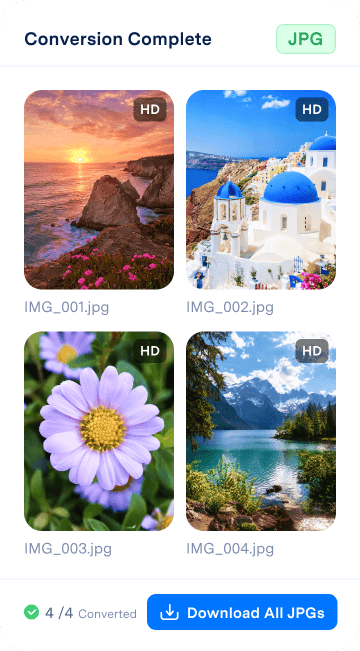

Why Convert HEIC Photos?

HEIC saves space. JPG is widely supported.

HEIC helps iPhone photos stay sharp while using less storage. But once those photos leave your Apple device, compatibility can become a problem.

Some Windows PCs, Android devices, websites, email services, and photo editors may not open or upload HEIC files smoothly. Convert HEIC to JPG to make your photos easier to view, edit, share, and upload anywhere.

Convert Photos Online Now
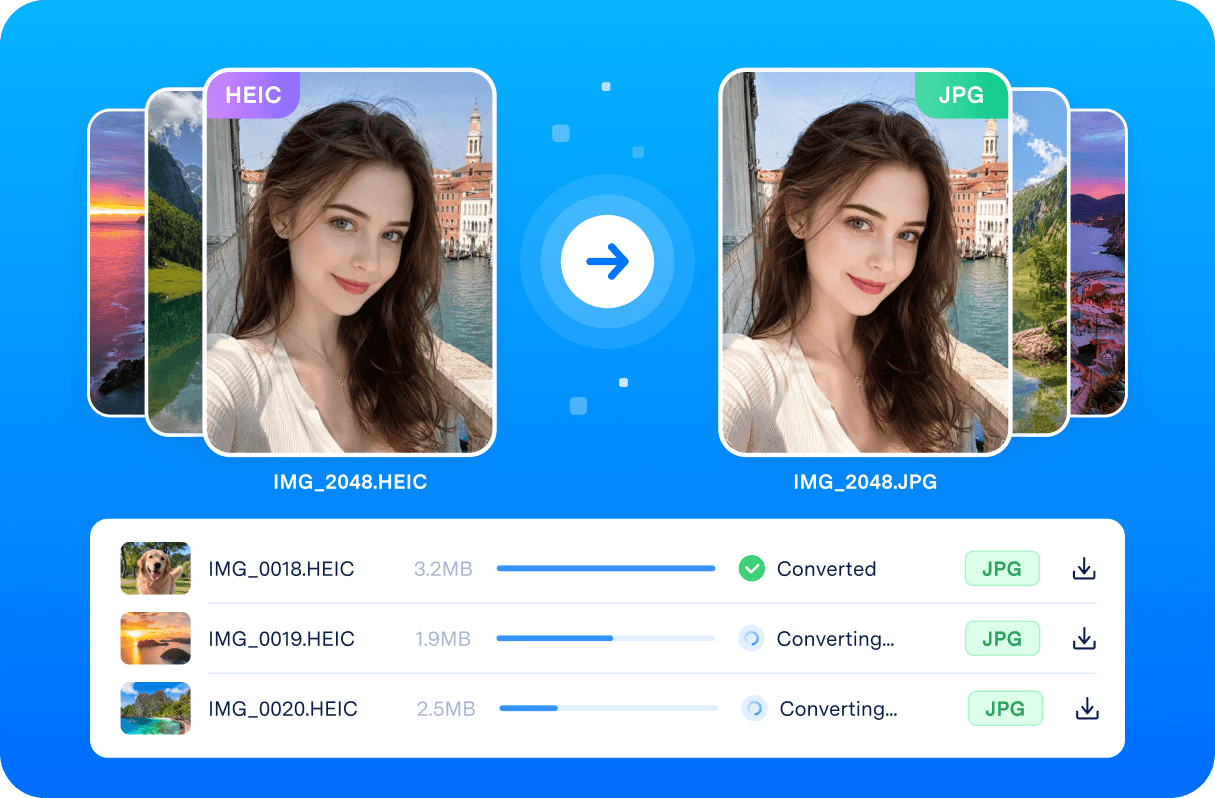
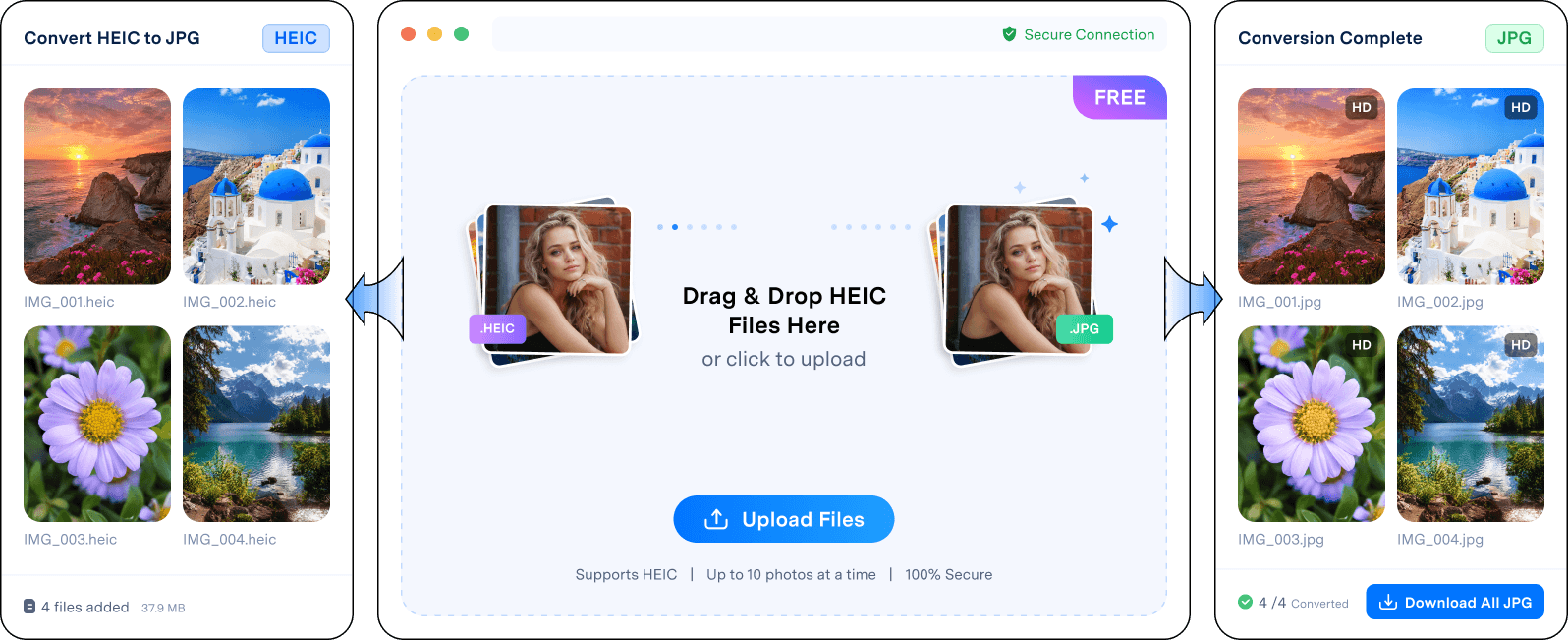
HEIC photos converted to JPG for wider compatibility

Why Choose Dr.Fone - Online HEIC Converter

Free HEIC-to-JPG Conversion Made Simple.

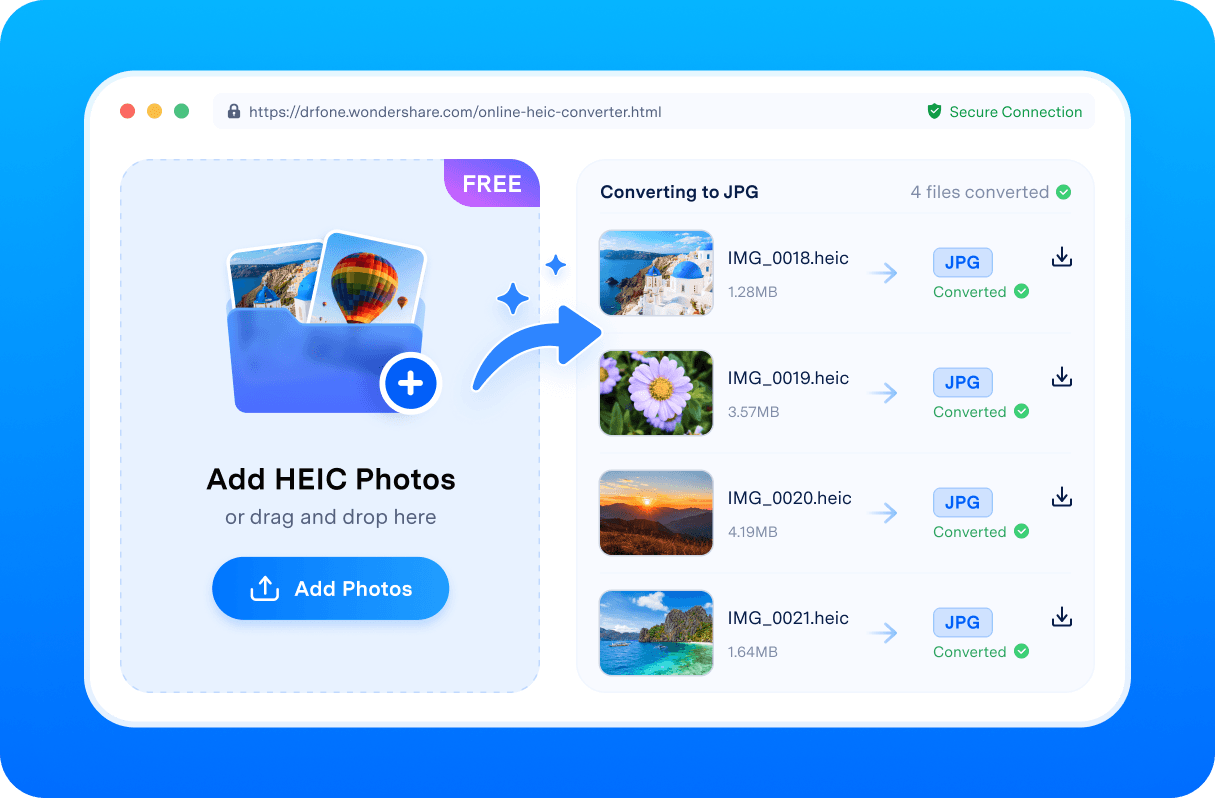
Dr.Fone - HEIC Converter Online helps you convert HEIC photos to JPG directly in your browser. Just upload your files, start the conversion, and download JPG photos ready to view, edit, share, or upload.

  • JPG output without losing the quality
  • 100% free and browser-based
  • Up to 10 HEIC images at once
  • No file-size limits
  • Drag, drop, and convert in seconds
  • Files automatically deleted within 24 hours
Convert Photos Online Now
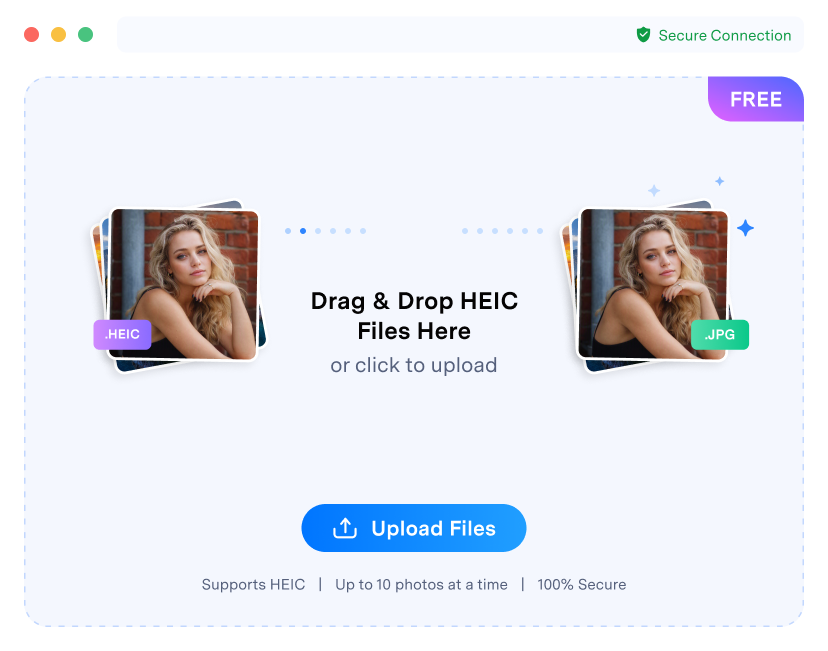
Dr.Fone Online HEIC Converter batch conversion interface

Frequently Asked Questions

  • Dr.Fone Online HEIC Converter is best for quick batches of up to 10 HEIC images at once. For larger iPhone photo libraries, use Dr.Fone - Phone Manager (iOS) to export, transfer, and manage photos on your computer. If you also need to organize Android photos or media files, Dr.Fone - Phone Manager (Android) offers a desktop option for Android photo management.

  • No. The online converter creates JPG files from your uploaded HEIC photos. Your original HEIC photos remain unchanged on your device.

  • JPG photos are widely supported on Windows PCs, Android devices, websites, email platforms, photo editors, and social apps. After conversion, your photos are easier to open, upload, edit, and share.

  • Use the online converter for quick browser-based conversion of up to 10 HEIC photos. Use Dr.Fone - Phone Manager (iOS) when you need to transfer a larger iPhone photo library to your computer , organize albums, or export photos in bulk.

Ready to convert HEIC photos to JPG?

Try Dr.Fone HEIC Converter Online for free.

Try HEIC Converter Online