-
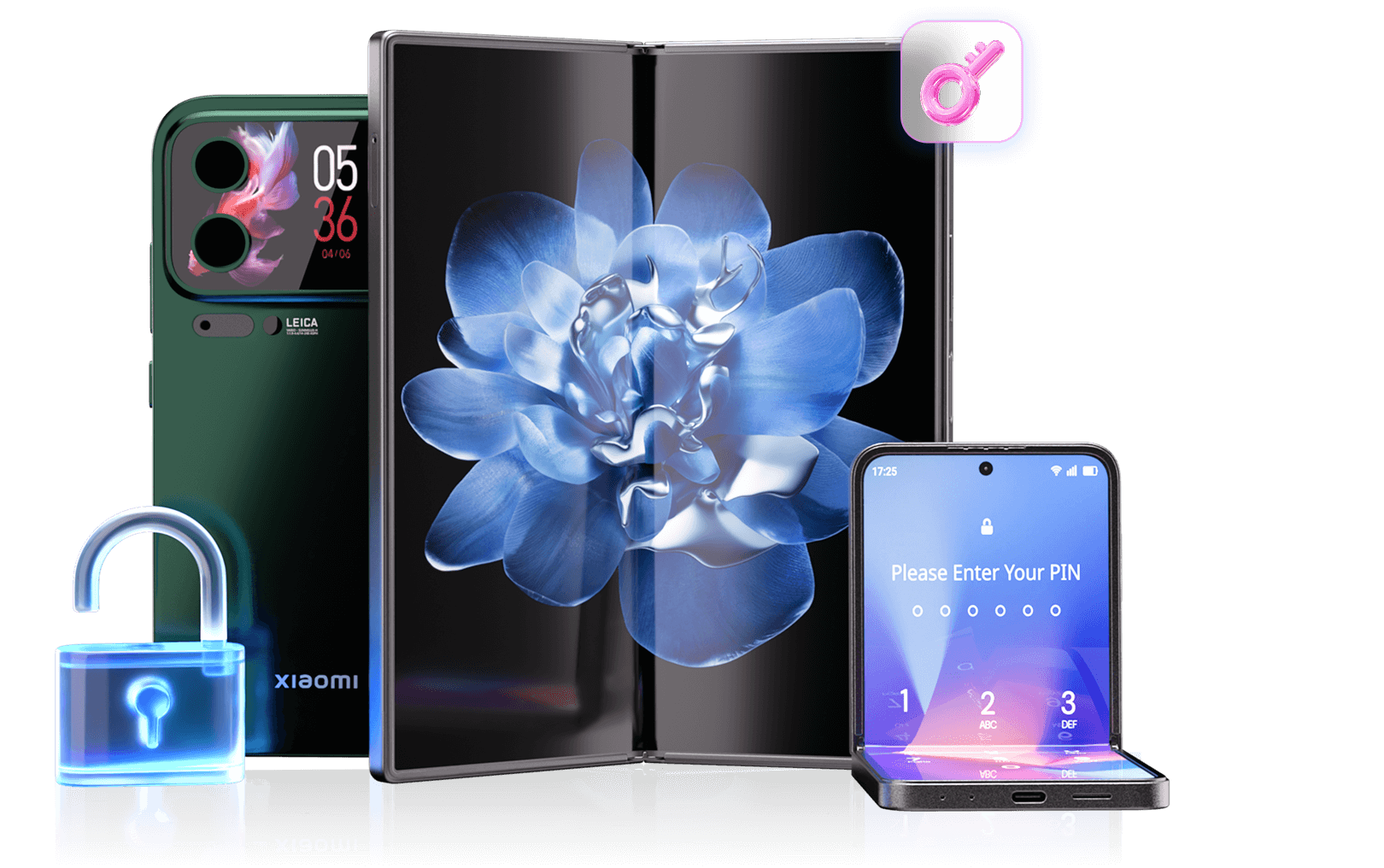
 Fix “This device is locked” Xiaomi error, Mi account lock & FRP issues.
-
 Works on Xiaomi/Redmi/POCO with latest MIUI & HyperOS.
-
High success rate for Mi unlock, FRP unlock & screen unlock.
-
Official Mi Unlock Tool & Mi Flash Unlock guide for bootloader unlock.
-
SIM unlock guide with Xiaomi unlock code support.
 Watch how to remove Xiaomi Account Lock online
5 Common Xiaomi Lock Types & How to Unlock Them
Choose your Xiaomi lock type below for detailed unlock methods, including Mi account lock, screen lock, Google FRP, and bootloader lock. Each solution is tested to work with the latest MIUI and HyperOS versions.
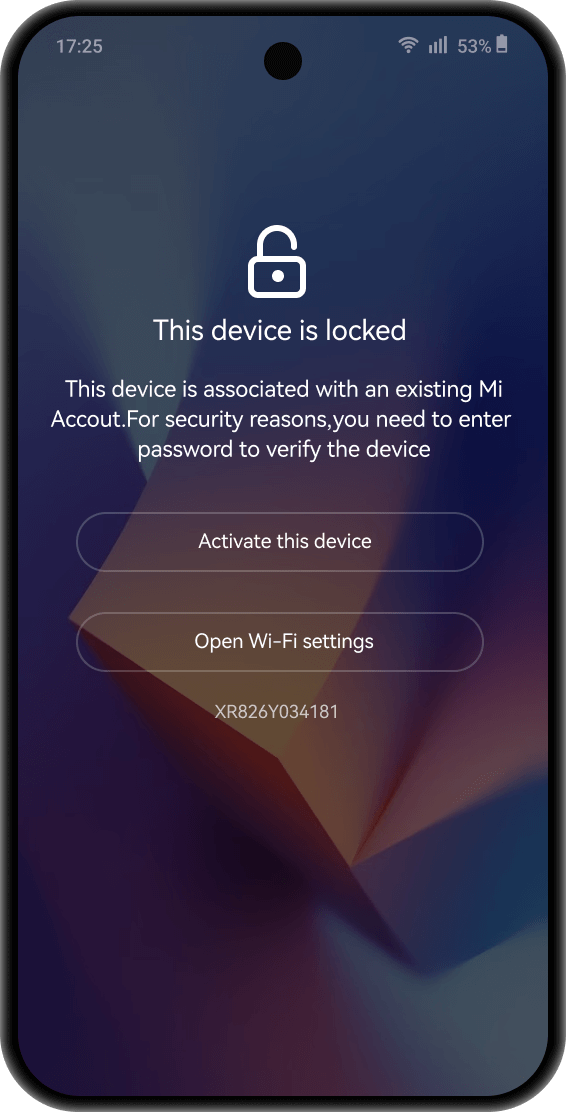
Dr.Fone Online Unlock removes Mi Account Lock and bypasses Mi Cloud verification remotely — no password, no previous owner contact, and no PC software.

Unlock Mi Account on all Xiaomi, Redmi & POCO models in any region

Bypass Mi Cloud Lock from any browser — submit unlock code and done

Trusted by 2M+ users worldwide with high success rate

Full refund guarantee if unlocking fails — zero risk to try
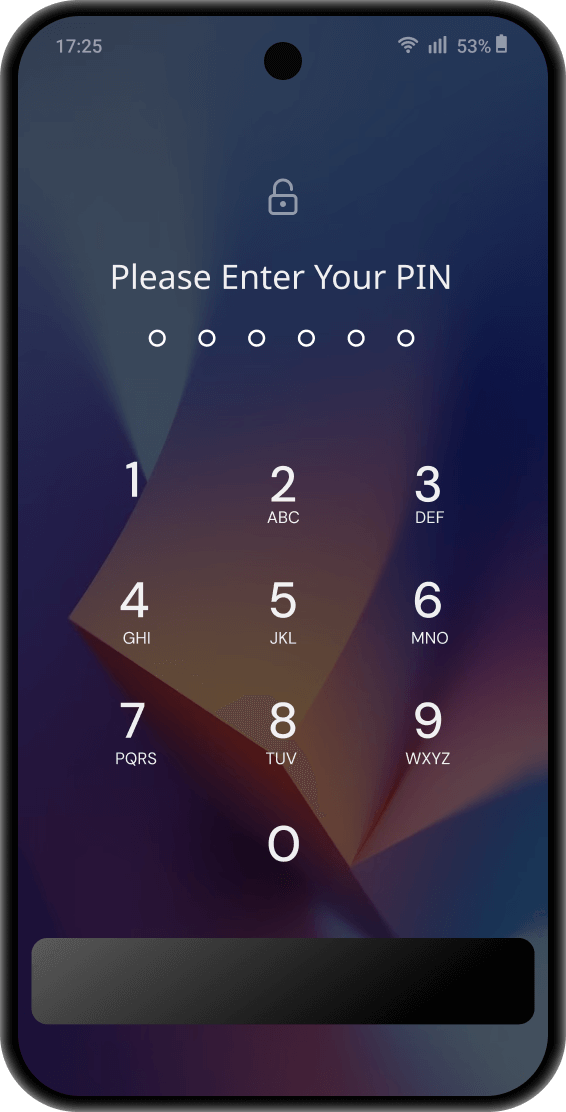
Dr.Fone - Screen Unlock completely removes all types of screen lock on Mi devices via USB connection to your computer — fast, easy, and reliable.

100% bypass PIN, pattern, password, fingerprint, and face unlock

Guided step-by-step process — anyone can unlock in minutes

Works on Xiaomi, Redmi, and POCO phones/tablets worldwide

Supports newest MIUI and HyperOS versions
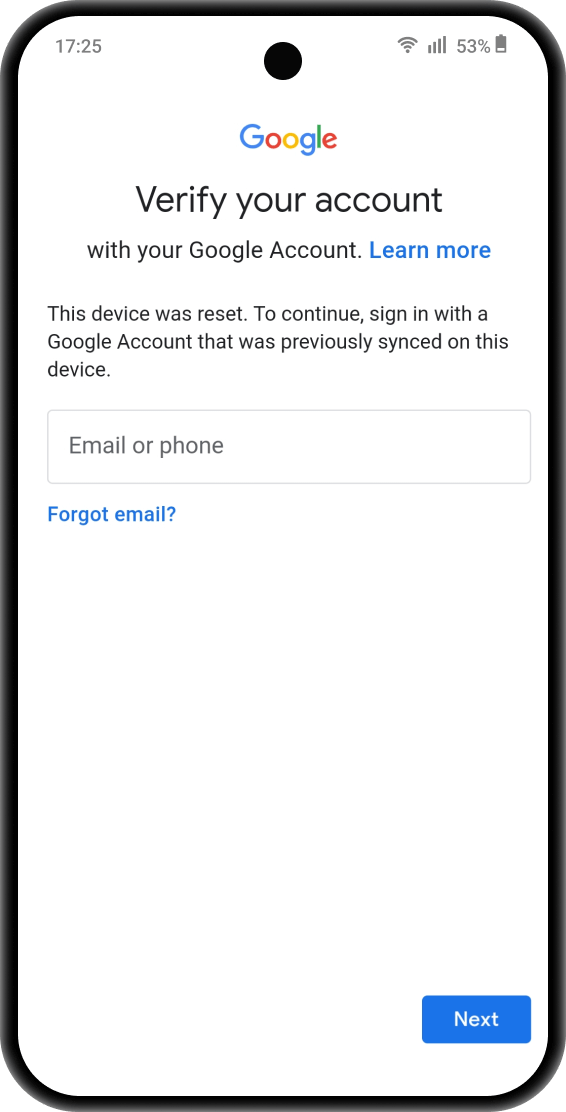
Dr.Fone - Screen Unlock removes Google account verification on Mi devices. Compatible with newest MIUI and HyperOS versions.

Complete bypass in minutes — activate Mi device instantly

Two FRP unlock options available — select based on your Mi device model

All Xiaomi & POCO phones/tablets, plus wide range of Redmi models

Automated setup with step-by-step visual guide — software handles technical details
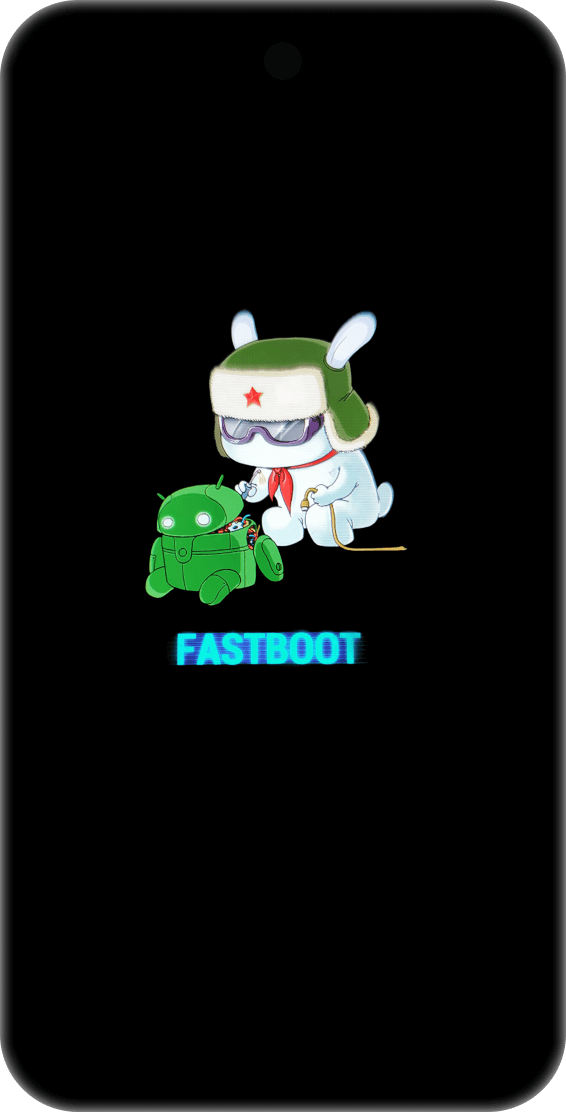
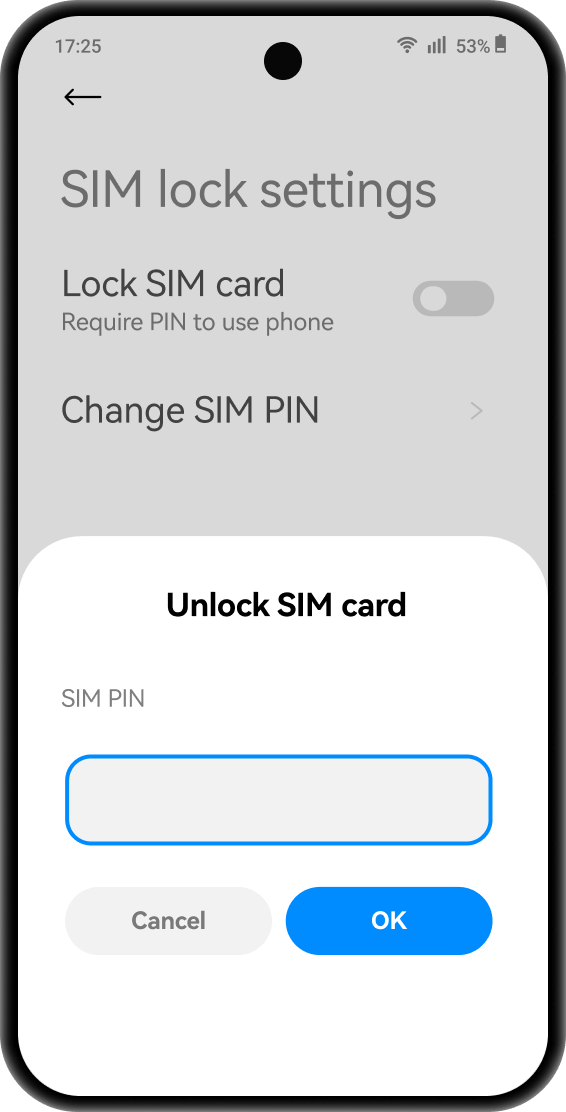
What You Can Do After Xiaomi Unlock
From fixing “This device is locked” to customizing MIUI or unlocking bootloader, discover the benefits of Xiaomi unlock.

Regain Full Access to Locked Devices
Unlock Mi account lock, screen lock and Google FRP to restore full access.

Protect Privacy on Used Devices
Remove previous owner's Mi Account and Google locks to secure your second-hand Xiaomi phone/tablet.

Install Custom Android Systems
Unlock Xiaomi bootloader to install custom Android systems for cleaner, faster, ad-free experience.

Get Full Control with Root Access
Gain root access to modify system settings and control every aspect of your Mi device.

Remove Pre-installed Bloatware
Delete unwanted system apps and pre-installed bloatware to free storage and boost speed.

Fix System Errors & Bootloop Issues
Use bootloader unlock and recovery tools to fix Xiaomi bootloop or system errors.
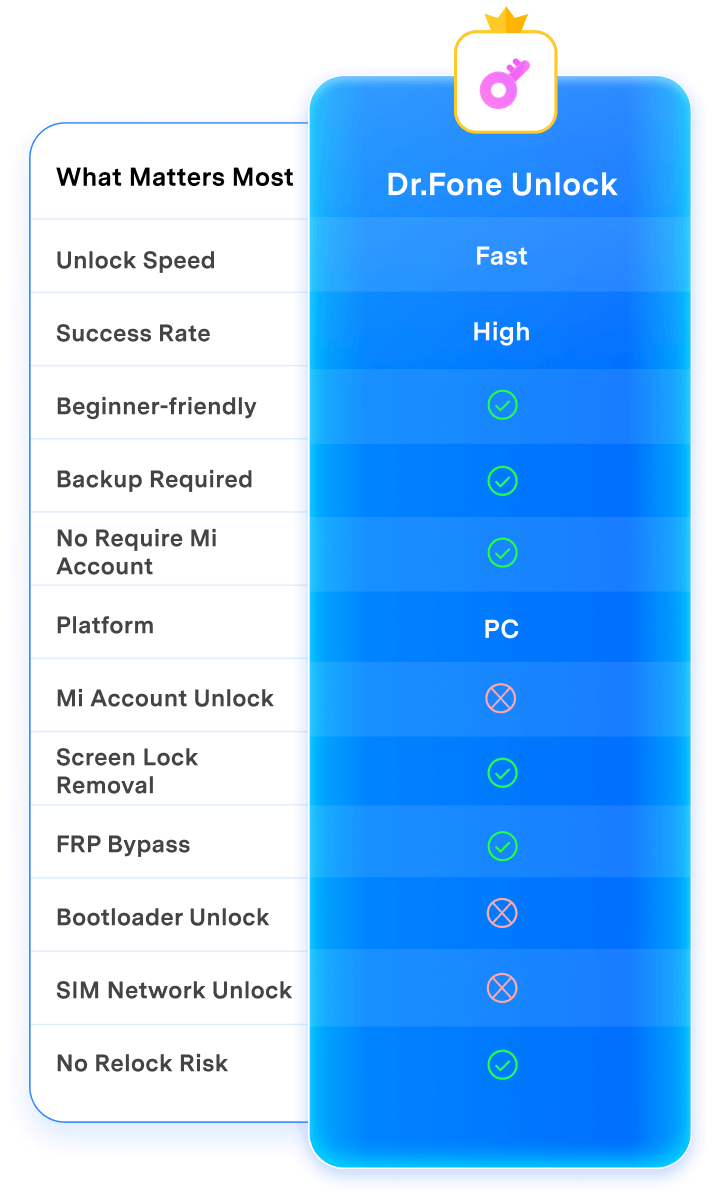
Mi Unlock Comparison: Dr.Fone vs Official Mi Unlock Tool
No data loss, no setup stress, just a complete switch that feels smooth and secure.
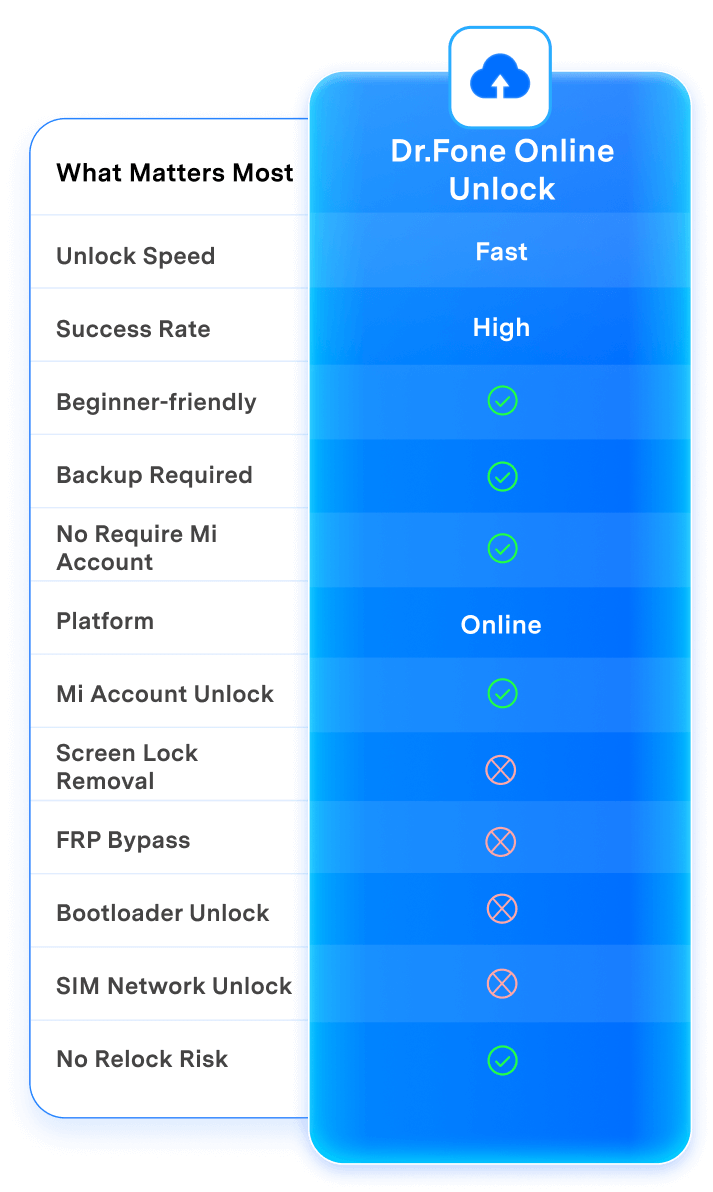
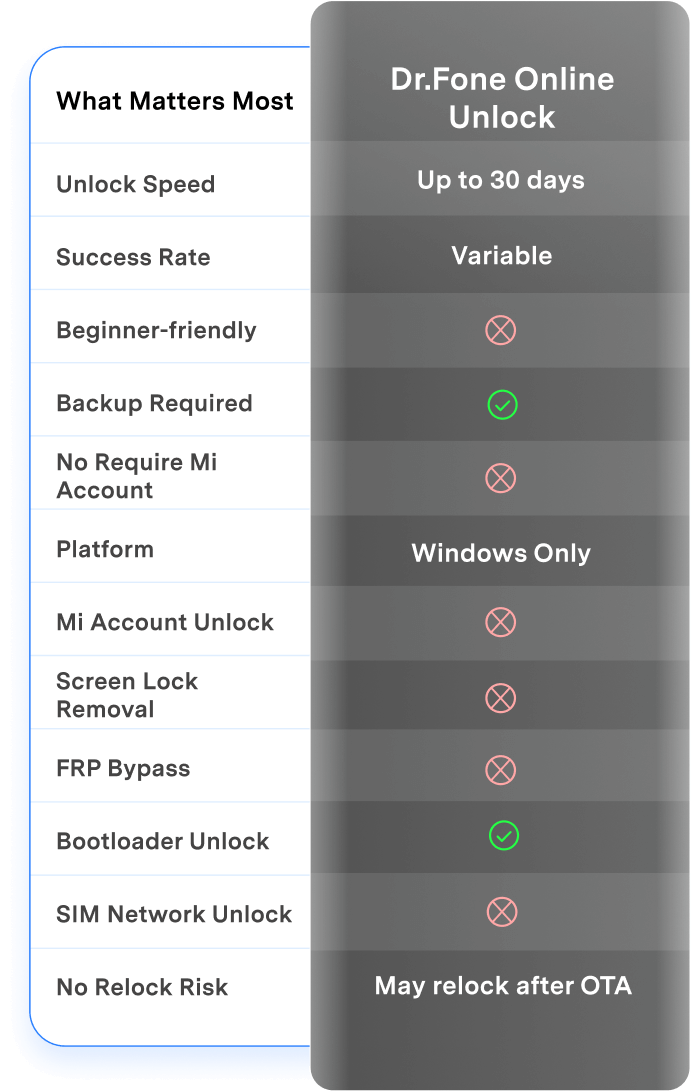
| What Matters Most | Dr.Fone Unlock | Dr.Fone Online Unlock | Mi Unlock Tool |
|---|---|---|---|
| Unlock Speed | Fast | Fast | Up to 30 days |
| Success Rate | High | High | Variable |
| Beginner-friendly |
 |
|
 |
| Backup Required |
|
|
|
| No Require Mi Account |
|
|
|
| Platform |
PC
|
Online
|
Windows Only
|
| Mi Account Unlock |
|
|
|
| Screen Lock Removal |
|
|
|
| FRP Bypass |
|
|
|
| Bootloader Unlock |
|
|
|
| SIM Network Unlock |
|
|
|
| No Relock Risk |
|
|
May relock after OTA
|

| Dr.Fone Unlock |
|---|
| Fast |
| High |
|
|
|
|
|
|
|
PC
|
|
|
|
|
|
|
|
|
|
|
|
|

| Dr.Fone Online Unlock |
|---|
| Fast |
| High |
|
|
|
|
|
|
|
Online
|
|
|
|
|
|
|
|
|
|
|
|
|
Resources & Tips on Bypassing Mi Lock



Frequently Asked Questions about Xiaomi Unlock
-
Q1. Will unlocking my Xiaomi device erase all my data?Bootloader unlock always erases all data — backup essential. Dr.Fone Online Unlock for Mi Account lock preserves your data completely. Screen lock removal may erase data depending on your device. Always backup before any unlock procedure.
-
Q2. How long does it take to unlock a Xiaomi device?Dr.Fone unlocks Mi Account and screen locks within minutes. Official Mi Unlock Tool requires 7-30 days waiting after account binding, with many users reporting longer delays due to quota limits in 2024-2025.
-
Q3. Does unlocking the bootloader void my Xiaomi warranty?Yes, bootloader unlock voids Xiaomi's warranty. However, Mi Account removal and screen lock bypass typically don't void warranty as they don't modify system partitions. Check with Xiaomi support for your region's specific terms.
-
Q4. Can I unlock a second-hand Xiaomi phone without the previous owner's Mi Account?Official methods require the original owner's credentials. Dr.Fone Online Unlock can bypass Mi cloud lock without the original password or account details — ideal for legitimate second-hand purchases where the previous owner is unreachable.
-
Q5. How do I bypass Google FRP lock on my Xiaomi phone?Dr.Fone - Screen Unlock removes Google FRP lock with step-by-step guidance — no technical skills needed. Alternatively, sign in with the Google account previously synced to your device if you remember the credentials.
-
Q6. Why does Mi Unlock Tool show "quota limit reached" error?Xiaomi's 2025 policy limits bootloader unlocking to 1 device per year per account. The quota error occurs when servers reach capacity. This restriction only affects bootloader unlock — Mi Account and screen lock removal aren't limited.
Technical Specification
Operating Supported
-
 On Windows
Windows 7 or later
On Windows
Windows 7 or later -
 On MacOS
macOS 10.13 or later
On MacOS
macOS 10.13 or later -
 Online (Web Browser)
No PC required for Mi Account unlock
Online (Web Browser)
No PC required for Mi Account unlock
Devices Supported
-
 Xiaomi / Redmi / POCO
All devices including phones and tablets
Xiaomi / Redmi / POCO
All devices including phones and tablets -
 Xiaomi System
All MIUI and HyperOS versions
Xiaomi System
All MIUI and HyperOS versions


Dr.Fone - Screen Unlock (Android)
Quickly and securely remove any Android lock screen and bypass Google FRP to regain full control over your device in minutes.
-
 Remove all Android lock screens
-
Support 2000+ Android models
-
Bypass Google FRP lock
-
No tech skills required
 100% Data Safe & Secure
Dr.Fone Online Unlock
A web-based unlocking service accessible from any browser without downloading software or installing programs.
-
Remove Xiaomi Mi Account lock
-
20+ IMEI verification types
-
Bypass Samsung FRP lock
-
No PC required
 100% Data Safe & Secure