Turn Off Call Recordingon iPhone
Disable the Recording Sound or Announcement?
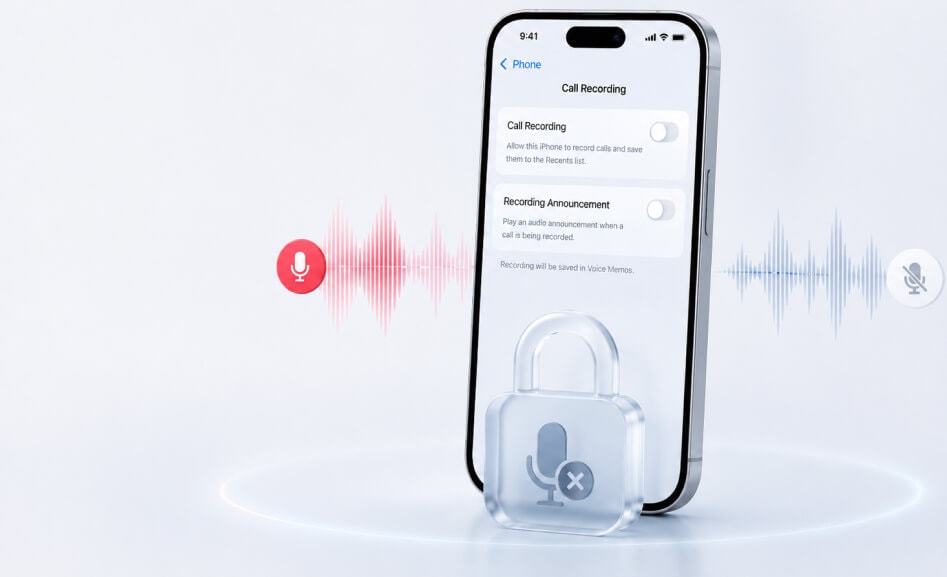
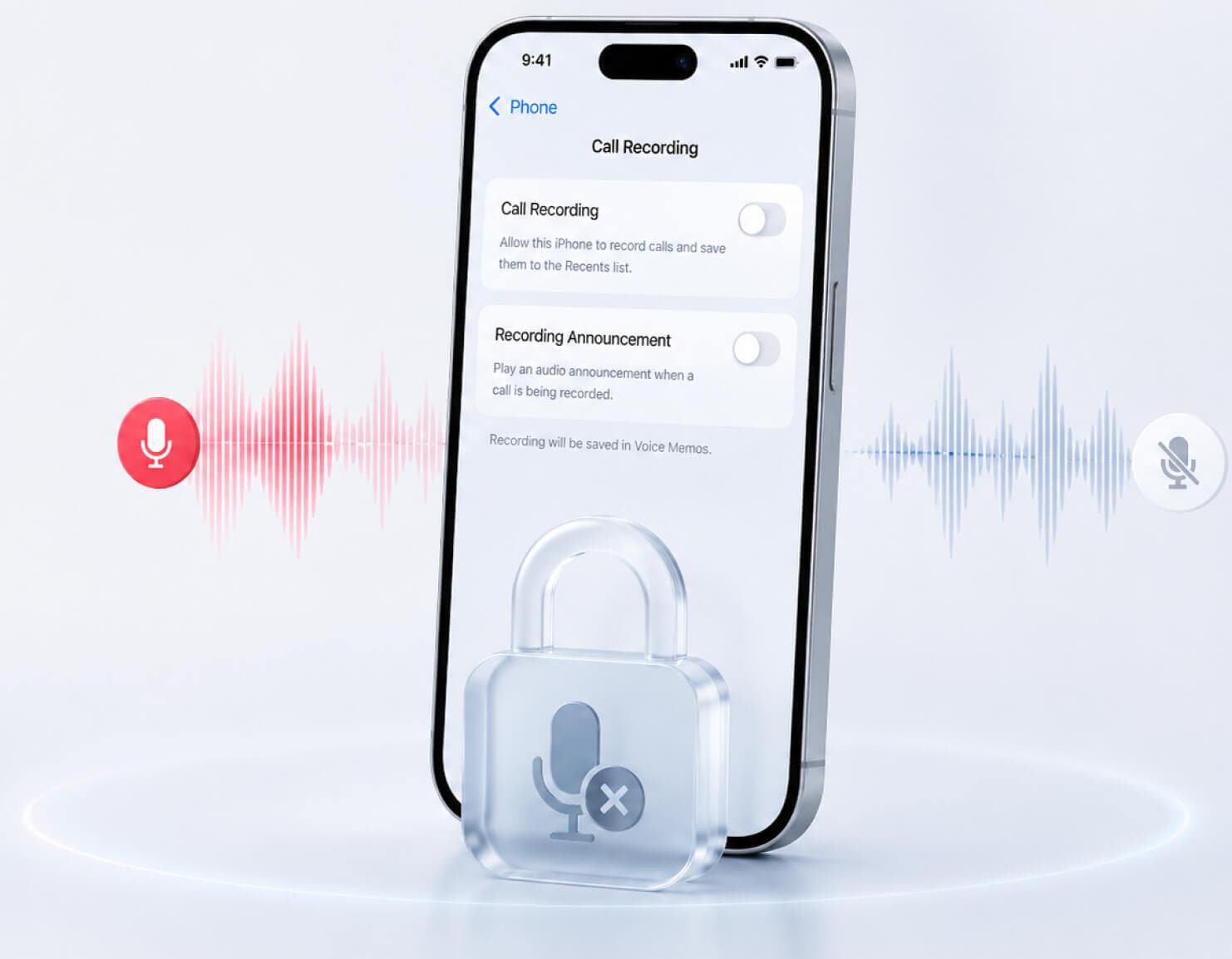
Why Your iPhone Plays a Recording Announcement?
-

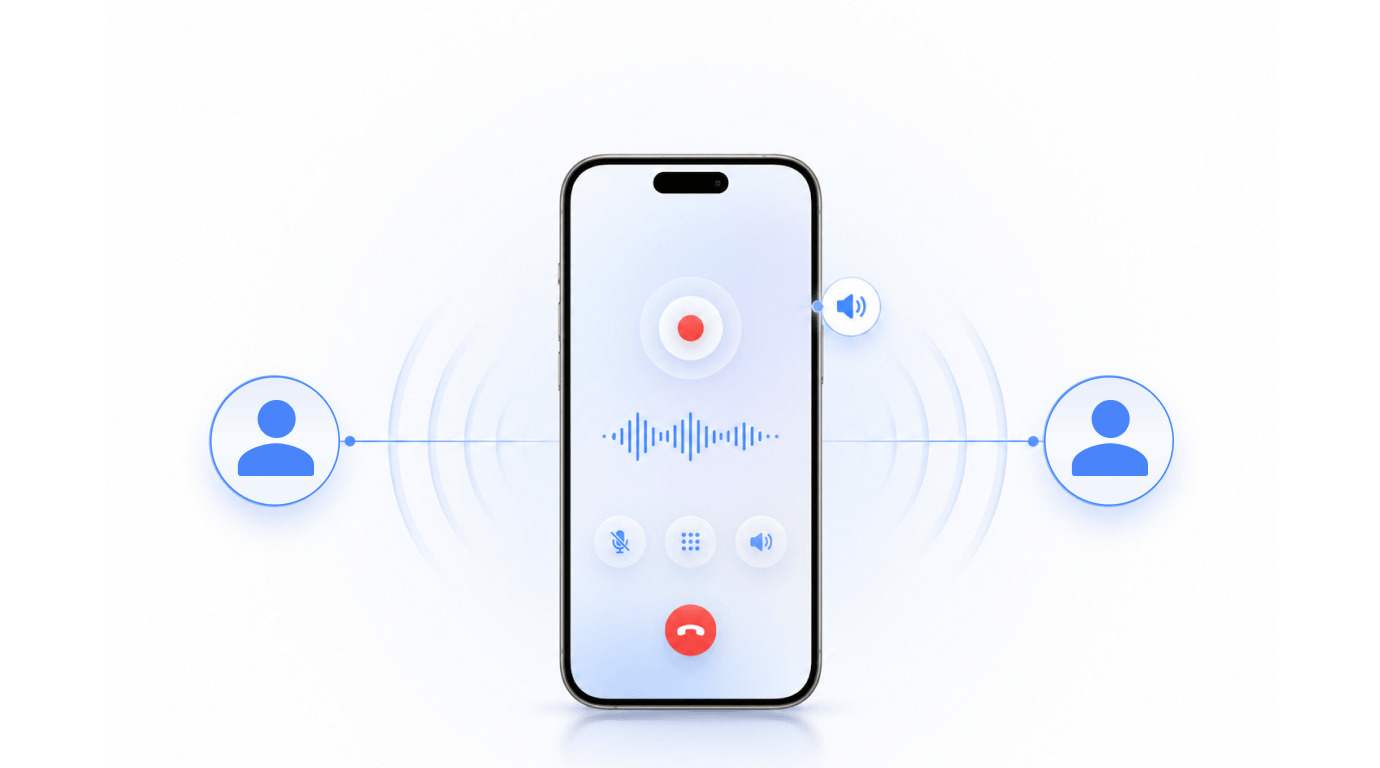
When call recording starts on iPhone, both people on the call hear a spoken notification. This is designed to let everyone know the conversation is being recorded.
-

That is why many users search for terms like “turn off call iphone recording sound” or “disable iPhone call recording sound.” In practice, the sound is tied to the recording feature, not to a separate audio setting.
How to Turn Off Call Recording on iPhone?
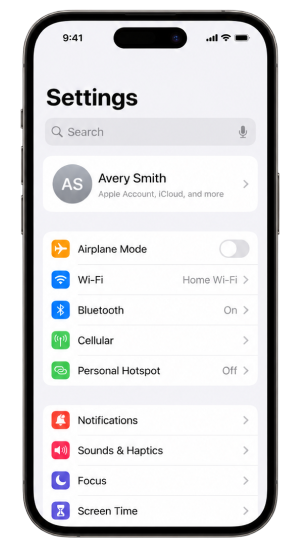
Step1
Open Settings
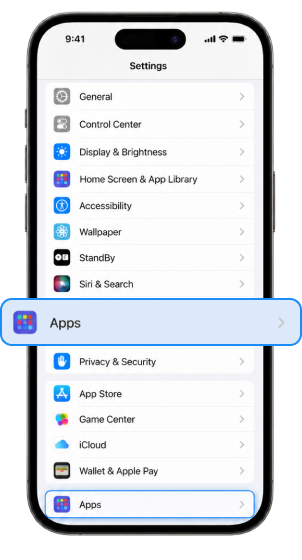
Step2
Scroll down and tap Apps
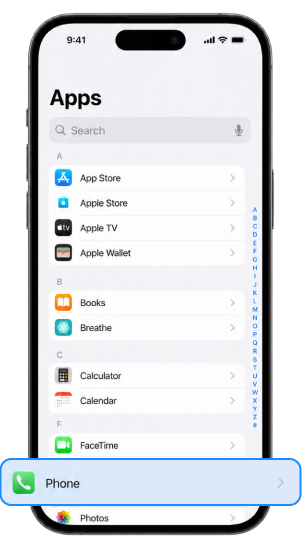
Step3
Tap Phone
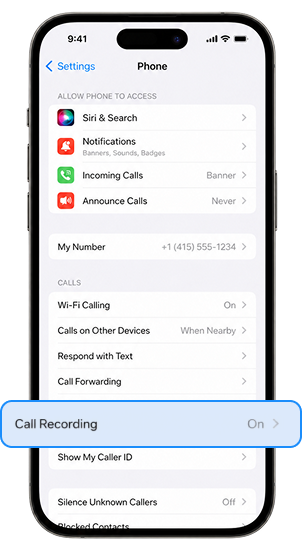
Step4
Tap Call Recording
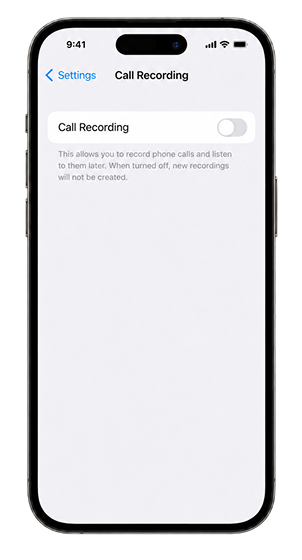
Step5
Turn Call Recording off
How to Disable Call Recording Sound on iPhone/iPad with Dr.Fone
Step 1.
Open Dr.Fone, select Screen Unlock, and choose Disable Call Recording Sound.
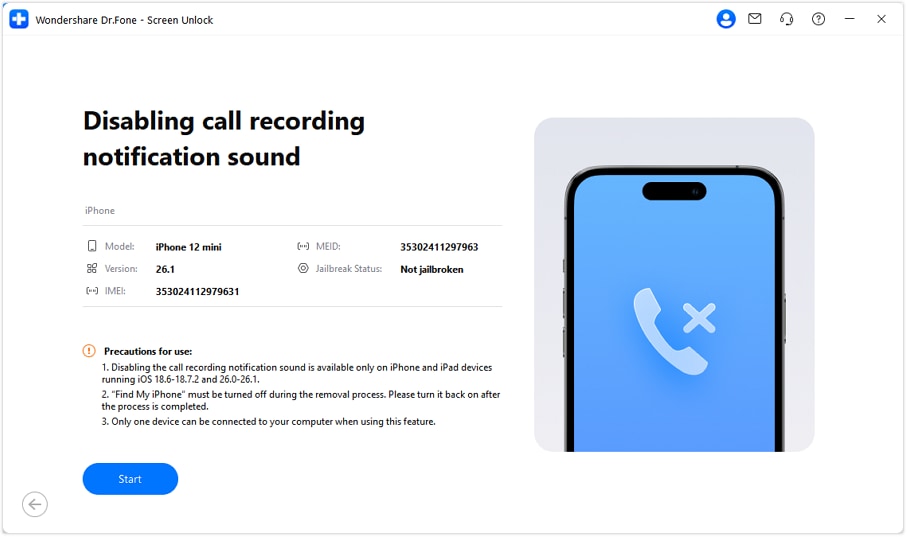
Step 2.
Turn Off "Find My iPhone" and enter the processing stage.
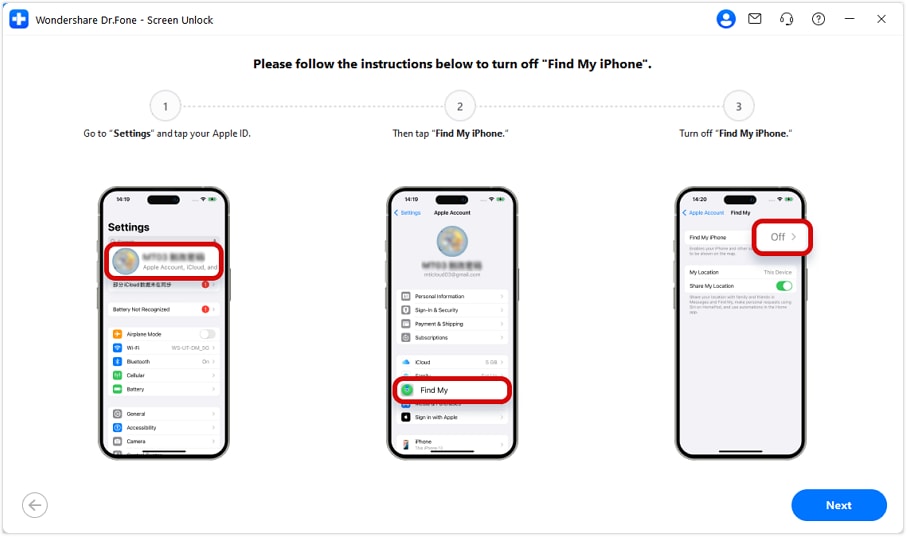
Step 3.
Open the Books App and click Done to continue. Disable Call Recording Sound has now been successfully turned off.
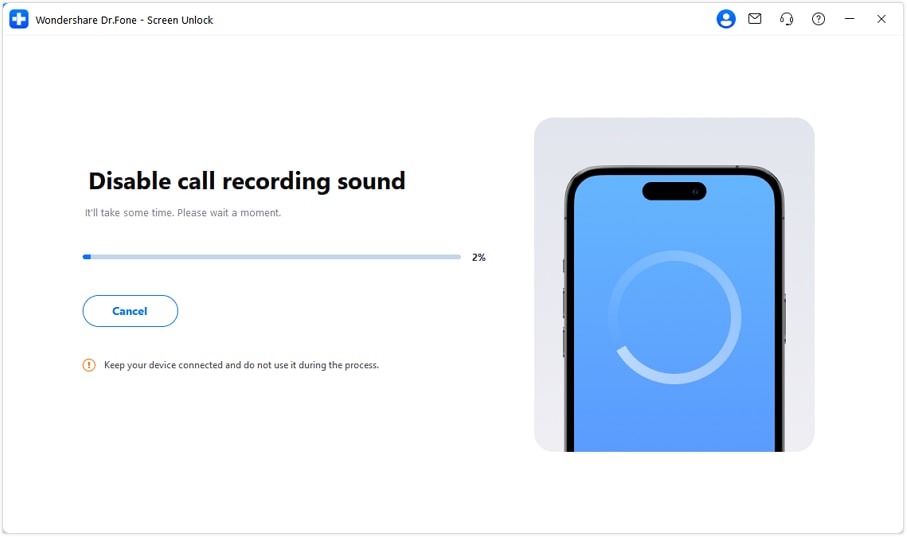
Turn Off Call Recording on iPhone: Which Approach Fits Best?
| Option | What It Does | Best For | Limitation |
|---|---|---|---|
| iPhone Settings | Turns off native Call Recording | Users who simply want recording disabled | Cannot disable only the recording sound |
| Notes App Cleanup | Lets you review and delete saved recordings | Users who want to remove past recordings | Manual and limited to saved items |
| Dr.Fone | Helps manage, back up, organize, and protect iPhone data before bigger changes | Users who want more control while cleaning up or managing device content | Does not replace Apple’s Call Recording switch |

Can You Turn Off the iPhone Call Recording Sound Only?
Short Answer: No
If you want to keep call recording on but remove the spoken recording notice, Apple does not currently provide a separate setting for that.
This is the most important point users need to know:
- You can disable Call Recording
- You cannot disable only the recording announcement
- You cannot keep native recording active and silence the spoken notice at the same time
If your real goal is to stop the message from playing during calls, turning off Call Recording is the official solution.
Where Are iPhone Call Recordings Saved?
If you recorded calls before turning the feature off, those recordings are typically saved in the Notes app.
You can open Notes, look for the Call Recordings folder, and then play, review, or delete saved recordings there. Turning off Call Recording does not automatically erase recordings you already saved.

What If You Cannot Find the Call Recording Option?
If you do not see Call Recording in Settings, there are several possible reasons.
If you do not see the feature, check whether your device, region, and software version support it

Reason 1.
Your Region May Not Support It
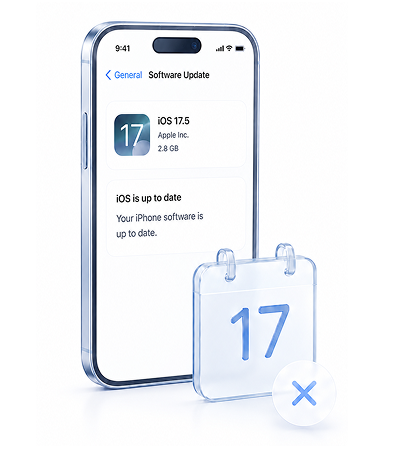
Reason 2.
Your iOS Version May Differ
Reason 3.
Your Language or Feature Availability May Be Limited

Reason 4.
Your Device Setup May Not Match Current Guides
Frequently Asked Questions
Q1. How do I disable iPhone call recording sound?
You cannot disable only the sound or spoken recording notice by itself. To stop the audio announcement, you need to turn off Call Recording in Settings > Apps > Phone > Call Recording.
Q2. Can I turn off only the “This call is being recorded” message?
No. Apple does not currently provide a separate switch for that message while keeping call recording enabled.
Q3. How do I turn off call recording on iPhone?
Open Settings, tap Apps, tap Phone, then open Call Recording and turn it off.
Q4. Why does my iPhone say a call is being recorded?
That spoken message is part of Apple's call recording feature. It plays when recording starts.
Q5. Where are recorded calls saved on iPhone?
They are generally saved in the Notes app, often in a Call Recordings folder.

Dr.Fone - Screen Unlock (iOS)
Your 100% Trustworthy iPhone Unlocker