



 100% Security Verified

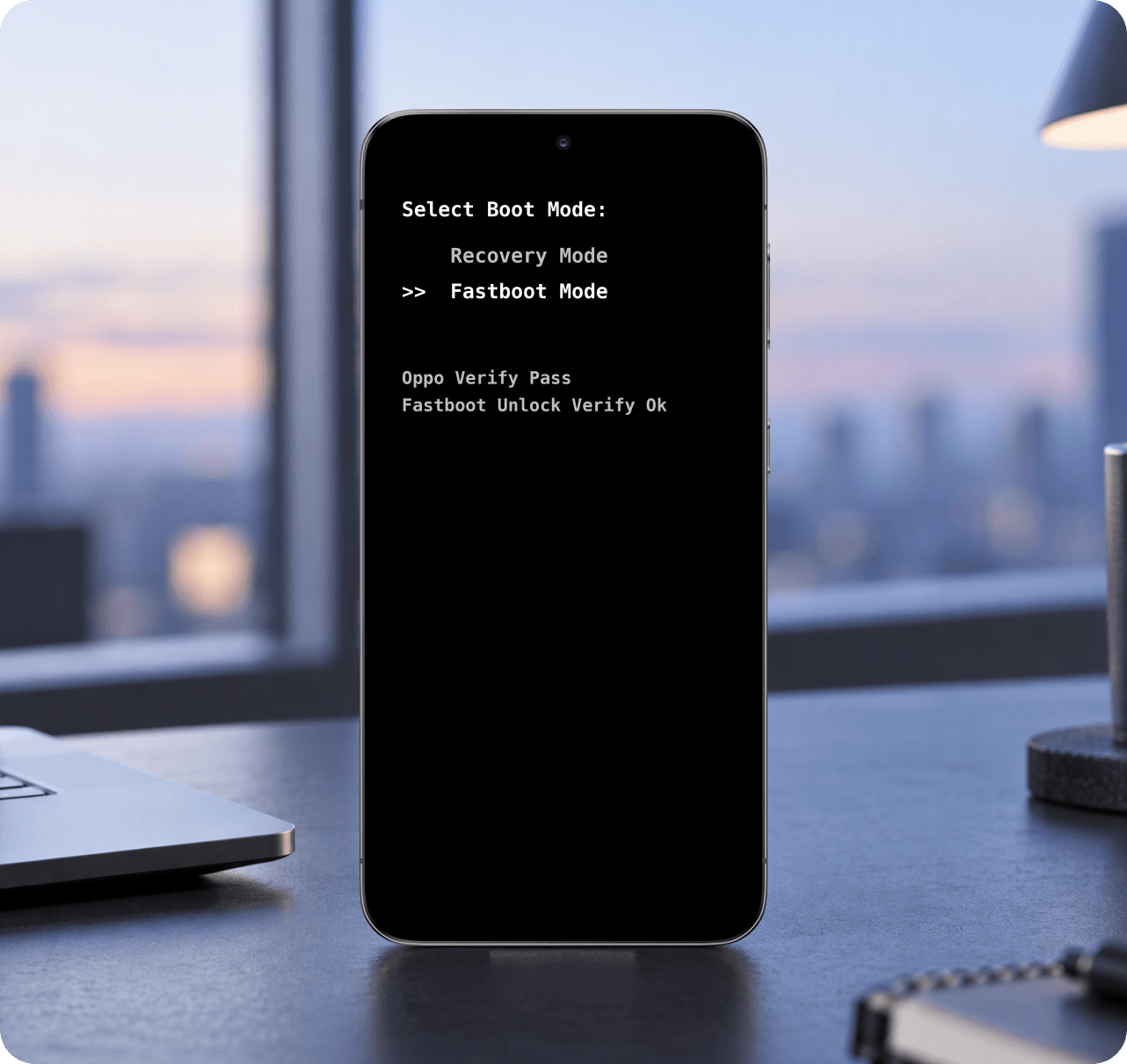

DNX Fastboot Mode Explained
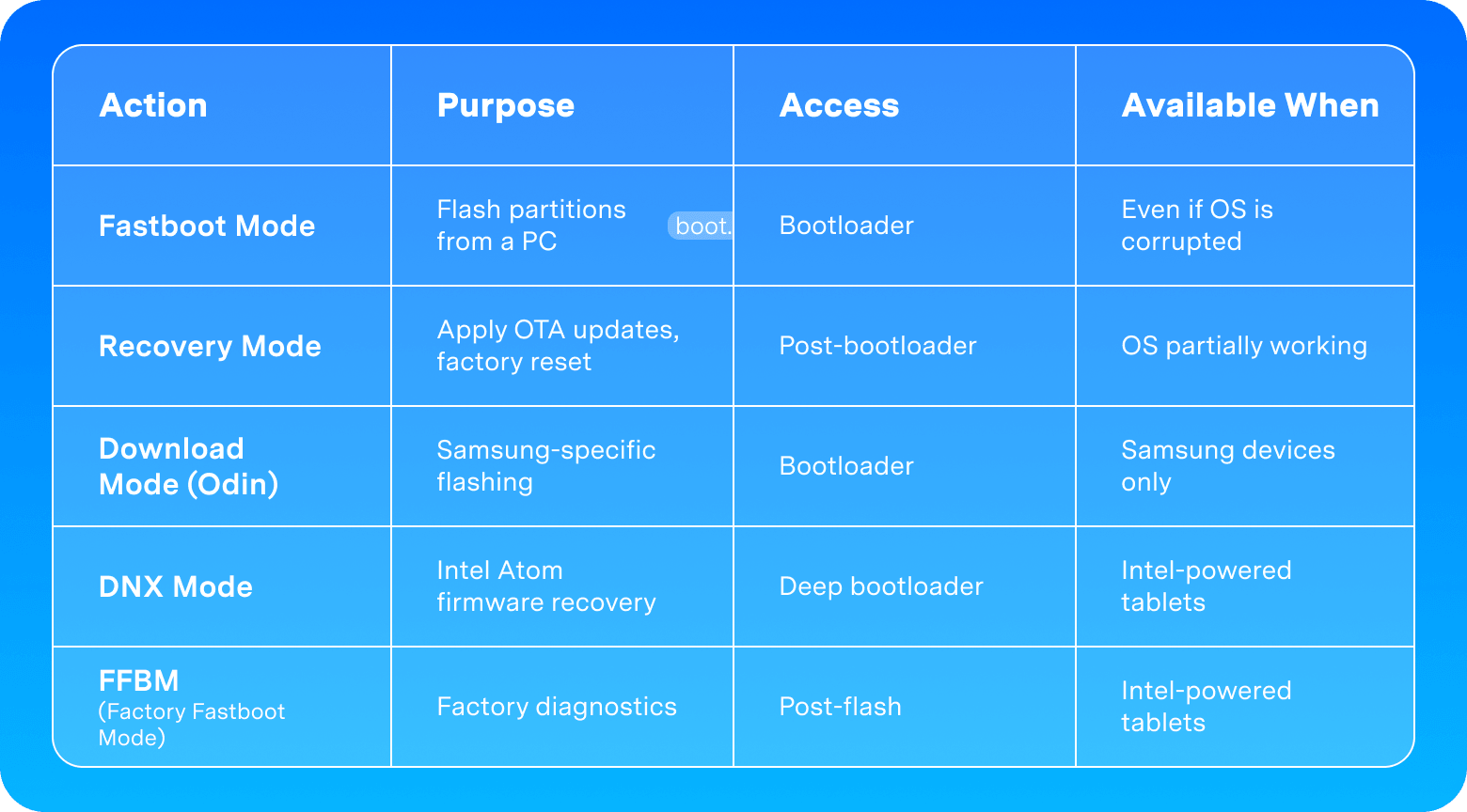
DNX (Download and Execute) Fastboot Mode is a special low-level boot state found on Intel Atom-powered Android tablets and 2-in-1 devices — most notably from Nextbook, Chuwi, some Lenovo tablets, Asus ZenFone with Intel chips, and older ZTE tablets.
When you see "Entering DNX mode. Waiting for fastboot command" on your screen, it means:
- The device's IFWI (Intel Firmware Wrapper Image) is corrupted or missing
- The firmware is waiting for a PC to send flashing commands via Intel's XFSTK or Phone Flash Tool
- Standard fastboot commands from Android SDK will not work — DNX requires Intel-signed drivers
How to exit DNX Fastboot Mode:
- Connect the tablet to a Windows PC with Intel Android USB Driver installed.
- Use Intel's official Phone Flash Tool Lite to reflash the IFWI partition.
- Or reboot with
fastboot reboot(if the DNX stub accepts it).


