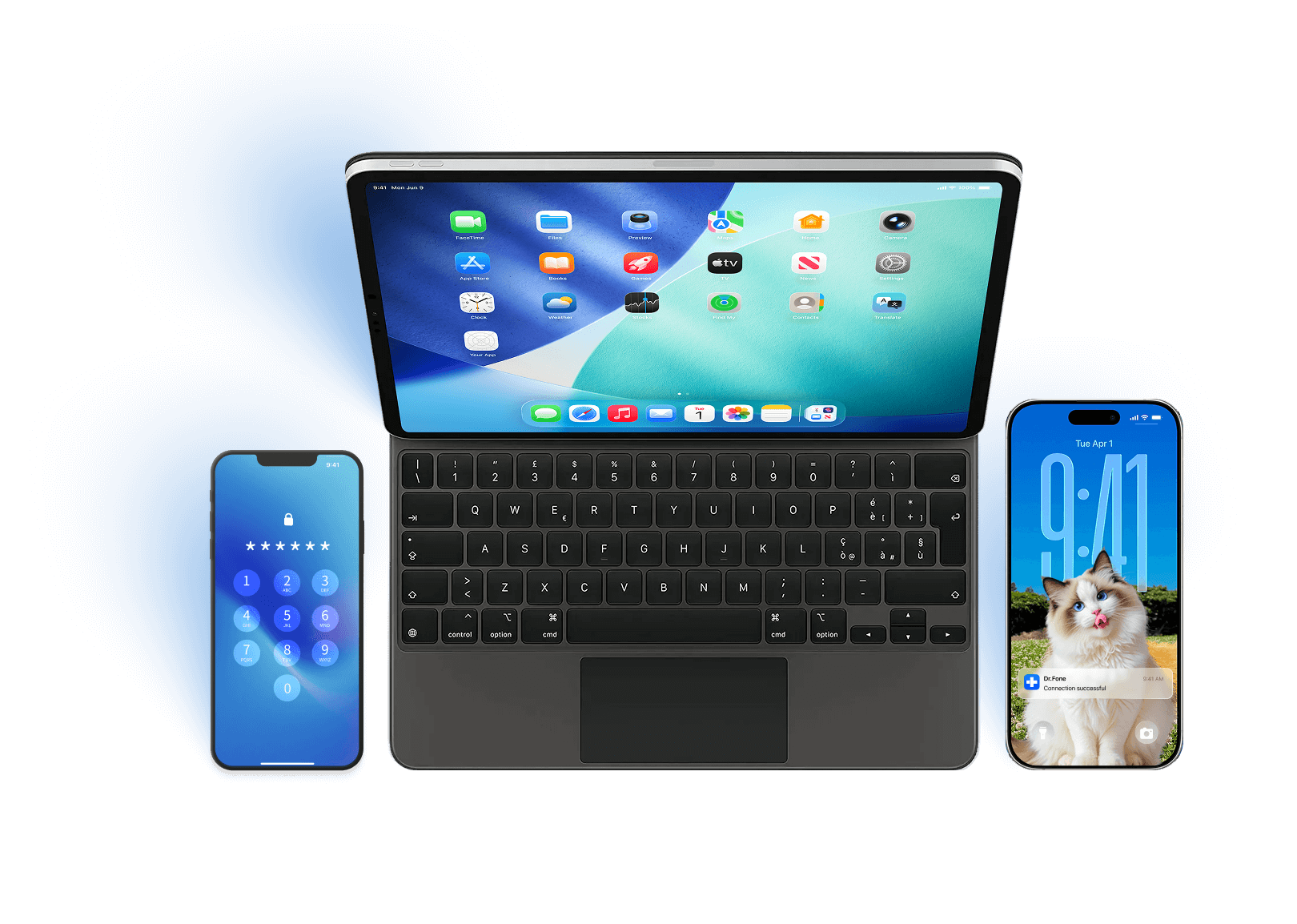
Supports iOS 16.7.11
Dr.Fone - iCloud Activation Unlocker Supports iOS 16.7.11

Remove iCloud Activation Lock on iPhone and iPad

How Dr.Fone's iCloud unlocker can bypass iCloud activation lock and solve your problems:

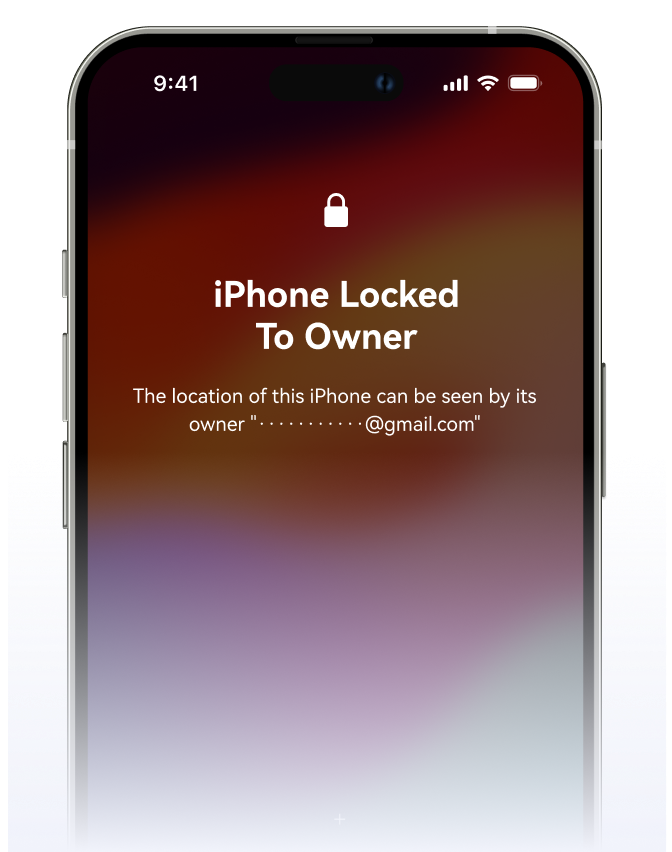
Locked to owner, forgot your Apple Account, or bought a used iPhone linked to a previous owner? Start with official Apple options, then explore supported removal solutions based on your device, ownership status, and system version. Turn off camera sound without any restrictions via iCloud activation unlocker.
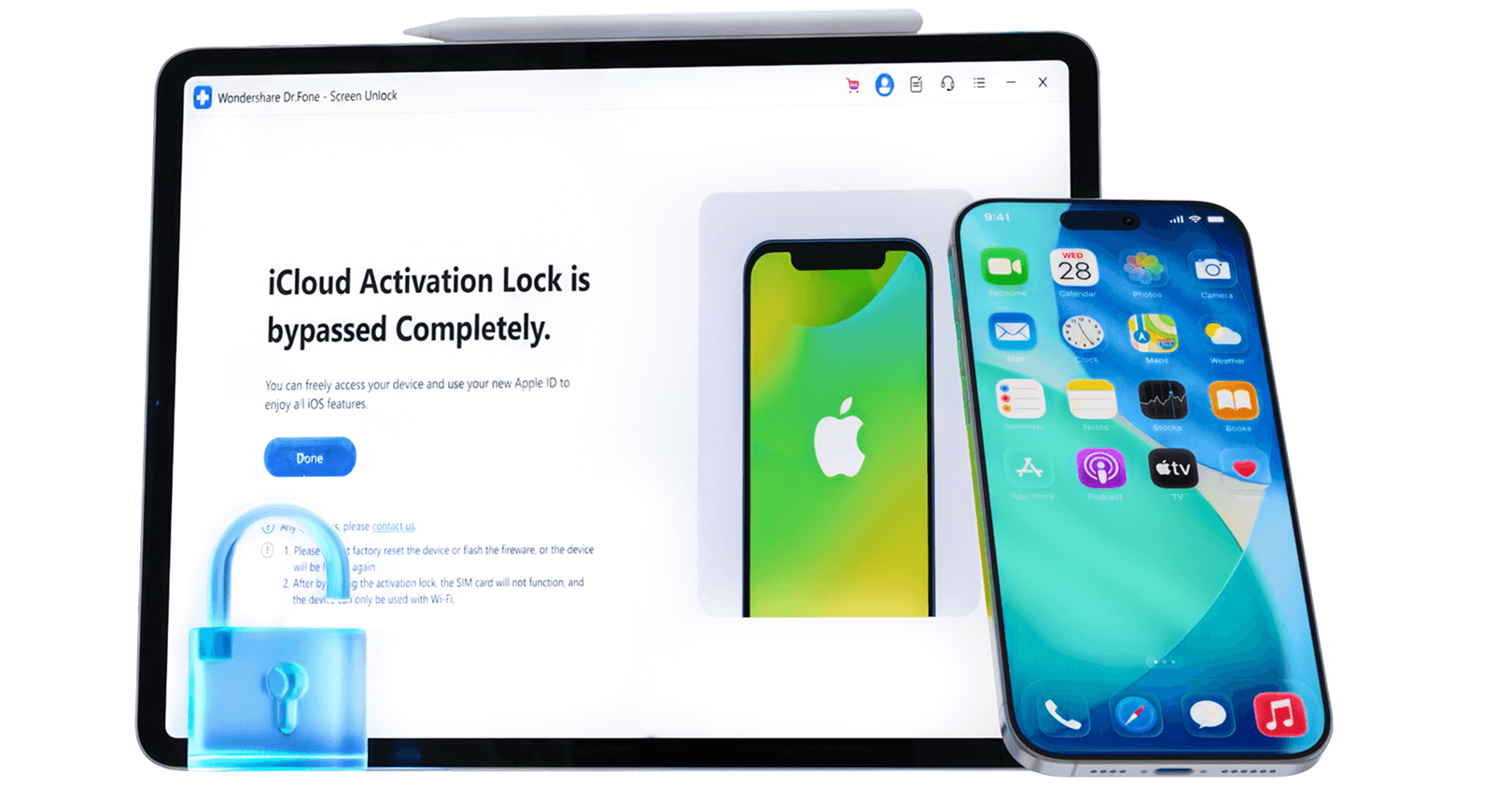
Watch how to remove the iCloud activation lock easily and quickly

Common Scenarios for Activation Lock Removal

Dr.Fone - iCloud Activation Unlocker is the iCloud bypass tool for you whether you forgot your iCloud login, purchased a used device with the previous owner's information,lost your device, or got locked out due to incorrect passwords. Our product can remove iCloud activation lock and give you complete control over your phone.
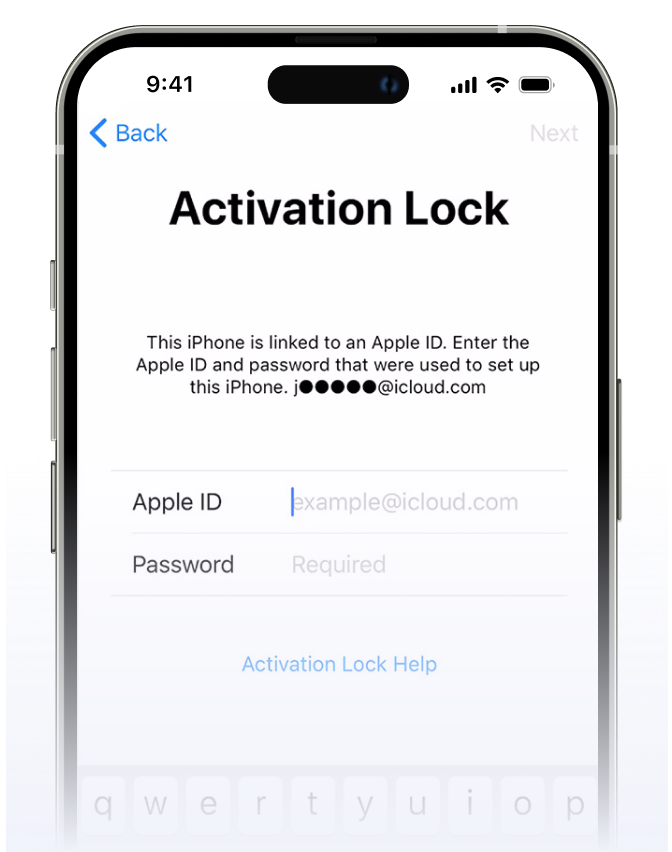
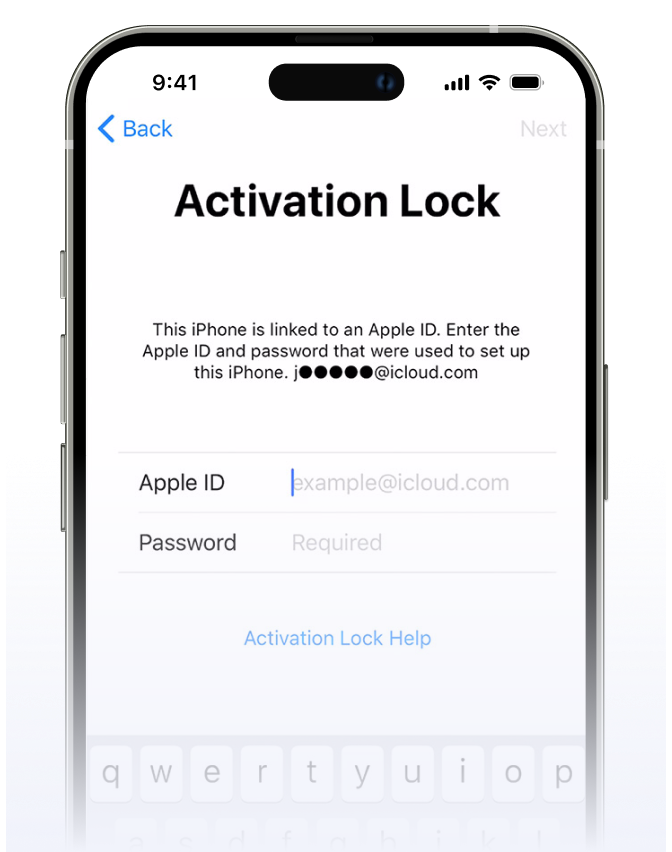
Forgot the Password
Forgot the Password
When restoring your device, you may come across the Activation Lock screen if you have forgotten your password.
Forgot the Password
Purchased a Used iPhone or iPad
When you purchase a second-hand device that is still linked to the previous seller's information or if the seller did not provide the login information for the iCloud account, you must be wondering how to remove activation lock without previous owner.
df
Got iDevices as Gift
You may receive an inherited or gifted iPad or iPhone from family or friends, only to find that devices are locked with someone else's Apple ID. In such cases, it is essential to remove the iCloud activation lock.
df
Device Got Lost or Stolen
Need Help Proving Ownership
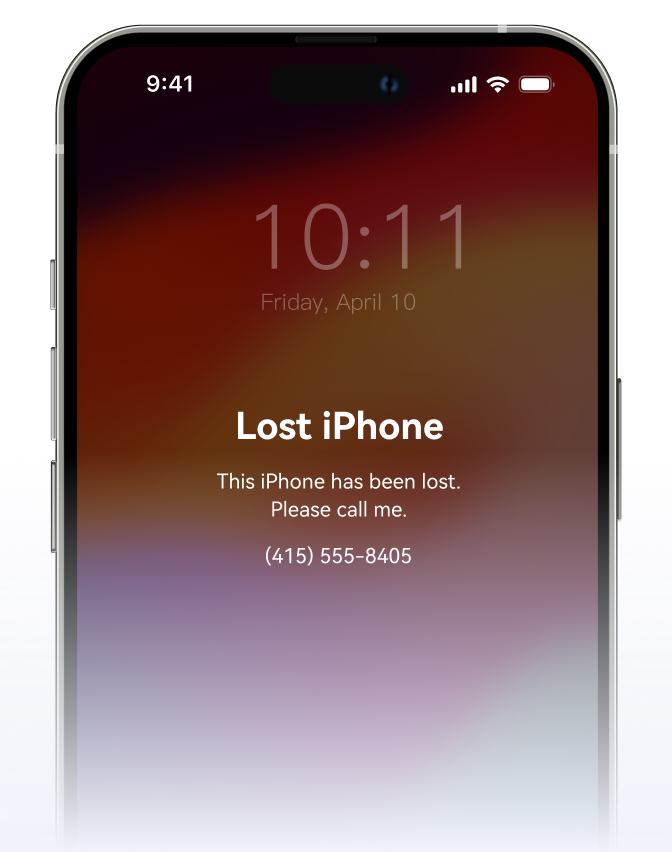
Losing your device or having it stolen can be frustrating. Once you have regained access to your devices, it is essential to bypass the activation lock in case you have forgotten the password, ensuring the prevention of unauthorized access to personal information.

What You Can Do After Activation Lock Removal?

Get the most out of your idevice from activation lock removal with Dr.Fone - iCloud Activation Unlocker.
Delete activation lock, bypass the iCloud activation lock and enjoy the complete functionality of your device.

Regain access to the device and fully experience the device's features.
dr fone frp unlock

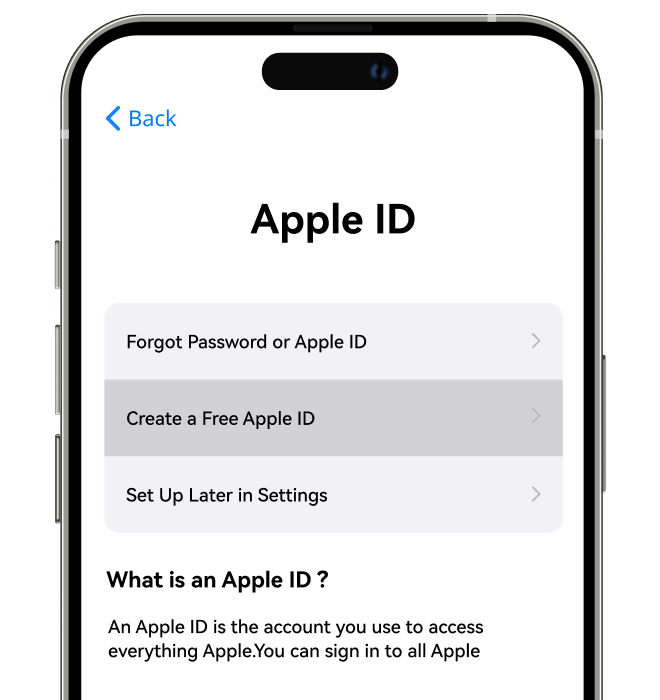
Set up one's own iCloud account and Apple ID for information security.
dr fone frp unlock

Make idle devices usable again.

dr fone frp unlock

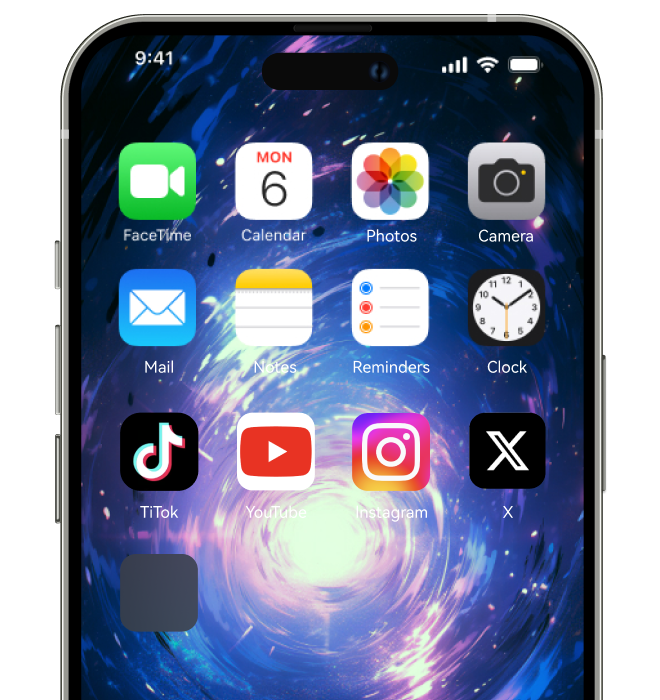
Customize the appearance, layout, and functionality of the devices.
dr fone frp unlock

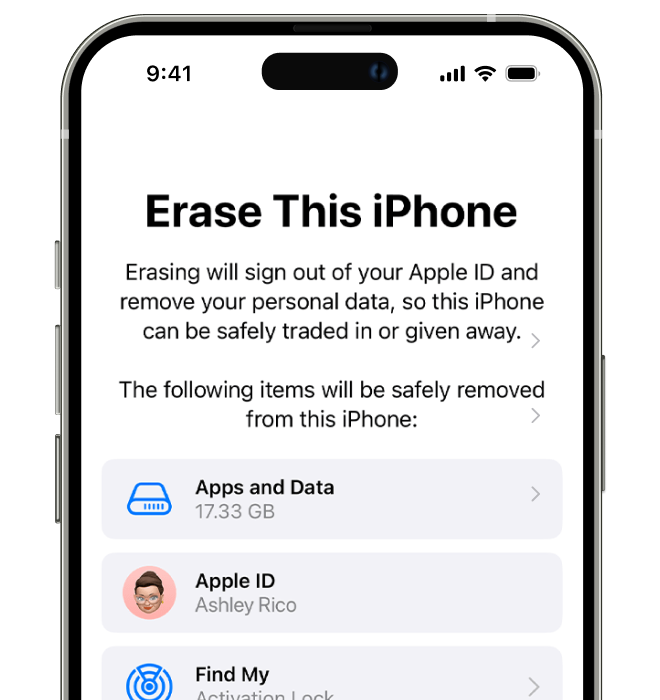
Minimize the risk of your iOS device being remotely erased by the previous owner.
dr fone frp unlock

Facilitate second-hand phone sales to ensure new owners can smoothly use devices.
dr fone frp unlock
1/4

Deactivate Activation Lock On iDevices At Ease

Dr.Fone - iCloud Activation Unlocker can erase activation lock without Apple ID and remove the iCloud activation lock on iPhone/iPad/iPod Touch Whether you forgot your iCloud password or just bought a second-hand devices locked to owner.

df df
df
df

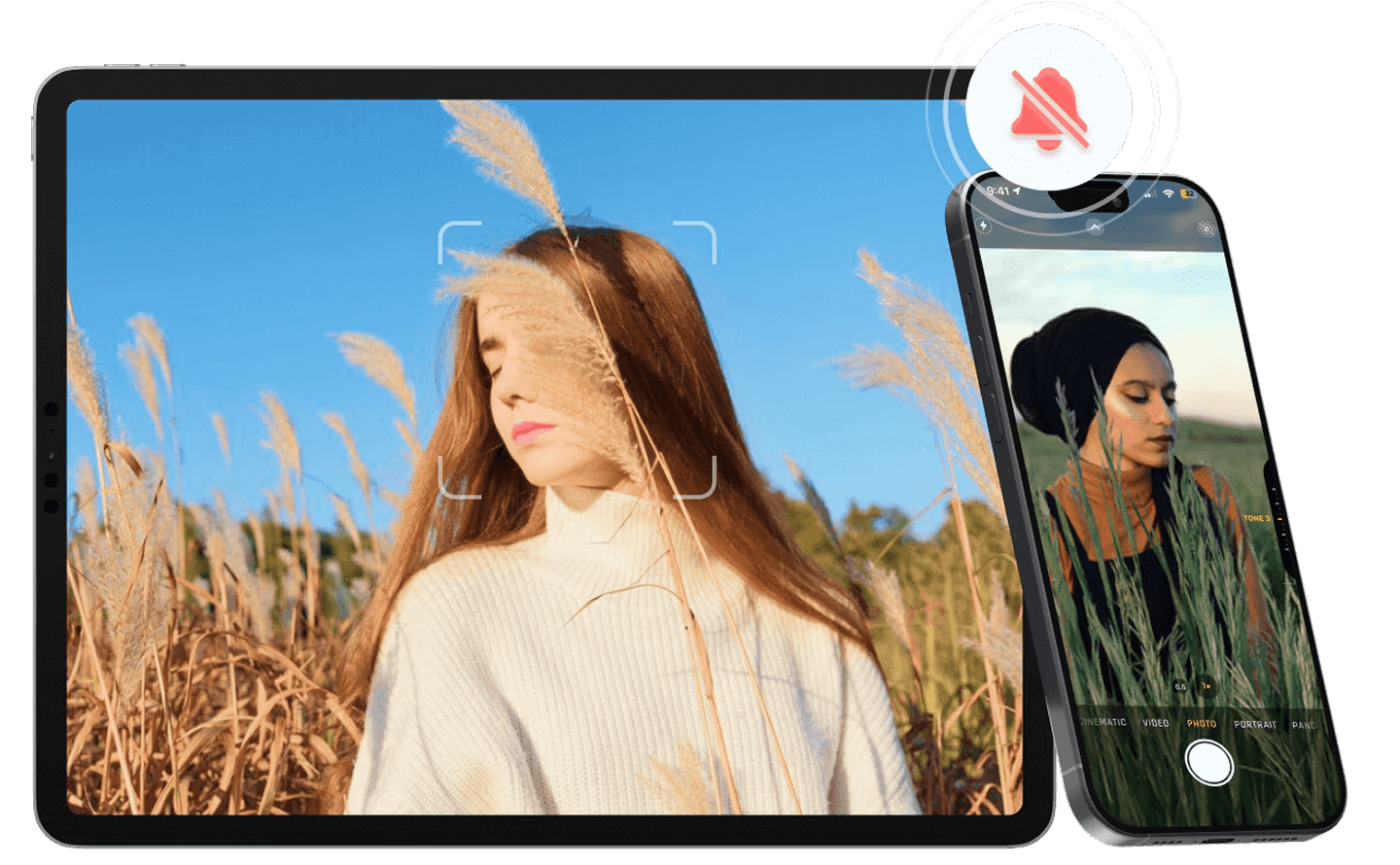
Turn Off Camera Shutter Sound on iDevices

Dr.Fone - iCloud Activation Unlocker allows you to turn off camera sound without any restrictions or muting your entire phone. Whether you're an iPhone or iPad user, this feature gives you the freedom to take control of your device's audio and take photos with confidence!

Check how to turn off camera sound in detail >>
df df

Why Choose Dr.Fone?

148.5 M+
Satisfied Customers
95+
Countries Served
100%
Data Security
650K+
Partners Worldwide
24/7
Technical Support
148.5 M+
Satisfied Customers
95+
Countries Served
100%
Data Security
650K+
Partners Worldwide
24/7
Technical Support
quotation

System Repair by Wondershare Dr.Fone is an excellent alternative to iTunes for fixing iOS issues. It resolves many problems by reinstalling the latest package, which doesn't wipe out your iPhone's data.

quotation

With its new powerful desktop and online solution, Wondershare Dr.Fone offers a complete mobile device solution for Android and iOS devices, with useful how-to guides and technical fixes for a wide variety of mobile issues.

quotation

Wondershare's Dr.Fone offers iPhone and iPad users a full software suite that goes beyond the iOS management that's possible with iTunes/Finder in macOS. Features include data recovery, erasing/restoring all or just parts of your data, system repair, restoring social media apps, getting around your device's lock screen, and more.

quotation

If your iPhone is not responding or turning on, then this is probably one of the best tools to fix it. The tool guarantees that during the recovery process, none of your data will be lost.

quotation

Dr.Fone can help you with your smartphone in many ways. It can recover deleted data, back up and transfer files, unlock screens, repair your OS, switch between different types of smartphones, transfer WhatsApp chats between iOS and Android, and more.

quotation

Dr.Fone is a comprehensive software suite developed by Wondershare that addresses a wide range of needs for smartphone and computer users. When transferring data between Android devices, Dr.Fone offers a mix of ease, efficiency, and security, making it a preferred choice for many.

quotation

System Repair by Wondershare Dr.Fone is an excellent alternative to iTunes for fixing iOS issues. It resolves many problems by re-installing the latest package, which doesn't wipe out your iPhone's data.

quotation

With its new powerful desktop and online solution, Wondershare Dr.Fone offers a complete mobile device solution for Android and iOS devices, with useful how-to guides and technical fixes for a wide variety of mobile issues.

quotation

Wondershare's Dr.Fone offers iPhone and iPad users a full software suite that goes beyond the iOS management that's possible with iTunes/Finder in macOS. Features include data recovery, erasing/restoring all or just parts of your data, system repair, restoring social media apps, getting around your device's lock screen, and more.

quotation

If your iPhone is not responding or turning on, then this is probably one of the best tools to fix it. The tool guarantees that during the recovery process, none of your data will be lost.

quotation

Dr.Fone can help you with your smartphone in many ways. It can recover deleted data, back up and transfer files, unlock screens, repair your OS, switch between different types of smartphones, transfer WhatsApp chats between iOS and Android, and more.

quotation

Dr.Fone is a comprehensive software suite developed by Wondershare that addresses a wide range of needs for smartphone and computer users. When transferring data between Android devices, Dr.Fone offers a mix of ease, efficiency, and security, making it a preferred choice for many.

drfone user
Jack L. – Student, London, UK
star
I was desperate when I forgot the PIN for my Samsung Galaxy S24, but the Dr.Fone application saved the day! This unlock tool walked me through how to unlock android phone without password step by step, and now my phone is back in my hands. Super easy to use—10/10 recommend downloading this unlock tool!
drfone user
Sarah W. – Photographer, Berlin, Germany
star
My Google Pixel 8 was stuck with an FRP lock after a factory reset, and I tried so many frp bypass tools that didn’t work. Then I found Dr.Fone - Screen Unlock (Android)—this frp unlock tool is a game-changer! The dr fone app guided me through the FRP bypass process smoothly, and I could use my phone again in minutes. Worth every penny!
drfone user
Daniel P. – Marketing Manager, New York, NY
star
I accidentally set a hard pattern lock on my OnePlus 12 and couldn’t remember it at all. I searched 'how to remove screen lock password' and found the Dr.Fone apk. This unlocking tool is incredibly user-friendly; it helped me remove the pattern lock without losing any data. Thank you, Dr.Fone!
drfone user
Emily R. – Freelancer, Toronto, Canada
star
My Xiaomi 14 was locked because my kid messed with the lock screen settings. I needed to know how to unlock a locked phone fast, and the Dr.Fone app was the answer. It’s the best unlock tool for Android—simple, effective, and got my phone working again in no time. I’ll definitely recommend it to friends!
drfone user
Lisa B. – Graphic Designer, Austin, TX
star
After updating my Oppo Find X7, the face ID stopped working, and I couldn’t get past the screen lock. I searched 'how to unlock screen' and found Dr.Fone. This dr fone application made screen lock removal a breeze, and I didn’t have to go through any complicated steps. Such a reliable unlocking tool!
drfone user
Kevin G. – IT Consultant, San Francisco, CA
star
I thought my Sony Xperia 1 VI was ruined when I forgot the password. But then I used the Dr.Fone unlock tool—its guide on 'how to unlock a android phone' was clear, and the process was quick. Now my phone is as good as new! Great job, Dr.Fone team!
drfone user
Frank M. – Engineer, Paris, France
star
My Motorola Edge 50 Fusion had an FRP lock that I couldn’t bypass on my own. I tried other frp unlock tools, but none worked as well as Dr.Fone. The dr phone apk was easy to download, and the app walked me through every step. Finally, I could unlock my phone and access all my data again. Thank you!
drfone user
Jessica H. – Entrepreneur, Los Angeles, CA
star
I had a mobile pattern lock on my Realme 11 Pro that I couldn’t crack. I searched 'how can you unlock an android phone' and found Dr.Fone. This unlock tool is amazing—it removed the pattern lock without any hassle, and I didn’t lose any photos or apps. I highly recommend downloading this unlock tool for anyone in a pinch!
drfone user
Michael J. – University Professor, Boston, MA
star
My Huawei Pura 70 Pro was locked, and I was panicking because I had important work files on it. The Dr.Fone app came to the rescue! It’s not just a regular unlocking tool—it’s a lifesaver. It showed me how to remove password from lock screen easily, and I got my phone back within 15 minutes. So grateful for this dr fone application!
drfone user
Olivia W. – Social Media Manager, Chicago, IL
star
I had a lock tel issue with my LG Velvet 5G—my phone was locked and I couldn’t make any calls. I needed a quick solution, so I downloaded the Dr.Fone unlock tool. It answered my question of 'how to unlock android phone' perfectly, and the process was straightforward. This is the best unlocking tool for Android devices, hands down!
drfone user
Jack L. – Student, London, UK
star
I was desperate when I forgot the PIN for my Samsung Galaxy S24, but the Dr.Fone application saved the day! This unlock tool walked me through how to unlock android phone without password step by step, and now my phone is back in my hands. Super easy to use—10/10 recommend downloading this unlock tool!
drfone user
Sarah W. – Photographer, Berlin, Germany
star
My Google Pixel 8 was stuck with an FRP lock after a factory reset, and I tried so many frp bypass tools that didn’t work. Then I found Dr.Fone - Screen Unlock (Android)—this frp unlock tool is a game-changer! The dr fone app guided me through the FRP bypass process smoothly, and I could use my phone again in minutes. Worth every penny!
drfone user
Daniel P. – Marketing Manager, New York, NY
star
I accidentally set a hard pattern lock on my OnePlus 12 and couldn’t remember it at all. I searched 'how to remove screen lock password' and found the Dr.Fone apk. This unlocking tool is incredibly user-friendly; it helped me remove the pattern lock without losing any data. Thank you, Dr.Fone!
drfone user
Emily R. – Freelancer, Toronto, Canada
star
My Xiaomi 14 was locked because my kid messed with the lock screen settings. I needed to know how to unlock a locked phone fast, and the Dr.Fone app was the answer. It’s the best unlock tool for Android—simple, effective, and got my phone working again in no time. I’ll definitely recommend it to friends!
drfone user
Lisa B. – Graphic Designer, Austin, TX
star
After updating my Oppo Find X7, the face ID stopped working, and I couldn’t get past the screen lock. I searched 'how to unlock screen' and found Dr.Fone. This dr fone application made screen lock removal a breeze, and I didn’t have to go through any complicated steps. Such a reliable unlocking tool!
drfone user
Kevin G. – IT Consultant, San Francisco, CA
star
I thought my Sony Xperia 1 VI was ruined when I forgot the password. But then I used the Dr.Fone unlock tool—its guide on 'how to unlock a android phone' was clear, and the process was quick. Now my phone is as good as new! Great job, Dr.Fone team!
drfone user
Frank M. – Engineer, Paris, France
star
My Motorola Edge 50 Fusion had an FRP lock that I couldn’t bypass on my own. I tried other frp unlock tools, but none worked as well as Dr.Fone. The dr phone apk was easy to download, and the app walked me through every step. Finally, I could unlock my phone and access all my data again. Thank you!
drfone user
Jessica H. – Entrepreneur, Los Angeles, CA
star
I had a mobile pattern lock on my Realme 11 Pro that I couldn’t crack. I searched 'how can you unlock an android phone' and found Dr.Fone. This unlock tool is amazing—it removed the pattern lock without any hassle, and I didn’t lose any photos or apps. I highly recommend downloading this unlock tool for anyone in a pinch!
drfone user
Michael J. – University Professor, Boston, MA
star
My Huawei Pura 70 Pro was locked, and I was panicking because I had important work files on it. The Dr.Fone app came to the rescue! It’s not just a regular unlocking tool—it’s a lifesaver. It showed me how to remove password from lock screen easily, and I got my phone back within 15 minutes. So grateful for this dr fone application!
drfone user
Olivia W. – Social Media Manager, Chicago, IL
star
I had a lock tel issue with my LG Velvet 5G—my phone was locked and I couldn’t make any calls. I needed a quick solution, so I downloaded the Dr.Fone unlock tool. It answered my question of 'how to unlock android phone' perfectly, and the process was straightforward. This is the best unlocking tool for Android devices, hands down!

3 Simple Steps to Remove Activation Lock on iPhone/iPad/iPod Touch

Dr.Fone - Screen Unlock (Android) effortlessly helps you figure out how to remove screen lock password, bypass FRP with top frp bypass tools, and unlock mobile pattern lock in a flash!

select drfone unlock android
select phone model to unlock
unlock android successfully
select drfone unlock android
select phone model to unlock
unlock android successfully
1
2
3
Open iCloud Activation Unlocker
Activation Lock Starts to Get Removed
Activation Lock Successfully Removed

Dr.Fone - iCloud Activation Unlocker Technical Specifications

dr fone screen unlock android processor

Processor

1 GHz or faster (Intel or AMD)

dr fone screen unlock android hard disk space

Hard Disk Space

7 GB of available hard disk space

android photo recovery software ram

RAM

1 GB of free RAM (2 GB or higher recommended)

dr fone screen unlock android os

Supported Devices

Android 5.0 and later

dr fone screen unlock android operating system

Computer OS

- Windows 11, 10, 8.1, 8, 7
- macOS 10.13 or later

dr fone screen unlock android processor

Processor

1 GHz or faster (Intel or AMD)
7 GB of available hard disk space
1 GB of free RAM (2 GB or higher recommended)
Android 5.0 and later
- Windows 11, 10, 8.1, 8, 7
- macOS 10.13 or later

FAQs About iCloud Activation Lock Removal

Q1. Can I remove Activation Lock without the previous owner?
In some cases, yes. If you are the legitimate owner, you may be able to use account recovery, iCloud removal, or proof-of-purchase support. If the device is still linked to someone else’s Apple Account, the previous owner may need to remove it first.
No. A factory reset does not remove Activation Lock. If the device is still linked to an Apple Account, the lock can appear again during setup.
You can remove a linked device remotely by signing in to iCloud and managing the device from your account. Apple officially recommends removing the device from iCloud as one of the standard Activation Lock removal paths.
Show MoreLess

Hot Topics

dr fone screen unlock android

Dr.Fone - iCloud Activation Unlocker

Bypass iCloud Activation Anytime, Anywhere