

 TL;DR:
Always verify a secondhand iPhone's iCloud status using its IMEI before purchase to avoid Activation Lock, utilizing tools like Dr.Fone Online Unlock which can both check the status and remotely bypass the lock for models ranging from iPhone XR to 17 Pro Max.
● A "clean" IMEI only confirms the phone is not blacklisted or stolen; you must still verify the iCloud status independently, as an "iCloud ON" result requires the previous owner's password and a "Lost Mode" result means the device is unsellable.
● For high-volume or business verification, IMEICHECK handles up to 600 orders per minute with API access, while iUnlocker is best suited for users who also need to check MacBooks or iWatches.
● To actively remove an iCloud Activation Lock, Dr.Fone Online Unlock requires you to submit the device details, model, iOS version, and ECID, supporting specific configurations like iOS 18.6 and 26.1, and iPads from 2013 to 2025.
Ask AI for a summary
 ChatGPT
 Perplexity
 Gemini
 Claude
 Grok
Grok
There is nothing better than buying a refurbished iPhone, and even better if you get the iPhone at a reasonable price. But what if, a few days after paying the price of the phone, you find that the iPhone you bought is locked to the iCloud account of the previous owner? Thus, your brand new iPhone has almost no use and you are disgruntled both as to your lost money and time.
However, there is an easy solution to avoid this issue: get the IMEI number of the iPhone. Through this unique identifier, you can unlock iCloud by IMEI remotely without interfering with the seller and get confirmation of the item purchased before releasing the money. Here is a guide that tells you what an iCloud lock is, a detailed tutorial on how to use the IMEI number to check for iCloud lock, and the best free IMEI checker tool that will help you make your purchase trustworthy.
 Verify your device info safely in one click
In this article

Part 1. Why Checking iCloud Lock by IMEI Matters
What is iCloud Activation Lock?
iCloud Activation Lock is one of Apple's safety measures designed to protect your device and personal data in case of loss or theft. When this feature is turned on, it prevents anyone from misusing your iPhone by requiring the Apple ID and password of the original owner before the device can be accessed or reset.
Reasons for checking the iCloud Lock by IMEI
- Risk mitigation
A major reason is to completely steer clear of a locked, stolen, or lost device. An IMEI check is the surest way to keep an iPhone that is locked out of use off your hands.
- Convenience & speed
Performing an IMEI check is a speedy, remote operation accessible all day, every day. Therefore, you can check the status of a device without having to meet the seller several times or physically test the device.
- Informed decision-making
When you check for iCloud lock beforehand, you can make clever purchase decisions that will save you time and money and free you from the risk of being scammed.
Part 2. Top 5 iCloud IMEI Checker Tools in 2026
When it comes to verifying an iPhone's iCloud lock status, using a trusted IMEI checker is essential. Here are the top Apple iCloud checker tools that make the process fast, secure, and reliable.
1. Best iCloud IMEI Checker Tool: Dr.Fone Online Unlock
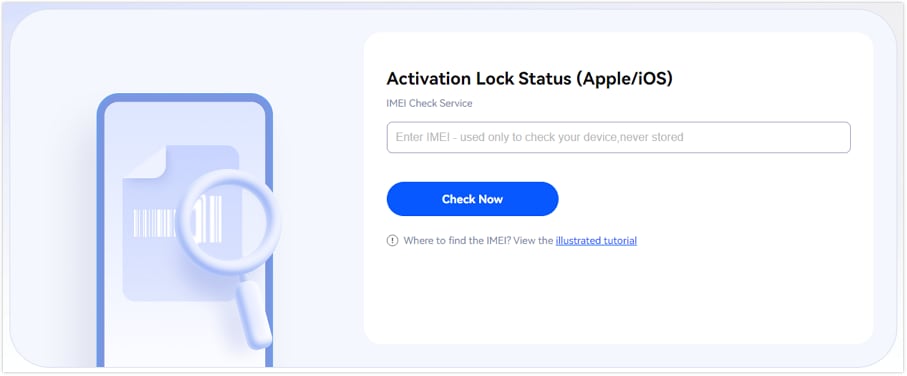
Dr.Fone Online Unlock is one of the most reliable tools that enables you to check for iCloud lock status of any iPhone or iPad in a matter of seconds by using the device's IMEI number only. It offers a speedy, safe and remote way to find out if a device is locked to iCloud prior to buying, thus you can avoid frauds or devices that cannot be used.
This method is not only safe but also very easy to do.
- Submit Device Information - You start the unlocking process by giving your phone model and IMEI/SN.
- Remote Unlock - The cloud tool confirms the condition of your phone in a secure and private way.
- Unlock Completed - In no time, you get a full device report with the status of carrier lock, warranty, and activation information.
Dr.Fone Online Unlock
Easily bypass Samsung FRP, remove Xiaomi account locks, and check IMEI with one trusted tool — fast, secure, and user-friendly.
- One-click Samsung FRP removal, no tech skills required.
- Unlock Xiaomi devices without a password.
- Supports 20+ different types of IMEI checks.
- Free IMEI check with no login, no ads, and instant access.
- Fully mobile-optimized for effortless on-the-go access.
Verify your device info safely in one clickIMEI Check Guide: Dr.Fone IMEI Check Online
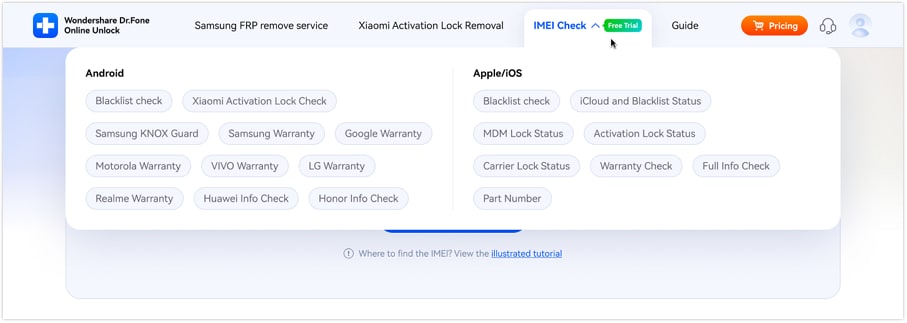
- Step 1. Visit the Dr.Fone IMEI Check website. Select your "check type" (carrier lock, blacklist status, warranty details) from the menu.
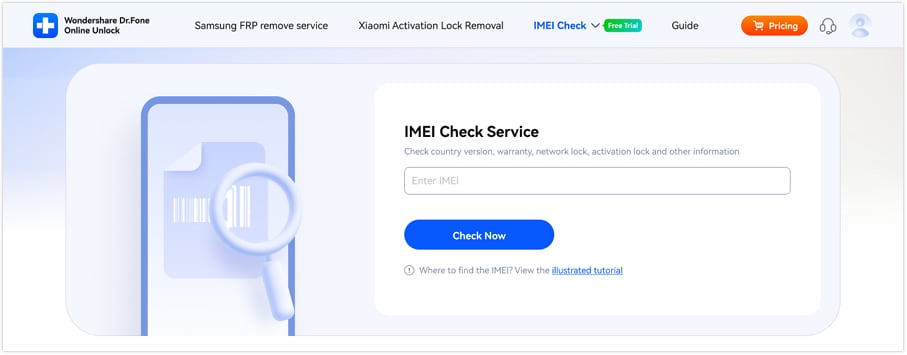
- Step 2. Search for your IMEI and click "Check Now." Click "Illustrated Tutorial" to help you find your IMEI.
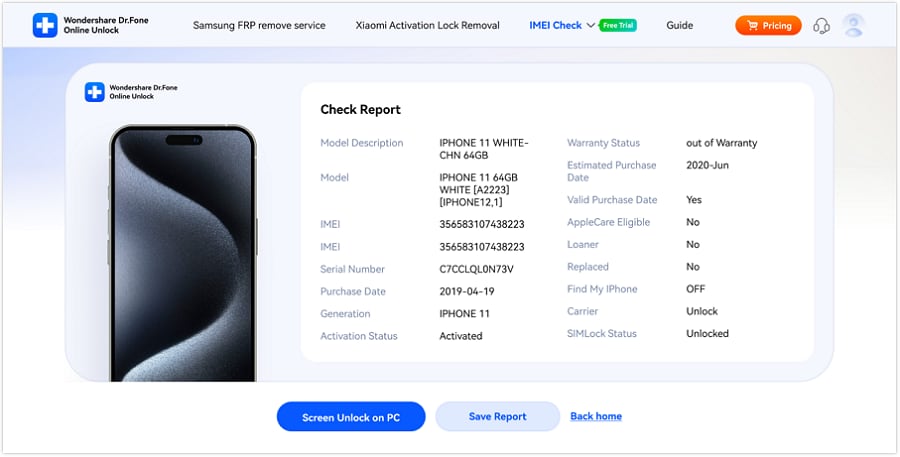
- Step 3. Within seconds, you'll receive a complete report with over 20 data points, including activation status, carrier info, warranty info, and blacklisted/locked phone status.
- Step 4. Download results via "Save Report." You can show buyers this file to ensure your iPhone is clean and ready to sell.
 Verify your device info safely in one click
Beyond IMEI checks: Dr.Fone also offers iCloud unlock
Although checking iCloud lock with IMEI of your iPhone's iCloud status with the IMEI is a clever move, Dr.Fone Online Unlock offers more by supporting remote iCloud Activation Lock removal. Sending in your device details, model, iOS version, and ECID are all that are needed to unlock iCloud by IMEI within 60 seconds with a great success rate. Covering iPhones XR till 17 Pro Max, iPads 2013 to 2025, and iOS 18.6, 26.1, Dr.Fone is blending IMEI check and safe unlock services that are trusted by millions of users from all over the world, giving you expert advice, round-the-clock support, and a secure, convenient processing experience.
2. IMEI.Org
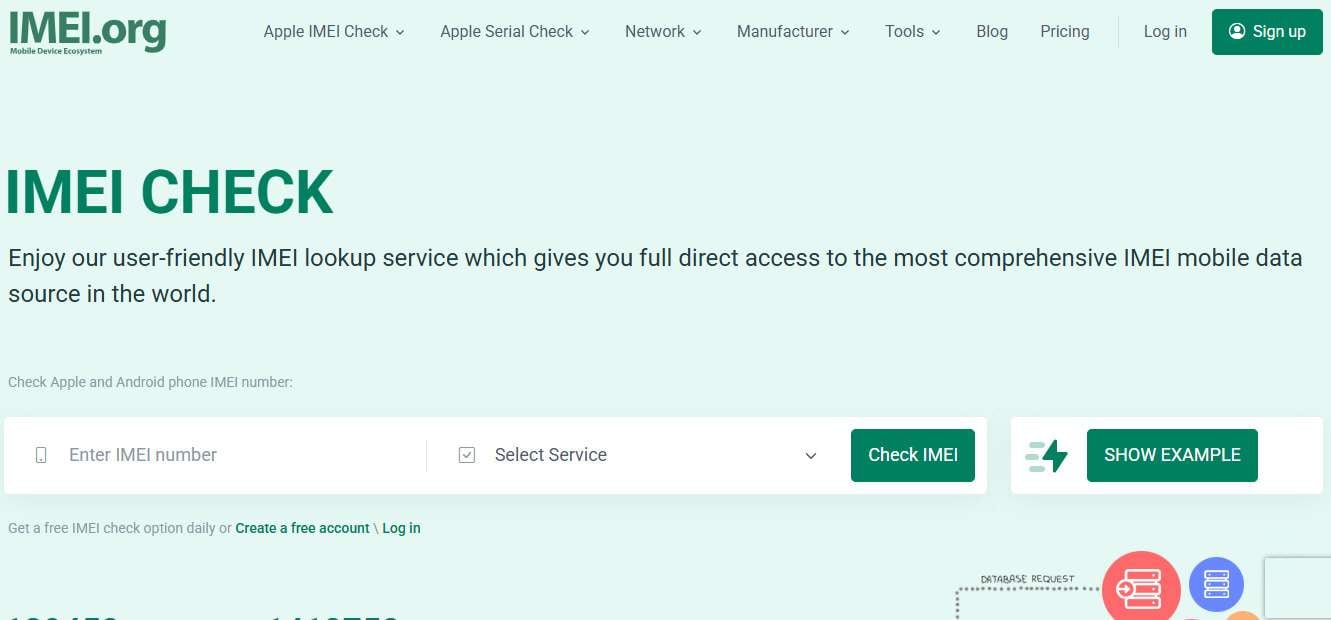
IMEI.org is a one-stop, very easy to use IMEI lookup platform (and checking iCloud lock with IMEI) that gives full access to information of worldwide mobile devices. It offers users the possibility to verify iPhone or Android IMEI numbers for iCloud status, carrier lock, warranty, blacklist report, MDM/DEP lock, etc. Being always open, IMEI.org provides a quick, reliable, and remote way to get all essential data of devices. It is a great free iPhone iCloud checker tool for buyers, sellers, and carriers to make informed decisions and to steer clear of locked or stolen devices.
Key Features:
- Identify Apple iPhone, iPad, and Android devices via IMEI
- iCloud lock, SIM lock, carrier info, and blacklist check
- Get warranty, MDM/DEP lock, and stolen/lost status
- One free IMEI check daily or access via account
- Compatible with leading carriers such as AT&T, Verizon, T-Mobile, Sprint, KDDI
- Fast and reliable results with worldwide coverage
- API and Telegram access available for businesses and developers
- Instant device verification with a user-friendly interface
3. iUnlocker
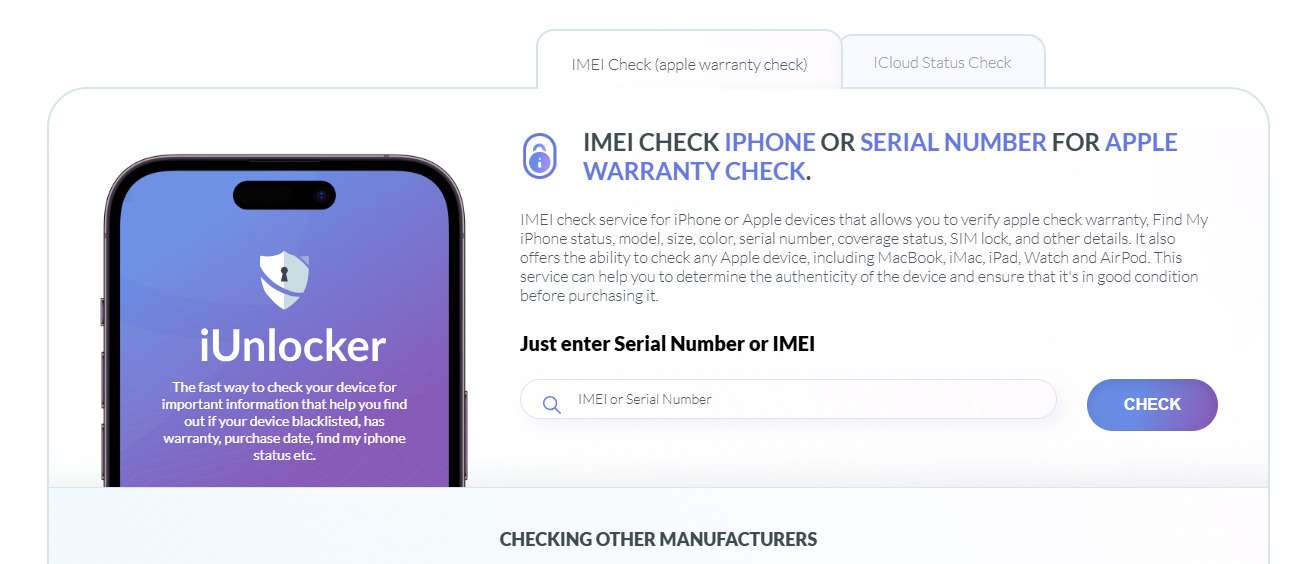
Users consider iUnlocker a trustworthy platform for an Apple iCloud checker. It can check the IMEI or serial numbers of Apple devices such as iPhone, iPad, MacBook, iWatch, and AirPods as well as Android devices like Samsung, Xiaomi, Huawei, and more. It discloses detailed information about iCloud status, carrier/SIM lock, warranty, GSMA blacklist, and activation lock. Apart from the check only, iUnlocker also sells an iCloud removal and SIM unlocking at a cost.
Key Features:
- Verify iCloud Lock status, Find My iPhone status, and Apple warranty
- Check carrier lock and SIM restrictions (AT&T, T-Mobile, Sprint, etc.)
- GSMA blacklist check for stolen or lost devices
- Supports Apple and the most popular Android devices (Samsung, Xiaomi, Huawei, Lenovo, Nokia, OPPO, OnePlus)
- Paid unlock services: iCloud removal, MacBook checks, SIM unlock
4. IMEICHECK
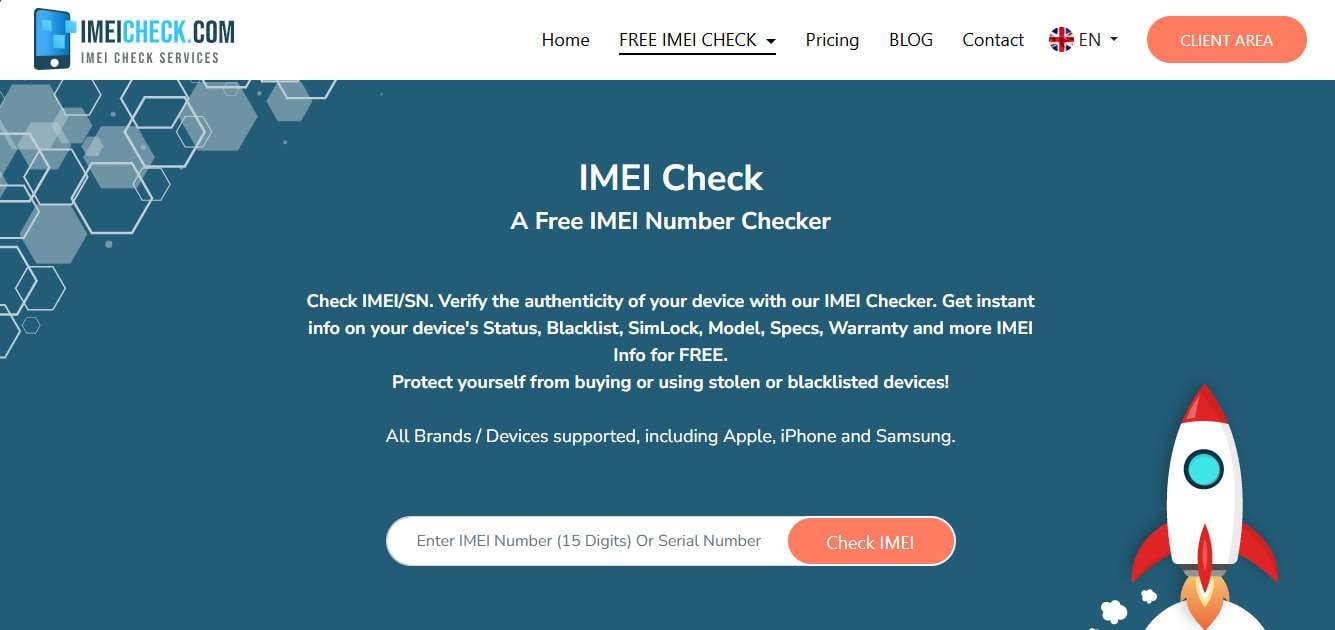
IMEICHECK is an instant and trustworthy free iPhone iCloud checker tool that can quickly validate the IMEI of Apple and Android mobile phones. It can instantly tell you if the phone is iCloud locked, Find My iPhone status, SIM lock, carrier, warranty, and blacklist status, enabling the user to check the genuineness of the device before making the purchase. It has a clean, straightforward interface, provides instant reports, and business API connection, so IMEICHECK is a safe, no-download software solution for rapidly obtaining detailed information about a gadget. However, it neither offers iCloud removal nor can it track a stolen device but still, it is a recognized source for accurate device verification in no time.
Key Features:
- Check devices' unlock status, find my iPhone status, SIM lock, and carrier info
- Verify Apple product warranty, purchase country, and coverage status
- The service is compatible with all Apple and Android models, including Samsung and Huawei
- Perform the device check without installing any software
- High-capacity order is handled: up to 600 orders per minute
- Business API access via DHRU Fusion or PHP JSON
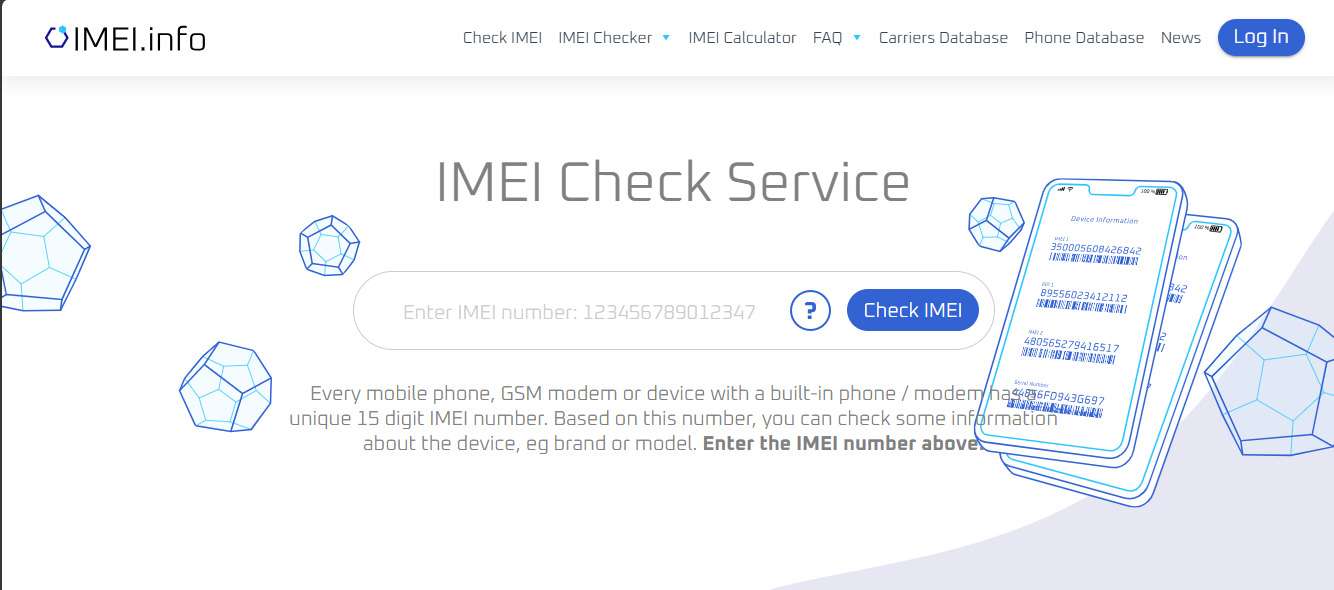
5. IMEI.info
IMEI.info provides a free and dependable service for looking up the IMEI of any cell phone and then checking iCloud lock with IMEI. It offers users a chance to confirm iCloud status, carrier, SIM lock, warranty, blacklist status, and phone specifications even before they purchase or sell a phone by utilizing its worldwide TAC database. IMEI.info, through quick *#06# IMEI retrieval and immediate online results, enables users to verify device authenticity, identify stolen or lost devices, and safely get access to hidden device information, thus, it is a tool that both consumers and professionals from the industry should keep at hand.
Key Features:
- IMEI look up free of charge for iPhone, Android, and other mobile devices
- Check iCloud status, SIM lock, carrier, and warranty info
- Confirm blacklist status and identify stolen or lost devices
- Get detailed device specifications and hidden info through the TAC database
- Instant results and completely free
Comparison Table
Here's a quick comparison of the top IMEI and iCloud check tools, showing their device support, key features, speed, and availability of free services to help you choose the right one.
| Tool | iCloud Check | SIM / Activation Lock | Blacklist / Stolen | Speed | Special Features |
|---|---|---|---|---|---|
| Dr.Fone Online Unlock | ✔ (high success) | ✔ | ✔ | 1–60 sec | Supports iPhone XR–lastest 17 Pro Max, iOS 18.6–26.1, online unlock, professional guidance, money-back guarantee |
| IMEI.org | ✔ | ✔ | ✔ | Instant | Simple IMEI lookup, API access, Telegram access |
| iUnlocker | ✔ | ✔ | ✔ | Instant | iCloud & SIM unlock, supports MacBook & iWatch |
| IMEICHECK | ✔ | ✔ | ✔ | Few seconds | Fast, intuitive dashboard, PHP & DHRU API support |
| IMEI.info | ✔ | ✔ | ✔ | Instant | Large TAC database, warranty & carrier info, blacklist report |
Part 3. How to Interpret iCloud Check Results
Verifying the iCloud status of an iPhone through its IMEI number is one of the crucial steps when buying a pre-owned phone. Below is a breakdown of the different scenarios:
- iCloud OFF → You can buy without worry
The gadget is not connected to any Apple ID and can be configured as new without any limitations.
- iCloud ON → Apple ID needed
The handset is still linked to the previous owner's Apple ID. Thus, you will require their password to set up and operate the phone.
- Lost Mode → Not for sale
The device is one that has been declared lost or stolen. Purchasing such an item may expose you to the law; in any case, the device will be useless.
- Clean IMEI ≠ iCloud unlocked
A "clean" IMEI, i.e., one that is not blacklisted, may still not be a guarantee of iCloud being removed. So, to be safe, check the iCloud status independently.
Conclusion
It is very important to check for iCloud lock an iPhone's status of iCloud by IMEI before you buy a second-hand phone. It helps you to stay away from locked, stolen, or lost phones and to be sure of a smooth activation process as well as to protect your investment. Besides the fact that a lot of tools do IMEI checks, a dependable free iPhone iCloud checker such as Dr.Fone Online Unlock, is a solution that not only does an IMEI check but also unlocks a device that has iCloud Activation Lock. Such devices after the removal can be used again. Make sure that you check the IMEI and the iCloud status before you make the purchase so that you can buy with confidence.
Verify your device info safely in one clickFAQs
-
Q: How long will an IMEI iCloud check take?
A: Most of the IMEI iCloud check tools deliver results to the user within just a few seconds. Some websites, such as Dr.Fone Online Unlock, provide users not only with real-time results but also with the removal instructions for iCloud locked iPhones.
-
Q: Will I be able to use a phone if iCloud is ON?
A: Assuming iCloud is turned on the device has been registered to another Apple ID, then the user will not be able to use the iPhone fully if they don't get the previous owner's credentials. In such a scenario, a Dr.Fone Online Unlock would be able to help you get rid of the iCloud Activation Lock.
-
Q: Will a clean IMEI guarantee that a phone is safe to buy?
A: The answer is No. A clean IMEI only determines that the device is not blacklisted or stolen. The iCloud account may be still locked, thus preventing the full usage of the device. Always perform a separate check for iCloud lock and should you face the problem of being locked out, consider getting help from Dr.Fone Online Unlock to bypass the lock in a safe way.




James Davis
staff Editor
Generally rated4.5(105participated)