
Top 7 Ways to Stream Kik on Any Screen & Mirror Your Kik Live Like a Pro

Oct 24, 2026 • Filed to: Phone Mirroring Solutions • Proven solutions
 TL;DR:
To bypass the Kik app's limited production capabilities, creators must mirror their mobile screen to a computer and route the feed through external platforms to multistream, add custom overlays, or manage chats effectively.
● Since no external platform integrates directly with Kik Live, you must use broadcasting software like OBS Studio or StreamYard's browser studio to capture your mirrored mobile screen for public transmission.
● Match the broadcasting platform to your specific limitations and goals: select TikTok Live for organic discovery (requires 1,000 followers), YouTube Live for 4K VOD archiving (requires channel verification), Discord for private server sharing, or Kick.com for favorable revenue splits.
● To establish the required desktop feed, use Dr.Fone – Screen Mirror to cast your iOS or Android device to a Windows or Mac computer via Wi-Fi or USB, which simultaneously enables you to remotely control the phone and manage notifications directly from your PC.
Ask AI for a summary
 ChatGPT
 Perplexity
 Gemini
 Claude
 Grok
Grok
Dr.Fone Basic:
Better Control for Your Phone
Manage, transfer, back up, restore, and mirror your device
Live interaction is becoming an increasingly significant aspect of online communities, and Kik is no different. Originally, the platform was a basic messaging app but now a lot of users are interested in sharing live moments, interacting with viewers in real time, and expanding their audience through Kik Live streams.
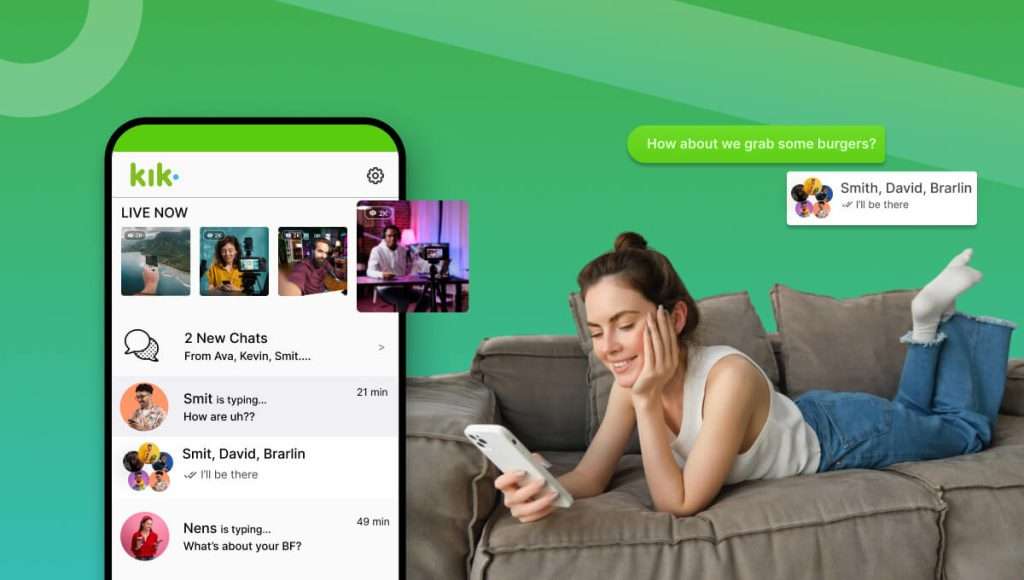
However, using just a phone for streaming can be quite restricting. This is why several creators are choosing to cast Kik to PCs, TVs, or bigger screens for a more professional setup and enhanced chat handling. Equipped with the proper tools like Dr.Fone – Screen Mirror, you can effortlessly showcase your Kik live stream on larger displays and host a more seamless and refined streaming session.
This guide will explore 7 effective ways to stream and mirror your Kik live sessions on any screen, including PCs, TVs, and larger displays. Let's explore Kik streaming!
 safe & secure
4,624,541 people have downloaded it

Part 1. What Is Kik Streaming (and Why Creators Outgrow the Native App)
Let's explore Kik streaming in detail!
1.1 What Is Kik Live and Kik Streaming?
Kik Live is a feature integrated equally in the platform that enables users to transmit live videos straight from the app to their followers and community. With Kik Live, creators don't have to depend on other platforms to continue the broadcast, so they can immediately go live and share the scenes as they happen with their audience.
It is this element of built-in ease that makes Kik Live so tempting. Since the viewers don't have to open the external links or apps, the interaction is uninterrupted. However, when the creators start expanding their audience and desire to produce more refined broadcasts, many of them begin exploring ways to stream Kik on bigger displays or professional setups that go beyond the mobile app capabilities.
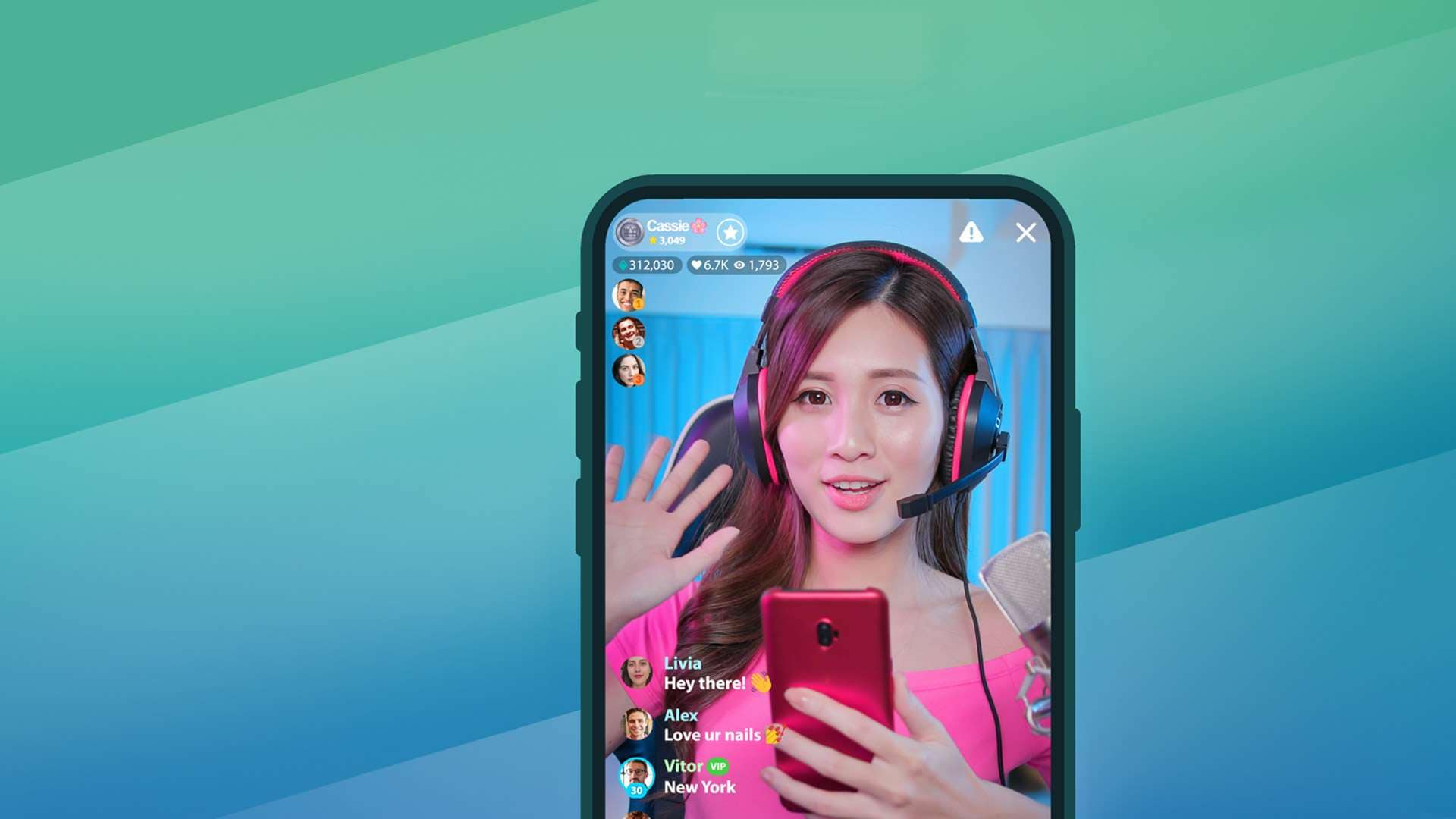
1.2 Why Many Kik Streamers Need More Than Just the App
It is true that one can stream easily by using Kik Live, still, at some point, a good number of streamers will require more functionalities than the native app alone offers.
Some of the main reasons why Kik streamers resort to supplementary equipment are:
Lack of production features
While Kik Live is made for effortless and fast mobile transmissions,
the feature set is quite limited. It misses out on the multi-platform simulcasting capabilities, custom
overlays, alerts or scene switching options that are on offer at key dedicated streaming platforms.
Requirement for bigger screens during streaming
It might not be comfortable to carry out a live
session while using only your phone to check chat, manage viewers and control the stream. That is why a lot
of creators opt for a set up where they mirror their stream to PC or other large display which provide them
with better visibility.
Professional production workflows
Some of the most demanding users take Kik-streaming and combine
it with software like OBS Studio to enhance the production quality, add layouts, and generally make a more
professional broadcast environment.
Enhanced viewing experience for audiences
Certain viewers like to watch a Kik Live stream on their
TV or desktop screens rather than on the phone. In this case, screen mirroring is what helps to put up the
stream on larger devices for a more relaxed and comfortable viewing experience.
Part 2. Top 7 Kik Streaming Platforms, Apps & Methods
Here are the best tools and platforms to help you broadcast your Kik Live professionally, whether you are aiming for a larger audience, want to add professional overlays, or stream easily on multiple screens.
1. StreamYard
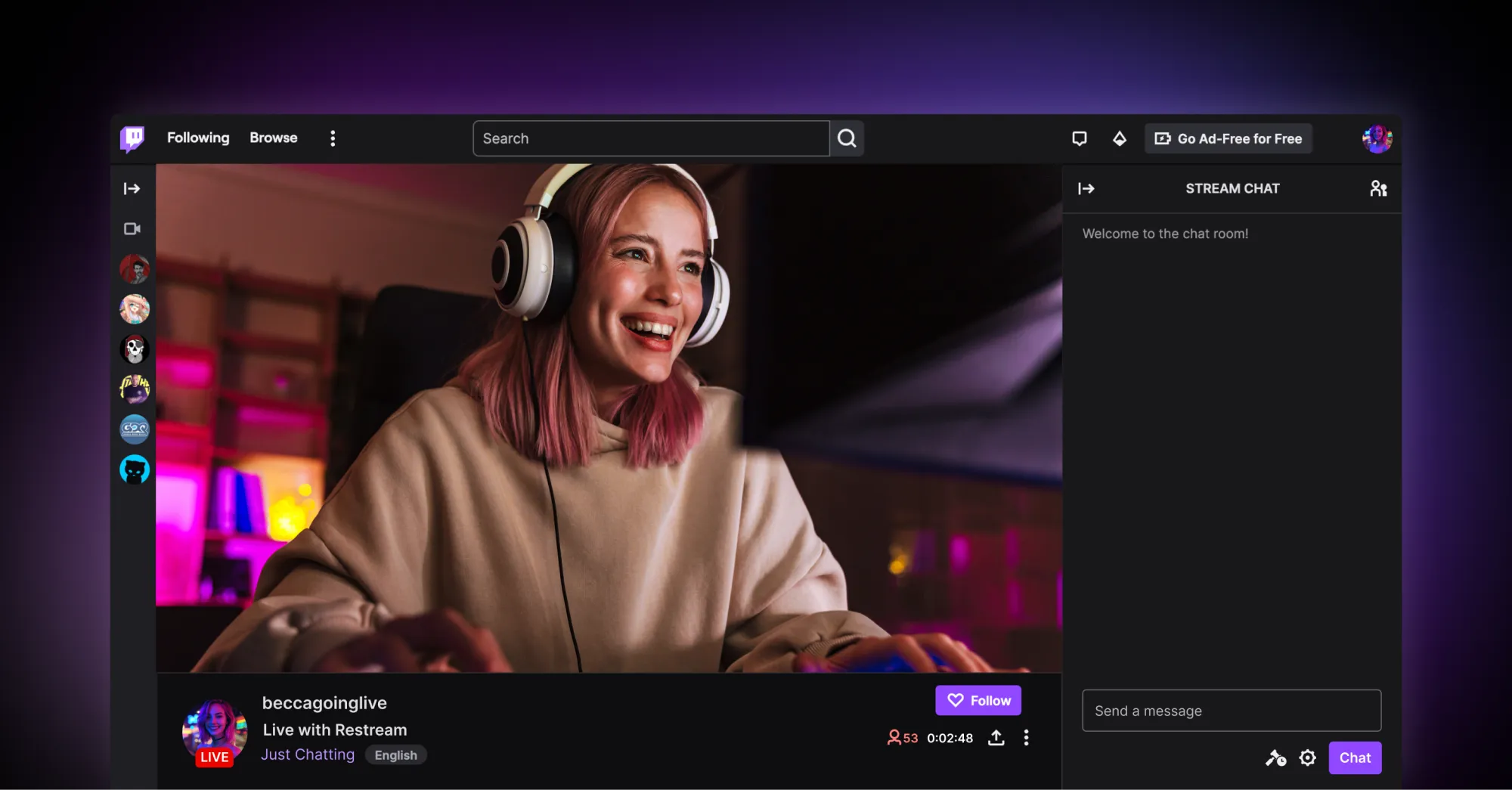
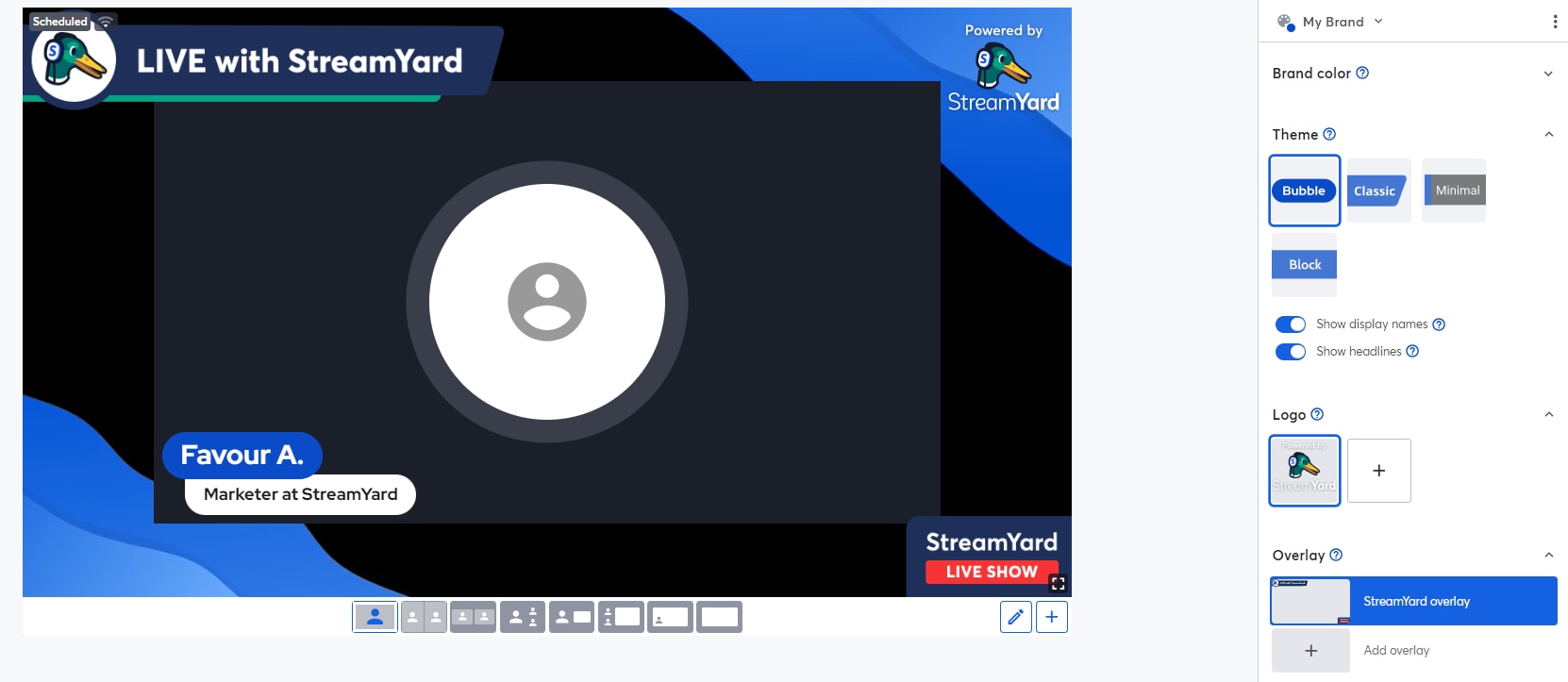
StreamYard is a live streaming and recording studio that runs on your browser. It enables creators to broadcast professional-quality streams live, even if they are not willing to install any software. Users can multi-stream various platforms, including YouTube, Facebook, and LinkedIn.
How it works for Kik streaming:
StreamYard is a perfect solution for Kik creators who want to take
their casual mobile broadcasts up a notch and produce professional-standard live shows. Using streaming
software, creators can capture a Kik Live session, import the stream to StreamYard's browser-based studio,
and add brand elements, banners, guest speakers, and interactive layouts.
Cost:
- Free plan with basic streaming features
- Core plan: about $35.99/month (billed yearly)
- Advanced plan: about $68.99/month (billed yearly) with more multi-streaming and professional features.
2. Twitch
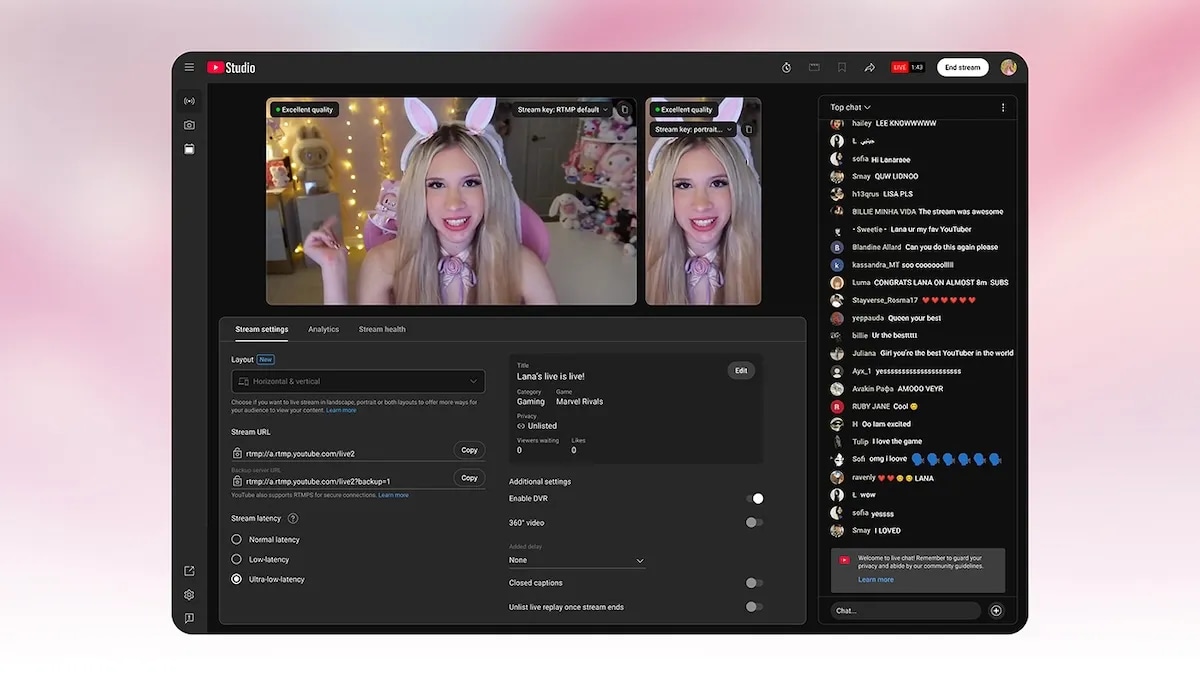
Twitch is one of the biggest live streaming sites globally, mostly famous for gaming but also shows live creators and interactions. Twitch lets streamers make communities, interact with viewers by live chat, and make money through subs, donations, and ads.
How it works for Kik streaming:
Twitch is another platform that creators can use to expand their
Kik Live session audiences by sharing their broadcast content with a wider streaming audience.
Cost:
- Free to stream
- Optional paid feature: Twitch Turbo (~$11.99/month)
3. YouTube Live
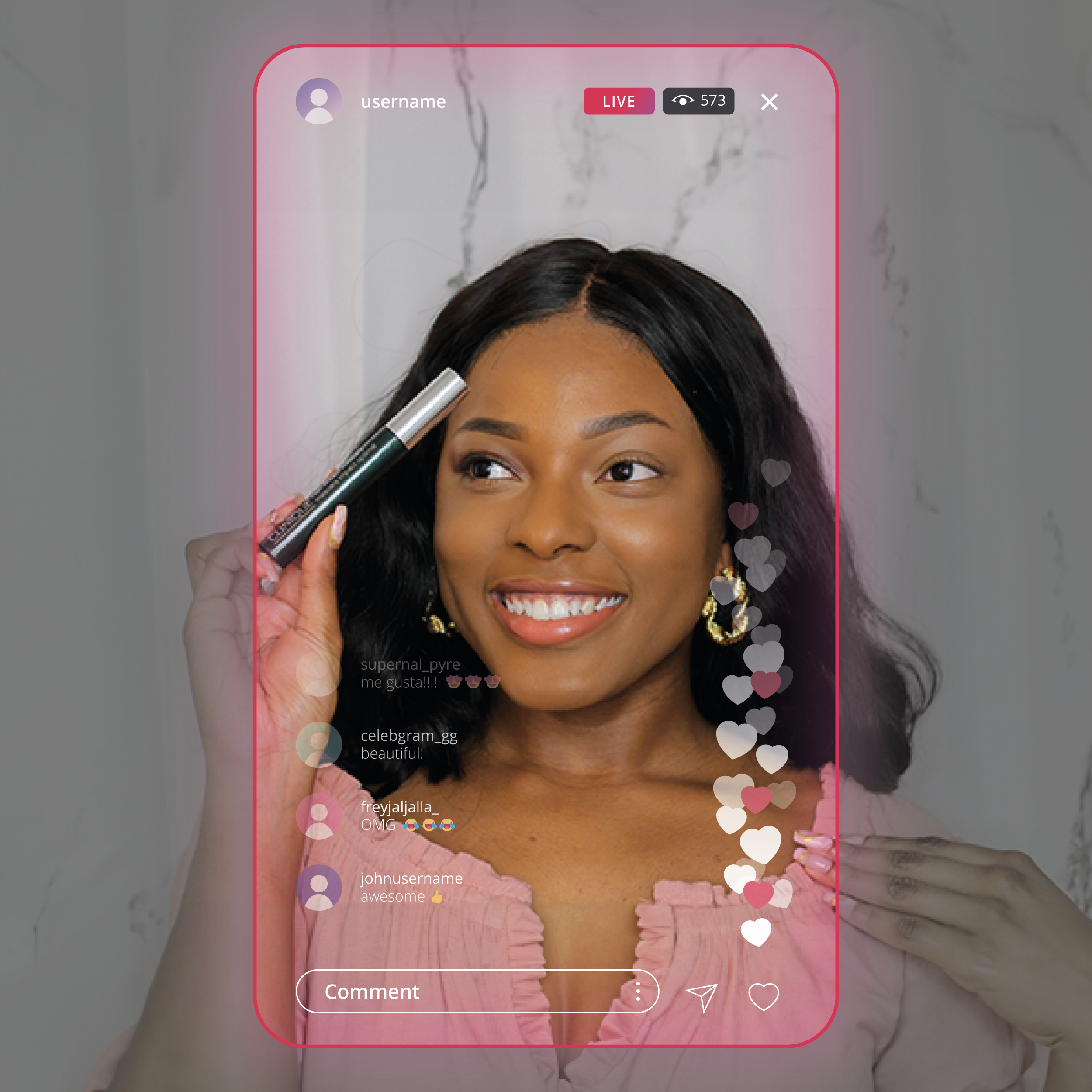
YouTube Live is the feature of YouTube that supports the live broadcasting of videos, enabling creators to share their content in real-time with a global audience. It comes with integrated chat, monetization options, and instant replay saving.
How it works for Kik streaming:
A Kik streamer can broadcast from their phone or computer, casting
the phone screen to a computer, and then using streaming software to deliver that signal to YouTube Live.
Some streamers even broadcast their camera shots separately to YouTube and mention their Kik session in the
chat or description to attract external audiences to the Kik community.
Cost: Free
4. TikTok Live
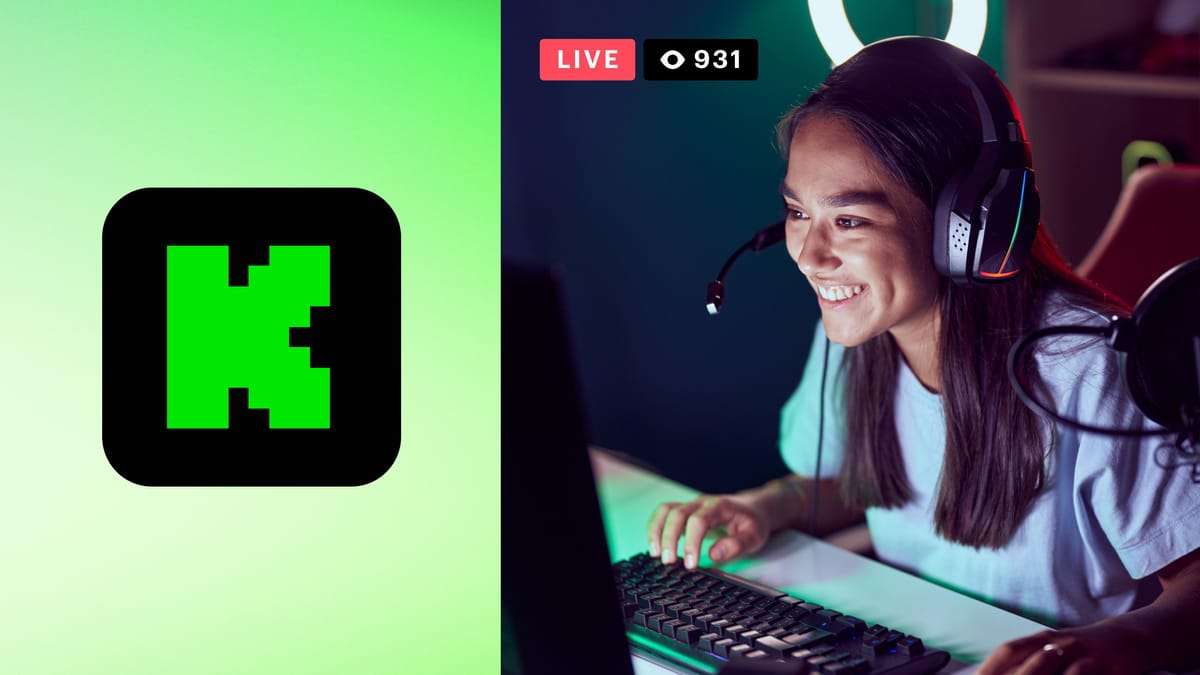
TikTok Live is a feature on TikTok that lets creators broadcast themselves live to their fans and interact through comments, likes, reactions, etc.
How it works for Kik streaming:
Usually, creators live on TikTok and entertain their Kik audience
simultaneously. The live stream can display the creator who answers Kik messages or shares community pieces
while encouraging TikTok visitors to join the chatter on Kik.
Cost: Free (TikTok will keep a percentage of gift earnings)
5. Kick.com
Kick is a relatively new live streaming platform that aims to be a better option over old streaming sites by giving creators higher revenue shares and placing fewer limitations on them.
How it works for Kik streaming:
Kik streamers have the option to send through an identical screen
or camera feed to Kick and at the same time keep their Kik community interaction on mobile. The Kik stream
is the public broadcast where viewers get to see the creator physically respond to Kik chats and discussions
in real time.
Cost: Free
6. Discord
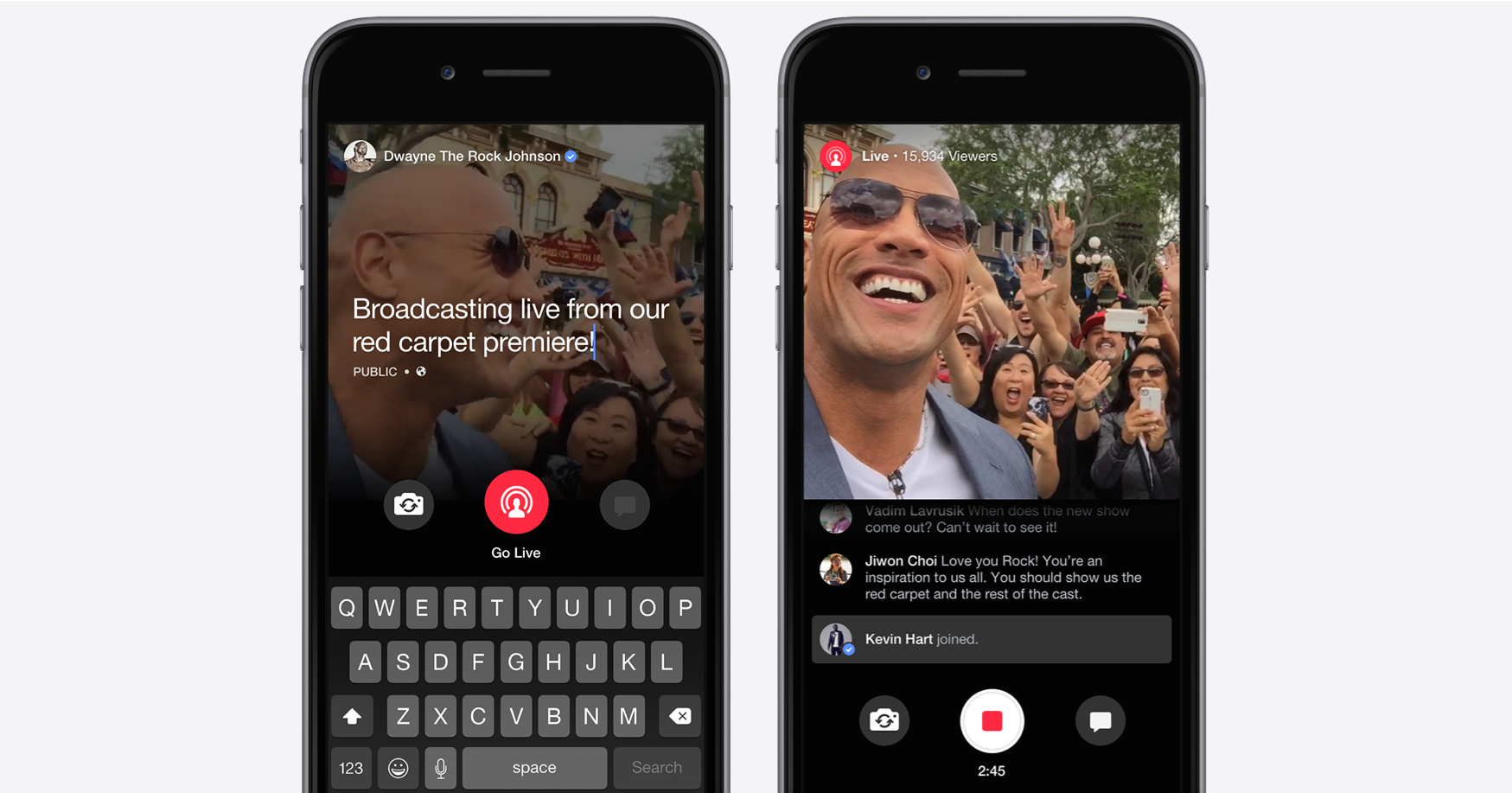
Discord is a platform for community communication where members can make voice, video, and screen-share streams available inside private or public servers.
How it works for Kik streaming:
Creators in a Discord server can share their screen while running a
Kik activity so other members of the community can watch the stream together. This method works well for
smaller communities desiring a more private mode of viewing.
Cost: Free (optional paid Nitro upgrades)
7. Facebook Live
Facebook Live is an integrated video streaming tool within Facebook, making it possible for users to directly broadcast live video to their profiles, pages, or groups while the viewers' comments, reactions, and shares happen in real time.
How to use it for Kik streaming:
Someone who streams on Kik can send the image from the phone or
camera to a computer and use Facebook Live for broadcasting through streaming software. The streamer can
continue replying to Kik messages on the phone during the video broadcast on Facebook.
Cost: Free
Part 3. Quick Comparison Table: Top Kik Streaming Platforms
Here's a side-by-side look at the top 7 Kik streaming platforms to stream your Kik Live:
| Platform | Best For | Key Monetization | Content Focus | Platform Support | Privacy Level |
|---|---|---|---|---|---|
| Twitch | Gaming creators and interactive livestreams | Subscriptions, Bits, Ads | Gaming, live chat interaction, creator communities | PC, mobile, consoles | Public |
| StreamYard | Professional-looking live streams without complex setup | Sponsorships, external donations | Talk shows, interviews, multi-guest streams | Browser, PC, mobile | Public |
| YouTube Live | Long-form streaming and content archiving | Ads, Super Chat, memberships | Tutorials, discussions, creator streams | PC, mobile, smart TVs | Public |
| TikTok Live | Discoverability and reaching new audiences | Virtual gifts and creator rewards | Short interactive live sessions | Mobile-first | Public |
| Kick | Creators seeking better revenue splits | Subscriptions, donations | Gaming, chat-based streams | PC, mobile | Public |
| Discord | Private community streaming and group interactions | External donations or memberships | Community hangouts, group chats | PC, mobile, browser | Private / Community-based |
| Facebook Live | Leveraging existing social media followers | Stars, brand partnerships | Social livestreams, community discussions | PC, mobile | Semi-public (profiles, pages, groups) |
Bonus Tip — Mirror Your Kik Live Stream to Any Screen with Dr.Fone – Screen Mirror
Ramp up your Kik Live streams with Dr.Fone - Screen Mirror, suitable for both Android and iOS owners. You can mirror your phone or tablet to a PC or Mac by USB or Wi-Fi, take snapshots, and record your screen live. Dr.Fone also allows you to mirror iPhone and iPad screens either wirelessly or via cable, record high-quality streams, and take screenshots directly from your computer.
Apart from mirroring functionality, Dr.Fone enables complete remote control of your gadget right from your computer either PC or Mac. This feature is used mainly for working with notifications, using apps, and professional-level streaming activities without interruption.
Wondershare Dr.Fone
Mirror iOS/Android Phone, Tablet & iPhone to Computer in Clicks
- Mirror iOS/Android screen to computers with a cable or Wi-Fi.
- Extend your device screen to your PC or Mac.
- Record iOS/Android screen and take screenshots from PC or Mac.
- Control your iOS/Android phone/tablet on a PC.


How to Mirror Your Kik Live Stream Using Dr.Fone – Screen Mirror:
With Dr.Fone, start by launching the app on your PC or Mac and navigate to My Device → Screen Mirror. Connect your Android device via Wi-Fi or USB cable, then select your device in the left panel and click Screen Mirror. Once mirrored, use the Record button to capture your screen.

safe & secure4,624,541 people have downloaded it
Conclusion
Live streaming on Kik Live isn't necessarily restricted to the app alone. Creators can enhance the quality of their live production, increase their audience base and monetize themselves more effectively by resorting to multiple Kik streaming platforms. Besides, if you intend to project your content on a much bigger screen than a mobile display, Dr.Fone - Screen Mirror will enable you to play and control the stream on your PC or Mac, even beginners will be able to perform professional-level broadcasting.
safe & secure4,624,541 people have downloaded it
Dr.Fone Basic:
Better Control for Your Phone
Manage, transfer, back up, restore, and mirror your device


Screen Mirror Tips & Tricks
- iPhone Mirror Tips
- Mirror iPhone to iPhone
- iPhone XR Screen Mirroring
- iPhone X Screen Mirroring
- Screen Mirror on iPhone 8
- Screen Mirror on iPhone 7
- Screen Mirror on iPhone 6
- Cast iPhone to Chromecast
- Mirror iPhone to iPad
- Screen Mirror on iPhone 6
- Apowermirror Alternative
- Android Mirror Tips
- Screen Mirroring Huawei
- Screen Mirroring Xiaomi Redmi
- Screen Mirroring App for Android
- Mirror Android to Roku
- PC/Mac Mirror Tips

 > How-to > Phone Mirroring Solutions > Top 7 Ways to Stream Kik on Any Screen & Mirror Your Kik Live Like a Pro
Selena Lee
chief Editor