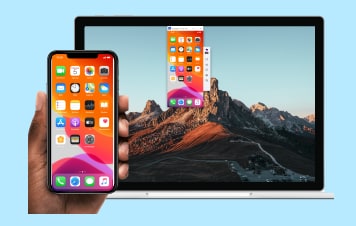
Effortlessly manage data through preview, delete, export, etc.

 100% Security Verified | No Subscription Required | No Malware

 :
: 
 ChatGPT
 Perplexity
 Gemini
 Claude
 Grok
Grok
AirPlay has profoundly changed the way people stream their music, videos, and other media content across several devices over a common wireless network. Originally confined to a strict ecosystem, this protocol has now expanded its horizons. With multiple dedicated applications available for the users of Android, the feature has been highly successful in reaching out to non-iOS users as well.
Today, we take a detailed look at the absolute best Android AirPlay apps that are currently available in the App Store in 2026. While these applications vary in their overall interface and technicalities, there is no denying that each of these apps performs its streaming functions incredibly well. While earlier Apple was quick to ban anything that supported AirPlay other than iOS devices, good times are certainly upon the users who wished for some third-party platforms to use AirPlay through their Android devices. You can also read more about smart technology with a mobile app to make your life easier and your media sharing seamless.
In this article
Top 10 AirPlay Apps for Android
Here is our comprehensive list of the top 10 AirPlay apps for Android that will allow you to bridge the gap between your mobile device and your Apple TV.
1) Double Twist
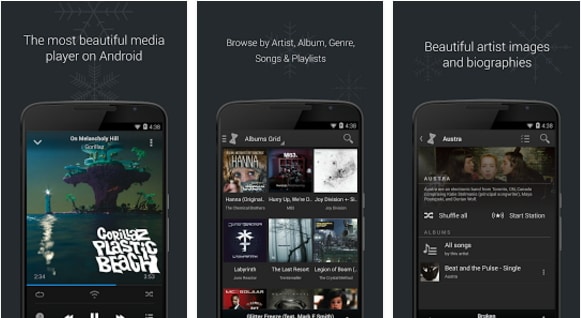
We have mentioned this robust app quite a number of times on our platform, and for good reason. It acts as a highly capable media player that helps to sync your Android device with iTunes and other media management services. It features new AirPlay support that is available for users who upgrade with AirSync. AirSync is a premium feature available for download after a small payment of $5, which allows the Double Twist app to sync beautifully with iTunes, though it requires a free desktop assistant. By utilizing the same wireless network, you can stream media content directly from your Android device.
Download it here
2) iMediaShare Lite
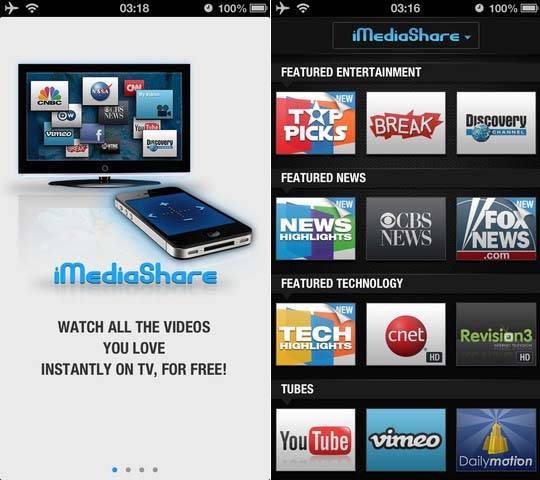
This is another fantastic free application that proves incredibly useful for streaming music, high-resolution photos, videos, and other media content right from your Android device to your Apple TV. The only main requirement is that both devices must be connected over the same wireless network to communicate effectively. Requiring nothing more than the installation of this application, it will automatically detect your Apple TV from the Android device itself. The ones who love to stream from online sites like YouTube, CNN, and other media outlets would particularly enjoy the seamless functionality of this application.
3) Twonky Beam
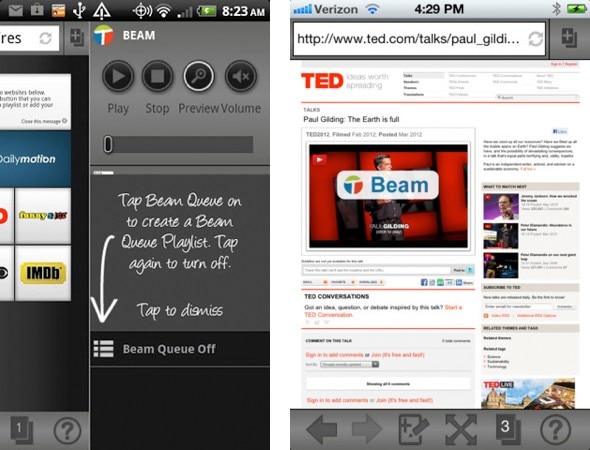
Moving on in our comprehensive list, we have Twonky Beam, which happens to be a completely free application for AirPlay emulation. It offers users the freedom to seamlessly stream audio, video, and photos to an Apple TV and practically any other multimedia device of their choice. For the ones who prefer browsing the internet to stream their multimedia content dynamically, this app offers a highly enjoyable and intuitive experience. The core working of this application heavily resembles that of standard AirPlay mirroring. Additionally, the media stored on your home computer network can also be accessed directly via the app.
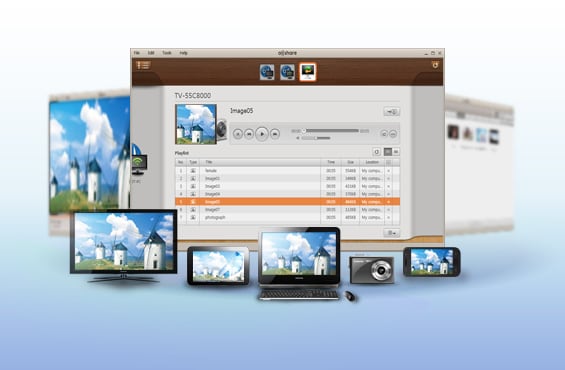
4) AllShare
For the users who have regularly used Samsung devices, the mention of this app certainly doesn't come as a surprise. This app comes preloaded within many Samsung Galaxy devices and its functionality is very similar to the working of native AirPlay. With this application, users can quickly access all the data that is stored on other DLNA-certified devices and hence, play it directly on their Android device. However, the major functionality that is highly praised is its robust capability to stream media content directly to your Apple TV with minimal latency.
Download it here
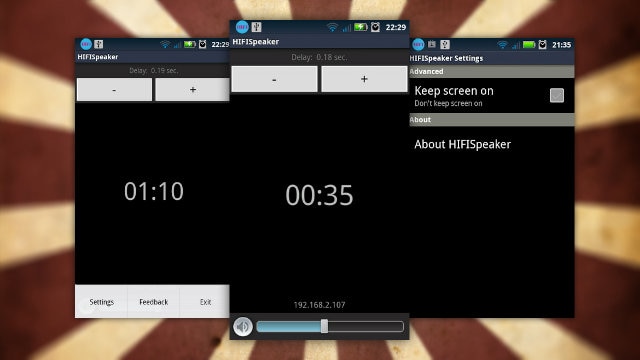
5) Android HiFi and AirBubble
There are two distinct ways of looking at this specific application set; Android HiFi is essentially the free version, while the enhanced AirBubble license app costs a mere $2 bucks to unlock premium functionalities. Through this unique application, one can actually convert their Android device into a dedicated AirPlay receiver rather than just a sender. This means audio content can be played on the Android device broadcasted from iTunes or other iOS Devices on the network. This is particularly useful for the ones who wish to roam around the house with a common wireless network in place, using an old phone as a dedicated wireless speaker.
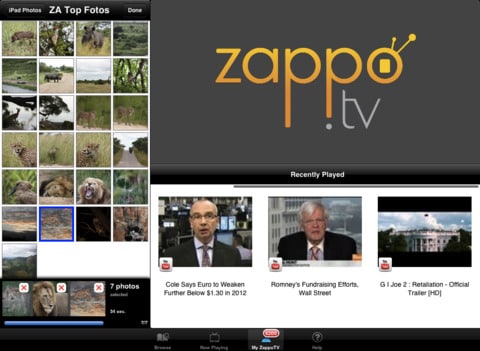
6) Zappo TV
As one of the many online multimedia management services, this one has dedicated Android apps for AirPlay compatibility with Apple TV, WD TV Live, Samsung, Sony, and LG TVs. While we won't necessarily recommend that you bank entirely upon their widespread popularity over standalone apps, it remains a highly versatile tool. It aggregates content wonderfully. However, you should note that the general user experience may slightly vary from device to device depending on your network setup and TV firmware.
7) AirPlay and DLNA Player
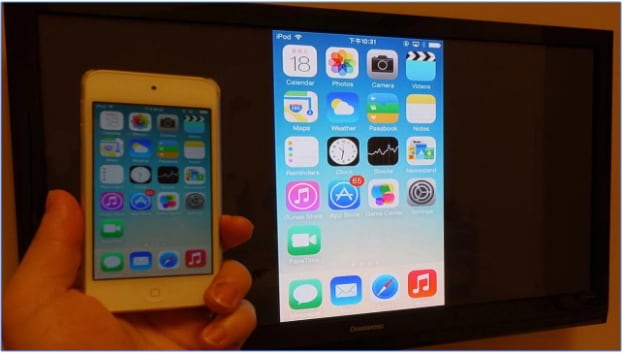
This one is a highly capable free application and does everything it should to fully justify its name. It functions basically as a comprehensive DLNA and UPnP player along with offering direct support for your Apple TV. After the initial installation of the application is complete, users instantly have the option to stream their local media content from their Android or iOS device to the Apple TV. This app has maintained its status as a popular medium to effectively connect your Android Device to your Apple TV without complicated configurations.
Download it here
8) Using Allcast
For the users who are well acquainted with the aforementioned Double Twist, this app comes as a highly pleasant upgrade. Developed by Koushik Dutta, the app performs similar core functions but does it exceptionally better than many of its predecessors. Offering you an extensive, easy-to-read list of devices to stream your content, all you have to do is choose the target big screen and you are good to go. However, unlike Double Twist, this one doesn't traditionally allow you to aggressively access applications in the background while you sit back and enjoy your music. Also, there is nothing much to enjoy on the mobile screen itself while the music or video is being played externally.
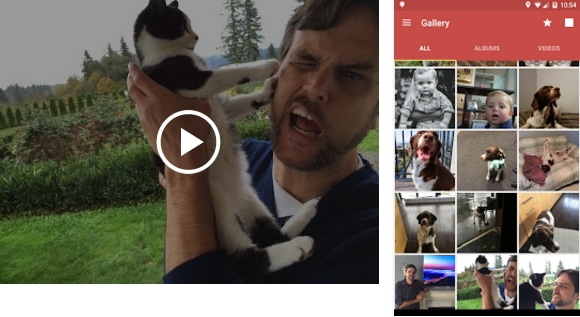
Download it here
9) Using DS Video
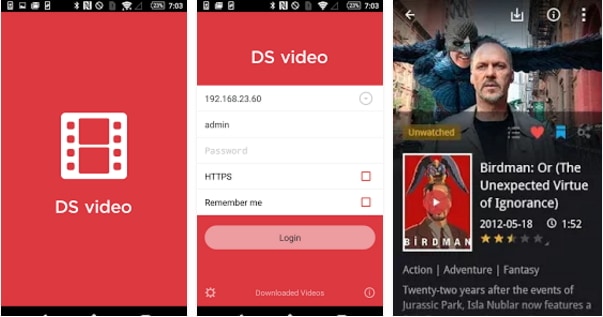
If you are invested in a home server, one can also heavily rely on DS Video to seamlessly stream their massive video collection on to the Disk Station, moving it to their Amazon Phone, tablet, or Apple TV. Media browsing is made relatively easy and highly intuitive as each of the media items is sorted intelligently into different customizable libraries. Also, along with each movie, one can easily find enough metadata information to reach a conclusive decision on what to watch. The users also possess the advanced option to record live TV programs and smartly manage their ongoing viewing schedule.
Download it here
10) AirStream
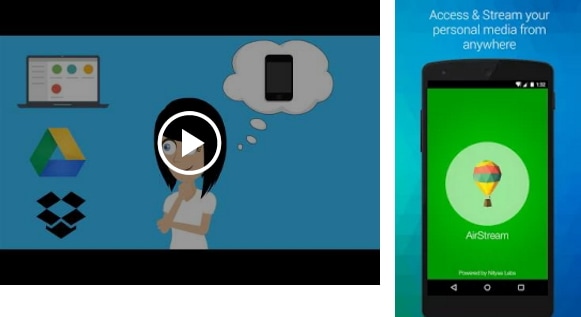
Got an AirPlay-enabled receiver and an Android device lying around? Well, this dedicated app is practically all that you need. Coming packed with the option to send any local media content straight to the Apple-TV, this stands as a great way to enjoy all your media content on the big Apple TV screen without ever having to worry about owning any native iOS devices. However, before you go on to excitedly install this app, we must notice that it is absolutely necessary for you to root your Android device for its deep system functions to work. Alongside this strict requirement, there is a short payment that must be made to enjoy all its premium features. Otherwise, it is a truly great app to have in your arsenal.
Conclusion
In the expansive section above, we have carefully listed out the absolute best applications available for you when you wish to natively use AirPlay with your Android device. Each tool brings its own unique advantages, whether you want to strictly push media or turn your phone into a multimedia receiver. Let us know your hands-on experience if you have extensively used any of these innovative apps, and we'll happily recommend ways to further enhance your streaming experience.
Recommend: Mirror Your Android to PC
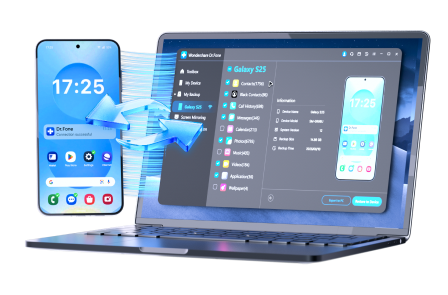
You might also want to explore ways to physically mirror your Android to the computer screen. Wondershare Dr.Fone is undoubtedly the best choice for you if you are looking to Wondershare Dr.Fone manage apps, view notifications, or play mobile games directly on a larger desktop display.
 Effortlessly manage data through preview, delete, export, etc.
- Transfer all data between devices.
- Robust backup solutions for reliable data protection.
- Mirror screens to PC for meetings, teaching, and control.
FAQ
-
1. Do AirPlay apps in Android require me to root my device?
While most of the basic AirPlay apps in Android simply require you to be on the same Wi-Fi network to cast media, some advanced apps like AirStream require rooting to grant full system access for comprehensive screen mirroring functions. -
2. Can I use these apps to mirror my entire Android screen to Apple TV?
It depends on the application. Many apps strictly focus on casting specific media files (photos, videos, music) via DLNA/UPnP, while others offer true screen mirroring. Always check the specific feature list of the app you choose. -
3. What is the difference between an AirPlay sender and a receiver app?
An AirPlay sender allows your Android device to push media to an Apple TV. Conversely, receiver apps like AirBubble turn your Android device into a speaker or screen that can receive media pushed from an iOS device or iTunes. -
4. Are these third-party AirPlay apps completely free to use?
Many top AirPlay apps in Android offer a robust free version with basic casting features. However, premium functions, ad removal, or advanced synchronization (like Double Twist's AirSync) typically require an in-app purchase or license upgrade.
 Add Wondershare Dr.Fone as a preferred source on Google