
Vumoo Alternatives: Best Sites Like Vumoo to Watch Movies and TV Shows [2026]

Oct 24, 2026 • Filed to: Phone Mirroring Solutions • Proven solutions
 TL;DR:
While platforms like Putlocker, Fmovies, and SolarMovie offer vast unauthorized streaming libraries to replace Vumoo, Popcornflix stands out as the only fully legal, ad-supported alternative among the highlighted options.
● Streaming on unofficial alternatives requires enabling a VPN, enforcing HTTPS, blocking pop-ups, and strictly avoiding account registrations or player APK downloads to mitigate high malware and data theft risks.
● Unofficial sites provide immediate access to HD and 4K media without subscriptions, but their unauthorized nature makes them vulnerable to frequent domain changes, broken links, and potential legal fines for viewers.
● Mobile viewers preferring larger displays can cast their streams to a PC or Mac using Dr.Fone - Screen Mirror via USB or Wi-Fi, which features built-in recording and full compatibility with Android, iOS 26, iPadOS 26, and the iPhone 17 series.
Ask AI for a summary
 ChatGPT
 Perplexity
 Gemini
 Claude
 Grok
Grok
Dr.Fone Basic:
Better Control for Your Phone
Manage, transfer, back up, restore, and mirror your device
Many people want a free place to watch movies and TV shows, but Vumoo often fails to load, freezes, or is blocked in some areas. This creates a need for effective options that deliver fast results and offer robust content libraries. Hence, Vumoo alternatives give users new places to stream the latest releases, classic films, and trending episodes without stress.

If you want to learn about reputable options, this guide introduces 10 with detailed information. However, if you intend to stream on larger displays rather than mobile devices, a screen mirroring solution like Dr.Fone will be introduced, highlighting its key features.
 safe & secure
4,624,541 people have downloaded it

Part 1. How to Choose the Best Vumoo Alternative?
If you're looking for sites like Vumoo but with better accessibility and genre options, this section has you covered. Learn why you should look for Vumoo alternatives and which features to prioritize in reputable options.
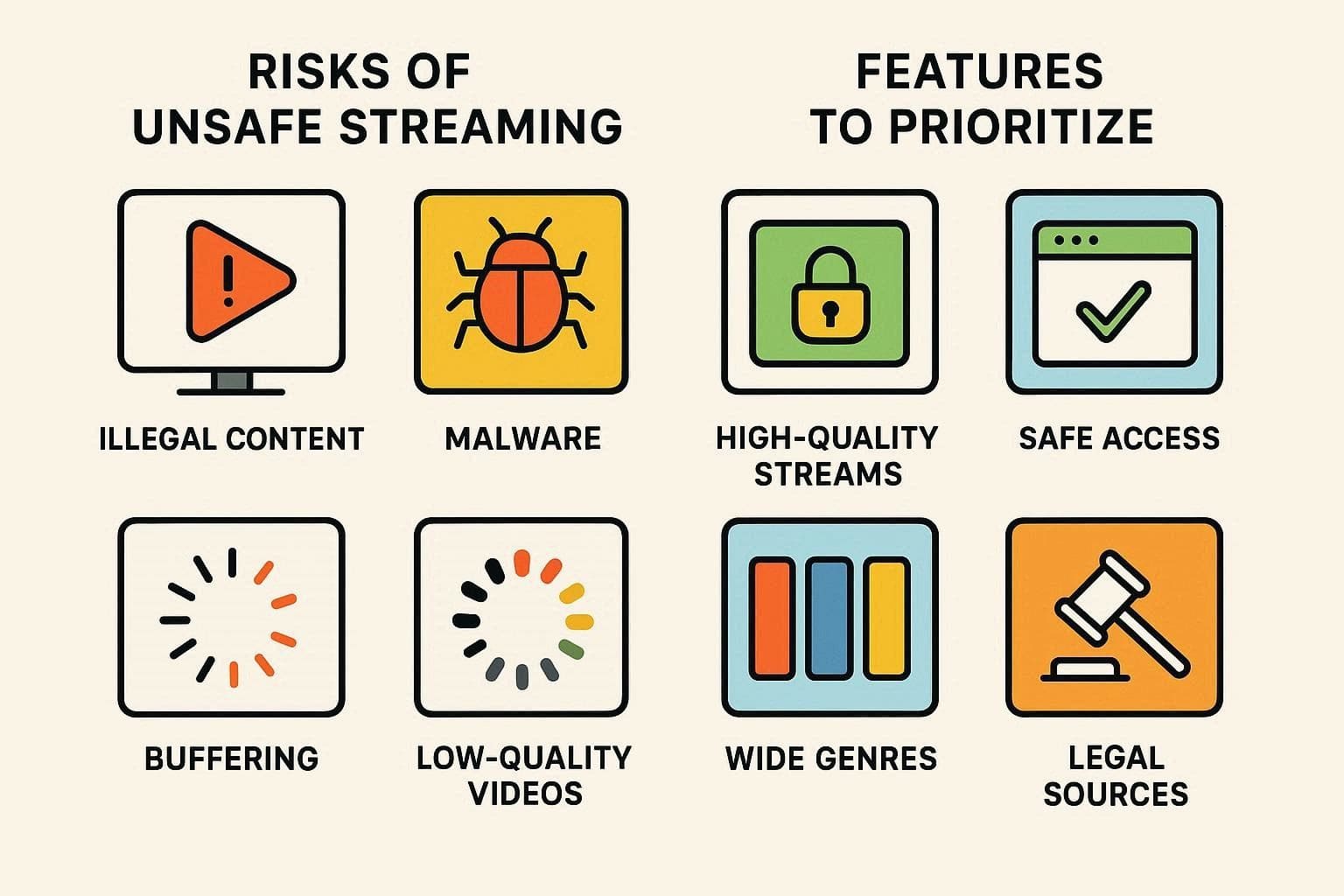
Why Look for Vumoo Alternatives - 5 Reasons to Know
1. Vumoo presents films without authorization, thus it violates the laws of most countries and
regions.
2. It tends to display pop-ups and redirects, which may contain malicious malware or fraudulent
websites.
3. Unofficial streaming websites are frequently closed, and access can be terminated at any
moment.
4. Free sites like Vumoo often show broken videos, low-quality streams, and heavy buffering during
busy hours.
5. Many free legal apps now show movies with permission, such as YouTube, Pluto TV, and Tubi, meaning
better options exist.
Key Features to Look for in Vumoo-Like Sites
On the hunt for the Vumoo-like sites, adhere to the given considerations to choose the bright option:
| Feature | What to Look For |
|---|---|
| Legality & Licensing | Uses properly licensed content and operates legally in your country. |
| Security & Privacy | HTTPS, minimal intrusive ads, clear privacy policy, and no forced downloads. |
| Video Quality | Stable HD or higher, fast load times, and low buffering during peak hours. |
| Content Library | Large, regularly updated catalog with varied genres and recent releases. |
| Device Compatibility | Works smoothly on mobiles, tablets, smart TVs, and common browsers. |
| Account Controls | Profiles, parental controls, and basic personalization options. |
| Ads & Pricing Model | Transparent ad policy; if paid, clear, affordable plans without hidden fees. |
Part 2. 10 Top Vumoo Alternatives and Similar Sites
If you want to know about some sites similar to Vumoo, review the following 10 options that offer large content libraries, easy navigation, and smooth online streaming.
Quick Overview of 10 Best Vumoo Alternatives
For a quick review, get to know what each site offers so that you can choose the best site at a glance:
| Websites | Content Library Size | Video Quality | Account Needed | Mobile-friendliness |
|---|---|---|---|---|
| Putlocker | Very large | SD to HD | No | Yes |
| Fmovies | Very large | SD to HD | No | Yes |
| SolarMovie | Very large | SD to HD | No | Yes |
| 123Movies | Very large | SD to HD | No | Yes |
| YesMovies | Large | SD to HD | No | Yes |
| WatchSeriesHD | Large – TV focused | SD to HD | No | Yes |
| GoMovies | Large | SD to HD | No | Yes |
| Popcornflix | Small–medium | Up to 1080p | Optional | Yes |
| MoviesJoy | Very large | SD to HD | No | Yes |
| WatchFree | Large | SD to HD | No | Yes |
For those who intend to know more about these websites like Vumoo, dive into the listed details:
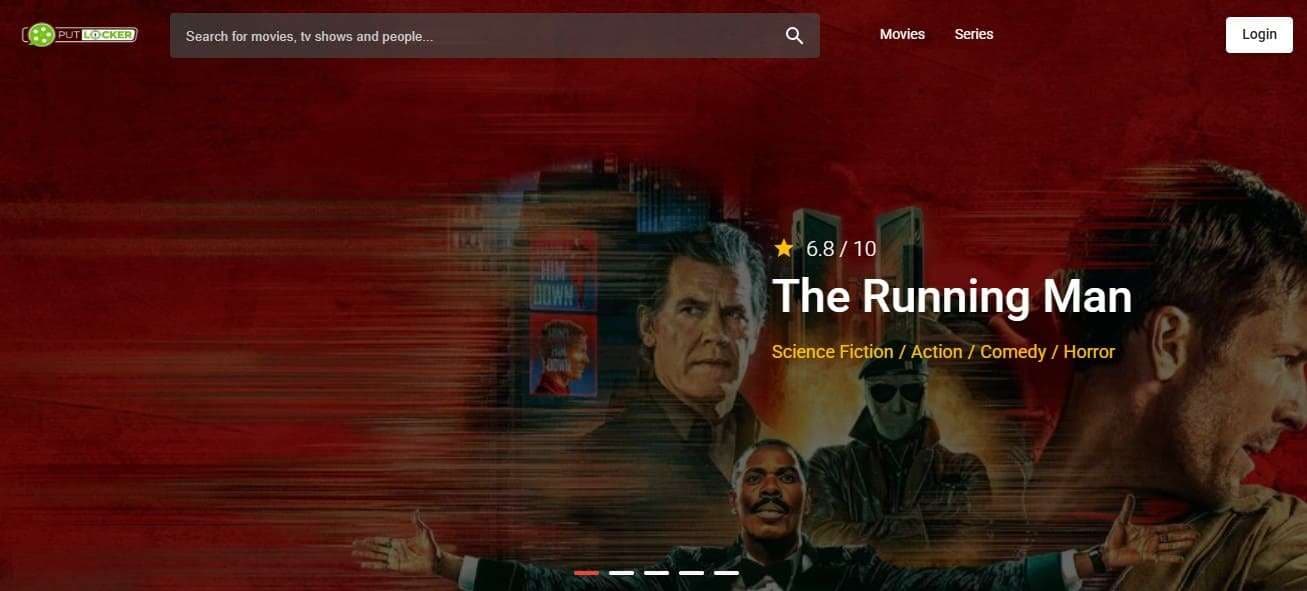
1. Putlocker - Best for Free Movie StreamingPutlocker - Best for Free Movie Streaming
Genre: Science Fiction, Thriller, Action, Horror, Comedy, etc.
Free movies and television series are available on Putlocker, where users can search titles using the Filter option. Moreover, the running time, the date of the release, and other information, including directors and plot, can be easily accessed by users. As a Vumoo alternative, it also allows users to add movies or series to the wishlist for later access.
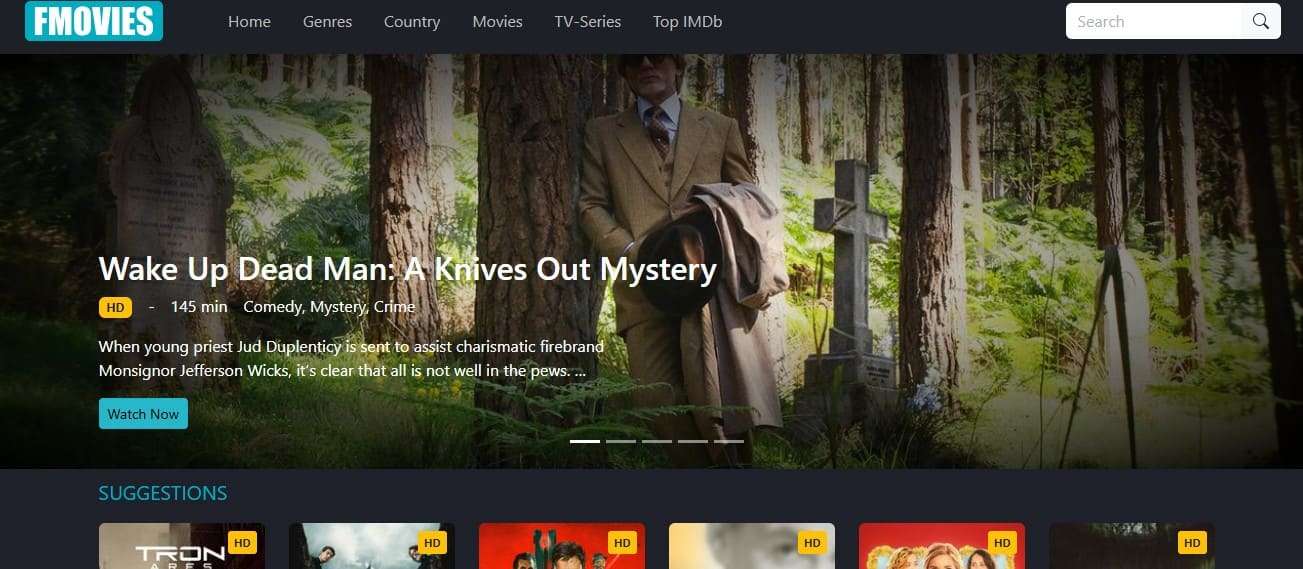
2. Fmovies - Best for a Wide Variety of Streaming Content
Genre: Science Fiction, Adventure, Action, Comedy, Horror, etc.
Among many Vumoo alternatives, it's another free option that offers movies and TV series in HD quality. Not just that, users can either choose to stream in HD or download the show in HD quality seamlessly. With the option to access show-related details, you can also get related titles without the need to sign up.
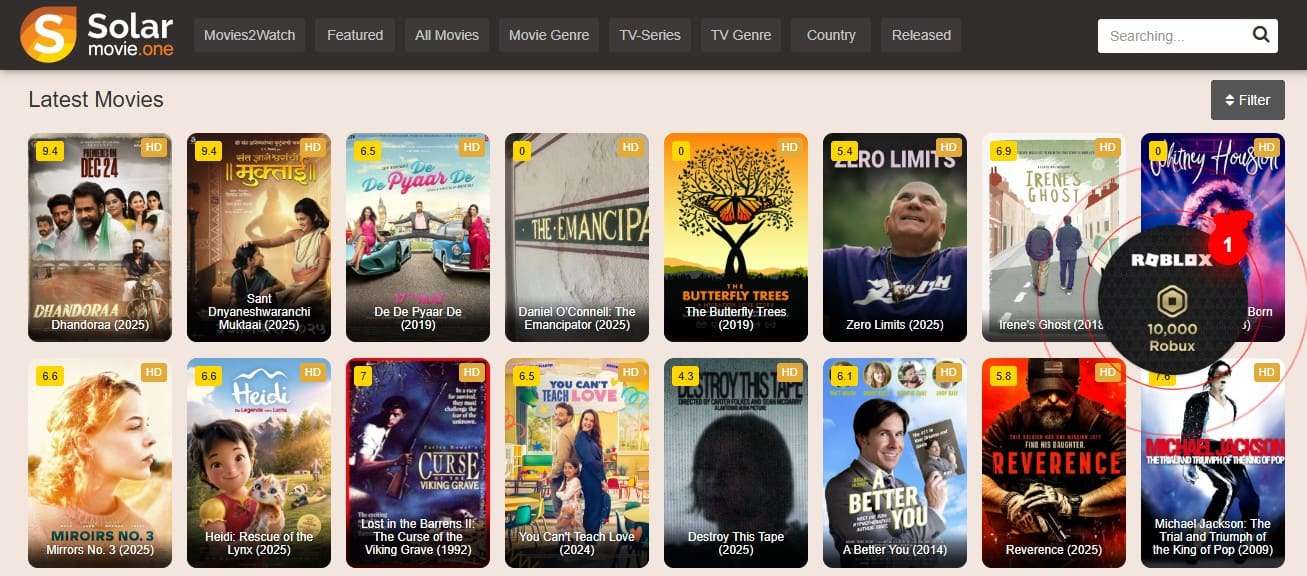
3. SolarMovie - Best for Latest Releases and Wide Genre Selection
Genre: Action, Comedy, Drama, Thriller, Romance, Sci-Fi, Horror, Adventure, Animation, etc.
This website like Vumoo displays the rating and quality options for users so that they can determine if it's worth watching. One can watch movies or TV series in 4K or download them in HD, 4K, or Blu-ray quality. With the option to preview the trailer and access movie details, the site offers an intuitive interface to search for any title.
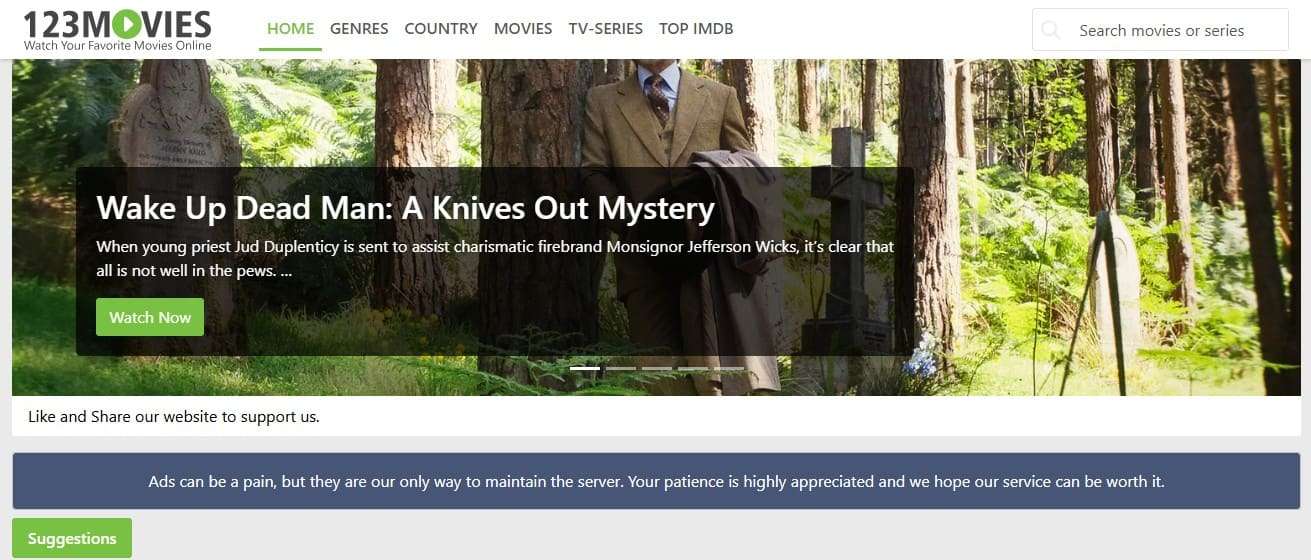
4. 123Movies - Best for Free Online Movies and TV Shows
Genre: Action, Drama, Thriller, Romance, Horror, Sci-Fi, etc.
The next Vumoo alternative is 123Movies, which allows its users to stream or download movies and series in HD. Moreover, IMDb details are available to users to obtain the details of films, television series, actors, directors, and ratings. The site also provides an exact plot summary with a choice of watching a trailer to see whether it is worth watching.
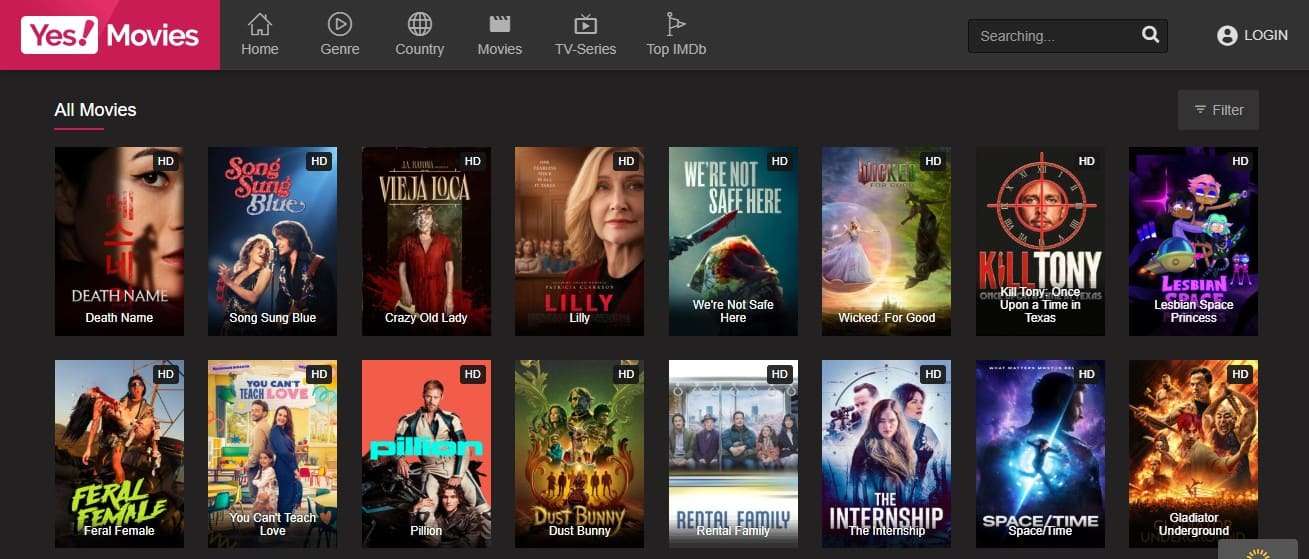
5. YesMovies - Best for Easy Online Streaming, No Subscription Needed
Genre: Comedy, Drama, Thriller, Romance, Horror, Sci-Fi, Adventure, etc.
Through YesMovies sites like Vumoo, you can search for your preferred movies or TV series without any hassle. Additionally, the site features a separate tab for genres and lets you view media quality at a glance. Not just that, you can locate the duration and viewers or schedule the show as you watch the trailer.
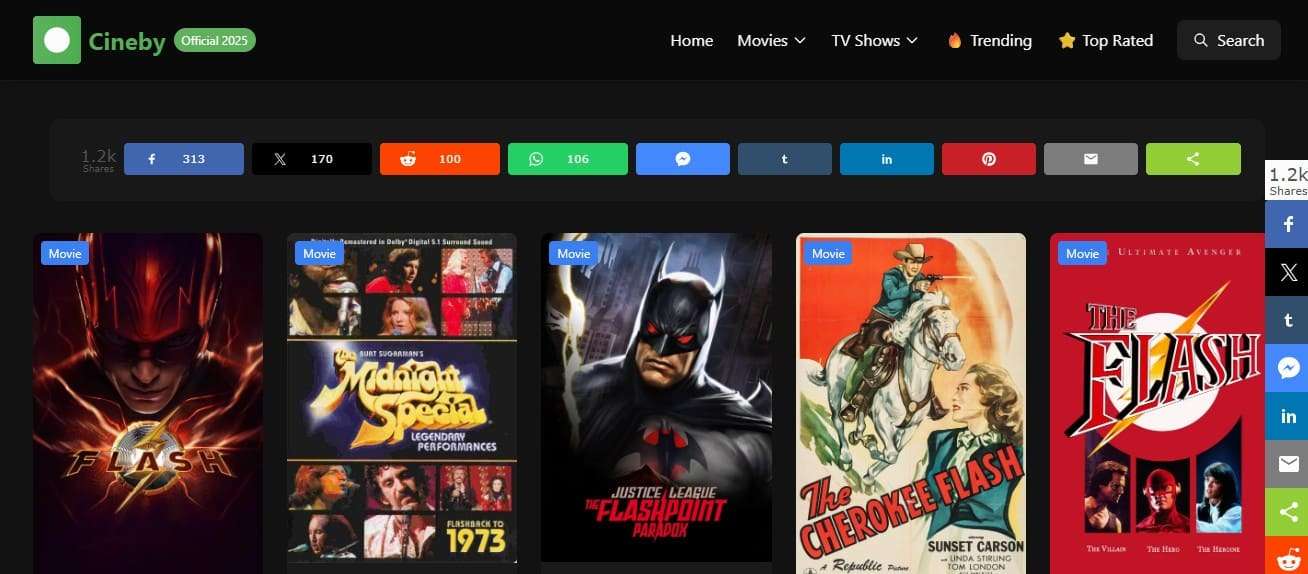
6. WatchSeriesHD - Best for Free TV Shows and Series, Latest Episodes
Genre: Thriller, Romance, Adventure, Animation, Mystery, etc.
Unlike sites like Vumoo, WatchSeriesHD displays details like the media title (Movie or TV series), rating, and year of release at the main interface. Since this makes decision-making easier, you can search for movies and series seamlessly in the Search bar, but pop-ups can be distracting. Overall, the site requires no personal information or sign-up hassle, making it a better alternative to Vumoo.
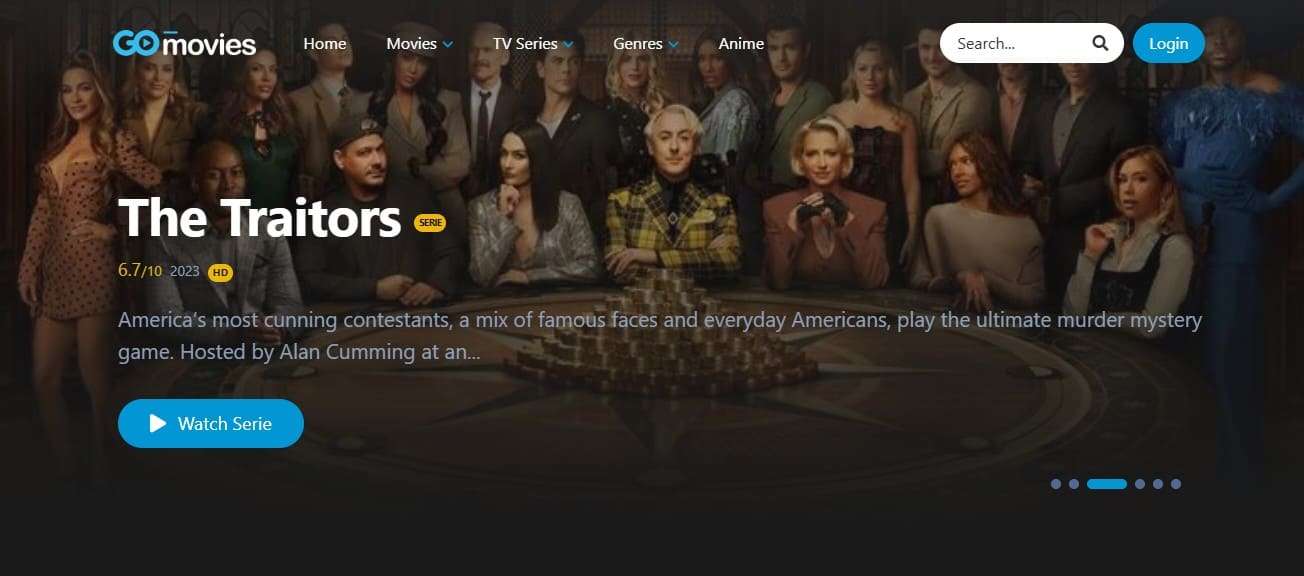
7. GoMovies - Best for Latest Releases, Online Streaming
Genre: Action, Comedy, Drama, Thriller, Romance, etc.
It's another site similar to Vumoo that allows you to either stream the most-viewed shows or locate a preferred one in the popular or upcoming sections. Additionally, you can access year-release details, but the safe browsing pop-ups can be distracting. Overall, the site is much safer than other options and allows you to stream shows in high quality.
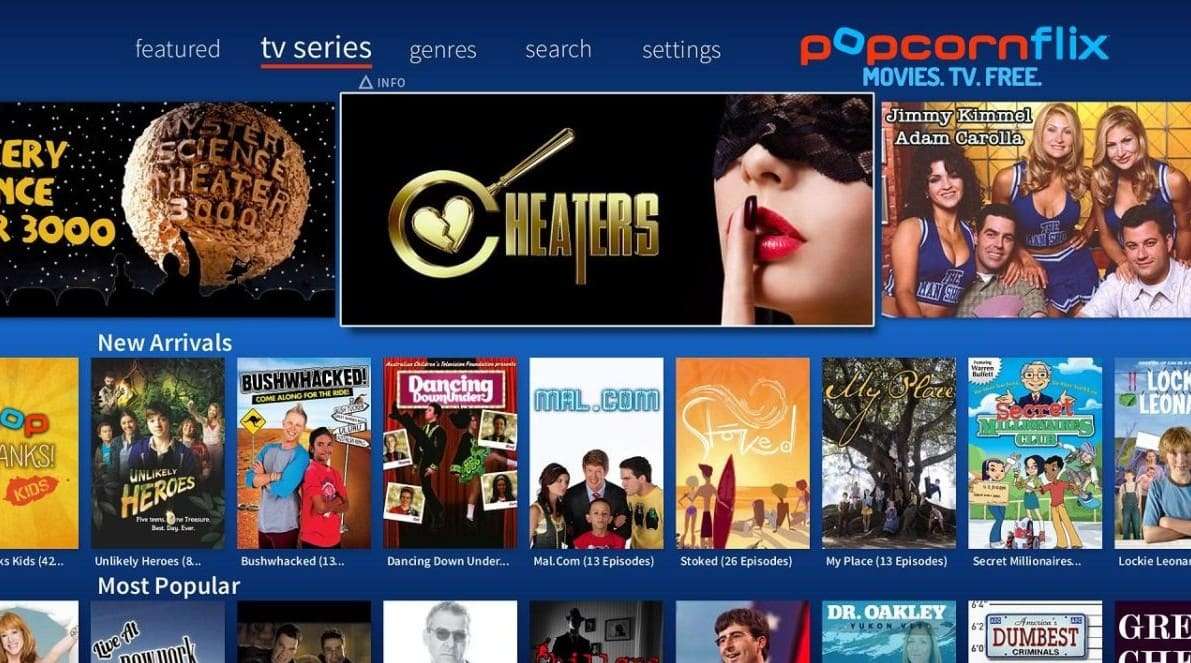
8. Popcornflix - Best for Free Movies, TV Shows, Classic and New Releases
Genre: Action, Comedy, Drama, Thriller, Animation, Mystery, Family, Documentary.
This is a freely legal Vumoo alternative for streaming movies and TV shows. It also streams full-length films and shows with advertisements, thus no subscription or credit card is needed. Besides, the users can stream on smart TVs, smartphones, or streaming devices. Films and programs are categorized in genres, like action, comedy, and horror.
9. MoviesJoy - Best for Library with Thousands of Titles
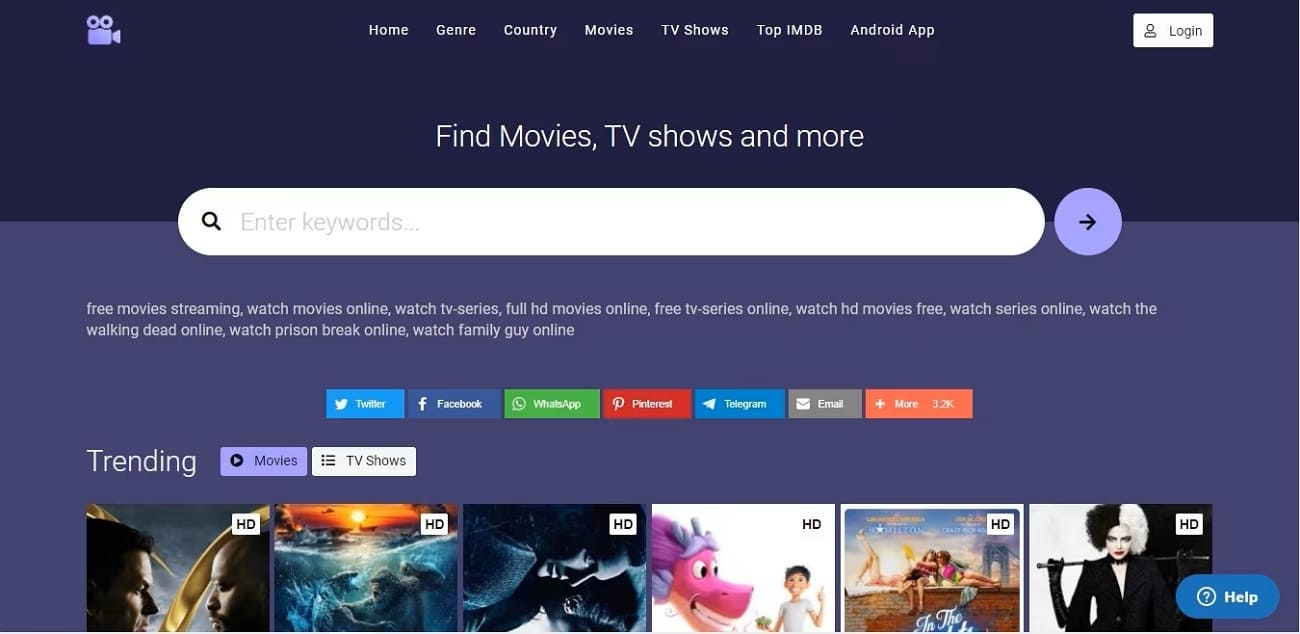
Genre: Action, Comedy, Drama, Thriller, Romance, Horror, Sci-Fi, etc.
MoviesJoy is a free site in the Vumoo-like sites where one can view movies and TV shows online without any payment or registration. Most importantly, it possesses a vast library that has thousands of titles, such as blockbusters, independent films, shows, and reality shows. A lot of films are HD, and there are even 4K, and with a slow server, one can choose between several servers.
10. WatchFree - Best for Wide Genre Selection, No Subscription Needed
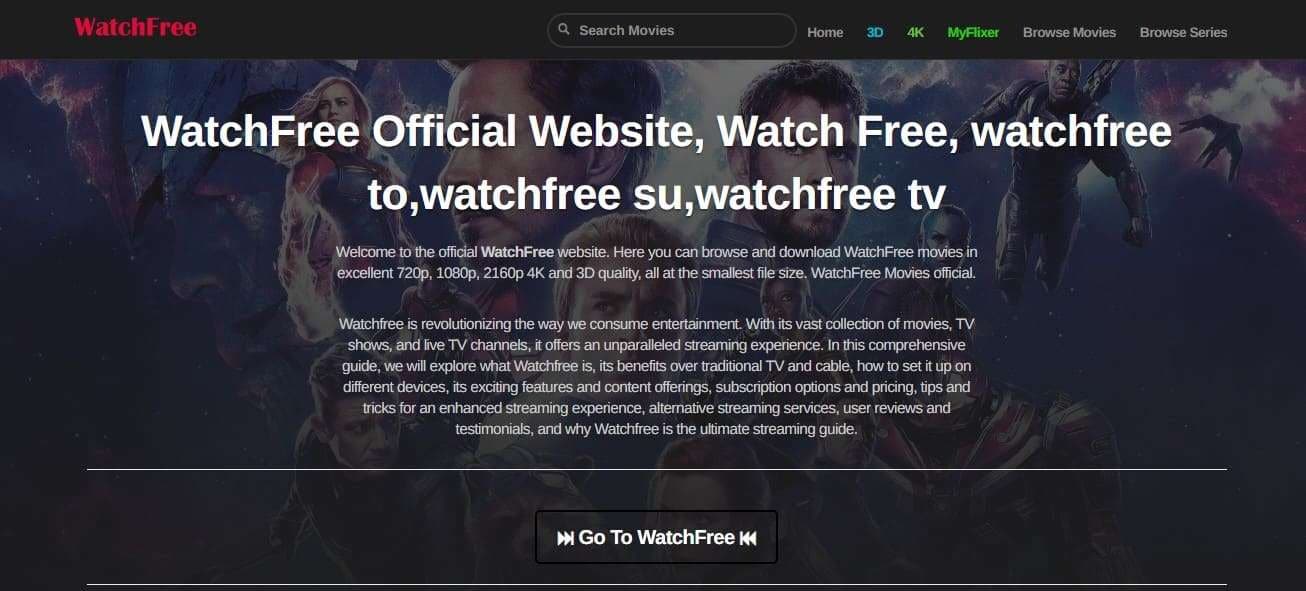
Genre: Horror, Sci-Fi, Adventure, Animation, Mystery, Action, etc.
As one of the best websites like Vumoo, WatchFree is a free, unofficial site where users can watch movies and TV shows on demand. Along with the Search option for finding titles easily, it also provides an extensive library of movies and shows, and most videos play in HD. As well, the platform is compatible with laptops, phones, and tablets using a web browser.
Pro Tip. Mirror Your Phone Screen Easily with Dr.Fone – Screen Mirror
Dr.Fone - Screen Mirror provides a smooth way to enjoy content on a larger display with practical and user-focused features. The tool supports both USB and Wi-Fi connections, giving you flexible options to mirror your device without a complicated setup. It is fully compatible with the latest iOS 26, iPadOS 26, and the iPhone 17 series, ensuring stable performance on new devices.
Users can record the mirrored screen, capture screenshots instantly, and manage content directly from the computer. For Android devices, it delivers the same convenience with reliable cross-platform support for PC and Mac. This software allows full control of apps from the desktop, along with zoom-in and zoom-out functions for better viewing. The interface remains simple and responsive, making screen sharing, presentations, and media streaming effortless for all users.
Wondershare Dr.Fone
Mirror iOS/Android Phone, Tablet & iPhone to Computer in Clicks
- Mirror iOS/Android screen to computers with a cable or Wi-Fi.
- Extend your device screen to your PC or Mac.
- Record iOS/Android screen and take screenshots from PC or Mac.
- Control your iOS/Android phone/tablet on a PC.


How to Mirror Android Screen Efficiently with Dr.Fone - Screen Mirror
To know how you can cast Android sites like Vumoo on PC or Mac with Dr.Fone, review the given tutorial:
- Step 1. Locate the QR Code in the Screen Mirroring Tab
- Step 2. Scan the QR Code Using the App
- Step 3. Continue or End the Screen Mirroring
Head to the "Screen Mirror" tool from the left sidebar of Dr.Fone and scan the QR Code to install the Dr.Fone Link app on Android.

Once installed, press the "QR Code" icon displayed at the top right corner of the app.

Scan the code from a PC or a Mac, and you will get a "Screen Mirroring is in Progress" alert on Dr.Fone Link. Cast or stream the Vumoo substitutes, then select the "End Mirroring" option in the tool to conclude the session.

safe & secure4,624,541 people have downloaded it
Part 3. 5 Tips for Safer Streaming on Vumoo-Like Sites
When using sites similar to Vumoo, follow these tips to ensure safer and more secure streaming.
| Tips | What to Do |
|---|---|
| Use a VPN and HTTPS Only | Connect through a reputable VPN and avoid sites that do not load over secure HTTPS. |
| Block Ads and Pop‑Ups | Enable an ad‑blocker and pop‑up blocker to reduce malicious ads and fake buttons. |
| Never Download "Players" or APKs | Stream in‑browser only; avoid installing unknown extensions, apps, or "codec updates." |
| Avoid Logins and Real Details | Do not create accounts, reuse passwords, or add card/bank info on such sites. |
| Keep Security Tools Updated | Use updated antivirus/anti‑malware and keep your browser/OS patched regularly. |
Conclusion
To sum up, this guide has explored 10 Vumoo alternatives with detailed insights on genre, pros, and cons. So, as you choose the right option, it is advised to stream them on a wider display by casting the mobile screen on a PC or Mac. In this regard, Dr.Fone - Screen Mirror is a recommended choice due to its seamless connectivity options and innovative features.
safe & secure4,624,541 people have downloaded it
FAQs
 1.
Are these sites legal to use?2.
Can I watch on my phone or PC?3.
Can I save shows for later?
1.
Are these sites legal to use?2.
Can I watch on my phone or PC?3.
Can I save shows for later?Dr.Fone Basic:
Better Control for Your Phone
Manage, transfer, back up, restore, and mirror your device


Screen Mirror Tips & Tricks
- iPhone Mirror Tips
- Mirror iPhone to iPhone
- iPhone XR Screen Mirroring
- iPhone X Screen Mirroring
- Screen Mirror on iPhone 8
- Screen Mirror on iPhone 7
- Screen Mirror on iPhone 6
- Cast iPhone to Chromecast
- Mirror iPhone to iPad
- Screen Mirror on iPhone 6
- Apowermirror Alternative
- Android Mirror Tips
- Screen Mirroring Huawei
- Screen Mirroring Xiaomi Redmi
- Screen Mirroring App for Android
- Mirror Android to Roku
- PC/Mac Mirror Tips

 > How-to > Phone Mirroring Solutions > Vumoo Alternatives: Best Sites Like Vumoo to Watch Movies and TV Shows [2026]
Sandra
staff Editor