







1,000+ POSITIVE MEDIA COVERAGE

  • make use of
  • mspoweruser
  • techradar
  • toptenreviews
  • software testing help
  • igeeksblog
  • 9to5mac
  • TheWindowsClub
  • cult of mac
  • make use of
  • mspoweruser
  • techradar
  • toptenreviews
  • software testing help
  • igeeksblog
  • 9to5mac
  • TheWindowsClub
  • cult of mac
  • make use of
  • mspoweruser
  • techradar
  • toptenreviews
  • software testing help
  • igeeksblog
  • 9to5mac
  • TheWindowsClub
  • cult of mac

What Is Samsung FRP Lock and Why
It Appears After Factory Reset

Samsung FRP lock protection

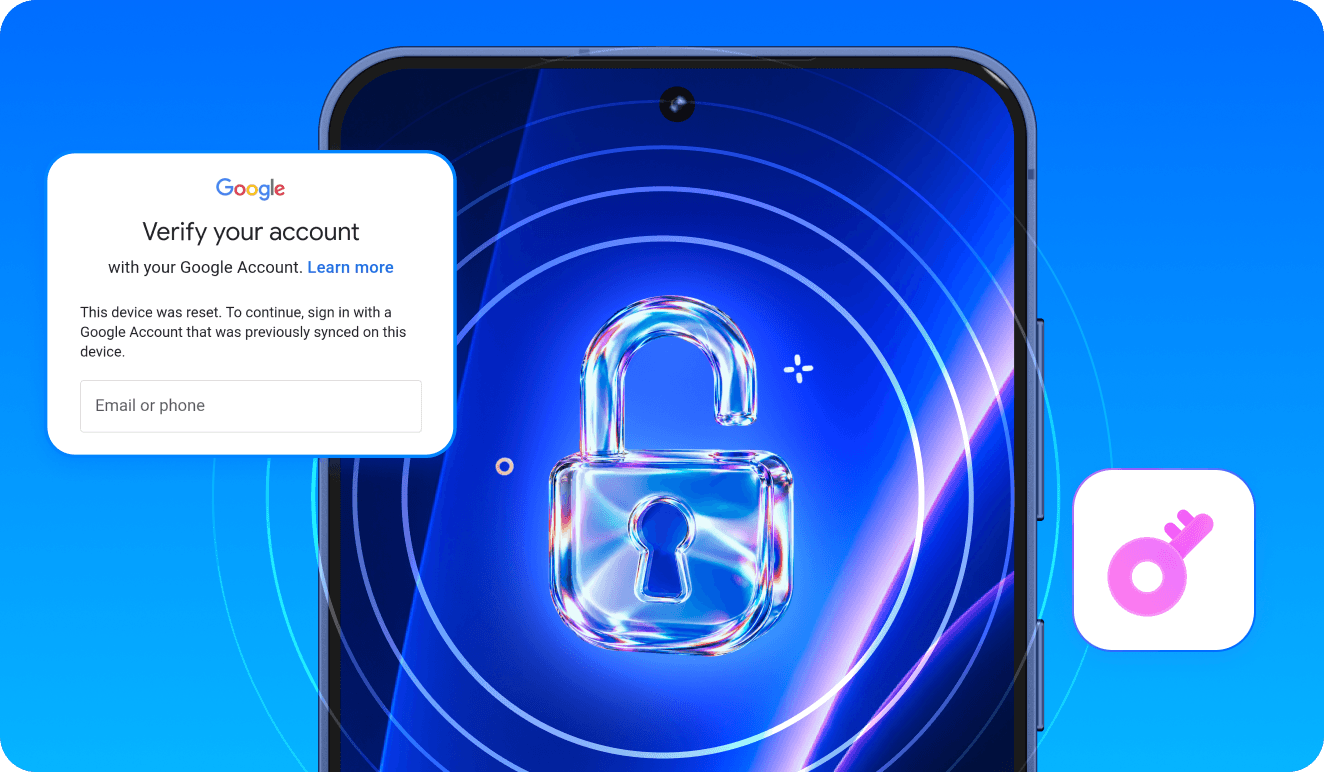
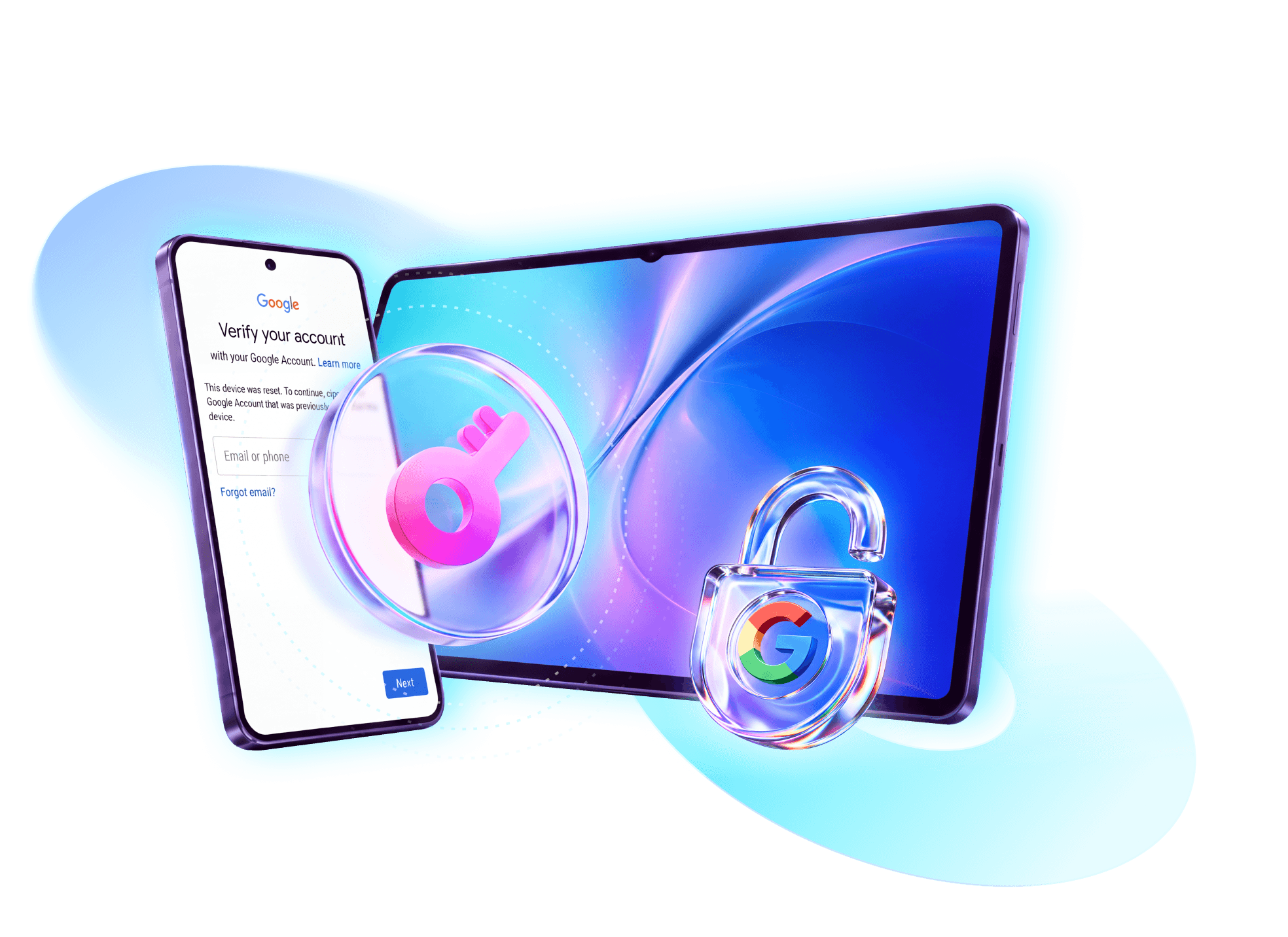
FRP (Factory Reset Protection) is a Google security feature built into Android. When a Samsung device is factory reset without the previously synced Google account being removed first, the phone locks the setup process and asks you to sign in with that original Google account. If you forgot the account credentials, or the device was reset by someone else, you will face the "Verify your account" screen with no way forward — that is the Samsung FRP lock.

Samsung FRP Bypass Methods at a Glance

Samsung FRP bypass methods compared by device support, PC requirements, success rate and time.
Method Best for PC needed Success rate Time
Dr.Fone - Screen Unlock (Android) All Samsung models, Android 6–16 Yes (Win/Mac) High, model-aware ~5 min
Dr.Fone Online Unlock Newest Samsung FRP unlock No High, model-aware 1-10 minutes
Samsung FRP bypass without PC Older Android versions No Varies, version-limited 10–20 min
Official Google account recovery You still remember the account No 100% if credentials work 5–10 min

How to Bypass Samsung FRP with Dr.Fone

The easiest and most reliable way to remove the Google account lock from a Samsung Galaxy phone or tablet is Dr.Fone - Screen Unlock (Android). It supports all Samsung models — Galaxy S, A, M, F, Z Fold, Z Flip and Tab — across Android 6 up to the latest Android 16, and it guides you through the entire process on screen. No random APKs, no risky files, no guesswork.

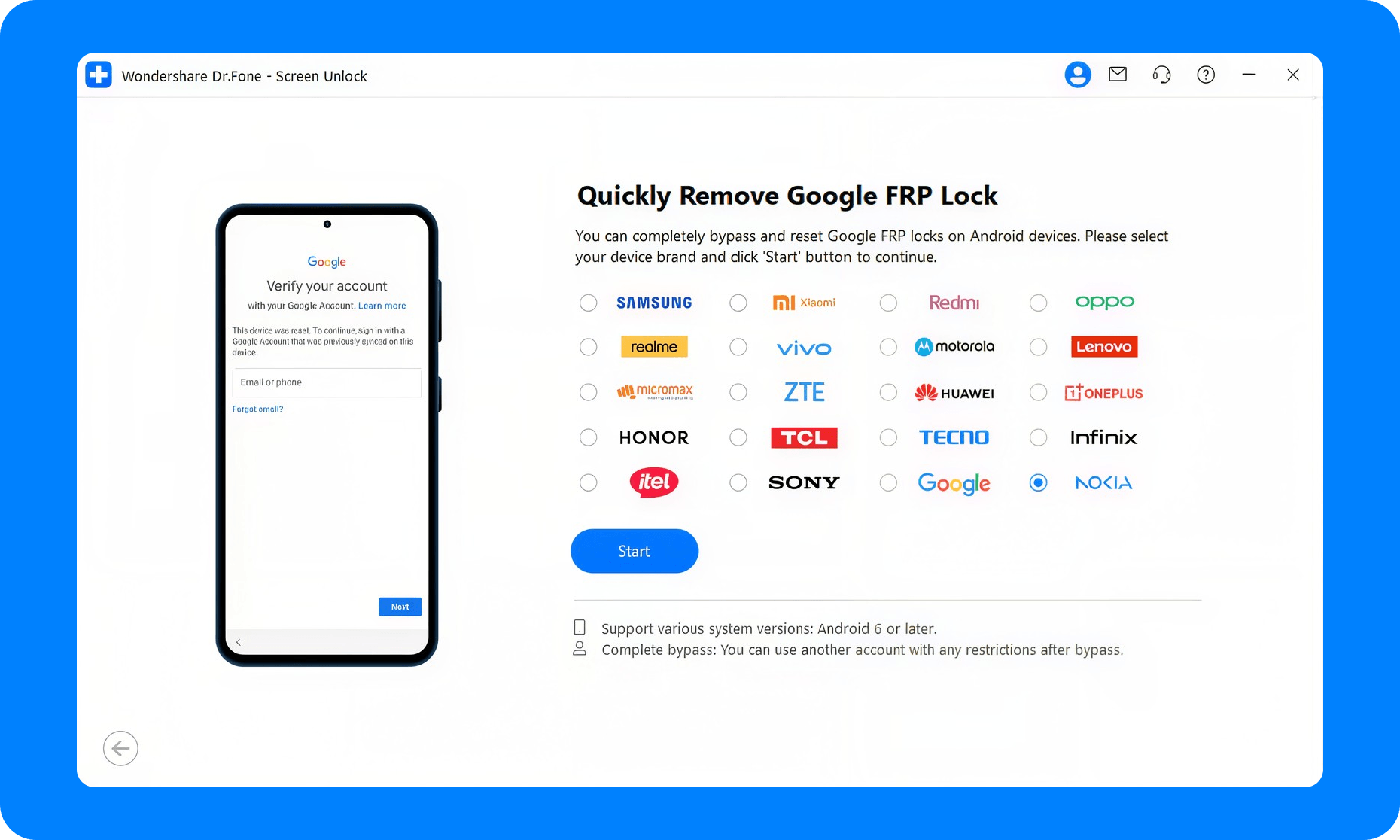
Download and select FRP unlock
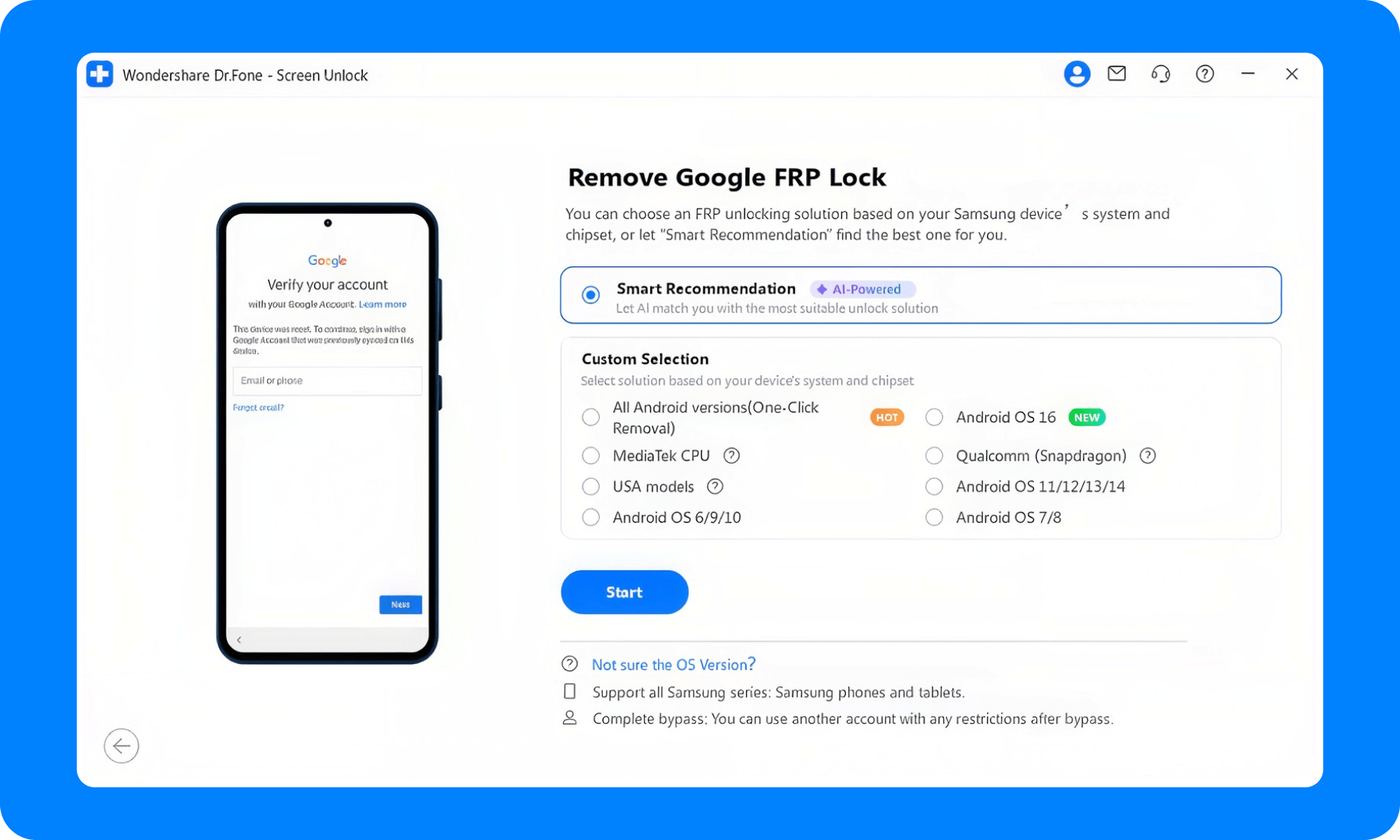
Select Samsung device information
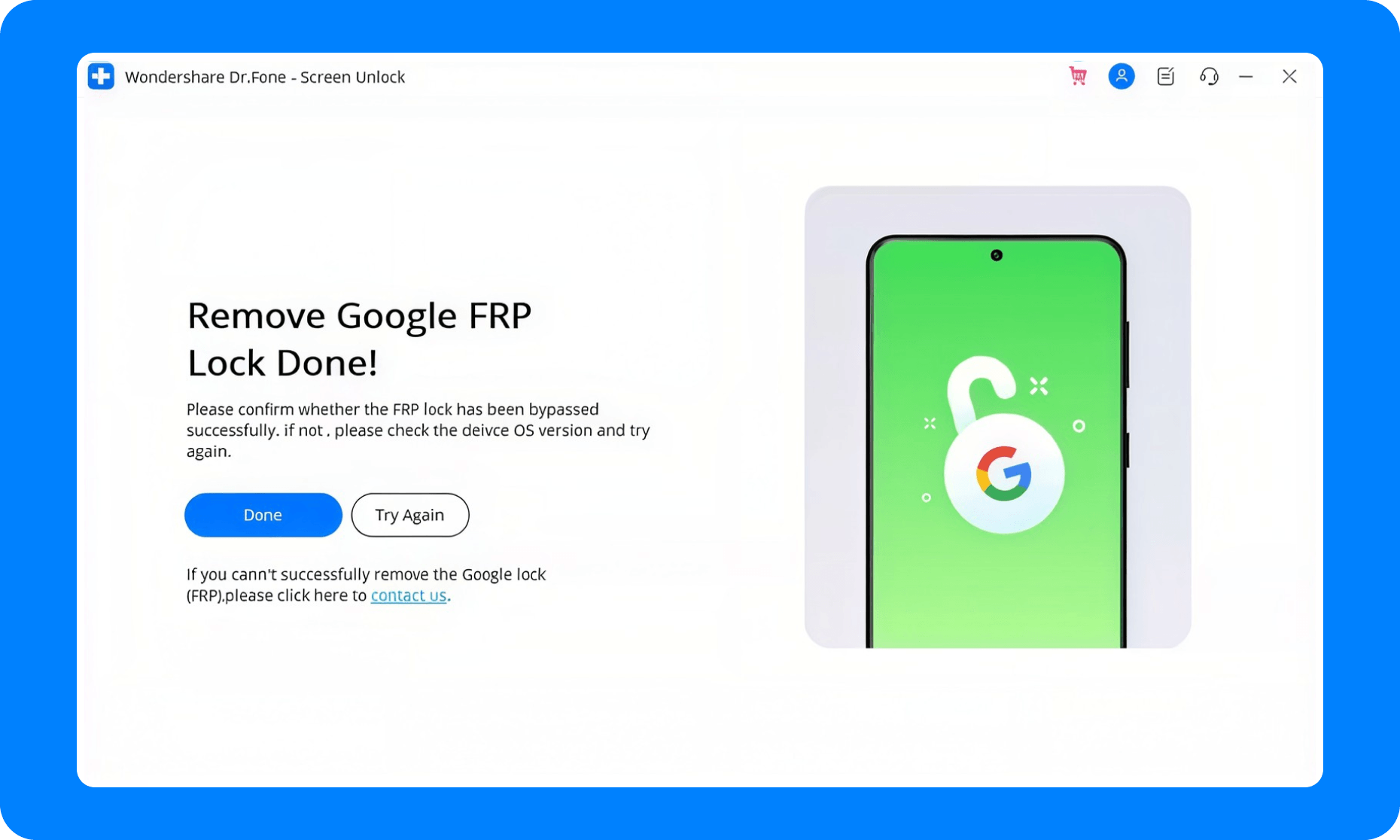
Samsung FRP lock removed
Download and select FRP unlock
Select Samsung device information
Samsung FRP lock removed
1
2
3

Step 1. Connect Your Samsung Device

Open Dr.Fone, enter Screen Unlock, and connect your device.

Step 2. Select Your Device and Let Dr.Fone Detect the Right Method

Use the Smart Recommendation (AI-Powered) feature to let Dr.Fone automatically analyze your connected device — model, chipset and Android version — and recommend the most suitable FRP removal method for your case.

Step 3. Remove the FRP Lock and Finish Setup

When the process completes, restart your Samsung device and complete the initial setup — the Google verification screen will no longer block you.

View Detailed Guide >

Samsung FRP Removal by Android Version

 Android 16 (Galaxy S26+ & S25)

Dr.Fone provides prioritized support for the Galaxy S26+ and S25 series with an industry-leading success rate. Select Android OS 16, let the tool auto-download the correct USB driver, and run the Remove FRP Lock routine. It is the recommended first choice for the newest Galaxy flagships.

Older models (Android 6–15, Snapdragon/MTK)

On older Galaxy phones, the right method depends on the chipset. For Snapdragon-powered models (Android 11–15), Dr.Fone offers a dedicated EDL-cable workflow. For MediaTek (MTK) models such as the A0X/A1X/A2X/A3X, F and M series, use the MediaTek CPU entry and Download Mode. See the detailed guide for bypassing Samsung FRP on Snapdragon phones.

Download the latest version | Secure & verified

Samsung FRP Bypass Without PC

If you cannot use a computer, some older Samsung models can be bypassed without a PC using on-device methods, but these are version-limited and often unstable on newer Android releases. The safest no-PC route is to use the Google account login method during setup — or, if you prefer a guided tool, Dr.Fone's online FRP removal service.

Samsung FRP account verification

Why Choose Dr.Fone Instead of
a Samsung FRP Bypass APK?

Many users search for a "Samsung FRP bypass APK" download, but free APKs and cracked files are risky, outdated, and often incompatible with newer Android versions. Here is how Dr.Fone compares:

Dr.Fone Screen Unlock for Android compared with free FRP bypass APKs.
Feature Dr.Fone - Screen Unlock (Android) Free FRP bypass APKs
Reliability Guided, model-aware workflow Temporary exploits, often fail on new versions
Safety Official tool, no malware Risk of trojans, adware and data theft
Device support All Samsung models, Android 6–16 Limited models, quickly outdated
Data handling Backup guidance included May wipe data unpredictably
Updates Continuously updated Abandoned after each Android patch

Samsung FRP Bypass FAQs

  • FRP (Factory Reset Protection) is a Google security feature that activates after a factory reset. If the previously synced Google account was not removed before the reset, the Samsung device asks you to verify that account during setup. If you cannot, you are locked out of the phone — this is the Samsung FRP lock.

  • On some older Samsung models, yes — on-device methods exist, but they are version-limited and often unstable on newer Android releases. The safest no-PC route is to use the Google account login method during setup. For a guided alternative, Dr.Fone's online FRP removal service is available. See our Samsung FRP bypass without PC guide.

  • Yes. Dr.Fone provides prioritized support for the Galaxy S26 and S25 series on Android 16, with an industry-leading success rate. Select Android OS 16 in the tool, let it download the correct USB driver automatically, and run the Remove FRP Lock routine.

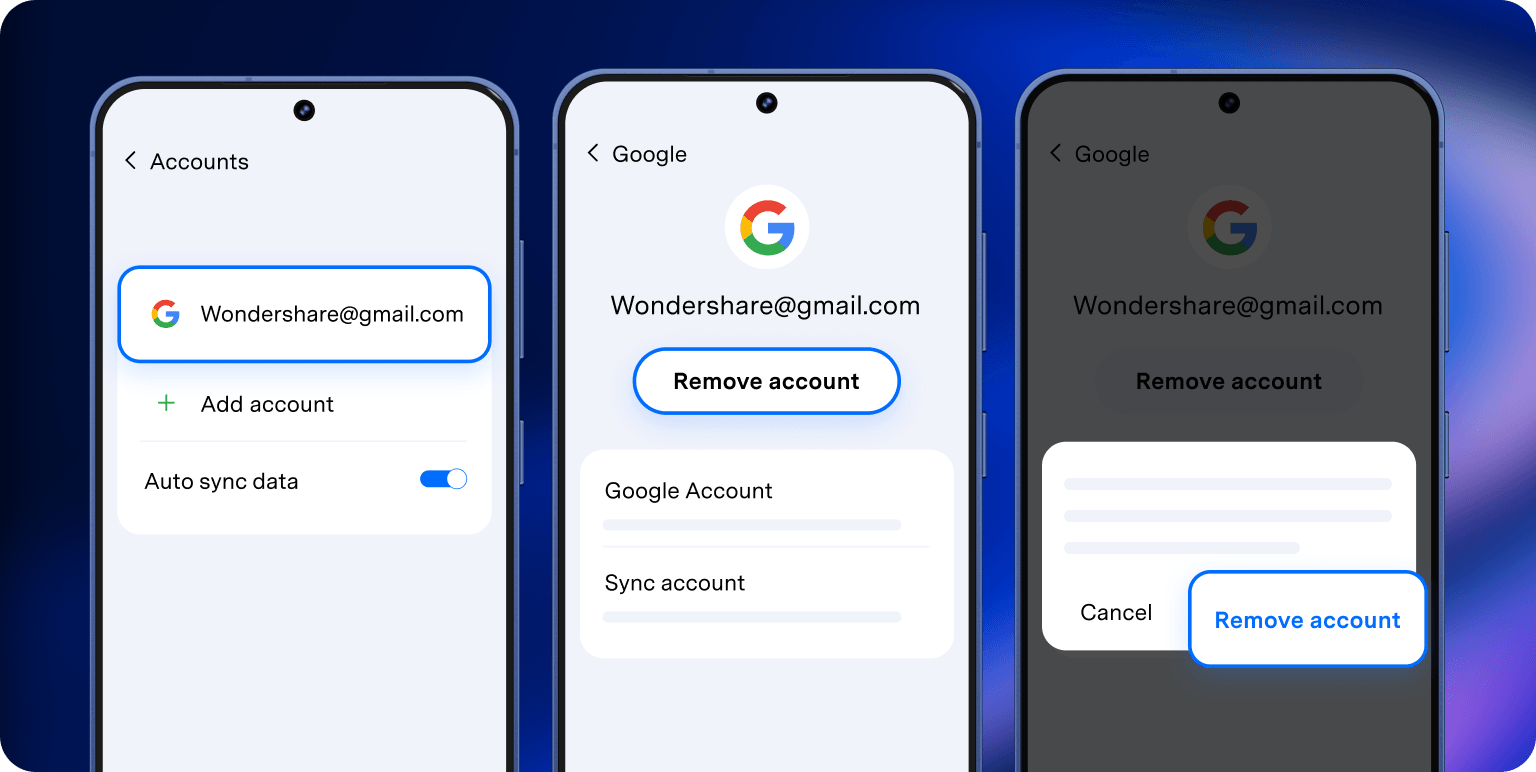
  • The bypass process involves a factory reset or guided verification steps, which can erase your data. Always back up your data before starting, and remove your Google account and screen lock beforehand when possible.

  • Usually not. Free FRP bypass APKs rely on temporary exploits, can be quickly patched by Google, and may carry trojans or adware. For a reliable and safe result, use a guided tool like Dr.Fone or the official account recovery route instead.

  • Yes, if you legitimately purchased the device. Dr.Fone is designed to help legitimate owners regain access to devices they own. Use it only on devices you own or have explicit permission to unlock.

  • Re-run the process using Dr.Fone's Smart Recommendation (AI-Powered) to re-detect your device model and Android version. If it still fails, try a different entry point — such as the EDL workflow for Snapdragon models or the MediaTek CPU method for MTK models.

  • Typically about 5 minutes, depending on the model and your network connection. Dr.Fone automatically downloads the correct USB driver and guides you through each step, so the process is fast and straightforward.