
Fix 150+ iOS System Issues Without Data Loss
Repair your iOS or iPadOS system like a pro—quick, easy, and right from home.
-
Compatible with the latest iOS 26/iPadOS 26 and iPhone 17 Series.
-
Upgrade or downgrade iOS/iPadOS 26 without jailbreak or iTunes.
-
Repair 150+ iOS system issues like Apple logo, boot loop, white screen, etc.
-
Factory reset your iPhone without passcode/iTunes/Finder.
-
Enter Recovery Mode and Exit DFU Mode for FREE.
-
Fix 200+ iTunes errors like 4013 and 1110 without data loss.
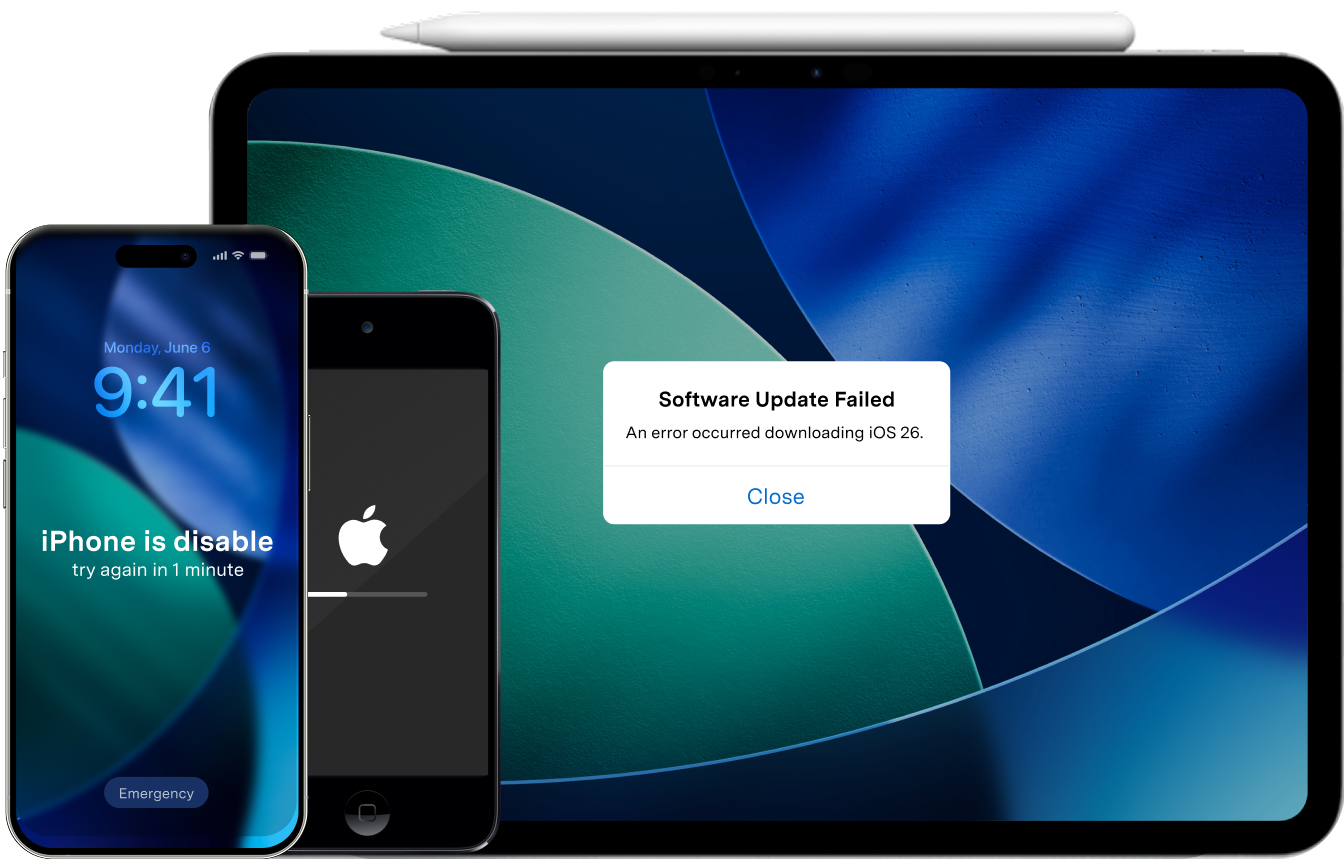

Choose Your iPhone Issue and Repair It Now
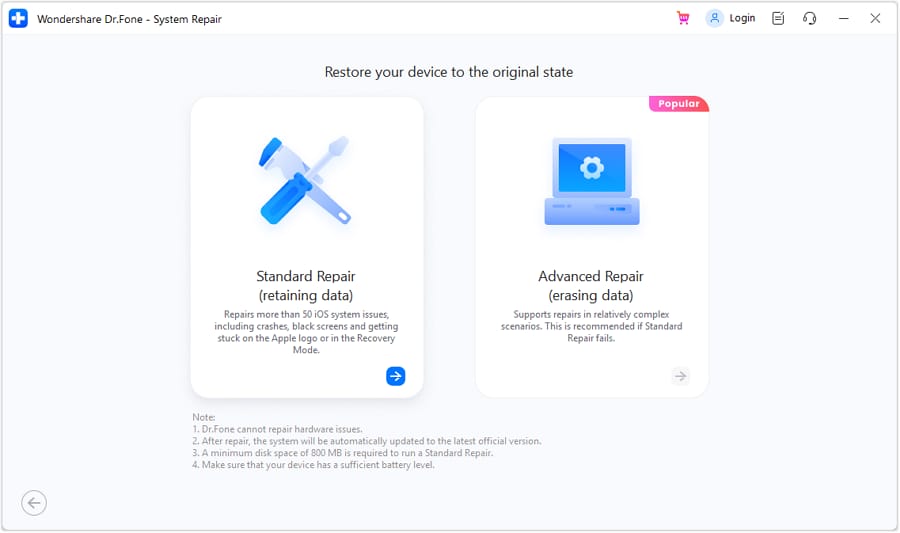
Dr.Fone - System Repair helps you fix 150+ iPhone and iPad system issues, including black screen, boot loop, Apple logo stuck, and iOS update failed. It is a safer iOS system repair solution than iTunes restore for most software issues, with Standard Repair designed to fix your device without data loss.
Quickly escape recovery mode without losing your data.
Fix the Apple logo freeze and revive your iPhone.
Stop endless restarts—restore your iPhone’s stability.
Bring your unresponsive iPhone back to life instantly.
Resolve update failures and smoothly upgrade your iPhone.
Unlock your disabled iPhone safely, without iTunes.
Eliminate black or white screens—restore your iPhone display.
Unfreeze your iPhone instantly, keeping your data intact.
Rebooting your iPhone smoothly.
Boost your iPhone’s battery life and performance quickly.
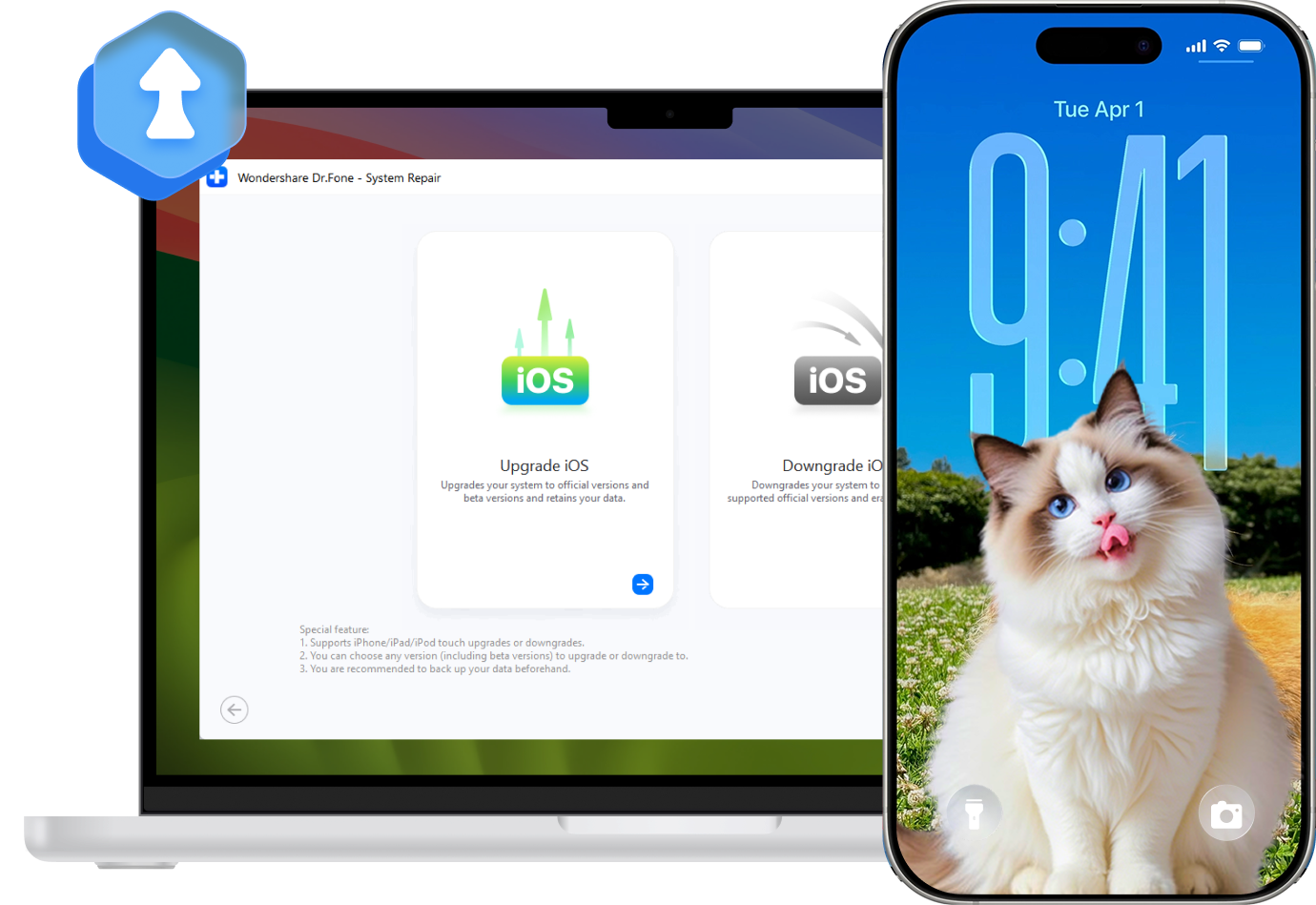
Upgrade and Downgrade iOS Without iTunes or Jailbreak
Seamlessly manage your iOS/iPadOS versions with Dr.Fone — upgrade, downgrade, or explore iOS Beta without iTunes, jailbreak, or technical skills.

iPhone

iPad

iPod touch


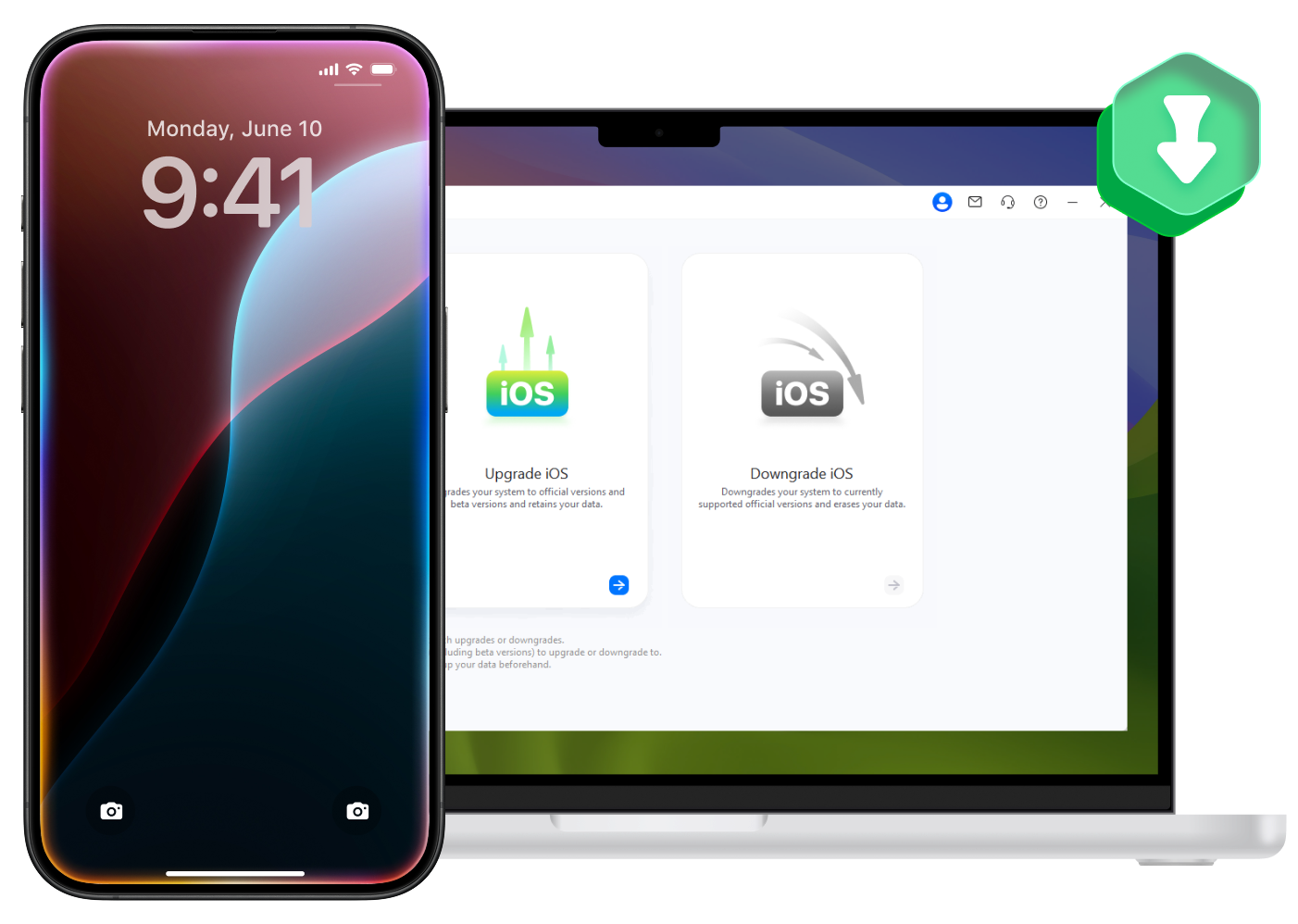
Upgrade to the Latest iOS Version
Dr.Fone enables you to upgrade your iPhone, iPad, or iPod touch to the latest iOS/iPadOS 26 version without iTunes, Finder, Wi‑Fi update failures, or a developer account.
-

Upgrade to the newest iOS/iPadOS versions, including iOS 26.
-
Preserve your data during the upgrade process.
-
Avoid common iOS update issues, such as stuck preparing update, update failed, or frozen progress bar.
-
User-friendly iOS upgrade tool for beginners and advanced users.
iPhone
iPad
iPod touch
Downgrade to a Previous iOS Version
If your iPhone has bugs, battery drain, app crashes, or update failures after installing the latest iOS version, Dr.Fone helps you downgrade to a stable signed iOS version without iTunes.
-
Downgrade iOS 26 to signed versions without iTunes (e.g., 26.1 → 26.0).
-
Keep your data safe during supported downgrade scenarios.
-
Fix post-update issues such as boot loop, frozen screen, or iOS system instability.
-
Simple step-by-step process with no jailbreak required.
iPhone
iPad
iPod touch

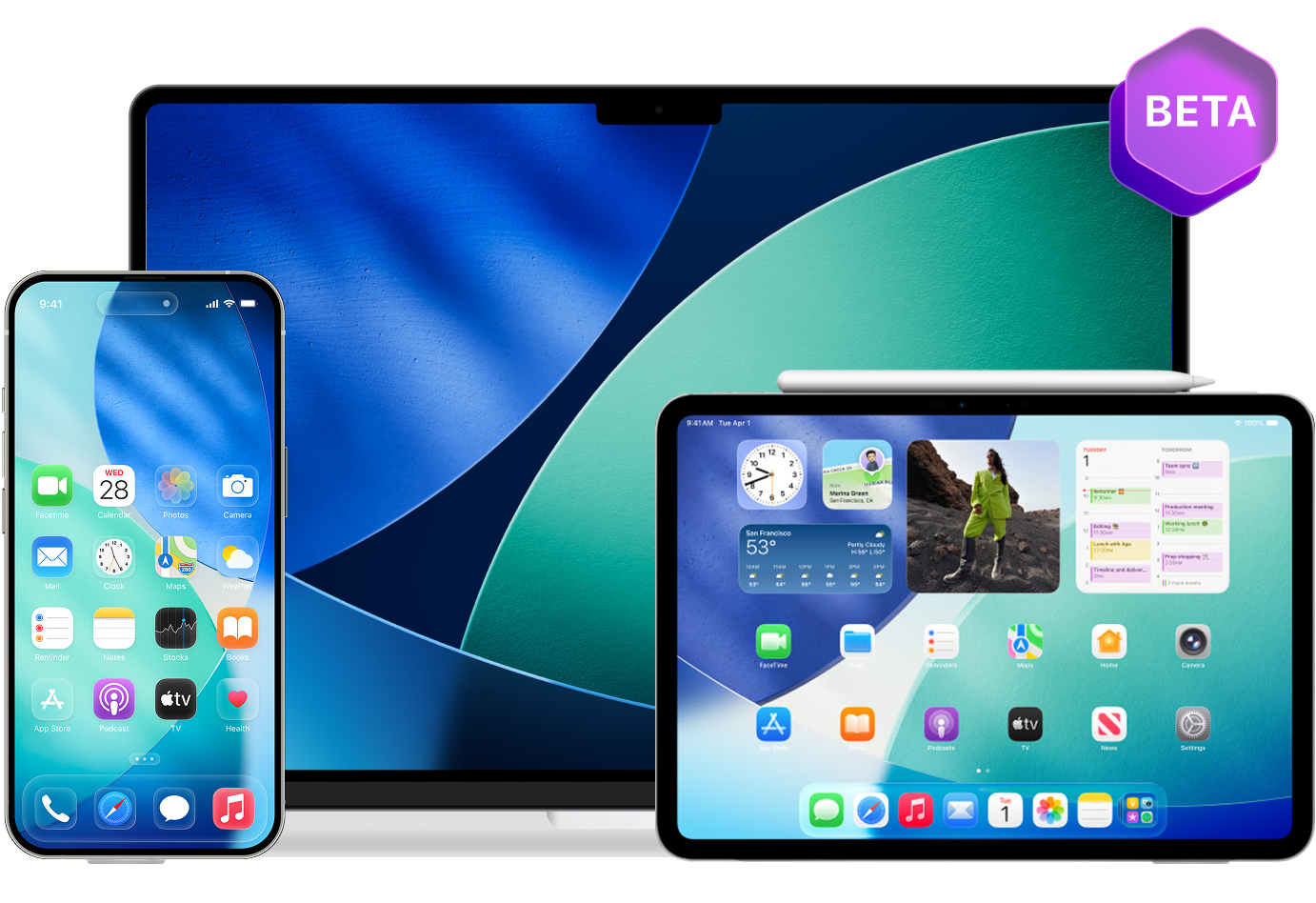
Try the Latest iOS Beta for Free
Explore upcoming iOS Beta features for free. With Dr.Fone, you can download and install the latest iOS Beta in one click — no Apple developer account or complicated setup required.
-
Try the newest iOS features before the official release.
-
Install iOS Beta for free with your data preserved.
-
One-click upgrade with simple step-by-step guidance.
-
No Apple developer account required.
Reset iOS Devices Without Apple ID – Two Ways to
Refresh Your iPhone
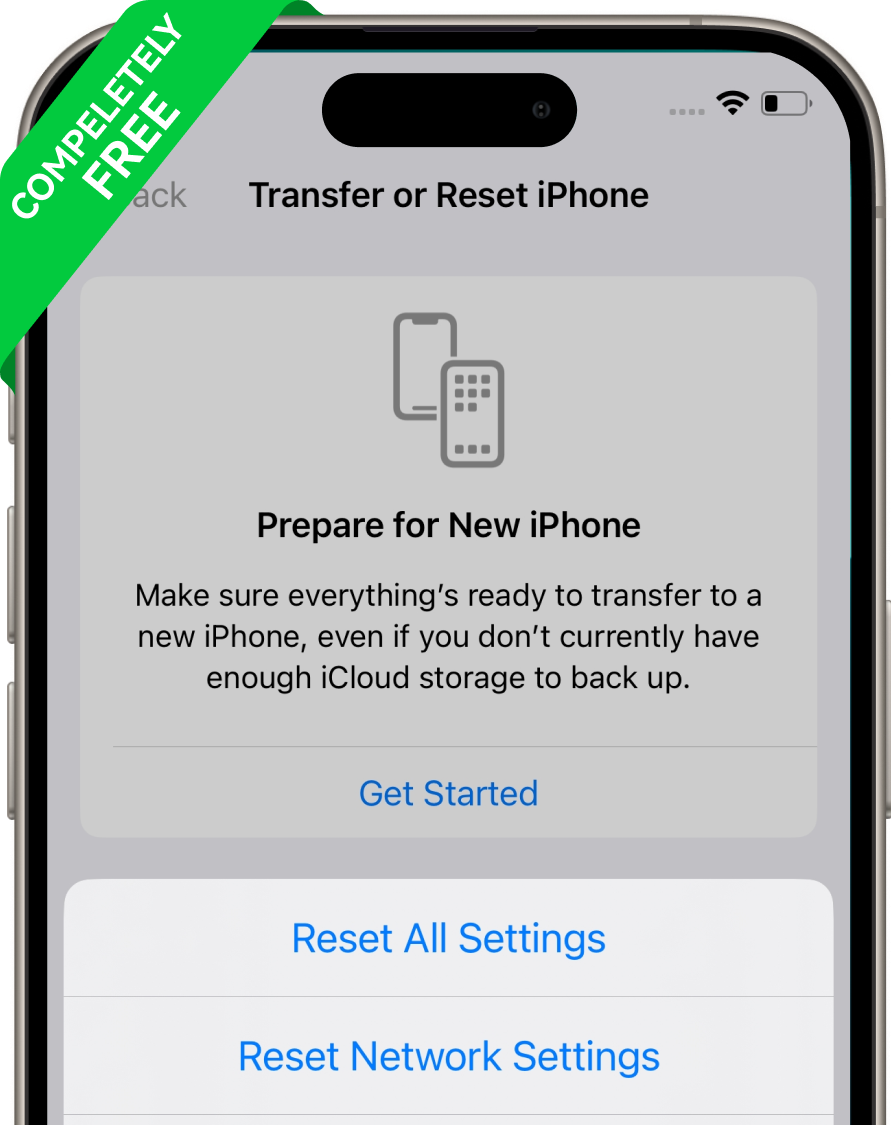
General Reset
Refresh your iPhone or iPad settings without erasing personal data. General Reset restores system settings to default and helps fix minor iOS glitches such as network issues, notification problems, abnormal battery drain, or unstable system behavior.

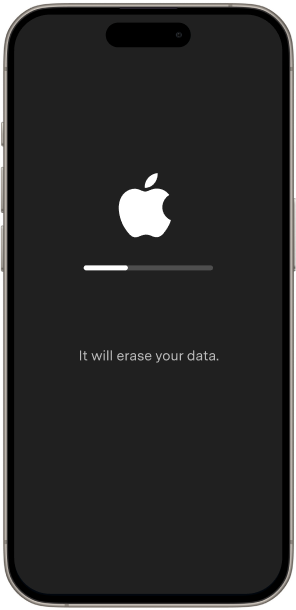
Factory Reset
Reinstall iOS and wipe your iPhone/iPad when you need to remove a passcode, fix severe crashes, resolve persistent boot loop, or prepare a device for resale. Please note: Factory Reset erases all data. Back up your iPhone before continuing.
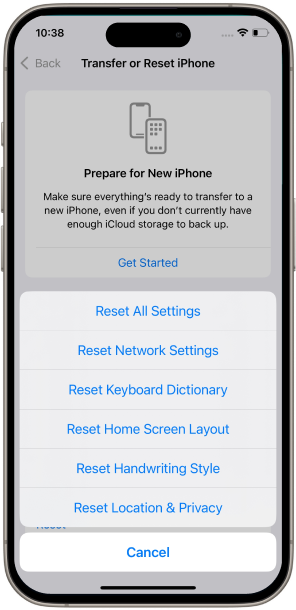
General Reset
Refresh your iPhone or iPad settings without erasing personal data. General Reset restores system settings to default and helps fix minor iOS glitches such as network issues, notification problems, abnormal battery drain, or unstable system behavior.
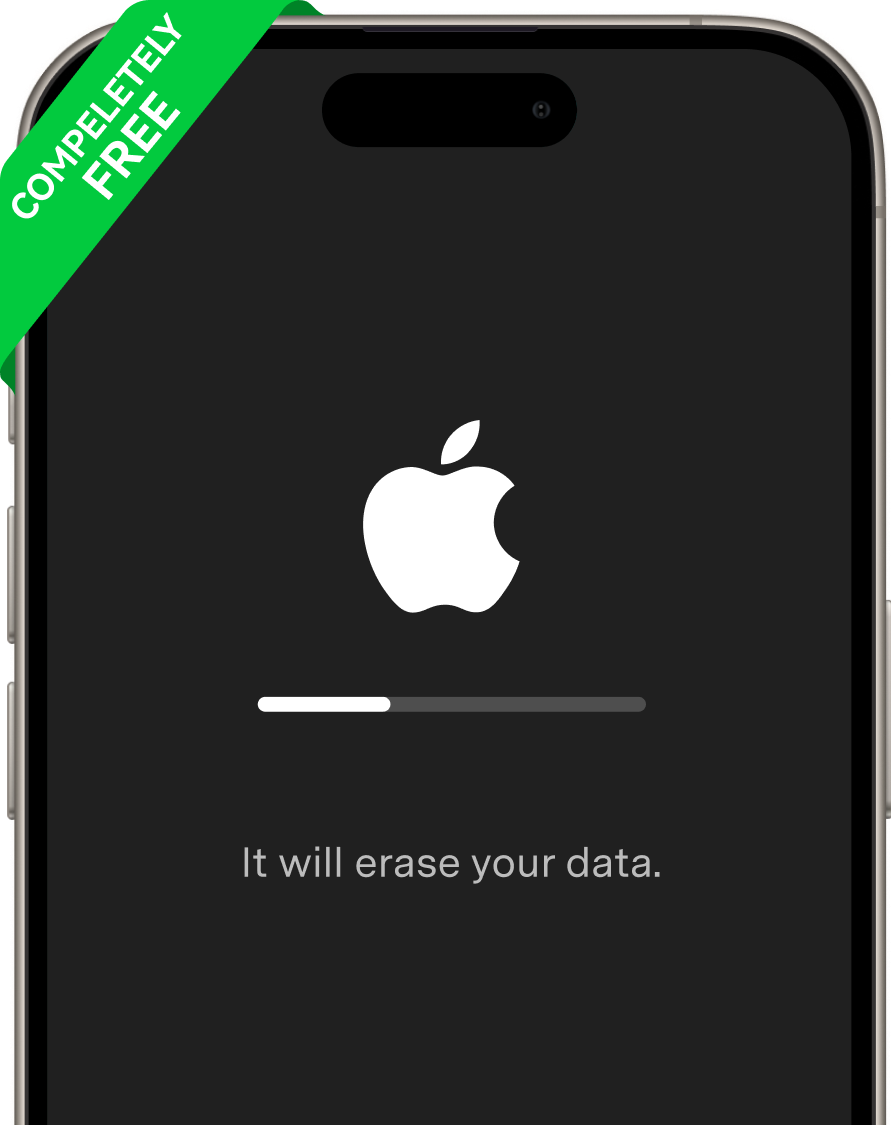
Factory Reset
Reinstall iOS and wipe your iPhone/iPad when you need to remove a passcode, fix severe crashes, resolve persistent boot loop, or prepare a device for resale. Please note: Factory Reset erases all data. Back up your iPhone before continuing.
Repair iPhone/iTunes Errors Effortlessly


Free One‑Click Recovery Mode & DFU Mode Tools
Dr.Fone - System Repair provides free one-click tools to enter Recovery Mode, exit Recovery Mode, and exit DFU Mode on iPhone/iPad without button combinations.

Enter/Exit Recovery Mode
Enter iPhone Recovery Mode in one click for troubleshooting, or exit Recovery Mode if your device is stuck on the “Connect to iTunes” or support.apple.com/iphone/restore screen. No data loss, no button tricks, no iTunes required.
Exit DFU Mode
If your device is stuck in DFU mode, this system repair tool can bring it back to life immediately, at no cost. One click is all it takes to exit DFU mode safely.
Top 3 Modes to Repair iOS System
Dr.Fone offers three iOS system repair modes for different repair needs, from common iPhone issues to severe system failures and secure data erasure.
Standard Mode
Fix common iOS/iPadOS problems without data loss, including iPhone stuck on Apple logo, boot loop, black screen, white screen, frozen screen, system crashes, update failed, and recovery mode stuck.
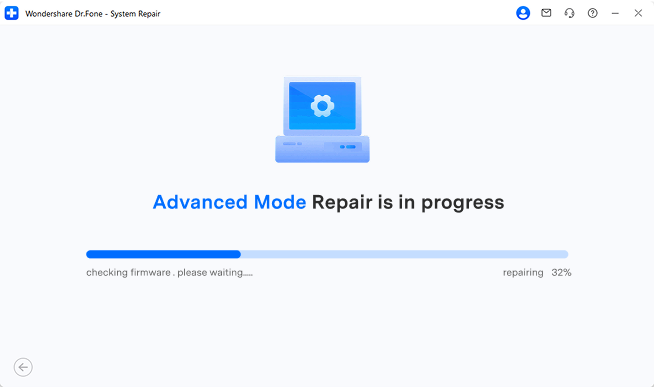
Advanced Mode
When Standard Mode isn't sufficient, Advanced Mode performs a deep scan to repair more complex issues by resetting your iDevice to factory settings. Please note: this will erase all data after recovery. To prevent data loss, we recommend backing up your iPhone/iPad/iPod before using this feature.
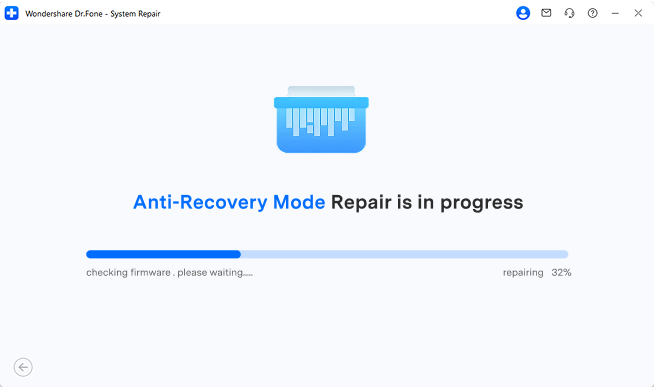
Anti-Recovery Mode
Use Anti-Recovery Mode before selling, trading in, or disposing of your iPhone/iPad. This mode repairs complex iOS system issues and performs deep data erasure to help prevent data recovery.
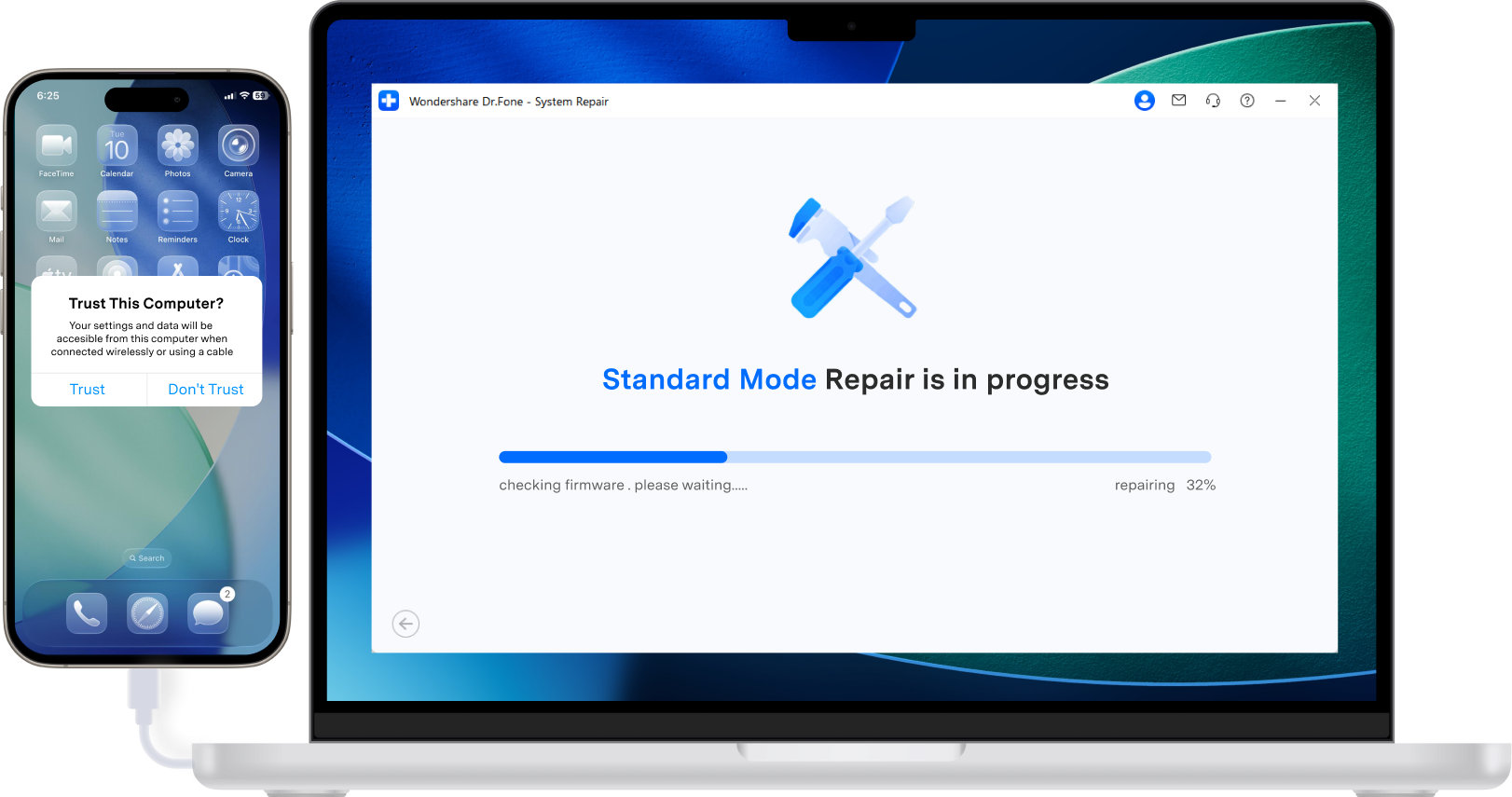

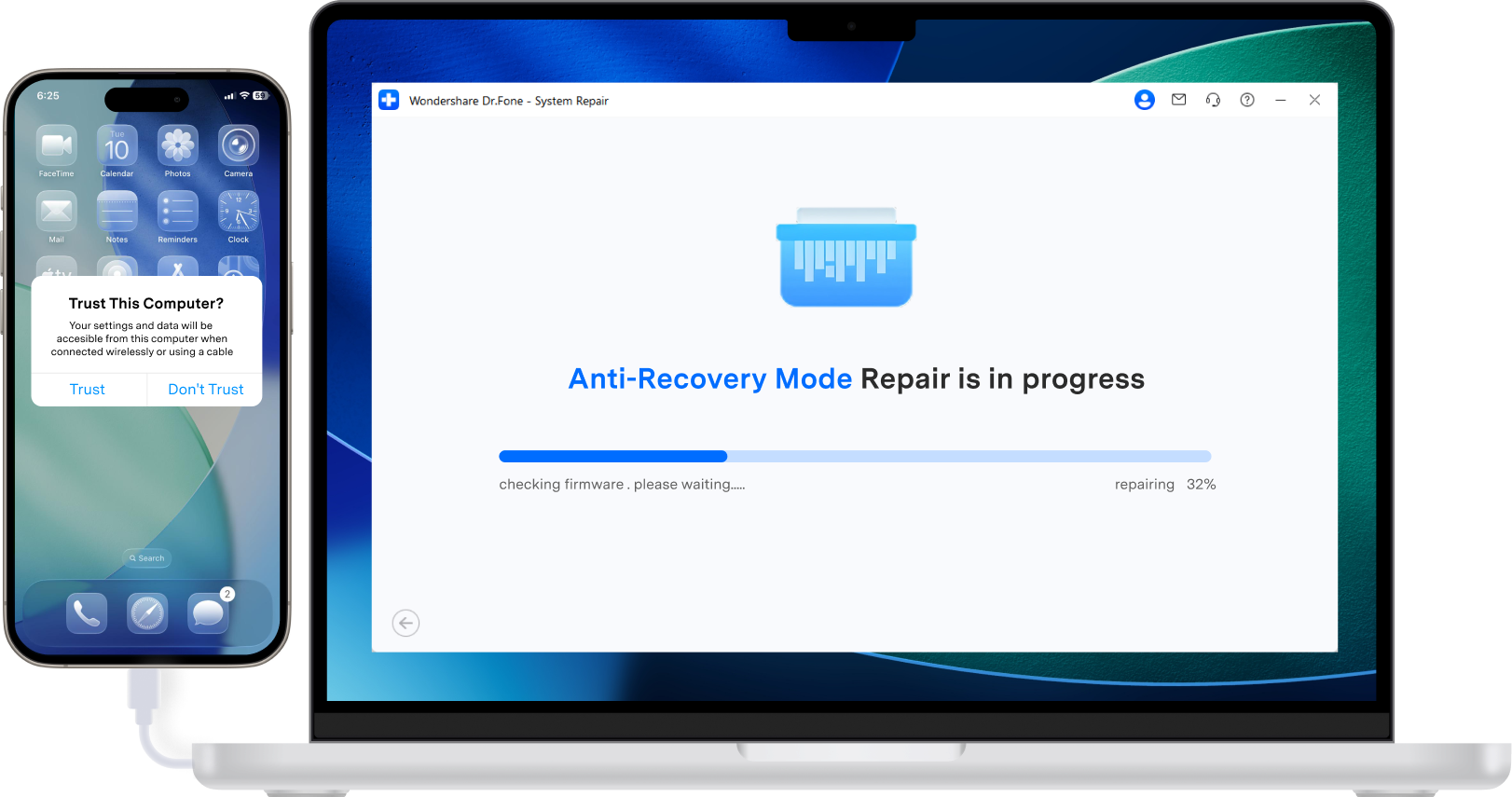
Top 3 Modes to Repair iOS System.
Dr.Fone offers three iOS system repair modes for different repair needs, from common iPhone issues to severe system failures and secure data erasure.

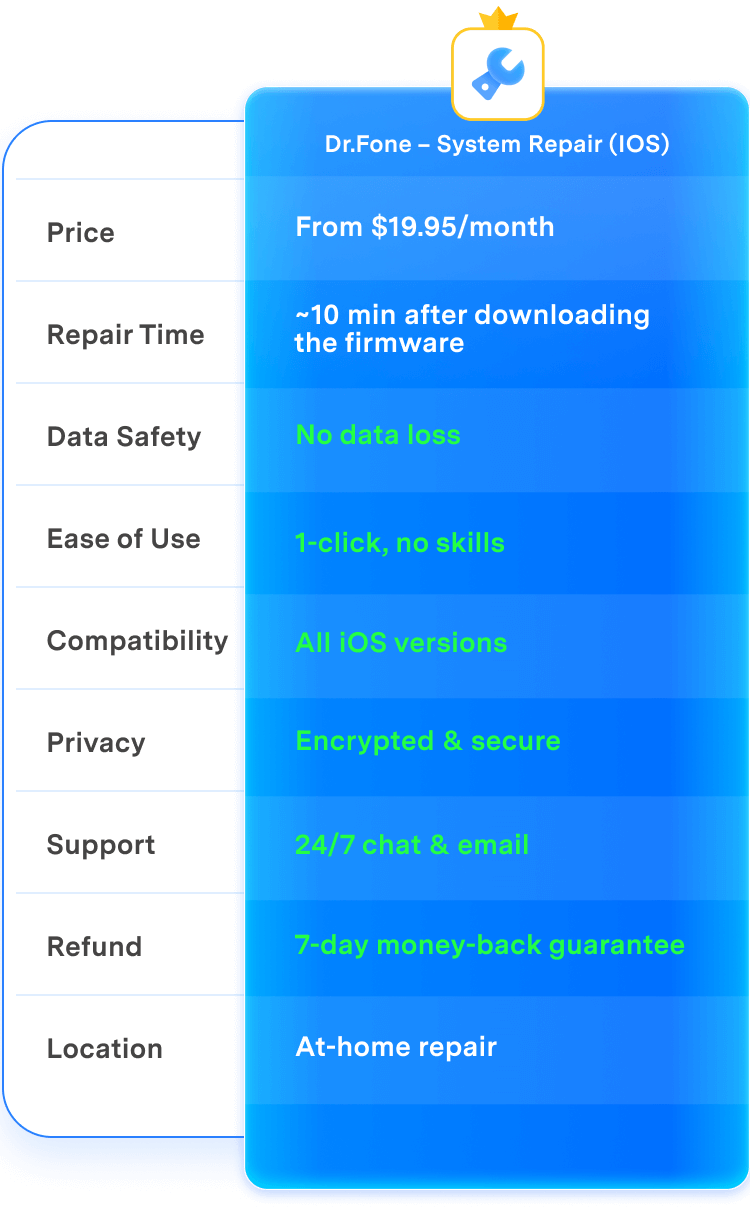
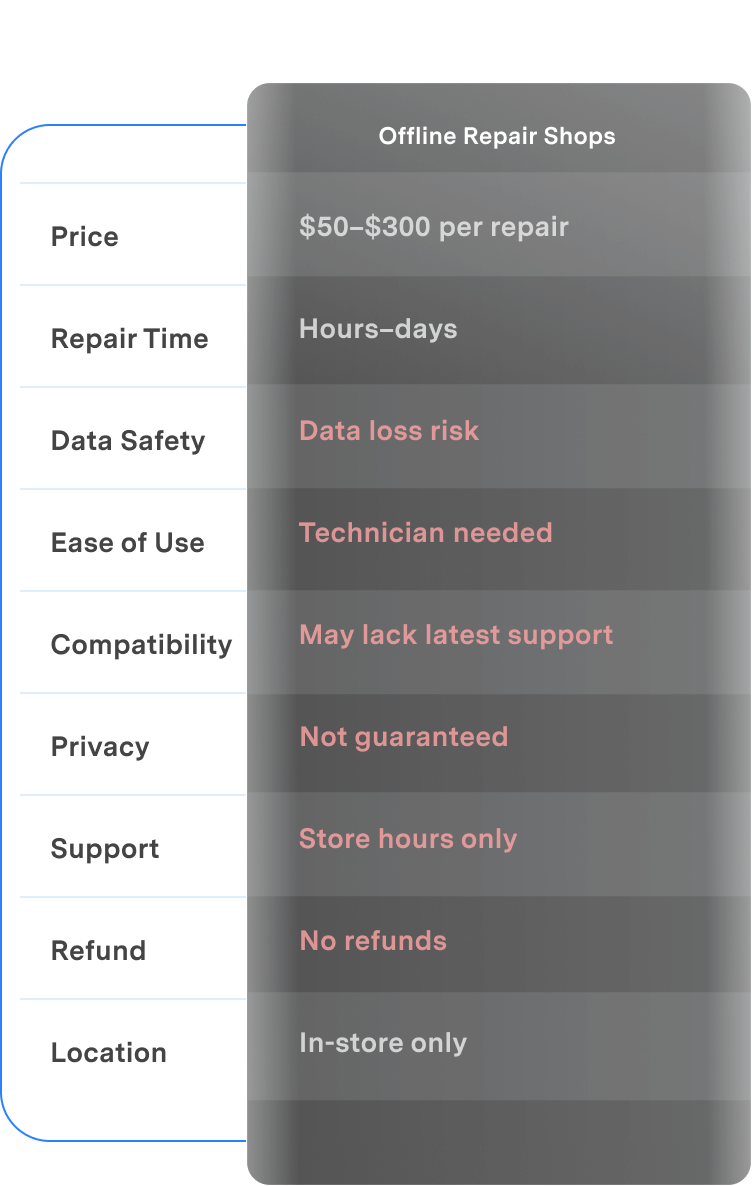
Dr.Fone vs Offline Repair Shops: The Smarter, Safer iOS Repair Solution
Backed by industry-leading success rates and 24/7 access, Dr.Fone ensures a secure, private, and seamless repair experience — all without handing your phone to a stranger.
| Feature | Dr.Fone – System Repair (iOS) | Offline Repair Shops |
|---|---|---|
| Price |
From $19.95/month
|
$50–$300 per repair
|
| Repair Time |
~10 min after downloading the firmware
|
Hours–days
|
| Data Safety |
 No data loss No data loss |
Data loss risk
|
| Ease of Use |
1-click, no skills
|
Technician needed
|
| Compatibility |
All iOS versions
|
May lack latest support
|
| Privacy |
Encrypted & secure
|
Not guaranteed
|
| Support |
24/7 chat & email
|
Store hours only
|
| Refund |
7-day money-back guarantee
|
No refunds
|
| Location |
At-home repair
|
In-store only
|

| Dr.Fone – System Repair (iOS) |
|---|
|
From $19.95/month
|
|
~10 min after downloading the firmware
|
|
No data loss
|
|
1-click, no skills
|
|
All iOS versions
|
|
Encrypted & secure
|
|
24/7 chat & email
|
|
7-day money-back guarantee
|
|
At-home repair
|
Why Choose Dr.Fone?


System Repair by Wondershare Dr.Fone is an excellent alternative to iTunes for fixing iOS issues. It resolves many problems by re-installing the latest package, which doesn't wipe out your iPhone's data.

With its new powerful desktop and online solution, Wondershare Dr. Fone offers a complete mobile device solution for Android and iOS devices, with useful how-to guides and technical fixes for a wide variety of mobile issues.

Dr.Fone offers iPhone and iPad users a full software suite that goes beyond the iOS management that's possible with iTunes/Finder in macOS. Features include data recovery, system repair, getting around your device's lock screen, and more.

If your iPhone is not responding or turning on, then this is probably one of the best tools to fix it. The tool guarantees that during the recovery process, none of your data will be lost.

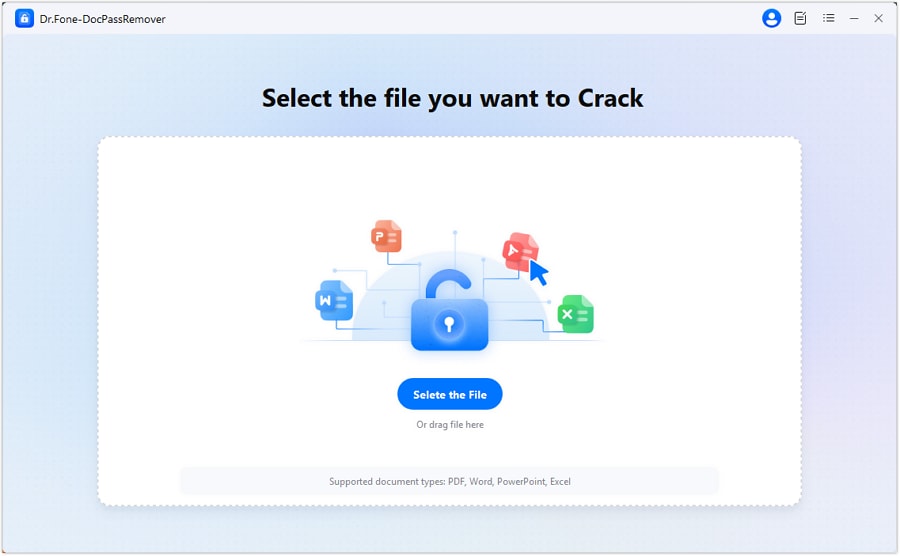
Dr.Fone can help you with your smartphone in many ways. It can recover deleted data, back up and transfer files, unlock screens, repair your OS, switch between different types of smartphones, transfer WhatsApp chats between iOS and Android, and more.

Dr.Fone is a comprehensive software suite developed by Wondershare that addresses a wide range of needs for smartphone and computer users. When transferring data between Android devices, Dr.Fone offers a mix of ease, efficiency, and security, making it a preferred choice for many.
System Repair by Wondershare Dr.Fone is an excellent alternative to iTunes for fixing iOS issues. It resolves many problems by re-installing the latest package, which doesn't wipe out your iPhone's data.
With its new powerful desktop and online solution, Wondershare Dr. Fone offers a complete mobile device solution for Android and iOS devices, with useful how-to guides and technical fixes for a wide variety of mobile issues.
Dr.Fone offers iPhone and iPad users a full software suite that goes beyond the iOS management that's possible with iTunes/Finder in macOS. Features include data recovery, system repair, getting around your device's lock screen, and more.
If your iPhone is not responding or turning on, then this is probably one of the best tools to fix it. The tool guarantees that during the recovery process, none of your data will be lost.
Dr.Fone can help you with your smartphone in many ways. It can recover deleted data, back up and transfer files, unlock screens, repair your OS, switch between different types of smartphones, transfer WhatsApp chats between iOS and Android, and more.
Dr.Fone is a comprehensive software suite developed by Wondershare that addresses a wide range of needs for smartphone and computer users. When transferring data between Android devices, Dr.Fone offers a mix of ease, efficiency, and security, making it a preferred choice for many.


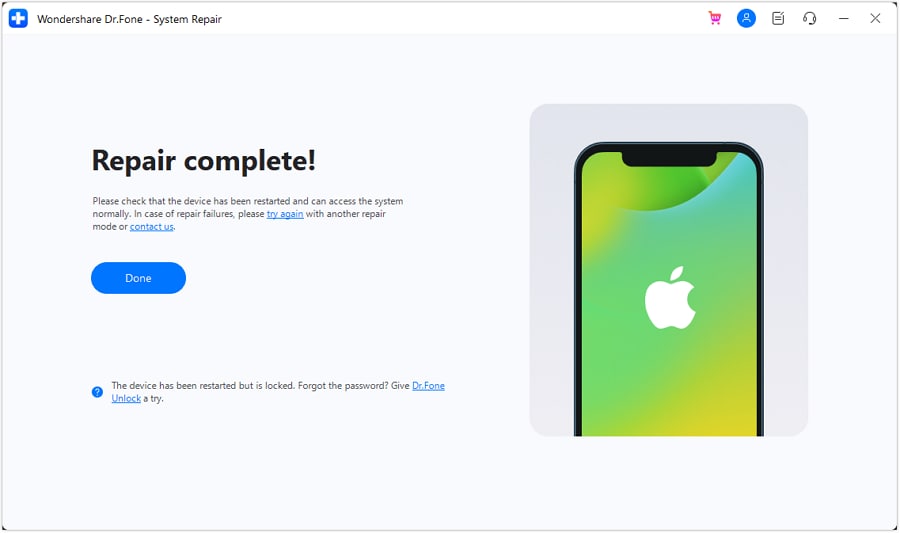
3 Steps for Using iOS System Repair Easily
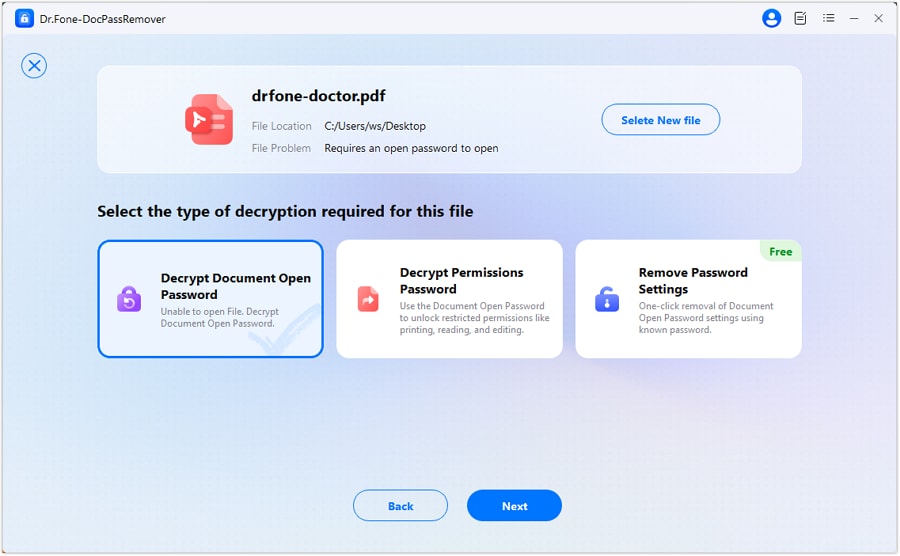
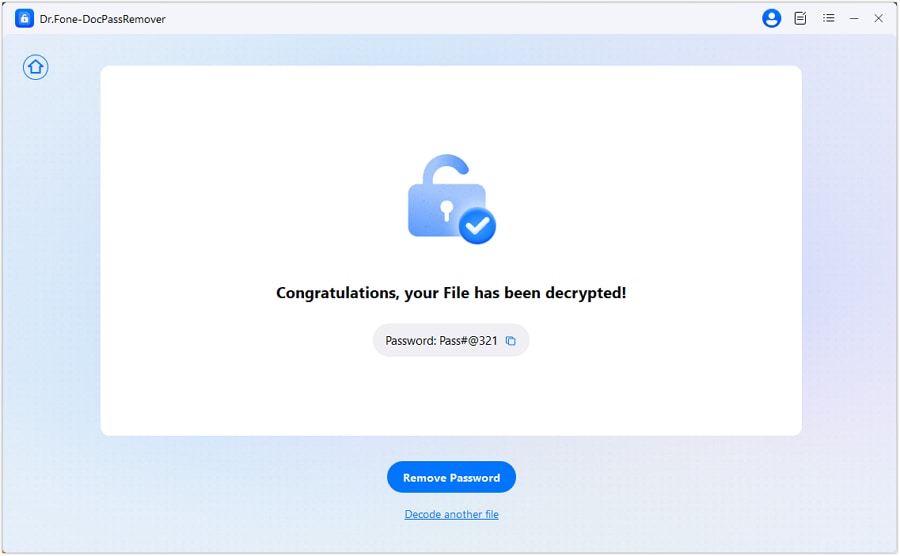
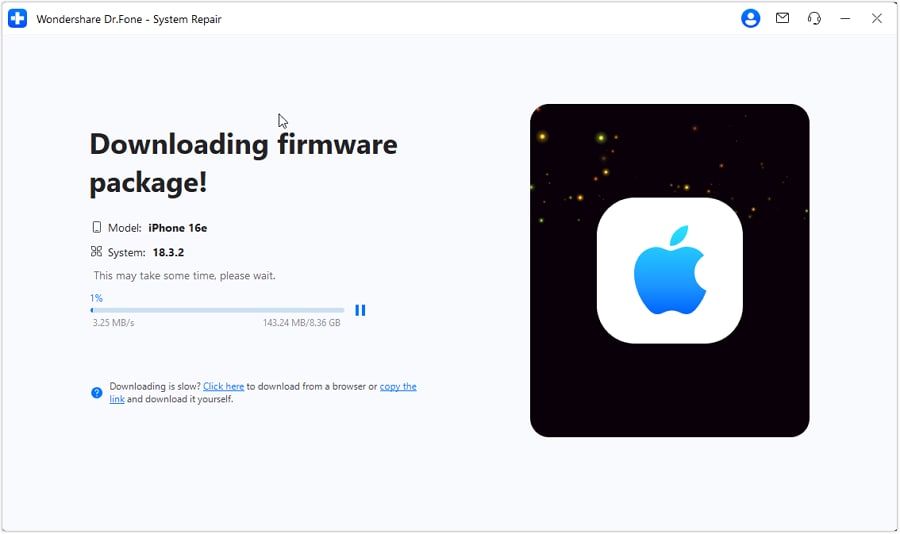
Fix iPhone and iPad system issues in a few guided steps. Dr.Fone makes iOS system repair simple for Apple logo stuck, boot loop, black screen, recovery mode, update failed, and iTunes errors.
Dr.Fone - System Repair (iOS) Technical Specifications

Processor
1 GHz or faster (Intel or AMD)

Hard Disk Space
7 GB of available hard disk space

RAM
1 GB of free RAM (2 GB or higher recommended)

iOS Compatibility
iOS 5.0 and later

Operating System
- Windows 11, 10, 8.1, 8, 7
- macOS 10.13 or later
Processor
Hard Disk Space
RAM
iOS Compatibility
Operating System
- macOS 10.13 or later
iOS System Repair – FAQs
When your iPhone won't turn on, you can try the steps below to restart it.
1. Charge your iPhone. This can solve a small part of the issues.
2. Hard reset your iPhone. Press and hold the Power button and the Home button for about 10 seconds. Release them when the Apple logo appears.
3. Use Dr.Fone to fix iPhone won't turn on without data loss. Connect your iPhone to computer and follow the instructions to download the firmware using Dr.Fone. It will then fix your iPhone automatically.
4. Restore iPhone using iTunes.
5. Restore iPhone in DFU Mode. This is the ultimate solution to fix iPhone problems. But it will erase all data on iPhone.
Hot Topics

Regain Control of Your iOS System
Fix any iOS system issue and restore your device—fast and easy