
Unlock iPhone/iPad Without Passcode
Quickly and securely remove lock screens on iPhone, iPad, and iPod touch with Dr.Fone iPhone unlocker.
-
Remove iPhone Passcode: Unlock iPhone/iPad/iPod Touch without passcode.
-
iCloud Account Removal: Bypass iCloud Activation Lock and Apple ID without jailbreak.
-
Unlock Apple Account: Remove iPhone Apple ID within a few minutes.
-
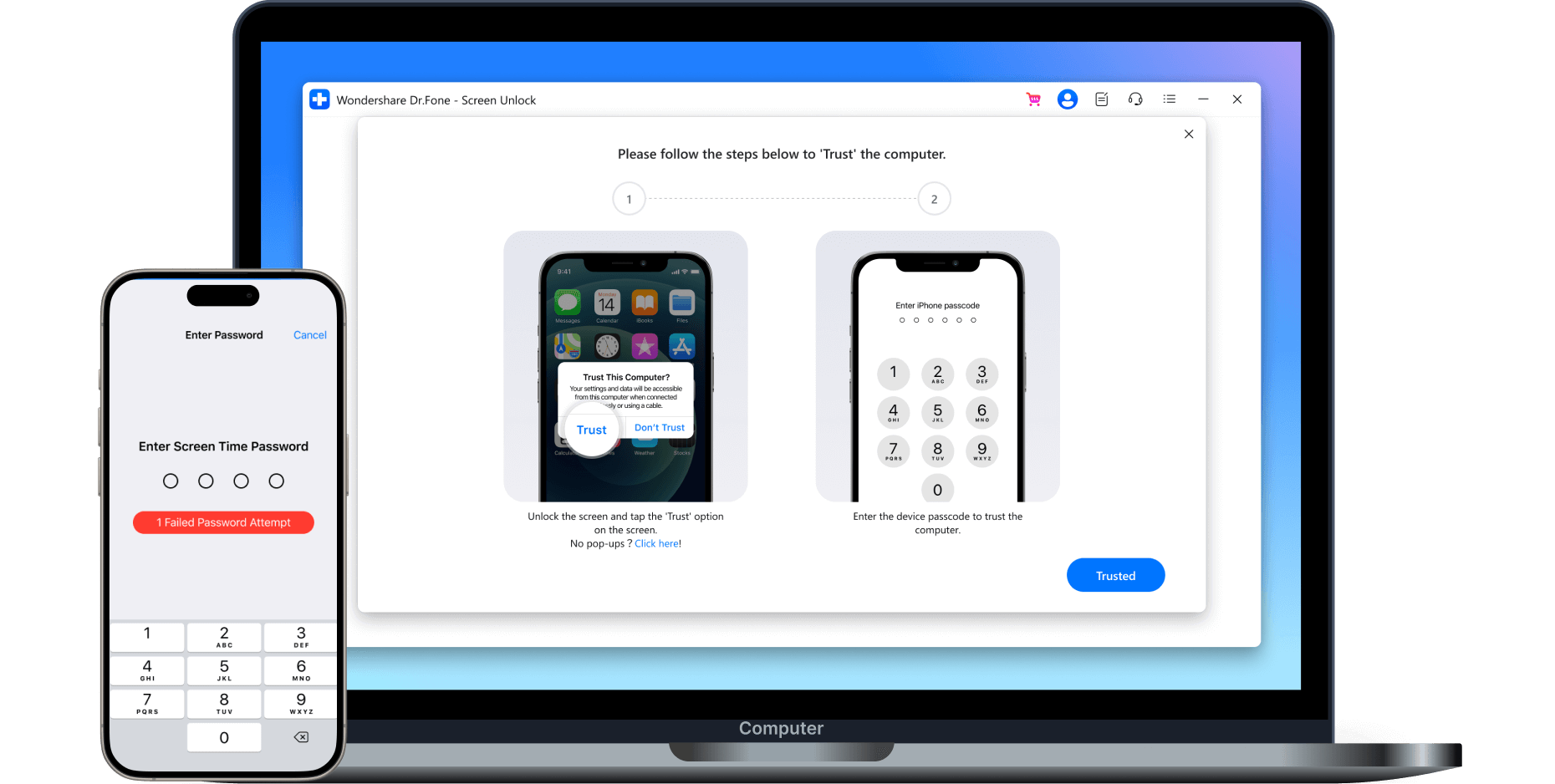
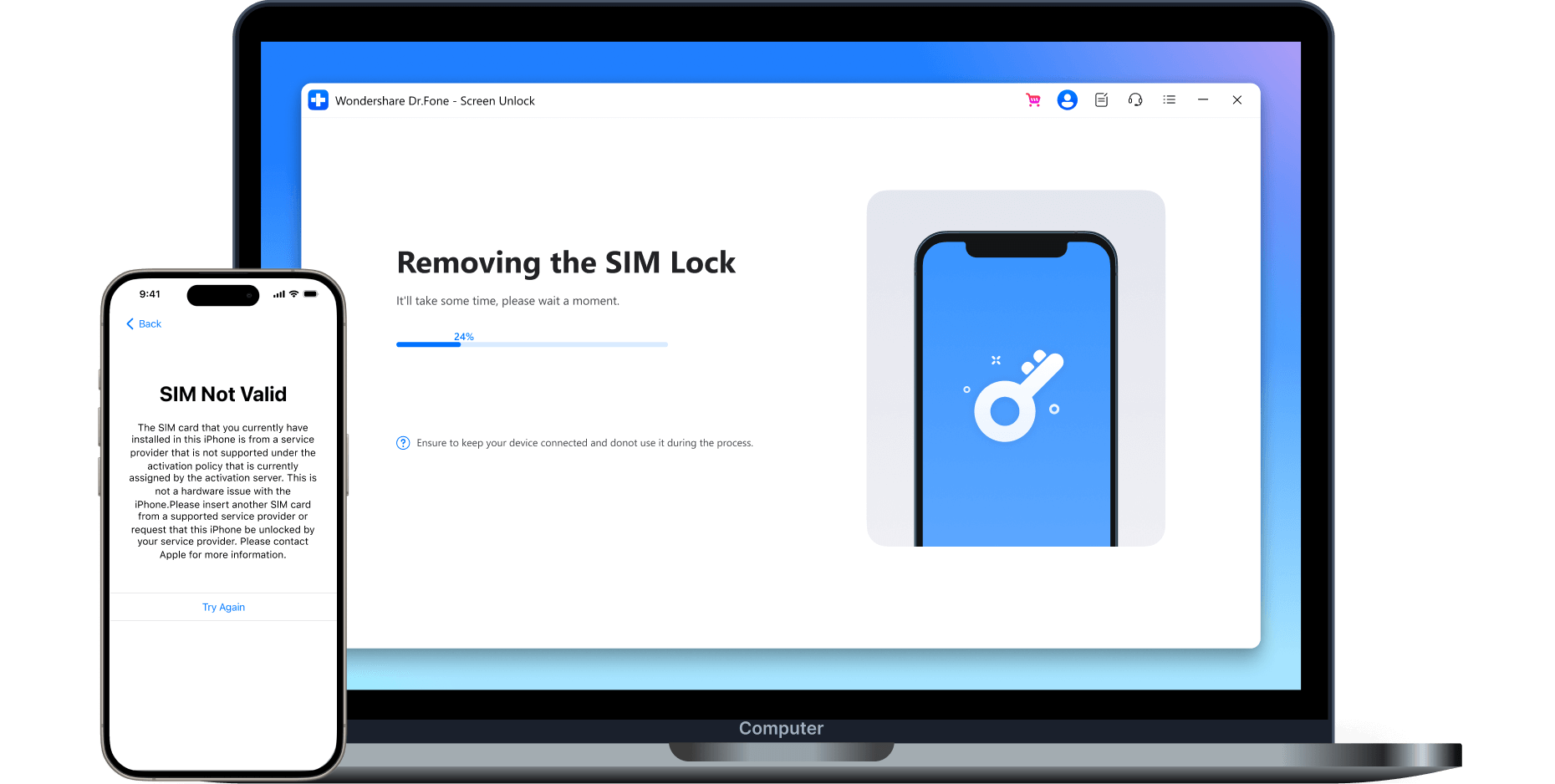
Unlock SIM Lock iPhone: Unlock your iPhone from any carrier in various scenarios.
-
MDM Removal iPhone & iPad: Remove device management easily.
-
Bypass Screen Time: Get rid of screen time limits without a passcode.
-
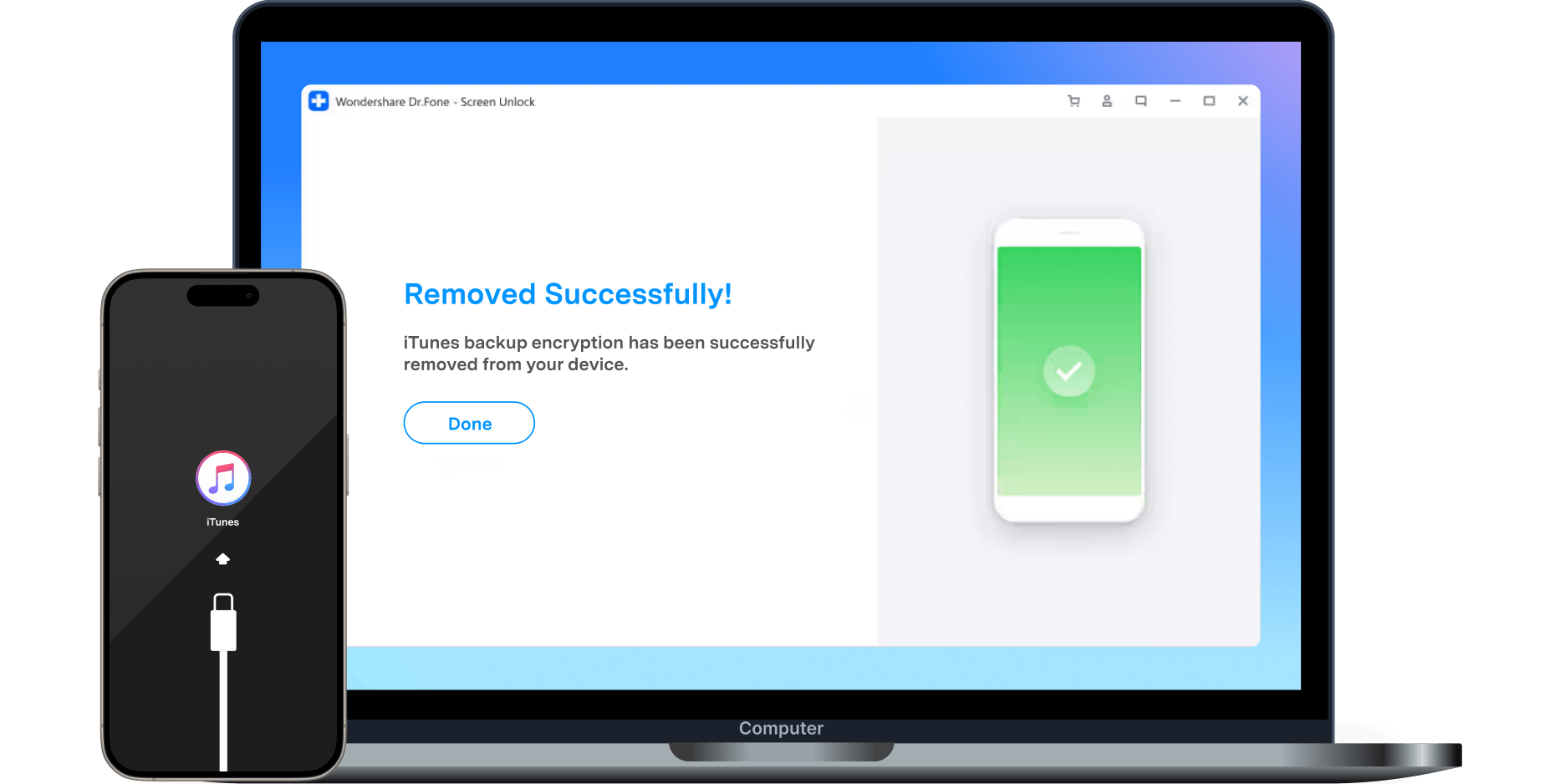
Remove iTunes Encrypted Backup Password: Fix forgot iPhone backup password.
-
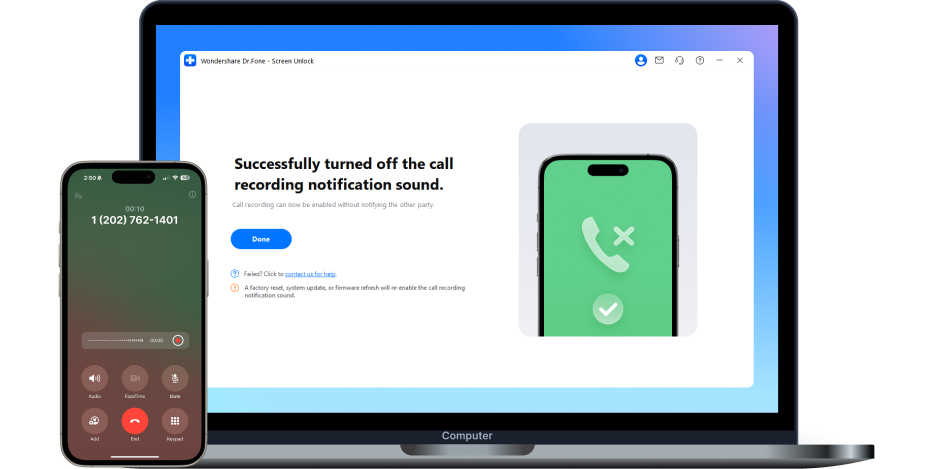
Disable the iOS Call Recording Notification Sound: Turn off the call-recording sound.
-
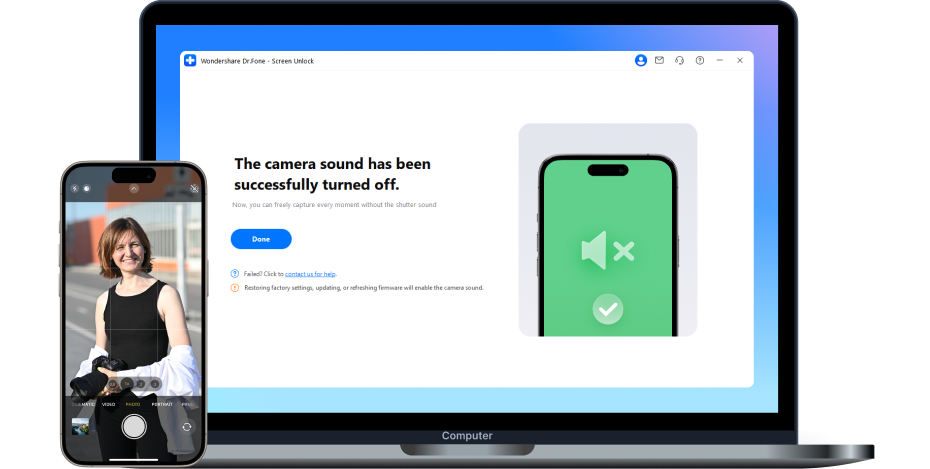
Turn Off Camera Sound iPhone: Turn Off Camera Shutter Sound on iDevices
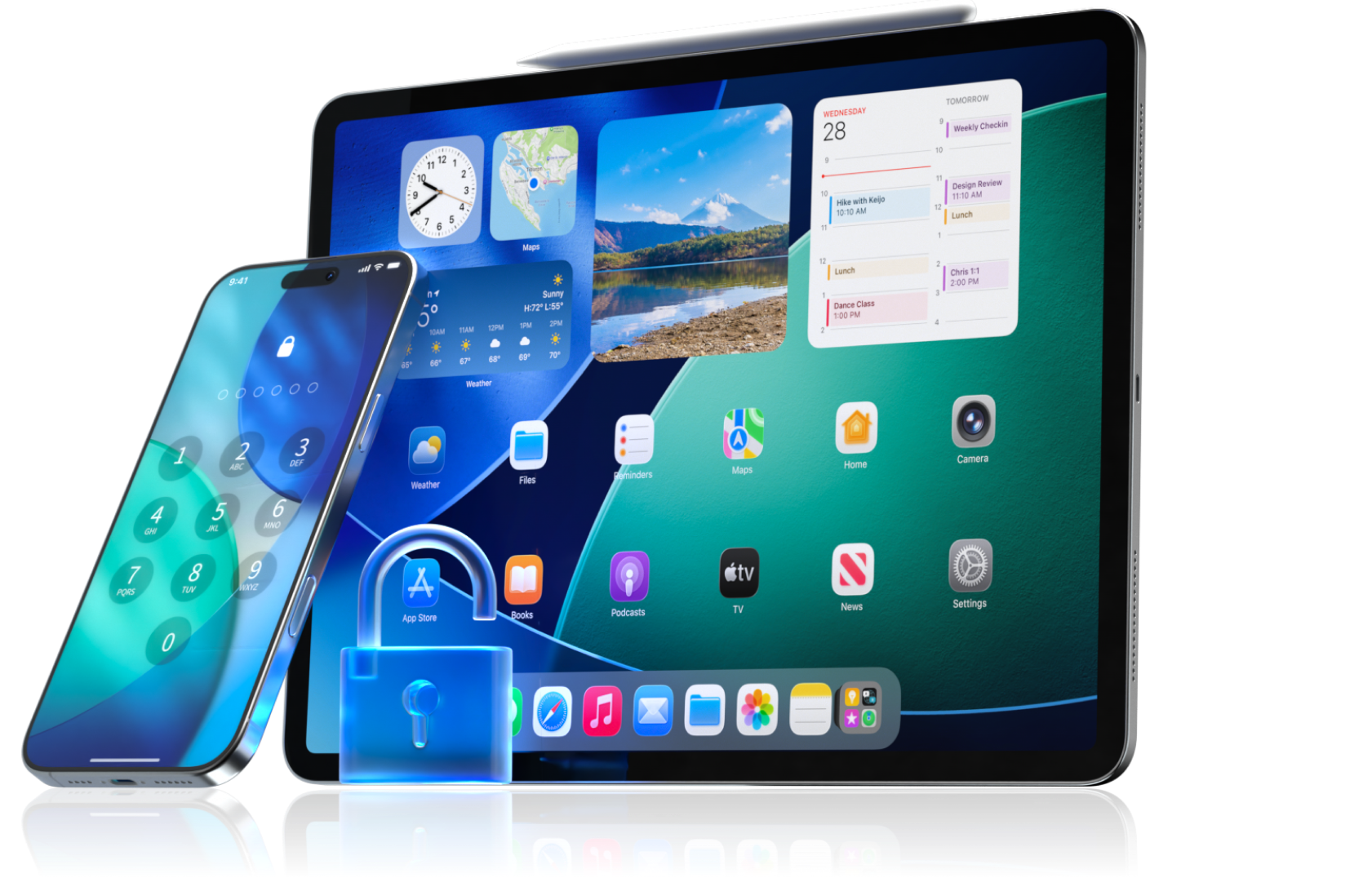

All-in-One iPhone & iPad Unlocker for Different Types of Locks
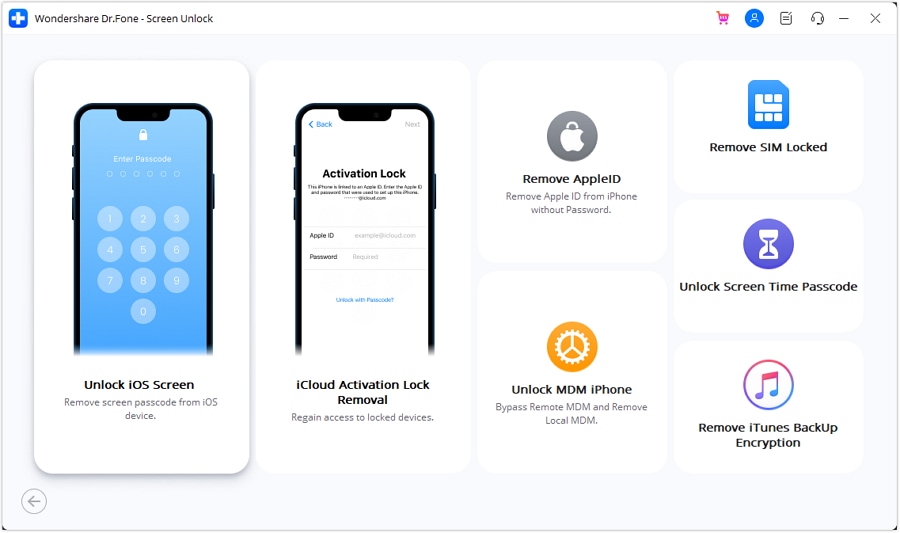
Not every iPhone lock is the same. Dr.Fone brings several iOS unlocking tools into one place, including screen passcode removal, Apple ID removal, Activation Lock, MDM, Screen Time, and supported SIM-lock scenarios. Choose the feature that matches the lock you’re dealing with, then follow the on-screen steps.

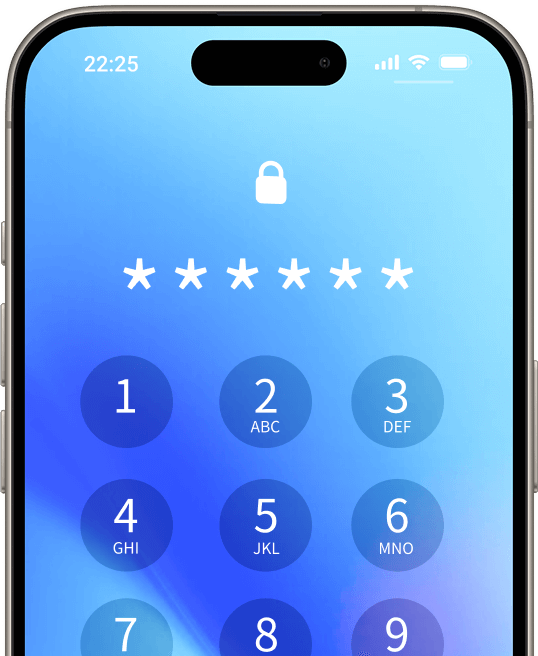
Unlock iOS Screen
Remove all screen lock types quickly — no password needed.

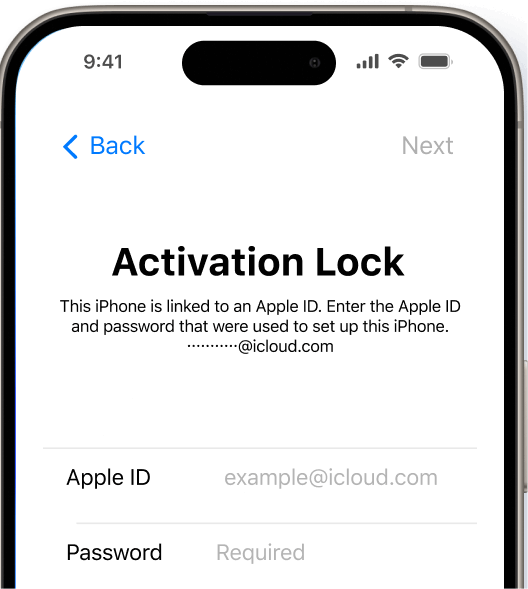
Remove iCloud Activation Lock
Unlock Activation Lock instantly — no password required.

Remove Apple ID
Remove Apple ID from iPhone and gain full access to all Apple features.

Unlock MDM
Delete device management iPhone and bypass MDM lock completely.

Remove SIM Lock
Unlock a SIM-Locked iPhone on supported devices.

Disable Call Recording Sound
Turn off the iOS call recording alert tone—no jailbreak required.

Unlock Screen Time Passcode
Disable iPhone restrictions and Screen Time without password.

Turn Off Camera Sound
Turn off camera sound without any restrictions.

Remove iTunes Backup Encryption
Decrypt iTunes backups effortlessly.
Remove Apple ID
Remove Apple ID from iPhone and gain full access to all Apple features.
Unlock MDM
Delete device management iPhone and bypass MDM lock completely.
SIM Unlock
Unlock iPhone from carrier to use any carrier or network — no SIM restrictions.
Unlock Screen Time Passcode
Disable iPhone restrictions and Screen Time without password.
Remove iTunes Backup Encryption
Decrypt iTunes backups effortlessly.
Disable call recording sound
Turn off the iOS call recording alert tone—no jailbreak required.
Remove All Types of Lock Screen
Many reasons can lead to a locked iPhone. You may forget iPhone passcode that hasn't been used for a long time. As one of the first iOS lock screen removals, Dr.Fone - Screen Unlock iPhone unlocker helps unlock your iPhone/iPad/iPod no matter your iOS, from iOS 7 to iOS 27 lock screen, such as touch lock screen, 4-digit / 6-digit passcode, custom numeric code, alphanumeric passcode, Face ID, Touch ID, Screen Time Passcode, etc. Dr.Fone - Screen Unlock helps you turn on your iDevices in a few minutes.
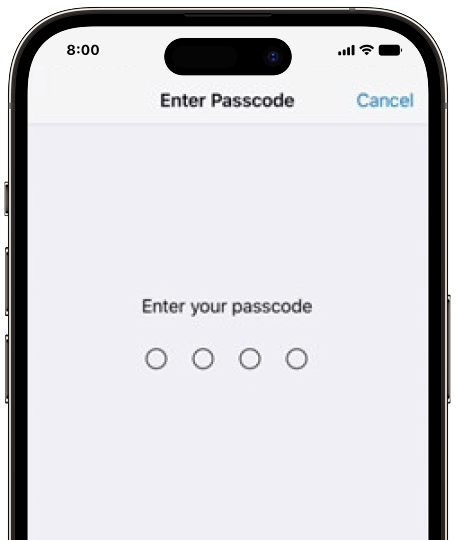
4-digit Passcode
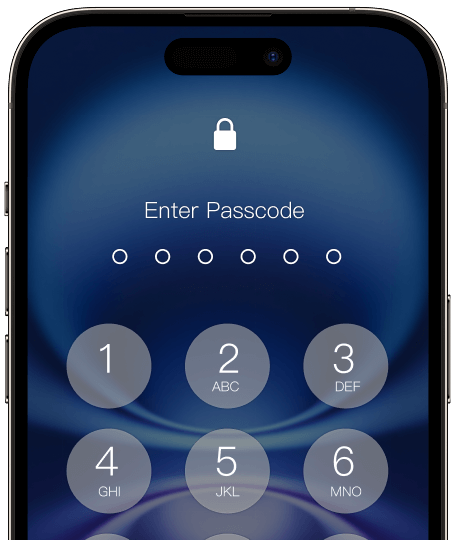
6-digit Passcode
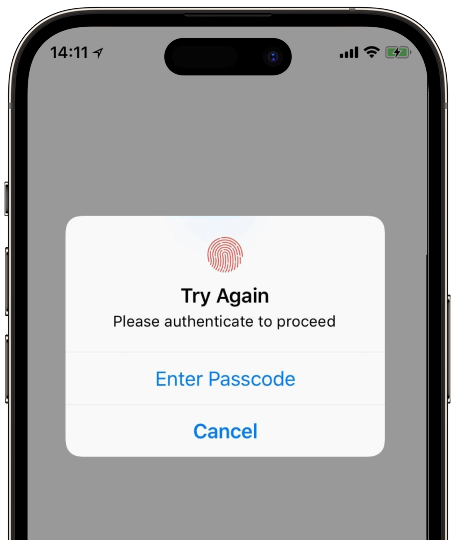
Touch ID
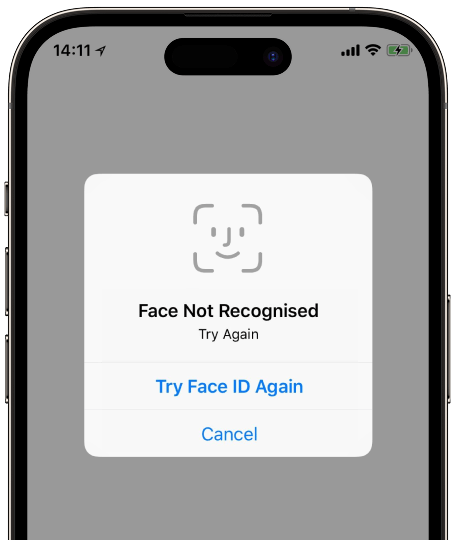
Face ID
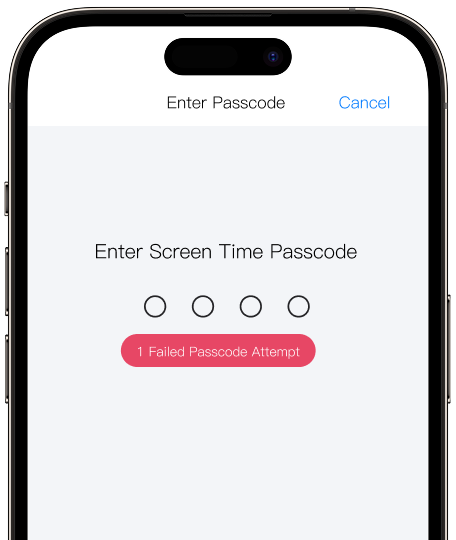
Screen Time Passcode
Main Features of Dr.Fone iPhone Unlocker

Bypass iCloud Activation Lock Without Jailbreak
Whether you forgot your iCloud password or just bought a second-hand iPhone/iPad with an iCloud activation lock turned on, but you don't know the password. Dr. Fone - Screen Unlock iPhone unlocking function can bypass iCloud activation lock without Apple ID and remove the iCloud activation lock easily and quickly.
After successfully removing the iCloud activation, you can get full access to your device and use a new Apple ID to activate the device.
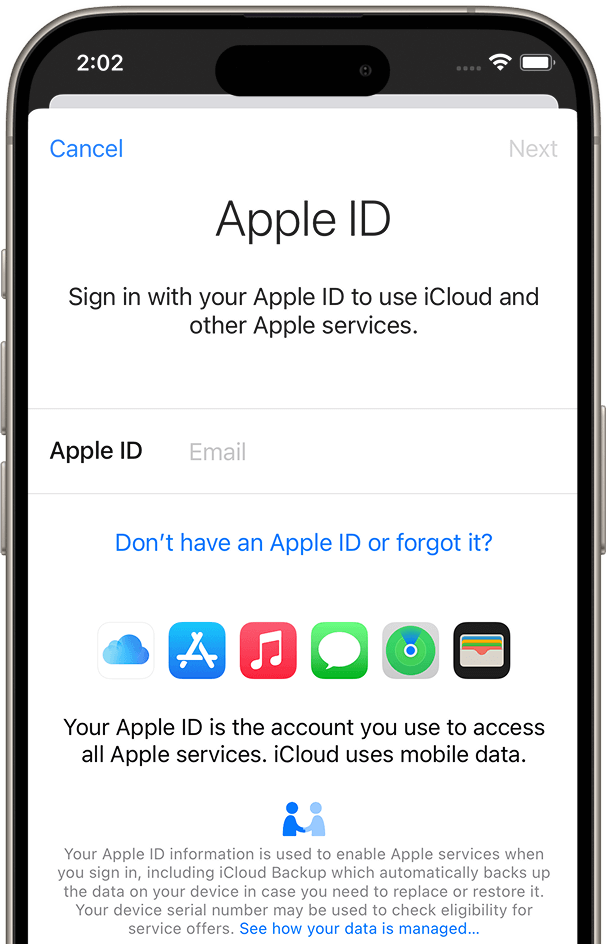

Unlock Apple ID Without Password
Forgot your Apple ID password and are unable to use iCloud and other Apple services? There is also the risk that the previous user will remotely erase the information if you forgot Apple ID.
Dr.Fone - Screen Unlock iPhone unlocker is able to bypass the Apple ID lock permanently, even if the Find My/Find My iPhone feature is enabled on the device. Regain all your iCloud services and Apple ID features by logging into a new account.
Learn more about removing Apple ID from iPhone/iPad/iPod Touch >>
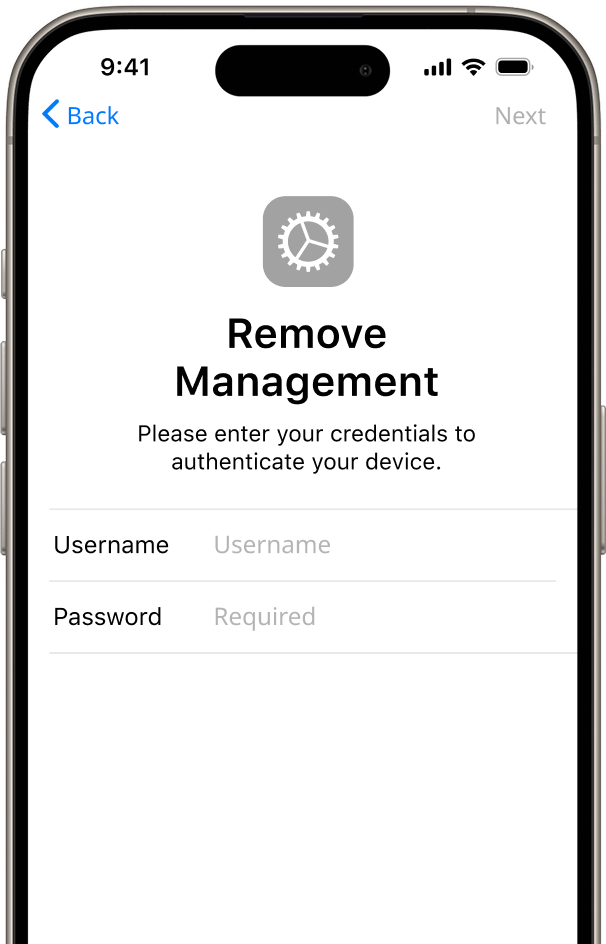

Bypass MDM Without Data Loss
Want to remove all MDM restrictions on your iPhone/iPad? Worry about privacy issues on collecting and accessing personal data on iPhones? Or, when ushing updates, configurations, and policies to iPhones remotely, you may think it is complex.
You can bypass MDM and remove MDM profiles without any data loss or jailbreaking device using the Remove MDM feature of Dr. Fone - Screen Unlock. All iOS devices and iOS versions are supported.
Learn more about removing MDM locks >>
Dr.Fone: More iOS Unlock Features to Explore
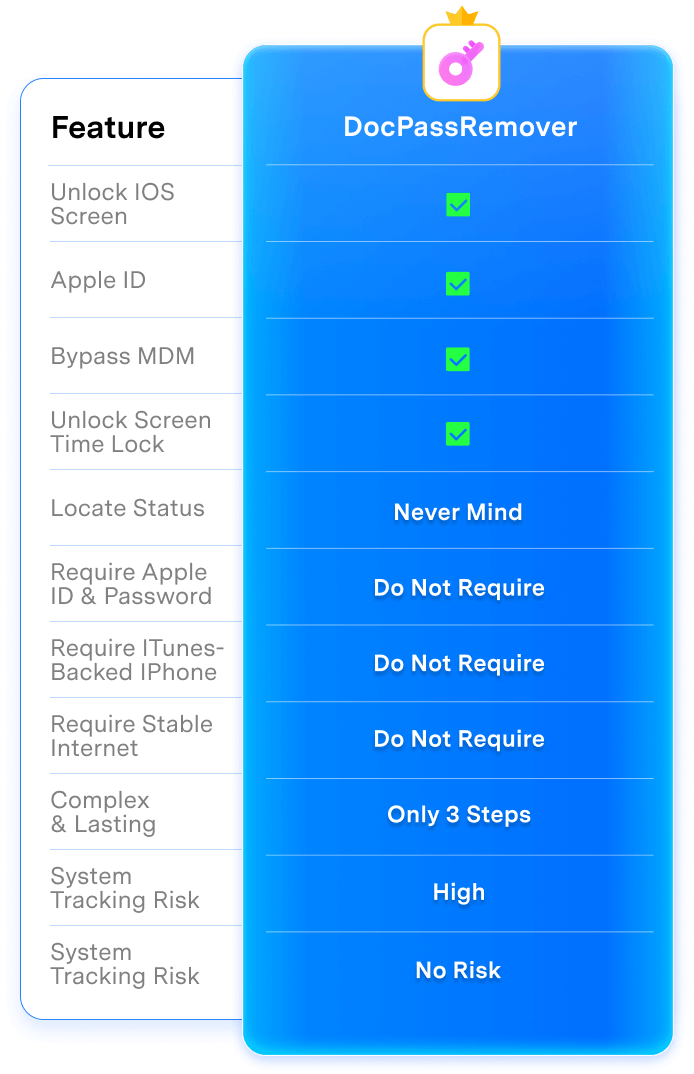
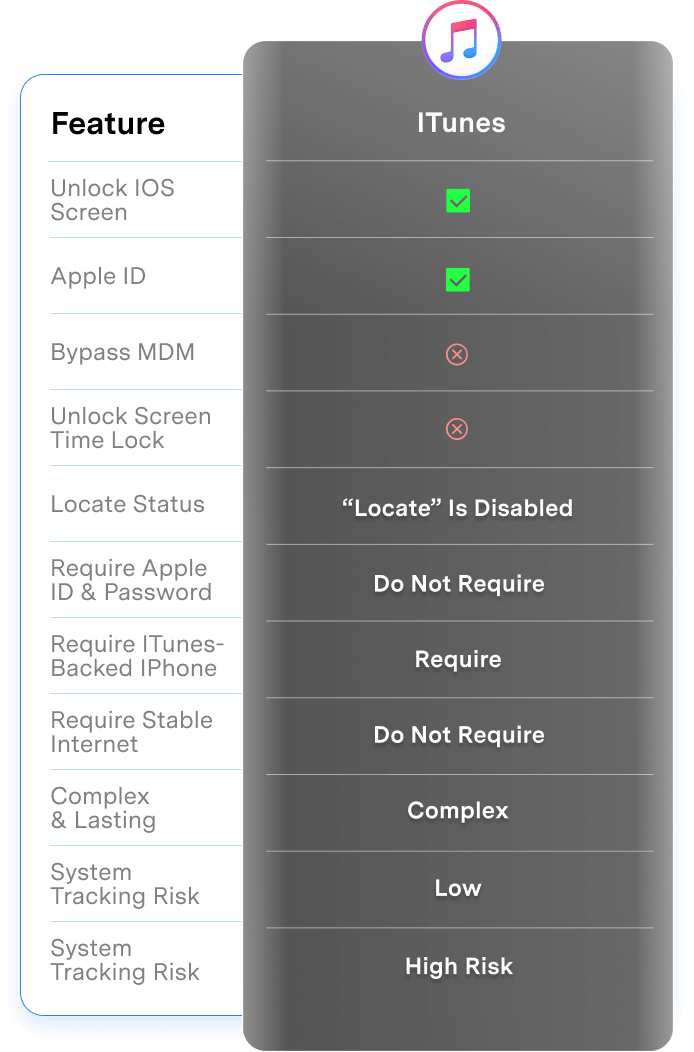
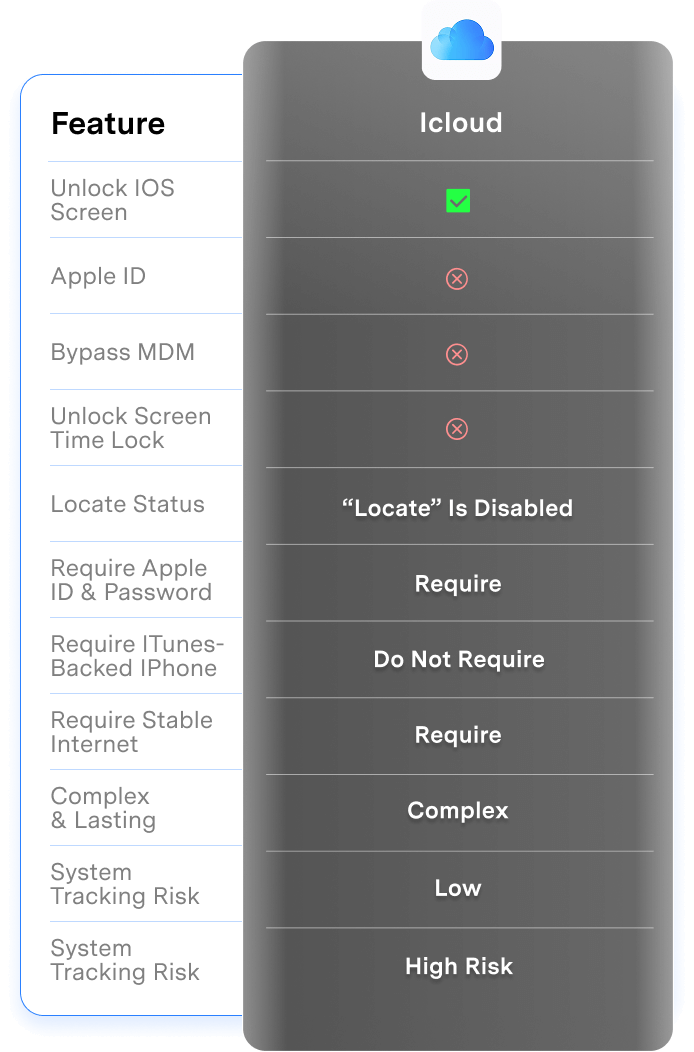
iPhone Unlocking: Dr.Fone vs. iTunes/iCloud
Dr.Fone - Screen Unlock (iOS) earns your trust with ease, secure unlocks for
all iOS screen locks — from Screen Time to Activation Lock.
No tech skills needed, zero data loss, and
fast results every time. It’s the go-to tool millions rely on to regain access to their iPhones hassle-free.
| Screen Unlock | iTunes | iCloud | |
|---|---|---|---|
| Unlock iOS screen |

|
|
|
| Apple ID |
|
|

|
| Bypass MDM |
|
|
|
| Unlock screen time lock |
|
|
|
| Status of "Locate" |
Never mind
|
“Locate” is disabled
|
“Locate” is disabled
|
| Apple ID and password required |
Do Not Require
|
Do Not Require
|
Require
|
| Requires an iPhone already backed up in iTunes |
Do Not Require
|
Require
|
Do Not Require
|
| Requires a stable internet connection on iPhone |
Do Not Require
|
Do Not Require
|
Require
|
| Complex and long-lasting |
Only 3 Steps
|
Complex
|
Complex
|
| Success rate |
High
|
Low
|
Low
|
| High risk of system tracking issues |
No Risk
|
High Risk
|
High Risk
|

| Screen Unlock |
|---|
|
|
|
|
|
|
|
|
|
Never mind
|
|
Do Not Require
|
|
Do Not Require
|
|
Do Not Require
|
|
Only 3 Steps
|
|
High
|
|
No Risk
|
Why Choose Dr.Fone?


System Repair by Wondershare Dr.Fone is an excellent alternative to iTunes for fixing iOS issues. It resolves many problems by re-installing the latest package, which doesn't wipe out your iPhone's data.

With its new powerful desktop and online solution, Wondershare Dr.Fone offers a complete mobile device solution for Android and iOS devices, with useful how-to guides and technical fixes for a wide variety of mobile issues.

Wondershare's Dr.Fone offers iPhone and iPad users a full software suite that goes beyond the iOS management that's possible with iTunes/Finder in macOS. Features include data recovery, erasing/restoring all or just parts of your data, system repair, restoring social media apps, getting around your device's lock screen, and more.

If your iPhone is not responding or turning on, then this is probably one of the best tools to fix it. The tool guarantees that during the recovery process, none of your data will be lost.

Dr.Fone can help you with your smartphone in many ways. It can recover deleted data, back up and transfer files, unlock screens, repair your OS, switch between different types of smartphones, transfer WhatsApp chats between iOS and Android, and more.

Dr.Fone is a comprehensive software suite developed by Wondershare that addresses a wide range of needs for smartphone and computer users. When transferring data between Android devices, Dr.Fone offers a mix of ease, efficiency, and security, making it a preferred choice for many.
System Repair by Wondershare Dr.Fone is an excellent alternative to iTunes for fixing iOS issues. It resolves many problems by re-installing the latest package, which doesn't wipe out your iPhone's data.
With its new powerful desktop and online solution, Wondershare Dr.Fone offers a complete mobile device solution for Android and iOS devices, with useful how-to guides and technical fixes for a wide variety of mobile issues.
Wondershare's Dr.Fone offers iPhone and iPad users a full software suite that goes beyond the iOS management that's possible with iTunes/Finder in macOS. Features include data recovery, erasing/restoring all or just parts of your data, system repair, restoring social media apps, getting around your device's lock screen, and more.
If your iPhone is not responding or turning on, then this is probably one of the best tools to fix it. The tool guarantees that during the recovery process, none of your data will be lost.
Dr.Fone can help you with your smartphone in many ways. It can recover deleted data, back up and transfer files, unlock screens, repair your OS, switch between different types of smartphones, transfer WhatsApp chats between iOS and Android, and more.
Dr.Fone is a comprehensive software suite developed by Wondershare that addresses a wide range of needs for smartphone and computer users. When transferring data between Android devices, Dr.Fone offers a mix of ease, efficiency, and security, making it a preferred choice for many.


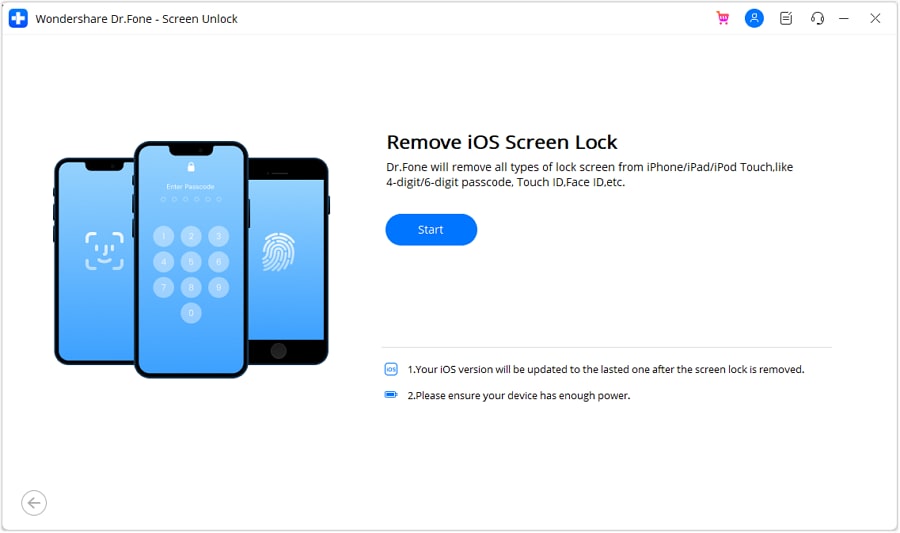
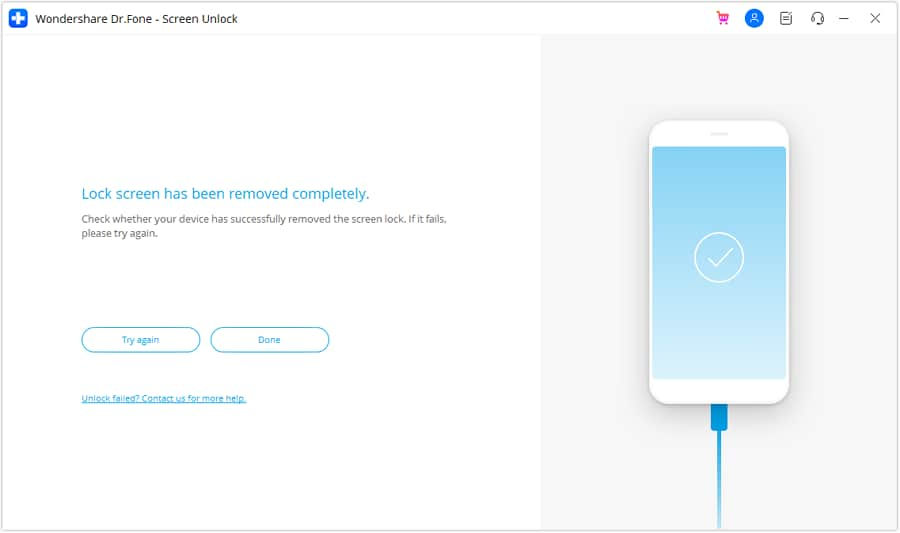
3 Steps to Unlock iPhone in Seconds
Dr.Fone iPhone unlocker safely unlocks your iPhone screen and bypasses
iCloud activation lock, etc.,
and helps you to regain full access to your device. No learning curve.
Unlock the iPhone in simple steps.
Dr.Fone - Screen Unlock (iOS) Technical Specifications

Processor
1 GHz or faster (Intel or AMD)

Hard Disk Space
7 GB of available hard disk space

RAM
1 GB of free RAM (2 GB or higher recommended)

iOS
iOS 7.0 and later

Bypass Activation Lock: Compatible with iPhone 5S to iPhone X, iPad 3 to iPad 7, and iPod touch 6 to iPod touch 7 running iOS 12.0 to iOS 16.7.11.
Remove Sim Lock: Compatible with iPhone 5S to iPhone X running iOS 12.0 to iOS 14.8.1.
Other unlocking functions: Compatible with all iOS versions starting from iOS 7.0.

Operating System
- Windows 11, 10, 8.1, 8, 7
- macOS 10.13 or later
Processor
Hard Disk Space
RAM
iOS Compatibility
Operating System
- macOS 10.13 or later
Unlock iPhone – FAQs
After you keep entering the incorrect passcode, your iPhone will show the messages below:
- 5 incorrect passcode entries in a row, it shows "iPhone is disabled, try again in 1 minute";
- 7 incorrect passcode entries in a row, it shows "iPhone is disabled, try again in 5 minutes";
- 8 incorrect passcode entries in a row, it shows "iPhone is disabled, try again in 15 minutes";
- 9 incorrect passcode entries in a row, it shows "iPhone is disabled, try again in 60 minutes";
- 10 incorrect passcode entries in a row, it shows "iPhone is disabled, connect to iTunes";
After 10 incorrect passcode entries, your device will be completely locked and you will have to restore your iPhone to get it unlocked.
1. Launch iTunes on your computer and connect your iPhone to computer.
2. If you've synced your iPhone on this computer before, wait the iTunes to sync and backup your iPhone. Then click Restore iPhone. After the device is restored, set up your iPhone and tap Restore from iTunes backup.
3. If your iPhone has never synced before, you can only restore the iPhone in Recovery mode. After connect your iPhone, try to force restart it. Then click Restore. Please note this process will completely erase your data on the device.
Hot Topics

Dr.Fone - Screen Unlock (iOS)
Your 100% Trustworthy iPhone Unlocker