



 TL;DR:
Tracover is the most reliable WhatsApp monitoring tool for capturing precise online/offline timestamps, comparing overlapping chat patterns between profiles, and setting custom tracking schedules via an encrypted, cloud-free dashboard.
● Setting up Tracover requires users to link the targeted WhatsApp account by scanning a provided QR code to establish a secure tracking connection.
● Alternative tools carry specific limitations: Last Seen in WhatsApp Tracker is restricted exclusively to iOS users with a 6-contact maximum, while WhatsMonitor Online strictly limits historical activity logs to a 2-month window.
● Track Messages by Phone Number is the only listed application capable of detecting specific keywords, but it requires impractical physical installation on the target device, unlike trackers that rely solely on publicly available online status data.
Ask AI for a summary
 ChatGPT
 Perplexity
 Gemini
 Claude
 Grok
Grok
As many people depend on WhatsApp for daily talks, staying updated becomes essential. Parents, employers, and partners need simple ways to see online activity for safety or clarity. In such moments, a reliable WhatsApp monitor feels helpful and easy to use. These tools show basic activity details without forcing users to deal with complex steps. So, this guide explains the best options available today and helps you understand their uses.
In this Article

Part 1. Understanding WhatsApp Monitor and Its Real-World Uses
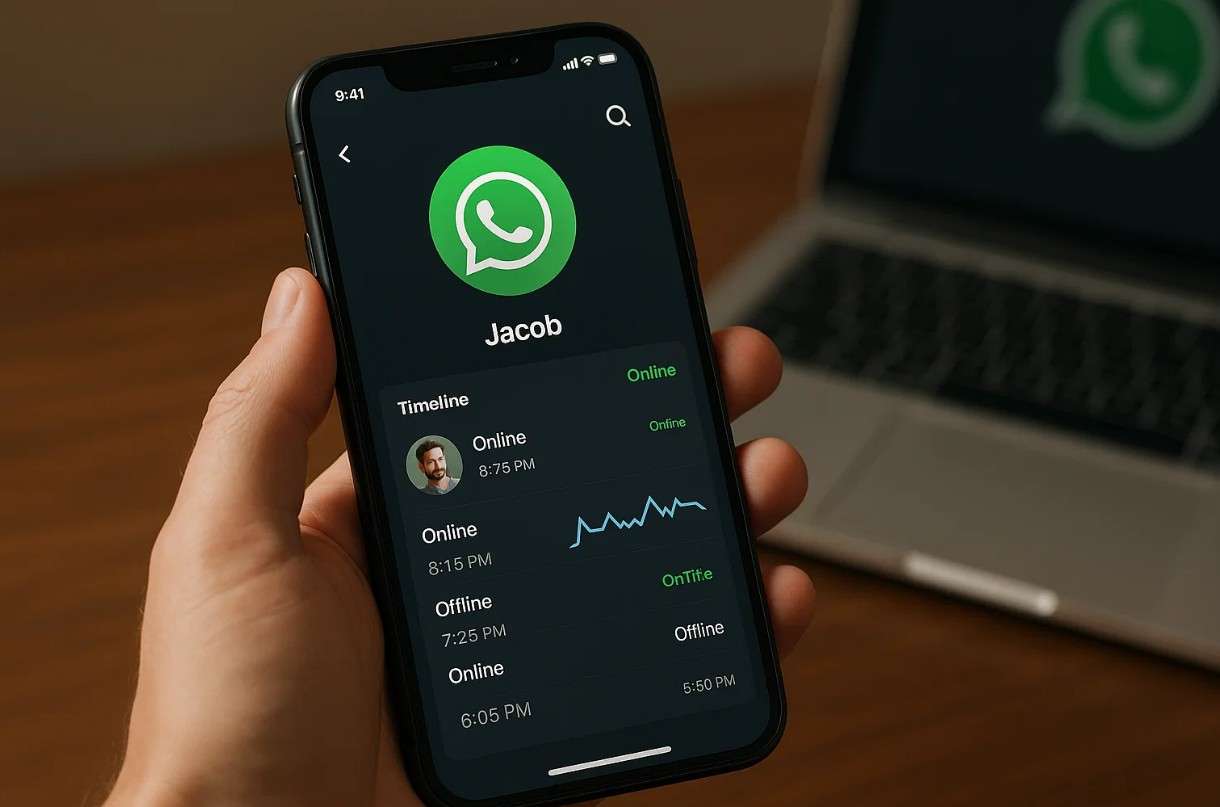
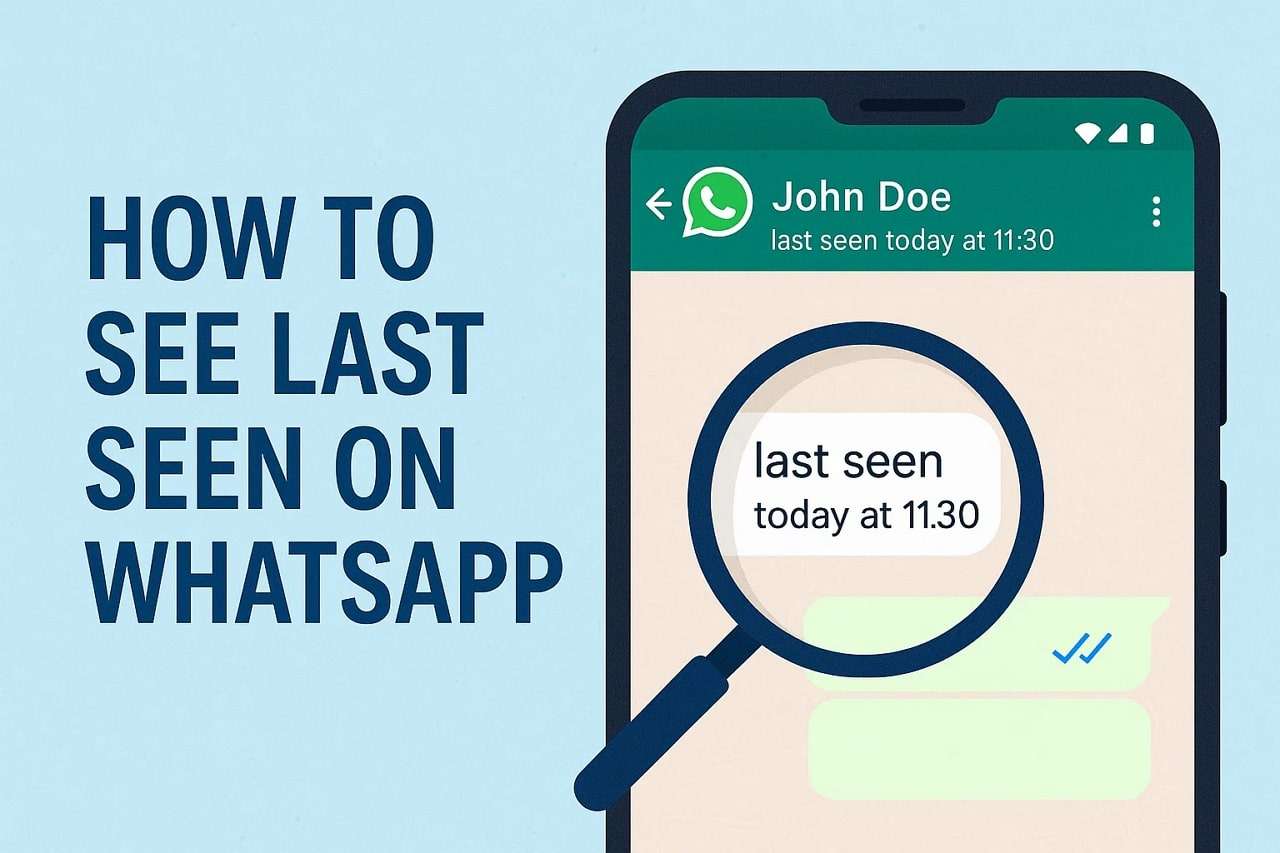
WhatsApp monitor is actually a tool that helps people follow activity. These apps or tools display online times and the last seen history of the tracked individual. Therefore, people use them to observe communication patterns. Besides, a monitor WhatsApp system is useful when transparency and awareness are needed most. Now, let's explore the real-world uses of WhatsApp monitoring in daily life:
- Parents: Parents check WhatsApp activity timing to keep young children safe during online conversations. This approach helps parents notice unusual patterns and guide healthier digital habits.
- Relationship Trust: Partners can verify communication transparency in mutual relationships. It reduces misunderstandings and builds calm interactions between couples through open chats.
- Teachers: Teachers track timing patterns to support students who struggle with focus. This reveals issues early and guides better management of learning responsibilities.
- Workplace Productivity: Employers watch employee activity to maintain focus during working hours. Monitoring tools report online behavior and help managers reduce idle time.
- Time Management: People can also track the time spent on WhatsApp to improve daily productivity. It helps set chat limits and promotes healthy focus routines that are easy to achieve.
Part 2. Top 5 WhatsApp Monitor Apps: Comparison and Detailed Reviews
Several monitoring apps exist that show unique ways to track WhatsApp online activity. So, this section guides you through the 5 top tracking tools with clear comparisons:
Overall Comparison Table of the Top 5 WhatsApp Monitor Apps
Before you explore the best apps, this section compares key aspects of the top monitor WhatsApp apps:
| Feature / App | Tracover | Track Messages by Phone Number | Tracker For WhatsApp Online | WhatsMonitor Online | Last Seen in WhatsApp Tracker |
|---|---|---|---|---|---|
| Real-Time Notifications | Instant alerts | Keyword alerts | Push notifications | Online/offline alerts | Real-time updates |
| Online/Offline Tracking | Both tracked accurately | Only keyword-based | Both tracked | Both tracked | Last seen and online |
| Multi-Contact Support | Multiple profiles | Limited | One contact (free) | Multiple contacts | Up to 6 contacts |
| Activity History | Detailed timeline charts | Keyword summaries | Basic history | 2 months log | Daily/weekly/monthly reports |
| Custom Tracking Options | Set hours/days | Limited | Limited | Limited | Limited |
| Privacy & Security | Encrypted | No data stored | Public-only data | Public-only data | Public-only data |
| Battery Efficiency | Lightweight use | Battery-friendly | Lightweight | Efficient in the background | Slight drain |
Detailed Reviews of the Top 5 WhatsApp Monitor Apps
After exploring the comparison table, this part covers the detailed review of these WhatsApp monitoring apps:
1. Try It Free
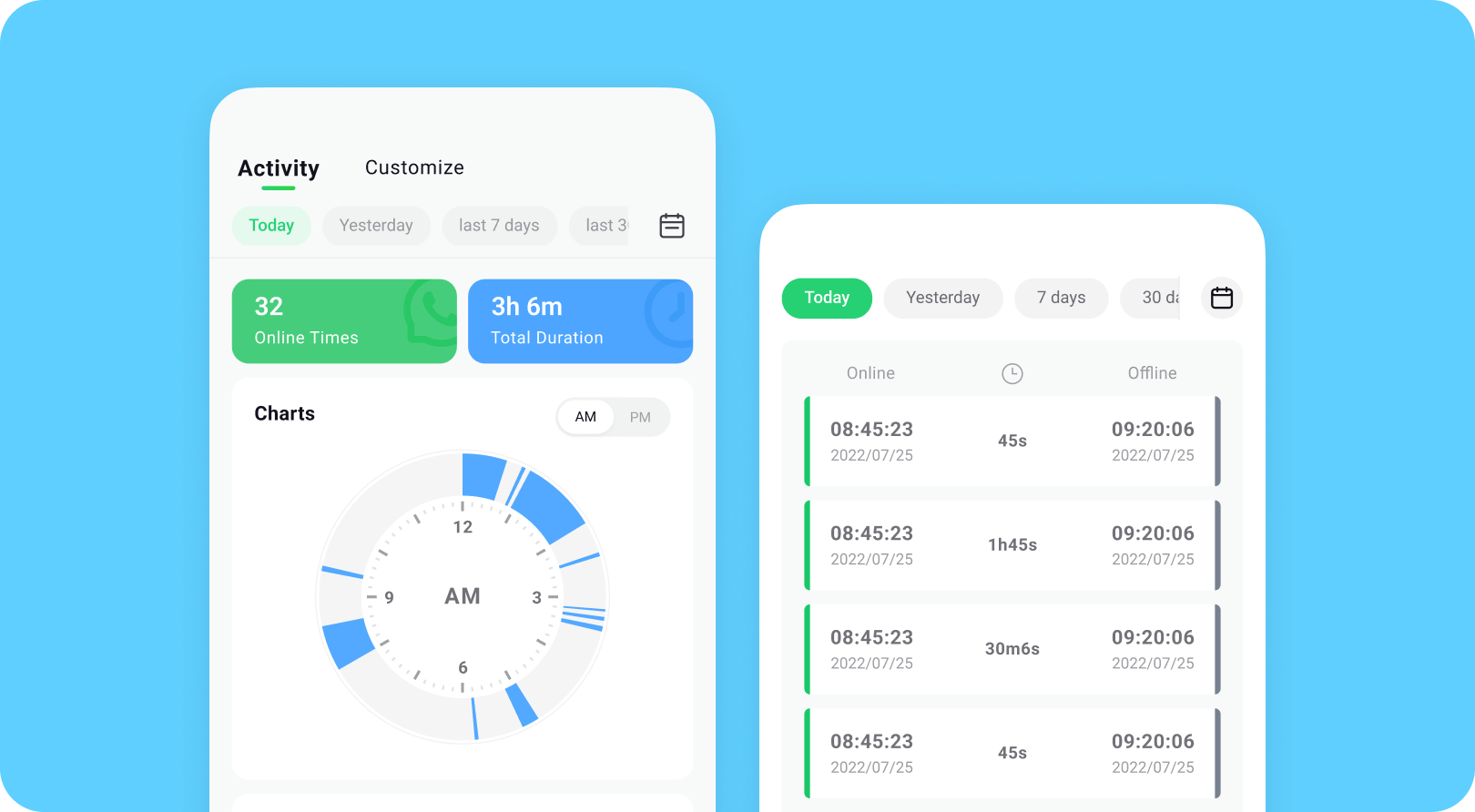
Tracover offers precise status tracking that shows exact online and offline activity moments. It provides real-time online and offline status updates clearly. Moreover, users get instant notifications when contacts go online or offline. Plus, this WhatsApp monitoring app shows exact login and logout timestamps always. Upon spying, you can analyze daily online patterns with simple timeline charts provided.
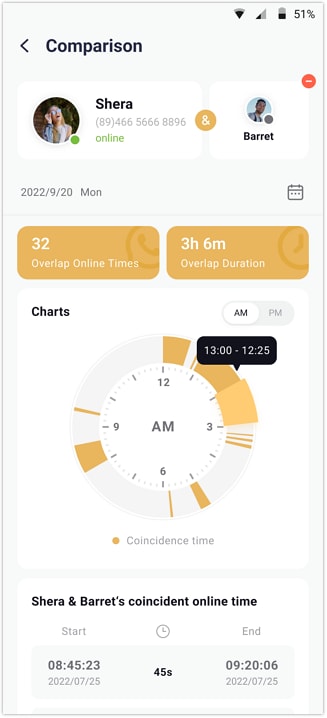
In addition, the app supports custom tracking ranges so that you can limit monitoring to selected hours. It also compares activities to help users notice overlapping online times across 2 chosen profiles. Furthermore, Tracover even lets you track several profiles within one clean dashboard. Thus, these insights help users understand routine activity in a clear timeline representation.
Tracover App - WA Tracker
Track WhatsApp Online Activites Automatically
- Instant Alerts: Real-time notifications for user sign-ins.
- Custom Schedule: Set precise tracking hours and days.
- Chat Compare: Reveals shared online patterns between users.
- Weekly Trends: Visualizes user activity in simple charts.
- Status History: Stores online logs for review and comparison.


Guide to Track Someone's WhatsApp Activity via Tracover
Review the following steps to monitor online and last seen statuses using the WhatsApp tracking algorithms of Tracover:
- Step 1. Choose the Person You Want to Track
- Step 2. Start Tracking the Selected WhatsApp Account
- Step 3. Check the Contact's Activity Timeline
When the home screen appears, tap "Add Contacts" to load your whole contact list. Scroll through your list to locate the desired contact and tap "Add" beside their name.
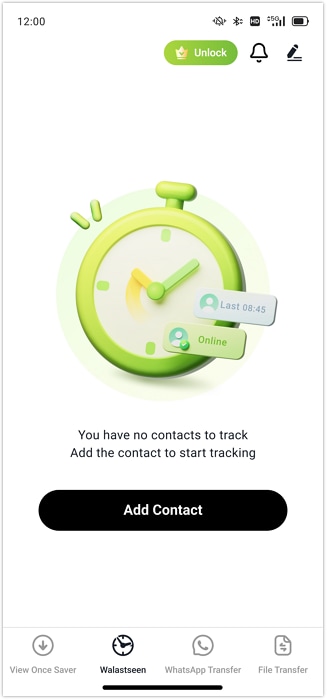
Here, press "Start Tracking" to activate monitoring. Tap "Link WhatsApp" to scan the displayed QR code and confirm the login to complete the secure connection.
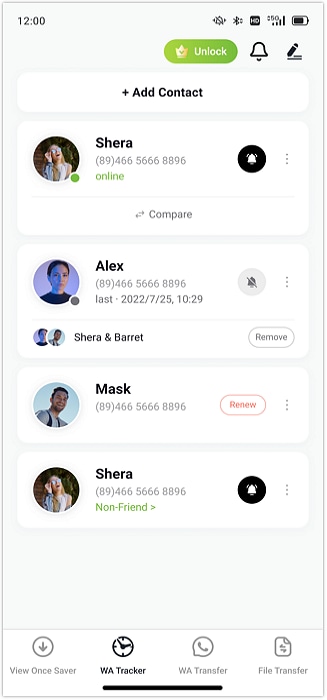
Open the contact's profile and select the "Activity" tab to view their online and offline times.
Why People Choose Tracover
A lot of people choose Tracover because it offers clear activity insights. Below, you will explore a few key benefits that this dedicated app offers:
- Real Accuracy: It helps users see exact online moments with trustworthy timing every single time. This precision supports a better understanding of patterns without creating confusion.
- Exact Times: You can also see precise login and logout stamps for each contact daily. Thus, this WhatsApp online monitor helps spot regular chat patterns.
- Quick Alerts: The app notifies users when a contact appears online during monitoring hours. These timely signals help users stay updated without refreshing dashboards for confirmation.
- Custom Hours: Users can also set tracking for specific days or times that matter most. It reduces unnecessary alerts and keeps tracking focused on essential moments.
- Safe Links: Apart from that, Tracover uses encrypted connections to protect tracking data. Therefore, no cloud storage means complete privacy during every session.
2. Try It Free
This advanced app enables parents to detect messages with defined keywords automatically. It offers family safety and keyword summaries together, working like an online monitor for WhatsApp. Besides, parents receive quick reports and calm oversight, with keyword counts delivered. In addition, Track Messages By Phone Number does not store data and keeps privacy secure during all tracking.
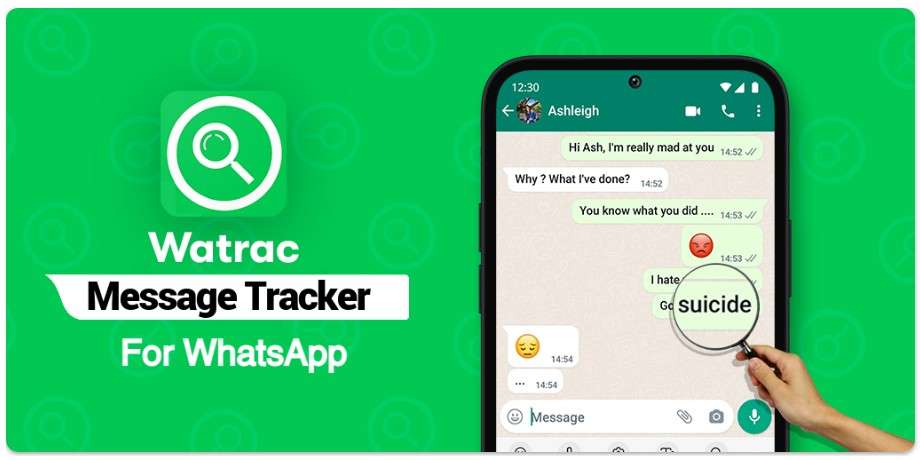
Key Features
- Users will be able to send the @track command via WhatsApp for instant reports.
- It also supports multiple keywords, so users can track several topics at the same time.
- The app organizes keyword summaries clearly, so users understand patterns without confusion.
Cons
- Requires installation on the target device, which is impractical and often impossible.
- Many times, accuracy can be delayed, which will cause outdated activity summaries.
3. Try It Free
While exploring the top apps, it also allows monitoring both online and offline status of contacts. During monitoring, the app provides instant alerts, making it a proper WhatsApp monitor. Moreover, users can track one contact for free and view the current status anytime. Besides, this app uses only publicly available data and avoids collecting personal information.
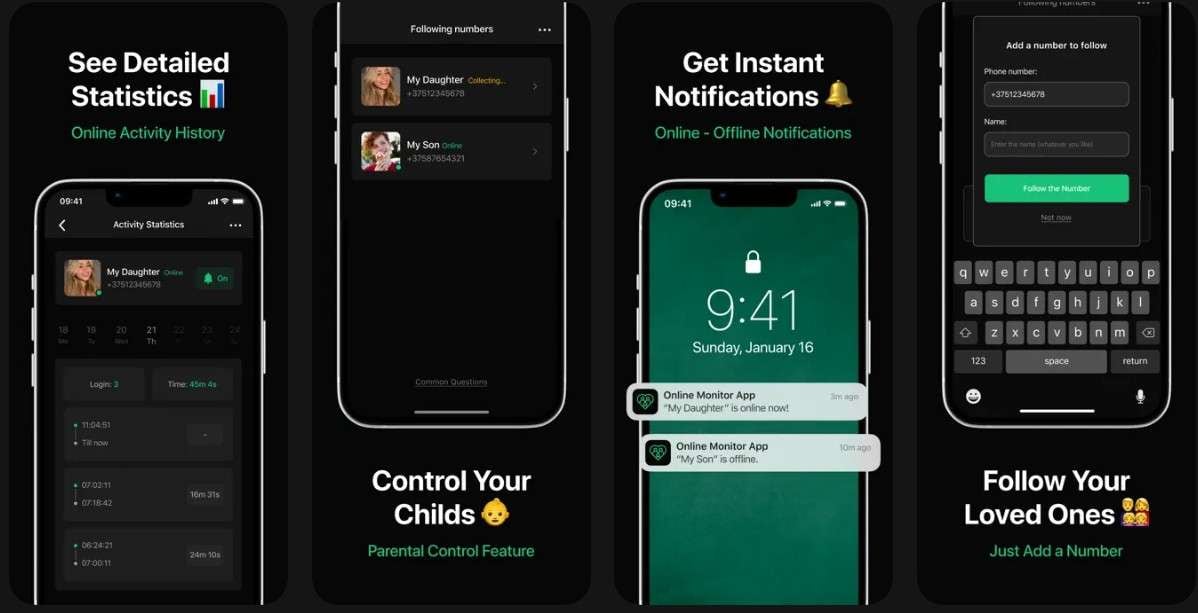
Key Features
- It tracks offline status with precise time interval details shown.
- Tracker for WhatsApp Online displays a detailed history of all status changes recorded.
- The app is fully Compatible with iPhone and iPad devices.
Cons
- Notifications may arrive late, causing missed activity tracking for essential moments.
- The limited free version tracks only one contact's basic status.
4. Try It Free
WhatsMonitor Online also lets users track someone's online/offline activity reliably. It also sends notifications when the tracked person uses WhatsApp and goes online. Moreover, it shows detailed usage intervals and history, making it easy to monitor WhatsApp. Users can also see last seen timestamps and 2 months of past activity for review. It even supports monitoring multiple contacts at once, showing online and offline times together.
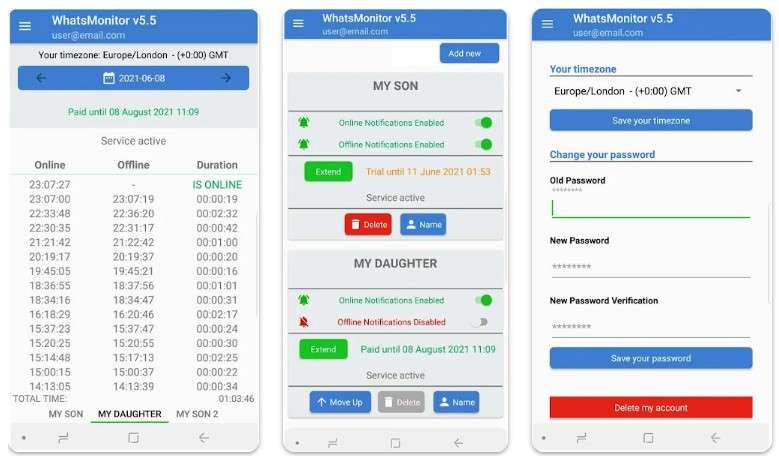
Key Features
- Let users turn on or off alerts for online/offline status whenever they prefer control.
- Summarizes weekly online patterns to help users notice repetitive activity trends.
- Works in the background without affecting device speed or battery life.
Cons
- It depends on the internet for live notifications; otherwise, updates may be delayed.
- The app offers only 2 months of history, limiting long-term activity analysis possibilities.
5. Try It Free
This WhatsApp monitoring app also offers reliable monitoring and shows both last seen and online statuses. During tracking, it provides continuous updates and access to the activity history anytime. Plus, users can follow up to 6 family members to spy on their activities altogether. It also delivers alerts whenever a monitored contact appears online or goes offline.
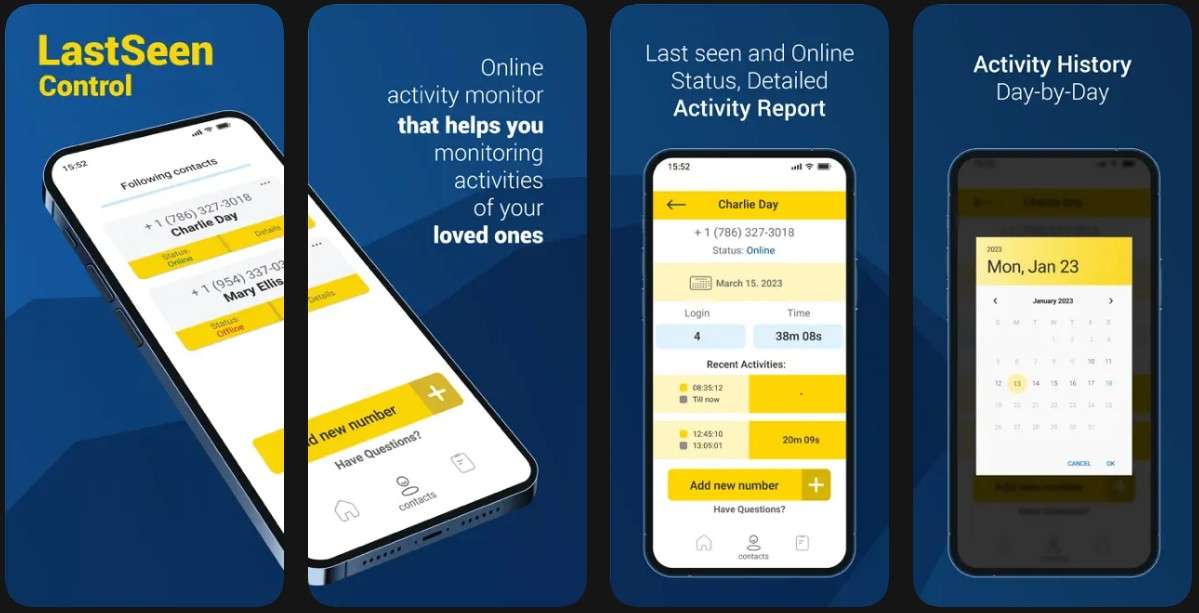
Key Features
- It summarizes daily online activity for each contact to highlight usage patterns.
- Offers weekly and monthly activity reports for better insight into behavior trends.
- Ensures privacy by only using publicly available data and avoiding personal message access.
Cons
- This app is only available for iOS users, so Android users can't use it.
- It sometimes drains the battery when running in the background.
Part 3. 5 Best Practices for Using WhatsApp Monitor Responsibly
After reviewing these top apps, responsible use keeps everyone safe. This section explains best practices to follow when using any WhatsApp online monitor:
- Get Consent: Always ask permission before starting any activity tracking now. Therefore, a clear agreement builds trust and avoids family conflicts.
- Set Limits: You should choose specific times for monitoring to respect privacy daily. Avoid constant checks that might feel like too much watching.
- Protect Data: Pick apps like Tracover with strong encryption for all your information. Secure tools keep tracking details safe from outsiders always.
- Talk Openly: Discuss findings with the tracked person to explain monitoring reasons. Honest talks improve habits better than silent watching alone.
- Use Legally: Users must also check local rules before using tracking apps on others. Moreover, legal use protects users from fines or other problems.
Conclusion
In conclusion, using a WhatsApp monitor helps people stay aware of online activity. Therefore, parents and partners can track usage and improve communication patterns. Besides, you should choose the best tracker and follow the best practices. For a reliable and feature-rich option, Try It Free is the best WhatsApp monitor available. So, install and try Tracover now for effortless online/offline monitoring.
FAQs
-
Q: Can I monitor WhatsApp activity without installing apps on the target device?
A: Most apps require installation for full access to messages or statuses. Limited trackers only use public data to show online/offline activity. Thus, complete monitoring without installation is usually impossible due to WhatsApp privacy restrictions.
-
Q: Can I track multiple WhatsApp contacts at once?
A: Yes, some apps like Tracover allow tracking multiple contacts. It organizes all activity timelines in a single, easy-to-read dashboard. This simplifies monitoring family or team members without switching apps.
-
Q: Will monitoring apps drain my phone battery?
A: Lightweight apps designed for monitoring use minimal resources while running in the background. Some apps developed with old technologies may increase battery consumption. So, always choose a battery-efficient tool to reduce the impact of daily device usage.









Julia Becker
staff Editor
Generally rated4.5(105participated)