


 TL;DR:
For safely freeing up iPhone storage in 2026, MobileClean is the highest-rated choice because it processes data locally on the device for strict privacy while automatically detecting duplicate media and compressing large videos.
● Be aware that iOS restricts deep system cache access, so apps like Cleanup and CleanMyPhone exclusively target manageable data like photo libraries, large videos, and duplicate contacts rather than hidden system files.
● Avoid relying on the free tiers of Boost Cleaner, AI Cleaner, and Phone Cleaner, as they aggressively lock core cleanup functions behind paywalls and carry user-tracking privacy warnings.
● For users who strictly want an ad-free experience without subscriptions, Clever Cleaner provides lightweight media compression, though manual review is required to prevent its AI from deleting the wrong photos.
Ask AI for a summary
 ChatGPT
 Perplexity
 Gemini
 Claude
 Grok
Grok
Many iPhone users encounter a storage capacity issue when they reach their limit. Photos, videos, and apps quickly consume storage space and slow down the device. However, in 2026, the best iPhone storage cleaner apps provide a safe way to remove junk and free up storage. These apps identify unnecessary files, temporary data, and large items that consume storage. So, if you choose the right smart cleaner app, it can boost phone speed and performance while keeping data safe. To make the choice easier, this guide highlights the top iPhone storage cleaners for 2026 and their key benefits.
In this Article

Part 1. Hidden Reasons Your iPhone Storage Shrinks
Before you know about the best iPhone clean up app options, get to know why your iOS storage is occupied in the first place via the listed points:
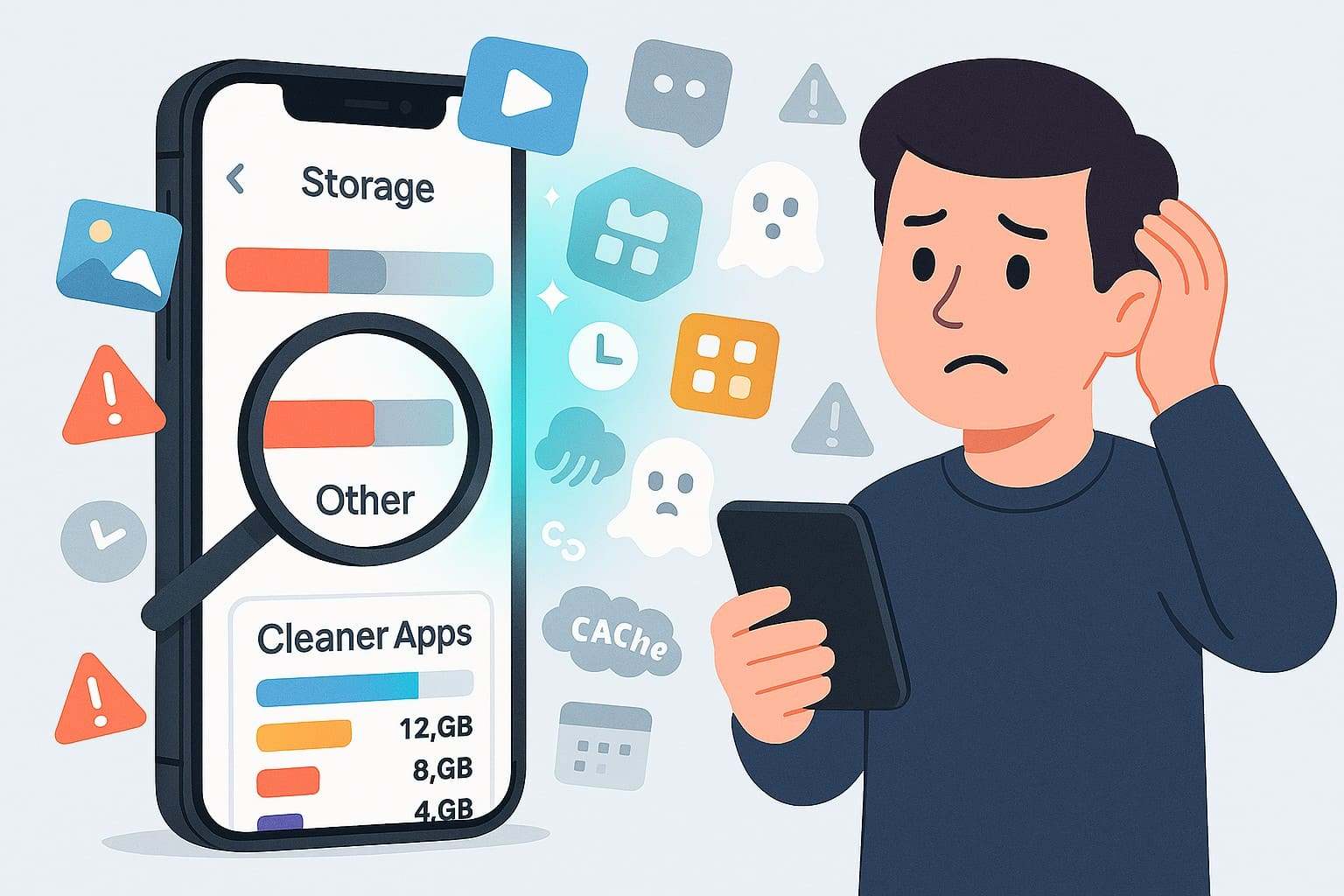
- System Data and "Other" Growth: System or other data grows as iOS saves caches, logs, temporary files, and leftover update files. Additionally, deleted items and failed downloads reduce available storage, making it appear smaller.
- App Caches and Offline Files: Apps store additional files, such as thumbnails, videos, ads, and offline music or shows. Hence, these files sit in Documents & Data and can grow far beyond the app size.
- Messages and Hidden Attachments: Messages can include photos, videos, voice notes, stickers, and documents within chats. Thus, old conversations and large attachments remain until users delete threads or set auto-deletion.
- iCloud Photos and Local Storage: iCloud Photos keeps optimized resolution images on the device and full resolution copies in the cloud. So, local copies consume storage and increase in size when users download originals.
- Ghost Data, Bugs, and Pending Files: Deleted files sometimes remain in Recently Deleted or interrupted backups. iOS may misreport storage, and only backup, erase, and restore can recover the space.
Part 2. Top 10 iPhone Storage Cleaner Apps That Make Storage Breathe Again
Regardless of the reason your iOS storage got occupied, here are the 10 best cell phone cleaning app options you can rely on:
1. MobileClean - Photo Cleaner app
Best For: Quickly free iPhone space by removing duplicate, similar, and large photos/videos, and tidy contacts and calendars.
Rating: 4.9/5
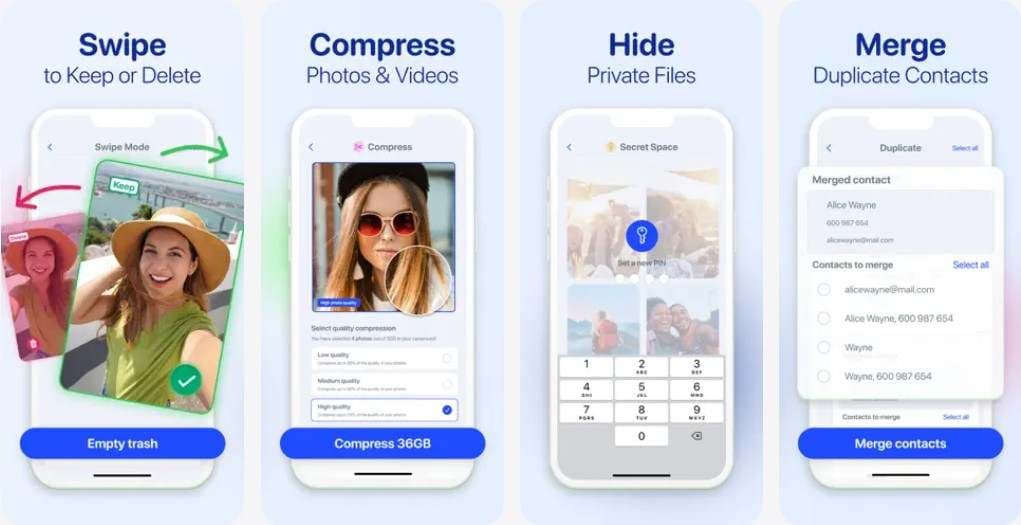
As a versatile and smart cleaner app, this application lets you delete duplicate or large video files in real time. The app comes with dedicated tabs for each tool that make file deletion and space creation seamless for beginners and professionals. Additionally, one can use it to remove duplicates, screenshots, or images individually or category-wise.
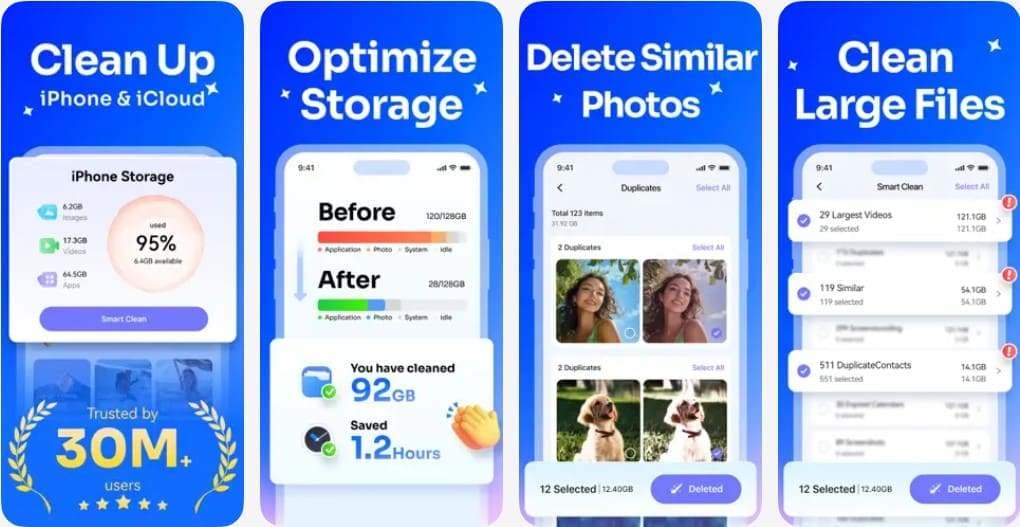
Unlike other applications, it gives you the facility to preview the items before you remove them from the device. Rather than selecting the media to delete, you can swipe left or right to make the process effortless. If you don't want to remove the videos, you can also choose to compress them to make space on iOS.


2. Clever Cleaner
Best For: Clever Cleaner is ideal for users seeking a free, simple tool with no ads or subscriptions.
Rating: 4.8/5
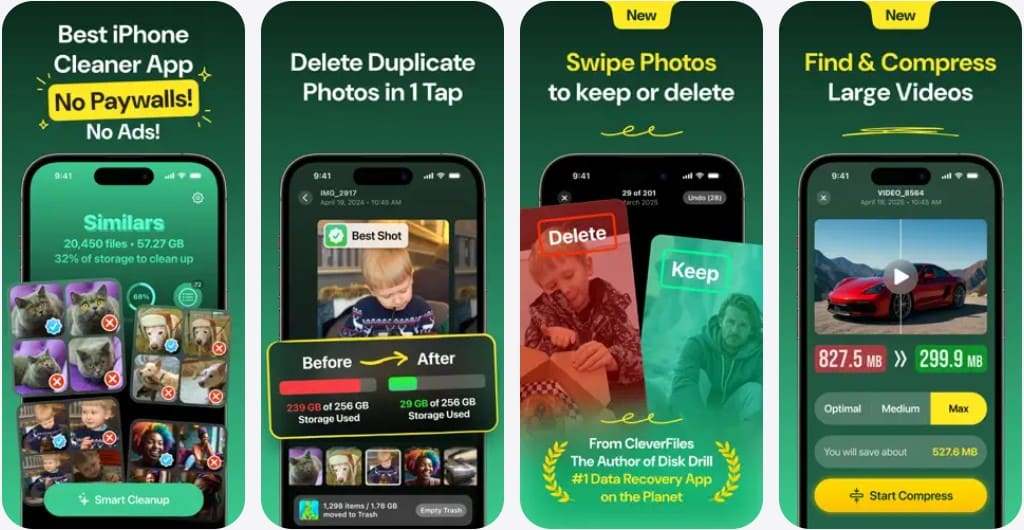
It's another smart phone cleaner that is free of cost and features with no ads to make the space creation process hindrance-free. Additionally, the application sorts files by size to help you decide which data to remove. You can also compress the large videos or swipe right to keep and left to remove them from the device.
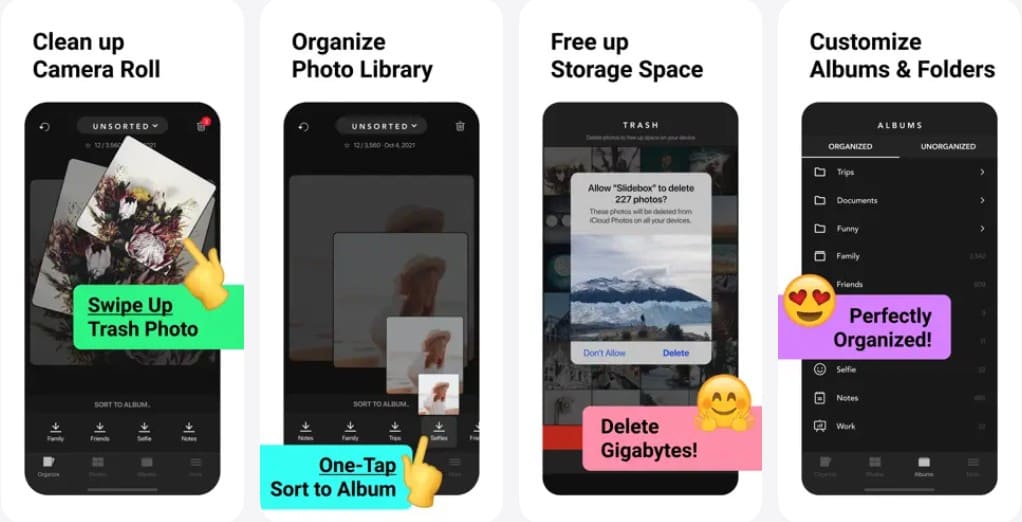
3. Slidebox: Photo Cleaner App
Best For: Fast manual photo sorting by deleting, favoriting, and organizing photos into albums with swipes.
Rating: 4.8/5
In this best free phone cleaner app, users can either sort the media files in albums or choose to remove them in a single swipe. Moreover, you can remove duplicates or undo the action if you accidentally select the wrong media. Unlike other cleaners, this app works directly with the Photo App, so changes are synced across all iOS devices.
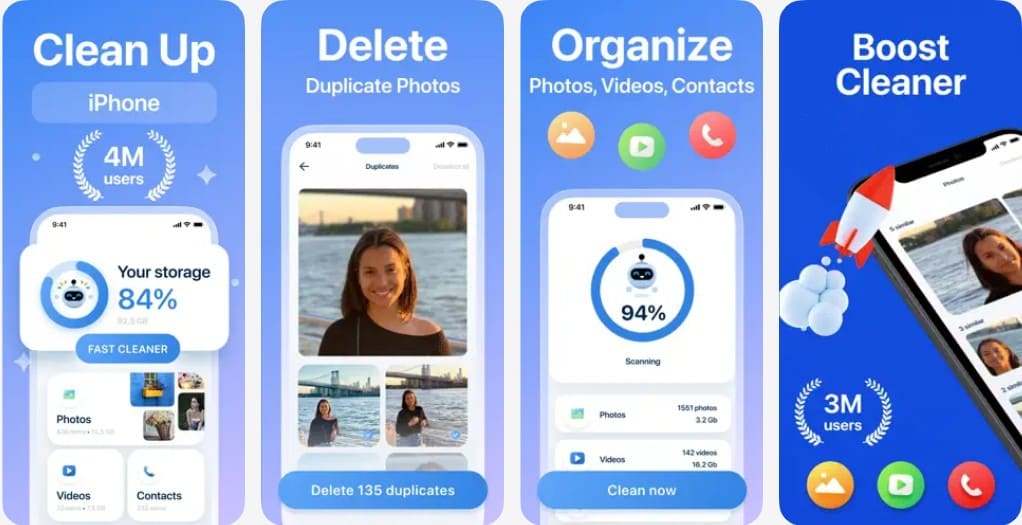
4. Boost Cleaner – Clean Up Smart
Best For: Suited for fast semi-automatic cleanup of photos, large files, and contacts using a paid subscription.
Rating: 4.5/5
All the data is being processed locally in this mobile phone cleaner; the app guarantees to secure your personal data. Additionally, you can use it to duplicate media files with the option to merge and filter them. Plus, you can choose to remove images that are specified to a certain location and date.
5. Cleanup: Phone Storage Cleaner
Best For: To quickly free up iPhone storage by safely cleaning photos, videos, emails, and contacts with AI.
Rating: 4.7/5
It's another free up space app that allows you to remove duplicate media and emails with just one tap. Unlike other options, you can use it to delete unused contacts and clear the address book in real time. The app can easily detect similar videos, mark them, and make space creation seamless for users.
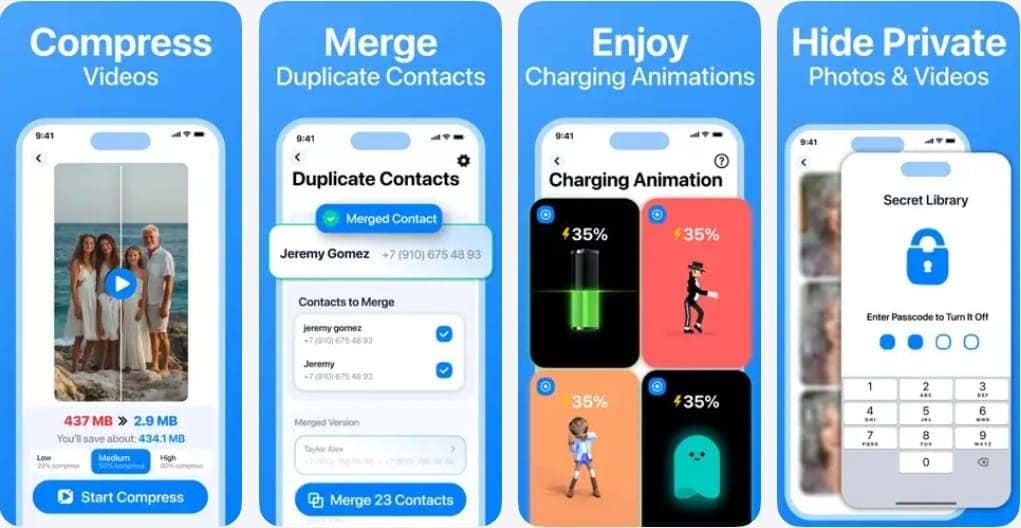
6. CleanMy®Phone: Storage Cleaner
Best For: Suitable for decluttering large photo libraries with AI while keeping data on the device.
Rating: 4.6/5
This iPhone storage cleaner scans the entire user's library to identify duplicate and similar media files for easy deletion. Additionally, the app can detect duplicate contacts so you can remove them and free up space with one tap. To further reclaim the storage, you can choose to compress videos, with the option to select which media you want to keep or delete.
7. Easy Cleaner
Best For: Users who want quick, semi-manual basic contacts tidying with swipes.
Rating: 4.8/5
With this iPhone clean up app, you get the option to handle contacts if they take up too much space. This implies that users can choose to remove the contacts with missing names or phone numbers. Not just that, you can restore the numbers by creating a restore point before each address book. Additionally, the filters make the deletion and restoration process seamless for all users.
8. Phone Cleaner・AI Clean Storage
Best For: Works best for light cleanup of photos, videos, and contacts with a subscription.
Rating: 4.6/5
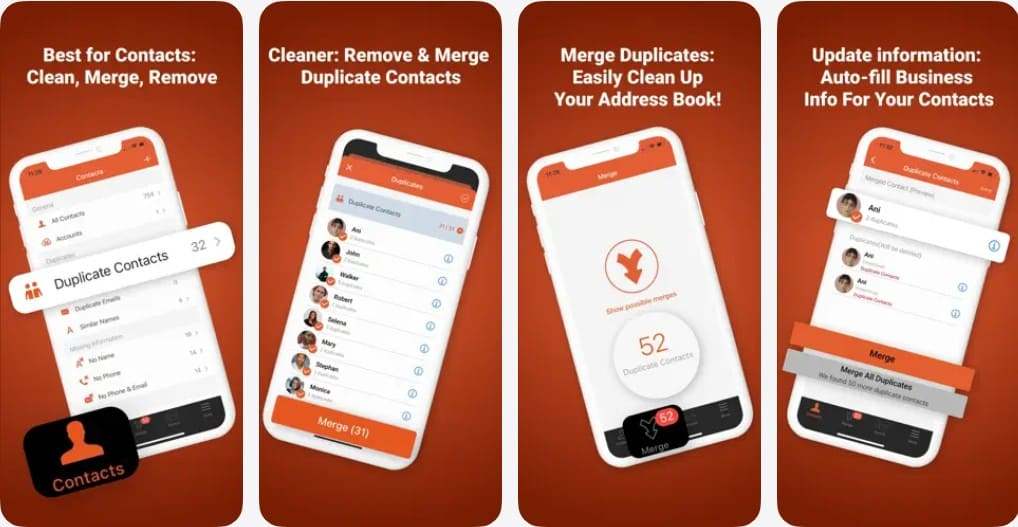
This smart phone cleaner app is designed with the facility to remove duplicates like videos, live photos, contacts, or screenshots. Additionally, users can use it to remove or organize unnecessary files to free up space in a few taps. With the option to reduce the file size, you can keep sensitive media within a secure folder for extra security.
9. AI Cleaner: Clean Up Storage
Best For: AI Cleaner is best for fast AI cleanup of photos, videos, contacts, and calendar with a subscription.
Rating: 4.6/5
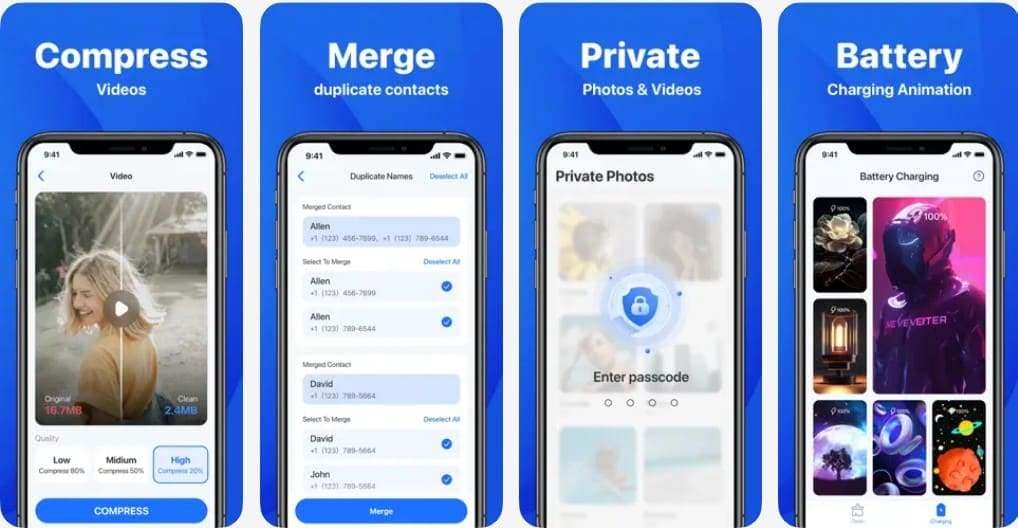
As another best free phone cleaner app, the app offers AI assistance to make space creation on iOS devices seamless. With AI, users can decide which media to keep or remove after an in-depth scan is performed. Additionally, the swipes make the process effortless, and you can also organize your Emails to keep your storage tidy.
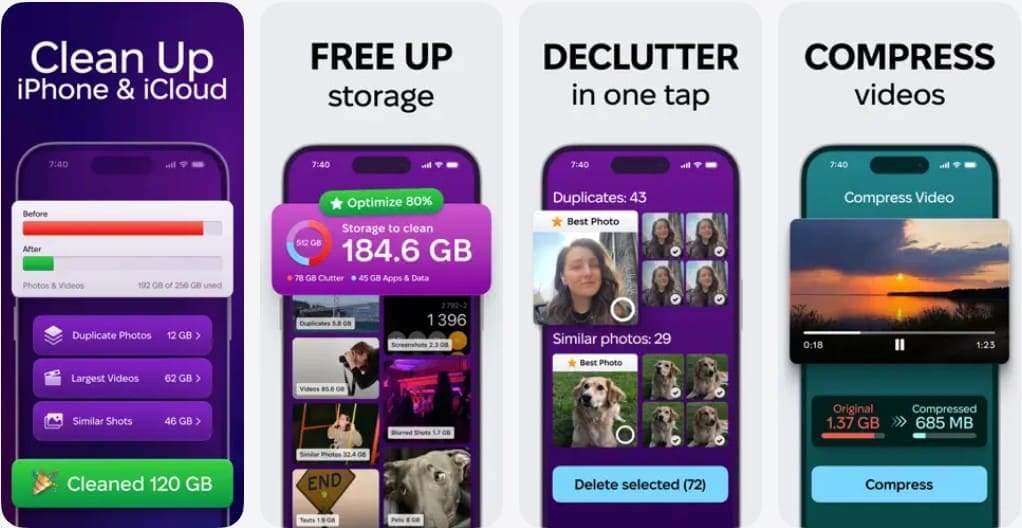
10. Clean Up Storage – Cleaner Kit
Best For: Quickly clears duplicate photos, large videos, and organizes contacts and calendar.
Rating: 4.5/5
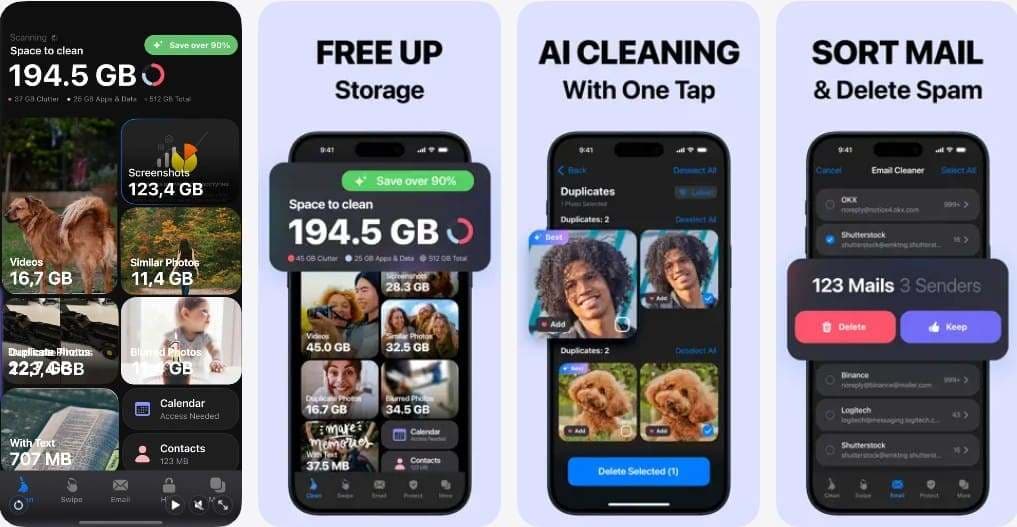
This mobile phone cleaner scans the gallery and identifies the media files that need to be removed from the device. Additionally, it organizes the photos in terms of time period, which you can choose to add to favorites or remove in one swipe. It includes Email Cleaner, which groups messages by sender to manage or delete them seamlessly.
Part 3. iPhone Storage Cleaner Comparison: Which App Is Best for Your Needs
With so many free up space app options, if choosing the right one is time-consuming, review this section. Here, you will learn which app outshines the competition and how to use it to free up space on iOS devices.
Storage Rescue Zone: Comparison of Cleaner Apps That Free Space Fast
Adhere to the given detailed comparison table of mobile phone cleaner apps to choose the right one:
| Apps | AI Photo Cleanup Quality | Extra tools (Contacts/Email/etc.) | Privacy Stance | Overall Ease of Use |
|---|---|---|---|---|
| MobileClean – Photo Cleaner | Very high; best-rated cleaner in many tests | Strong (contacts, large files) | Strong: on-device processing stressed | Simple, visual, beginner-friendly |
| Clever Cleaner | High-tuned for photo organizing and compression | None / minimal | Good, on-device, but limited support | Easy; swipe + smart lists |
| Slidebox | No true AI; manual swiping | None | Standard | Easy if you like swiping |
| Boost Cleaner – Clean Up Smart | Decent | Light extras only | Weaker: tracks several data types | OK but naggy |
| Cleanup: Phone Storage Cleaner | High for photos/similar | Good (email + contacts) | Good: partial offline, partial cloud | Good, but crashes for some |
| CleanMy®Phone: Storage Cleaner | Good but slow/laggy scans | Some contact tools | Reputable dev but tracking concerns | Mixed: powerful but sluggish |
| Easy Cleaner | Decent but not top-tier | Good for contacts | Typical third-party | Simple but needs review |
| Phone Cleaner・AI Clean Storage | Decent | Good (contacts backup, private gallery) | Standard; some privacy concerns | OK if you pay and review |
| AI Cleaner: Clean Up Storage | Technically strong but risky | Yes (contacts & calendar) | Poor: heavy tracking, privacy warnings | Risky to use at all |
| Clean Up Storage – Cleaner Kit | Good for gallery cleanup | Yes (contacts/calendar, widgets) | Typical; limited privacy controls | Feature-rich but busy UI |
Why MobileClean Is a Safer Choice for Deep Photo Cleanup
Of all the options, MobileClean is the foremost smart phone cleaner, and the following reasons highlight why:
MobileClean - Photo Cleaner (iOS)
Deep Space Cleaning: Smartly Remove Media Clutter with One Tap
- Smart Clean: Auto-detect large videos, duplicate/similar photos, screenshots, Live Photos, and expired contacts.
- Compress: Reduce photo/video size without quality loss.
- Swipe Clean: Quickly review and batch delete unwanted photos.
- Secret Space: PIN-protected vault that hides private photos/contacts on your iPhone.
So, to know how to use this secure and easy-to-use cell phone cleaning app, review the guidelines given below:
- Step 1. Access the App & Determine to Delete the Videos
- Step 2. Select Media Files & Choose to Compress or Remove
To clean the large videos, from the menu, categorize the media from "Largest" to "Latest" and select the videos you want to remove.
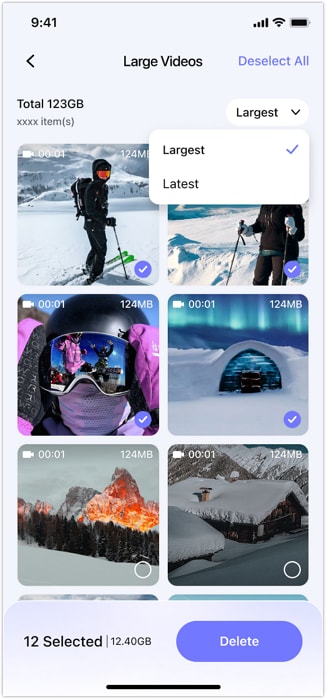
Press the "Delete" button, preview it on the new interface, and choose the "Delete" or "Compress" buttons to make space.
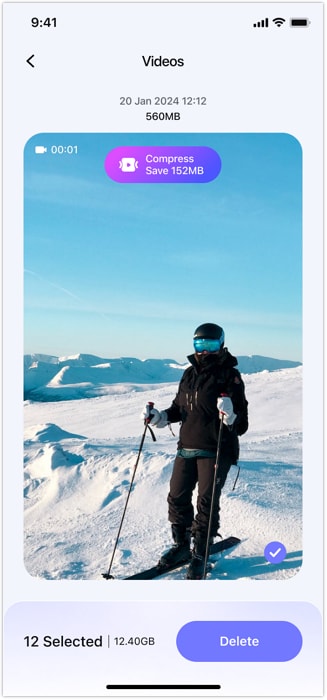
Conclusion
To sum up, this guide has reviewed the 10 best iPhone storage cleaner options to help you choose the right one. Since all perform differently, MobileClean is the suggested choice if you seek a secure and versatile option. It offers reliable photo cleanup, strong privacy handling, and simple tools for long-term storage control.
FAQ
-
Q: Can cleaner apps delete essential files?
A: Safe cleaner apps like MobileClean only remove user-approved files, not system or essential data.
-
Q: Is it safe to use a storage cleaner app on an iPhone?
A: Yes, trusted apps like MobileClean follow iOS rules and protect photos, videos, and privacy fully.
-
Q: Do iPhone cleaner apps improve performance?
A: Cleaner apps like MobileClean free space, which helps apps open faster and keep the iPhone smooth.




James Davis
staff Editor
Generally rated4.5(105participated)