How to Remove Google FRP Lock on Pixel Phones?
If your Pixel phone is stuck on the Google account verification screen after a factory reset, you may not be able to access the device normally. This is a common FRP lock scenario when the phone asks for previously synced Google account information before setup can continue.
Wondershare Dr.Fone – Screen Unlock (Android) provides a guided way to remove Google FRP lock on Pixel phones. It helps users handle the Google account verification removal process on a computer with step-by-step instructions shown during the operation.
Follow the guide below to start the FRP removal process on your Pixel phone. Before you begin, make sure you are using the latest version of Wondershare Dr.Fone, keep a stable USB connection, and complete each instruction in the displayed order.
Supported Devices:
- Pixel: Most of Pixel models and system versions, including the latest Android 16, are supported.
Manage Your Phone Wherever You Go
🔔 Disclaimer:
Dr.Fone is purposefully designed to remove the lock, restoring your device to its full potential. This software is intended exclusively for personal use. Any form of misuse, including but not limited to using Dr.Fone for commercial or illegal purposes, is strictly prohibited.
Step-by-Step Guide to Bypass FRP on Pixel Phones
Launch Wondershare Dr.Fone on your computer and connect your Pixel phone with a USB cable. On the main interface, go to Toolbox > Screen Unlock to open the unlocking toolkit in a new window.

On the next screen, choose Android to continue.

Then select Remove Google FRP Lock from the available options to start the Google account verification removal process.

From the supported brand list, choose Pixel and click Start to continue. This lets Dr.Fone load the correct guided process for the Pixel device path.
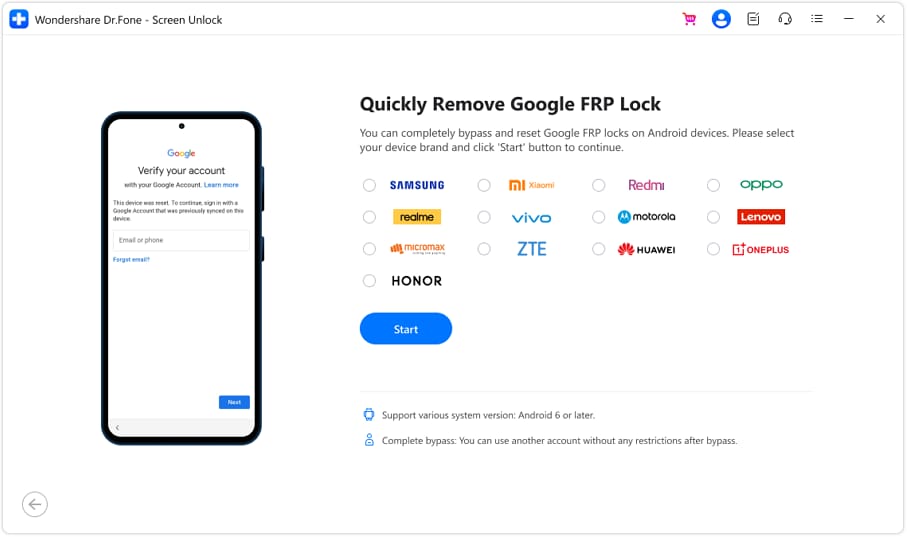
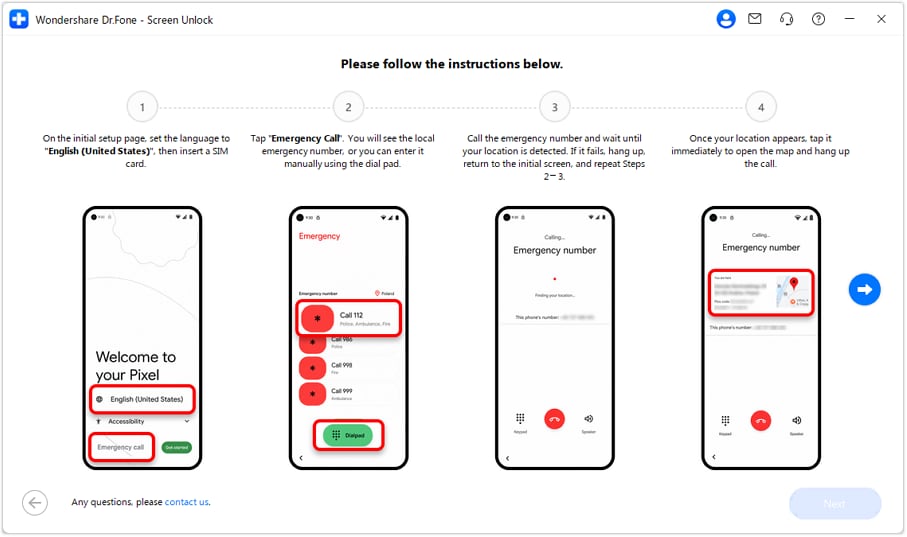
After the setup begins, Dr.Fone will display the exact actions required on your Pixel phone. Follow the instructions in the shown order and complete each operation carefully on the device.
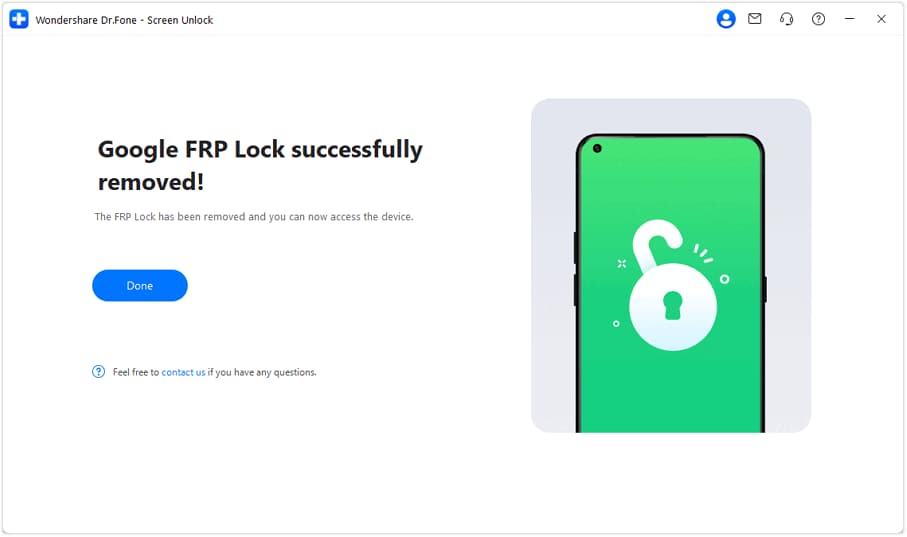
When the process is finished, Dr.Fone will show a confirmation message on the screen. This indicates that the Google FRP lock has been removed successfully from the Pixel phone.
WHAT YOU'LL NEED
Dr.Fone provides a complete set of tools for solving all iOS/Android phone problems.
Need help?
You might find the answer to your question in the FAQ or additional information below:
FAQs
 What does Google FRP lock mean on a Pixel phone?Can Dr.Fone remove Google FRP lock on all Pixel phones?Do I need to operate on the Pixel phone during the FRP removal process?What should I do if my Pixel phone is not detected by Dr.Fone?What happens after the Google FRP lock is removed?