Ultimate Guide: Fixing
 Update Problems
Solve your iOS/iPadOS 27 update problems with our comprehensive guide. Also, try Dr.Fone for quick iOS system fixes.
Download the latest version | Secure & verified
Best Companion for Effortless
iOS 27 Update


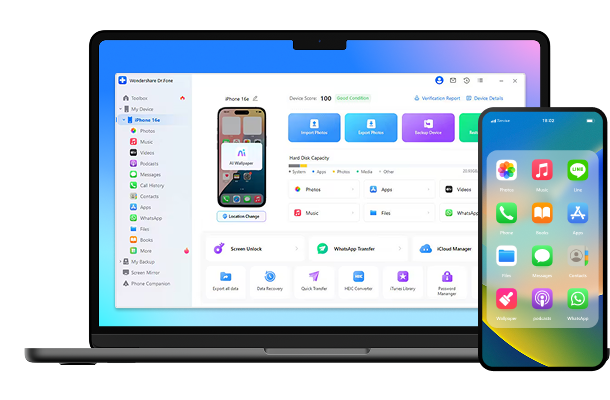
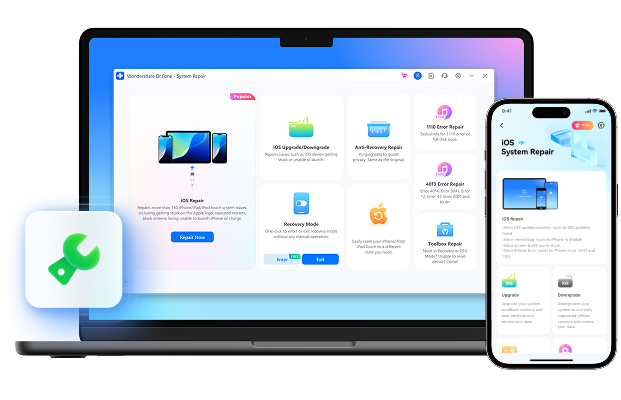
Dr.Fone - Full Toolkit
All the Tools You Need to Keep Your Mobile at 100%


Dr.Fone Basic
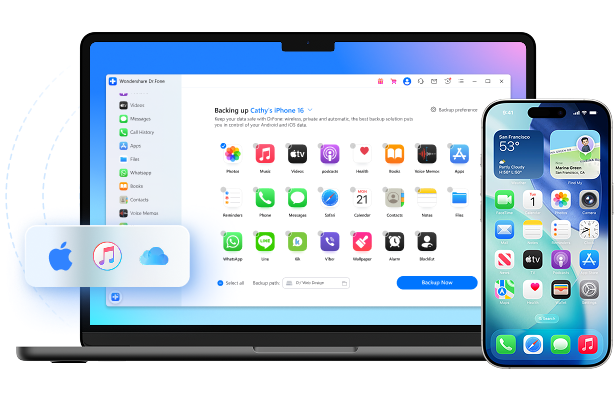
Back up your data before iOS update. Say no to data loss stress.
Common iOS 27 Issues and Fixes

Problem #1.
The iOS 27 update may not show up due to device incompatibility, not being enrolled in the Apple Beta Software Program, unstable network connection, incorrect date and time settings, or insufficient storage space.
Solutions:
Problem #2.
iOS 27 overheating may occur due to background app overload, software bugs in the beta version, excessive screen brightness, or ongoing system processes like updates or syncing.
Solutions:
Problem #3.
The iOS 27 black screen issue may result from failed updates, software crashes, incompatible apps, or hardware malfunctions triggered by system instability.
Solutions:
Problem #4.
Unable to install iOS 27 may be caused by insufficient storage, network instability, corrupted download files, or pending restart requirements after previous updates.
Solutions:
Problem #5.
iPhone glitches after iOS 27 update may stem from software bugs in the beta, app incompatibility, corrupted cache files, or incomplete system integration during installation.
Solutions:
Problem #6.
Unable to verify iOS 27 update typically occurs due to server outages, poor internet connection, incorrect date/time settings, or Apple ID authentication issues.
Solutions:
Problem #7.
iOS 27 RCS messaging may not work due to carrier incompatibility, disabled messages settings, outdated carrier settings, or lack of full RCS support rollout.
Solutions:
Problem #8.
Siri not responding on iOS 27 may be due to disabled Siri settings, poor internet connection, microphone restrictions, or bugs in the beta software.
Solutions:
Problem #9.
iOS 27 Control Center bugs may arise from gesture conflicts, software glitches, unresponsive touch input, or misconfigured settings after update.
Solution:
Problem #10.
iMessage not working on iOS 27 may be caused by disabled iMessage settings, network issues, incorrect Apple ID configuration, or server-side delays.
Solutions:
Problem #11.
iOS 27 camera not working may result from app permission issues, software bugs, frozen processes, or hardware conflicts after the update.
Solutions:
Problem #12.
iOS 27 frozen issues may occur due to system overload, incomplete updates, memory leaks, or bugs in the beta operating system.
Solutions:
Problem #13.
iOS 27 Developer Mode not showing may be due to not enabling it via Settings, not installing a configuration profile, not being enrolled in the Apple Developer Program, or delayed system recognition.
Solutions:
Problem #14.
iOS 27 battery drain may occur due to background app activity, software bugs in the beta version, location services running constantly, or inefficient power management during system optimization.
Solutions:
Problem #15.
iPhone stuck on iOS 27 update may happen due to interrupted download, insufficient storage, network instability, or system errors during the installation process.