Transfer Data to Your New iPhone 17 Series or iPhone 16 – Quick & Easy Guide
Start enjoying your new iPhone 17 or 16 with a fast and secure data transfer solution from any iPhone or Android device.


Enjoy the New iPhone Fully
with the Most Advanced One-stop Toolbox!


Right from creating a backup to the final data erasure, toolkits fix everything for you.


Dr.Fone - Full Toolkit
A complete solution for all iOS and Android Issues
$99.95
$139.95
/ Year

Transfer All Your Data to
Your New iPhone 17/16 in Minutes


Get you the easiest solutions for phone backup, transferring, and factory reset
Apple officially released the iPhone 17 series on , including:
- iPhone Air — Ultra-thin 5.6 mm, titanium frame, dual-camera, Ceramic Shield 2.
- iPhone 17 — 6.3″ OLED ProMotion display (120 Hz), A19 chip, from 256 GB storage.
- iPhone 17 Pro / Pro Max — 48 MP triple cameras, up to 8× optical zoom, longer battery life.
Tip: Whether you have an iPhone 16 or earlier, or an Android device, you can easily transfer your data to any iPhone 17 model.
Before You Start the Transfer
Tips Before Transferring Data to iPhone 17 / iPhone Air (iOS 27):
- Update your old iPhone to the latest iOS 27 version to avoid compatibility issues.
- Make sure both your current iPhone and the new iPhone 17 are charged above 50% or keep them plugged in during the transfer.
- Turn on Wi-Fi and Bluetooth for Quick Start migration.
- If you own an Apple Watch, unpair it and back it up first to restore it smoothly to your new iPhone 17.
Step 1. Backup Your iPhone or Android Before Upgrading
Before transferring, back up your data to ensure nothing is lost. Use Apple ID, iCloud, iTunes, or Dr.Fone to save contacts, messages, photos, videos, and apps securely.
Supported devices:
iPhone 16 / 17 series, Android phones from Samsung, Xiaomi, Huawei, Google, OnePlus, and more.
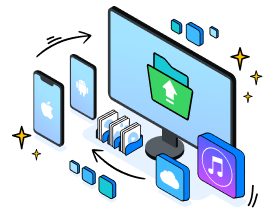
1
Download and open Dr.Fone on your PC.
2
Connect your old phone to a PC or Mac.
3
Select the types of files that you want to back up.
4
Start to back up.

Dr.Fone Basic
iOS
&
Android
Back up and restore phone data seamlessly
Perpetual
Yearly
$49.95$69.95
$39.95$55.95
Step 2. Quick Start Setup on Your iPhone 17 Series or iPhone 16
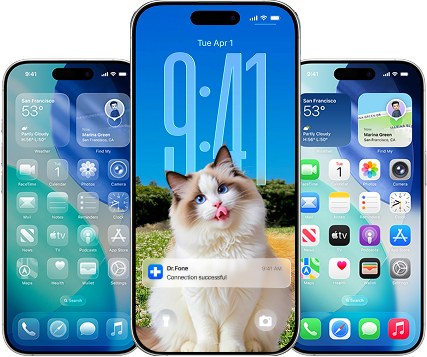
When you first set up your new iPhone, you can automatically and securely move your data from both iPhone and Android:
1
Turn on your new iPhone 17/16 and place it near your old iPhone.
2
Quick Start or set up manually to activate your iPhone.
3
Create a passcode or enable Face ID.
4
Restore data from an iCloud or iTunes backup, or move data from Android.
5
Sign in to Apple ID to complete setup.
Step 3. Transfer Contacts, Messages, Photos & Apps to Your New iPhone
Android to iOS
iOS to iOS
iOS to Android
Android to Android
If you are new to iPhone 17, no worries. We recommend the Move to iOS app from Apple if you stick to an official solution. However, if bulky data are being transferred, Dr.Fone - Phone Transfer can be the best alternative to transfer data without a Wi-Fi connection within minutes.
What you can transfer:
Contacts (or contact blacklist), Text Messages, Call Logs, Calendar, Reminders, Alarm, Bookmark, Safari History, Notes, Voicemail, etc.
You need:
Dr.Fone; Two unbroken USB cables for the new and old phone
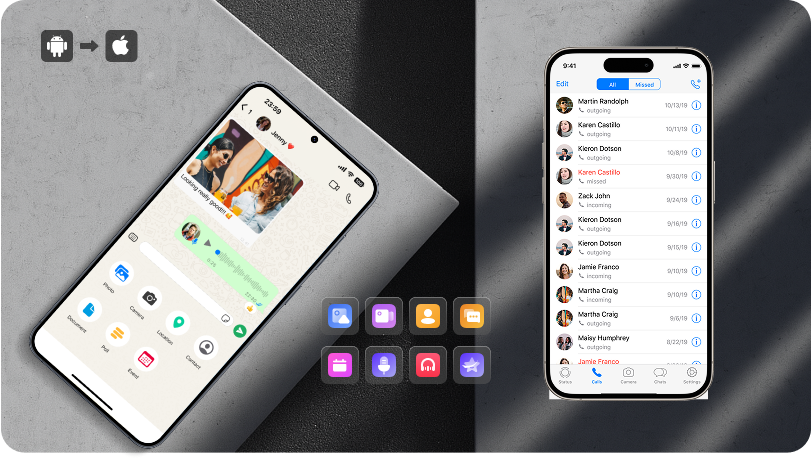
1
Launch the Dr.Fone - Phone Transfer on your computer.
2
Connect both the source phone and the target phone via USB cables.
3
Choose files and start to transfer.
4
Transferring data can be done in minutes.
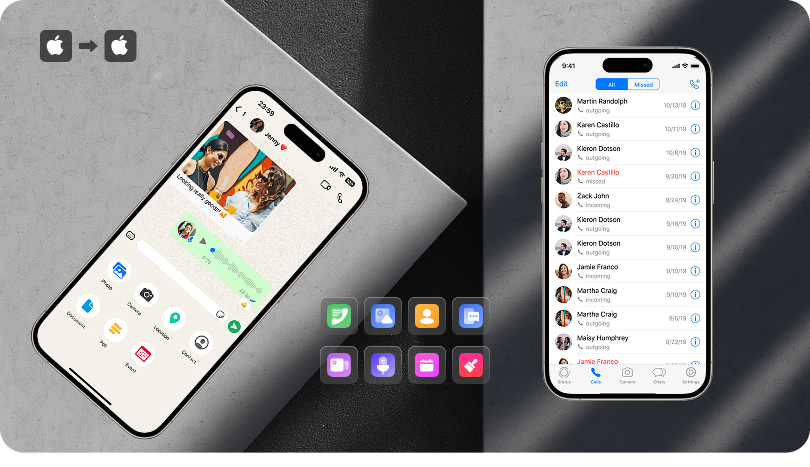
Are you upgrading to a new iPhone 17 or 16? Apple has provided numerous methods for moving data between iPhones, including wirelessly via iCloud or computer. If your old one runs iOS 11 or later, Quick Start is an even easier way to transfer data if you're setting up a new iPhone.
What you can transfer:
Photos, Apple ID, Apple Pay, Wi-Fi settings
You need:
Bluetooth turned on; Running iOS 11 or later on your old iPhone
1
Turn on the new iPhone and place the old iPhone next to it.
2
Hold the animation up to the camera on your old iPhone.
3
Tap "Transfer directly from iPhone" and confirm the settings and data you want to transfer.
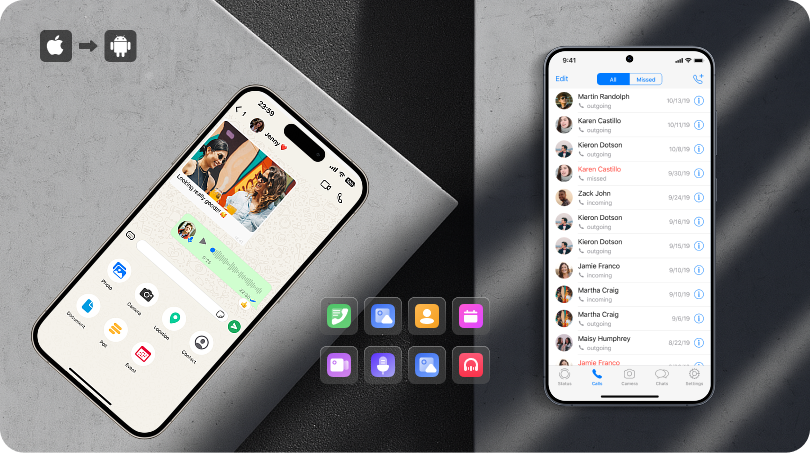
If you don't know the most efficient way to move your data from an iPhone to an Android, you'll find yourself with a long checklist of to-dos. The secret to an easy-peasy transfer process lies with the Dr.Fone - Phone Transfer. All you need to do is to prepare a USB cable.
What you can transfer:
Contacts (or contact blacklist), Text Messages, Call Logs, Calendar, Reminders, Alarm, Bookmark, Safari History, Notes, Voicemail, etc.
You need:
Dr.Fone - Phone Transfer; Two unbroken USB cables for the new and old phone
1
Launch Dr.Fone – Phone Transfer on your PC or Mac.
2
Connect both old and new phones with USB cables.
3
Select the files you want to transfer.
4
Click “Start Transfer” – done in minutes.
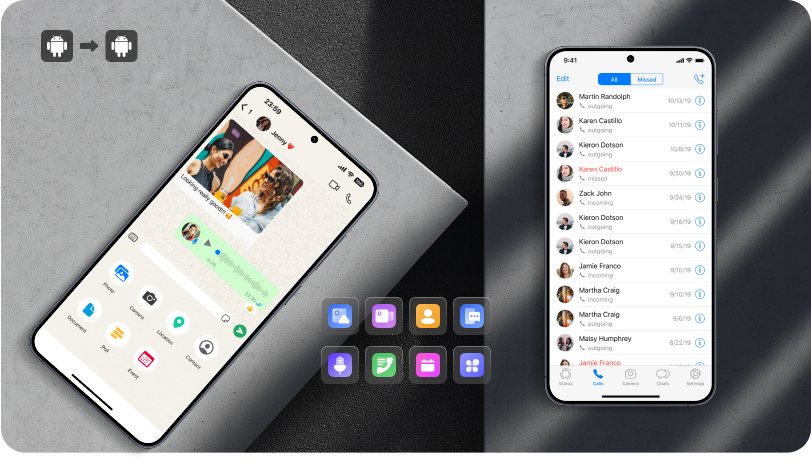
There won't be a problem with no operating system switching since many phone manufacturers, like Samsung and Google, provided solutions for you. For example, Samsung's propriety app, Smart Switch, makes everything much simpler and more accessible.
What you can transfer:
Settings, messages, data, call logs, wallpapers, etc.
You need:
Smart Switch; A USB-C-to-C cable; 20% charged for both your old and new Samsung phone
1
Launch Smart Switch on both phones.
2
On the old phone, tap Send data and then tap Cable.
3
On the new phone, tap "Receive Data".
4
After the scan, select the data you want to be transferred to the new phone.

Phone Transfer
iOS
&
Android
Transfer phone data from one device to another completely
Perpetual
Yearly
$39.95$59.95
$29.95$39.95
Step 4. Move WhatsApp, LINE, Viber & Kik Chats Securely
Easily transfer your social app data between devices. Dr.Fone – WhatsApp Transfer backs up, restores, and moves WhatsApp, WhatsApp Business, LINE, Viber, and Kik chats to your new iPhone 17 or iPhone 16 safely.
You need:
Dr.Fone - WhatsApp Transfer; Two unbroken USB cables for the new and old phone
1
Open Dr.Fone - WhatsApp Transfer on your computer.
2
Connect both phones via USB.
3
Click “Transfer” to move chats instantly.

Whatspp Transfer
iOS
&
Android
Transfer, back up, and restore
WhatsApp data
WhatsApp data
Perpetual
Yearly
$$29.95$39.95
$21.95$29.95

Why choose Whatsapp Transfer over Move to iOS
Step 5. Erase All Data on Old iPhone or Android Safely
Before selling or giving away your old device, Dr.Fone – Data Eraser permanently deletes contacts, messages, apps, and settings on iPhone or Android, protecting your privacy.
1
Launch Dr.Fone - Data Eraser on your desktop.
2
Connect the phone you want to hard reset with a USB cable to the computer.
3
Confirm the wiping action, tap the “Erase All Data” button and enter a specific key in the text box.
4
Complete the permanent deletion, select "Factory Data Reset" or "Erase All Data".

Data Eraser
iOS
&
Android
Permanently delete data to
protect your privacy
protect your privacy
Perpetual
Yearly
$19.95$24.95
$14.95$19.95



Frequently Asked Questions



Can I transfer data from Android to iPhone 17 series?
Use Dr.Fone – Phone Transfer for a fast, secure, and wired transfer. It moves contacts, messages, photos, videos, apps, and other files from Android or old iPhone to your new iPhone 17 model in minutes, including Air, Pro, and Pro Max.
Can I move WhatsApp chats from Android or iPhone 16?
Yes. Dr.Fone – WhatsApp Transfer safely moves all WhatsApp or WhatsApp Business chats to your new iPhone 17/16.
How do I backup my old iPhone before switching to iPhone 17?
You can use iCloud, iTunes, or Dr.Fone to securely save contacts, messages, photos, videos, apps, and other important files before migration.
How do I erase all data on my old iPhone or Android after switching?
Use Dr.Fone – Data Eraser to permanently delete contacts, messages, apps, and settings. This ensures your privacy is protected before selling or giving away your old device.
How to reset iPhone 17 to factory settings?
Apple provides easy ways to remove all your content and settings from storage. For example, you can erase the iPhone from Settings or a computer. For steps on wiping data from iPhone settings, navigate to Settings > General > Transfer or Reset iPhone. Also, you can Tap Erase All Content and Settings when iPhone restarts with all content and settings erased.
For the steps to wipe data clean on a Mac or Windows PC:
1. Connect your iPhone to the computer with a USB cable.
2. Select your iPhone in Finder (macOS 10.15 or later) or iTunes and click "General/Summary" at the top, then head to "Restore iPhone".
Can I transfer apps and app data to iPhone 17?
Yes, sure. There are various ways to transfer your apps from a source phone to a target phone, for example, Google Backup for Android or Apps & Data choice for iPhone. Besides, many professional third-party tools come to help, like Dr.Fone, as introduced above.
How to transfer data from Android to iPhone after setup?
Generally speaking, there are four ways to go:
1. Use the Move to iOS app
2. Ask for a professional transfer tool for transferring bulky data
3. Transfer data by email
4. Sync data from iTunes or Finder
For details, see move data from Android to iPhone after Setup.
How to transfer messages to a new iPhone 17?
Dr.Fone - Phone Transfer can help you sync messages from Android/iOS to your new iPhone:
1. Open Dr.Fone - Phone Transfer on your PC or Mac
2. Connect both old and new phones
3. Select messages (and other data) to transfer
How to transfer WhatsApp from Google Drive to iCloud?
When you use WhatsApp on your iPhone, it will automatically back up your data to iCloud. Steps:
1. Sign in to iCloud.com
2. Go to "Settings" → "iCloud"
3. Restore WhatsApp backup to your new iPhone
How to move apps, photos, videos, and other data efficiently?
Dr.Fone - Phone Transfer allows bulk transfer of apps, photos, videos, messages, and contacts across devices in minutes. Connect both devices and select files to move.
How do I transfer data to iPhone Air if it’s eSIM-only?
The data transfer steps remain the same. You can use Apple’s Quick Start or Dr.Fone – Phone Transfer. The only difference is that your carrier setup will be completed with an eSIM activation instead of a physical SIM.
Does transferring to iPhone 17 Pro Max take longer?
Data migration speed mainly depends on the transfer method and data size. The Pro Max’s larger battery ensures stable transfer, but using Dr.Fone – Phone Transfer with USB cables remains the fastest option.


Why Choose WhatsApp Transfer over Move to iOS
| Move to iOS | WhatsApp Transfer |
|
| Transfer WhatsApp to Android |  |
 |
| Merge WhatsApp Messages | |
|
| Restore Deleted Data (Android) | |
|
| Keep Existing Data | |
|
| Export WhatsApp Chats | |
|
| Backup & Restore WhatsApp | |
|
| Supported WhatsApp Version | Version 2.22.15.11 beta or above |
All versions |
| Supported iOS Version | iOS15.5 or above | iOS 6 or above |