World Backup Day: Data Backup for Everyone
Follow the A-B-C-D-E principle to back up, recover, repair, transfer and manage your iOS & Android data — starting today.
Aware
A Backup Can Be Priceless
Brilliant
Schedule Backups To Prevent Data Loss
Clever
Recover Lost Data In Smart Ways
Deft
Repair System Problems With Ease
Efficient
Manage Data
And Make Your Day
A — Aware: A Backup Can Be Priceless
World Backup Day is on March 31—a reminder to create a backup before April Fools' Day.One data
backup
today can save what you can't replace tomorrow.
(past 6 months)
Know Your Backup Options
Most data loss is preventable. The first step is knowing which method actually protects your
data — and where each one falls short.
Automatic and Always On
- Backs up settings, app data, messages, and media automatically
- Works across iOS (iCloud) and Android (Google One / manufacturer cloud)
- Enable end-to-end encryption for fully private cloud backups

Your Full Data, Offline
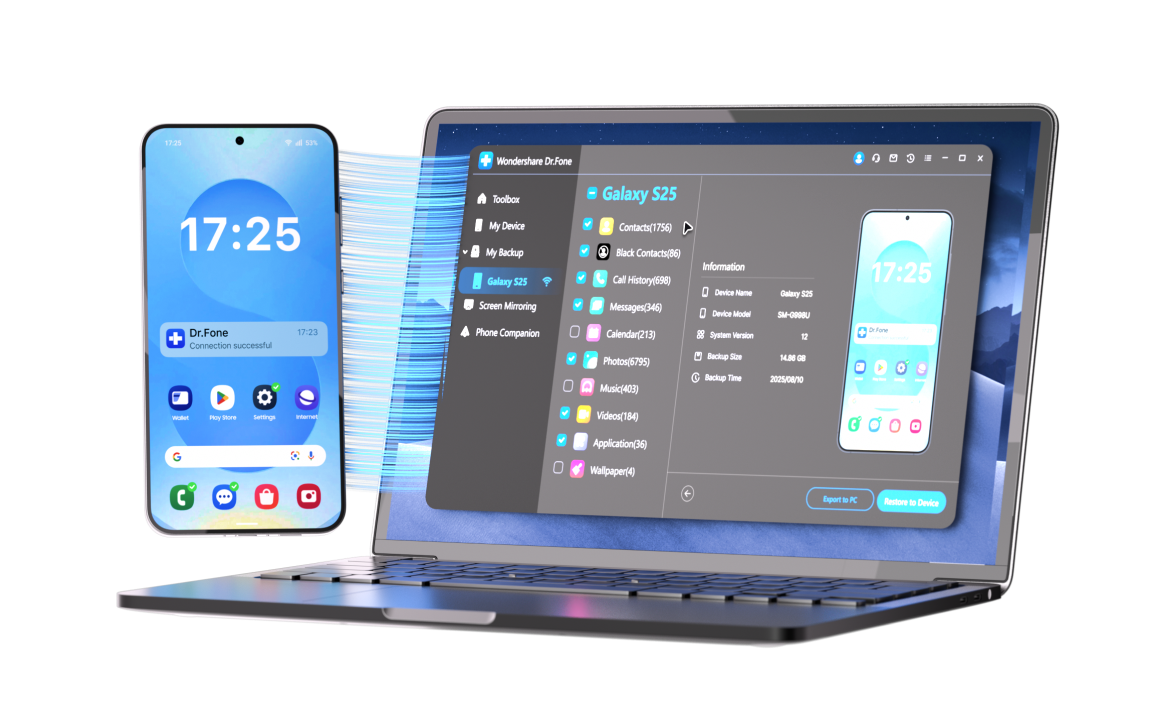
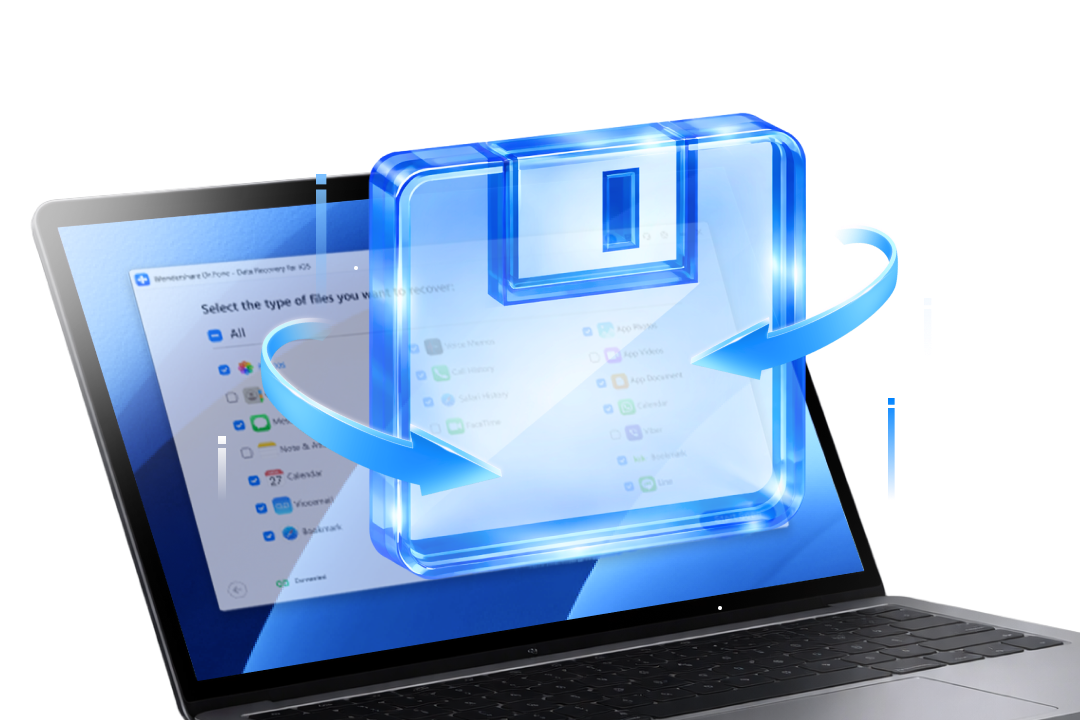
- Full device backup via USB, covering all major data types
- Encrypt the backup to include passwords, Wi-Fi settings, and Health data
- No subscription, no quota — you own the copy entirely
What Standard Backups Often Miss
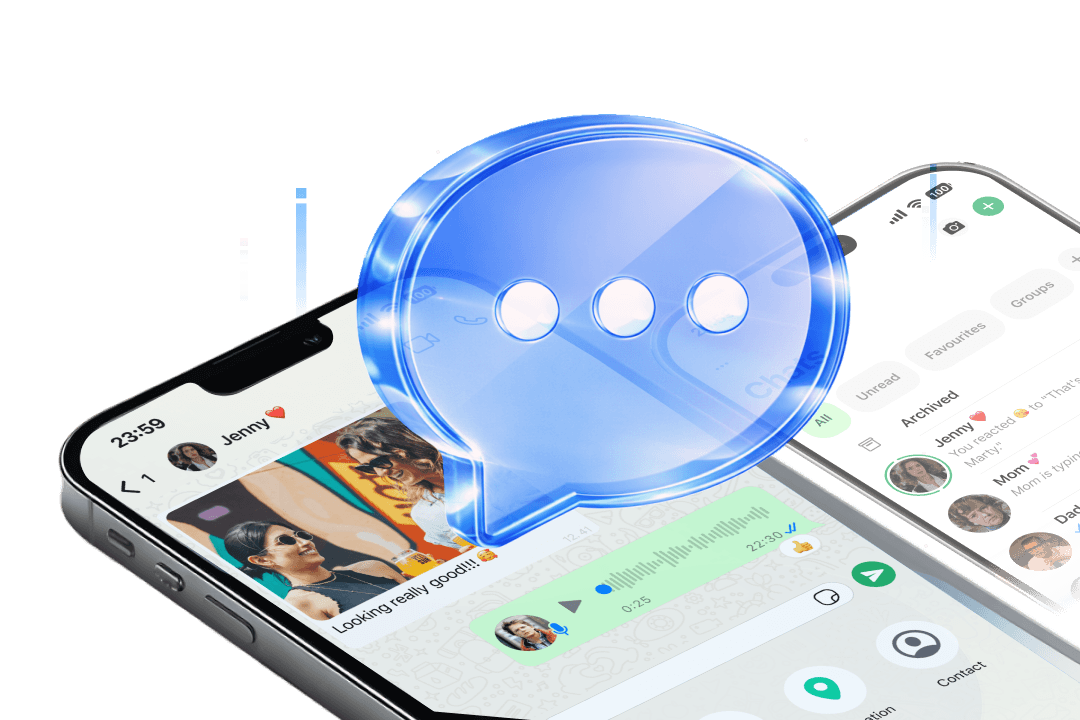
- Apps like WhatsApp store chats and media in isolated sandboxes, outside your regular backup scope
- iOS and Android chat backups are not cross-compatible — switch platforms and your history may not follow
- Selective tools back up by data category, restore without overwriting, and handle cross-platform moves natively
B — Brilliant: Schedule Backups To Prevent Data Loss
Experts recommend the 3-2-1 backup rule: keep 3 copies of your data,
on 2 types of storage, with 1 copy off-site.
On World Backup Day, make phone backup
a habit—set a schedule once, then stay protected.
A smart phone backup plan helps when you:




- One-click phone backup to your Windows/Mac computer.
- Wi-Fi scheduled backups for consistent protection.
- Incremental backups that save only what changed.
- Selective restore with preview, without overwriting existing data.
- WhatsApp data backup & restore on iOS/Android.
Tips & Tricks for Data Backup
C — Clever: Recover Lost Data in Smart Ways
Lost phone data and didn't back up in time? Your files may still be recoverable.
On World Backup Day, think in smart layers: Back up for next time — recover what you
can today.



Recover Deleted Data Safely and Easily with Dr.Fone

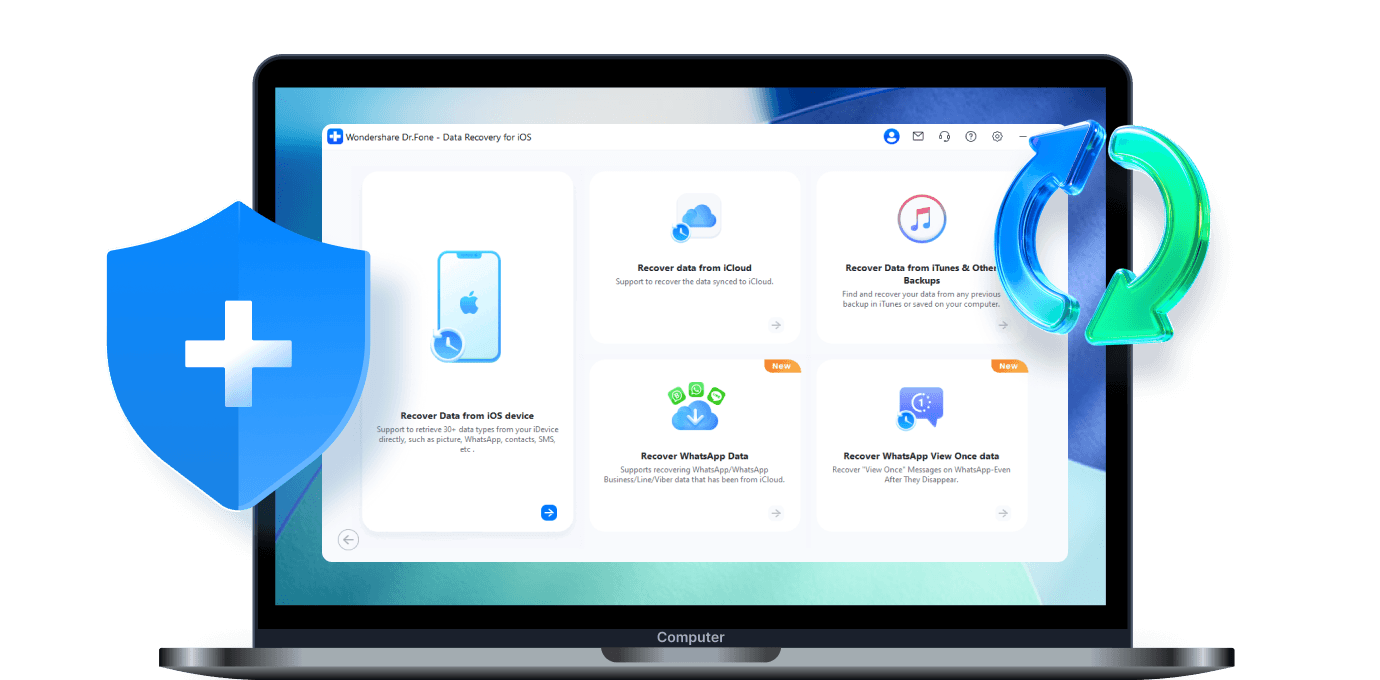
Desktop-Based Recovery

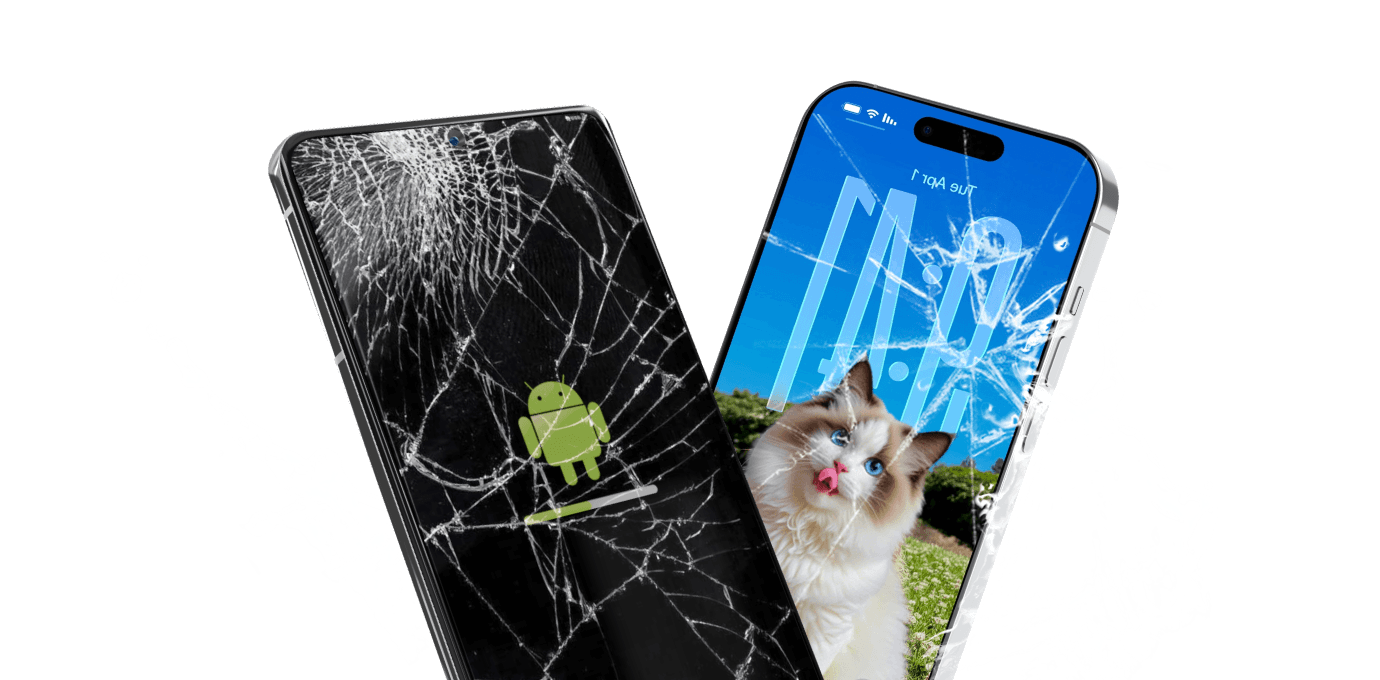
Built for the Toughest Scenarios

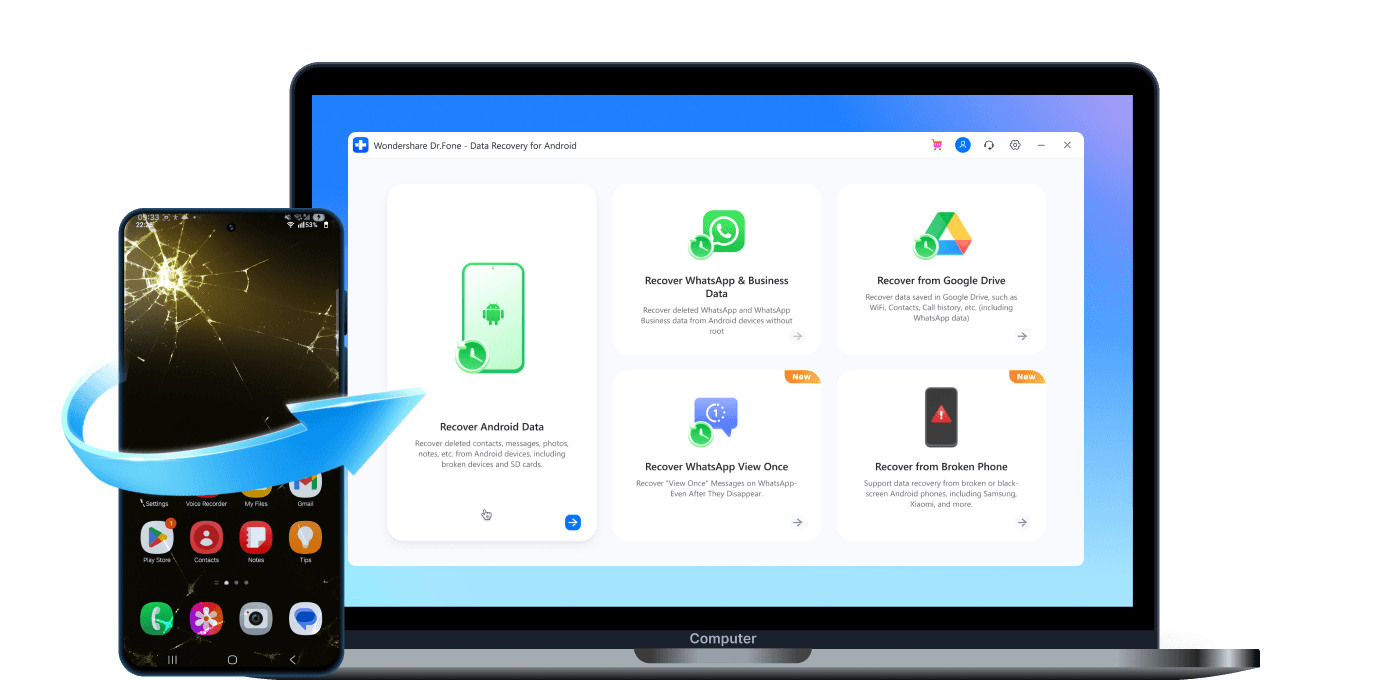
Exports to Your Computer
Tips & Tricks for Data Recovery
D— Deft: Repair System Problems With Ease
Backups can't run when your phone can't run. Fix common system issues fast — then get back to your backup routine.
Common Situations That Block Data Backups




Fix system issues fast with Dr.Fone
- Fix 150+ iOS issues at home (no tech skills)
- Fix common Android issues with an industry‑leading 99%
- Repair common issues without data loss.
- Deeper Repair for tougher issues
Tips & Tricks for System Repair
E — Efficient: Manage Data And Make Your Day
Manage your phone data with Dr.Fone — fast, clean, and in your control.
Switch devices, keep chats continuous, and export a readable copy when you need it.
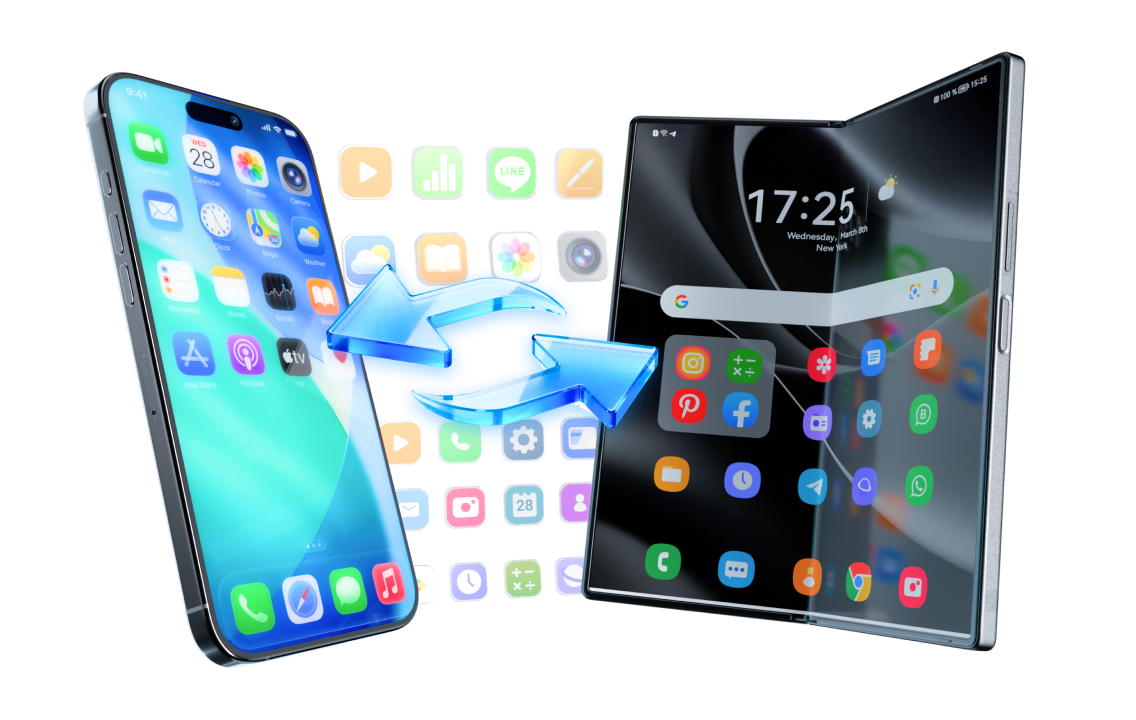
Phone Transfer
Switch phones without the usual hassle.
- Fast, secure phone‑to‑phone transfer across iOS & Android
- Pick exactly what to move (guided interface)
- No cloud backup, no device reset required
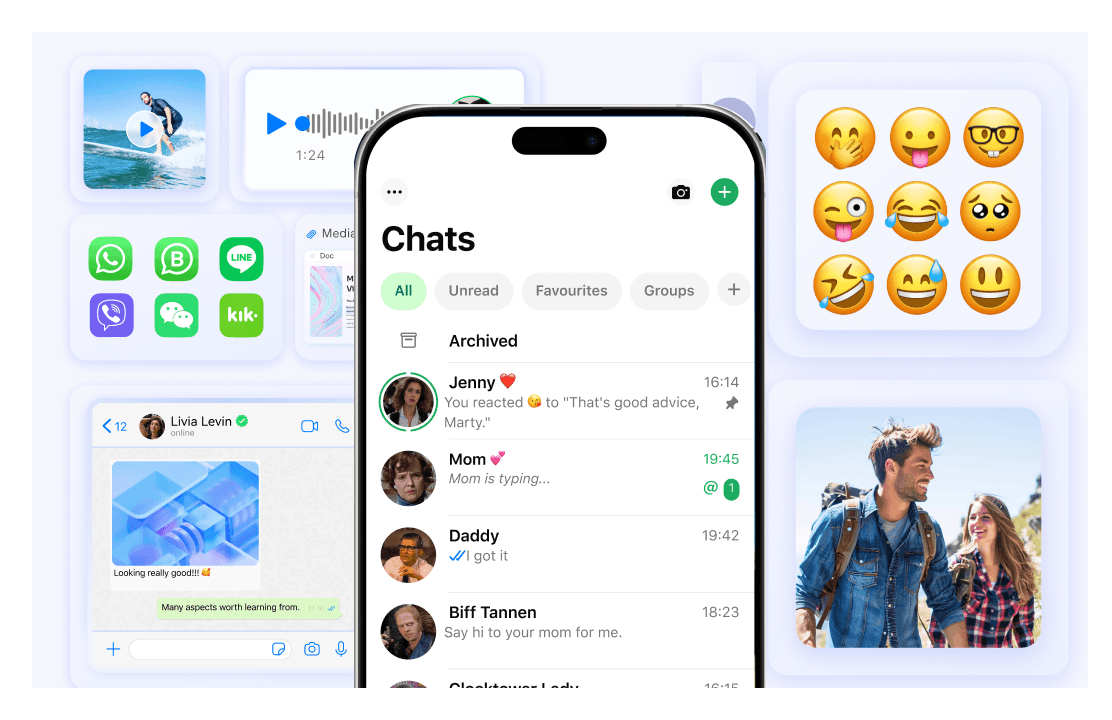
WhatsApp Transfer
Keep WhatsApp chats intact when you change phones.
- Transfer WhatsApp & WhatsApp Business across platforms
- Select what to transfer or recover (messages & media)
- Merge chats without overwriting existing data
Phone Manager
Export a clean, readable copy to your computer.
- Manage media files without iTunes restrictions (move music, ringtones, etc.)
- Export key data in bulk to make it easy to store and review
- Tidy up by merging duplicates (save space, stay organized)