

Top 7 Tools to Download TikTok Audio Without Watermark & Build Your Ultimate Music Backup
iPhone Backup
- iPhone Data Backup
- 1. Back up iPhone in Recovery Mode
- 2. Back Up iPhone With/Without iTunes
- 3. Back up iPhone to Mac
- 4. Back up iPhone/iPad to Computer
- 5. Back up iPhone to Mac Catalina
- 6. Back up Jailbreak Apps And Restore
- 7. iPhone Backup Software
- 8. Back up iPhone/iPad Easily
- 9. Back up iPhone/iPad in DFU Mode
- 10. Back up iPhone Apps and App Data
- 11. Back up Notes on iPhone and iPad
- 12. Back up iOS to External Hard Drive
- 13. Export Notes from iPhone to PC/Mac
- 14.Back up iPhone Photos to Google Photos
- 15. Back Up Your iPhone Voicemails
- 16. Back Up to External Drive
- 17.How to Back Up to NAS
- 18.Back Up iPhone With Broken Screen
- 19.Back Up iPhone to Google Drive
- 20.Buy Used iPhones
- 21.Sell Used Phone for Cash
- 22.Sell Used iPhone for Dollar
- 23.How Much is My iPhone Worth
- iPhone Data Recovery
- 1. Recover iPhone Data Without Backup
- 2. Restore Calendar on iPhone
- 3. Recover Call History on iPhone
- 4. Recover iPhone Lost Data
- 5. Restore iPhone in Recovery Mode
- 6. Undelete iPhone Backup Files
- 7. Recover Deleted iPhone Messages
- iPhone Data Restore
- 1. Restore iPhone from iTunes Backup
- 2. Restore iPhone after Downgrade
- 3. Restore iPhone from Backup
- 4. Restore iPhone from iPad Backup
- 5. Restore iPhone from DFU Mode
- 6. Restore iPhone Deleted Text Message
- iPhone Backup Problems
- 1. Find iPhone Backup Location on Mac
- 2. iPhone Backup Password Never Set
- 3. iPhone Backup Password Forget
- 4. iCloud Backup Taking Forever
- 5. iPhone Won't Backup to iCloud
- 6. iTunes Won't Backup iPhone
- iPhone Restore Problems
- 1. iTunes Stuck on Verifying iPhone
- 2. Not Space to Restore iPhone Backup
- 3. iTunes Backup Not Restoring
- 4. iPhone Won't Restore
- WhatsApp Backup & Restore
- 1. WhatsApp from Google Drive to iOS
- 2. Restore Old WhatsApp Backup
- 3. Restore WhatsApp Chat on iPhone
- 4. Retrieve WhatsApp Chat History
- 5. See Deleted Messages on WhatsApp
- 6. Restore WhatsApp Stuck on iPhone
- 7. iPhone WhatsApp to Google Drive
- 8. Back Up WhatsApp on iPhone
- 9. Backup WhatsApp Data before Changing Number
- iPhone Backup Tips
- 1. Extract Data From iPhone
- 2. Encrypt iPhone Backup
- 3. Reset iPhone Backup Password
- 4. Extract iPhone Backup in Win 10
- 5. How Long take iPhone to Backup
- 6. Find iPhone Backup Location
- 7. iPhone Backup Password
- 8. View iPhone Backup on Computer
- 9. iPhone Backup with iTunes/iCloud
- 10.Check Last Backup on iPhone
- 11. How To Backup Foldable iPhone
- 12. Best Backup Chargers for iPhone
- 13. Speed Up Your iPhone Backups
- 14. Save Data When iPhone Disabled
- ● Manage/transfer/recover data
- ● Unlock screen/activate/FRP lock
- ● Fix most iOS and Android issues
- Free Download Free Download Free Download


Oct 22, 2026 • Filed to: Backup & Restore Solutions • Proven solutions
 TL;DR:
You can extract clean TikTok audio without embedded creator watermarks for personal projects using free web-based link extractors or desktop browser extensions.
● Web-based extractors like SSSTikTok, MusicallyDown (which supports 4K), and SnapTik require manual URL pasting for single MP3 downloads, display on-site ads, and cannot bypass privacy restrictions on hidden videos.
● The Easy TikTok Video Downloader Chrome extension bypasses manual URL copying to enable bulk audio downloads directly from user profiles and feeds, but it is strictly limited to supported desktop browsers.
● Downloaded audio is strictly for personal use to avoid copyright strikes on other platforms, and can be preserved in local PC storage using the scheduled Wi-Fi transfer features of Dr.Fone - Phone Backup.
Ask AI for a summary
 ChatGPT
 Perplexity
 Gemini
 Claude
 Grok
Grok
Dr.Fone Basic:
Better Control for Your Phone
Manage, transfer, back up, restore, and mirror your device
TikTok is quickly becoming one of the largest sources of trending music, viral sounds, and creative audio clips being used across social media platforms. There are lots of reasons why one might want to download these sounds without a watermark to have cleaner video editing, to listen to music offline, or to create a personal sound library for future projects, for example.
In this article, you will find a ranked list of the top tools to download TikTok audio without a watermark. We will also give you an extra tip on how to back up your downloaded sounds, which will enable you to create a good collection of trending audio for your future projects. Let's explore how to download sound from TikTok without watermark!
 safe & secure
Part 1. Why TikTok Audio Downloads Come with Watermarks
Videos you download straight from TikTok always have a watermark on them. These watermarks consist of the TikTok logo plus the username of the content creator. The rationale behind these watermarks is that they are a sort of branding mechanism that helps in protecting the creator's work, ensuring that the creator gets proper credit, and promoting the platform, especially when the videos are shared outside TikTok.
The way this is set up, most native downloads end up with the video file having the branding embedded, and sometimes the extracted audio gets a bit affected too. For the creators who need clean audio to do their editing, remixes, voiceovers, or posts on different platforms, these watermarks can render the downloaded sound less convenient to use.
1.1 Why Do Users Want TikTok Audio Download Without a Watermark?
What would be the reasons for TikTok users to want to extract clean audio clips from the videos? Here are some of the reasons why people do it:
- For one, it is way more convenient to cut, remix, or synchronize an audio if it is clean and free of watermarks.
- The creators can use the popular TikTok sounds they make and share by reusing them on other platforms such as reels, shorts, or podcasts.
- One can even download and create a personal collection of favorite sounds.
- Removing the platform branding, the audio still remains professional and can be reused with more flexibility.
Part 2. 7 Best TikTok Sound Downloader Without Watermark Tools
If you want to save clean audio from TikTok, several tools can extract or download the sound without the embedded watermark. These tools make it easy to collect trending sounds, reuse them in content creation, or build your own offline audio library. Here's how to download sound from TikTok without watermark:
1. SSSTikTok
SSSTikTok is an online tool that allows users to download TikTok videos or just the audio without a watermark. It supports downloading video files in MP4 format and extracting audio in MP3 format. In addition, this Tiktok downloader offers unlimited free downloads along with a very simple link-based process.
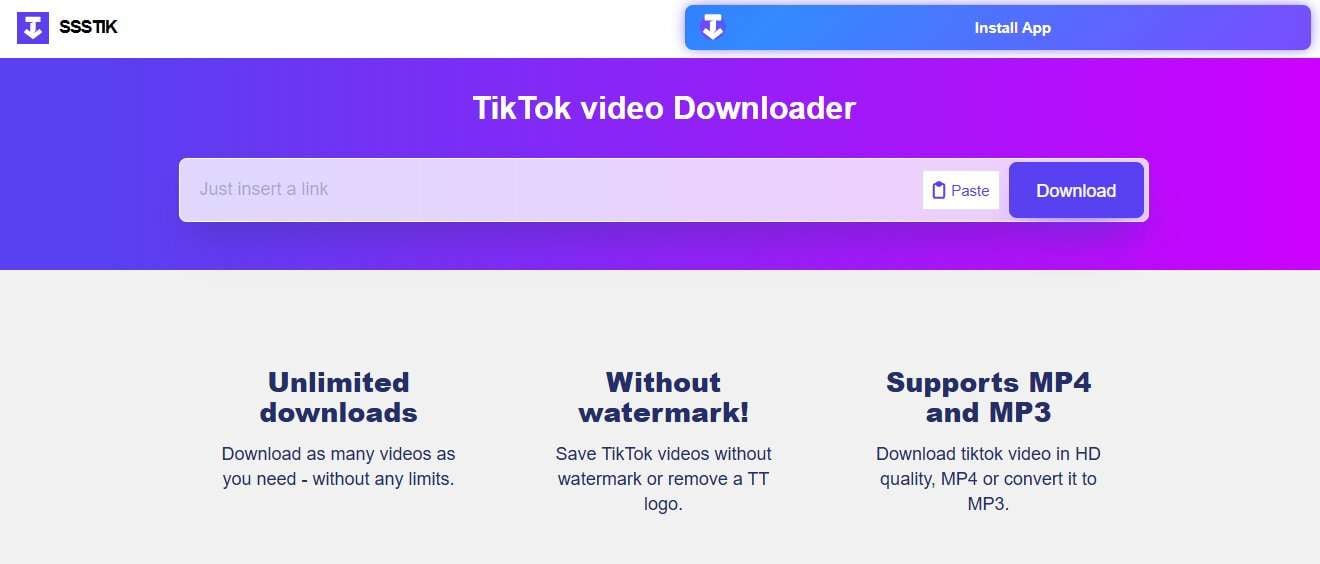
How it works:
- Step 1. Open TikTok and find the video with the sound you want.
- Step 2. Tap Share and select Copy Link.
- Step 3. Open the SSSTikTok website in your browser. Paste the copied link into the download field. Click Download.
2. SnapTik
SnapTik is an online TikTok downloader, which allows users to get TikTok videos without watermark just by the TikTok video link. The online tool is compatible with mobile phones, PCs, and tablets through Browser, so users are not required to install any software. Also, SnapTik does download operation on its servers, leading to a very easy and short process.
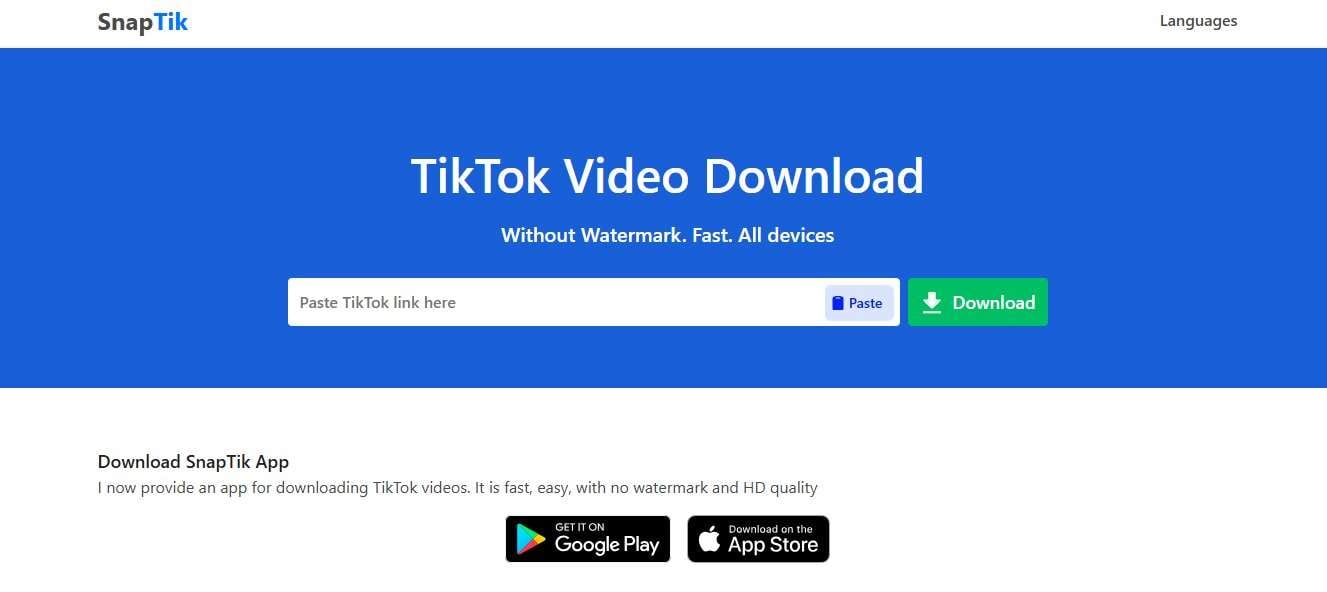
How it works:
- Step 1. Launch TikTok and locate the video whose sound you want.
- Step 2. Choose Share and then Copy Link.
- Step 3. Visit the SnapTik website in the browser, paste the copied link in the download box, and press Download.
3. TikMate
TikMate is a TikTok video saver to download TikTok sound without watermark that works through a website. That means you don't have to install a program if you want to download TikTok videos without watermarks. Just use the clean interface and the tool will do the job for you.
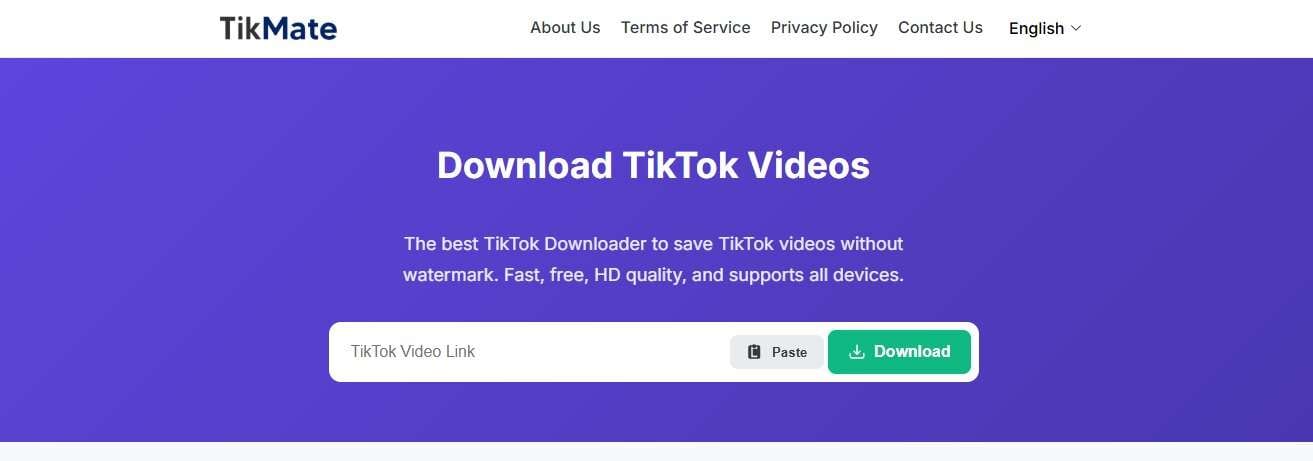
How it works:
- Step 1. Open TikTok or TikTok Lite and find the video you want.
- Step 2. Tap Share and select Copy Link.
- Step 3. Open the TikMate website in your browser, paste the copied link into the download box, and click Download.
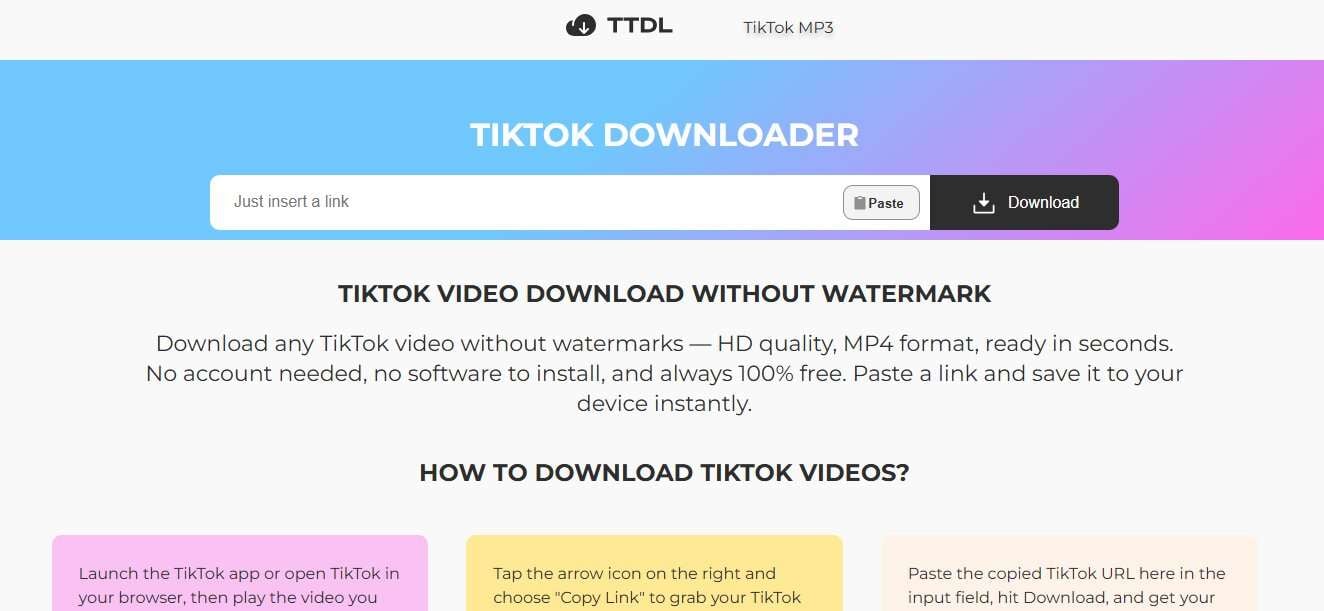
4. TikTokDownload.online
TikTokDownload.online offers a web-based service to download TikTok videos easily without a watermark just by pasting the video link. The website is reachable via different platforms like PC and phone and users don't need to sign up, download or install anything.
How it works:
- Step 1. Open TikTok in the app or browser and find the video you want to download.
- Step 2. Tap the Share icon and select Copy Link.
- Step 3. Open the TikTokDownload.online website, paste the link into the input field, and click Download.
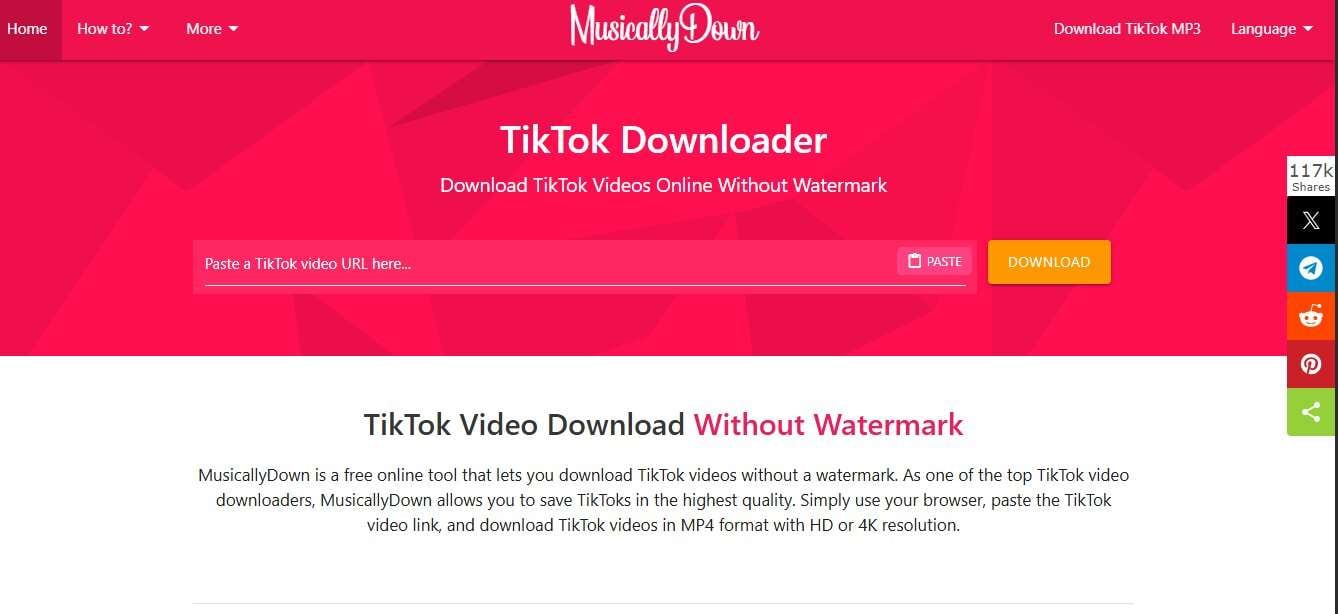
5. MusicallyDown
MusicallyDown is a free TikTok downloader online tool which enables you to download videos without watermark in HD or 4K quality. It is compatible with all devices and browsers and does not require any installation or registration. You can convert TikTok videos into MP4 for video or MP3 for audio format, so that you can easily collect great quality pieces of music.
How it works:
- Step 1. Open TikTok and find the video you want to download.
- Step 2. Tap Share and select Copy Link.
- Step 3. Go to MusicallyDown, paste the link into the input box, choose the desired format and quality, and click Download.
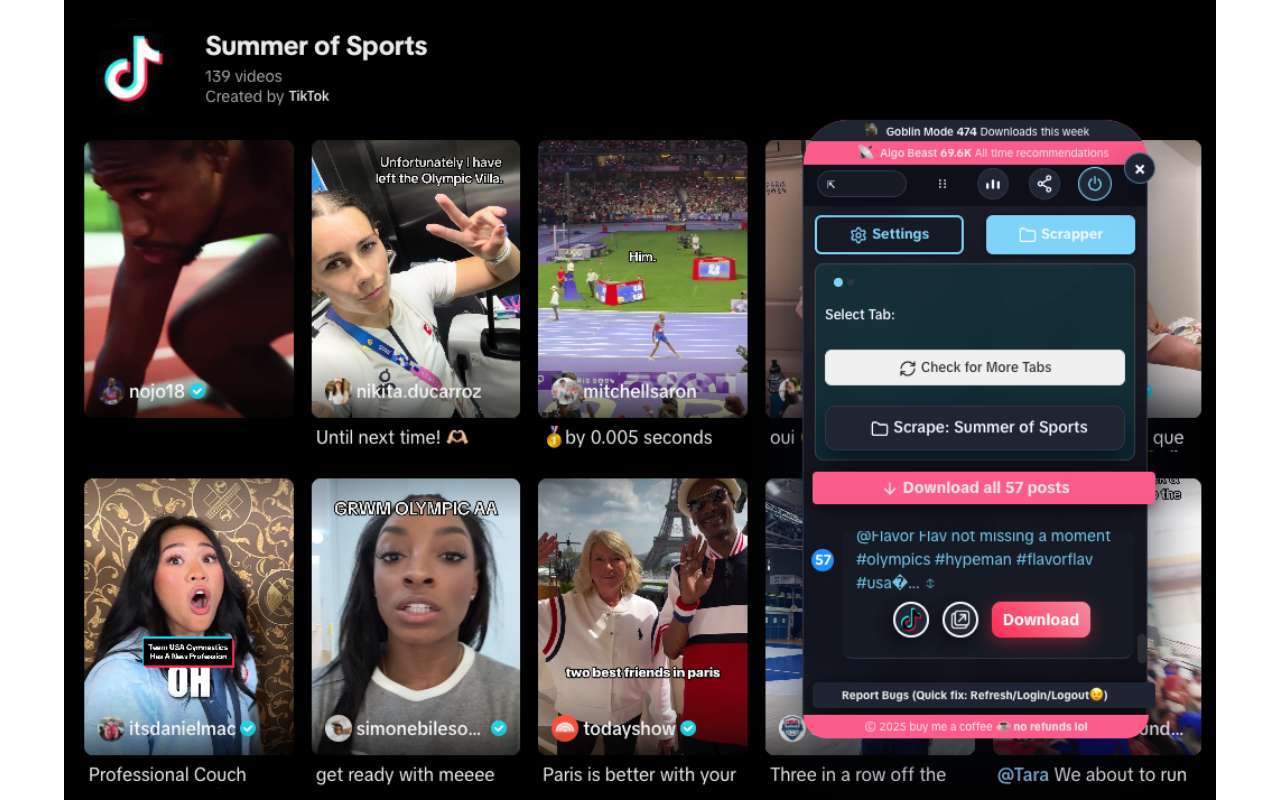
6. Easy TikTok Video Downloader (Remove Watermark)
Easy TikTok Video Downloader (Remove Watermark) is a Chrome browser extension that helps you get TikTok videos. You can even do this as you scroll through the platform. It works only inside the browser and allows you to make multiple downloads simultaneously from profiles, likes, favorites, collections, and feeds.
How it works:
- Step 1. Install the Easy TikTok Video Downloader extension on your Chrome browser.
- Step 2. Launch TikTok. Simply hit the download icon from the extension and the video will be saved without watermark.
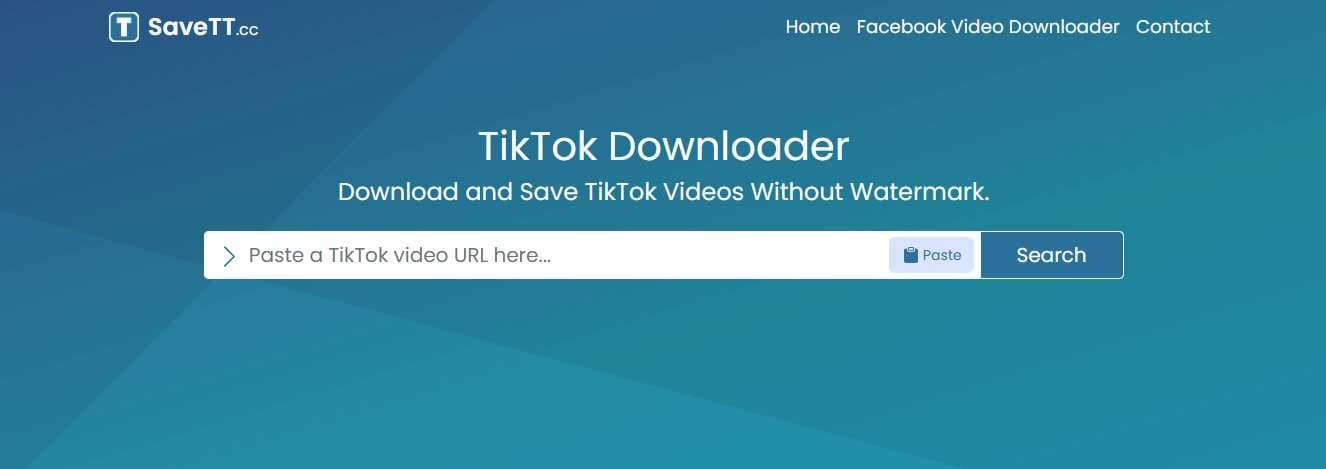
7. SaveTT
SaveTT is an online TikTok video downloader which is very handy to grab videos from TikTok for free without any watermark only by pasting the video link. It is usable on desktop, laptop, smartphone, tablet, and iPad and you can use it from any browser, no installation is required.
How it works:
- Step 1. Open TikTok and find the video you want to download.
- Step 2. Tap Share and choose Copy Link.
- Step 3. Open SaveTT in your browser, paste the video URL into the input box, and click Download.
Comparison Chart
Below is a table summing up the best TikTok sound downloader tools without watermark. It explains their platforms, audio support, pricing, and main use cases, so you can easily pick the best one.
| Tool/Method | Platform | Free? | Best For |
|---|---|---|---|
| SSSTikTok | Web browser (mobile & desktop) | Yes | Downloading TikTok videos or extracting audio quickly |
| SnapTik | Web browser + mobile app | Yes | Fast downloads on mobile and desktop |
| TikMate | Web browser | Yes | Simple watermark free downloads |
| TikTokDownload.online | Web browser | Yes | Converting TikTok videos to audio or video |
| MusicallyDown | Web browser | Yes | High resolution downloads and audio conversion |
| Easy TikTok Video Downloader (Extension) | Chrome browser extension | Yes | Bulk downloading from profiles, likes, and collections |
| SaveTT | Web browser (all devices) | Yes | Unlimited downloads without registration |
Bonus Tip: Creating Your "Ultimate TikTok Sound Backup" with Dr.Fone
Dr.Fone - Phone Backup is a great tool for making your "Ultimate TikTok Sound Backup" as it allows you to back up and restore all your iOS or Android data, including CapCut projects, TikTok audio, videos, photos, and social app chats without overwriting the existing files. Take advantage of the incremental and scheduled Wi-Fi backups, selective export to computers, cross-platform restores, full preview of all content, and private local storage. Besides WhatsApp, LINE, Kik, Viber, and other messaging apps support, plus automatic, high-speed backups, Dr.Fone will help you keep your TikTok sounds and creative assets organized, safe, and accessible for instant reuse on any project.

Wondershare Dr.Fone
Selectively backup your iPhone contacts in 3 minutes!
- One-click to backup the whole iOS device to your computer.
- Enable scheduled Wi-Fi backups to automatically protect your iOS data without manual effort.
- Allow previewing and selectively export contacts from iPhone to your computer.
- No data loss on devices during the restoration.
- Works for all iOS devices. Compatible with the latest iOS version.



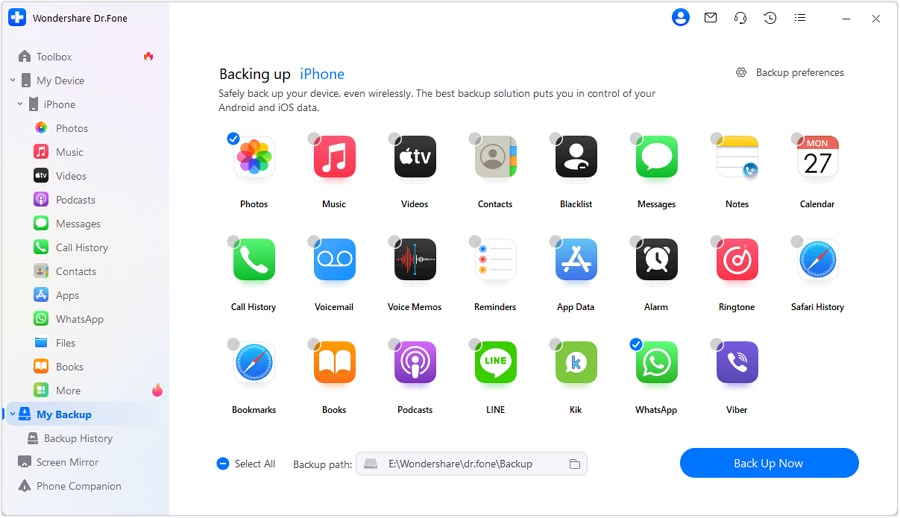
How to back up your downloaded TikTok audio using Dr.Fone:
Open Dr.Fone, go to My Backup, connect your iPhone or iPad, and click Back Up Now. After the backup finishes, click View Backups to preview or select files, then click Export to PC to save them.
safe & securePart 4. Legal & Ethical Considerations
Post downloading TikTok audios, you should keep in mind that these are basically for personal use only. An attempt to utilize copyrighted music in your content e.g. on YouTube or Instagram might result in a copyright strike, even if you have removed the watermark. Always, use the sounds marked as royalty-free or which you are properly authorized to use and give credit to the original creators if possible.
Conclusion
To sum up, if you want to download sound from TikTok without watermark, it will be very helpful if you want to locate your favorite sounds easily, reuse them, or make a backup. Although many online tools allow you to download videos quickly, a product like Dr.Fone - Phone Backup will provide you with a better long-term solution for controlling and protecting your creative materials. Thanks to its various functionalities such as backup, selective restore, cross-device transfer, and secure local storage, Dr.Fone is a great app to keep TikTok sounds, videos, and other media in one secure place.
safe & secureDr.Fone Basic:
Better Control for Your Phone
Manage, transfer, back up, restore, and mirror your device


 > How-to > Backup & Restore Solutions > Top 7 Tools to Download TikTok Audio Without Watermark & Build Your Ultimate Music Backup
Daisy Raines
staff Editor