 Recover photos, messages, WhatsApp, and more — no backup
needed.
Recover photos, messages, WhatsApp, and more — no backup
needed.

 100% Security Verified | No Subscription Required | No Malware

 :
: 
 ChatGPT
 Perplexity
 Gemini
 Claude
 Grok
Grok
It is incredibly common for users to suddenly realize, 'I forgot my Netflix password,' especially in 2026 given how frequently we switch between smart TVs, smartphones, and tablets. Many people share their entertainment accounts with friends or family, which means credentials get changed or lost in translation. Others simply stay logged in for an extended period and naturally forget their passwords when prompted to sign in on a fresh device. This unexpected hurdle can make it extremely frustrating to watch your favorite shows, update your user profile, or manage your monthly billing details. Fortunately, we will guide you through multiple straightforward steps that anyone can follow. You will learn exactly how to recover your Netflix password, how to properly reset it via official channels, and how to successfully get your login credentials back even when you cannot access your primary email address.
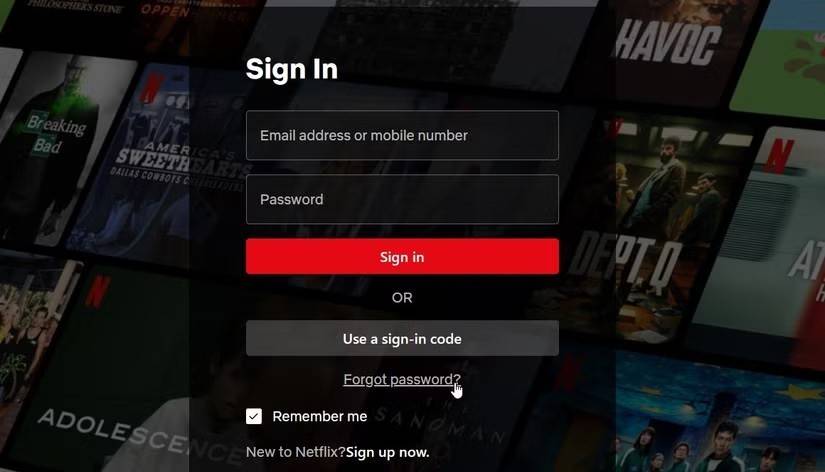
This comprehensive guide also explains how dedicated tools can dramatically simplify the recovery process. Specialized software can deeply scan and extract the Netflix password that is already saved on your iPhone or iPad. This capability is remarkably helpful when you completely forget your login details or when you are mysteriously not receiving the automated reset link from the server. With the right utility, you can effortlessly execute a netflix retrieve password operation without doing a disruptive full reset. This guide is highly accessible, transparent, and completely safe for users of all technical levels. It will meticulously demonstrate how to recover a password for Netflix in the fastest, most reliable way possible.
In this article
Part 1. How Netflix Login Works
Netflix primarily utilizes your registered email address combined with a password, or alternatively your verified phone number, to allow you to securely sign in. This standardized mechanism is exactly how every authorized user accesses their personalized account dashboard. You undeniably need your active password each time you attempt to stream on a brand-new device. You also require these core credentials when you want to modify sensitive billing details or unlock a restricted viewing profile that is protected with a PIN code. Because of this high level of integration, the fundamental login details play a massive role in maintaining your digital privacy and keeping your financial account absolutely safe from unauthorized intruders. Many users frequently ask, 'how do i recover my netflix password' when they realize how tightly secured the platform actually is.
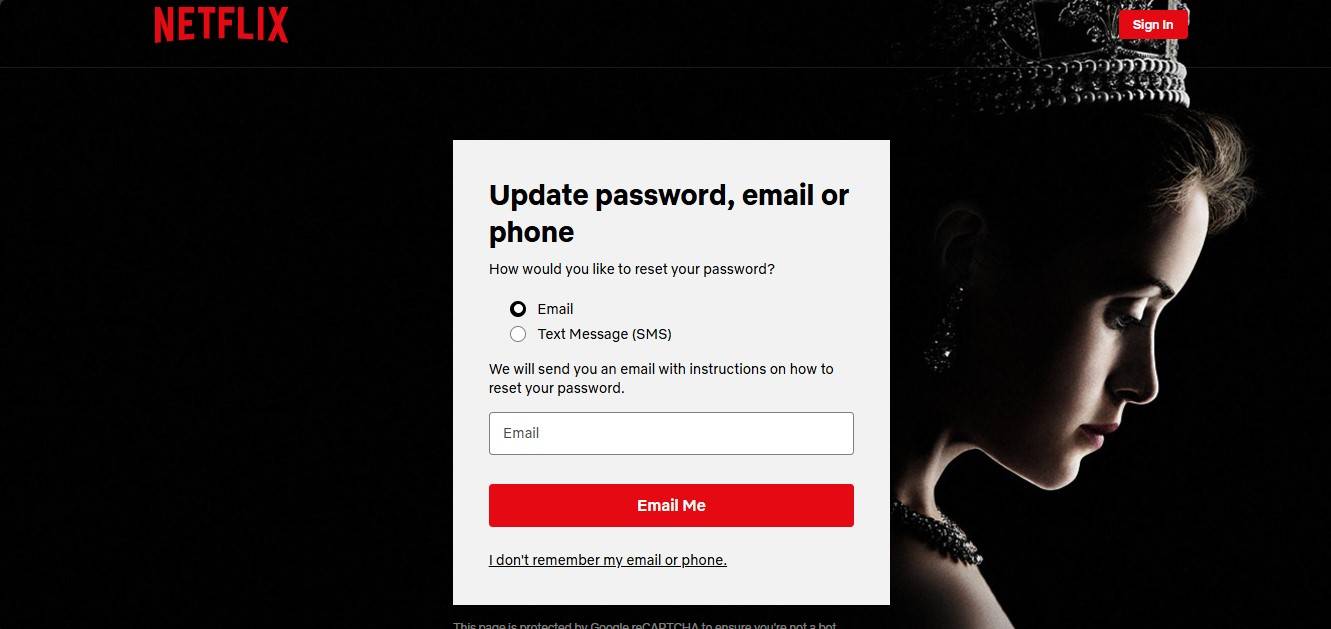
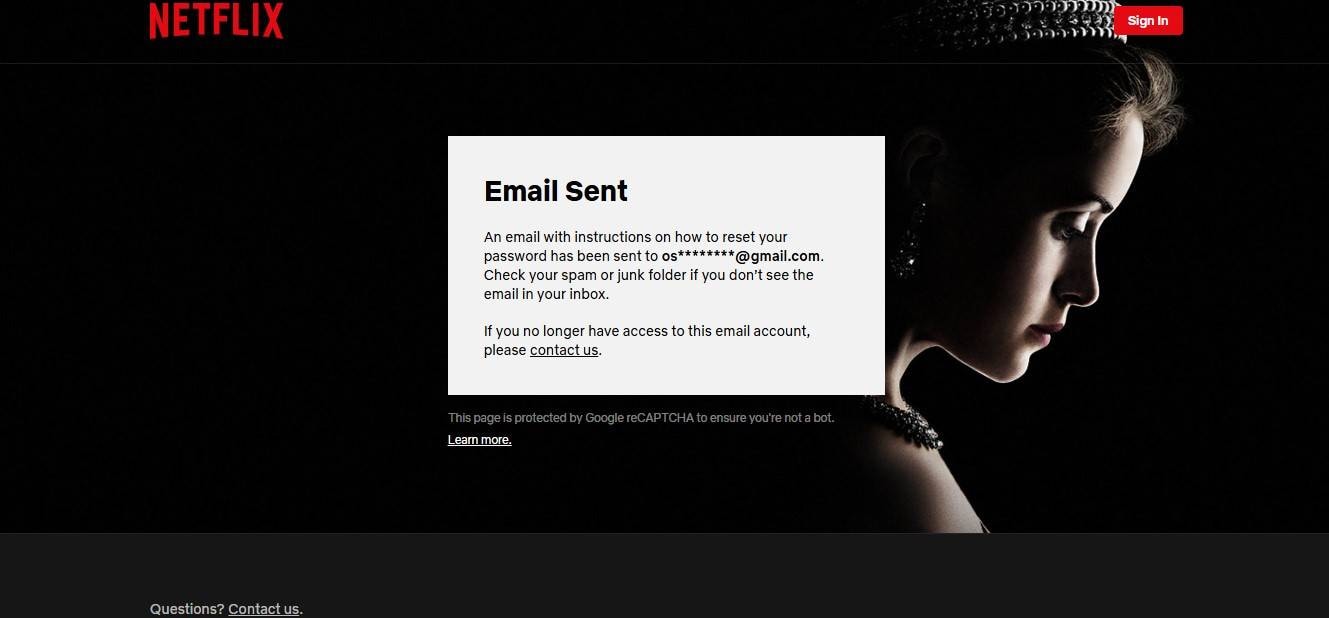
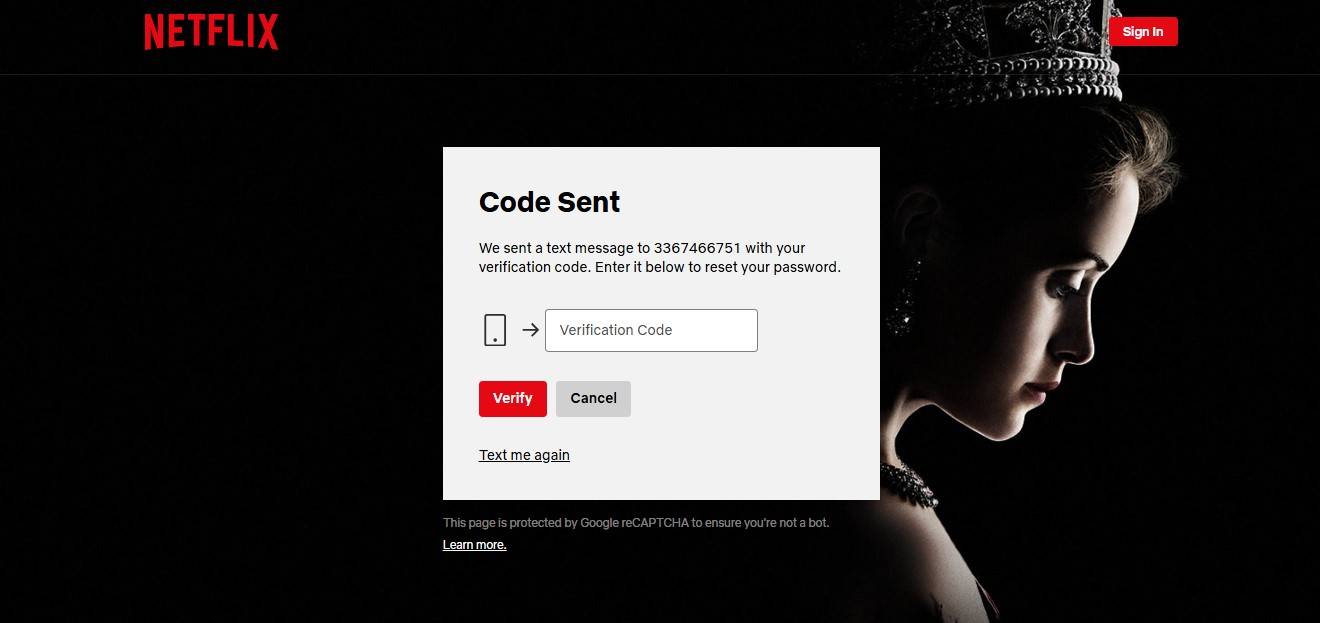
Officially, you can only reset your forgotten password directly through the dedicated Netflix security systems. The streaming giant allows you to securely reset it by receiving an automated email, an SMS text message, or a direct link sent specifically to your mobile phone. It is vital to understand that the platform's customer support will never reveal or display your old, forgotten password under any circumstances. Their official recovery protocol will exclusively assist you in permanently deleting the old phrase and manufacturing a brand-new one to restore access.
However, there is one critical technical workaround to be aware of. If your personal smartphone or tablet has ever successfully saved your Netflix login credentials in the past, a robust local extraction tool can reliably help you view all the hidden saved passwords stored securely on your device's internal memory. This capability can instantly solve your problem when you desperately think, 'how can i retrieve my netflix password' without deliberately going through an exhaustive, multi-step full account reset process. Note that this localized retrieval method naturally only works with credentials that were previously authenticated and saved on your personal mobile hardware.
Part 2. How to Recover Netflix Password With Dr.Fone (Primary Method)
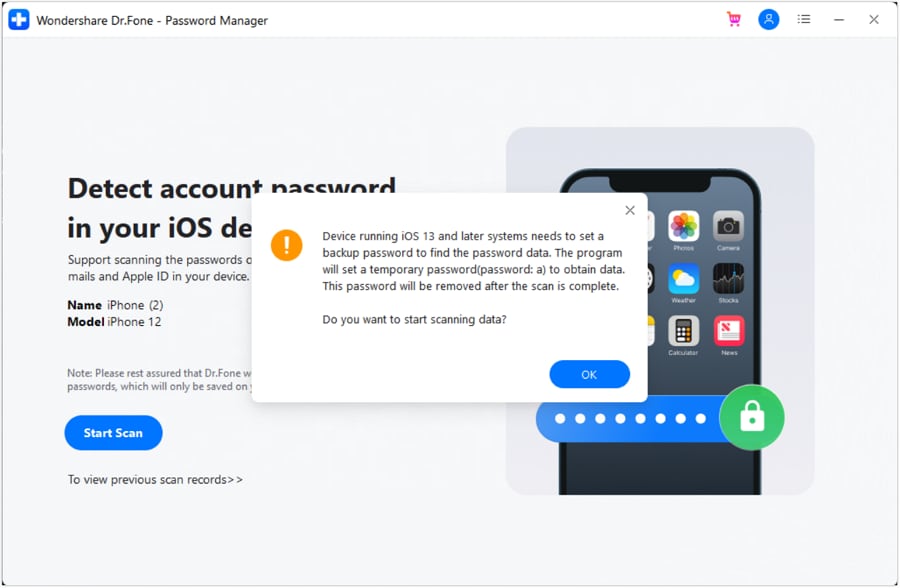
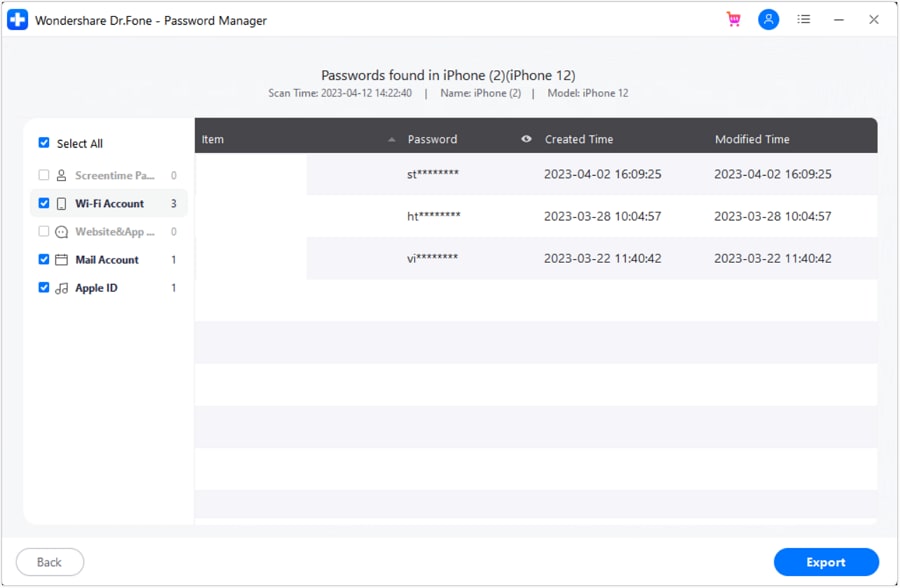
It is standard procedure to request a generic email reset link or a mobile phone verification code if the primary Netflix password is forgotten. However, if you abruptly do not have access to your original recovery email inbox, if you are actively managing multiple varying Netflix accounts for your household, or if someone else has recently changed the shared family password without notifying you, this situation can become incredibly stressful and complicated. That is the exact reason why using Dr.Fone - Password Manager is widely considered the absolute best primary recovery tool available today. Instead of blindly following the tedious external reset route dictated by Netflix, this utility intelligently looks directly through your connected iPhone or iPad for the exact Netflix credentials that are highly likely to be securely hidden in your device's local encrypted password vault. Consequently, it is significantly quicker, much more comfortable, and completely eliminates the frustrating need to undergo a password reset protocol altogether.
This application is undeniably a very comprehensive, deeply engineered, and fiercely secure password-recovery solution tailored specifically for Apple ecosystem users. By offering vast compatibility and supporting all modern systems up to iOS & iPadOS 26, it can meticulously look for, extract, and safely unhide the saved passwords for hidden Wi-Fi networks, private websites, third-party apps, email accounts, Apple ID, integrated Screen Time passcodes, and a massive plethora of prominent digital platforms like Netflix, Amazon, Twitter, Instagram, Reddit, Tiktok, Facebook, Gmail, Outlook, PlayStation, eBay, Yahoo Mail, Zoho Mail, and countless others.
Key Features of the Recommended Password Manager
- Instantly unlock, extract, and manage various forgotten passcodes, PINs, Face IDs, integrated Apple IDs, WhatsApp password resets, and biometric touch ID systems without imposing any harsh limitations.
- To efficiently find your hidden password on any standard iOS device, the internal engine effectively functions with complete stealth, guaranteeing it operates without harming your hardware or illegally leaking your private information.
- Dramatically ease your daily workflow by rapidly finding any immensely strong, complex password across various platforms, allowing you to seamlessly manage multiple demanding email accounts simultaneously.
- The lightweight installation package securely deployed on your computer will absolutely not take up much internal hard drive space and operates smoothly without any disturbing, intrusive ads.
If you are frequently asking yourself how to recover netflix password details without triggering a suspicious activity alert on your shared account, utilizing a local credential scanner is the definitive answer. Below, you can securely download the official utility to begin extracting your forgotten credentials immediately.






 Add Wondershare Dr.Fone as a preferred source on Google



