
Download TV Series Website That Actually Works In 2026

Sep 12, 2026 • Filed to: Phone Mirroring Solutions • Proven solutions
 TL;DR:
Legally downloading TV series for offline viewing requires authorized streaming apps that lock saved episodes inside mobile devices with strict storage caps and expiration windows.
● Netflix allows up to 100 downloads per device for global originals, Disney+ permits unlimited downloads across 10 devices, while Hulu, HBO Max, and Peacock restrict offline access exclusively to their premium ad-free tiers with caps of 25 to 30 titles.
● Downloaded episodes on most platforms typically expire 30 days after saving or 48 hours after the first playback begins, and accessing files outside these official apps or via unlicensed networks constitutes illegal copyright infringement.
● Because streaming services limit official downloads to mobile phones and tablets, users must rely on screen mirroring software like Wondershare Dr.Fone via Wi-Fi or cable to project downloaded app episodes onto a PC or Mac screen.
Ask AI for a summary
 ChatGPT
 Perplexity
 Gemini
 Claude
 Grok
Grok
Dr.Fone Basic:
Better Control for Your Phone
Manage, transfer, back up, restore, and mirror your device
A new season drops, and conversation moves faster than connection quality. Popular shows like Stranger Things or The Last of Us become shared moments, where missing an episode feels like being left out. Streaming works well until travel weak signals or data limits interrupt it. That is why searches for a reliable download TV series website continue to grow. Offline access is no longer a backup option. It is a viewing habit shaped by real situations.
The aim of this article is to identify which platforms truly work as dependable TV show download sites today. It explains how modern series download sites operate, the limits they face, and which options remain legal and stable. The focus stays practical. Clear choices. Accurate information. No guesswork.
- Part 1. Best TV Show Download Sites List
- 1-1. Netflix: Best for Original Series And Global Access
- 1-2. Hulu: Best for Fast Access To Current TV Seasons
- 1-3. Amazon Prime Video: Best for Renting And Owning TV Series
- 1-4. YouTube Premium: Best for Ad-Free Viewing And Offline Clips
- 1-5. Disney Plus: Best for Franchise-Driven TV Series Downloads
- 1-6. Apple TV Plus: Best for Premium Originals With Simple Pricing
- 1-7. HBO Max: Best for Large-Scale TV Series Libraries
- 1-8. Peacock: Best for Budget-Friendly TV Downloads
- Part 2. How To Choose The Best Site Or Platform To Download TV Shows

- Part 3. Is Downloading TV Series Legal Or Illegal
Part 1. Best TV Show Download Sites List
New episodes arrive on fixed schedules, and conversations begin right away. Streaming works until the connection or data fails. That gap explains the need for a reliable download tv series website, which is why the top list below focuses only on platforms that offer dependable offline access.
1-1. Netflix: Best For Original Series And Global Access
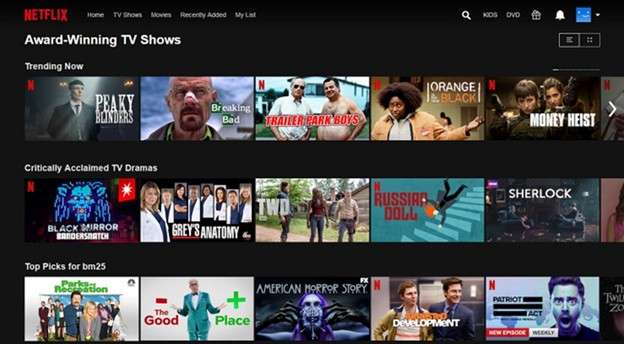
Netflix began as a disc rental business and later shifted fully into streaming. Today, it stands as one of the most trusted download tv series sites worldwide. The service works across smart TV consoles and mobile devices. For offline use, Netflix lets you download TV shows in its official app. This makes it a practical TV series download website for users who travel or have limited internet access. Downloads are supported on Android, iOS, and Windows apps, which help users keep episodes ready without relying on constant streaming.
Features
- Supports up to 100 downloads per device, depending on plan
- Download access varies by title and license rules
- Some episodes expire after the first playback, while others last longer
- Expired titles can often be downloaded again, with limits
- Kids' profiles follow maturity ratings for downloaded content
- Offline viewing stays inside the app for security and rights control
How to download TV shows on Netflix
Step 1. Install or update the Netflix app on your device
Step 2. Sign in to your account
Step 3. Open the Downloads section or browse any show
Step 4. Select a TV series with download support
Step 5. Tap the download icon next to each episode or full season on Android
Step 6. Use Wi Fi to avoid mobile data charges
Step 7. Access saved episodes from the Downloads tab and play offline
Not every title supports downloads, but Netflix maintains one of the widest selections among tv show download sites available today.
1-2. Hulu: Best For Fast Access To Current TV Seasons
Hulu has grown into a TV-focused streaming platform since Disney acquired it. Unlike many movie-heavy services, Hulu centers on television content. Full seasons, next-day episodes, originals, and kids' shows form the core of its catalog. For users comparing TV show download sites, Hulu stands out for speed rather than size. Offline access is available through its mobile app, which places it among controlled and legal download tv series site options for recent TV content.
Features
- Supports streaming on two screens at the same time
- Allows up to 25 active downloads per account
- Downloads can be stored on up to five supported mobile devices
- Saved episodes remain available for 30 days without playback
- Once playback starts, downloads expire after 48 hours
- Expired episodes can be downloaded again if still available
How to download TV shows on Hulu
Step 1. Launch the Hulu app on a compatible device and log in. Offline downloads are only offered on the Hulu No Ads plan.
Step 2. Tap the Search icon in the top navigation bar.
Step 3. Choose the Downloadable category to see all TV shows and movies that you can watch offline.
Step 4. Check out the list of TV series using the select option from the menu to find what you are looking for.
Step 5. Open the show page and tap on the Episodes tab.
Step 6. Select any single episode with the download icon.
Step 7. Tap the download icon to save an episode to your device.
Step 8. To access saved content, tap the Downloads button on your navigation bar.
Step 9. Choose one of your downloaded episodes, then tap Play to watch it offline.
Offline playback is not supported by Autoplay, and not all titles are available with downloads because of licensing restrictions.
1-3. Amazon Prime Video: Best For Renting And Owning TV Series
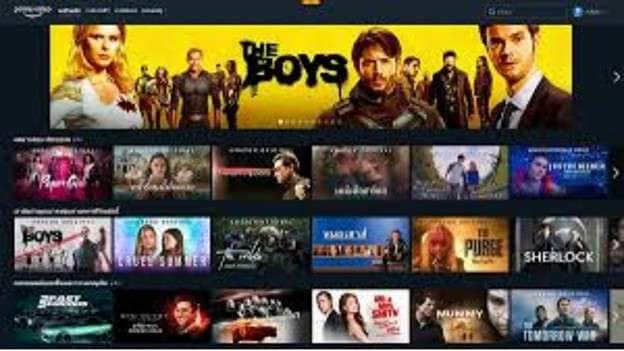
Amazon Prime Video works differently from many tv series download sites. It combines streaming with a store model. Users can download shows included with Prime and also rent or buy titles that are not part of the subscription. This makes it a flexible download TV shows website for viewers who want access beyond a fixed catalog. While the platform releases fewer originals, the quality of those series remains high. Purchased shows often stay accessible longer, which appeals to users who prefer ownership-style viewing.
Features
- Allows offline downloads on up to two devices at the same time
- Total download limit ranges from 15 to 25 titles, depending on the region
- Downloaded episodes expire after 30 days if not played
- Once playback starts, the title usually expires after 48 hours
- Supports offline viewing inside the Prime Video app
1-4. YouTube Premium: Best For Ad-Free Viewing And Offline Clips
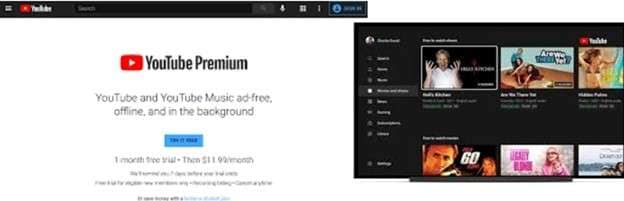
YouTube Premium upgrades the standard YouTube experience by removing ads and enabling offline playback. It works as a flexible tv show website download option for users who already rely on YouTube for series clips, full episodes, and original content. Along with ad-free viewing, the service includes access to YouTube Originals and YouTube Music Premium. While it is not a traditional download TV series site, it still serves users who want to access saved videos across devices without interruptions.
Features
- Allows unlimited video downloads inside the app
- Downloaded videos usually remain available for up to 29 days
- In some regions, offline playback may expire after 48 hours
- Expired videos can be downloaded again if still available
- Offline viewing stays restricted to the YouTube app
1-5. Disney Plus: Best For Franchise-Driven TV Series Downloads
Disney Plus is built for viewers who follow long-running franchises and brand-owned universes. The platform brings together Disney, Marvel, Pixar, Star Wars, and National Geographic content in one place. Its clean design and strong recommendations make browsing easy. For users looking for a safe download TV series website, Disney+ allows offline viewing as part of its standard subscription. This places it among reliable free TV show download sites within a paid and licensed environment.

Features
- Supports unlimited TV show and movie downloads
- Downloaded content remains available if the app is accessed at least once every 30 days
- Allows the same title to be downloaded on up to 10 devices
- Offline viewing is available inside the app only
- Supports account bundling with Hulu and ESPN Plus
1-6. Apple TV Plus: Best For Premium Originals With Simple Pricing
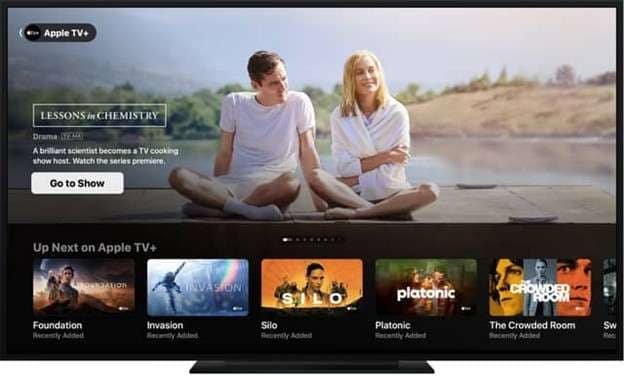
Apple TV Plus follows a clean and simple model. One subscription unlocks the entire catalog with no tiers or ads. While the library is smaller than most TV series download sites, the focus stays on high-quality originals. Many users receive the service free with new Apple devices, which adds to its value. Offline viewing is supported through the app, making it a controlled download TV series site for users invested in the Apple ecosystem.
Features
- Allows streaming on up to six devices at the same time
- Downloaded TV shows usually remain available for up to 30 days
- The app shows alerts when download limits are reached
- Offline playback stays inside the app
- Supports rentals and purchases through the iTunes store
1-7. HBO Max: Best For Large-Scale TV Series Libraries
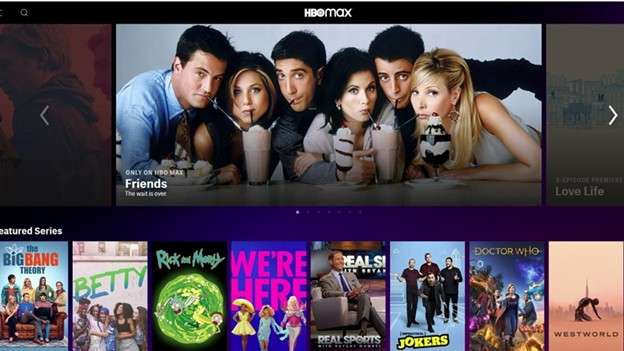
HBO Max is built for viewers who want depth and range. The platform brings together HBO originals, classic series, and newer titles under one service backed by Warner Media. Content updates remain frequent, which keeps the library fresh. For users comparing TV series download sites, HBO Max supports offline viewing through its app and offers high-quality playback on selected titles. It works well as a premium download TV series website for long-term TV viewing.
Features
- Allows up to 30 active downloads per account across devices
- Downloaded episodes expire after 30 days if not watched
- Once playback starts content expires after 48 hours
- Offline viewing is available on the ad-free plan only
- Supports multiple user profiles with separate downloads
1-8. Peacock: Best For Budget-Friendly TV Downloads
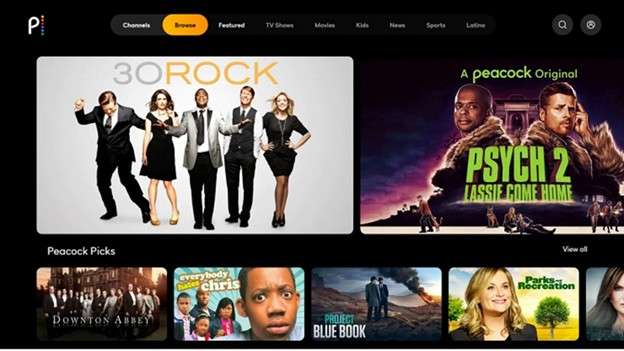
Peacock entered the streaming space later than many competitors, but it benefits from strong backing by NBCUniversal and Comcast. The platform offers a wide mix of TV series, movies, and live content. While often listed among free TV show download sites, offline viewing is only available on the Premium Plus plan. With that upgrade, Peacock becomes a practical download TV series site for users who want affordable access with added sports content.
Features
- Allows up to 25 downloaded titles per account
- Supports offline downloads on up to six devices
- Downloaded episodes remain available for 30 days
- Offline viewing requires the Premium Plus subscription
- Live sports and WWE content are included on higher tiers
Part 2. How To Choose The Best Site Or Platform To Download TV Shows
Below is a simplified comparison table based on real download limits, device rules, and offline access behavior. It helps identify which download TV series website fits different viewing needs without confusion.
|
Website |
Best for |
Download information |
| Netflix | Frequent travelers and binge watchers | Up to 100 downloads per device, depending on plan. Downloads play only inside the app. Saved content is removed if the subscription ends |
| Hulu | Viewers who follow current TV seasons | Mobile downloads only. Up to 25 downloads per account. Episodes expire after 30 days or 48 hours once playback starts |
| Amazon Prime Video | Users who want to rent or buy shows | Downloads allowed on 2 devices at a time; 15-25 total downloads per account. Downloads expire after 30 days or 48 hours after playback |
| YouTube Premium | Users focused on YouTube content | No fixed limit on downloads. Videos usually expire after 29 days. Offline rules vary by region |
| Disney Plus | Fans of franchise-based series | Unlimited downloads. Content stays active with a login every 30 days. The same title can be downloaded on up to 10 devices |
| Apple TV Plus | Budget-focused viewers | Downloads usually last 30 days. No fixed limit shown. App alerts when limits are reached |
| HBO Max | Viewers who want premium TV libraries | Up to 30 downloads per account.The content expires after 30 days or 48 hours once played. App-based playback only |
| Peacock | NBC and live sports fans | Up to 25 downloads per account. Downloads are supported on six devices. Content expires after 30 days |
Part 3. Is Downloading TV Series Legal Or Illegal
Downloading TV series is legal only when done through an authorized download website. Licensed platforms such as Netflix, Amazon Prime Video, and Hulu have permission to let users save episodes for offline viewing inside their apps. This type of downloading follows copyright law.
Downloading from unlicensed TV show download sites, torrent networks, or file-sharing platforms is illegal. These sources do not own distribution rights. Saving or sharing such files counts as copyright infringement.
Illegal downloading can lead to fines, legal claims, or other penalties. Downloading leaked or unreleased episodes is also unlawful. To avoid legal and security risks, always use official TV series download sites for free within a valid subscription.
Bonus Tip. Extend Offline Viewing with Screen Mirroring
After choosing a reliable download TV series website, many users still face one limit. Most platforms restrict downloads to phones or tablets. Watching saved episodes on a larger screen is not always supported. This is where screen mirroring becomes useful.
Screen mirroring does not extract or copy files. It simply displays your phone screen on a computer in real time. This keeps playback inside official apps while improving comfort. Tools like Dr.Fone - Screen Mirror (Android) offer a reliable way to mirror Android screens over Wi-Fi or a cable. It works well for offline viewing when episodes are already downloaded in the app.

Wondershare Dr.Fone
Mirror Android Phone/Tablet to Computer in Clicks
- Mirror Android screen to computers with cable or Wi-Fi.
- Extend your Android device screen with your PC or Mac.
- Record Android screen and take screenshots from PC or Mac.
- Control your Android phone/tablet on a PC.


How To Mirror Android Screen with Dr.Fone
Step 1. Set up the connection
Install Dr.Fone on your computer. Install the Dr.Fone Link app on your Android phone if prompted. Make sure both devices are on the same Wi Fi network for wireless mirroring.
Step 2. Start screen mirroring on the computer
Open Dr.Fone on the computer. Go to device connection options and select screen mirroring. A QR code appears on the screen.

Step 3. Connect the Android phone
Open Dr Fone Link on your phone. Scan the QR code shown on the computer. Allow the required permissions. The connection starts instantly.

Step 4. View and control the screen
Your phone screen appears live on the computer. You can rotate the display, enable audio, take screenshots, or disconnect anytime.

Conclusion
Offline viewing is no longer optional for many TV fans. This article broke down how each major platform works as a download TV series website, focusing on real limits, expiration rules, and content strengths. From Netflix and Hulu to Disney+ and HBO Max, the differences are clear once downloads matter. Legal access, app restrictions, and device rules now shape viewing habits more than streaming speed.
One constraint remains consistent across services: downloads stay tied to mobile apps. Viewing those saved episodes on a larger screen often requires an extra step. Wondershare Dr.Fone addresses this constraint by mirroring what is already downloaded, keeping playback compliant while improving comfort and control.
 safe & secure
4,624,541 people have downloaded it
Dr.Fone Basic:
Better Control for Your Phone
Manage, transfer, back up, restore, and mirror your device


Android Mirror
- Access Android from PC
- 1. Access Android Phone from Mac
- 2. Access Android Files From PC
- 3. Access Android from PC over WiFi
- 4. Access Android from PC
- 5. Remote Access Android from PC
- Android Control
- 1. Control PowerPoint from Android
- 2. Control Android from iPhone
- 3. Control Android from a PC
- 4. Control Android with Broken Screen
- 5. Control PC on Android Devices
- 6. Remote Control iPhone from Android
- 7. Control Mac from Android with Apps
- Mirror Android
- 1. Mirror Your Android to PC/Mac
- 2. Mirror PC to Android with Apps
- 3. Mirror Android Screen to PC
- 4. Mirror Your Android to Android
- 5. Play Android Games on PC/Mac
- 6. Stream Anything to Apple TV
- 7. Aniwave Alternatives
- 8. Fmovies Alternatives
- 9. Mirror Android to Roku
- 10. Cast Android Screen to PC
- 11. Anime Websites
- 12. Sports Streaming Websites
- Android Recorder
- 1. Game Screen Recorders for Android
- 2. Best Free Android Voice Recorder
- 3. Download MP3 Voice Recorder
- 4. Android Screen Recording App
- 5. Use Screen Recorder With Audio
- 6. Record Screen on Android with Root
- 7. Use Call Recorder for Android
- 8. Record Screen With the Android SDK
- 9. Android Screen Recorder
- 10. Android Screen Recorder with Root
- Mirror Apps
- 1. Top 10 AirPlay Apps in Android
- 2. Best 3 Android Emulator for Mac
- 3. Screen Mirroring Apps for Android
- 4. Download Best Android Emulator
- 5. Top 7 Android Emulators for PC
- 6. Best Android Screen Mirroring App
- 7. Top 8 Apps to Mirror Android to PC
- 8. Citra Emulator
- 9. Download TV Series Website
- 10. Torrent Site for TV Show
- Mirror Tools
- ● Manage/transfer/recover data
- ● Unlock screen/activate/FRP lock
- ● Fix most iOS and Android issues
- Free Download Free Download Free Download




James Davis
staff Editor