
Fz Tvseries Review Covering Risks, Limits, and Smarter Alternatives

Sep 12, 2026 • Filed to: Phone Mirroring Solutions • Proven solutions
 TL;DR:
Fz Tvseries allows users to freely download mobile-optimized TV episodes in MP4 and WEBM formats without registration, but viewers looking to avoid local file storage or potential security flags often prefer online streaming alternatives or screen mirroring software.
● The platform relies on mirror domains like fztvseries.mobi to bypass regional network blocks, and while widespread malware alerts are absent, one security scanner did report a potential risk.
● Streaming alternatives such as 123Movies, Yomovies, and Soap2Day provide instant access to larger content catalogs without accounts, but they strictly require active internet connections due to a lack of offline download support and frequently display pop-up ads.
● To view mobile content on a larger screen without repeated downloading, Android users can install the Dr.Fone Link app to mirror their device to a Windows or Mac computer by scanning a QR code over a shared Wi-Fi network.
Ask AI for a summary
 ChatGPT
 Perplexity
 Gemini
 Claude
 Grok
Grok
Dr.Fone Basic:
Better Control for Your Phone
Manage, transfer, back up, restore, and mirror your device
Fz tvseries continues to appear in search results because many viewers want fast access to TV episodes without committing to subscriptions or long sign-ups. That interest creates an important question worth answering. So, what does the service actually offer today, and how does it fit in with current viewing habits? A transparent review enables readers to save time, bypass guessing games, and grasp their options before deciding.
This article reviews the FZ TV series in a practical way. It explains how access works, what kind of content users usually find, and how the platform is commonly used on mobile and desktop devices. It also introduces alternatives that readers often compare with it.
- Part 1. What is the FZ TV series?
- Part 2. Is FzMovies free to use?
- Part 3. Is FZ TVseries safe?
- Part 4. Fz tvseries official site and mirror domains
- Part 5. How to download TV series from fz tvseries
- Part 6. Top alternative to FZ Tvseries For Downloading Movies And Shows In 2026

- Bonus Tip: Smart Viewing With Wondershare Dr. Fone Screen Mirroring
Part 1. What is the FZ TV series?
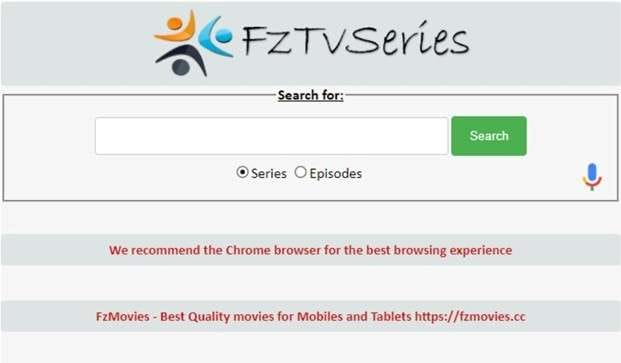
Fz TVseries is commonly used by viewers who want direct access to TV series episodes without subscriptions. It is known for offering downloadable episode files alongside limited online viewing options.
How the platform presents content
- Popular shows are featured on the homepage
- Episodes are organized by season and title
- File sizes are optimized for mobile viewing
- Variants such as Fzmovies TV series and Fztvshows follow the same structure
Mobile-focused access
The platform is closely associated with mobile users. Versions like fz tv series net and fztv series mobi reflect this focus. Some access points also promote Android app support for offline viewing.
Type of content available
- Television series episodes
- Regional and short-format videos
- Selected web series and mini shows
Part 2. Is FzMovies free to use?
Yes. Fzmovies tv is generally accessed without payment. No registration or subscription is required to view and download files. This free-for-all approach is one of the reasons Fzmovies TV shows and Fzmovies TV series continue to be much searched for.
What free access includes
- Movie and TV content across multiple genres
- Download and limited streaming options
- Files are often labeled in standard or HD quality
- Access through browser-based pages and Android app variants
Part 3. Is FZ TVseries safe?
Security scans have been used to check fztv series mobi for common threats. Results show limited risk based on available data.
- Most security vendors did not flag the site
- One scanner reported a potential issue
- No widespread malware alerts were found
Users can visit Fz TVseries to download TV episodes. Android app versions are also used for streaming when internet access is stable.
Traffic data shows strong regional use. One of the biggest sources of visits is Nigeria, followed by South Africa. This is why Fz TV series and Fzmovies TV shows are always in high demand in parts of the world where mobile usage is dominant. The platform also operates Fzmovies tv, which is dedicated to movie content only.
Part 4. Fz tvseries official site and mirror domains
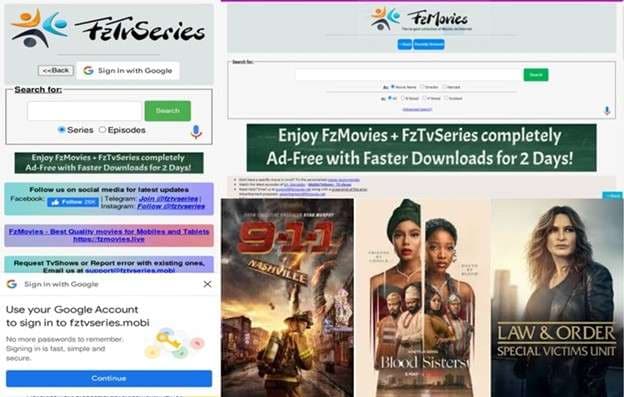
Access to FZ TV series is usually available through its main domain. In some cases, users may face connection issues due to regional restrictions or network blocks. When that happens, mirror sites are used.
- The primary access point remains active
- A secondary mirror is available if the main site does not load
- Both versions share a similar layout and content structure
Commonly used access points for fztv series mobile include:
- fztvseries.mobi
- fztvseries.org
These mirrors function as backups. They allow users to reach the same episode listings and downloads when the primary site is unavailable.
Part 5. How to download TV series from fz tvseries
Downloading episodes from Fz tvseries follows a simple process. Most users complete it directly from a mobile browser or Android device.
Step 1. Access fztv series com
Open the FZ TV series website on your device. Use the search bar to enter the name of the TV series. Select the correct show from the search results. Choose an episode from the available list
Step 2. Choose file format
Episodes are usually listed in standard MP4 and WEBM formats. Some listings appear as fzmovies tv series files optimized for mobile viewing. Select the format that suits your device.
Step 3. Start the download
Tap the download option for the episode. Two download links are shown with file size and details. Select either link to begin downloading
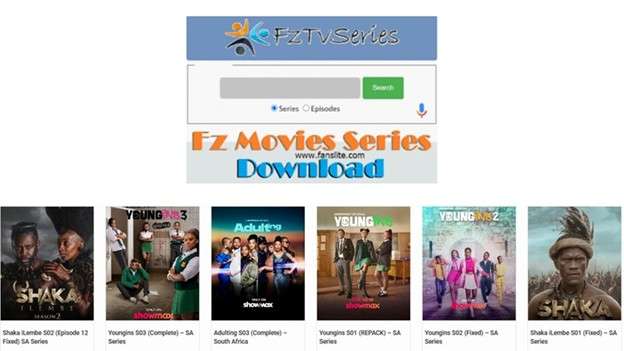
Once the file finishes downloading, the episode is saved on your device. It can be watched offline using a media player or through supported Android apps commonly used with fztvshows content.
Part 6. Top alternative to FZ Tvseries For Downloading Movies And Shows In 2026
Below are commonly compared options users consider alongside FZ mobile TV shows and Fzmovies TV Series. Each serves a different viewing style. The summaries stay factual and concise.
1- Netflix
Netflix is a paid streaming service offering licensed movies and TV shows from multiple regions, including exclusive originals. Content is accessed through its app or web platform.
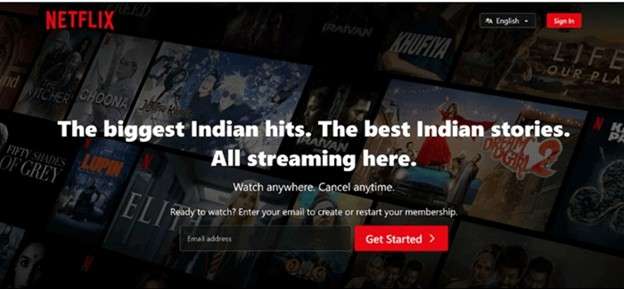
Features
- Large catalog of global and regional titles
- Offline downloads within the app
- Separate profiles with parental controls
2- SmashyStream
SmashyStream is often mentioned as an alternative to fz tvseries net, focusing on organized browsing and progress tracking across devices.
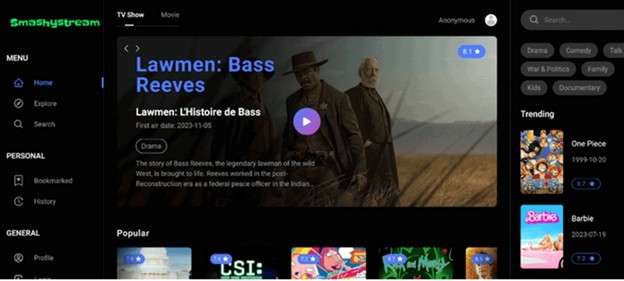
Features
- Watch history and bookmark tools
- Profile-based viewing sync
- Strong animated show collection
3- 123Movies
123Movies provides online access to movies and web series without requiring account registration, making it popular for quick viewing.
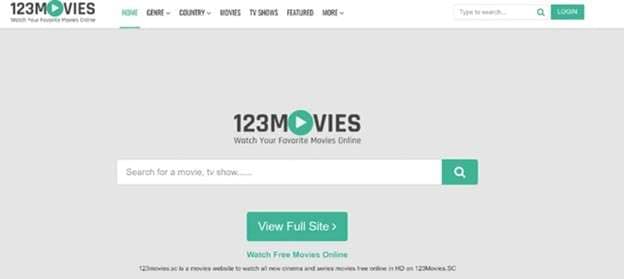
Features
- Simple homepage layout
- Genre-based filtering
- Light and dark theme option
4- Hurawatch
Hurawatch brings together classic and trending movies and shows in one place, often compared with Fzmovies TV shows for browsing variety.
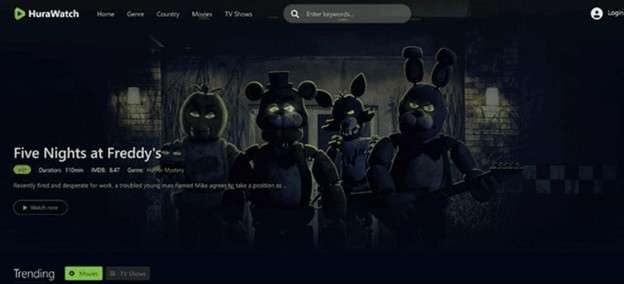
Features
- Clear thumbnail details
- Subtitle support
- Structured browsing layout
5- Yomovies
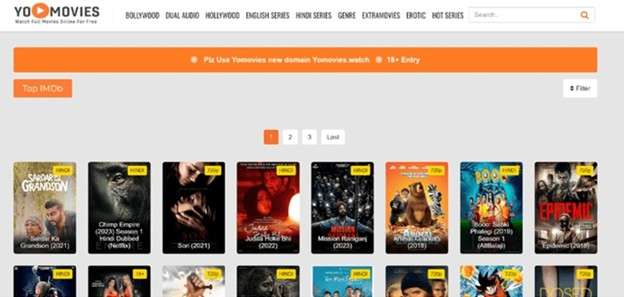
Yomovies focuses on free online viewing with dual-audio options and regional-language content, including Hindi-dubbed titles.
Features
- Dedicated dubbed content sections
- Hover-based title information
- Multiple genre filters
6- Soap2Day
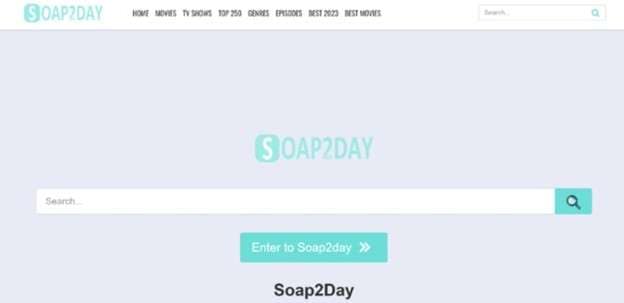
Soap2Day is widely used for free online streaming of movies and TV shows. It is known for curated lists that help users browse large libraries with ease.
Features
- Ready-made lists such as top-rated and trending titles
- Genre and country-based browsing
- Instant access without accounts
7- Goojara
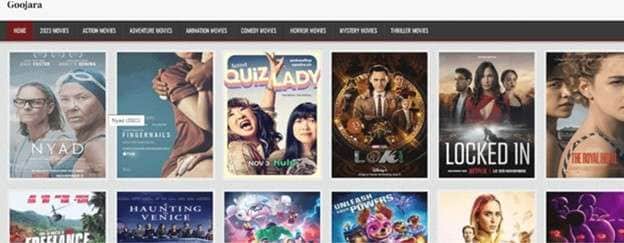
Goojara focuses mainly on movies and supports flexible playback based on internet speed. It is often chosen for its clean layout and streaming controls.
Features
- Adjustable video quality
- Genre-based navigation
- Multiple playback servers
8- FMovies
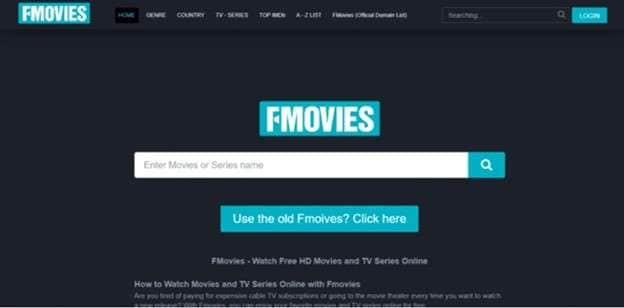
FMovies offers a large streaming library with fast-loading pages. Users can begin watching almost instantly without complex navigation.
Features
- Quick search and title discovery
- Optional login for tracking views
- Title request section
9- Putlocker
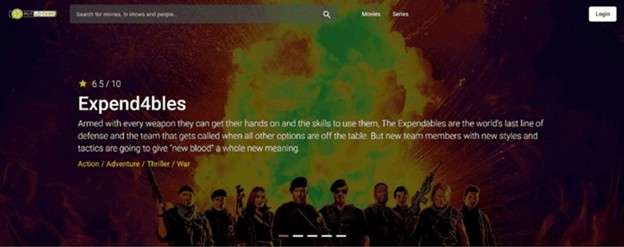
Putlocker provides online access to recent and popular movies and TV shows. Its layout emphasizes trending content and fast access.
Features
- HD streaming support
- Regularly refreshed library
- Trending title slider
10- SolarMovies
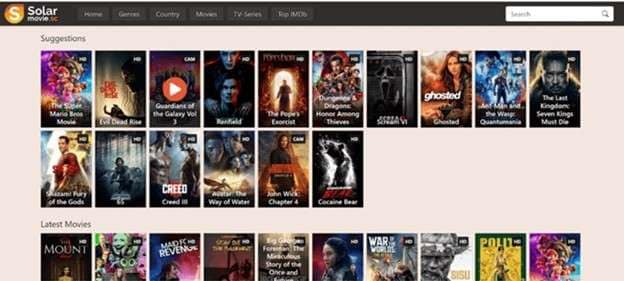
SolarMovies is often listed as an alternative to fz tvseries net for free online viewing of films and TV shows.
Features
- IMDB-based popularity lists
- Genre filtering
- Separate movie and TV tabs
Bonus Tip: Smart Viewing With Wondershare Dr. Fone Screen Mirroring
Having discussed FZTVseries and its alternative, the safe way to watch TV series comes to the mind of most users, hence no need for repeated downloading. One solution is screen mirroring. Rather than saving files from sites such as fzmovies TV series, you play content on your phone and mirror it to a bigger screen. It works well with Legal streaming apps, locally saved videos, and short web content.
There is an Android screen mirroring software that helps you use your computer as a big screen for all usage. It can be connected via wireless or wired and has a strong emphasis on real-time mirroring rather than transfers. That makes it convenient for viewers who want convenience without the hassle of downloading.

Wondershare Dr.Fone
Mirror Android Phone/Tablet to Computer in Clicks
- Mirror Android screen to computers with cable or Wi-Fi.
- Extend your Android device screen with your PC or Mac.
- Record Android screen and take screenshots from PC or Mac.
- Control your Android phone/tablet on a PC.


How to mirror the Android screen using Dr Fone
Step 1: Setting up the connection
Download and install Dr.Fone - Screen Mirror (Android) on your computer. On your Android phone, install the Dr.Fone Link app (if you are asked). For wireless mirroring, ensure everything is plugged into the same Wi Fi network.
Step 2: Run the screen mirroring function in Dr.Fone
Launch Dr.Fone on the computer. Access the device connecting portion and tap on screen mirroring. A QR code will be displayed on the screen.

Step 3: Connect the Android device
Open Dr.Fone Link on your phone and scan the QR code shown on the computer. Grant the required permissions. The connection starts immediately.

Step 4: Use and control the mirrored screen
Your Android screen appears on the computer in real time. You can rotate the view, take screenshots, enable audio, or disconnect anytime.

Conclusion
FZ TV series remains relevant for users who prioritize quick access and mobile-friendly episode downloads. Its structure, mirrors, and download process explain why traffic stays strong in mobile-focused regions. Comparing Fzmovies TV series alternatives highlights a broader outcome. Viewing today is no longer limited to one platform or method. Users now evaluate access speed, device compatibility, and viewing flexibility before making a decision. That shift makes hybrid approaches more practical.
Screen mirroring tools like Wondershare Dr.Fone align with this direction by extending phone-based viewing to larger screens without additional file handling. The result is a clearer choice, better control, and a viewing setup shaped by use case rather than habit.
 safe & secure
4,624,541 people have downloaded it
Dr.Fone Basic:
Better Control for Your Phone
Manage, transfer, back up, restore, and mirror your device


Android Mirror
- Access Android from PC
- 1. Access Android Phone from Mac
- 2. Access Android Files From PC
- 3. Access Android from PC over WiFi
- 4. Access Android from PC
- 5. Remote Access Android from PC
- Android Control
- 1. Control PowerPoint from Android
- 2. Control Android from iPhone
- 3. Control Android from a PC
- 4. Control Android with Broken Screen
- 5. Control PC on Android Devices
- 6. Remote Control iPhone from Android
- 7. Control Mac from Android with Apps
- Mirror Android
- 1. Mirror Your Android to PC/Mac
- 2. Mirror PC to Android with Apps
- 3. Mirror Android Screen to PC
- 4. Mirror Your Android to Android
- 5. Play Android Games on PC/Mac
- 6. Stream Anything to Apple TV
- 7. Aniwave Alternatives
- 8. Fmovies Alternatives
- 9. Mirror Android to Roku
- 10. Cast Android Screen to PC
- 11. Anime Websites
- 12. Sports Streaming Websites
- Android Recorder
- 1. Game Screen Recorders for Android
- 2. Best Free Android Voice Recorder
- 3. Download MP3 Voice Recorder
- 4. Android Screen Recording App
- 5. Use Screen Recorder With Audio
- 6. Record Screen on Android with Root
- 7. Use Call Recorder for Android
- 8. Record Screen With the Android SDK
- 9. Android Screen Recorder
- 10. Android Screen Recorder with Root
- Mirror Apps
- 1. Top 10 AirPlay Apps in Android
- 2. Best 3 Android Emulator for Mac
- 3. Screen Mirroring Apps for Android
- 4. Download Best Android Emulator
- 5. Top 7 Android Emulators for PC
- 6. Best Android Screen Mirroring App
- 7. Top 8 Apps to Mirror Android to PC
- 8. Citra Emulator
- 9. Download TV Series Website
- 10. Torrent Site for TV Show
- Mirror Tools
- ● Manage/transfer/recover data
- ● Unlock screen/activate/FRP lock
- ● Fix most iOS and Android issues
- Free Download Free Download Free Download


 > How-to > Phone Mirroring Solutions > Fz Tvseries Review Covering Risks, Limits, and Smarter Alternatives
James Davis
staff Editor