Teleport your device anywhere instantly with one click.

 100% Security Verified | No Subscription Required | No Malware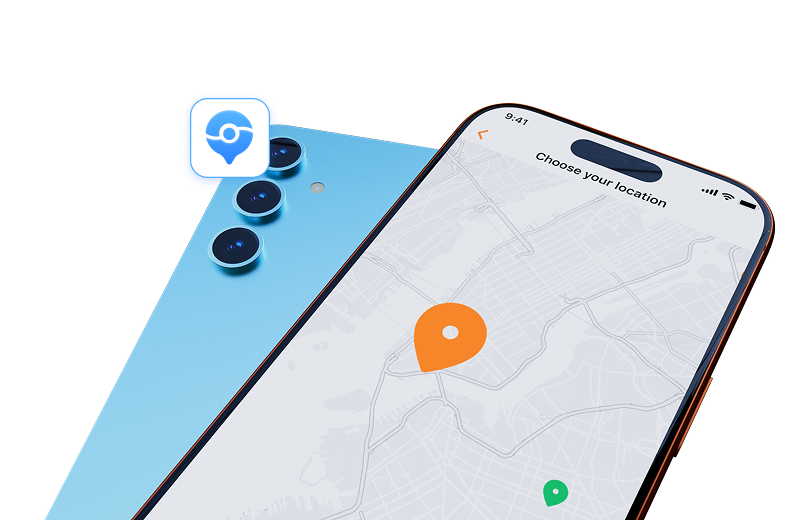

 :
: 
 ChatGPT
 Perplexity
 Gemini
 Claude
 Grok
Grok
Pokémon GO did more than put creatures on a camera screen. It tied catching, battles, landmarks, walking, and live events to the places around you. That mix is still hard to replace. Many location games lean heavily into one part of the formula, while others have gone offline or work best where maps and player communities are dense.
The strongest games like Pokémon Go are therefore not simple copies. They give real-world movement a different payoff through dinosaur hunting, RPG combat, territory control, fitness missions, or physical treasure hunts. This guide compares the best AR games for Android and iOS by what they offer, where they run, and which players they suit best.

In this article
Part 1. Why AR Games Feel Different
A view of the real world has digital objects added to augmented reality. Your smartphone camera and sensors simulate fantasy creatures or objects in a real-world environment.
How Does Location-Based Gameplay Work?
Location-based games use GPS and other location data to connect gameplay with real places.
That can affect:
- nearby missions or items
- landmarks and checkpoints
- battles and events
- routes and movement-based progress
AR and GPS-based gameplay often work together, but they are not the same technology.

Why Are These Games So Popular?
The biggest draw is that the real world is part of the game.
- Real-world movement: Walking leads to progress, encounters, or rewards.
- Different settings give rise to different activities or goals.
- Common locations can serve as a social hub for battling, events, and co-op tasks.
- An immersive start-up theme can make your gameplay feel stronger.
Top games like Pokémon Go combine movement, place, and social interaction in ways that set them apart from typical mobile games.
Part 2. Can You Play Location-Based Games Without Walking Everywhere?
Location-based games sound simple until the nearest useful point is several streets away. Bad weather, limited mobility, travel limits, or a lack of nearby game content can also make GPS-based play harder.
For Android users, Dr.Fone App includes a Change Location tool. It can change the GPS position shown by the phone without needing a computer for the basic Android workflow. Wondershare also positions the feature for location-based apps, social platforms, dating apps, and similar services.
2.1. Dr.Fone App - Change Location for Android
The mobile workflow stays fairly short.
-
Step 1 Download the app
Get the Dr.Fone App on a supported Android phone and install it.
-
Step 2 Open Change Location
Launch Dr.Fone. Tap the blue toolbox button. Go to the AI Tools area and choose Change Location. Then tap Let's get started!
-
Step 3 Complete the required setup
Follow the permission and setup prompts shown on your Android device. The exact prompts can vary by phone and Android version.
-
Step 4 Pick the new position
Tap a point on the map or search for an address. Dr.Fone places a pin on that spot. Tap Move to set the virtual position. You can also save places you use often to Favorites.
2.2. Need More Movement Control? Use Dr.Fone - Virtual Location on Desktop
The desktop version adds more control for iOS and Android location workflows. Teleport Mode can move the GPS position to a chosen point. One-Stop and Multi-Stop modes can create simulated routes. A joystick gives manual direction control, while adjustable speeds can imitate walking, cycling, or driving.
The usual desktop process is simple: connect the phone, open Virtual Location, choose a location or route, and start the change. Device and game compatibility can vary, so check current support before relying on it for a specific title.
 Set your map route to simulate GPS movement.
- Set your wanted movement speed.
- HD and large map view to check location.
- Fake GPS location to anywhere.





Part 3. 15 Games Like Pokemon Go Worth Knowing in 2026
One warning matters before the ranking. The location-gaming market has lost several major titles over the years. So this list includes both playable choices and influential games that are now retired. Their status is marked clearly.
1. The Walking Dead: Our World — A Street-Level Zombie Survival Game
This title brings the world of The Walking Dead into real surroundings through a mobile AR setup.

Gameplay highlights:
- Fight walkers using AR combat in your nearby environment.
- Complete map-based missions tied to real locations.
- Unlock familiar characters, weapons, and weekly challenge content.
- Work with others and strengthen your safe house.
- The loop can become repetitive, and steady internet plus location access are necessary.
Platform: Mobile
Best for: Fans of zombie action and TV-based game worlds.
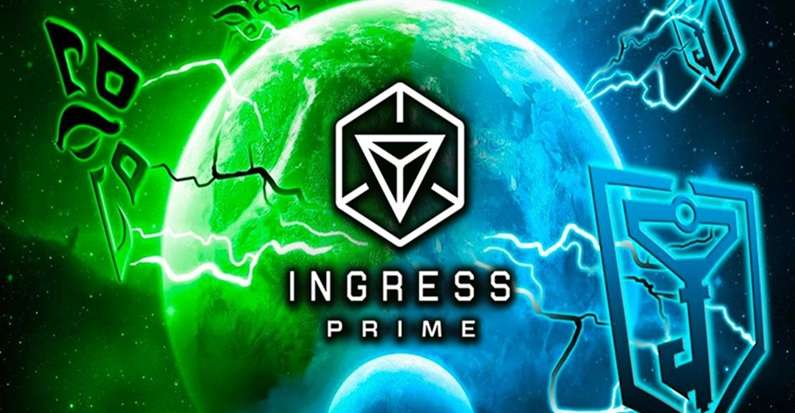
2. Ingress Prime — A Landmark Control Game With Faction Rivalry
Ingress Prime builds its identity around a global conflict between two opposing groups.
Gameplay highlights:
- Choose between the Enlightened and the Resistance.
- Capture Portals placed at real landmarks.
- Link controlled points to form fields and expand influence.
- Coordinate with teammates and upgrade your agent setup.
- It offers depth, but beginners may find the system hard to grasp at first.
Platform: Mobile
Best for: Players who enjoy long-term competition and organized team play.
3. Angry Birds AR: Isle of Pigs — The Classic Slingshot Game in 3D Space
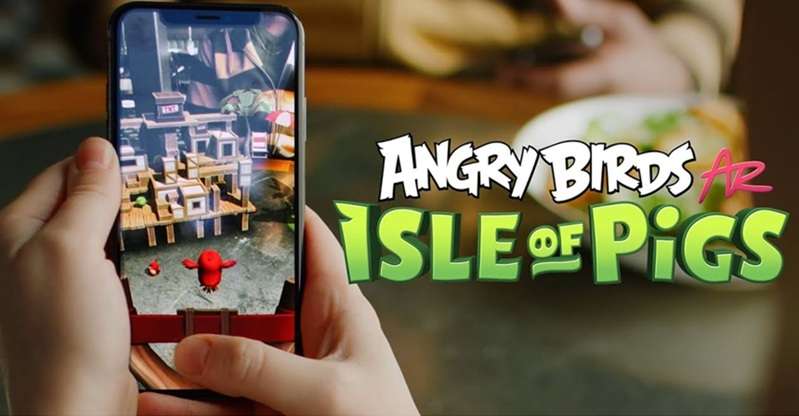
This AR version of Angry Birds turns flat-screen stages into interactive levels placed on real surfaces.
Gameplay highlights:
- Set the level on a table, floor, or another flat area.
- Use the familiar slingshot to launch birds at pigs.
- Move around the stage to line up smarter shots.
- Play through more than 70 levels with rising difficulty.
- It is fun and easy to enter, though the overall variety is limited.
Platform: AR-capable mobile devices
Best for: Casual players who want quick and lighthearted sessions.
4. Peridot — A Virtual Pet Game Built Around Daily Care
Peridot focuses on raising a magical creature and forming a bond with it over time.

Gameplay highlights:
- Feed, play with, and care for your Dot.
- Spend time outside while following clues and interactions.
- Breed new generations with different looks and traits.
- Use customization features to shape your pet's identity.
- The creatures feel lively, but progress can be slow and regular check-ins matter.
Platform: Mobile
Best for: Players who like nurturing, personalization, and routine play.
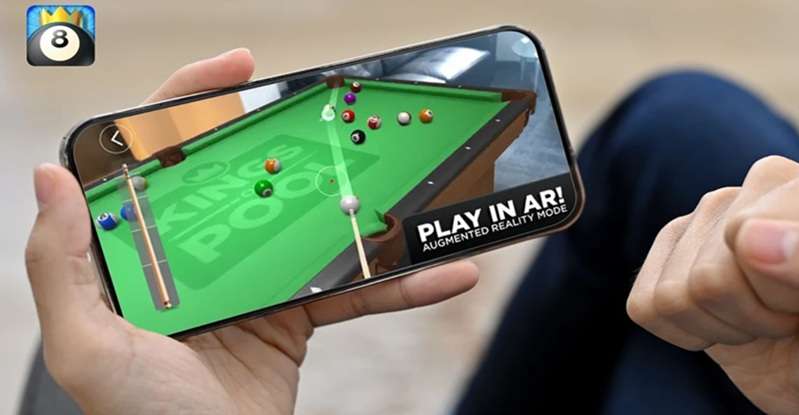
5. Kings of Pool AR — A Pool Table You Can Place in Your Room
Kings of Pool AR turns real space into a digital 8-ball setup with a realistic feel.
Gameplay highlights:
- Place a virtual pool table in your environment.
- Line up shots with believable ball motion and table physics.
- Challenge online opponents and attempt trick shots.
- Personalize cues and table styles.
- AR tracking can struggle on poor surfaces, and smaller spaces may reduce comfort.
Platform: AR-capable mobile devices
Best for: Players who want short skill-based matches with a realistic touch.
6. Garfield GO — A Treasure Hunt With a Familiar Comic Face
Garfield GO uses a light treasure-hunt format built around Garfield and his favorite foods.

Gameplay highlights:
- Walk through nearby areas to locate treasure chests and coins.
- Collect comic items, clothing pieces, and food rewards.
- Take on daily tasks for extra bonuses.
- Watch Garfield appear through simple AR animation.
- It is easy to pick up, though the progression loop may feel repetitive over time.
Platform: Mobile
Best for: Younger players and Garfield fans looking for something simple.
7. Turf Wars — A Neighborhood-Based Crime Strategy Game
Turf Wars turns local areas into contested territory inside a criminal underworld theme.

Gameplay highlights:
- Claim spaces around you and defend them from rivals.
- Build businesses that produce in-game income.
- Grow your group by recruiting members and leveling up.
- Use tactics such as surveillance and bribes to weaken opponents.
- The concept is engaging, but strong GPS accuracy is important, and balance may feel uneven later.
Platform: Mobile
Best for: Users who like rivalry, expansion, and competitive map control.
8. Magical Park — A Child-Friendly Outdoor AR Experience
Magical Park is designed to make outdoor public spaces feel playful and imaginative for children.

Gameplay highlights:
- Meet dinosaurs, robots, and fantasy creatures in selected areas.
- Complete activities built around movement and interaction.
- Mix play with simple educational themes and story elements.
- Use it in a clear and straightforward way suited to younger users.
- It works best in supported spaces, and adult guidance may still be useful.
Platform: Mobile
Best for: Families with children who enjoy active outdoor play.
9. Night Terrors — A Horror Game That Uses Your Own Surroundings
Night Terrors creates fear by turning your immediate environment into part of the experience.

Gameplay highlights:
- Use the phone's camera, sound, flash, and sensors during play.
- Face real-time encounters with monsters and ghostly threats.
- Follow a survival-style flow shaped by visual and audio tension.
- Darkness helps the game feel more convincing.
- It is intense, not suited to everyone, and replay value may be limited.
Platform: Mobile
Best for: Horror fans who want something more immersive than a standard mobile game.
10. Harry Potter: Wizards Unite — A Magic-Themed AR Adventure From the Wizarding World
This game brought spellcasting and magical mystery into real-world movement before it was discontinued.

Gameplay highlights:
- Search nearby areas for magical traces and artifacts.
- Cast spells using gesture-based actions.
- Build your wizard role through skill trees and missions.
- Join daily tasks and cooperative Fortress battles.
- The world and lore were rich, but the system demanded more battery, data, and attention than many casual players wanted.
Platform: Former mobile game
Best for: Readers interested in well-known AR titles from recent gaming history.
11. AR Runner — A Fitness Challenge Driven by Checkpoints
AR Runner turns movement into a timed challenge by sending players from one marker to another.

Gameplay highlights:
- Follow virtual checkpoints placed around a real area.
- Try different layouts and challenge patterns.
- Track distance, speed, and time while playing.
- Compare performance through leaderboard competition.
- It rewards activity, though it needs enough open space and does not offer much mode variety.
Platform: AR-capable mobile devices
Best for: Active users who enjoy exercise mixed with competition.
12. Egg, Inc. — A Farm Builder With an Optional AR View
Egg, Inc. is mainly an idle management game, with AR used as a visual extra rather than a main mechanic.

Gameplay highlights:
- Build an egg business by upgrading coops, transport, and farm output.
- Use research systems to improve long-term efficiency.
- Restart through prestige while keeping selected benefits.
- Join co-op contracts and event tasks with others.
- Its growth systems are engaging, but active play can become repetitive, and the AR side stays mostly cosmetic.
Platform: Mobile
Best for: People who enjoy gradual progress and upgrade-based management.
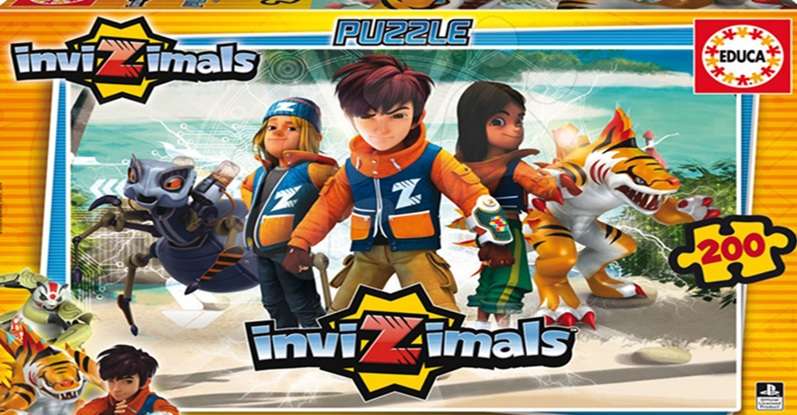
13. Invizimals — A Creature-Catching Series With AR at the Center
Invizimals is built around finding hidden creatures, then training and using them in battle.
Gameplay highlights:
- Capture creatures through AR in your environment.
- Train and evolve them for stronger performance.
- Use elemental matchups such as fire, water, and earth.
- Collect Watts to support growth.
- Creature variety is a strong point, although tracking quality can depend heavily on the room and the device.
Platform: Not specified in the supplied content
Best for: Fans of monster collecting who want a familiar but different style.
14. GNOG — A Whimsical Puzzle Game With a Toy-Box Feel
GNOG stands apart from most games like Pokémon Go because it focuses on tactile puzzle interaction rather than movement-based progression.
Gameplay highlights:
- Open and manipulate creative 3D puzzle boxes.
- Search each stage for hidden interactions and surprises.
- Enjoy rich sound design and playful visual details.
- The controls encourage curiosity and short play sessions.
- It is imaginative, but the AR side is limited, and long-term replay value may depend on puzzle taste.
Platform: Not specified in the supplied content
Best for: Puzzle players who care more about style and interaction than competition.
15. AR Basketball — A Simple Sports Game for Small Sessions
AR Basketball places a digital hoop into your space and keeps the action focused on shooting challenges.

Gameplay highlights:
- Set a virtual hoop in a real room or open area.
- Aim and shoot using your device in augmented space.
- Track scores and complete basic challenges.
- The setup encourages movement and awareness of space.
- It is easy to understand, though the gameplay remains fairly limited, and good lighting helps a lot.
Platform: AR-capable mobile devices
Best for: Casual sports fans who want short and easy play.
Conclusion
A good Pokémon GO alternative should make movement feel rewarding, not simply copy the catching loop. The strongest games like Pokémon GO stand out through strategy, fitness, creature care, puzzles, or location-based competition, while several once-popular AR titles now belong to gaming history. That variety makes the best AR games for Android and iOS worth choosing by play style, not hype.
When the actual distance becomes the hurdle, Dr.Fone - Virtual Location can teleport a supported device or simulate GPS routes from a PC. Use it to book hotels on Expedia, check this game's compatibility with your location spoofer, and follow each game's rules and regulations before changing your reported location.
 Add Wondershare Dr.Fone as a preferred source on Google