Recover photos, messages, WhatsApp, and more — no backup
needed.
Recover photos, messages, WhatsApp, and more — no backup
needed.

 100% Security Verified | No Subscription Required | No Malware

 :
: 
 ChatGPT
 Perplexity
 Gemini
 Claude
 Grok
Grok
Losing chat history from messaging apps can be frustrating, especially when backups fail. Important LINE, Viber, or Kik conversations may disappear after accidental deletion, app changes, or unexpected logouts. In such cases, standard backup options may not contain the missing chats or attachments.
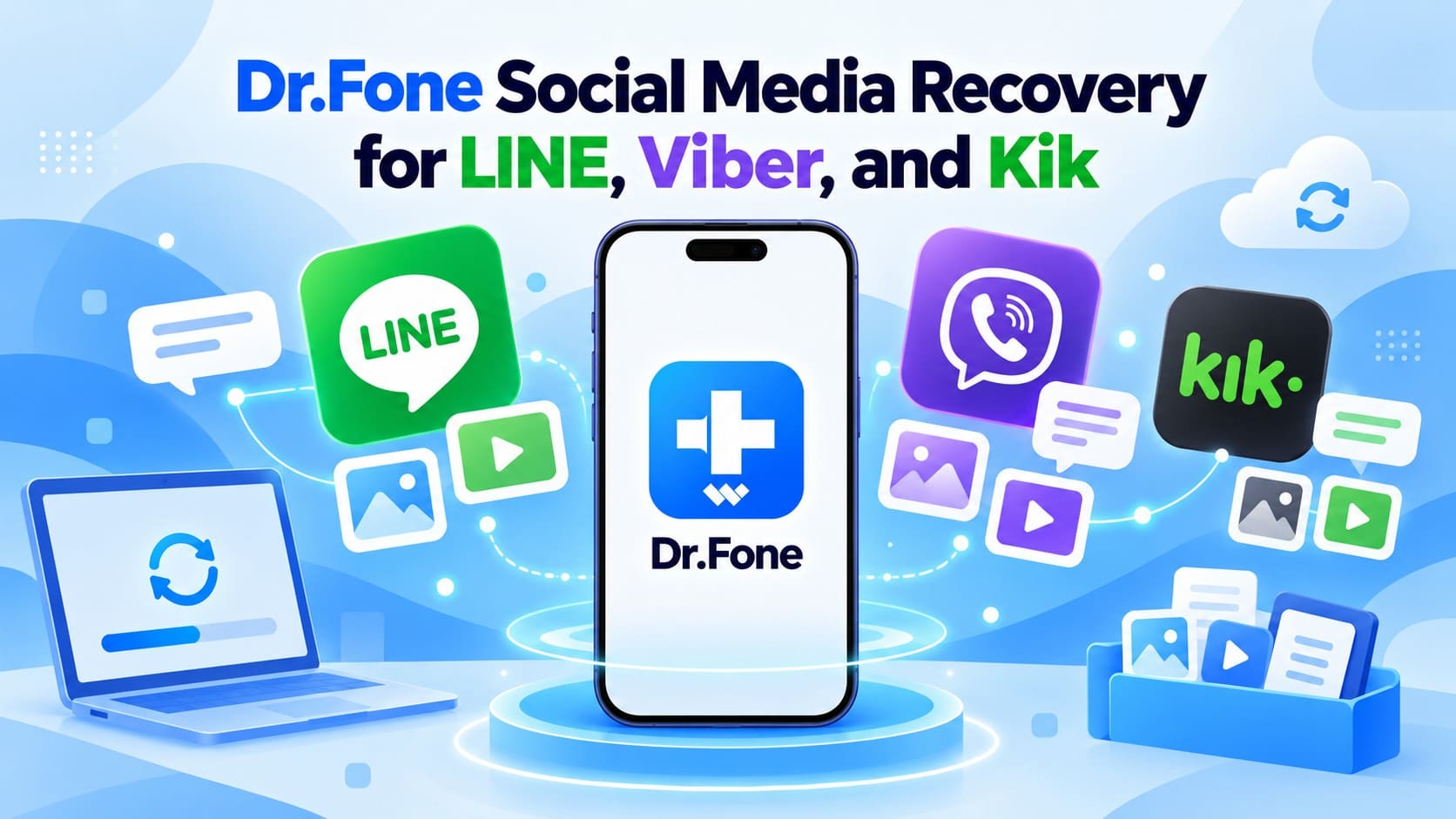
Dr.Fone addresses this with its Social Media Recovery feature, available through Advanced Recovery. In this comparison, Dr.Fone Advanced Recovery is the only solution that can scan a compatible iPhone for truly deleted LINE, Viber, and Kik data. Other recovery tools may restore supported social app data from an existing backup, but they do not provide the same direct deleted-data recovery capability.
In this article
- Part 1. What Is Dr.Fone Social Media Recovery?
- Part 2. What LINE, Viber, and Kik Data Can Dr.Fone Recover?
- Part 3. When Dr.Fone Social Media Recovery Can Help
- Part 4. Dr.Fone Social Media Recovery vs Tested iPhone Recovery Tools
- Part 5. How to Recover LINE, Viber, and Kik Data with Dr.Fone Social Media Recovery
- Part 6. Dr.Fone Social Media Recovery Compatibility and Limitations
Part 1. What Is Dr.Fone Social Media Recovery?
Before exploring Dr.Fone messaging app recovery, it is important to understand what makes this new recovery capability different. The following section explains how Advanced Recovery works and what it brings to Dr.Fone users.
What Is New in Dr.Fone - Data Recovery (iOS)
Dr.Fone Social Media Recovery is a recovery capability available through Advanced Recovery in Dr.Fone - Data Recovery (iOS). For Dr.Fone deleted app data recovery, Advanced Recovery can scan a compatible iPhone for recoverable LINE, Viber, and Kik data.
Standard Recovery and Advanced Recovery serve different recovery situations. Standard Recovery covers conventional recovery options, including cases where usable data or backups are already available. Advanced Recovery adds direct scanning for supported deleted social app data.

- Dr.Fone LINE Recovery: Scan a compatible iPhone to recover supported LINE chats and attachments.
- Dr.Fone Viber Recovery: Viber chats and attachments are supported, while Dr.Fone’s broader iOS recovery capabilities also include Viber call history.
- Dr.Fone Kik Recovery: Kik chats and attachments are supported as third-party app data during recovery.
- Gmail and Snapchat Recovery: Advanced Recovery also supports recovering selected data from Gmail and Snapchat, extending recovery beyond LINE, Viber, and Kik.




Part 2. What LINE, Viber, and Kik Data Can Dr.Fone Recover?
With the recovery capabilities clear, the next step is understanding what Dr.Fone Social Media Recovery can retrieve from each supported messaging app. LINE, Viber, and Kik have different data structures and backup options, which can affect what remains recoverable.
Dr.Fone LINE Recovery
Dr.Fone LINE Recovery primarily recovers deleted LINE data directly from the iPhone, including chats and attachments that were not included in any backup. It also provides additional recovery options through available backups and iCloud Drive for retrieving supported LINE data.
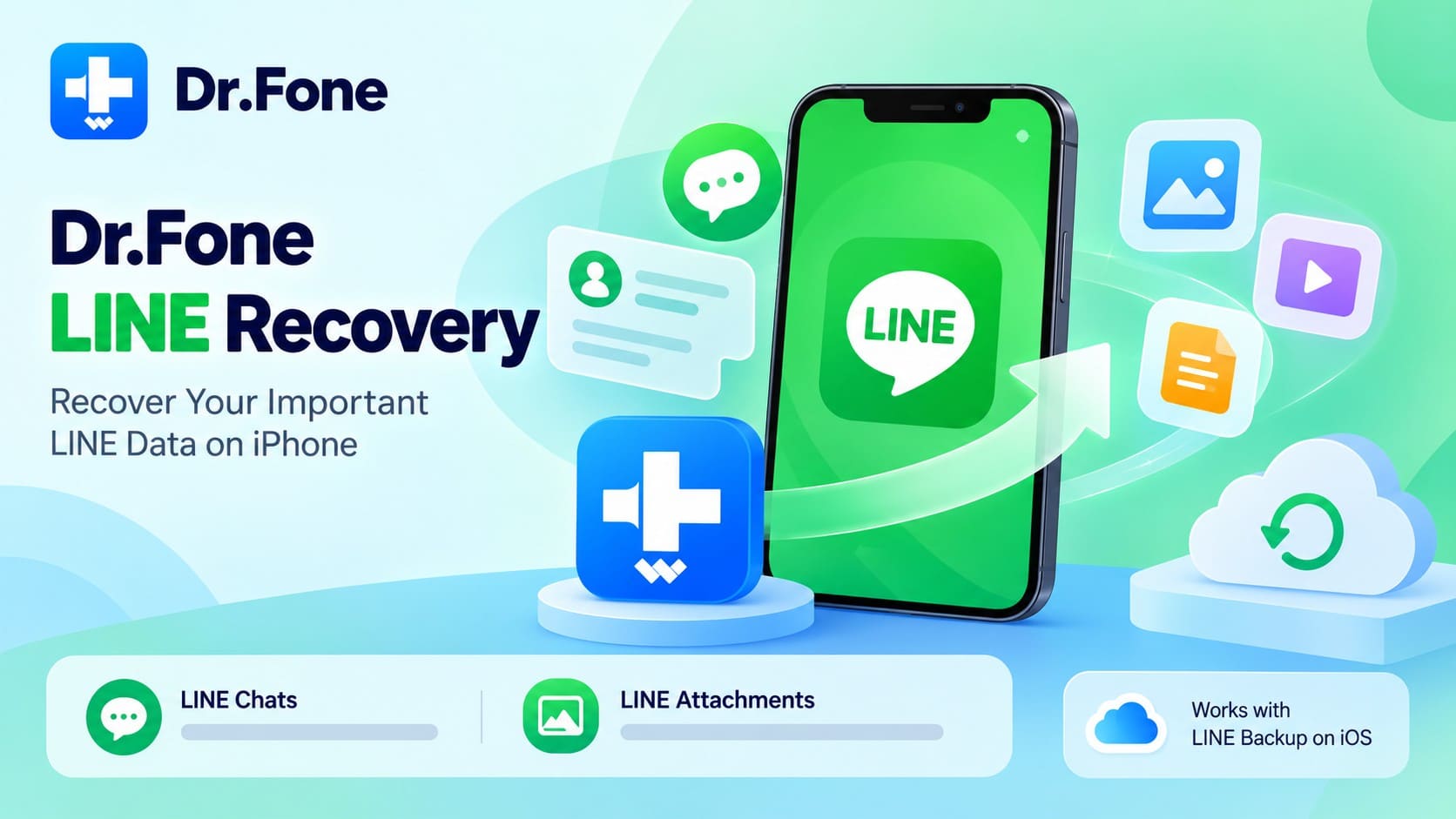
- LINE Chats: Dr.Fone can scan the iPhone directly for deleted LINE conversations, even when the missing chats were never included in a backup. This gives users a direct recovery option when LINE’s Standard Backup cannot restore the required messages.
- LINE Attachments: Beyond conversations, Dr.Fone can also scan for supported LINE photos, videos, and other chat attachments that remain recoverable on the device. This can be useful when the required media is missing from an available backup.
Dr.Fone Viber Recovery
Viber handles chat history differently from LINE because delivered one-to-one and group messages are not retained on its servers. Dr.Fone Viber Recovery takes a different approach by scanning a compatible iPhone directly for supported Viber data that remains recoverable.
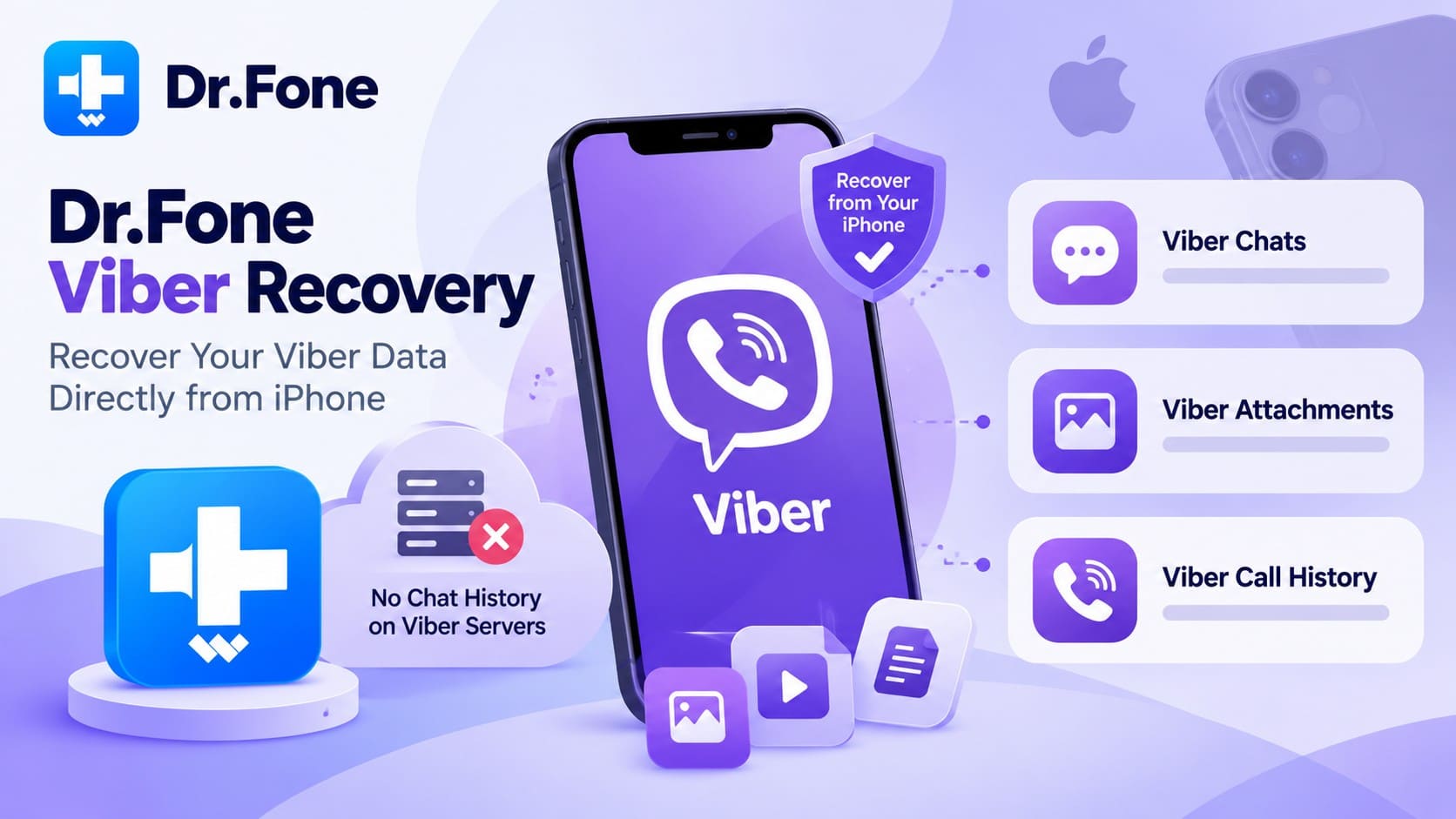
- Viber Chats: Deleted Viber conversations can be scanned directly from the iPhone, including chats that were not captured in a backup. Recovery depends on whether the required conversation data remains recoverable on the device.
- Viber Attachments: Photos, videos, and other Viber attachments are also supported for recovery. Users can scan for recoverable media that may still remain on the iPhone after deletion.
- Viber Call History: Alongside chats and attachments, Dr.Fone also supports Viber Call History, allowing users to retrieve supported records of previous Viber calls.
Dr.Fone Kik Recovery
Kik presents a different recovery challenge because it stores chat history locally and does not offer a native backup and restore option for conversations. Dr.Fone Kik Recovery can scan the iPhone directly for recoverable Kik chats and attachments, including deleted data that may still be retrievable from the device.
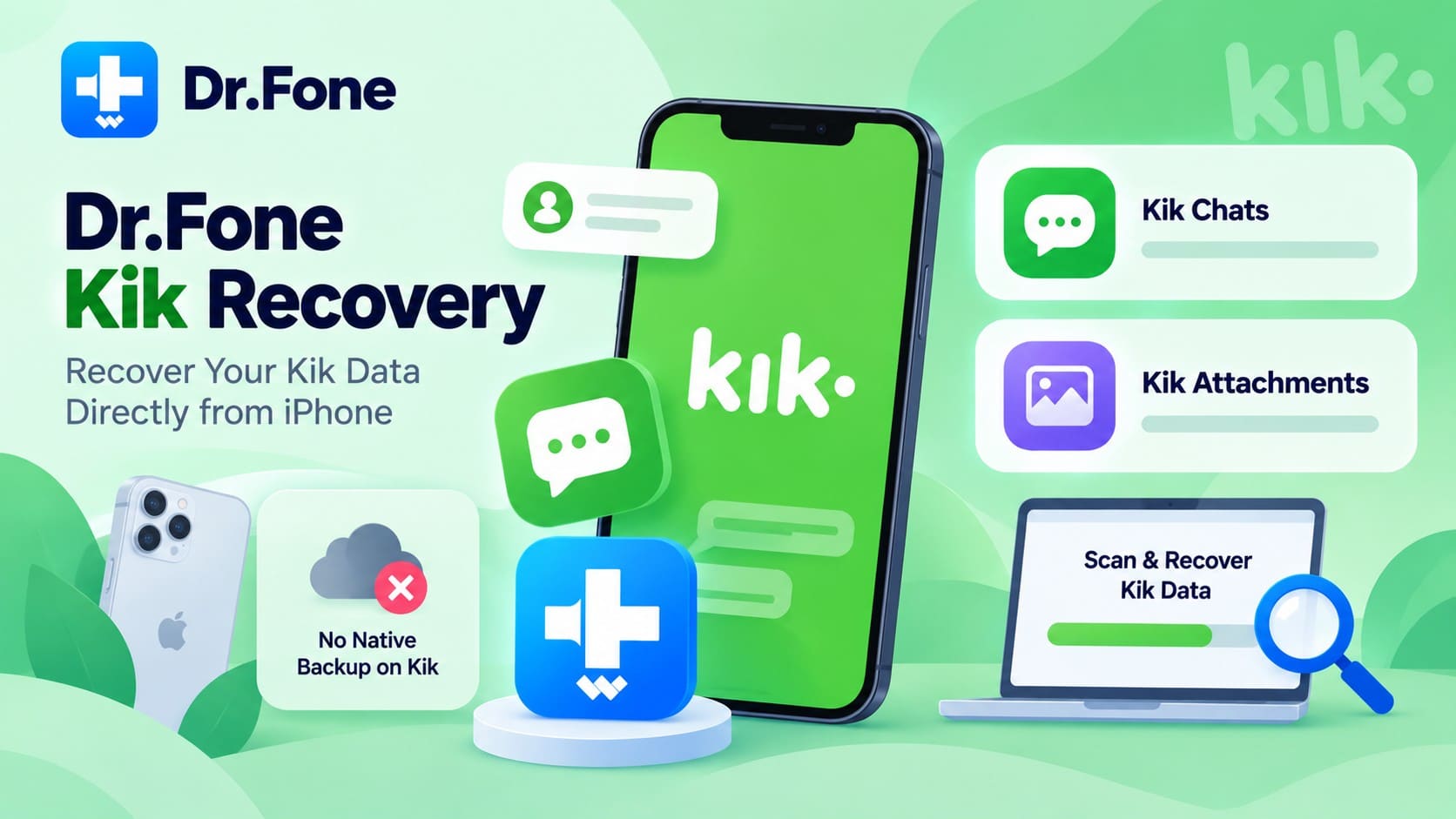
- Kik Chats: Older Kik messages can disappear because the app limits how much conversation history remains accessible. Dr.Fone supports scanning the iPhone for recoverable Kik chats, including deleted conversation data.
- Kik Attachments: Photos and other attachments shared through Kik are also supported for recovery. The scan can identify recoverable media that remains available on the iPhone after deletion.
 Recovers data after deletion, crashes, or device damage.
- Supports photos, messages, contacts, WhatsApp, and more.
- Supports all major iPhone, iPad, and iPod models.
- Preview and recover only what you need.
Part 3. When Dr.Fone Social Media Recovery Can Help
Dr.Fone messaging app recovery is most useful when a normal restore cannot recover the missing chat data. This can happen when deleted LINE, Viber, or Kik data was never captured in a usable backup but may still be recoverable from the iPhone. The following situations explain when Dr.Fone Advanced Recovery can help:
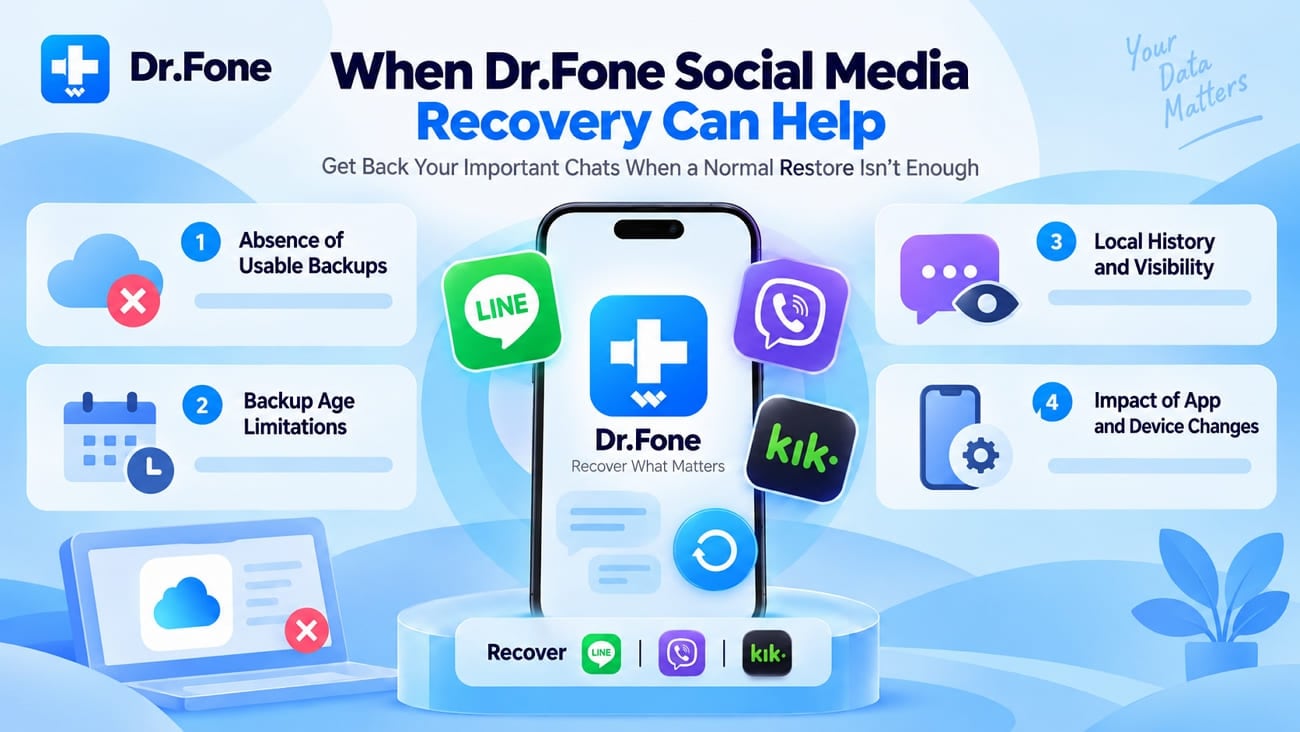
- Absence of Usable Backups: LINE or Viber backups cannot restore deleted chats and attachments that were never captured in them, while Kik offers no native chat backup. Dr.Fone can scan the iPhone directly when a usable backup is unavailable.
- Missing Data in Existing Backups: Having a backup does not mean every deleted conversation is recoverable. Messages or attachments missing from the available backup may require a direct iPhone scan to locate recoverable app data.
- Limited Kik Chat History: Kik stores chat history locally and limits how much conversation history remains accessible. If important messages disappear from view, Advanced Recovery can scan the iPhone for Kik data that may still be recoverable.
- Data Loss After App Changes: Accidental deletion, logout, or app reinstallation can make conversations and attachments unavailable through the app. Advanced Recovery can help determine whether supported LINE, Viber, or Kik data remains recoverable from the iPhone.
Part 4. Dr.Fone Social Media Recovery vs Tested iPhone Recovery Tools
For Dr.Fone Social Media Recovery, the key difference is not simply which apps a tool supports, but how the data is recovered. Some recovery tools restore LINE, Viber, or Kik data only when a usable iPhone, iCloud, iTunes, or app backup exists. Dr.Fone Advanced Recovery can instead scan a compatible iPhone directly for supported deleted social app data. The comparison below highlights this important recovery difference:
| Capability | Dr.Fone Advanced Recovery | Competitor Recovery Tools |
|---|---|---|
| Restore Social App Data from an Existing Backup | Supported through Standard Recovery options when a usable backup is available | Supported when a usable backup is available |
| Recover Truly Deleted LINE, Viber, and Kik Data Directly from an iPhone | Supported on compatible devices and iOS versions | Not supported |
| Scan the Device for Supported Deleted Social App Data | Supported | Not supported |
| Recover LINE, Viber, and Kik Data without Relying on an Existing Backup | Supported when the deleted data remains recoverable | Not supported |
The table shows that backup-based tools depend on data already stored in an available recovery source. Dr.Fone Advanced Recovery adds another option by scanning a compatible iPhone directly for supported deleted LINE, Viber, and Kik data. This makes it the only solution in the comparison that supports direct deleted data recovery without relying on an existing backup.
Part 5. How to Recover LINE, Viber, and Kik Data with Dr.Fone Social Media Recovery
For the best results with Dr.Fone messaging app recovery, start the recovery process soon after losing your data and limit unnecessary iPhone use. Follow these 3 steps to scan, preview, and recover supported LINE, Viber, or Kik data.

-
Step 1 Connect the iPhone and Open Advanced Recovery
Open Dr.Fone and choose “Data Recovery” for iOS. Connect the iPhone, select “Recover Data from iOS Device,” and enter “Advanced Recovery,” where Social Media Recovery is available.
-
Step 2 Select LINE, Viber, or Kik
Under the “Social Media” category, select LINE, Viber, or Kik as the data type you want to recover. Follow the Apple ID and Dr.Fone DataLink authorization prompts if shown, then start the scan.

-
Step 3 Preview and Export the Recoverable Data
Wait for the scan to finish, then preview and filter the recoverable LINE, Viber, or Kik data. Select the required chats, media, or attachments and export the chosen results.

Part 6. Dr.Fone Social Media Recovery Compatibility and Limitations
For Dr.Fone deleted app data recovery, two factors determine what you can recover. First, confirm that your iPhone model and iOS version support Advanced Recovery. Next, consider whether the deleted LINE, Viber, or Kik data remains recoverable on the device.
Supported iPhones and iOS Versions
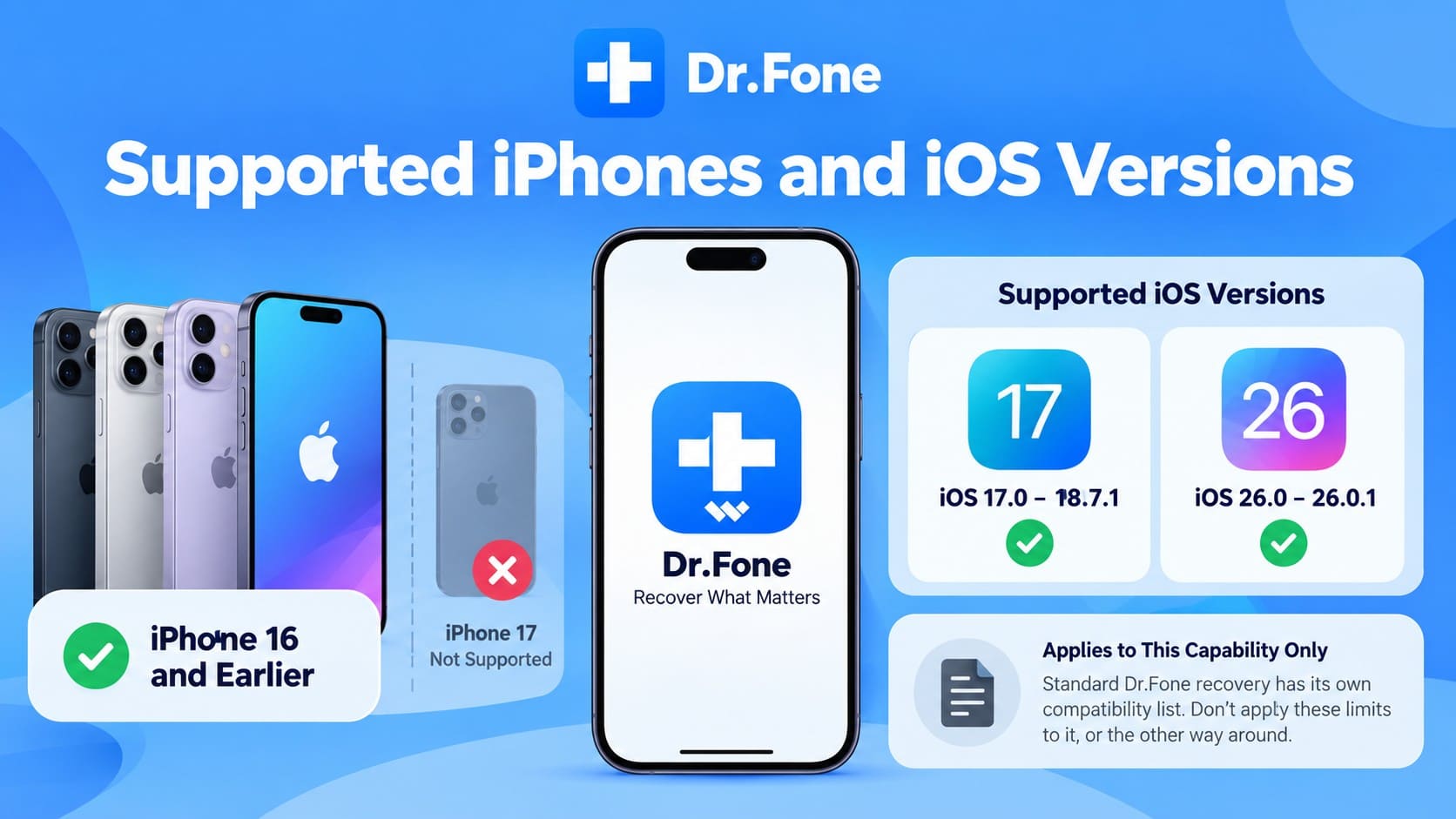
Dr.Fone Social Media Recovery follows specific device and iOS compatibility requirements that differ from general iOS Data Recovery support. Users should confirm their iPhone model and iOS version before starting Advanced Recovery. Here are the current compatibility details to check:
- iPhone 16 and Earlier
- iOS 17.0 to 18.7.1
- iOS 26.0 to 26.0.1
Social Media Recovery Limitations
Even with a compatible device, Dr.Fone deleted app data recovery cannot guarantee that every deleted chat or attachment will be recovered. Results depend on whether the required LINE, Viber, or Kik data remains recoverable on the iPhone. Keep these key limitations in mind before starting the scan:
| Limitation | What It Means |
|---|---|
| Deleted Data May Become Unrecoverable | Deleted chats or attachments may no longer be recoverable if the underlying data is no longer available for recovery. |
| Continued iPhone Use Can Reduce Recovery Chances | New photos, downloads, app activity, and other device use after deletion may reduce the chances of recovering missing data. |
| Results Depend on Recoverable Data | Advanced Recovery can only retrieve LINE, Viber, or Kik data that remains recoverable from the iPhone. |
| Full Recovery Is Not Guaranteed | Some chats or attachments may be recovered while others remain unavailable, even when they belong to the same app. |
Conclusion
Backup restoration and deleted-data recovery solve different problems. If LINE, Viber, or Kik data already exists in a usable backup, conventional recovery tools may be able to restore it. Dr.Fone Social Media Recovery is the only solution that can scan a compatible iPhone for truly deleted LINE, Viber, and Kik data.
Through Social Media Recovery, it can look for supported chats and attachments that remain recoverable without requiring an existing backup. Recovery still depends on the device, iOS compatibility, and whether the deleted data remains recoverable. Confirm compatibility before starting and avoid treating any scan as a guarantee that every deleted item will be found.
Frequently Asked Questions
-
1. Is Dr.Fone Social Media Recovery different from standard iPhone data recovery?
Yes. Standard recovery options can restore supported data from available recovery sources, including usable backups. Social Media Recovery, available through Advanced Recovery, can scan a compatible iPhone directly for supported deleted LINE, Viber, and Kik data that remains recoverable. -
2. Can Dr.Fone recover LINE, Viber, or Kik data after app deletion?
Recovery may still be possible after deleting an app, depending on whether its data remains recoverable on the iPhone. Avoid unnecessary device use before running Advanced Recovery. -
3. Does Dr.Fone Social Media Recovery require an iCloud or iTunes backup?
An existing backup is not required for Social Media Recovery. Advanced Recovery can scan a compatible iPhone directly for supported LINE, Viber, and Kik data that remains recoverable, including data that was not captured in an available backup. -
4. Can Dr.Fone Social Media Recovery work on iPhone 17 or newer models?
No. Social Media Recovery currently supports iPhone 16 series and earlier models running iOS 17.0–18.7.1 or iOS 26.0–26.0.1. iPhone 17 series and newer models are not supported.
 Add Wondershare Dr.Fone as a preferred source on Google