Recover photos, messages, WhatsApp, and more — no backup
needed.
Recover photos, messages, WhatsApp, and more — no backup
needed.

 100% Security Verified | No Subscription Required | No Malware

 :
: 
 ChatGPT
 Perplexity
 Gemini
 Claude
 Grok
Grok

Deleted a text thread on Android? Before choosing an SMS recovery app for Android, check whether it was SMS/MMS or an RCS chat and whether a backup predates deletion.
Editorial guide question, not a user testimonial
SMS still carries bank alerts, appointment reminders and some verification codes. Losing a conversation can be disruptive, but no Android SMS recovery software can guarantee that a deleted message remains accessible: the message store, backups, device permissions and later use all matter. First check the messaging app for an archived conversation or an available Trash folder before installing another app.
This guide compares 10 products often listed as Android SMS recovery tools: backup restorers, device scanners and one app that is not an SMS recovery option. It distinguishes what each approach requires rather than claiming unmeasured success rates or a recovery time. An SMS/MMS text is not the same as an RCS chat sent over data or a WhatsApp message; a tool listing SMS support should not be assumed to recover either of those.
Quick choice: If you already have a pre-deletion SMS backup, check its date and restore method first. With no backup, a compatible scanner may let you preview what is accessible, but a result is not assured. If the conversation is RCS or WhatsApp, check the relevant app and its own backup options instead.
In this article
Part 1. Key Criteria for Evaluating Android SMS Recovery Software
Choosing among SMS recovery apps starts with the source of the missing text and any existing backup. This is a feature-and-limitation comparison, not a lab test or a measured ranking across Samsung, Xiaomi, OnePlus, Vivo and Oppo devices. Check these criteria against your exact phone, Android version and message type:
- Recovery source: Does it restore an SMS/MMS backup made before deletion, or attempt to inspect a currently accessible device? Neither path guarantees a deleted thread.
- User experience: Check setup, required permissions, whether a scan can preview specific messages and whether an export or restore needs a paid license.
- Device & OS compatibility: Verify the current vendor support list, your messaging app and device access; advertised Android support does not prove SMS recovery on every handset.
- Data integrity & privacy: Read permissions and the privacy policy before granting SMS access, USB debugging or root; do not assume zero data risk.
- Recovery limits: Separate SMS/MMS from RCS and WhatsApp, local device scans from existing backups, and a free scan or preview from free export.
Part 2. Top 10 Android SMS Recovery Softwares/Apps
These 10 listings are reviewed in their original order, not ranked by independently tested performance. Several require a previous backup or a supported device; item 8, DiskDigger, is included to correct a common misclassification and is not an SMS recovery option. Confirm current device support, permissions and paid features with each vendor before proceeding.
1. Dr.Fone – Data Recovery (Android)
Dr.Fone – Data Recovery (Android) advertises phone scans, Google Drive recovery and a separate path for supported broken phones. Check the exact device and SMS recovery mode before connecting: a locked or unresponsive phone is not automatically accessible, and the vendor’s “no root needed” statement applies specifically to its Google Drive or supported broken-phone paths, not every direct scan. Its free scan/preview does not mean that exporting recoverable messages is free.
Before using the promotional box: “Without Backup” describes a possible phone-scan path, not a promise that deleted SMS will be found. The box lists general Android data features; its 6,000+ device claim is not a per-model SMS recovery guarantee. Check supported modes and license terms for your device.
 Scan Android phones and tablets directly.
- Preview and recover only what you want.
- Supports WhatsApp, photos, videos, contacts, and more.
- Works with 6000+ Android devices.
The unchanged download and mobile buttons are product CTAs, not proof that every platform or device can restore SMS. Preview is available before purchase; verify the current export terms. If only a Google backup exists, review Google’s device-setup restore conditions rather than assuming a local scan is necessary.
How to Use Dr.Fone for Android SMS Recovery:
-
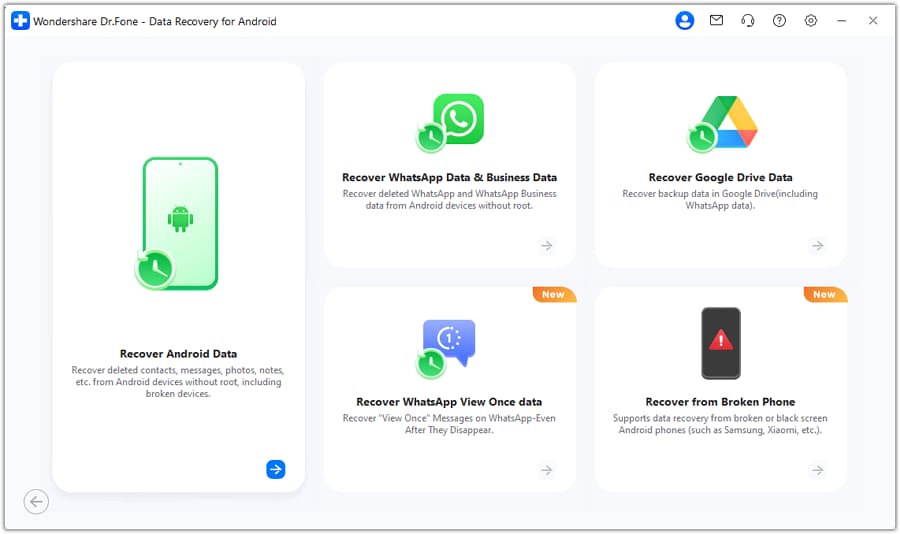
Step 1 Launch and Select Mode
On a supported PC or Mac installation, open Toolbox > Data Recovery and choose Recover Android Data for a direct phone scan. Check whether your device and data category are supported before installing.
-
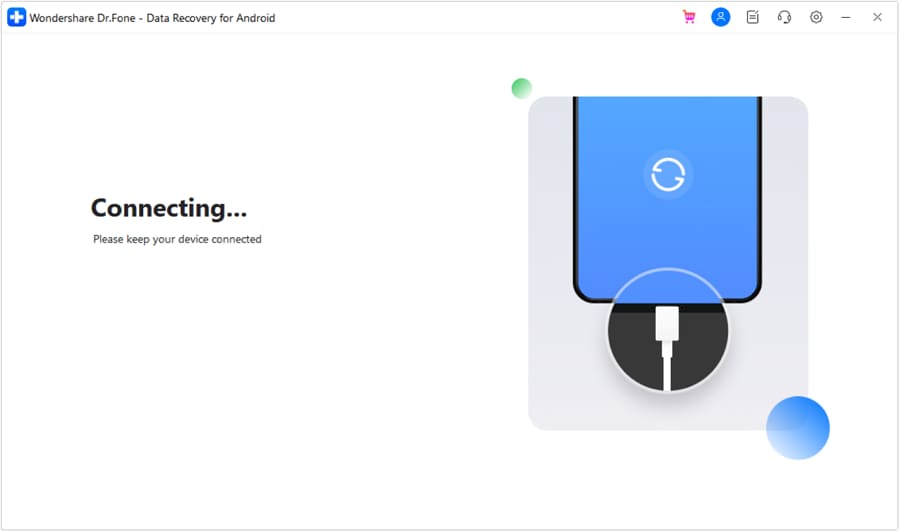
Step 2 Connect and Debug
Connect an accessible phone by USB and follow the app’s prompts if USB debugging is requested. Do not unlock, root or reset a phone solely for a speculative scan; access and permission requirements vary by device and mode.
-
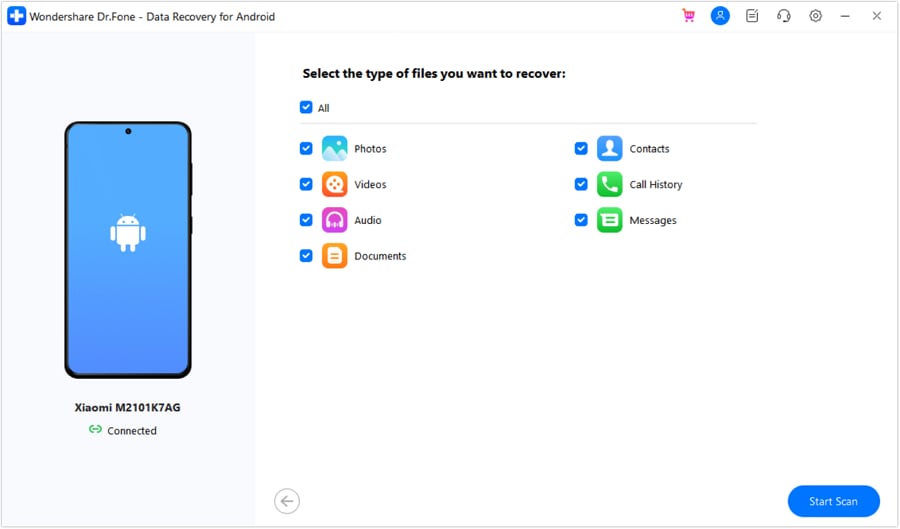
Step 3 Scan for Messages
If “Messages” is available for your device, select it and start the scan. Check whether any relevant SMS/MMS actually appears in the preview; a scan cannot guarantee access to deleted texts, and RCS or WhatsApp threads require separate consideration.
-
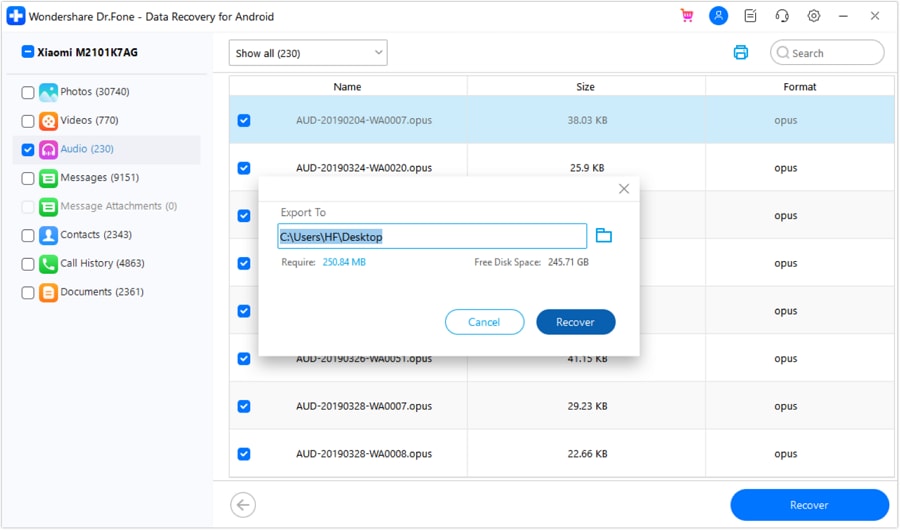
Step 4 Preview and Export
If the desired thread is previewed, select it and review the export destination and license requirements before clicking Recover. A free scan or preview is not a promise of free export or restoration to the phone.
2. Recover Deleted Messages
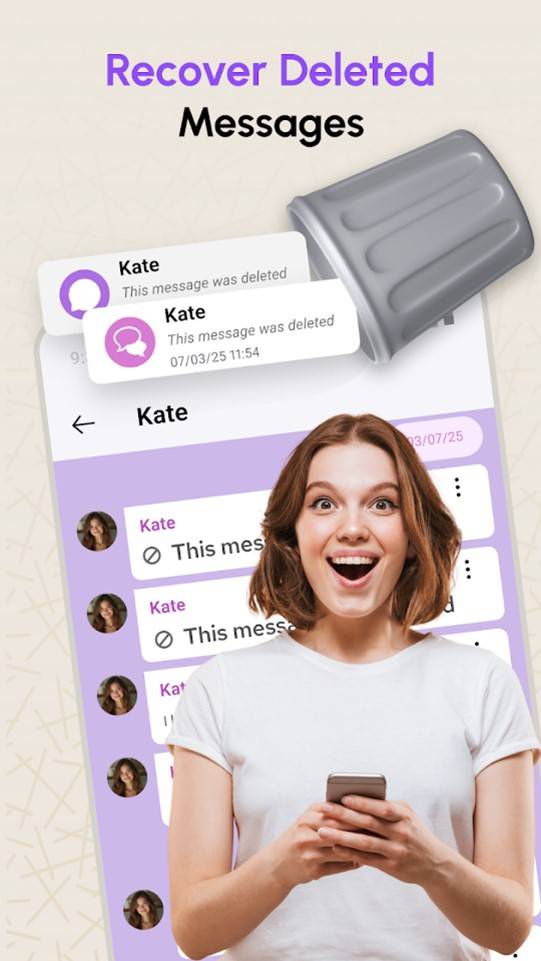
Recover Deleted Messages is a mobile listing, but its precise current developer, supported message sources and restore behavior need checking in the linked Play listing before installation. Notification-history tools can only show notifications that were recorded while monitoring was enabled; they do not establish that previously deleted SMS/MMS can be reconstructed or put back in an inbox.
- High-speed scanning on mobile
- Restores directly to the inbox
- Compatible with popular messaging apps
- Limited deep scan capabilities
- May not recover older messages
Qualification for the unchanged pros/cons box above: Its “Restores directly to the inbox” and messaging-app compatibility bullets are unverified for this specific listing; do not rely on them to recover an already deleted SMS or a WhatsApp/RCS thread.
3. SMS Backup & Restore
SyncTech SMS Backup & Restore is a backup-first SMS/MMS and call-log tool. It can restore a usable backup only if one was created before the messages were deleted; installing it afterwards cannot scan previously deleted SMS. Confirm that the file or configured cloud backup contains the missing thread and check the backup date before importing it. It should not be assumed to restore WhatsApp or RCS chats.
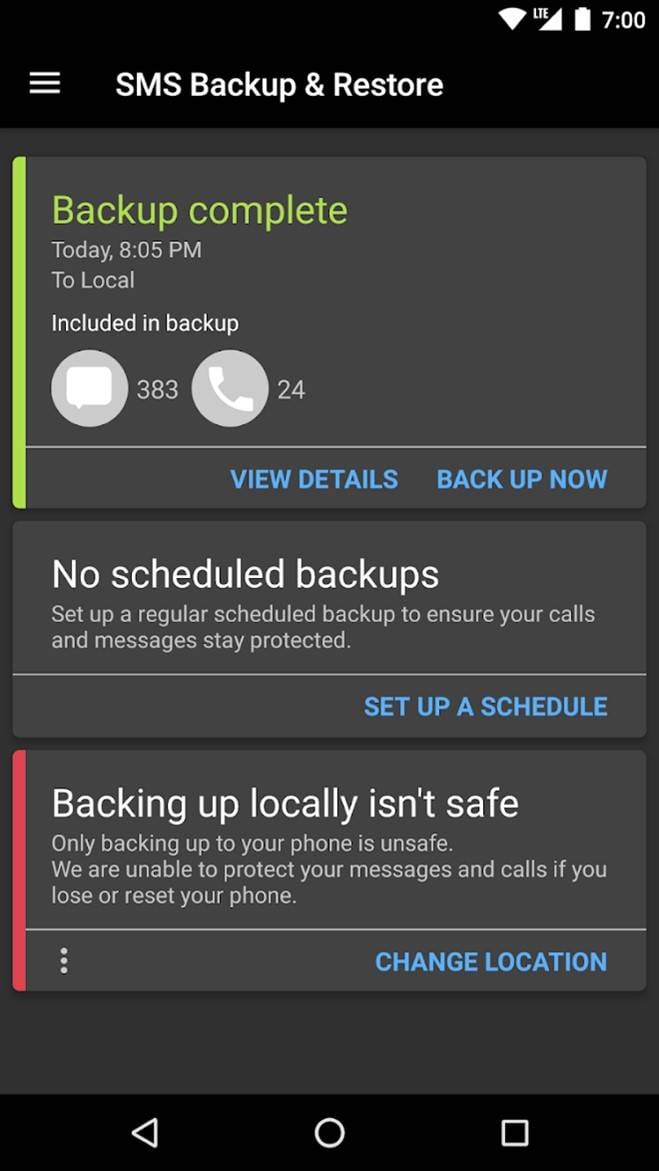
- Scheduled backups can help if configured in advance and the destination remains accessible.
- Restore or move backed-up SMS/MMS and call logs between compatible phones; check the transfer method offered in the current app.
- Check the XML backup contents and date before replacing or merging messages.
4. EaseUS MobiSaver for Android
EaseUS MobiSaver for Android is marketed for lost Android data, including messages on supported devices. Plain SMS does not contain photo or video attachments; that is an MMS or RCS scenario, which must be checked separately. Confirm the Android version, permissions and whether SMS preview and export are supported before paying.
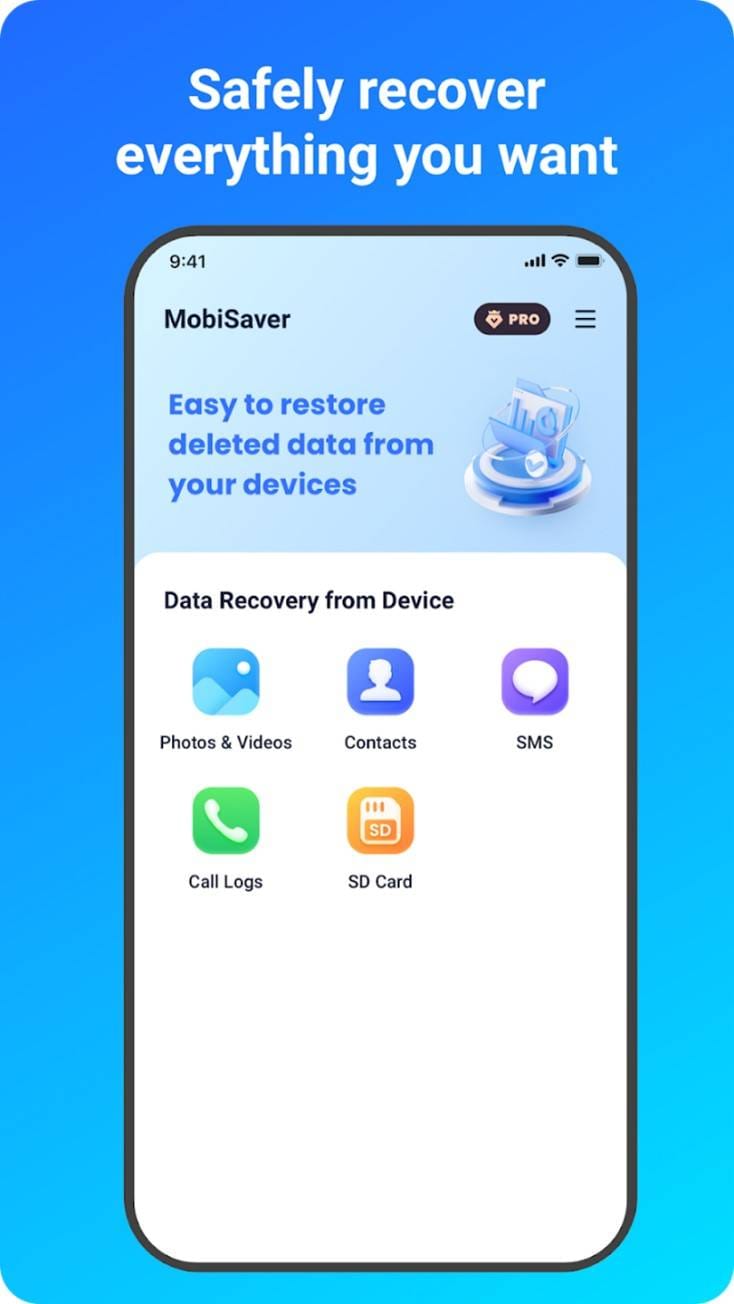

Qualification for the unchanged EaseUS note above: Root access can create security and data-loss risks and should not be enabled solely because a recovery note suggests it.
5. Aiseesoft Free Android Data Recovery
Aiseesoft advertises Android Data Recovery for messages and other data across many device brands. “Free” in the product name is not evidence of free SMS export; check the trial and license terms, supported phones and scan permissions. Its product page does not establish that it can retrieve deleted messages from every SIM or modern Android internal store.
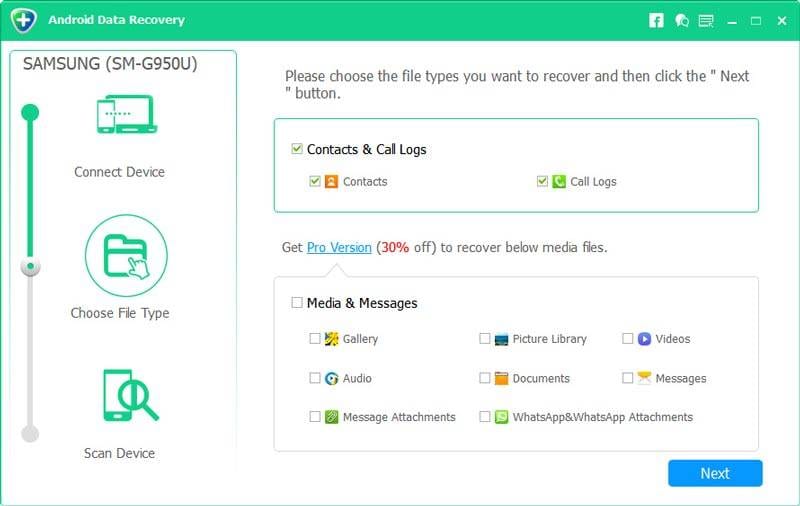
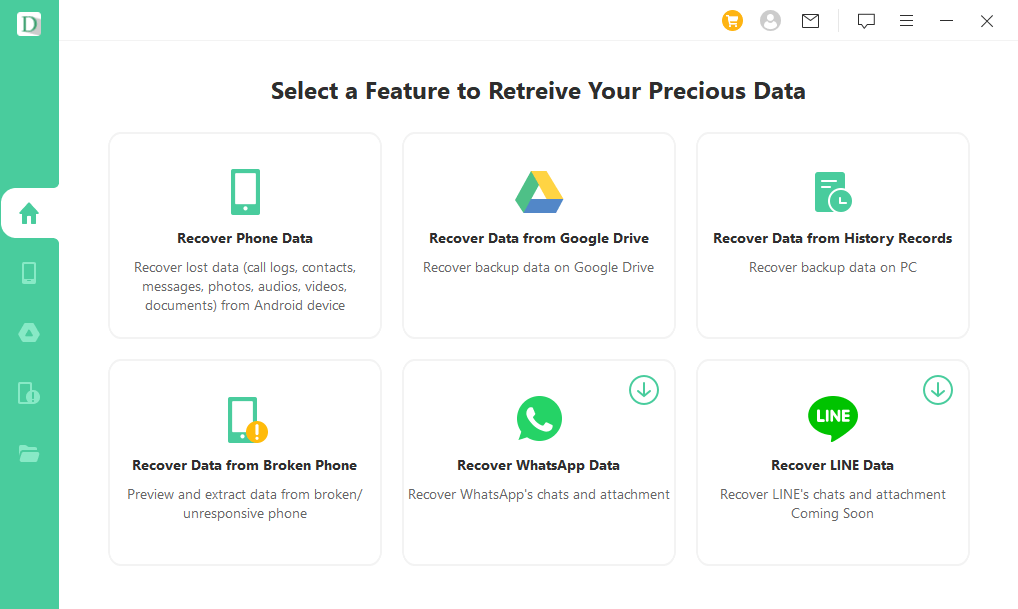
6. iMyFone D-Back Android
iMyFone D-Back for Android advertises direct scans and Google-backup recovery modes. A broken or locked handset is not automatically recoverable: confirm its exact model, whether a valid earlier backup exists and what the chosen mode can preview. The vendor describes a free scan/preview with paid recovery; do not assume no-backup extraction from an inaccessible phone.
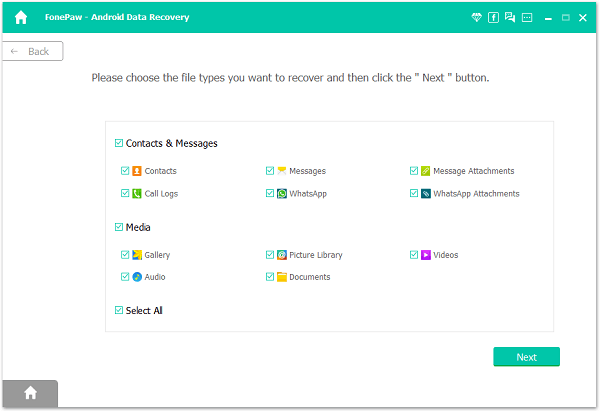
7. FonePaw Android Data Recovery
FonePaw Android Data Recovery lists deleted text messages among its supported categories. Check its current device compatibility, permissions, preview and export terms. An advertised message category is not proof that a deleted SMS can be found on your phone; no independent “Partial Scan” timing or success result is available here.
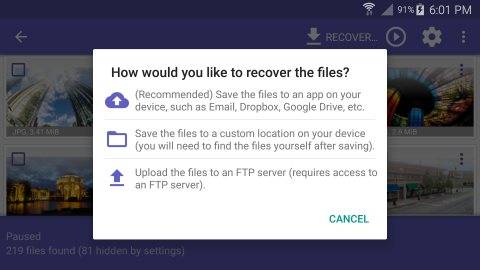
8. DiskDigger for Android — Not an SMS recovery option
Not an SMS recovery option. DiskDigger’s official Android page describes Basic and Full scans for photos/videos and other file types, not the restoration of SMS message threads. Its free tier focuses on photos and videos (video recovery requires root); Pro adds other files, not a verified SMS inbox recovery feature. This entry and its original image remain for comparison, but choose an SMS backup or a tool that explicitly supports messages instead.
9. GT Recovery
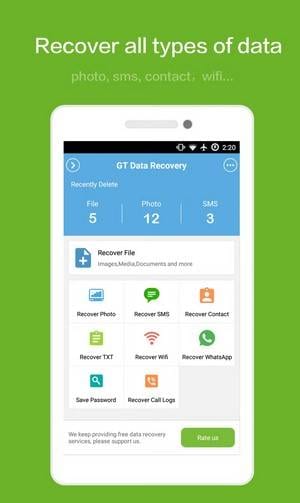
GT Recovery appears in older Android recovery lists, but this article links to a third-party download listing rather than a verified current developer page. Check availability, publisher, OS compatibility and whether the current version even supports SMS before installing it. Rooting or offline operation is not established here and would not itself ensure recoverability or privacy.
10. DroidKit
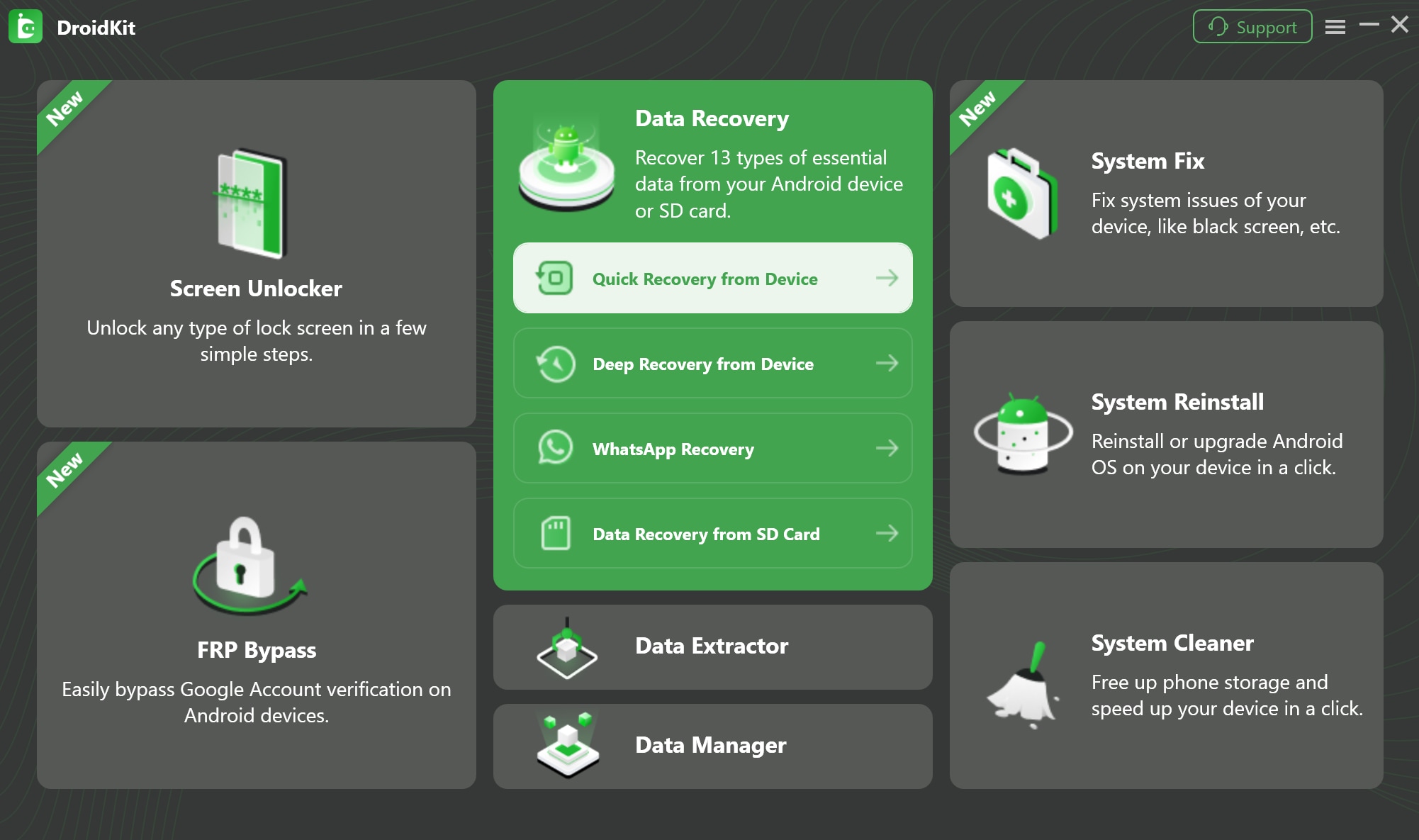
iMobie DroidKit is an Android toolkit with recovery, repair and unlocking features, but these are distinct modes. Check the official vendor’s current SMS category, model support and paid export terms; an unlock or system repair operation may erase data and should not be used as an SMS recovery shortcut. The original external link is retained for reference, but verify the publisher before any download.
Part 3. Essential Tips: Before and After Android SMS Recovery
Work from the least disruptive option toward a device scan. These steps help you assess whether an SMS can be restored; they do not establish a recovery probability. RCS and WhatsApp have different storage and backup paths.
1. Cease Device Usage Immediately
Limit unnecessary new writes or app installs while checking your options, especially if considering a device scan. Android storage access, encryption and database cleanup can prevent recovery even soon after deletion; powering off or switching on Airplane Mode does not preserve a guaranteed recoverable SMS.
2. Verify Your Cloud Sync
Check your messaging app’s archive, spam or Trash if available, and verify a manufacturer backup or the date and message category shown in Android Settings > Google services > Backup. Google’s Android backup instructions describe restoring backed-up device data during setup of a new or reset phone (and some account data after setup), not an SMS “sync” switch that undeletes an individual thread. Do not factory-reset a working phone just to recover one text; it may erase newer data, and a backup must predate deletion.
If the missing conversation was stored in Google’s messaging app, follow these methods to recover deleted Google Messages before the phone creates new data.
3. The Power of Routine Backups
For future SMS/MMS, configure and periodically verify a backup destination and schedule, such as an Android device backup or a compatible SMS backup app. Check that the backup contains messages before you need it, and keep private backups protected. Creating a backup after a deletion cannot restore the missing thread; RCS and WhatsApp may require different backups.
4. Beware of "One-Click" Scams
Be cautious of any SMS recovery app that promises guaranteed undelete or requests broad SMS, accessibility or root access without explaining why. Check its developer, current reviews, privacy policy, storage/transfer behavior and price before granting access; no vendor name alone guarantees privacy or recovery.
Conclusion
For Android SMS recovery, start with the messaging app and an earlier verified backup. When no backup exists, a compatible scanner such as Dr.Fone – Data Recovery (Android) may offer a scan and free preview; recovery and paid export depend on device support and what is actually found. We have not measured comparative success rates. DiskDigger is not an SMS restoration tool, and no listed app can guarantee results for deleted RCS or WhatsApp chats.
A routine, verified SMS/MMS backup reduces future risk. Before using any download button below, confirm the correct platform and license, review SMS privacy permissions, and avoid resetting a working phone for a single message.




FAQ
-
1. Is it possible to recover deleted SMS without a computer?
Yes, if you have a suitable pre-deletion SMS/MMS backup, its compatible Android restore app may work without a computer. First check your messaging app’s archive or available Trash. DiskDigger is not an SMS recovery app; a desktop tool is not automatically more capable, and the mobile CTA above does not guarantee that its app supports SMS recovery on your device. -
2. Does android SMS recovery require rooting my phone?
Restoring a pre-existing backup does not normally require root. Direct phone scans vary by Android version, model and available permissions; USB debugging alone cannot guarantee deleted SMS access. Rooting has privacy, warranty and data-loss risks and does not make overwritten or inaccessible messages recoverable. Dr.Fone’s no-root statement specifically covers its Google Drive or supported broken-phone recovery paths. -
3. Can I recover messages that were deleted a year ago?
Check for a backup created while that SMS still existed, or an archived rather than deleted conversation. With no such copy, a year of use makes a device scan particularly uncertain; Android encryption and database changes may prevent access regardless of elapsed time. No honest Android SMS recovery app can promise to restore a year-old thread. -
4. Will using an SMS recovery app for Android leak my private data?
There is no zero-risk guarantee. SMS can contain private codes and contacts, so review the app’s current permissions, privacy policy, data handling and backup destination before granting access. Download only from a verified publisher, avoid unnecessary root or accessibility permissions, and check whether scanning or exporting sends data off-device.
 Add Wondershare Dr.Fone as a preferred source on Google