Recover photos, messages, WhatsApp, and more — no backup
needed.
Recover photos, messages, WhatsApp, and more — no backup
needed.

 100% Security Verified | No Subscription Required | No Malware

 :
: 
 ChatGPT
 Perplexity
 Gemini
 Claude
 Grok
Grok
Imagine you open WhatsApp and find that your conversations are gone, and you don't know what to do. After deep research, if you have found recovery software that can help, it's important to choose the right one. Thus, this guide compares the 8 best WhatsApp recovery software for iPhone to help you know why Dr.Fone - Data Recovery is the preferred solution.
In this article

Part 1. Quick Comparison Table: Best WhatsApp Recovery Tools for iPhone
According to JestyCRM, WhatsApp supports 60 languages and is used in 180 countries. Since the usage is global, the need for the right recovery software is evident. Before you dive deep, glance at the given table of the best WhatsApp recovery tools for iPhone to have a quick overview:
| WhatsApp Recovery Tools | WhatsApp Business | View Once Media | Recovery Sources (Device / iCloud / iTunes) | Free Scan / Preview | Speed on Large Backups | Best For |
|---|---|---|---|---|---|---|
| Dr.Fone - Data Recovery (iOS) | ✔ | ✔ | Device, iCloud, iTunes, local backups | ✔ (scan + thumbnails) | Fast, optimized read-only scanning | Best Overall: Complete WhatsApp recovery with Business support, View Once media, and multiple recovery options |
| Gbyte Recovery | ✔ | ❌ | Device, iCloud | ✔ | Slower on large iCloud backups | Quick WhatsApp recovery from iPhone and iCloud backups |
| Tenorshare UltData | ❌ | ❌ | Device, iTunes, iCloud (Not WhatsApp) | ✔ (selective preview) | Deep scans can be slow | Basic WhatsApp recovery from supported backup sources |
| iMobie PhoneRescue | ❌ | ❌ | Device, iCloud, iTunes | Limited in the free version | Performance drops on large backups | WhatsApp recovery with additional iOS repair features |
| Aiseesoft FoneLab | ❌ | ❌ | Device (WhatsApp); iCloud/iTunes (other data) | ✔ (pause/resume scan) | Slower manual scanning | Budget-friendly WhatsApp recovery from device |
| AnyRecover | ❌ | ❌ | Device, iCloud, iTunes | ✔ (free scan) | Deep scans may take longer | Beginner-friendly WhatsApp recovery with multiple recovery modes |
| AppGeeker | ❌ | ❌ | Device (WhatsApp); iCloud/iTunes (other data) | ✔ (trial scan) | Moderate | Basic WhatsApp recovery with three recovery modes |
| Stellar iPhone Data Recovery | ❌ | ❌ | Device, iTunes | Yes (scan + preview) | Moderate on large scans | WhatsApp recovery from iPhone and iTunes backups |
Part 2. Top 8 WhatsApp Recovery Tools for iPhone: Compared
For details, this section explains the key features, perks, and pitfalls of 8 renowned WhatsApp recovery tools:
1. Dr.Fone - Data Recovery
Best For: WhatsApp/WhatsApp Business and View Once Media recovery.
This tool from Wondershare lets you recover 35+ data types from your device, iCloud, iTunes, or local backups. Being accessible on 1-5 mobile devices and 2 PCs, it offers a separate guide for each recovery mode. In addition, users can use it to restore data from Viber, WhatsApp, LINE, and Kik in a few taps. Since this aspect makes it versatile, the read-only scan saves the existing data from being overwritten.
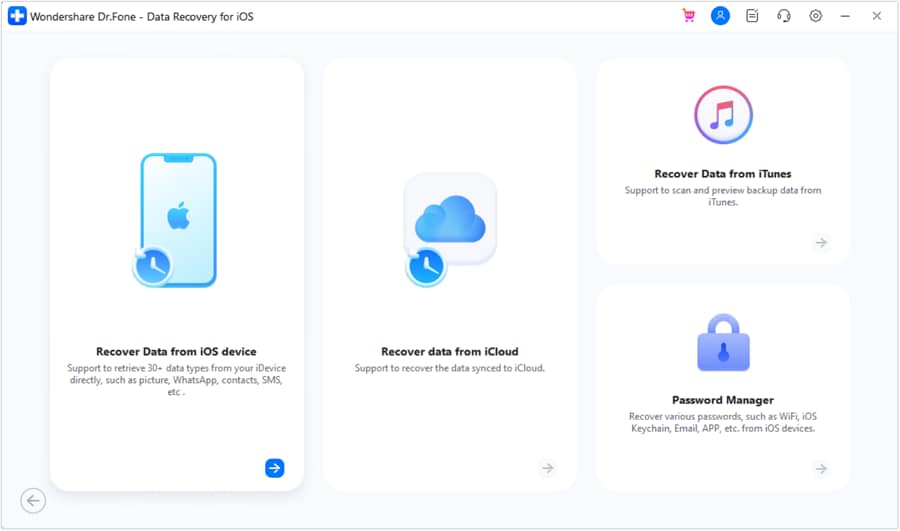
In terms of WhatsApp recovery, experts have found that WhatsApp View Once recovery is an exceptional feature of Dr.Fone. Unlike other tools, it can reconstruct chat fragments and let users save them to their phones or PCs. Furthermore, it can recover WhatsApp Business data, as it is compatible with all iPhone and iPad models to recover WhatsApp from iCloud without restore.
Pricing Plans
- Monthly Plan: $44.95
- Annual Plan: $59.95
- Perpetual Plan: $69.95
- Free scan and 100% thumbnail preview.
- Access the detailed backup package information for data recovery.
- Choose the type of WhatsApp/WhatsApp Business data to recover.
- Weekly updates for all the iOS versions, like iOS 27.
- Can manage up to 5 Apple accounts easily.
- Extra WhatsApp data even from locked and broken iDevices.
- Recovery success depends on whether the data is overwritten.
- Full WhatsApp recovery is paid; plans are still affordable.




2. Gbyte Recovery
Best For: Quick, on-device WhatsApp recovery.
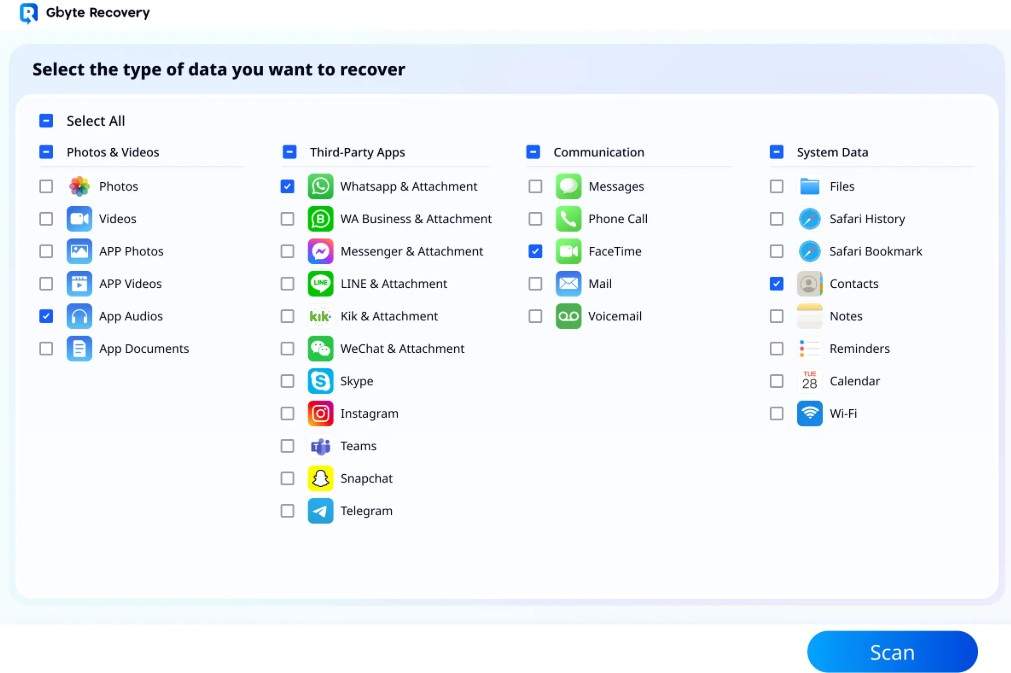
Gbyte Recovery is another of the best WhatsApp recovery software for iPhone that claims to recover data from 26+ apps, including WhatsApp. However, the guide image shows only 11 apps for data recovery. Nonetheless, the interface is seamless, and it offers 2 recovery modes: iPhone and iCloud, to recover WhatsApp. In addition, the recovery is local or performed through Apple ID login to access and recover WhatsApp iCloud data.
Pricing Plans
- Monthly Plan: $49.99
- Annual Plan: $99.99
- Lifetime Plan: $149.99
- End-to-end encryption keeps the data secure.
- Compatible with the latest iOS/iPadOS versions.
- No option to recover WhatsApp View Once media files.
- Large iCloud backups can take several hours to restore.
3. Tenorshare UltData
Best For: WhatsApp recovery from device or iTunes backups.
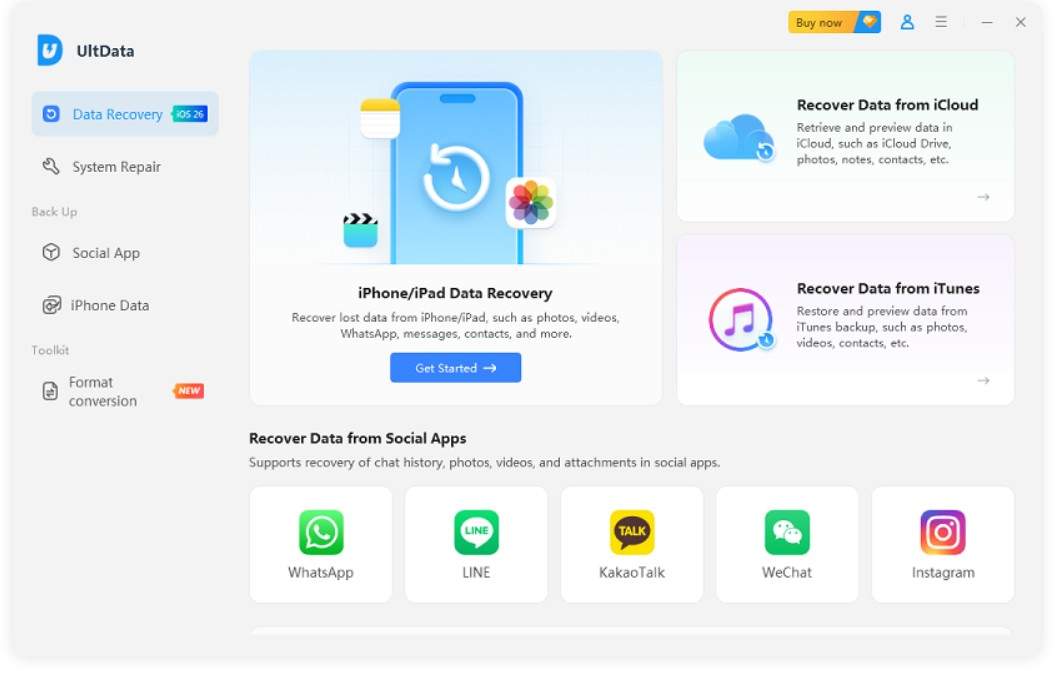
In the Dr.Fone vs Tenorshare UltData WhatsApp recovery comparison, it's another tool that can recover 35+ data types from iOS and iPad devices. However, it can only recover WhatsApp data from the iPhone, not from Sync, Drive, & Backup. With a total of 4 recovery options, you can also use it to get back WhatsApp data from an iTunes backup, but the guide can baffle you.
Pricing Plans
- Monthly Plan: $45.95
- Annual Plan: $49.95
- Lifetime Plan: $65.95
- Let you choose the WhatsApp data you want to restore.
- Recover Instagram, LINE, WeChat, and other social apps' data.
- Cannot retrieve lost WhatsApp Business or View Once data.
- Deep scanning takes time and sometimes fails.
4. iMobie PhoneRescue
Best For: Only WhatsApp recovery from device, iCloud, and iTunes backups.
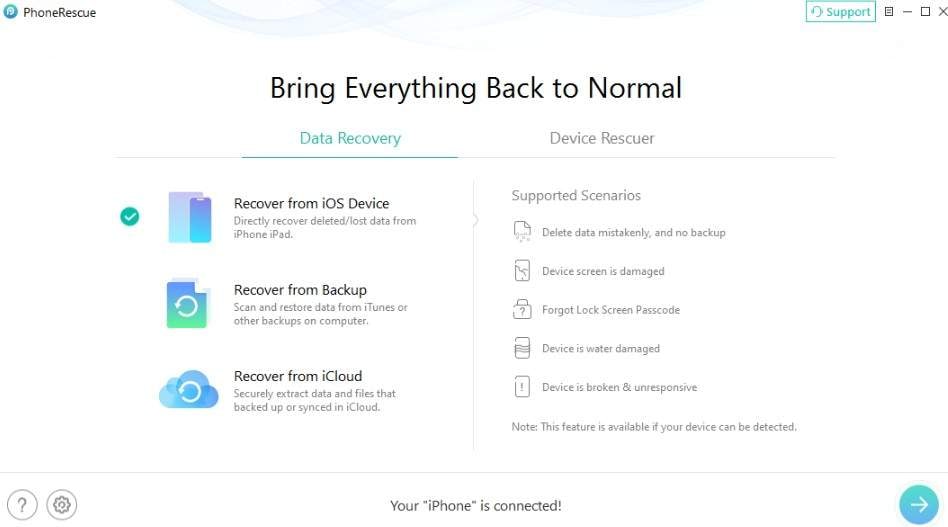
If you need a tool to recover WhatsApp data from a device, iCloud, or iTunes, use PhoneRescue. However, there is no opinion for WhatsApp Business and View Once media recovery, and it has 4 recovery modes. Despite that, it has a separate guide, and users can also extract data from encrypted backups in this Dr.Fone vs iMobie PhoneRescue WhatsApp recovery comparison.
Pricing Plans
- Monthly Plan: $65.99
- Annual Plan: $69.99
- Lifetime Plan: $99.99
- It can also fix iOS system crashes like frozen or black screens.
- Accessible to unlimited devices and 1 PC.
- Scans often fail for large iPhone, iTunes, and iCloud backups.
- Recovering data is only allowed in the Pro plan.
5. Aiseesoft FoneLab
Best For: Pause or resume WhatsApp recovery scans.
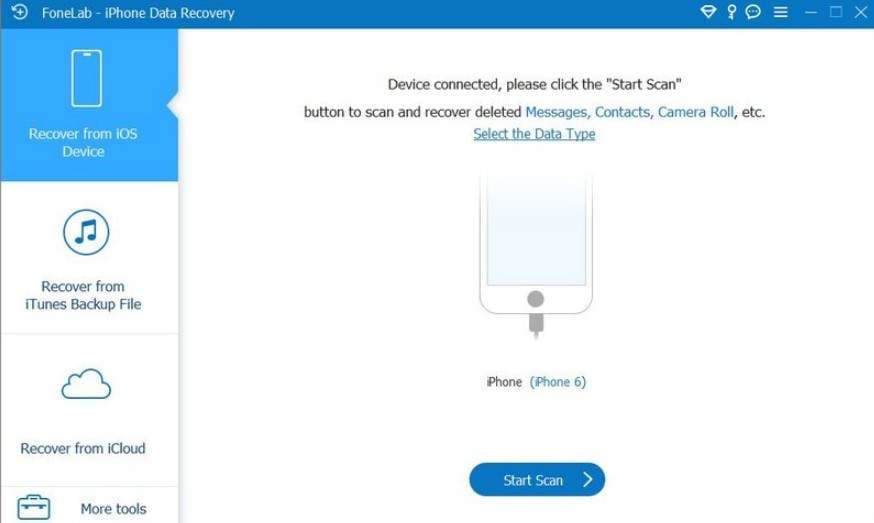
Aiseesoft FoneLab is a dependable choice in the Dr.Fone vs Aiseesoft FoneLab WhatsApp recovery comparison when you need to recover WhatsApp data only from iOS devices. Though you can extract other data types from iCloud and iTunes backups, the tool's guides and interface are basic. Furthermore, you can pause and resume the scan as needed for complete control, though this can take time.
Pricing Plans
- Monthly Plan: $26.90
- Lifetime Plan: $63.96
- Claims a 3x higher success rate.
- Compatible with iOS 27 beta and iOS 26 devices.
- Cannot recover WhatsApp Business and View Once data.
- Older iPod Touch models below 2nd gen aren't supported.
6. AnyRecover
Best For: Basic WhatsApp data recovery.
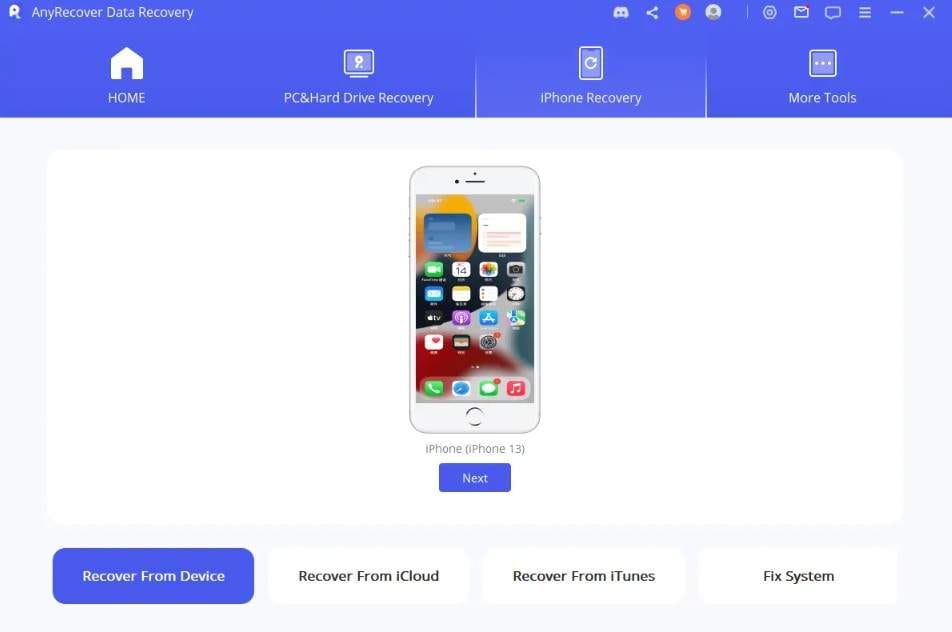
In the Dr.Fone vs AnyRecover WhatsApp recovery comparison, AnyRecover can recover WhatsApp data from the device, iCloud, and iTunes, but not WhatsApp Business data. Despite that, the guides are separate for each of its 5 recovery modes, and the interface is seamless for novices. In addition, the scan is free, and users can access this tool on 3 devices and 2 PCs.
Pricing Plans
- Monthly Plan: $59.99
- Annual Plan: $79.99
- Lifetime Plan: $99.99
- Supports Line, Viber, Kik, WeChat, and QQ recovery.
- Advanced file filters let users select what to recover.
- Deep scan takes time or fails midway.
- No option to recover WhatsApp Business and View Once media.
7. AppGeeker
Best For: 3 flexible options for only WhatsApp recovery.
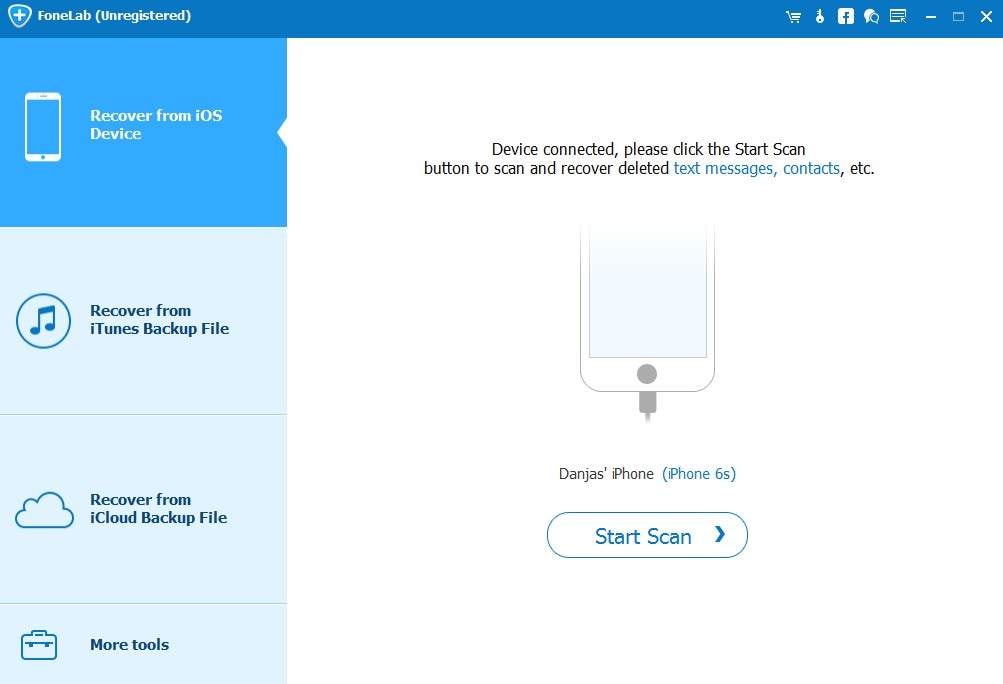
With 3 main recovery modes, AppGeeker can also recover WhatsApp data from iCloud, iTunes, and devices. Although it lacks WhatsApp Business and View Once recovery options, you can access it on 6 devices and 1 PC. In addition, it can also recover 12 other data types, but the guide remains unclear in this Dr.Fone vs AppGeeker WhatsApp recovery comparison.
Pricing Plans
- Lifetime Plan: $69.95
- iCloud recovery method won't overwrite existing device files.
- A free trial allows a full scan without any limitations.
- Full recovery requires payment after the free preview stage.
- Compatibility is limited to iOS 18, as per the site.
8. Stellar iPhone Data Recovery
Best For: WhatsApp recovery from device and iTunes only.
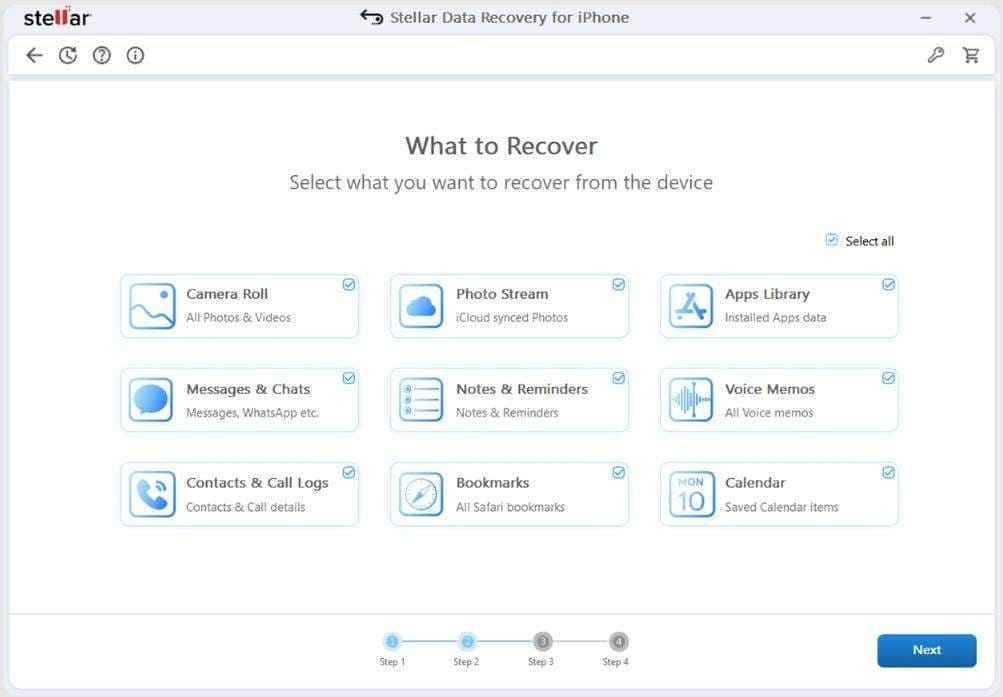
As the final option in this Dr.Fone vs Stellar WhatsApp recovery comparison, this tool is compatible with iOS 26, Windows, and Mac. With 2 recovery modes, you can use this tool to recover WhatsApp data from an iDevice and iTunes, but not from an iCloud backup. Nonetheless, it's somehow affordable and comes with simple and detailed guides.
Pricing Plans
- Standard: $59.99
- Toolkit: $79.99
- Free scan and preview options.
- Recovers data from iPad/iPad Air/iPad Mini/ iPad Pro.
- Cannot recover iCloud backup data of WhatsApp.
- Limit the option to extract WhatsApp Business data.
Part 3. How to Recover Deleted WhatsApp Messages on iPhone?
Reddit is flooded with WhatsApp message recovery posts because messages can be lost due to accidental deletion or system issues. Based on detailed reviews and expert evaluations, Dr.Fone - Data Recovery is the best WhatsApp recovery tool for iPhone.
 Recovers data after deletion, crashes, or device damage.
- Supports photos, messages, contacts, WhatsApp, and more.
- Supports all major iPhone, iPad, and iPod models.
- Preview and recover only what you need.
This is because the tool comes with 8 recovery modes and can extract WhatsApp, WhatsApp Business, and View Once data in just 2-3 simple steps. To further test the claims of this tool, let's perform the iCloud WhatsApp message recovery via the mentioned guide:
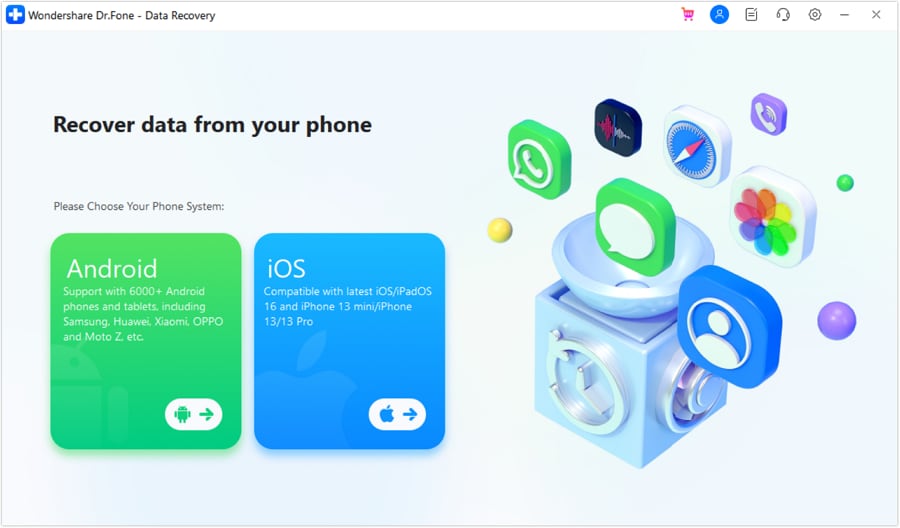
Step 1 Tap Recover WhatsApp Data on Dr.Fone
Take the iPhone 17 as an example and choose the "Recover WhatsApp Data" option from the Data Recovery tool of the iPhone to add and verify the iCloud details.
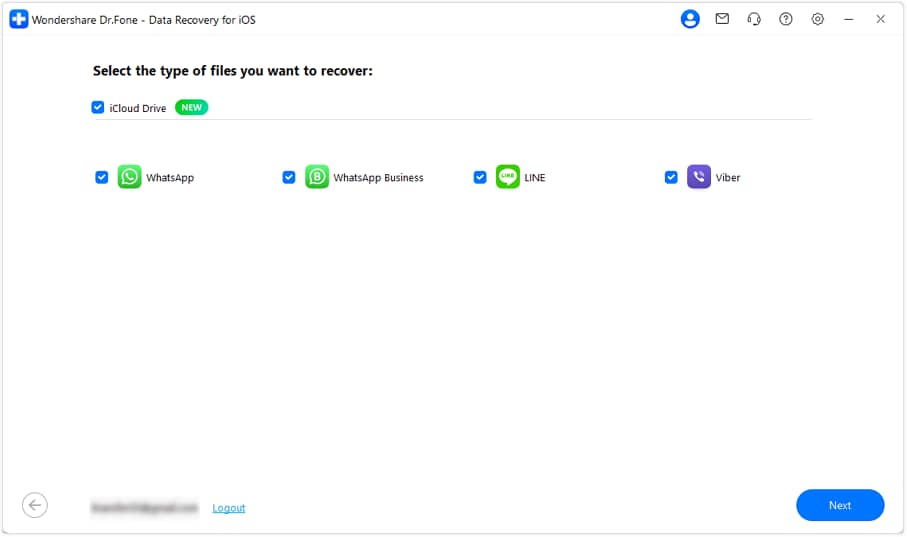
Step 2 Pick Between WhatsApp and WhatsApp Business
Pick between "WhatsApp" and "WhatsApp Business" from the app list and press the "Next" button to let Dr.Fone download the content.
Step 3 Recover WhatsApp Data to Phone or PC
Based on your WhatsApp type, tap the "Download" button next to the backup file, then add the account details to verify. Add the code, then filter the recovered messages to save them to the device or PC via Dr.Fone.
Conclusion
According to iOS experts, it's a must to use the best WhatsApp recovery software for iPhone that gives multiple recovery options. Hence, this guide has compared Dr.Fone - Data Recovery with other tools. Based on the official claims and detailed evaluation, Dr.Fone - Data Recovery outshines all because of its 8 recovery methods. In addition, it's the only tool that offers WhatsApp View Once media recovery, along with other apps.
FAQs
-
What is the best WhatsApp recovery software for iPhone in 2026?
If you need a tool to recover WhatsApp, WhatsApp Business, and WhatsApp View Once media, Dr.Fone - Data Recovery (iOS) is the right choice. Additionally, the tool comes with free scan and preview options and is affordable compared to other tools. -
Is it safe to use third-party WhatsApp recovery software?
Yes, most tools like Dr.Fone - Data Recovery (iOS) function via a read-only scan to extract WhatsApp and WhatsApp Business data. Through this, the users' existing data remains safe from being overwritten, and the rest of the recovery is done locally. -
How long does WhatsApp recovery from iCloud usually take?
This depends on the backup size and the tool used to recover WhatsApp and WhatsApp Business data in 2026. Overall, tools like Dr.Fone - Data Recovery (iOS) hardly take 10 minutes, and the free scan does not fail either.
 Add Wondershare Dr.Fone as a preferred source on Google