Recover photos, messages, WhatsApp, and more — no backup
needed.
Recover photos, messages, WhatsApp, and more — no backup
needed.

 100% Security Verified | No Subscription Required | No Malware

 :
: 
 ChatGPT
 Perplexity
 Gemini
 Claude
 Grok
Grok
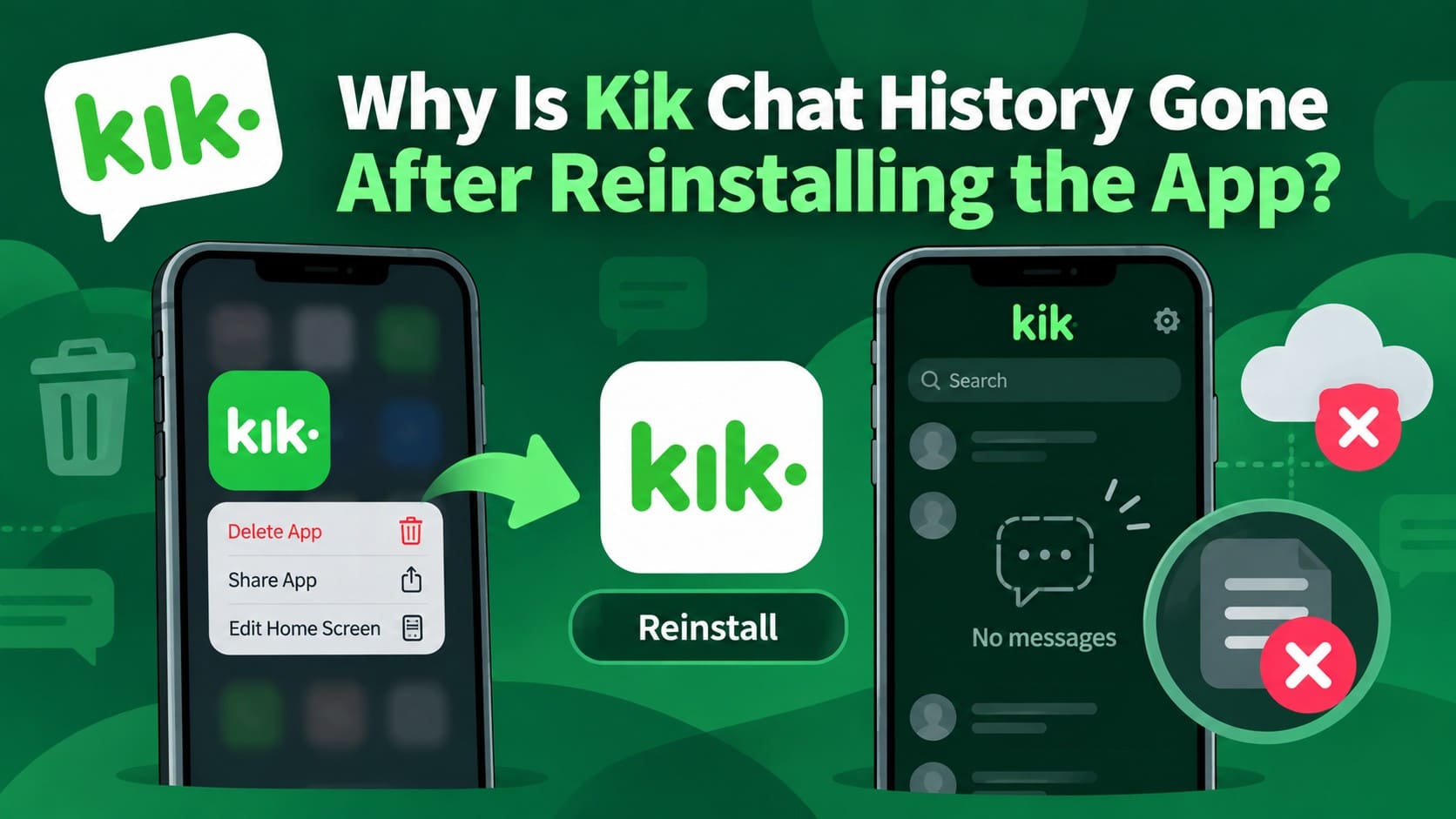
Kik stores your chat list and actual message content differently, which becomes noticeable after logging out, reinstalling the app, or switching devices. Your conversation list may return after signing in, while the messages inside those chats remain missing.
A Kik chat history gone issue usually occurs because Kik does not provide a server-side backup for restoring old message content. Logging out or removing the app clears locally stored chat history. This guide explains why Kik messages disappear, what to do afterward, and how Dr.Fone - Data Recovery (iOS) can check the original iPhone for recoverable Kik data.
In this article
Part 1. Why Kik Messages Disappear After Logout, Reinstall, or Device Changes
For people dealing with missing Kik messages, what remains depends on the action taken and where the chat history was stored. Logging out, reinstalling Kik, or signing in on a new phone can affect locally stored messages differently from the conversation list. The table below compares each situation, showing what happens to your chat list, message contents, and the original device:
| What Happened | Conversation List | Message Contents | Original Device |
|---|---|---|---|
| Logged Out and Back In | Contacts and chat list return | Cleared | Local history is cleared |
| Deleted and Reinstalled | Account and chat list return | Cleared | Local history is cleared |
| Signed In on a New Phone | Existing chat list can appear | History on the previous device is cleared | Now signed out |
| Never Logged Out | Existing chats remain available | Recent history stays on the device, subject to Kik's history limits | Holds limited history |
Kik Messages Disappeared After Logging Out
This is expected behavior and does not mean your Kik account has been deleted. According to Kik, logging out automatically clears your chat history for security purposes. After signing back in, your contacts and conversation list may return, but the previous message contents will not.
Kik Messages Disappeared After Reinstalling the App
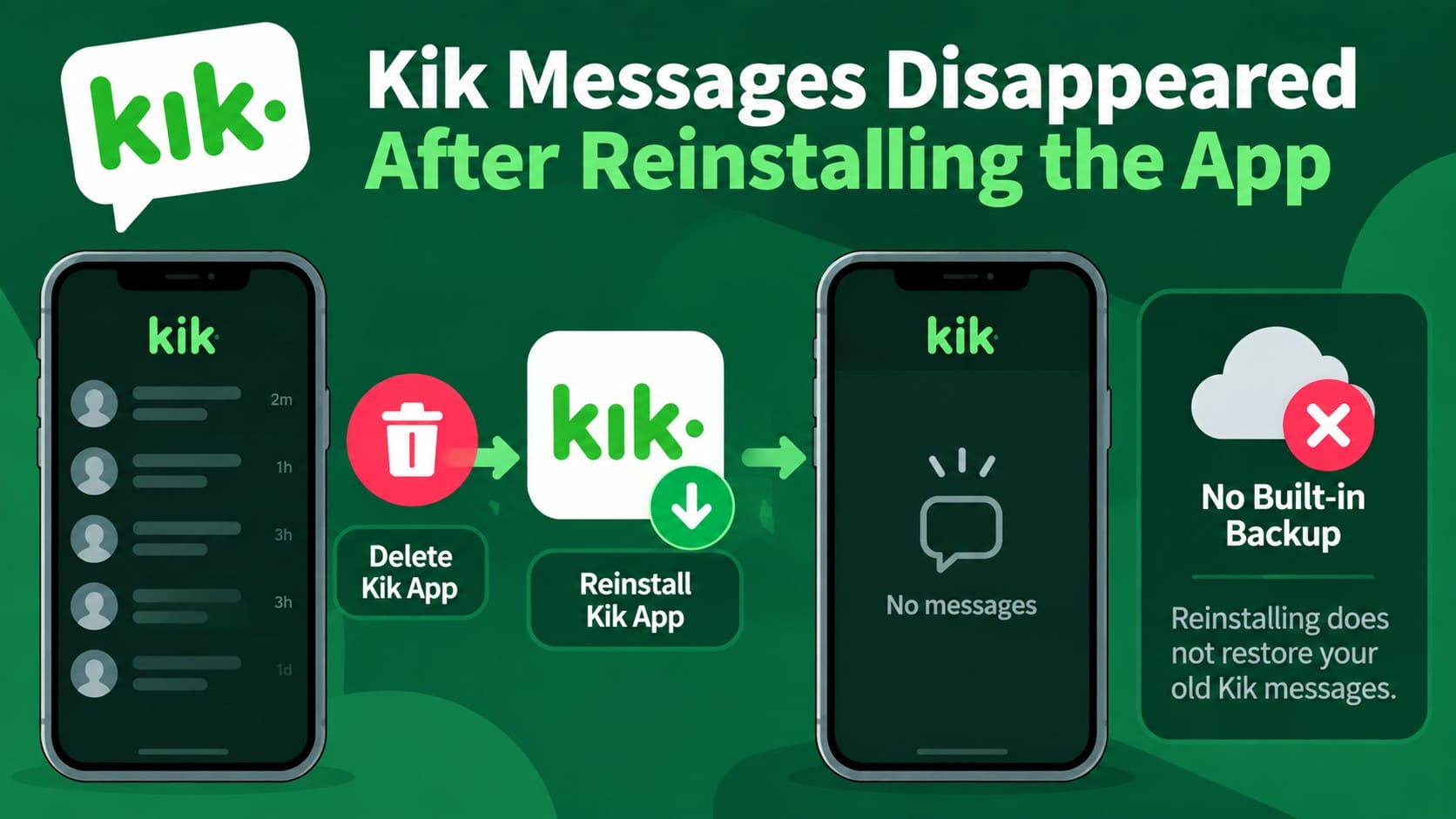
Trying to recover Kik messages after reinstalling becomes difficult because removing the app also clears its locally stored chat data. According to Kik's guidance, Kik does not offer a built-in option to save or back up chat history. Reinstalling the app also does not restore previously cleared messages.
Kik Messages Disappeared After Signing in on Another Device
If you try to recover Kik messages on a new phone, signing in with the same account will not transfer your previous chat history. According to Kik, signing in on another device automatically logs you out of the previous one and clears its chat history. However, the list of people you previously chatted with may still appear.
Why Kik Cannot Restore the Missing Chat History
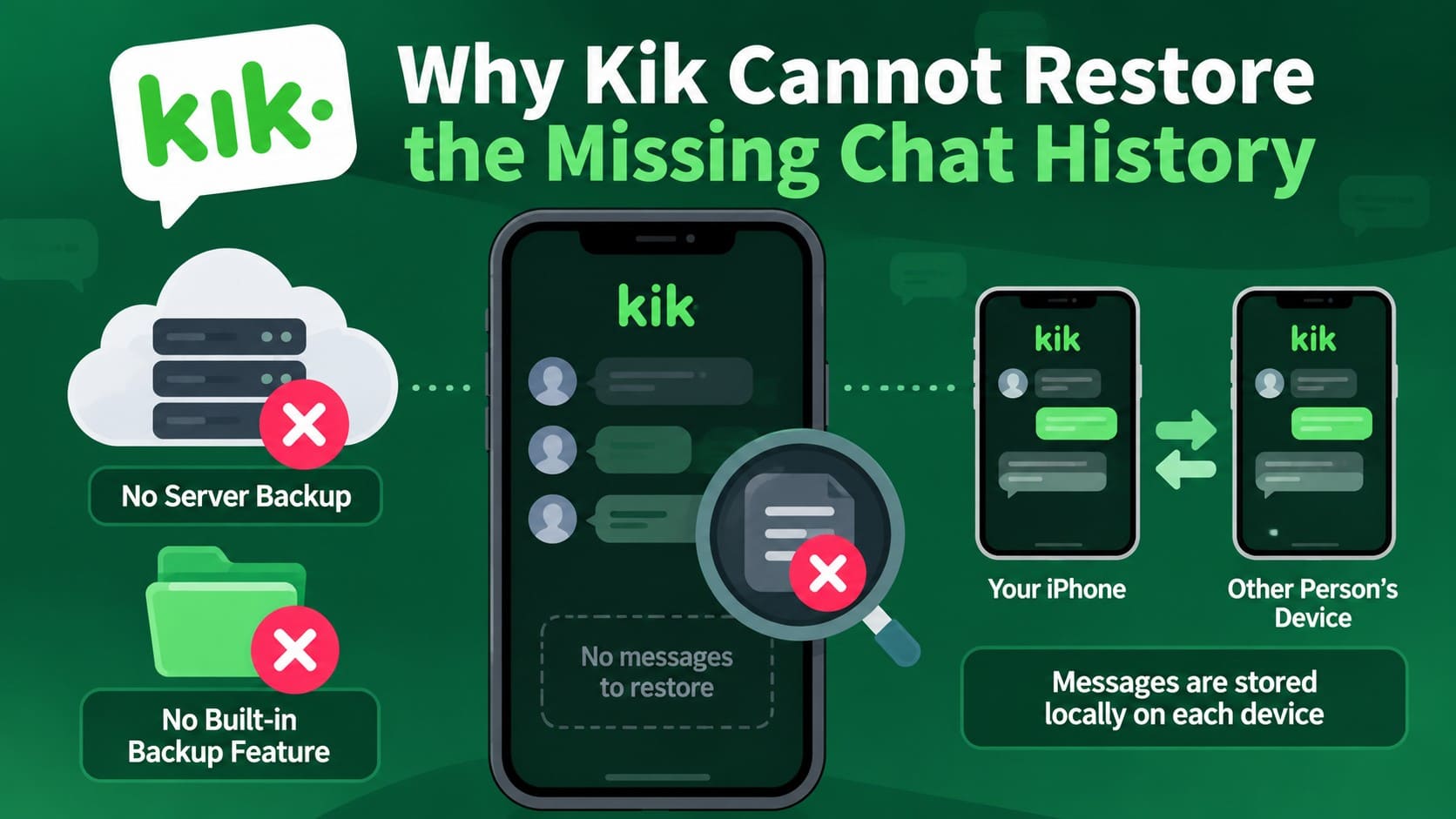
The main limitation is that Kik does not keep a server-side copy of your chat content that can be restored later. Its support documentation states that Kik cannot provide copies of users’ messages and does not offer a built-in option for backing up chat history.
For missing Kik messages, recovery depends on whether another copy of the conversation still exists. Simply signing back into the same account will not restore cleared chat history. Kik explains that messages are stored locally on each user’s device, so the other participant may still have their copy of the conversation.
Part 2. What to Do After Kik Messages Disappear
For missing Kik messages, your next actions can affect what information remains available on the original iPhone. Before attempting recovery, follow the points below to protect any remaining chat data and avoid reducing your recovery options:
| What to Do | Why It Matters |
|---|---|
| Find the Original iPhone | Use the iPhone that previously stored the missing Kik chats, since a new phone does not contain that old local history. |
| Stop Unnecessary Use | Limit photos, app installations, downloads, and other activity that may overwrite data still available for recovery. |
| Don't Log Out or Reinstall Kik Again | Avoid repeating either action because it can further affect locally stored Kik data on the device. |
| Don't Reset or Erase the iPhone | Resetting or erasing the device removes local data and can eliminate information that might otherwise remain recoverable. |
| Ask the Other Participant | Check whether the other participant still has the conversation, since their locally stored copy may contain the messages you need. |
Part 3. Recover Kik Messages After Logout or Reinstall with Dr.Fone Social Media Recovery
Dr.Fone - Data Recovery (iOS) provides Advanced Recovery for users who need to recover Kik messages after reinstalling without an existing backup. Its Social Media Recovery feature supports data recovery from Kik as well as LINE, Viber, Snapchat, and Gmail on compatible iPhones. For Kik recovery specifically, it supports iPhone 16 series and earlier models running iOS 17.0–18.7.1 or iOS 26.0–26.0.1.
The read-only scan lets users preview available data before selecting what to recover. Recovery results depend on what data remains available on the iPhone and cannot be guaranteed. For other data types, Standard Recovery supports more than 35 categories, including messages, call logs, notes, calendar events, and documents. This provides a broader recovery option while keeping the iPhone’s existing data unchanged.
 Recovers data after deletion, crashes, or device damage.
- Supports photos, messages, contacts, WhatsApp, and more.
- Supports all major iPhone, iPad, and iPod models.
- Preview and recover only what you need.
Guide to Recover Kik Messages After Logout or Reinstall
Use the original iPhone that previously stored Kik conversations, as the new device does not contain that local chat history. Connect the relevant iPhone to your computer and follow the steps below to recover Kik messages after logout or reinstall using Dr.Fone:
-
Step 1 Choose Advanced Recovery and Start the Scan
In Dr.Fone - Data Recovery (iOS), select “Recover Data from iOS Device.” Once the device is recognized, choose “Advanced Recovery” mode and click “Start Scan” to proceed.

-
Step 2 Choose Kik for Social Media Recovery
Under “Social Media,” select “Kik” as the data type you want to recover. Click “Start Scan,” then complete the Apple ID verification and trust the Dr.Fone DataLink app.

-
Step 3 Preview and Recover the Kik Data
Once the scan finishes, preview the available Kik data and filter the results to locate the conversations you need. Select the required chats and choose the available recovery option to complete the process.




Part 4. Prevent Kik Messages from Disappearing After Logout or Reinstall
To prevent missing Kik messages in the future, it helps to protect important content before making changes that can affect locally stored chat history. The points below cover practical ways to preserve conversations, attachments, and other important information before logging out, reinstalling Kik, or switching to another device:
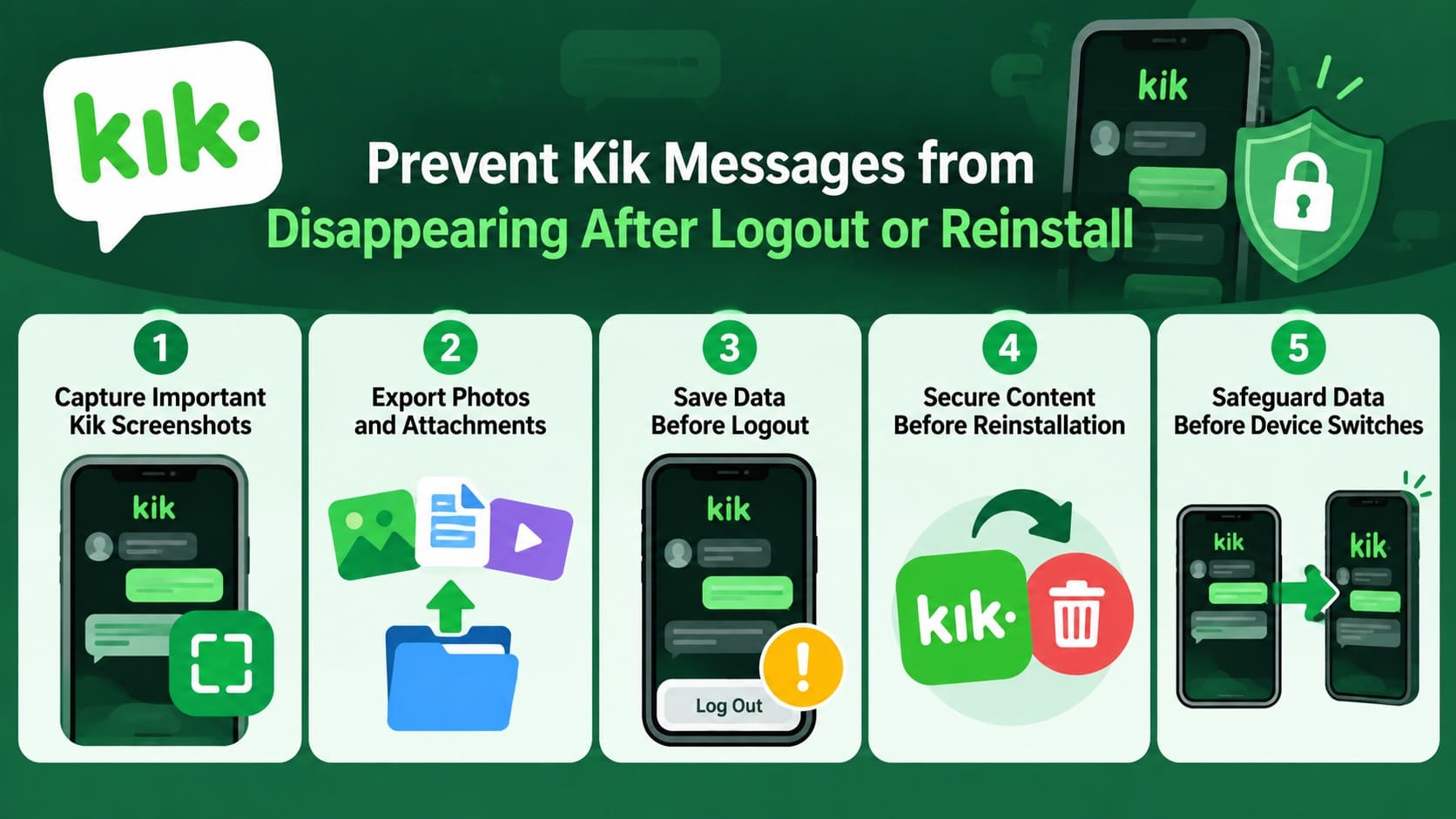
- Capturing Important Kik Screenshots: Take screenshots of important messages and longer conversations you may want to reference later. This provides an accessible copy of essential chat information outside the conversation itself.
- Saving Photos and Attachments: Save important photos, videos, and supported attachments outside Kik while they remain accessible. Store them in suitable locations on your iPhone for easier access later.
- Preserving Data Before Logout: Review your conversations beforehand and preserve any messages, contact details, links, or other information you may need. Screenshots are useful for keeping important text in an easily accessible format.
- Securing Content Before Reinstallation: Check your existing conversations and save anything valuable before reinstalling the app. Prioritize important messages and media that you cannot easily obtain again from another source.
- Safeguarding Data Before Device Switches: Prepare important Kik content before moving to another phone. Save essential conversations, attachments, contact information, and other useful details separately, so they remain accessible after the switch.
Conclusion
When Kik chat history is gone after logout or reinstall, restoring previous conversations through Kik may no longer be possible. Since chat content is stored locally, the original iPhone becomes important when exploring recovery options. Dr.Fone - Data Recovery (iOS) can scan supported iPhones for recoverable Kik data without requiring an existing backup. Recovery is not guaranteed, so checking copies saved by other chat participants can provide another option.
FAQ
-
1. Why are my Kik conversations still listed but the messages are gone?
Kik may show your contacts and previous conversation list after you sign back in, even though the messages are no longer available. This happens because Kik handles the conversation list separately from locally stored chat content, which is not restored when you sign back in. -
2. Can Kik Support restore messages lost after logout?
No. Kik Support cannot restore chat content that is no longer available on the device. If recoverable Kik data remains on the original iPhone, Dr.Fone can use Advanced Recovery to scan supported devices for available data. However, successful recovery depends on what remains accessible and is not guaranteed. -
3. Does reinstalling Kik permanently remove chat history?
Reinstalling Kik does not restore chat history that was removed with the app. However, some deleted data may still be recoverable from the original iPhone, depending on what remains available in its storage and whether it has been overwritten. -
4. Can the other person still see Kik messages that disappeared from my iPhone?
Yes, they may still have the conversation on their device. Kik stores chat content locally for each user, so changes to your iPhone do not automatically remove the other participant’s copy. You can ask them to resend important messages or share screenshots of the conversation.
 Add Wondershare Dr.Fone as a preferred source on Google