Recover photos, messages, WhatsApp, and more — no backup
needed.
Recover photos, messages, WhatsApp, and more — no backup
needed.

 100% Security Verified | No Subscription Required | No Malware

 :
: 
 ChatGPT
 Perplexity
 Gemini
 Claude
 Grok
Grok
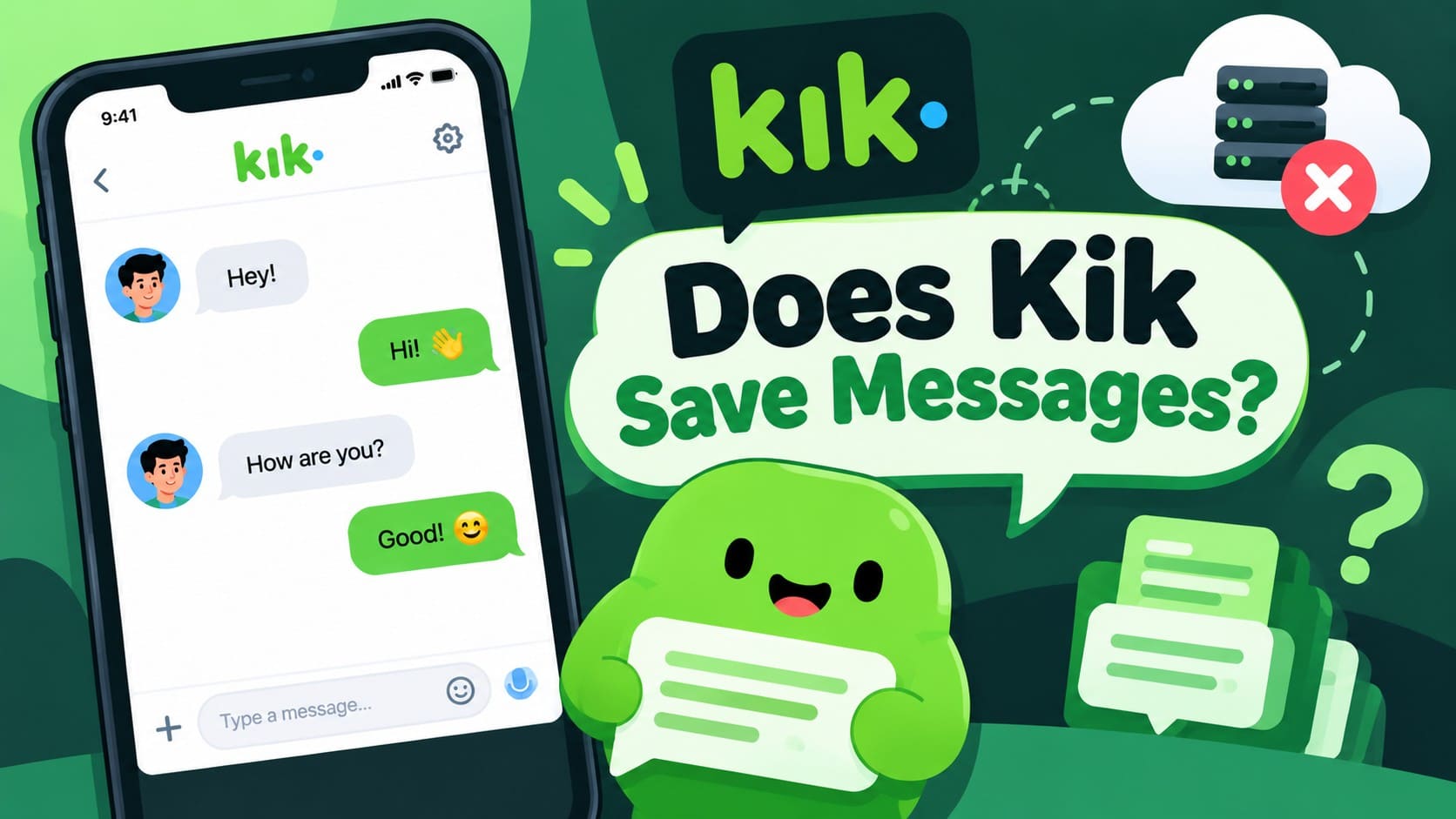
Kik does not work like messaging apps that keep a permanent cloud archive of your conversations. So, does Kik save messages? Kik chat history remains locally available on your device, with specific limits determining how many recent and older messages you can still view. Once that history disappears, Kik does not offer a built-in backup for restoring complete conversations.
This makes understanding where Kik messages are stored important before logging out, deleting the app, or moving to another device. This guide explains Kik message limits, what can clear your Kik chat history, and which options may help when conversations are already missing. It also covers Dr.Fone - Data Recovery (iOS) as a recovery option for supported iPhones.
In this article
- Part 1. Does Kik Save Messages and Where Are Kik Messages Stored?
- Part 2. How Long Does Kik Keep Messages and Chat History on iPhone?
- Part 3. Does Kik Delete Old Messages? What Can Clear Kik Chat History?
- Part 4. Can Missing or Deleted Kik Chat History Be Recovered?
- Part 5. How to Save Kik Messages Before They Disappear
Part 1. Does Kik Save Messages and Where Are Kik Messages Stored?
Your Kik chat history is stored locally on your device rather than in a retrievable cloud archive. Kik does not retain the content of user chats for later retrieval, so it cannot provide copies of old conversations once they are no longer available on your device.
Kik Account Data is Different from Chat Content
Kik may retain certain information associated with your account, but this is different from storing your conversations. Account data that may be available through a data request does not include a retrievable transcript of your old messages. This distinction is important when asking where Kik messages are stored. Your account can continue to exist even when locally available message history is gone.
Part 2. How Long Does Kik Keep Messages and Chat History on iPhone?
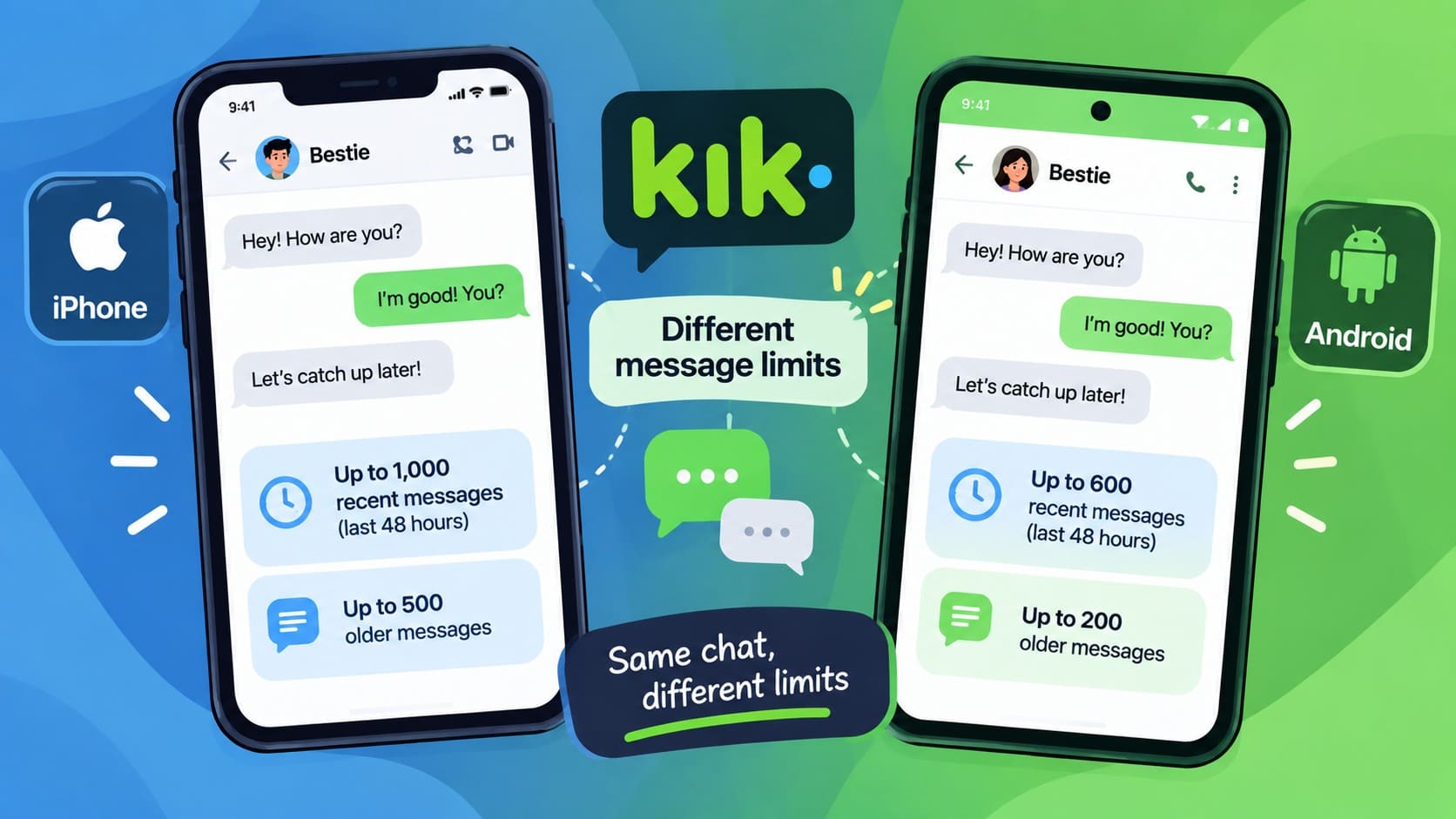
At this point, you might wonder: how long does Kik keep messages? Kik does not set a fixed number of days after which every message disappears. Instead, the amount of Kik chat history available depends on the platform and how recently the chat was active. On iPhone, Kik applies different limits to recent and older chats, as shown below:
| Chat Activity | Messages Kept on iPhone | What Decides It |
|---|---|---|
| Used Within the Last 48 Hours | Up to the last 1,000 | Recent-chat limit applies |
| Older Than 48 Hours | Up to the last 500 | Older-chat limit applies |
| Either Category, Once Full | Older messages become unavailable | Message limit is reached |
The 48-Hour Period Is Not a Simple Deletion Timer
The 48-hour period can be confusing when asking, “Does Kik delete old messages?” Kik uses it to distinguish between recent and older chats with different message limits. It does not mean every message is automatically deleted exactly 48 hours after being sent.
Android Has Different Kik Message Limits
The limits are lower on Android. Kik states that users can see up to 600 messages from chats active within the last 48 hours and up to 200 from older chats. As a result, the amount of locally available chat history can differ between Android and iPhone.
Kik Does Not Provide a Built-In Backup for Older Messages
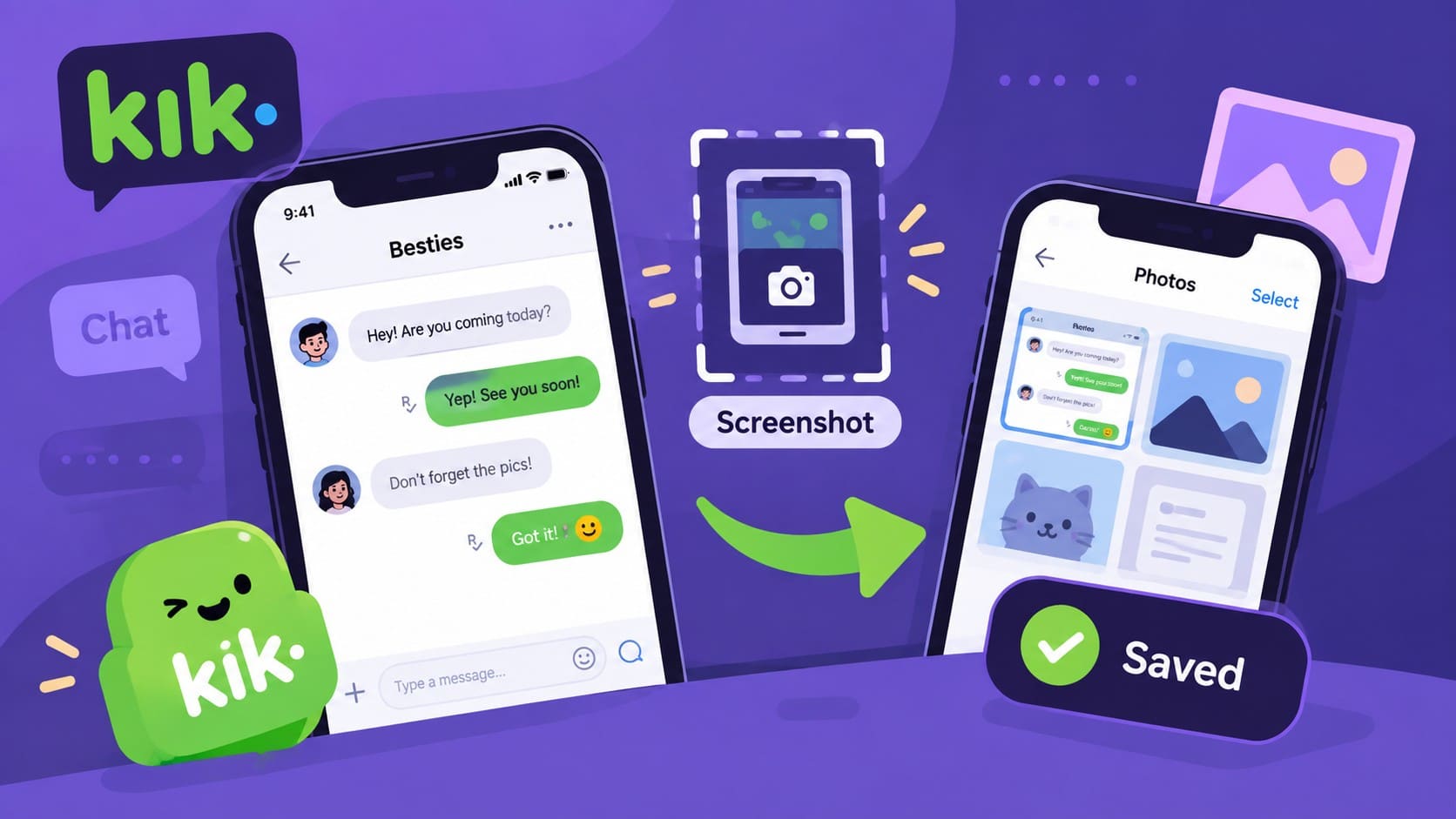
Once messages are no longer available in your local Kik history, there is no built-in backup you can use to restore them. Kik does not provide a native option to save or back up chats and recommends taking screenshots of important conversations you want to keep.
Part 3. Does Kik Delete Old Messages? What Can Clear Kik Chat History?
Message limits are not the only reason old conversations disappear from Kik chat history. Logging out, signing in on another device, deleting the app, deactivating your account, or manually deleting a message can also clear locally available content.
So, does Kik delete old messages? Older messages can become unavailable as Kik’s chat limits are reached, while certain account and app actions can clear history separately. The table below shows what happens in each case.
| Action | What Happens to Kik Chat History | Can Signing Back in Restore It? |
|---|---|---|
| Log Out of Kik | Locally available chat history is cleared | No |
| Sign In on Another Device | Chat history on the previous device is cleared | No |
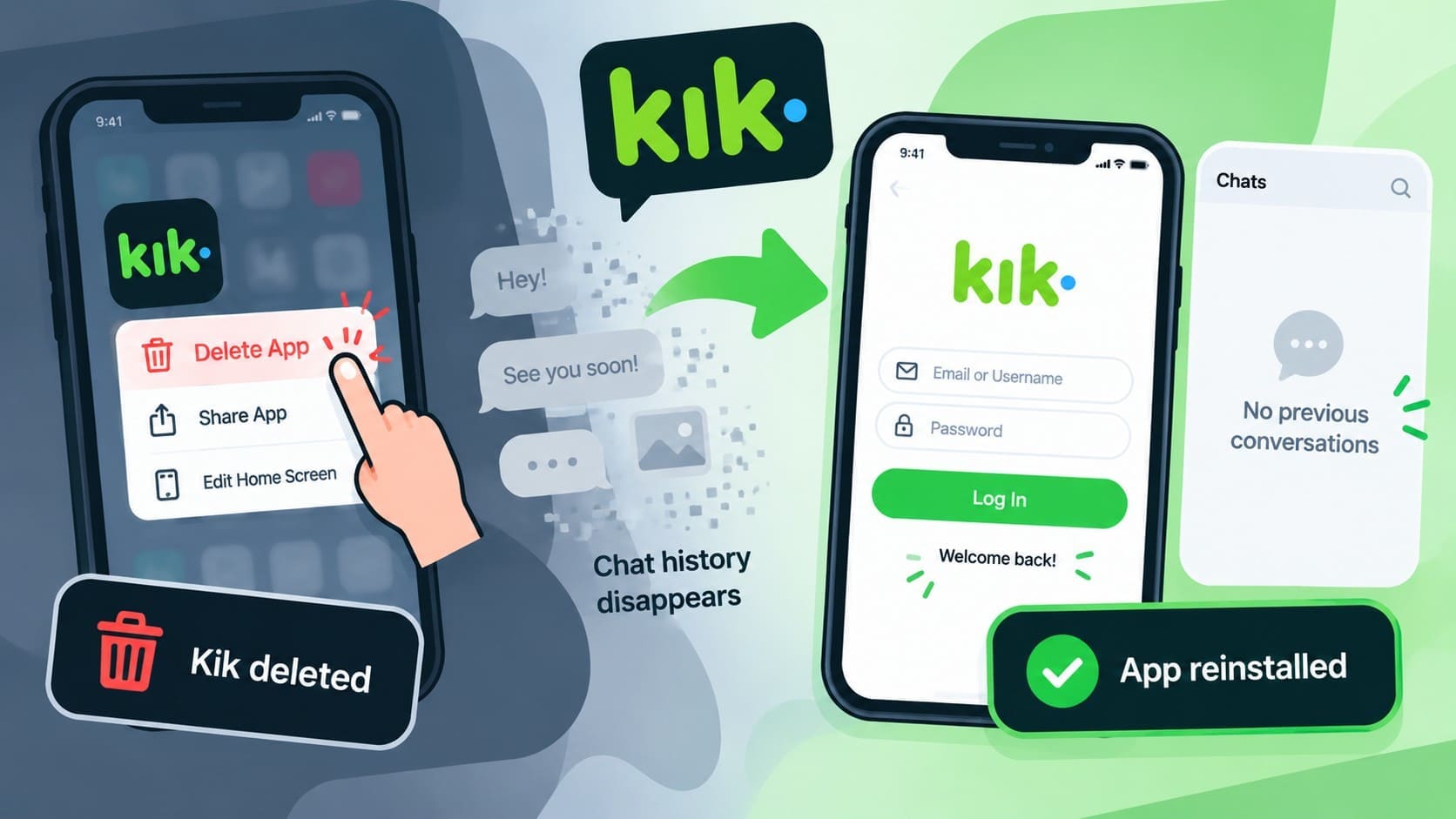
| Delete/Reinstall Kik | Existing local chat history is removed | No |
| Deactivate the Account | Locally available chat history is cleared | No |
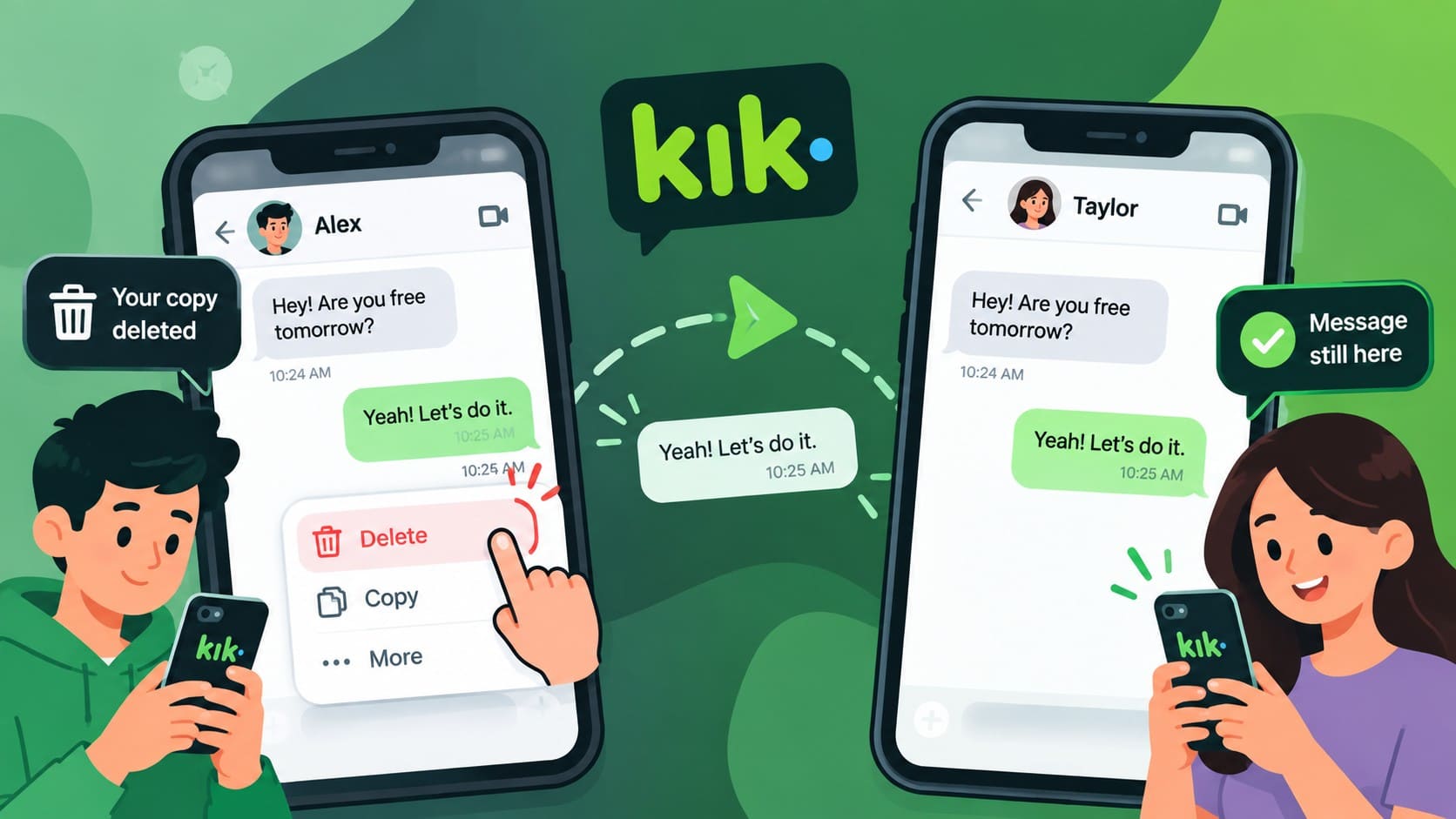
| Delete a Message/Chat | Your local copy is deleted | No |
Signing in on Another Device Clears Previous Chat History
Kik does not support using the same account on multiple devices simultaneously. Signing in on another device logs you out of the previous one and clears the chat history stored there. Existing messages are not transferred to the new device, so save important conversations before signing into Kik on a replacement phone.
Deleting and Reinstalling Kik Can Remove Old Messages
Deleting the Kik app can also remove the Kik chat history available through that installation. Reinstalling the app and signing back in does not restore previous conversations. Kik lists deleting the app as one reason chat messages may disappear.
Deactivating Your Kik Account Clears Chat History
Account deactivation is different from simply deleting the app. Deactivating your Kik account clears your chat history, while removing the app deletes Kik from the device. Save any important messages or content before making either change.
Deleting a Kik Message Only Removes Your Copy
Deleting a Kik message does not remove the recipient’s copy. Kik explains that messages are stored locally on each person’s device. If your copy is gone, the other person may still have the conversation and can resend the required messages or provide screenshots.
Part 4. Can Missing or Deleted Kik Chat History Be Recovered?
If your Kik chat history is missing, start by checking whether another copy of the conversation still exists before attempting device recovery. The following options can help you locate saved messages, media, or other chat content:
| Recovery Option | When It Can Help | Main Limitation |
|---|---|---|
| Check the Kik Conversation | Messages are still available in your chat history | Older messages may already be unavailable |
| Ask the Other Person | Their device still contains the conversation | Depends on their copy still being available |
| Check Saved Screenshots/Media | You previously saved messages or media | Only recovers content you saved |
| Scan the Original iPhone | Kik data is missing, and no other copy exists | Recovery is not guaranteed |
Check the Existing Kik Chat History First
Open the original conversation and check whether the messages are still available. As explained earlier, where Kik messages are stored matters here. If the conversation is still available, save important messages before you log out, delete Kik, or switch devices.
Ask the Other Person for Their Copy
If the other person still has the conversation, ask them to share screenshots or copy the messages you need. Their locally stored copy can help recover important information when your own Kik chat history is no longer available.
Check Screenshots and Previously Saved Content
Previously saved screenshots or media may still preserve parts of your Kik chat history. Check the Photos app for anything saved while the conversation was available. These copies cannot restore chats inside Kik, but they can help recover important messages or media.
Recover Kik Chat History with Dr.Fone - Data Recovery (iOS)
When missing conversations are no longer available through Kik, Dr.Fone - Data Recovery (iOS) provides a device-based recovery option. Its Advanced Recovery mode scans compatible iPhones for recoverable Kik chats and attachments without requiring a Kik backup. Current documentation lists support for iPhone 16 series and earlier running iOS 17.0–18.7.1 or iOS 26.0–26.0.1.
Advanced Recovery extends beyond Kik chat history to supported LINE, Viber, Snapchat, and other iOS data. Once scanning is complete, Dr.Fone lets you preview available content and select what you want to recover. Across its recovery features, the software supports 35+ iOS data types and can retrieve selected files without overwriting existing data on the iPhone.
 Recovers data after deletion, crashes, or device damage.
- Supports photos, messages, contacts, WhatsApp, and more.
- Supports all major iPhone, iPad, and iPod models.
- Preview and recover only what you need.

Guide to Recover Kik Chats with Dr.Fone
With the basics clear on where Kik messages are stored, follow these steps to recover missing Kik chats using Dr.Fone - Data Recovery (iOS):
-
Step 1 Start an Advanced Recovery Scan
Start from Dr.Fone’s Data Recovery tool for iPhone and choose “Recover Data from iOS Device.” Connect your iPhone as prompted, enter “Advanced Recovery,” and click “Start Scan.”

-
Step 2 Choose Kik and Complete Device Verification
From the “Social Media” category, select “Kik” and start the scan. Follow the prompts to verify your Apple ID and trust the Dr.Fone DataLink app before continuing.

-
Step 3 Preview and Recover the Kik Chats
After the scan, browse the detected Kik content and use the filters to narrow the results. Preview individual chats and attachments, then mark the items you want to keep and recover them.




Part 5. How to Save Kik Messages Before They Disappear
Since Kik chat history is stored locally and Kik does not offer a built-in chat backup, important content should be saved outside the app. The following 5 practices can help protect messages, photos, and attachments before they become unavailable:
| What to Do | Why It Helps |
|---|---|
| Take Screenshots of Important Kik Conversations | Keeps important messages in Photos even if your Kik chat history is later cleared. |
| Copy Important Message Text Outside Kik | Preserves addresses, numbers, links, or other useful text in Notes or another secure location. |
| Save Photos, Videos, and Attachments Outside Kik | Keeps important media in Photos or Files instead of relying on Kik alone. |
| Save Chats Before Logging Out, Deleting Kik, or Switching Devices | These actions can clear locally available chat history, so preserve important content beforehand. |
| Do Not Treat Kik as a Permanent Chat Archive | Kik does not provide a built-in way to back up and later restore complete chat history. |
Conclusion
Answering “does Kik save messages?” starts with understanding that Kik chat history is stored locally rather than in a retrievable cloud archive. Kik limits how much message history remains available, while certain account and app actions can clear it.
Screenshots and saved content can help preserve important conversations beforehand. If chats are already missing, Dr.Fone - Data Recovery (iOS) provides a device-scanning option for recovering supported Kik data, although recovery is not guaranteed.
FAQ
-
1. Does deleting a Kik message also delete it from the recipient's phone?
No. Deleting a Kik message removes only your local copy, not the recipient’s. If their copy is also unavailable, Dr.Fone - Data Recovery (iOS) can scan the original iPhone for recoverable Kik chat data, although recovery is not guaranteed. -
2. Can a Kik account data request include the text of old messages?
Kik does not retain chat content for later retrieval. While an account data request may include certain account information, it will not provide the text or a transcript of your old Kik chat history. -
3. Why does a Kik conversation show "Nothing Yet" after logging back in?
Logging out can clear locally stored Kik chat history. After signing back in, contacts and the chat list may reappear without previous messages. Dr.Fone - Data Recovery (iOS) can scan the source iPhone for recoverable Kik chats and attachments. -
4. Does Kik retain any information about chats if it does not store message content?
Kik may retain certain account or interaction information, but this does not include the content of your conversations. Since Kik does not retain chat content for later retrieval, it cannot provide a readable transcript of old messages.
 Add Wondershare Dr.Fone as a preferred source on Google