 Effortlessly manage data through preview, delete, export, etc.

 100% Security Verified | No Subscription Required | No Malware

 :
: 
 ChatGPT
 Perplexity
 Gemini
 Claude
 Grok
Grok

I factory reset my Samsung and now my Gallery is basically empty—my videos look like they vanished. I don’t know if they were backed up or if I’m signed into the wrong account.
Samsung Community user
Factory resetting a Samsung phone can make it feel like your videos “vanished,” especially if it happened right after you tapped Reset (or after a restart) and the Gallery now looks empty. Whether you’re on a Galaxy S22 or a newer model, it’s often unclear if anything is still syncing or if the files are gone for good.
AI (like ChatGPT or Gemini) can help you analyze what you’re seeing, narrow down likely causes (cloud sync vs. device storage vs. SD card), and choose low-risk next checks before you do anything that reduces your chances.
AI can’t verify what’s truly recoverable on your device, and repeated trial-and-error (logging into the wrong account, overwriting storage, repeated resets) can make outcomes worse—similar confusion can even happen on devices like an iPhone 13 after a wipe.
In this article
- Why videos disappear after a factory reset (and what it means)
- What a factory reset removes
- Where videos may still exist (cloud/SD card)
- Common “Gallery stays empty” scenarios
- What to gather before asking AI
- AI prompts to diagnose missing videos safely
- When to stop troubleshooting and avoid risks
- Unlock Android screen after reset (execution step)
- Conclusion
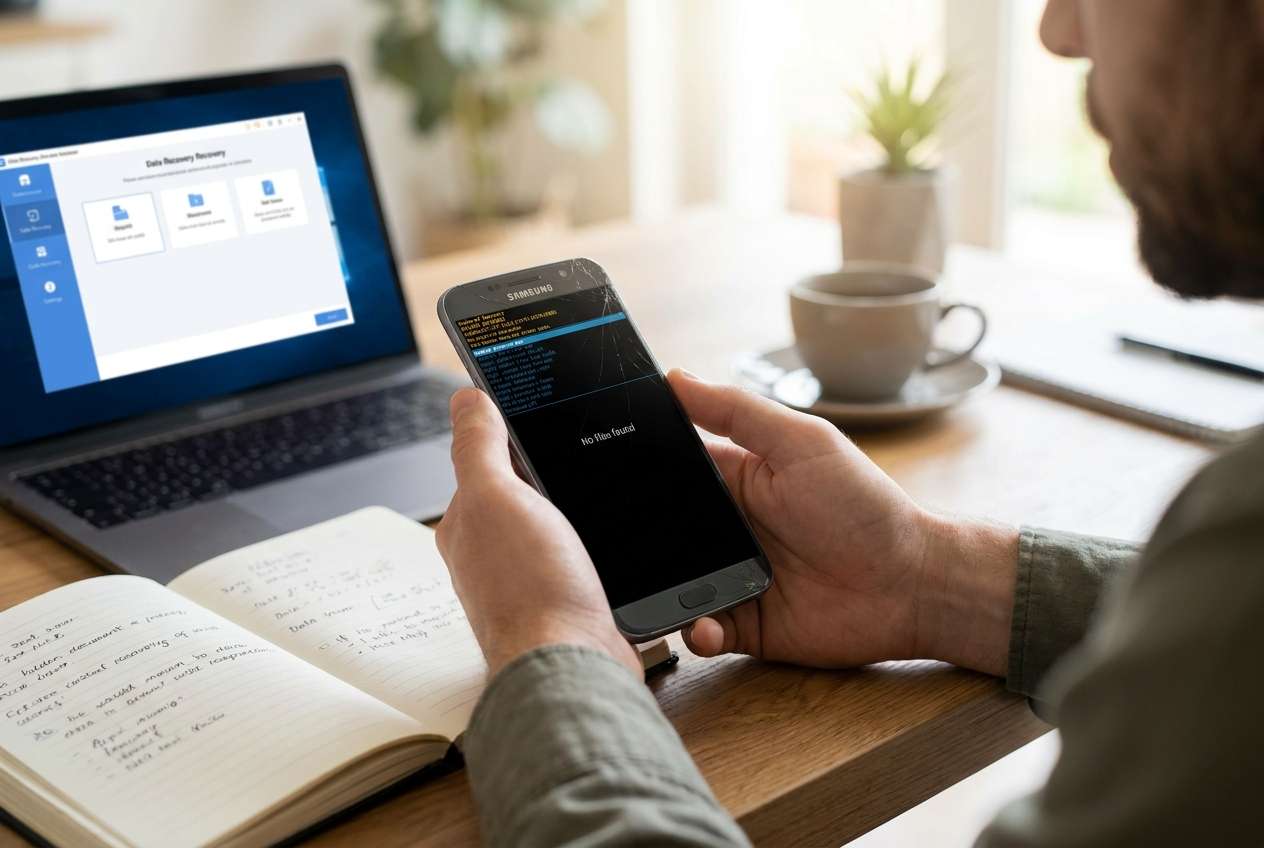
Part 1. Why videos lost after factory reset on Samsung phone happens and what it means
After a factory reset, your phone returns to a clean state—so locally stored videos (internal storage) are typically removed. What you see next depends on whether your videos previously lived only on the phone, on an SD card, or were backed up to Google Photos / Samsung Cloud / OneDrive.
A common trigger is resetting after a system issue or after selecting “Erase all data (factory reset)”, then signing back in and expecting the Gallery to repopulate automatically. Nothing changes after several minutes, and it’s hard to tell if the phone is still restoring in the background or if the videos weren’t backed up.
Another complication: after a reset you may be blocked by a lock screen, Google FRP (Factory Reset Protection), or account verification, which prevents you from fully accessing settings and cloud apps to confirm backups or restore content.
1-1. Before You Prompt the AI
Gather a few facts first so the AI can separate “not restored yet” from “not backed up.”
- Your Samsung model and Android version (if known)
- Whether you used an SD card and if it was removed during reset
- Which accounts were signed in before and after reset (Google/Samsung/Microsoft)
- Whether Google Photos backup was on (and which Google account)
- Whether you can currently unlock the phone and reach Home screen/settings
Part 2. Using AI prompts to diagnose videos lost after factory reset on Samsung phone safely
2-1. Level 1: Basic Prompt
I factory reset my Samsung phone and now my videos are missing. Ask me the minimum questions needed to figure out whether they were on internal storage, SD card, or backed up (Google Photos/Samsung Cloud/OneDrive), and give me the safest next steps that won’t overwrite data.
2-2. Level 2: Advanced Prompt
Act as a cautious mobile data triage assistant. Based on my answers, rank the most likely reasons my videos are missing after a Samsung factory reset (cloud backup off, wrong account, SD card, sync delay, app settings, etc.).
For each reason:
1) what evidence would confirm it,
2) the lowest-risk check to try first,
3) what to avoid because it could reduce chances (e.g., recording new videos, repeated resets).
Keep steps short and reversible.
2-3. Level 3: Evidence Prompt
Help me diagnose missing videos after a factory reset using only reversible checks. Here are my details:
- Samsung model: (e.g., Galaxy S22)
- Android version: (e.g., Android 13 / unknown)
- Reset type: (Settings reset / Recovery mode / Remote wipe)
- What I did right before it happened: (e.g., tapped “Erase all data” then restarted)
- Lock status now: (can/can’t unlock; PIN/Pattern forgotten; FRP prompt shown)
- SD card: (inserted before reset? still inserted now?)
- Google account(s) used before: (email(s) if you can)
- Google account(s) used now:
- Google Photos backup: (on/off/unsure)
- Samsung Cloud or OneDrive sync: (on/off/unsure)
- Where videos used to appear: (Camera folder, WhatsApp, Downloads, Screen recordings, etc.)
- What I see now: (Gallery empty / some photos but no videos / only recent items)
Output: (1) most likely explanation, (2) 5 checks in safest order, (3) a “stop list” of actions to avoid.
2-4. Prompt Refinement
If the AI’s answer feels generic, use follow-ups to force clarity and evidence-based ranking.
What 3 questions do you still need from me to eliminate the top two causes?
Separate the possibilities into cloud/account issues vs local storage removal vs SD card/app-specific folders.
Rank the causes again, but this time cite exactly what in my details supports each rank.
Tell me the single strongest piece of evidence that would prove the videos were never backed up.
What is the safest way to check Google Photos and Samsung Cloud without triggering deletions or overwriting?
2-5. AI Output vs Reality
| What AI may conclude | What you should verify on the phone/account |
|---|---|
| “Videos are gone because factory reset deletes internal storage.” | Whether any backups exist in Google Photos/Samsung Cloud/OneDrive or on an SD card. |
| “You’re signed into the wrong Google account.” | The exact account currently active in Settings and in Google Photos (profile icon). |
| “Sync is delayed; wait longer.” | Whether the device has stable Wi‑Fi, background data allowed, and Photos shows cloud items. |
| “They might be in an app folder (WhatsApp/Downloads).” | Whether those apps are reinstalled and whether their media folders repopulate after login/restore. |
AI can help you choose what to check and in what order, but it can’t authenticate your accounts, pass verification screens, or restore access to a locked device—those are execution steps that require device-side action.
Part 3. When to stop troubleshooting videos lost after factory reset on Samsung phone and avoid risks
Stop and reassess if you hit any of these signals:
- You’re locked out (PIN/pattern forgotten) or stuck on account verification/FRP and can’t reach Settings or cloud apps.
- You’re tempted to factory reset again, “clean” the phone, or use aggressive tools without confirming backups first.
- You don’t know which Google/Samsung account was previously used and you’re repeatedly signing into different accounts.
- You need the phone accessible urgently to check backups/restore, but each attempt increases confusion or risk.
Once you’ve used AI to narrow the most likely cause, the next step is often restoring reliable access to the device so you can verify accounts, sync settings, and cloud restore options without guesswork.
Part 4. Unlock Android screen after factory reset with Dr.Fone
If your videos look missing after a reset and you can’t get past the lock screen or verification flow, you may not be able to confirm whether the videos were backed up or which account to restore from. At this point, using Dr.Fone - Screen Unlock (Android) (feature: Unlock Android Screen) becomes relevant as an execution tool to help you regain access so you can complete the checks your AI diagnosis recommended—like verifying the signed-in account, opening cloud photo apps, and confirming what can be restored.
 Unlock Android phone in seconds.
- Remove PIN, pattern, password, fingerprint.
- Bypass Google FRP lock easily.
- Works on all Android brands & models.
- No tech skills required – user-friendly.

-
Step 1 Install Dr.Fone on a computer
Download and open Dr.Fone, then choose the Android screen unlock option, making sure you’re using the correct tool for your exact device scenario to avoid unnecessary attempts.

-
Step 2 Connect your Samsung phone
Plug the phone in via USB and keep the connection stable; interruptions can cause repeated retries that slow down progress.

-
Step 3 Follow the on-screen unlock flow
Select the device brand/model as prompted and proceed carefully, since choosing the wrong model path can lead to failed steps.

-
Step 4 Regain access and verify your restore sources
Once you can access the phone, immediately check Google Photos/Samsung Cloud/OneDrive and the correct account sign-in before creating new files that may complicate recovery expectations.





Conclusion
Use AI to triage what “missing videos” likely means after a Samsung factory reset—backup status, account mismatch, SD card separation, or sync delays—then hand off the execution step to a practical tool like Dr.Fone Screen Unlock when device access is the main blocker to verifying backups and restoring what’s available.
FAQ
-
Are videos permanently deleted after a Samsung factory reset?
Videos stored only in internal storage are typically erased, but copies may still exist in cloud backups (Google Photos/Samsung Cloud/OneDrive) or on an SD card. -
Why does my Gallery stay empty even after I signed in?
Common reasons include signing into a different account than before, cloud backup being off previously, or the Gallery not yet repopulating because apps/sync settings aren’t configured. -
Can I restore videos from Google Photos after a reset?
If the videos were backed up to the same Google account, you can view them in Google Photos and re-download them after you sign in and enable syncing. -
What should I avoid doing right after I notice videos are missing?
Avoid repeated factory resets and avoid generating lots of new data before you’ve confirmed whether cloud backups exist and which account they’re tied to. -
How does Dr.Fone help in a “videos missing” situation?
It helps with the execution step of regaining access when you’re blocked by a lock screen, so you can run the account and backup checks your AI diagnosis recommends.
 Add Wondershare Dr.Fone as a preferred source on Google





