 Effortlessly manage data through preview, delete, export, etc.

 100% Security Verified | No Subscription Required | No Malware

 :
: 
 ChatGPT
 Perplexity
 Gemini
 Claude
 Grok
Grok

I reinstalled WhatsApp on Android, verified my number, and now everything is empty—no chats, no media, no groups. It didn’t restore anything.
Reddit user, r/whatsapp
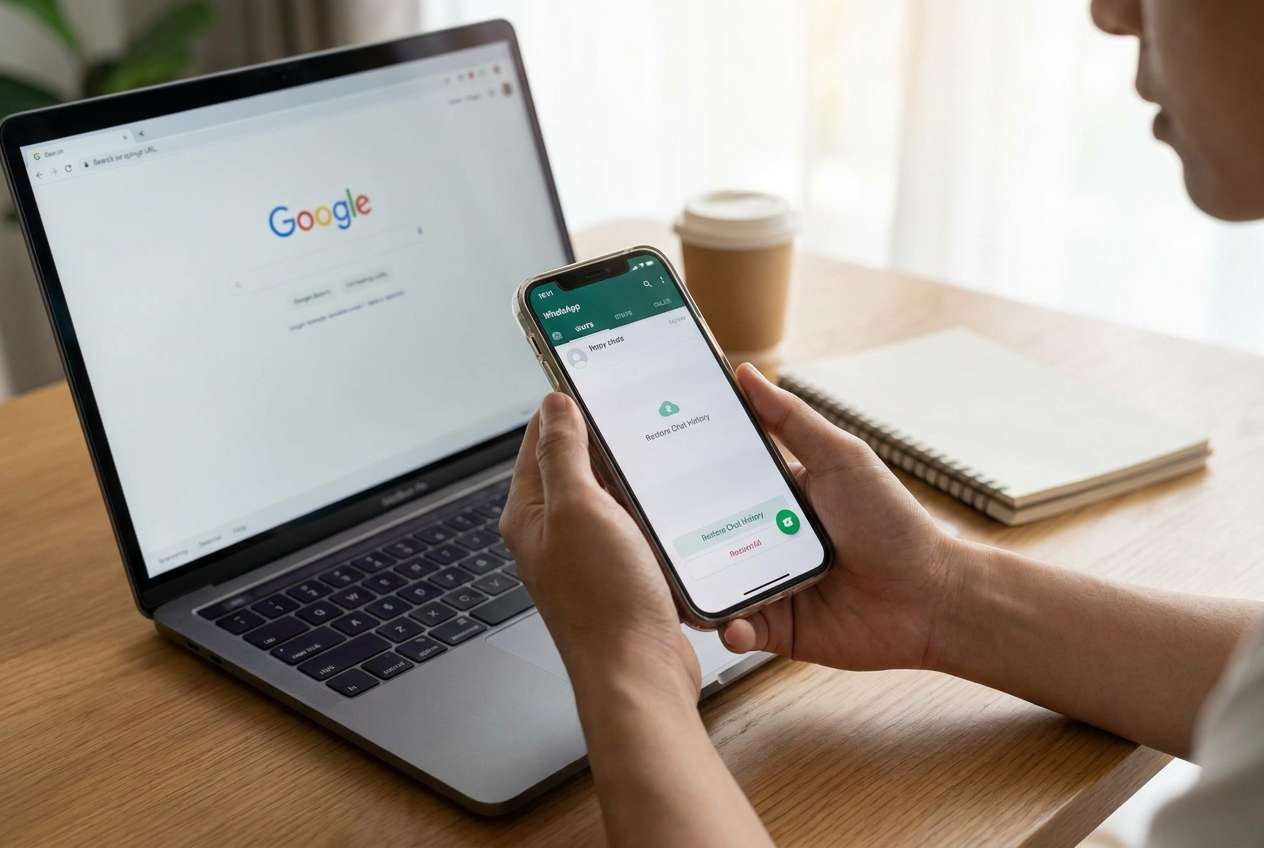
WhatsApp can reopen after a reinstall on Android and look completely empty—no chats, no media, no groups—right after you tap Install and sign in with your phone number. It’s especially confusing when you expected Google Drive or a local backup to restore automatically, and nothing changes after several minutes.
AI (like ChatGPT or Gemini) can help you diagnose what you’re seeing—for example, whether you likely logged into a different account, skipped a restore prompt, or don’t have an accessible backup—by asking the right questions and narrowing the most probable causes.
AI can’t verify your backups directly or run actions on your phone, and repeated trial-and-error (reinstalling again, clearing storage, overwriting folders) can increase the risk of losing the only copy of your chat database. Use prompts to decide the safest next step before you touch anything.
In this article
- Part 1. Why WhatsApp history missing after reinstall on Android happens and what it means
- What it usually means
- Common reinstall/transition scenarios
- Why “blank chats” doesn’t reveal the failure layer
- Before you prompt the AI
- Part 2. Using AI prompts to diagnose WhatsApp history missing after reinstall on Android safely
- Part 3. When to stop troubleshooting WhatsApp history missing after reinstall on Android and avoid risks
- Part 4. Resolve access issues safely with Dr.Fone
- Part 5. Safest-first checklist before you try anything that could overwrite data
Part 1. Why WhatsApp history missing after reinstall on Android happens and what it means
This usually happens after you reinstall WhatsApp, verify your number, and the app opens without offering a restore—or it offers restore but finishes instantly with 0 messages. The most common “meaning” is that WhatsApp didn’t find a compatible backup for the account and storage path it can access right now.
It can also happen during device transitions (for example, moving from an iPhone 13 to an Android phone, or reinstalling on a Pixel 7 / Galaxy S23) where the expected backup location isn’t available, the Google account differs, or the number/account used isn’t the one that created the backup.
What you see (“blank chat list”) doesn’t always tell you which layer failed: WhatsApp account/number mismatch, Google Drive backup mismatch, missing local backup files, storage permission issues, or a restore that was skipped/aborted.
1-1. Before You Prompt the AI
Gather these details first so the AI can narrow causes without guessing:
- Android brand/model and Android version
- WhatsApp version and install method (Play Store / APK)
- Same phone number as before (yes/no)
- Google account used for Drive backup (if any)
- Whether you saw a Restore prompt and what you tapped
- Current state: blank chats, “Restoring…” stuck, or partial chats
- Whether the old phone is still available and unlocked
Part 2. Using AI prompts to diagnose whatsapp history missing after reinstall on android safely
2-1. Level 1: Basic Prompt
My WhatsApp history is missing after reinstall on Android. Ask me the minimum questions needed to determine whether this is (1) wrong number/account, (2) Google Drive backup mismatch, (3) missing local backup, or (4) restore skipped/failed, and then suggest the lowest-risk next step.
2-2. Level 2: Advanced Prompt
Act as a cautious Android WhatsApp triage assistant. Based on my answers, rank the top 5 likely causes of “WhatsApp history missing after reinstall on Android” from most to least likely. For each cause:
- what evidence would confirm it
- what I should avoid doing (risk of overwriting data)
- the lowest-risk next action I can take
Keep the plan reversible and avoid steps that could delete backups unless clearly necessary.
2-3. Level 3: Evidence Prompt
Help me diagnose missing WhatsApp chat history after reinstall on Android using evidence-based reasoning.
Device & OS
- Phone model: (e.g., Samsung Galaxy S23)
- Android version: (e.g., Android 14)
- Storage available: (e.g., 25 GB free)
WhatsApp account
- Phone number used now:
- Is it exactly the same number as before? (yes/no)
- Any recent SIM swap, dual-SIM, or number change?
Backup situation
- Google account currently on the phone: (e.g., name@gmail.com)
- Was Google Drive backup enabled before? (yes/no/unsure)
- Last known backup date/time: (e.g., “yesterday night”)
- Did WhatsApp show a restore prompt on setup? What did I tap?
Symptoms
- Current screen/state: (blank chats / restoring stuck / partial history)
- Did media (photos/videos) reappear or not?
- Any error text (quote it exactly)
Constraints
- Do I still have the old phone? Is it unlocked?
- Do I need to keep current data on the phone unchanged?
Now: (1) separate likely causes into account, cloud backup, local backup, and permission/storage categories, (2) list the top 3 causes with confidence and why, and (3) give a safest-first action plan that minimizes overwrite risk.
2-4. Prompt Refinement
Use these follow-ups to force clarity and reduce guesswork:
What 3 questions would most change your ranking, and why?
Separate causes into: account identity, Google Drive linkage, local files, and app/OS permissions—then tell me which category is most likely and what evidence would confirm it.
Rank the causes again, but this time include the risk level (low/medium/high) for each proposed action.
What single piece of evidence should I check first on-device that won’t overwrite anything?
If I already reinstalled multiple times, how does that change the probability of a local backup being overwritten?
2-5. AI Output vs Reality
AI can suggest possibilities and what to check, but your phone’s state determines what’s actually possible.
| AI says | Reality check you should do |
|---|---|
| “You probably used the wrong Google account.” | Confirm which Google account is logged into the phone and whether it matches the one used for WhatsApp backups. |
| “A local backup should restore.” | Local backups may be missing, moved, or inaccessible due to storage/permission changes; verify before reinstalling again. |
| “Just reinstall and try again.” | Repeated reinstalls can increase overwrite risk; first confirm backup existence and account identity. |
| “It’s a temporary sync delay.” | WhatsApp chat history doesn’t “sync in later” without a restore source; verify if a restore actually started. |
AI helps you choose the least risky branch (what to check first, what to avoid), but it can’t access your Google Drive, inspect your /Android/media/ folders, or confirm whether a backup is still intact.
Part 3. When to stop troubleshooting whatsapp history missing after reinstall on android and avoid risks
If you’re unsure what you’re changing, pausing is often safer than continuing to experiment.
- You’re about to clear WhatsApp storage, delete folders, or “clean” files without confirming a backup exists.
- You don’t know which phone number or Google account created the last working backup.
- The old phone is available but locked, and you can’t check WhatsApp/backup settings or local files.
- You’ve reinstalled multiple times and now worry you may be overwriting the only remaining local backup.
Once AI has narrowed the likely cause (account mismatch vs missing backup vs access issue), the next step is execution: safely regaining access to the device/accounts needed to verify backups and proceed without further guesswork.
Part 5. Safest-first checklist before you try anything that could overwrite data
- Write down the exact phone number you used previously and confirm you verified the same number now.
- Confirm which Google account(s) are currently added to the phone and which one likely held the WhatsApp Drive backup.
- Recall whether you saw a Restore prompt during setup and what you tapped (restore vs skip).
- Identify your current symptom precisely (blank chats, restoring stuck, partial history, “no backup found”).
- If the old phone exists, prioritize accessing it to verify WhatsApp/backup evidence before repeating reinstalls.
Part 4. WhatsApp history missing after reinstall on android: resolve access issues safely with Dr.Fone
If your WhatsApp history is missing after reinstall on Android and the diagnosis points to an access blocker (for example, your old phone is locked so you can’t confirm the correct number, Google account, or backup settings), you may need a practical way to regain device access before you can verify anything. Dr.Fone - Screen Unlock (Android) is relevant at this stage because it focuses on unlocking the Android screen so you can get back into the device to check WhatsApp and backup-related evidence, rather than continuing blind reinstalls on your current phone.
 Unlock Android phone in seconds.
- Remove PIN, pattern, password, fingerprint.
- Bypass Google FRP lock easily.
- Works on all Android brands & models.
- No tech skills required – user-friendly.

-
Step 1 Confirm your goal
Decide whether you need access to the old phone to verify the backup source before taking any actions that could overwrite data.

-
Step 2 Open Dr.Fone Screen Unlock (Android)
Use the Unlock Android Screen function and follow the on-screen selection for your device model, since steps can differ by brand.

-
Step 3 Follow the guided unlock flow carefully
Proceed exactly as instructed and avoid improvising steps that could trigger extra lockouts.

-
Step 4 Re-check backup evidence after access returns
Once inside the phone, confirm the WhatsApp number, the Google account used for backups, and whether a recent backup exists before reinstalling again.

-
Step 5 Use official instructions for the unlock sequence
Refer to the Dr.Fone Android lock screen removal guide within the product workflow for model-specific guidance.




Conclusion
Use AI prompts to classify the situation (account identity, cloud backup linkage, local backup presence, or access/permission blockers) and choose the lowest-risk next step; then hand off execution to a practical tool like Dr.Fone Screen Unlock (Android) when the real problem is that you can’t access the device needed to verify backups and proceed without overwriting data.
FAQ
-
Why didn’t WhatsApp restore my messages after reinstall?
Usually because it couldn’t find a compatible backup for the same phone number and the accessible Google account/local storage at setup time. -
Can WhatsApp messages come back later without restoring a backup?
Not typically—WhatsApp chat history doesn’t “sync down” like a cloud mailbox; it needs a restore source (Google Drive or local database). -
Does reinstalling WhatsApp multiple times reduce my chances of getting chats back?
It can, especially for local backups, because repeated setup and app data changes can overwrite or replace files you might need. -
How do I tell if I used the wrong Google account for WhatsApp backup?
If WhatsApp shows “no backup found” (or restores 0 messages) while you’re signed into a different Google account than the one used previously, that’s a strong indicator. -
When is an Android screen unlock tool relevant to missing WhatsApp history?
When the evidence you need (old phone’s WhatsApp account, Google account, backup settings, or files) is on a phone you can’t currently unlock to verify safely.
 Add Wondershare Dr.Fone as a preferred source on Google





