 Effortlessly manage data through preview, delete, export, etc.

 100% Security Verified | No Subscription Required | No Malware

 :
: 
 ChatGPT
 Perplexity
 Gemini
 Claude
 Grok
Grok

I tried clearing “duplicates” to free space and later realized I deleted the better copy. Now I’m scared to bulk delete anything—what’s a safe order to do this?
Reddit user, r/Android
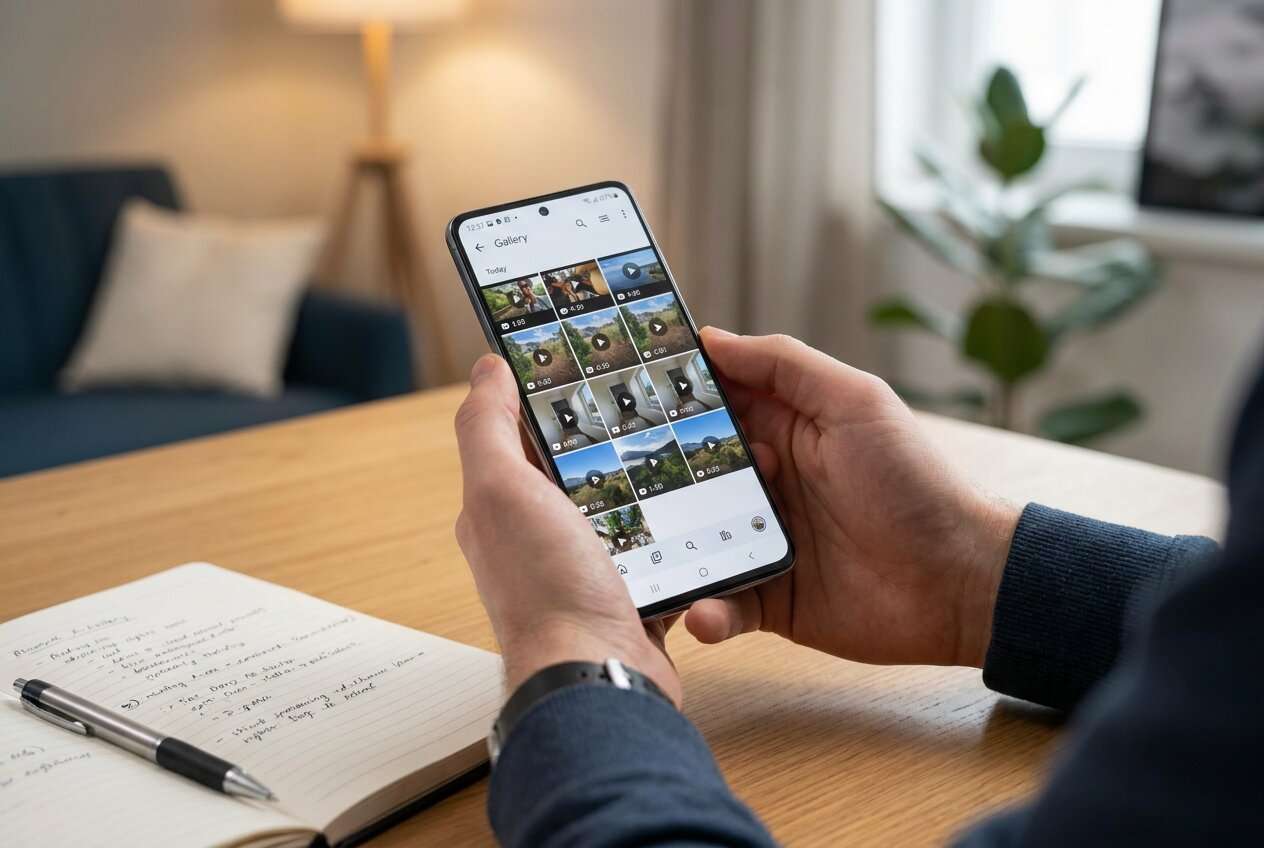
Finding duplicate videos sounds simple, but it’s easy to delete the wrong copy, lose the highest-quality version, or break an app’s offline media.
AI can help you map a safe workflow: where duplicates usually come from, how to compare versions, what to back up first, and what to verify before any deletion.
AI can’t scan your phone storage, read your gallery, or remove files for you—real device actions need real tools, after the plan is confirmed.
In this article
- How to plan duplicate video cleanup without missing critical steps
- Common duplicate sources
- Define what “duplicate” means
- Verification gates (stop-and-check)
- The point of no return
- What the AI needs to know
- AI prompts to build a safer workflow
- AI plan vs. real device constraints
- Execute the workflow safely with Dr.Fone
Part 1. How to plan duplicate video cleanup without missing critical steps
You’re running out of storage and suspect you have duplicate videos from apps like WhatsApp/Telegram, social downloads, screen recordings, or cloud sync conflicts. You want space back fast, but you don’t want to lose originals.
The uncertainty usually isn’t “how do I delete?”—it’s the sequence: which folders to check first, how to decide which duplicate to keep, and how to confirm a video isn’t the only copy linked to an app or cloud library.
The point of no return is bulk deletion followed by emptying Recently Deleted/Trash (or removing cloud copies). Once that happens, recovery may be impossible or incomplete—so the plan needs verification gates before you touch anything irreversible.
Part 2. What the AI needs to know
Share the details below so the AI can design a workflow that fits your phone and risk level.
- Android version and phone brand/model (e.g., Samsung One UI 6, Pixel Android 15)
- Approx. storage pressure and target freed space (e.g., “need 10–15 GB back”)
- Where duplicates likely come from (WhatsApp, Telegram, CapCut, screen recorder, Downloads, camera)
- Your photo/video apps and cloud sync status (Google Photos, Samsung Cloud, OneDrive; on/off)
- Whether you use SD card and where videos are stored (Internal / SD / both)
- What “duplicate” means for you: exact same file vs same content in different quality/length
- Your acceptable risk level (conservative vs aggressive cleanup)
- Whether you can use a computer for review/backup (yes/no)
Part 3. AI prompts to build a safer workflow
Use the prompts below to force a clear sequence with verification checkpoints before any deletions.
3-1. Level 1: Basic Prompt
Help me plan a safe way to find duplicate videos on my Android phone and free storage. I want a step-by-step workflow that prioritizes avoiding accidental deletion and includes a “stop and verify” checklist before I remove anything.
3-2. Level 2: Advanced Prompt
Design a structured workflow to find and remove duplicate videos on Android with three sections: Preparation, Execution, and Verification.
In each section, label steps as critical vs optional, and include explicit go/no-go checks before any irreversible action like emptying Trash or deleting cloud-synced items.
3-3. Level 3: Evidence Prompt
I’m on (Samsung S22, Android 14). Storage is (2.1 GB free out of 128 GB). Duplicates likely come from (WhatsApp videos, Downloads, screen recordings). Cloud sync is (Google Photos: ON).
Create a plan that tells me:
- What folders to inspect first (with example paths like DCIM/Camera, Movies/WhatsApp Video, Download)
- How to decide which copy to keep (e.g., higher resolution/bitrate, longer duration, original timestamps)
- Checks before, during, and after deletion
- A safety rule for anything cloud-synced (e.g., what to confirm in Google Photos before deleting locally)
Also include a short evidence log template I can fill in (video name, location, size, duration, keep/delete decision).
3-4. Prompt Refinement
Rewrite the workflow as a checklist with verification gates that must be passed before moving on (Gate 1: backup confirmed, Gate 2: duplicates confirmed, Gate 3: deletion scope confirmed).
Give me a decision rule for “keep which copy” when filenames differ but the video content looks the same (prefer criteria order and tie-breakers).
List the top 10 Android folders where duplicate videos commonly accumulate for my apps, and what false duplicates I should expect in each.
Create a minimum safe delete batch size plan (e.g., 10–20 videos at a time) and the exact review steps between batches.
Add a post-cleanup verification: how to confirm storage changed, no missing albums, and cloud library hasn’t removed originals.
Part 4. AI plan vs. real device constraints
| Planning item | AI can help by | Real-world constraint | What you must verify |
|---|---|---|---|
| Identify likely duplicate sources | Prioritizing apps/folders and sequences | AI can’t see your actual folders | Confirm where videos truly live (internal/SD/app folders) |
| Choose “keep” rules | Defining quality/timestamp/file-size criteria | Metadata may be missing/inaccurate | Open videos and confirm quality/content before deletion |
| Define deletion safety gates | Creating go/no-go checks | Android/brand UI differs; cloud sync varies | Confirm Trash/Recycle behavior and cloud sync impact |
| Reduce risk during cleanup | Suggesting batch sizes and logging | One-tap bulk actions are irreversible after Trash is emptied | Stop before any bulk delete/empty-trash until checks pass |
AI improves planning, but cannot execute file scans, backups, transfers, or deletions on your device.
4-1. When to stop planning and start execution
- You have a written definition of “duplicate” you’ll use (exact file vs same content different quality) and a rule for which copy to keep.
- You’ve identified the top 3–5 locations you will check first (apps/folders/internal vs SD) and what you will ignore for now.
- You have a verification gate before the irreversible moment: no bulk deletion and no emptying Trash/Recently Deleted until you confirm backups and spot-check results.
- You have a rollback plan: at minimum, a backup/export of the videos you might delete (or a confirmed cloud-safe strategy).
Once these are true, you’re no longer brainstorming—you’re ready to follow the workflow carefully.
Part 5. Execute the workflow safely with Dr.Fone
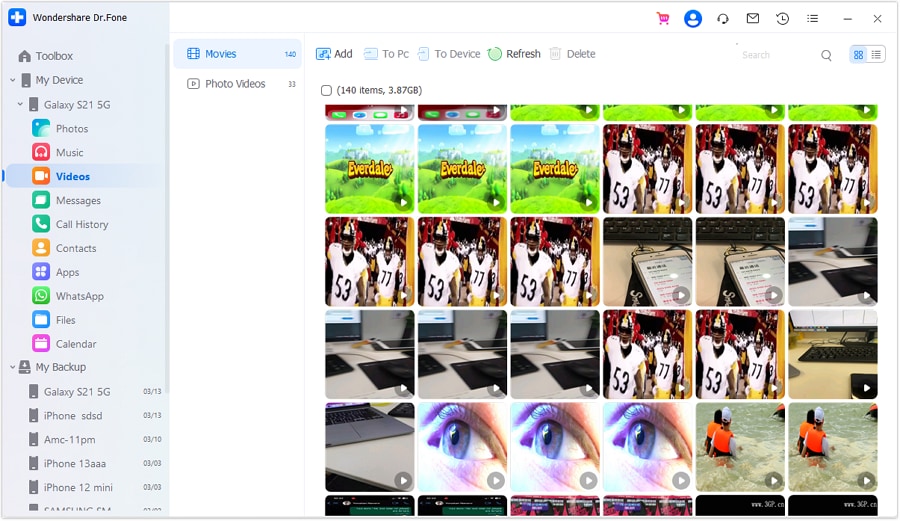
Execution now matters because the biggest risk comes from acting too fast—especially with bulk deletes and cloud-synced libraries—so you want a safety net before removing anything. If you need a practical way to back up, review, and manage videos from a computer, consider Dr.Fone Basic - Data Manager.
 Easily manage data through preview, delete, export, etc.
- Transfer all data between devices.
- Robust backup solutions for reliable data protection.
- Mirror screens to PC for meetings, teaching, and control.
-
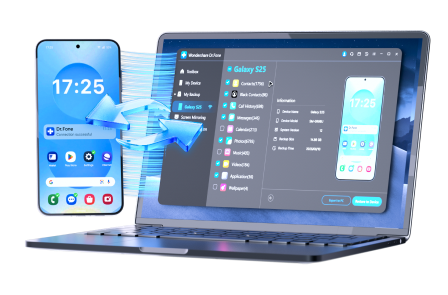
Step 1 Back up videos before any cleanup
Action: Use Dr.Fone to create a backup of your videos (or export them) so you have a recoverable copy before deleting anything.
Limitation: AI can’t confirm what was actually backed up—verify the backup contents and that key videos play correctly.
-
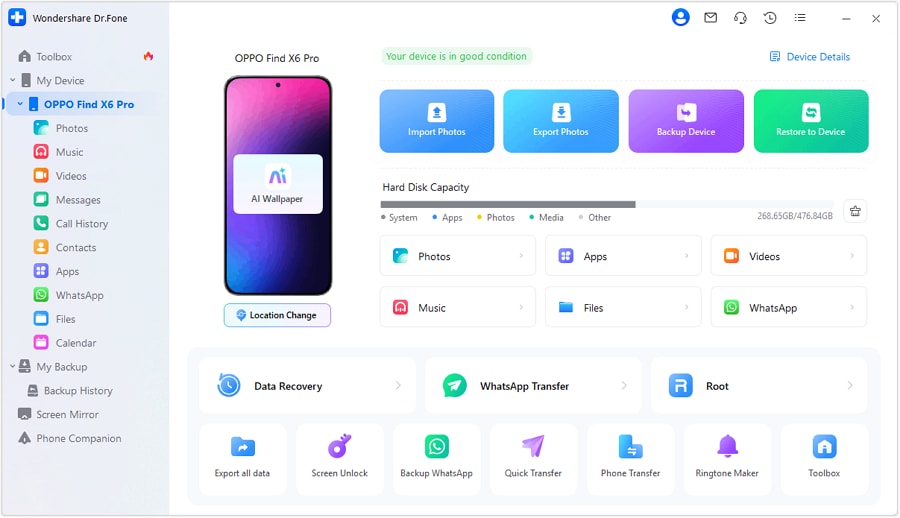
Step 2 Open the right libraries/locations for review
Action: Use device management/transfer to access the video libraries you plan to clean first, so you can review files in a controlled way.
Limitation: Android/brand folder paths and media “views” can differ; confirm you’re looking at the real storage locations (internal/SD/app folders).
-
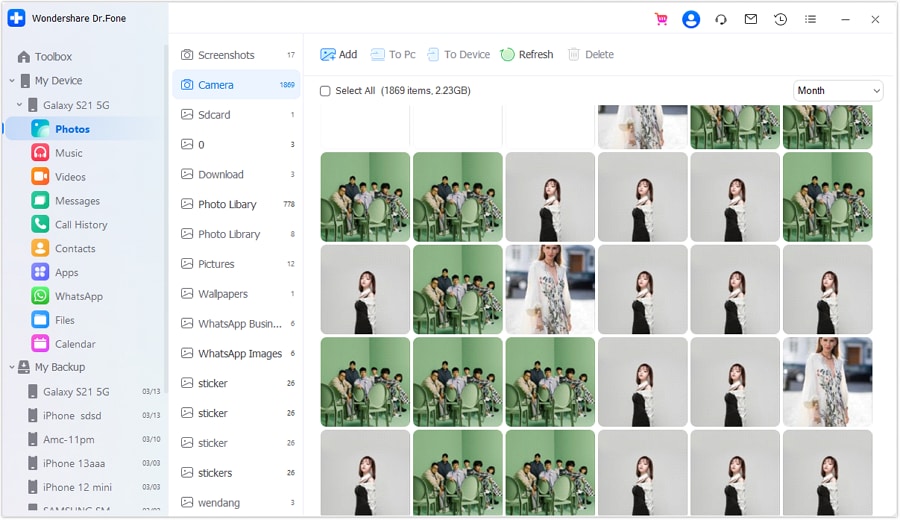
Step 3 Review duplicates in small, verified batches
Action: Preview and compare suspected duplicates, then delete only after you’ve confirmed which copy to keep (quality, duration, timestamps, and source folder).
Limitation: AI can’t see the exact files you’re selecting—pause frequently to spot-check quality, duration, and location before confirming deletions.

-
Step 4 Final verification before the irreversible moment
Action: Confirm storage gains, check albums/apps, and only then decide whether to empty Recently Deleted/Trash (and confirm cloud sync behavior first).
Limitation: Once Trash is emptied or cloud deletions propagate, recovery may be limited—do not proceed unless your verification gate is fully passed.




Conclusion
Use AI to define duplicates, set verification gates, and reduce risky mistakes; then use a real tool like Dr.Fone to execute backups/transfers and carefully remove files only after your checks are complete.
FAQ
-
What’s the biggest risk when deleting duplicate videos on Android?
Deleting the only high-quality/original copy (or deleting a cloud-synced item that disappears everywhere), especially after emptying Trash/Recently Deleted. -
How can I tell which duplicate to keep?
Prefer the copy with higher resolution/bitrate, longer duration, original timestamp/location, and the folder that indicates it’s the source (often Camera/DCIM) rather than a forwarded/downloaded copy. -
Should I delete duplicates directly inside WhatsApp/Telegram folders?
Only after confirming they aren’t the only copy you want and you understand how that app manages media; some apps store multiple versions and previews that can look similar. -
When is deletion irreversible?
After you empty Recently Deleted/Trash, or when cloud sync propagates deletions across devices/accounts. -
Can AI find duplicates on my phone by itself?
No. AI can design the safest workflow and checks, but it can’t scan your storage or delete files—execution requires device tools and your confirmation.
 Add Wondershare Dr.Fone as a preferred source on Google





