 Effortlessly manage data through preview, delete, export, etc.

 100% Security Verified | No Subscription Required | No Malware

 :
: 
 ChatGPT
 Perplexity
 Gemini
 Claude
 Grok
Grok

I reset my phone thinking “I have the password, I’m fine.” Then 2FA blocked me everywhere because my authenticator and trusted-device prompts were tied to the phone I just wiped.
Reddit user, r/techsupport
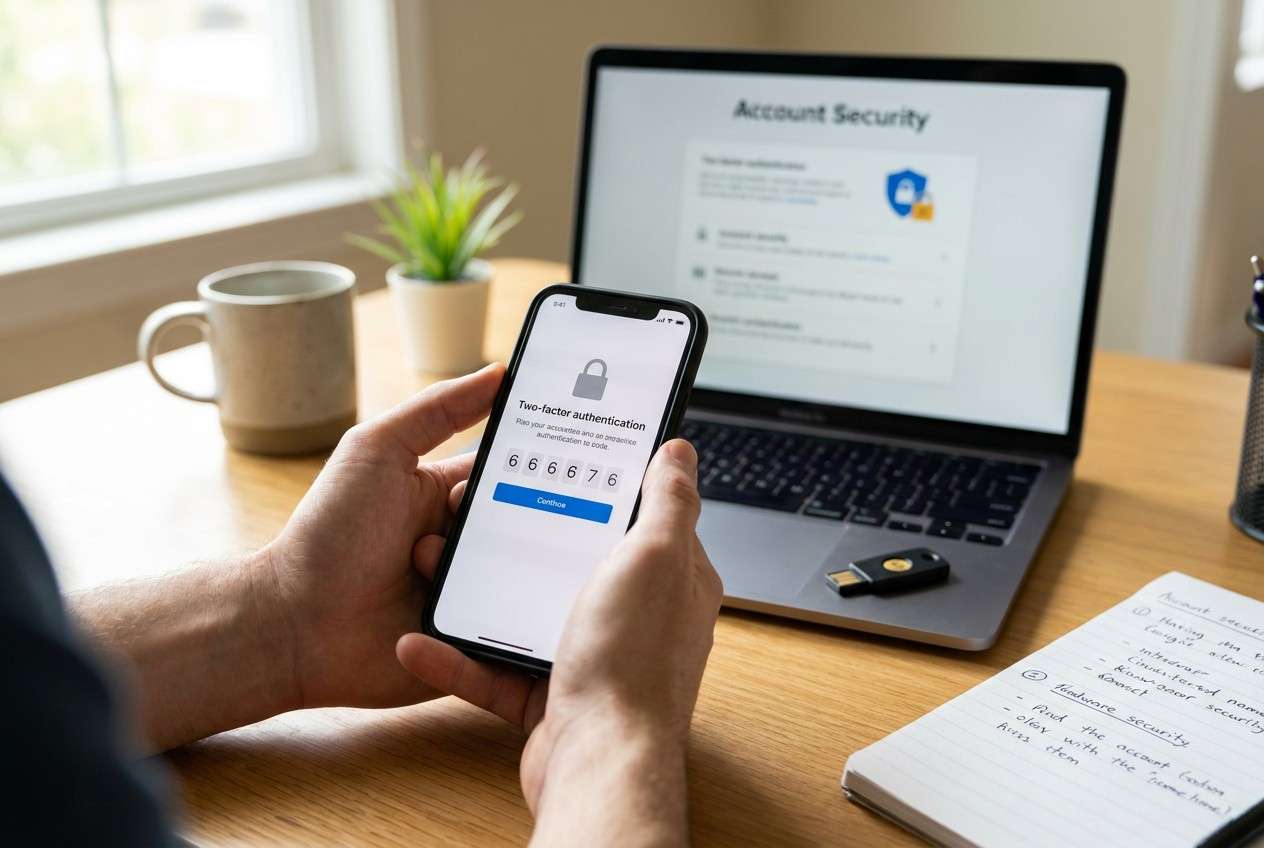
Wiping a phone is easy to start—and surprisingly hard to undo if you miss a single 2FA dependency. One skipped check can turn a “fresh start” into days of account recovery.
AI helps by turning a vague worry (“Will I lose my codes?”) into a clear, sequenced checklist: what to verify first, what evidence to collect, and what must be tested before you touch the wipe button.
AI can’t see your phone, confirm which apps you use, or prove a login will work after reset. Execution still requires real device actions and reliable tools to back up and validate your data.
In this article
- How to plan 2FA verification before wiping (without missing steps)
- Why “I have the password” isn’t enough
- What counts as minimum proof
- Identify the point of no return
- Common lockout scenarios to plan around
- What the AI needs to know
- AI prompts to build a safer workflow
- When to stop planning and start execution
- Execute the workflow safely with Dr.Fone
Part 1. How to plan what to verify for 2FA before wiping phone without missing critical steps
1-1. Why “I have the password” isn’t enough
You’re about to factory reset your phone (or trade it in), and you rely on 2FA for email, banking, cloud storage, social accounts, and work tools. You’re not sure which ones use an authenticator app, which ones send SMS, and which ones rely on this specific device as a “trusted device.”
After asking AI, you may get a long list—but not a safe order of operations, not a “minimum proof” standard, and not a clear set of tests to run before you commit. That’s where mistakes happen: you think you’re covered because you “have the password,” but 2FA blocks you.
1-2. What counts as minimum proof
A safe plan needs verification gates, not reminders. For critical accounts, define what “pass” looks like (for example: successful login from another device/session, and you can complete 2FA without the phone you’re about to wipe).
1-3. Identify the point of no return
The point of no return is the factory reset (or erasing the authenticator app / eSIM). Once you wipe, you may lose device-bound tokens, offline recovery codes stored only on-device, and your only signed-in session that could have fixed settings.

1-4. Common lockout scenarios to plan around
- Authenticator not backed up/migrated (secrets/tokens stuck on the old phone)
- SMS codes tied to a SIM/eSIM you’re about to move or deactivate
- Trusted-device prompts that require the old phone to approve sign-in
- Recovery codes stored only on-device (notes, screenshots, files not synced)
Part 2. What the AI needs to know
Answer these so the plan matches your real risk.
- Phone OS and model (iPhone 14 iOS 17 / Pixel 7 Android 14)
- Your 2FA methods in use (authenticator app, SMS, email codes, hardware key, passkeys)
- Authenticator app name(s) (Google Authenticator, Microsoft Authenticator, Authy, 1Password, etc.)
- Whether you have a second trusted device already signed in (spare phone/tablet/laptop)
- Whether your SIM/eSIM will move to a new phone the same day
- Whether you use a password manager (and where its vault is stored/synced)
- Accounts that would be catastrophic to lose (primary email, Apple ID/Google account, banking)
- Whether you’re wiping for resale (need secure erase) or troubleshooting (can wait/test longer)
- Your timeline and tolerance for downtime (minutes vs days)
Part 3. Using AI prompts to build a safer what to verify for 2FA before wiping phone workflow
Use these prompts to make AI produce a sequenced plan with verification gates, not a generic checklist.
3-1. Level 1: Basic prompt
I’m going to wipe my phone, and I’m worried about losing access due to 2FA. Create a short, ordered plan of what to verify before wiping, with the most critical checks first. Include a “do not wipe yet” checkpoint list.
3-2. Level 2: Advanced prompt
Design a workflow for verifying 2FA readiness before wiping my phone.
Split it into: Preparation, Execution (pre-wipe tasks only), and Verification.
Mark steps as Critical vs Optional.
Include explicit stop-points where I must confirm access before proceeding (especially for my primary email and Apple ID/Google account).
Also list common failure modes (e.g., authenticator not backed up, SMS tied to old SIM, trusted device required).
3-3. Level 3: Evidence prompt
Help me plan what to verify for 2FA before wiping my phone, with evidence-based checks.
Context:
- Phone: (iPhone 13, iOS 17.4)
- Main accounts: (Gmail, iCloud, bank app, Instagram, Microsoft 365)
- 2FA methods: (Google Authenticator + SMS for some accounts)
- Second device: (Windows laptop signed into Gmail; no spare phone)
- Time window: (2 hours tonight)
What I need from you:
1) A strict sequence of checks BEFORE wiping.
2) For each critical account, tell me what proof I should collect (e.g., recovery codes saved to encrypted file, confirmed alternate email, tested login on laptop).
3) Checks to run DURING setup of the replacement phone (if applicable).
4) Checks to run AFTER wiping to confirm I’m not locked out.
5) A “do not proceed to factory reset” list if any item fails.
3-4. Prompt refinement
Return the plan as a table with columns: Account/System, 2FA method, Where the secret/token lives, Backup/transfer method, Verification test, Pass/Fail criteria, Point-of-no-return risk.
Assume my primary email is the recovery hub for everything else. Reorder the workflow so email access is verified first, then Apple ID/Google account, then password manager, then financial accounts.
For each verification test, specify the exact success signal (example: “successful login from a different device + can generate a code without the old phone”).
Create a minimal “green-light checklist” of no more than 10 items that must be true before I factory reset, and a separate “nice-to-have” list.
3-5. AI plan vs. real device constraints
| AI can produce a safe sequence and gating checklist | AI can’t confirm what’s actually enabled on your accounts or device |
|---|---|
| AI can identify common 2FA failure modes to prevent | AI can’t export authenticator tokens or retrieve lost recovery codes |
| AI can define proof you should capture (tests + evidence) | AI can’t run real login tests, receive SMS, or verify trusted-device status |
| AI can help you decide when you’re truly ready to wipe | AI can’t perform the wipe, transfers, backups, or account setting changes |
AI improves planning and reduces missed steps, but it cannot execute or validate real-world access—your devices, accounts, and tools must do that.
Part 4. When to stop planning what to verify for 2FA before wiping phone and start execution
- You have a written “green-light” checklist with pass/fail criteria for your primary email and Apple ID/Google account.
- You have at least one tested alternate sign-in path (backup codes, alternate email/phone, second device session, or hardware key) for critical accounts.
- You’ve completed at least one real login test from a different device/session (not just “I know the password”).
- You’ve identified the exact point-of-no-return moment (factory reset / deleting authenticator / SIM transfer) and agreed not to cross it until all critical checks pass.
If those are true, planning is done and the next moves should be deliberate, logged, and verifiable.
Part 5. What to verify for 2FA before wiping phone: execute the workflow safely with Dr.Fone
If you’re wiping for resale or privacy, consider a dedicated erasing tool like Dr.Fone - Data Eraser after your 2FA “green-light” checks pass—because execution is where most lockouts happen (skipped backups, forgotten verifications, or erasing something you meant to keep until after migration).
 Erase all data on iOS & Android
- Military-grade wiping to fully protect your privacy.
- Generate verified erasure reports better for device resale.
- Selectively erase private data and remove junk & large files.
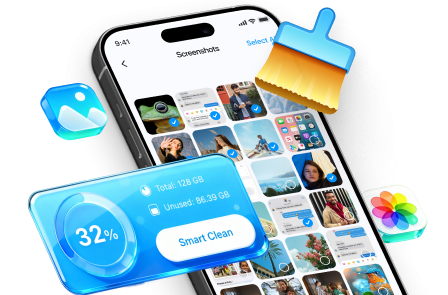
Use a strict order: preserve what you might need for recovery, reduce dependency on the old phone, then wipe only after verification passes.
-
Step 1 Prepare the erase workflow (before you touch factory reset)
Open Dr.Fone on your computer and choose the erasing feature you’ll use after your “green-light checklist” is fully passed.

Limitation: A tool can help you erase data, but it doesn’t automatically preserve or transfer authenticator tokens or other device-bound 2FA methods—verify those separately before wiping.
-
Step 2 Identify what will be erased (so you don’t delete something you still need)
Review the file categories/data types involved in the erase process, and make sure anything needed for post-wipe recovery (notes with recovery codes, screenshots, documents) is saved somewhere you can access after the reset.
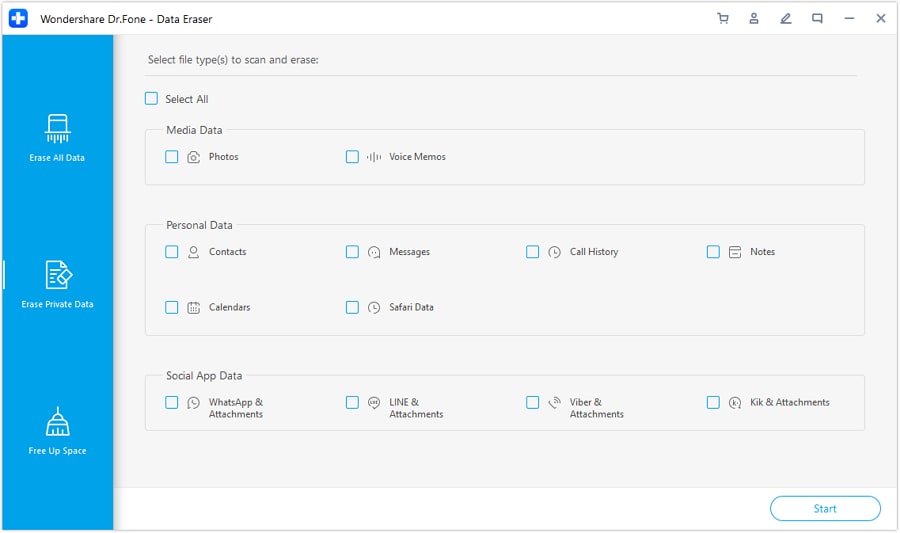
Limitation: Moving files/contacts doesn’t prove account access; you still must pass your pre-wipe login tests on a second device/session.
-
Step 3 Reduce dependency on the old phone before the wipe
Select the private data types you intend to remove, but do not proceed to any irreversible action until your primary email and Apple ID/Google account access has been verified without the soon-to-be-wiped phone.
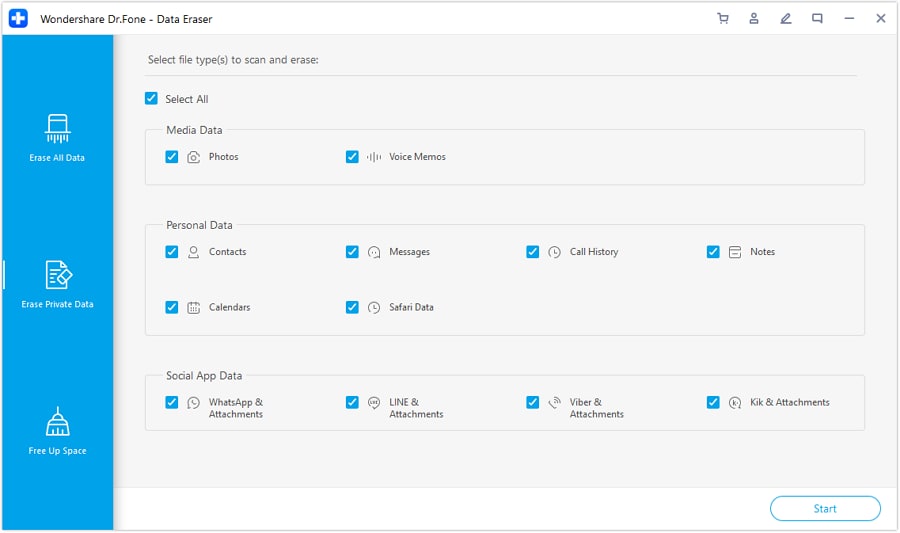
Limitation: If any critical check is uncertain (authenticator migration, SMS delivery on new SIM/eSIM, trusted-device prompts), stop and resolve it first.
-
Step 4 Only after verification passes, perform the irreversible wipe
After your green-light checklist is fully passed, proceed with the wipe/factory reset (this is the point of no return) and confirm the tool shows completion for the selected data.
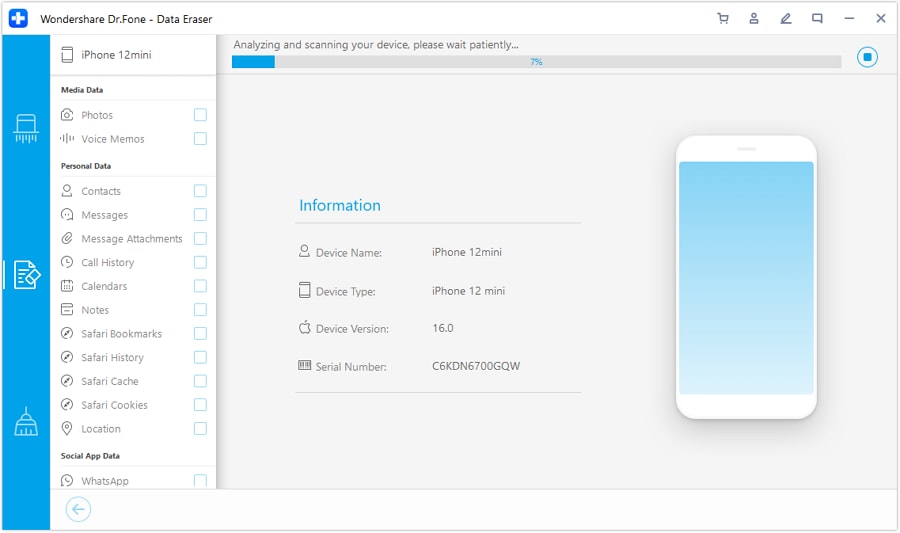
Limitation: Once wiped, you may lose the only trusted session or on-device recovery artifacts; if a critical test fails, do not reset yet.




Conclusion
Use AI to design a strict, gated verification workflow for 2FA readiness, then rely on real tools and real device tests to execute it—because planning prevents lockouts, but only actual backups, transfers, and verified logins make wiping safe.
FAQ
-
What’s the single most important thing to verify before wiping?
Access to your primary email account without relying on the phone you’re about to wipe (because it resets passwords and receives security alerts for many other accounts).
-
Are backup codes enough to be safe?
Only if you (1) saved them somewhere you can reach after the wipe, and (2) tested that they actually work for at least one critical login flow.
-
Does a phone backup include my authenticator codes?
Often no—many authenticator apps use app-level protections or device-bound storage. Treat authenticator migration as a separate, explicitly verified task.
-
When should I move my SIM/eSIM in this process?
After you’ve verified at least one non-SMS recovery path for critical accounts, or after you’ve confirmed you can receive SMS on the new device without breaking access.
-
What verification test is better than “I can log in right now”?
A fresh login from another device or a private/incognito session after signing out, confirming you can complete 2FA without the soon-to-be-wiped phone.
 Add Wondershare Dr.Fone as a preferred source on Google





