 Effortlessly manage data through preview, delete, export, etc.

 100% Security Verified | No Subscription Required | No Malware

 :
: 
 ChatGPT
 Perplexity
 Gemini
 Claude
 Grok
Grok

I reinstalled Telegram on my Android phone and now my chats look like they disappeared. I can’t tell if I’m in the same account or if it’s still syncing.
Reddit user, r/Telegram
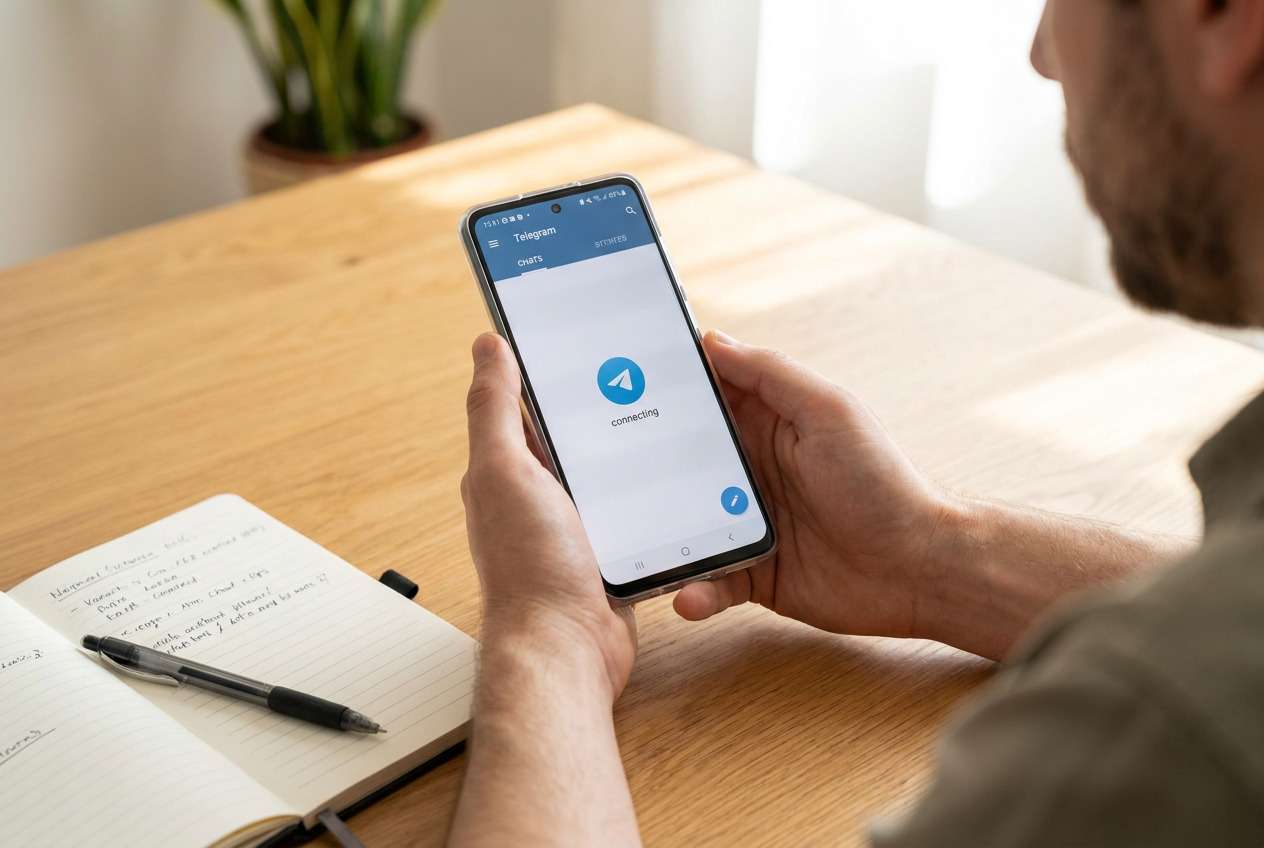
Telegram chats can seem to “disappear” on an Android phone after you reopen the app, reinstall it, switch devices, or sign in again—especially when it’s unclear whether you’re viewing the same account and the same chat history.
AI (like ChatGPT or Gemini) can help you describe symptoms, narrow likely causes (sync, account mix-ups, storage, app version, or device restrictions), and choose low-risk checks before you change anything that could make recovery harder.
AI can’t see your phone, your Telegram servers, or your account status, and trial-and-error steps (clearing data, reinstalling, changing storage/permissions) can erase local clues—so use prompts to plan careful verification first.
In this article
- Why Telegram messages go missing on Android (and what it means)
- Triggers that make chats look “missing”
- What “missing messages” can mean in Telegram
- Android device-level factors that block sync
- Before you prompt the AI: what to collect
- Using AI prompts to diagnose Telegram chat history not showing safely
- When to stop changing settings and avoid risks
- Unlock Android screen to check missing Telegram messages with Dr.Fone
- Conclusion
Part 1. Why telegram messages missing on android phone happens and what it means
1-1. Triggers that make chats look “missing”
This usually happens after a specific trigger: you updated Android, reinstalled Telegram, tapped “Log in,” restored from a new phone, or your phone restarted during an update. Even if you’re on a Galaxy device, the confusion can feel similar to an iPhone 13 or iPhone 14 situation where “nothing changes after waiting,” and you can’t tell if anything is still syncing.
1-2. What “missing messages” can mean in Telegram
In Telegram, “missing messages” can mean different things: you’re logged into a different account, you’re viewing a different chat (or a filtered list), messages are still loading, or you had content that only existed locally (for example, unsent drafts or cached media).
1-3. Android device-level factors that block sync
It can also point to device-level factors on Android—battery optimization, background data limits, storage pressure, or app permission changes—that prevent Telegram from finishing sync or showing notifications reliably.
1-4. Before you prompt the AI: what to collect
Collect a few facts first so the AI can narrow causes without guessing:
- Android phone model and Android version
- Telegram app version and install source (Play Store/APK)
- What changed right before messages went missing (update, reinstall, new SIM, device migration)
- Whether you can see the same chats on Telegram Web/Desktop
- Whether the phone is locked, restricted, or you can’t access the app normally
Part 2. Using AI prompts to diagnose Telegram chat history not showing safely
2-1. Level 1: Basic Prompt
My Telegram messages are missing on my Android phone. Ask me the minimum questions needed to figure out whether this is an account issue, a sync/loading issue, or a device restriction, and then give me the safest checks to do first without reinstalling or clearing data.
2-2. Level 2: Advanced Prompt
Act like a cautious mobile triage assistant. Based on my answers, rank the most likely causes of Telegram messages missing on Android, explain the risk level of each possible action (low/medium/high), and propose a step order that avoids data loss or account lockouts. If a step is irreversible, flag it clearly.
2-3. Level 3: Evidence Prompt
Help me diagnose “Telegram messages missing” on Android using evidence, not guesses.
Device: Android model (e.g., Galaxy S22), Android version: ___
Telegram: version: ___, installed from: (Play Store / APK), last update date: ___
Trigger event: (e.g., reinstalled Telegram, switched phones, OS update, changed SIM) ___
What’s missing: (entire chat list / specific chats / media only / messages after a date) ___
Account clues: phone number country code: ___, logged-in sessions list changed? ___
Cross-device check: Telegram Web/Desktop shows messages? (yes/no) ___
Network: Wi‑Fi/cellular, VPN/proxy, captive portal? ___
Device constraints: battery saver, background data off, storage low, date/time wrong? ___
What I already tried: (e.g., force stop, reboot, clear cache) ___
Now:
1) Separate likely causes into Account / App / Network / Device / Telegram server.
2) Rank the top 5 causes with reasons tied to my evidence.
3) Give a safest-first action plan and what result should change after each step.
2-4. Prompt Refinement
Use these follow-ups to tighten the diagnosis and reduce risk:
What are the missing questions that would most change your ranking, and why?
Re-rank the causes assuming Telegram Web shows the full history, but Android does not.
Separate message history missing vs media missing and give different likely causes.
List the key evidence that distinguishes ‘wrong account’ from ‘sync blocked’ on Android.
Which steps are reversible, and which ones could erase local clues or sign me out?
2-5. AI Output vs Reality
AI can suggest explanations, but you still need to verify what’s true on your device and account:
| AI suggests | What you can verify safely |
|---|---|
| You logged into the wrong Telegram account | Check the phone number, country code, and active sessions in Telegram settings |
| Chats are still syncing or not loading | Compare with Telegram Web/Desktop and test on a stable network without VPN |
| Android is blocking background activity | Check battery optimization, background data, and notification restrictions for Telegram |
| App data is corrupted | Try low-risk steps first (force stop, reboot, clear cache), avoid clearing data unless necessary |
AI can help you choose the least risky path, but it can’t execute checks inside Telegram or change Android system behavior—those require careful actions on the device.
Part 3. When to stop changing settings for missing Telegram messages and avoid risks
If your investigation starts pushing you toward irreversible actions, pause and protect access first.
- You’re about to clear Telegram data or uninstall again, and you’re not 100% sure you can log back into the same account.
- You’re seeing login verification problems (can’t receive SMS/calls, 2‑step password unknown, repeated code failures).
- Your phone is locked or restricted, so you can’t open Telegram to confirm settings, sessions, or backups.
- You suspect account compromise (unexpected sessions/devices), and you’re still signed in on another device you don’t want to disrupt.
Once you’ve used AI to narrow the most likely cause, the next step is executing the safest verification or access step on your actual device.
Part 4. Unlock Android screen to check missing Telegram messages with Dr.Fone
If Telegram messages appear “missing” because you can’t fully access the phone (forgotten lock screen, disabled device, or you’re stuck before you can confirm account/session details), regaining on-device access becomes the practical next move. In that situation, Dr.Fone - Screen Unlock (Android) can help you remove the screen lock so you can open Telegram, verify the logged-in number, review active sessions, and run the low-risk checks your AI plan recommended—without guessing from memory.
 Unlock Android phone in seconds.
- Remove PIN, pattern, password, fingerprint.
- Bypass Google FRP lock easily.
- Works on all Android brands & models.
- No tech skills required – user-friendly.

-
Step 1 Open Screen Unlock (Android)
Launch Dr.Fone on a computer and choose the Android screen unlock option, proceeding carefully because some device methods can affect data.

-
Step 2 Connect your phone
Attach the Android phone via USB and keep the connection stable to avoid interruptions during the process.

-
Step 3 Select the correct device details
Choose the right brand/model prompts so the unlock flow matches your device’s requirements.

-
Step 4 Follow the on-screen unlock steps
Complete the guided steps to regain access, then immediately check Telegram account/session info before making app changes.





Conclusion
Use AI to structure the investigation—clarify what “missing” means, rank the most likely causes, and choose low-risk checks first—then hand off to real execution on the device; if phone access is the blocker, unlocking the Android screen with Dr.Fone can enable the verification steps that determine what actually happened to your Telegram messages.
FAQ
-
Why do Telegram messages show on desktop but not on my Android phone?
That often points to an Android-side sync/loading constraint (battery/background limits, network/VPN issues, or app state) rather than true message deletion. -
Can clearing Telegram cache bring missing chats back?
Clearing cache is usually lower-risk than clearing data; it may help with stuck loading, but it won’t restore history if you’re in the wrong account. -
Do Telegram messages disappear after reinstalling the app?
Reinstalling can sign you out and remove local app state; cloud chats should return after logging into the correct account, but local-only items may not. -
How do I tell if I logged into the wrong Telegram account?
Verify the exact phone number (including country code) and review active sessions; mismatches commonly explain “missing” chat lists. -
What if I can’t open Telegram because my Android is locked?
In that case, unlocking the device first is the safest prerequisite so you can verify account/session details and avoid risky trial-and-error actions.
 Add Wondershare Dr.Fone as a preferred source on Google





