 Effortlessly manage data through preview, delete, export, etc.

 100% Security Verified | No Subscription Required | No Malware

 :
: 
 ChatGPT
 Perplexity
 Gemini
 Claude
 Grok
Grok

I signed out of my Apple ID on my iPad and now all my Notes are gone. It looks like everything vanished.
Apple Support Community user
Notes can seem to “vanish” on an iPad right after you sign out of an account—especially if you just tapped Settings → Apple Account → Sign Out and your Notes were tied to iCloud or another synced mailbox. It often looks like everything is gone, even though the data may simply be de-synced or stored elsewhere.
AI (like ChatGPT or Gemini) can help you sort what you’re seeing into likely causes, ask the right verification questions, and choose low-risk checks first—so you don’t accidentally overwrite or further desync your notes.
AI can’t see your iPad’s real state, and trial-and-error (toggling sync, re-adding accounts, restoring backups) can create new changes that make recovery harder. Use AI for diagnosis and decision-making, then use a dedicated tool for execution if you need actual recovery.
In this article
- Part 1. Why notes disappeared on iPad after account sign out happens and what it means
- Account-based storage (iCloud/Gmail/Exchange)
- Notes “Accounts” view change
- Sync conflicts, updates, re-indexing
- Before you prompt the AI
- Part 2. Using AI prompts to diagnose iPad notes missing after Apple ID sign out safely
- Part 3. Prompt refinement and validating AI output on the iPad
- Part 4. When to stop troubleshooting missing Notes on iPad and avoid risks
- Part 5. Recover iPad notes after sign out with Dr.Fone Data Recovery (iOS)
Part 1. Why notes disappeared on iPad after account sign out happens and what it means

If your notes disappeared on iPad after account sign out, the most common explanation is account-based storage: your notes were stored in iCloud (or another account like Gmail/Exchange) and signing out removed the synced copy from the device view. This can happen on devices like an iPad Air (5th gen) or iPad Pro 11-inch right after confirming sign-out and choosing whether to keep data locally.
Another frequent cause is a Notes “Accounts” view change: you’re still in the Notes app, but you’re now looking at “On My iPad” (or a different mailbox) instead of the previous iCloud folder structure. Sometimes nothing changes after several minutes, so it’s unclear whether the iPad is still syncing or the notes are truly gone.
Less commonly, notes can be affected by sync conflicts, recent iPadOS updates, or a partial sign-in/out cycle where Notes hasn’t finished re-indexing. The key is to confirm where the notes used to live before making more changes.
1-1. Before You Prompt the AI
Collect these details first so the AI can narrow causes without guesswork:
- iPad model + iPadOS version
- What you signed out from (Apple ID/iCloud, Gmail, Exchange)
- Whether Notes was using iCloud, “On My iPad,” or another account
- Whether you chose “Keep on My iPad” for any data during sign-out
- Any recent changes (iPadOS update, passcode change, storage full, new device login)
Part 2. Using AI prompts to diagnose iPad notes missing after Apple ID sign out safely
2-1. Level 1: Basic Prompt
My iPad notes disappeared right after I signed out of my Apple ID/iCloud. Ask me the minimum questions needed to determine whether the notes are (1) still in iCloud, (2) in another account, (3) only on-device, or (4) deleted. Then give me the safest checks in order without risking overwriting anything.
2-2. Level 2: Advanced Prompt
Act as a cautious iOS triage assistant. My Notes vanished after signing out.
1) List the top 5 most likely causes and rank them by probability.
2) For each cause, list the key evidence that would confirm/deny it.
3) Suggest the lowest-risk next step first, and label steps by risk: Low / Medium / High (anything that may overwrite notes or create new sync conflicts is High).
4) End with “stop signals” that mean I should pause troubleshooting.
2-3. Level 3: Evidence Prompt
Diagnose my missing iPad notes after account sign-out using only the facts below. If something is missing, ask targeted questions before suggesting actions.
Device
- iPad model: (e.g., iPad Pro 11-inch)
- iPadOS version: (e.g., 17.5)
- Free storage approx: (e.g., 5 GB free)
What I did
- Signed out from: (Apple ID/iCloud / Gmail / Exchange)
- Did I tap “Keep on My iPad” for anything?: (Yes/No/Not sure)
- Time since sign-out: (e.g., 10 minutes / 2 hours)
What I see now
- Notes app → Folders list shows: (e.g., “On My iPad” only / iCloud missing / Gmail present)
- Search results in Notes: (e.g., no results / partial results)
- Recently Deleted folder status: (empty / contains notes / not visible)
Accounts & sync
- Currently signed into Apple ID?: (Yes/No)
- iCloud Notes toggle status (if visible): (On/Off)
- Other accounts in Settings → Apps → Notes → Accounts: (list)
Backups (do not assume)
- iCloud backup available?: (Yes/No/Unknown)
- Computer backup (Finder/iTunes) available?: (Yes/No/Unknown)
Goal
- I want: (restore visibility / recover deleted notes / export notes safely)
Part 3. Prompt refinement and validating AI output on the iPad
3-1. Prompt Refinement (follow-ups)
Use these follow-ups to force clarity and reduce risky guesses:
“What 3 questions do you still need answered to separate sync-hidden notes from truly deleted notes?”
“Separate possibilities into categories: iCloud sync issue vs other account vs on-device only vs deletion—then tell me what evidence fits each.”
“Rank the causes again after my answers, and explain what single observation would change your ranking the most.”
“Identify the highest-risk action people commonly try here and tell me what to do instead.”
“Based on my folder list and account toggles, what is the most likely current location of the notes?”
3-2. AI Output vs Reality
AI can suggest logic; your device state determines results:
| What AI suggests | What you verify on the iPad |
|---|---|
| Notes are stored in iCloud and disappeared due to sign-out | Whether iCloud Notes is enabled after signing back in and whether iCloud folders reappear |
| Notes are in another mailbox (Gmail/Exchange) | Whether that account is still added and Notes is enabled for it |
| Notes were deleted and might be in Recently Deleted | Whether Recently Deleted exists and contains items |
| Notes are on-device but not showing due to indexing/sync delay | Whether notes reappear after time, restart, or after confirming storage and account status |
AI helps you choose the next check; it doesn’t apply account changes, restore sync, or pull data back from storage—that execution step is separate.
Part 4. When to stop troubleshooting missing Notes on iPad and avoid risks
If you’re not sure whether notes are merely hidden by sync or actually deleted, avoid actions that can create fresh sync states and overwrite older ones.
- You don’t know where the notes were stored (iCloud vs On My iPad vs Gmail/Exchange) and you’re about to toggle multiple sync switches “just to try.”
- You see inconsistent results across devices (notes exist on iPhone/Mac but not on iPad) and repeated sign-in/out is making counts change.
- Recently Deleted is empty, but you suspect deletion and you’re considering restoring/erasing the iPad to “force” a fix.
- You have no confirmed backup, and you’re about to update iPadOS, reset settings, or factory reset.
Once you’ve used AI to narrow the most likely cause and you’ve paused before high-risk steps, you’re in a better position to move from diagnosis to a controlled recovery approach.
Part 5. Recover iPad notes after sign out with Dr.Fone Data Recovery (iOS)
When notes disappeared after sign-out, the practical need is often to retrieve note content from the iPad (or from recoverable remnants) without guessing through repeated sync changes. At this stage, Dr.Fone - Data Recovery (iOS) becomes relevant because it’s designed to help you recover data from an iOS device in a more directed workflow—after you’ve already clarified the likely scenario with AI and want to proceed carefully with execution.
 Recovers data after deletion, crashes, or device damage.
- Supports photos, messages, contacts, WhatsApp, and more.
- Supports all major iPhone, iPad, and iPod models.
- Preview and recover only what you need.

-
Step 1 Prepare the iPad and computer
Connect your iPad to a trusted computer using a stable cable, and avoid further sign-in/out toggles during the session to reduce new sync changes.

-
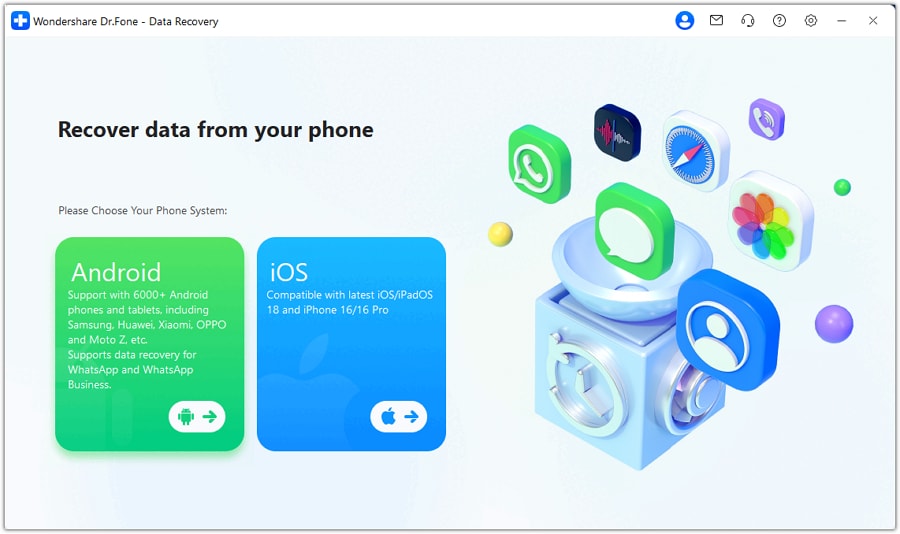
Step 2 Open Data Recovery and keep the scan focused
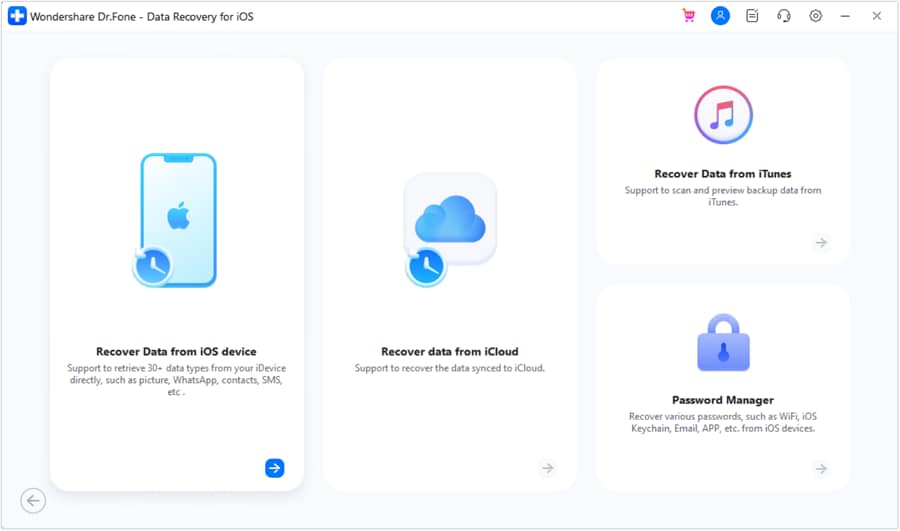
Open Dr.Fone, choose the iOS data recovery module, and select Notes (and related items only if needed) so the scan stays focused.
-
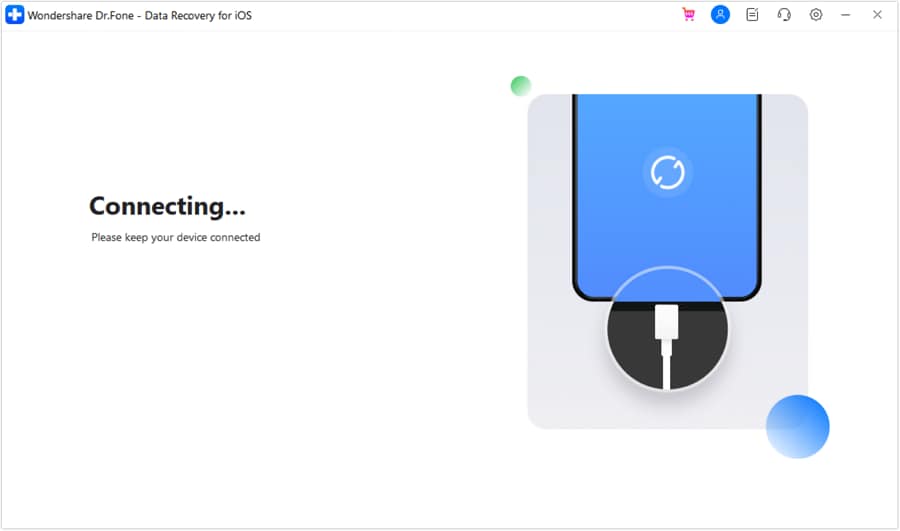
Step 3 Run a device scan
Start scanning and keep the iPad connected and awake; interrupting scans can lead to incomplete results.
-
Step 4 Preview and select notes to export
Preview what’s found and select specific notes to recover, prioritizing the items you’re sure are missing.
-
Step 5 Recover to a safe location
Save recovered content to your computer first to avoid overwriting anything on the iPad.




Conclusion
Use AI to triage what “disappeared” means in your case—hidden by account view, de-synced after sign-out, or actually deleted—then move to a controlled recovery workflow when you need to retrieve note content without escalating risk through trial-and-error.
FAQ
-
Why did my Notes disappear right after signing out of my Apple ID on iPad?
Because Notes may have been stored in iCloud; signing out removes iCloud-synced content from the local view until you sign back in and re-enable iCloud Notes. -
Where is the “Recently Deleted” folder in iPad Notes?
In the Notes app’s folder list (back arrow to Folders); it appears when there are deletions and may not show in some account contexts. -
If I sign back into iCloud, will my notes automatically come back?
Often yes if they were iCloud notes and iCloud Notes is enabled, but delays and conflicts can happen—verify folders and sync status before making more changes. -
Can notes be stored in Gmail or Exchange instead of iCloud?
Yes; Notes can sync via other accounts if enabled, so missing notes may simply be under a different mailbox in the folder list. -
What’s the safest first check when notes vanish after sign-out?
Check the Notes folder list and account settings (which accounts are enabled for Notes) before toggling multiple sync switches or restoring anything.
 Add Wondershare Dr.Fone as a preferred source on Google





