 Effortlessly manage data through preview, delete, export, etc.

 100% Security Verified | No Subscription Required | No Malware

 :
: 
 ChatGPT
 Perplexity
 Gemini
 Claude
 Grok
Grok

My iPhone screen is completely black, but it still vibrates and seems “on.” I don’t want to randomly force restart or restore and end up losing data—what’s the safest way to figure out whether this is a display issue or an iOS problem?
Apple Support Community user
An iPhone (for example, an iPhone 13 or iPhone 14) can sometimes go to a black screen while still vibrating, ringing, or responding to alerts—often right after you tapped Install Now, rebooted, or your battery drained and the phone restarted. It feels “on,” but nothing changes on the display even after several minutes.
AI (like ChatGPT or Gemini) can help you describe symptoms clearly, narrow the most likely causes, and identify the safest next checks—without guessing randomly.
AI can’t see your device state or run hardware tests, and trial-and-error actions (repeated force restarts, random button sequences, or impulsive restore attempts) can increase the risk of data loss or lockouts, so the goal is a careful diagnosis before you act.
In this article
- Part 1. Why iPhone black screen but still vibrates happens and what it means
- What the vibration can indicate
- Common triggers right before the issue
- Why it feels confusing (alive but blank)
- Before you prompt the AI: info to collect
- Part 2. Using AI prompts to diagnose iPhone black screen vibrations safely
- Part 3. When to stop troubleshooting and avoid risks
- Part 4. AI output vs reality: what you must verify in real life
- Part 5. Fix or resolve it safely with Dr.Fone (secondary Android access)
Part 1. Why iPhone black screen but still vibrates happens and what it means
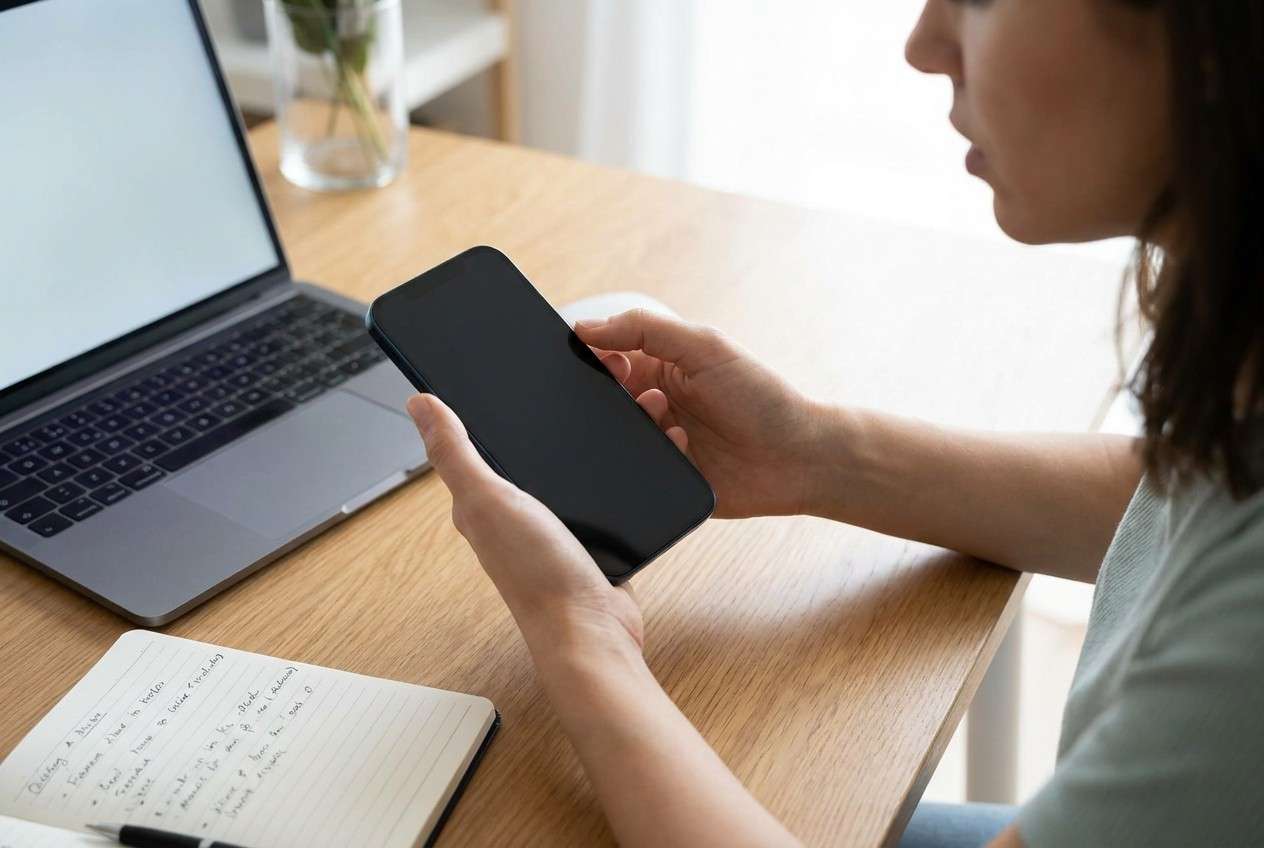
A black screen with vibration usually means the phone is powered and running something (iOS, a boot loop, a crashed UI, or a notification pipeline), but the display output isn’t working normally. That could be a temporary software hang, a display/backlight issue, or a deeper system fault.
What you did right before matters: common triggers include iOS updates, low-storage installs, a sudden shutdown during an update, a drop or water exposure, or connecting to a charger after the phone died. The vibration suggests the Taptic Engine is active, which can point away from a fully “dead” phone.
The tricky part is uncertainty: the phone can feel alive while the screen stays blank, and it’s unclear whether it’s still updating, stuck during boot, or the screen simply isn’t showing anything.
1-4. Before You Prompt the AI
Collect these basics first so the AI can narrow causes faster:
- iPhone model and iOS version (if known)
- What happened right before the black screen (update, restart, drop, water, low battery)
- Whether the phone makes sounds, vibrates, or receives calls
- Whether it’s detected by a Mac/PC (Finder/iTunes) or a charger indicator is present
- Any recent storage-full warnings, overheating, or third-party repairs
Part 2. Using AI prompts to diagnose iPhone black screen vibrations safely
2-1. Level 1: Basic Prompt
My iPhone has a black screen but it still vibrates. Ask me the minimum questions needed to identify whether this is likely a display issue, an iOS crash/boot loop, or a power/charging problem, and then suggest the lowest-risk next step first.
2-2. Level 2: Advanced Prompt
Act as a cautious mobile triage assistant. Based on my answers, rank the most likely causes of “iPhone black screen but still vibrates” from most to least likely. For each cause, list: what evidence would confirm it, what evidence would rule it out, and the safest next check that won’t increase data-loss risk. Avoid restore/erase suggestions unless you clearly explain the tradeoff.
2-3. Level 3: Evidence Prompt
Diagnose this symptom: iPhone black screen but still vibrates. Use my evidence below and produce (1) a ranked cause list with probabilities, (2) 3 low-risk checks in order, and (3) clear “stop” conditions to avoid making things worse.
Evidence:
- iPhone model: (e.g., iPhone 13 Pro)
- Approx iOS version: (e.g., iOS 17.x / unknown)
- Trigger right before issue: (e.g., tapped Install Now, phone rebooted, battery died)
- Current behavior: (vibrates on notifications? rings? haptics on mute switch?)
- Charging behavior: (warmth, cable/brick type, any signs of charging)
- Computer detection: (seen in Finder/iTunes? shows Recovery/DFU?)
- Physical events: (drop, water, screen replacement)
- Storage status before issue: (near full? unknown)
- Time elapsed: (e.g., 30 minutes unchanged)
- What I already tried: (force restart, different cable, waited, etc.)
Constraints: I want the safest steps first and I want to avoid unnecessary data loss.
2-4. Prompt Refinement
If the AI response is too broad, tighten it with follow-ups like:
What are the top 5 missing questions you need from me, and why does each change the diagnosis?
Separate likely causes into display hardware, battery/charging, and iOS software categories, then rank within each.
Given my symptoms, which single piece of evidence would most strongly distinguish ‘screen/backlight failure’ vs ‘boot loop’?
List the checks that are low risk vs high risk, and label any step that could lead to data loss or lockouts.
If the phone is detected by a computer but the screen is black, what does that imply, and what should I avoid doing?
2-5. AI Output vs Reality
AI can help you think clearly, but it can’t validate what your phone is actually doing internally.
Part 3. When to stop troubleshooting and avoid risks
Use stop signals to prevent turning a manageable issue into a data-loss or access problem.
- The iPhone gets unusually hot, swells, smells odd, or the battery area feels unsafe.
- The phone repeatedly restarts or vibrates in a loop and nothing improves after multiple low-risk checks.
- You’re about to attempt actions that can erase data (restore/reset) but you haven’t confirmed backups or alternatives.
- There are signs of physical damage or liquid exposure (even if it still vibrates).
Once you’ve used AI to narrow the likely category (display vs software vs power), the next step is choosing an execution path that protects access to your accounts and devices while you sort the iPhone out.
Part 4. AI output vs reality: what you must verify in real life
| What AI suggests | What you verify in real life |
|---|---|
| “It might be a display/backlight issue.” | Does the phone ring, show up on a computer, or play sounds while the screen stays fully dark? |
| “It might be an iOS hang or boot loop.” | Does it repeatedly restart, get warm, or alternate between vibrating and silence on a cycle? |
| “It might be a charging/power problem.” | Do different cables/chargers change anything, and is there any heat or detection on a computer? |
| “Try the lowest-risk checks first.” | You choose whether to proceed based on whether the next step could erase data or increase lockouts. |
AI can outline decision logic; your device’s responses (computer detection, restart patterns, heat, and sound/vibration behavior) determine which branch is safe to follow.
Part 5. Fix or resolve it safely with Dr.Fone (secondary Android access)
If your iPhone screen is black but it still vibrates, you may need a reliable way to stay connected while you decide whether the iPhone needs professional inspection or a cautious system workflow. In practice, that often means temporarily using a secondary phone—commonly an Android device—to access messages, 2FA apps, or accounts. If that Android is locked and you can’t get in, Dr.Fone - Screen Unlock (Android) becomes relevant as the execution tool to restore access to that Android device so you can continue essential tasks while the iPhone issue is being diagnosed.
 Unlock Android phone in seconds.
- Remove PIN, pattern, password, fingerprint.
- Bypass Google FRP lock easily.
- Works on all Android brands & models.
- No tech skills required – user-friendly.

-
Step 1 Prepare the Android and a computer
Charge the Android, use a stable USB cable, and ensure you’re working on a trusted computer to reduce interruption risk.

-
Step 2 Open Screen Unlock (Android)
In Dr.Fone, choose the Android screen unlock feature and confirm you’re selecting the correct device type before proceeding.

-
Step 3 Connect and follow the on-screen model steps
Keep the connection steady and follow the guided flow carefully because some unlock methods may have device-specific requirements.

-
Step 4 Complete unlock and regain access
After access is restored, immediately secure the device (update lock settings, confirm account access, and verify critical apps like authenticator tools).





Conclusion
AI helps you structure the symptoms, rank likely causes, and choose low-risk next checks for an iPhone black screen that still vibrates; when you need practical execution to restore access on a secondary Android device during the disruption, Dr.Fone provides the on-computer workflow to carry out that unlock step safely and deliberately.
FAQ
-
Why does my iPhone vibrate if the screen is black?
Vibration usually indicates the phone is powered and receiving events (notifications, calls, haptics), while the display output is failing due to software, backlight/display hardware, or boot instability. -
How can I tell if it’s a screen problem or an iOS boot problem?
If the phone is detected by a computer and behaves normally (rings/vibrates consistently) but shows nothing, display/backlight is more likely; repeated restarts or cycling behavior can point more toward boot issues. -
Is it safe to keep force restarting my iPhone?
Occasional force restarts are common, but repeated attempts without new evidence can add uncertainty; stop if the phone overheats, loops, or you’re escalating toward erase/restore decisions. -
What information should I give an AI to get a useful diagnosis?
Model, what happened right before the issue, whether it’s detected by a computer, charging behavior, heat, restart cycles, and what you already tried—these sharply narrow likely causes. -
How does Dr.Fone relate if my issue is on an iPhone?
Dr.Fone – Screen Unlock (Android) can help you regain access to a locked Android device you may need as a backup while your iPhone situation is unresolved, especially for account access and time-sensitive tasks.
 Add Wondershare Dr.Fone as a preferred source on Google





