 Effortlessly manage data through preview, delete, export, etc.

 100% Security Verified | No Subscription Required | No Malware

 :
: 
 ChatGPT
 Perplexity
 Gemini
 Claude
 Grok
Grok

I deleted a Voice Memo and after an iOS update it just disappeared—search finds nothing, and I can’t tell if it’s really gone or just not showing up.
Apple Support Community user
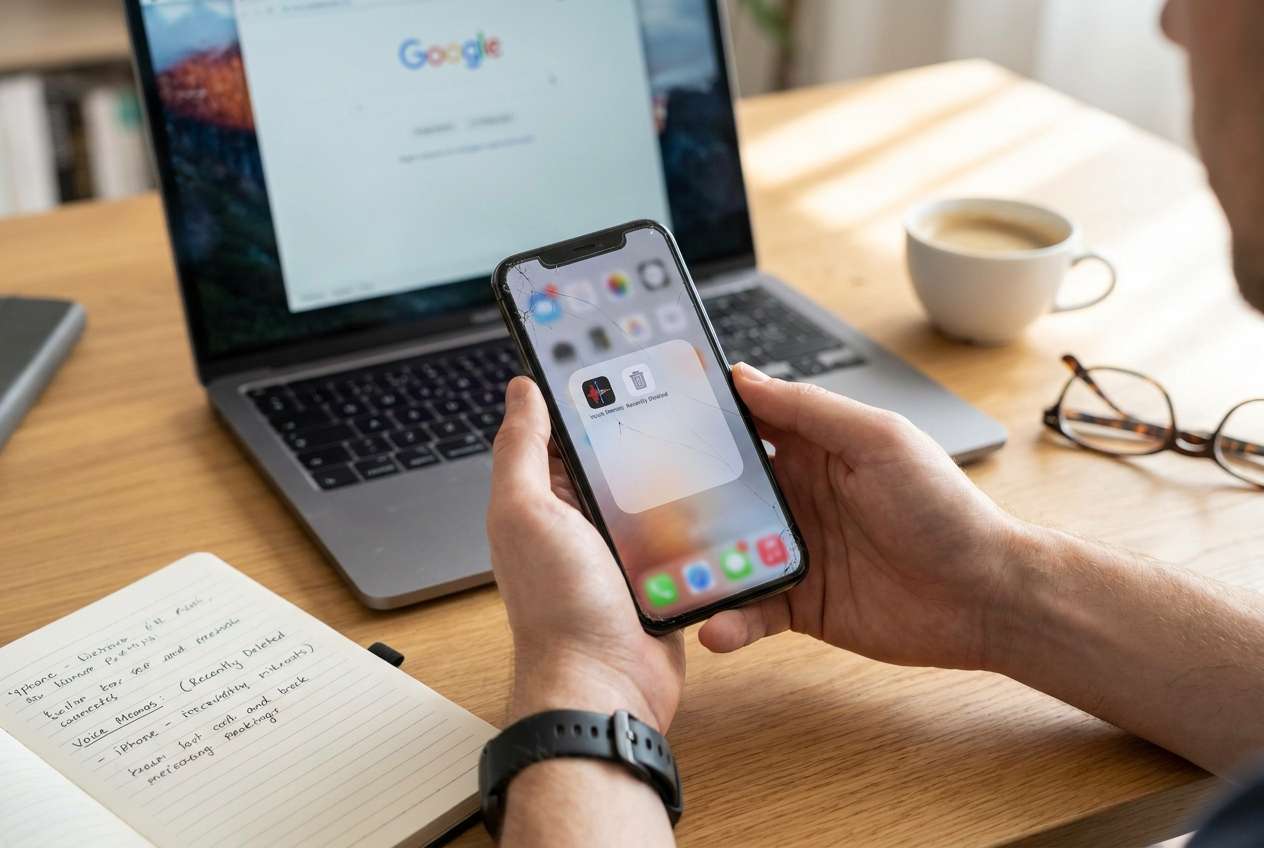
Deleted Voice Memos can feel “gone” on an iPhone right after you tap Delete, finish an iOS update, or do a quick restart. Nothing seems to change after several minutes, and it’s unclear whether the memo is still on the device somewhere.
AI (like ChatGPT or Gemini) can help you triage what “deleted” likely means, narrow where the audio might still exist (Recently Deleted, iCloud, backups, Files, Messages, third-party apps), and identify the lowest-risk next checks.
AI can’t verify what’s actually on your phone, and repeated trial-and-error can increase risk (overwriting, syncing deletions across devices, or losing access to the only remaining copy). Use prompts to decide what to do next—then use the right tool for execution.
In this article
- Why deleted Voice Memos disappear from iPhone and what it means
- Common reasons Voice Memos “go missing”
- Deletion vs iCloud sync changes
- What happened right before it disappeared
- What to gather before asking AI
- Using AI prompts to diagnose deleted Voice Memos safely
- When to stop trying to recover Voice Memos to avoid overwriting
- Recover deleted voice memos with Dr.Fone when copies are on a locked Android
- Conclusion
1. Treat “missing” as a few likely scenarios, not a single problem.
Most cases are normal deletion (Recently Deleted), iCloud sync effects, or a storage/restore event (update, restore, device swap).
2. Use AI to choose the lowest-risk checks in the right order.
Prompts can help you decide where to look first (Recently Deleted, iCloud, other devices, Files/Messages exports, backups) while avoiding actions that could sync deletions or overwrite data.
3. If the surviving copy is off-iPhone, focus on access and preservation.
If you previously exported/shared the memo elsewhere (like an Android device), regain access and export the file immediately to a safe location before making more changes.
Part 1. Why deleted Voice Memos disappear from iPhone and what it means
Most “missing” Voice Memos are caused by a normal deletion path (moved to Recently Deleted), a sync change (iCloud toggles, same Apple ID on multiple devices), or a storage/restore event (update, restore, device swap). The key is whether the audio still exists locally, in iCloud, or only in a backup/exported location.
What you did right before it happened matters: for example, you deleted a memo during cleanup, updated iOS after tapping Install Now, or signed out/in to Apple ID—then the memo vanished from the list.
The uncertainty is common: the app opens, but the memo list looks “shorter,” search shows nothing, and you’re not sure if it’s a display/sync issue or a real deletion.
1-1. Before You Prompt the AI
Gather the basics first:
- iPhone model + iOS version
- Whether iCloud for Voice Memos is enabled (Settings → Apple Account → iCloud)
- When you last remember the memo existing
- Whether you have other Apple devices on the same Apple ID
- Any exports/shares you might have done (Messages, Mail, Files, WhatsApp, Drive)
Part 2. Using AI prompts to diagnose deleted Voice Memos safely
2-1. Level 1: Basic Prompt
My iPhone Voice Memo is missing after I deleted/updated/restarted. List the most likely places it still exists (in order), and the lowest-risk checks I should do first without causing permanent loss.
2-2. Level 2: Advanced Prompt
Act like a cautious mobile support triage assistant.
Goal: help me find a deleted/missing iPhone Voice Memo with minimal risk.
1) Ask up to 8 questions you need to narrow the cause.
2) Then rank the top 5 causes from most to least likely.
3) For each cause, give: (a) what I would observe, (b) one safe check, (c) what NOT to do because it may worsen recovery chances (sync/overwrite/erase).
Keep steps non-destructive and avoid anything that would erase data.
2-3. Level 3: Evidence Prompt
Use my evidence to determine the most likely explanation and next safest actions.
Device & OS
- iPhone model: (e.g., iPhone 13 Pro)
- iOS version: (e.g., iOS 17.x)
- Storage free space: (e.g., 2 GB free)
What happened
- Action before issue: (e.g., tapped Delete / installed iOS update / signed out of Apple ID)
- Approx time it happened:
- Was the memo ever shared/exported? (e.g., sent in Messages, saved to Files, uploaded to Drive)
Current symptoms
- Is it missing from the list or won’t play?
- Did search find it?
- Is “Recently Deleted” visible in Voice Memos? What’s inside?
Sync & accounts
- iCloud for Voice Memos on/off:
- Other devices on same Apple ID (iPad/Mac):
- Any recent Apple ID changes:
Backups
- iCloud backup recent?
- Computer backup (Finder/iTunes) exists?
Constraints
- I must avoid: (e.g., restoring phone, losing current photos, syncing deletions)
Now:
1) Identify the most likely scenario.
2) Provide a decision tree of safe checks.
3) Flag any steps that could permanently reduce recovery odds.
2-4. Prompt Refinement
Use these follow-ups to tighten the diagnosis:
“What key question is still missing that would change your ranking the most?”
“Separate possibilities into: app-level deletion, iCloud sync effects, backup/restore effects, and storage/corruption issues.”
“Rank the causes again assuming the memo was created 6+ months ago and iCloud was toggled recently.”
“What single piece of evidence would confirm or eliminate each cause fastest?”
“If I have other Apple devices, how do I check them without accidentally syncing the deletion everywhere?”
2-5. AI Output vs Reality
AI can map likely paths, but it can’t confirm your device state.
| AI suggests | Reality you must verify |
|---|---|
| “Check Recently Deleted first” | The folder may be empty, hidden, or already purged |
| “It might be in iCloud” | iCloud toggles can remove local listings or mirror deletions |
| “Look for exports in Files or Messages” | The only surviving copy may be in a different app/device |
| “A backup may contain it” | Restoring a backup can overwrite current data if done carelessly |
Use AI to choose the safest branch—then use the appropriate method/tool to carry out checks without guessing.
Part 3. When to stop trying to recover deleted Voice Memos on iPhone to avoid overwriting
If your next step increases the chance of permanent loss, pause and switch to a safer plan.
- You’re about to toggle iCloud sync repeatedly and you don’t understand whether it will propagate deletions.
- You’re considering restoring the entire iPhone from a backup but can’t afford to overwrite current data.
- The memo may exist only on another device/account, and continued changes on the iPhone could reduce traceability (timestamps, app state).
- You’re locked out of another device/app that might hold the only copy, so you can’t verify the “alternate source” quickly.
Once AI helps you narrow the most likely location (Recently Deleted vs iCloud vs exported copy vs another device), move from diagnosis to the least risky execution path.
Part 4. Recover deleted voice memos on iPhone with Dr.Fone when copies are on a locked Android
If your AI triage suggests the Voice Memo wasn’t recoverable on the iPhone itself—but may still exist as an exported audio file (for example, you previously sent it to an Android phone via chat, email attachment, or file transfer)—the next practical step is regaining access to that Android device to retrieve the file. In that specific situation, Dr.Fone - Screen Unlock (Android) becomes relevant because it helps you unlock the Android screen so you can check storage and apps where the audio may be saved, without guessing passcodes repeatedly.
 Unlock Android phone in seconds.
- Remove PIN, pattern, password, fingerprint.
- Bypass Google FRP lock easily.
- Works on all Android brands & models.
- No tech skills required – user-friendly.

-
Step 1 Confirm the “alternate copy” hypothesis
Use the AI ranking to identify which Android app/location likely has the audio (for example: Downloads, messaging media, Files).
-
Step 2 Prepare for Android access
Charge the Android phone and keep it connected to a stable computer connection to avoid interruptions mid-process.
-
Step 3 Run Unlock Android Screen in Dr.Fone
Open Dr.Fone and follow the product flow for Unlock Android Screen, choosing the correct device options carefully to reduce avoidable risks.




-
Step 4 Unlock, then search systematically
After access is restored, check the predicted locations first (Files/Downloads, messaging attachments, shared media folders) to avoid unnecessary changes.
-
Step 5 Export the file immediately
Copy the audio to a safe place (computer/cloud drive) before reinstalling apps or changing sync settings.




Conclusion
Use AI prompts to narrow where the deleted Voice Memo most likely still exists and to avoid high-risk trial-and-error; once you’ve identified the most plausible source (including an exported copy on another device), hand off the execution to the appropriate method—such as using Dr.Fone’s Android screen unlock when the remaining copy is stuck behind a locked Android device.
FAQ
-
Can I recover a Voice Memo after emptying Recently Deleted?
Sometimes only if another copy exists (iCloud/other Apple device/export/backup). AI can help you identify which source is most plausible before you take any risky step.
-
Where else could my Voice Memo be if it’s not in the app list?
Common places include iCloud-synced Voice Memos on another Apple device, an exported audio file in Files, or an attachment in Messages/Mail/third-party chat apps.
-
Will turning iCloud on or off bring my Voice Memo back?
It can change what you see, but it can also propagate deletions or remove local-only items from view. Use AI to decide the safest order of checks before toggling.
-
How do I know if my missing memo is a sync issue vs a real deletion?
Compare across devices on the same Apple ID, check iCloud settings history, and confirm whether Recently Deleted contains related items—these signals usually separate sync effects from deletion.
-
Why would an Android screen unlock matter for an iPhone Voice Memo?
If you previously shared/exported the memo to an Android phone and that device is now locked, regaining access may be the only way to retrieve the surviving audio file.
 Add Wondershare Dr.Fone as a preferred source on Google





