 Effortlessly manage data through preview, delete, export, etc.

 100% Security Verified | No Subscription Required | No Malware

 :
: 
 ChatGPT
 Perplexity
 Gemini
 Claude
 Grok
Grok

I deleted a chat, reinstalled the app, and now there’s no backup to restore from. I’m not sure if it’s still syncing or if it’s gone for good—and I don’t want to make things worse by trying random fixes.
Forum user
Deleted chats with no backup can feel final—especially after you tapped Delete, reinstalled the chat app, or restarted your phone and realized the conversation thread is gone. It can be unclear whether anything is still “syncing,” and after several minutes nothing seems to change.
AI (like ChatGPT or Gemini) can help you diagnose what likely happened, narrow whether the chats were truly deleted vs. hidden/un-synced, and identify low-risk next steps based on your exact device and app situation—even if you’ve dealt with similar panic on an iPhone 13 or iPhone 14 before.
AI can’t see your phone’s storage or guarantee recoverability, and trial-and-error actions (installing cleaners, restoring, repeated logins, heavy phone use) can reduce the chance of recovering chat traces by overwriting data.

In this article
- Part 1. Why recover deleted chats when no backup exists happens and what it means
- What “no backup exists” usually means
- Why Android recovery varies
- Common uncertainty checkpoints
- Before you prompt the AI
- Part 2. Using AI prompts to diagnose safely
- Part 3. When to stop troubleshooting and avoid risks
- Part 4. Recover deleted chats with Dr.Fone - Data Recovery (Android)
- Part 5. FAQs
Part 1. Why recover deleted chats when no backup exists happens and what it means
1-1. What “no backup exists” usually means
“Recover deleted chats when no backup exists” usually means the messages are not available from cloud restore (no Google Drive/iCloud/app backup) and they’re also not currently visible inside the app. That can happen after manual deletion, app reinstall, clearing app data, OS updates, or switching devices.
1-2. Why Android recovery varies
On Android, whether recovery is possible depends on what exactly was deleted (a chat thread vs. media files vs. app database), how the app stores data, and what the phone has done since deletion (new downloads, updates, storage optimization). In some cases, chats are gone but attachments may still exist in local folders.
1-3. Common uncertainty checkpoints
A common uncertainty: you don’t know if the app is “still restoring,” if the account is on the wrong number/device, or if data was overwritten right after deletion.
1-4. Before you prompt the AI
Gather the basics first so the AI can narrow causes without risky guesswork:
- Chat app name and version (if known)
- Android model + OS version
- When deletion happened (approximate time)
- What you did right before noticing (delete/reinstall/clear data/update)
- Whether the phone has been heavily used since (photos, downloads, updates)
- Whether any backup ever existed (even old or partial)
- What exactly is missing (one chat, all chats, media only)
Part 2. Using AI prompts to diagnose recover deleted chats when no backup exists safely
2-1. Level 1: Basic Prompt
I deleted chats on my Android phone and I have no backup. Help me figure out the most likely reasons they’re gone (deleted vs hidden vs not synced) and list the safest next steps that avoid overwriting data.
2-2. Level 2: Advanced Prompt
Act like a cautious mobile data triage assistant. Based on my situation, rank the top 5 likely explanations for missing chats with no backup, and for each one:
1) what evidence would confirm it, 2) what I should avoid doing, 3) the lowest-risk next action.
Prioritize steps that minimize overwriting or changing storage.
2-3. Level 3: Evidence Prompt
Help me diagnose missing/deleted chats with no backup and suggest low-risk next steps. Use a ranked list of likely causes and a “what to check” plan.
Device details
- Android phone model: (e.g., Samsung Galaxy S22)
- Android version: (e.g., Android 13)
- Free storage remaining: (e.g., 8 GB)
Chat app details
- App name: (e.g., WhatsApp/LINE/Telegram/Messenger)
- App version (if known):
- Account identifier: (phone number/email/username)
What happened
- Trigger action: (e.g., tapped Delete chat, cleared app data, reinstalled app, factory reset)
- Time since deletion: (e.g., 2 hours / 3 days)
- Phone use since deletion: (light/moderate/heavy + examples)
Symptoms
- What’s missing: (one chat / multiple chats / all chats / media only)
- Any remaining traces: (notifications, previews, media folder items, search results)
- Any sync signs: (loading spinner, “restoring,” error messages)
Constraints
- No backup available: (confirm yes/no + what you already checked)
- Risk tolerance: (I want to avoid changes to storage as much as possible)
Output: 1) ranked causes, 2) what evidence to check next, 3) a do-not-do list, 4) a safe decision point for using a recovery tool.
2-4. Prompt Refinement
Use these follow-ups to push the AI from generic advice into decision-grade triage:
What missing detail would change your top-ranked cause, and how can I verify it without writing new data?
Separate causes into account/sync issues vs local deletion vs device storage events and rank them within each category.
For my chat app, what are the most telling pieces of evidence (screens, settings, folders) and what would each imply?
Give me a risk checklist of actions that could overwrite data, and suggest safer alternatives.
If only one chat thread is missing but others remain, how does that change the probability ranking?
2-5. AI Output vs Reality
AI can help you reason well, but it can’t confirm what still exists on-device.
| What AI can infer | What you must verify on the device |
|---|---|
| Whether symptoms match sync/account mismatch | Whether you’re logged into the same number/account and correct device |
| Whether deletion timing suggests overwrite risk | How much storage activity happened since deletion (updates, downloads) |
| What evidence to look for (folders, settings, errors) | Whether any local database/media remnants actually exist |
| Which next step is lowest-risk | Whether your phone/app state allows safe scanning without further changes |
AI bridges uncertainty to a plan; execution still depends on what’s physically present in storage and what actions you take next.
Part 3. When to stop troubleshooting recover deleted chats when no backup exists and avoid risks
Stop “trying random fixes” once your next action is likely to reduce recoverability more than it helps.
- You’re about to reinstall the app again, clear storage/cache broadly, or run a “cleaner/optimizer” to “fix” it.
- The phone has very low free storage and is actively downloading updates/media (high overwrite risk).
- You’re considering a factory reset or major OS update to “see if it comes back.”
- You can’t confidently answer whether this is an account/sync mismatch vs. local deletion, and you’re repeating actions without new evidence.
Once you’ve used AI to narrow the most likely cause and defined what evidence is missing, it’s usually time to move from diagnosis to a controlled recovery attempt with the right tool.
Part 4. Recover deleted chats when no backup exists with Dr.Fone - Data Recovery (Android)
When your AI triage suggests the chats are likely deleted locally (not just hidden or un-synced), you need an execution step that can scan an Android device for recoverable traces without relying on a backup. That’s where Dr.Fone - Data Recovery (Android) is relevant: it’s designed to Recover Data from Android Device in a structured way, after you’ve minimized overwrite risk and clarified what you’re trying to retrieve.
 Scan Android phones and tablets directly.
- Preview and recover only what you want.
- Supports WhatsApp, photos, videos, contacts, and more.
- Works with 6000+ Android devices.

-
Step 1 Stabilize phone activity
Put the phone in airplane mode and avoid new installs/downloads to reduce overwriting while you prepare to scan.

-
Step 2 Install and open Dr.Fone on a computer
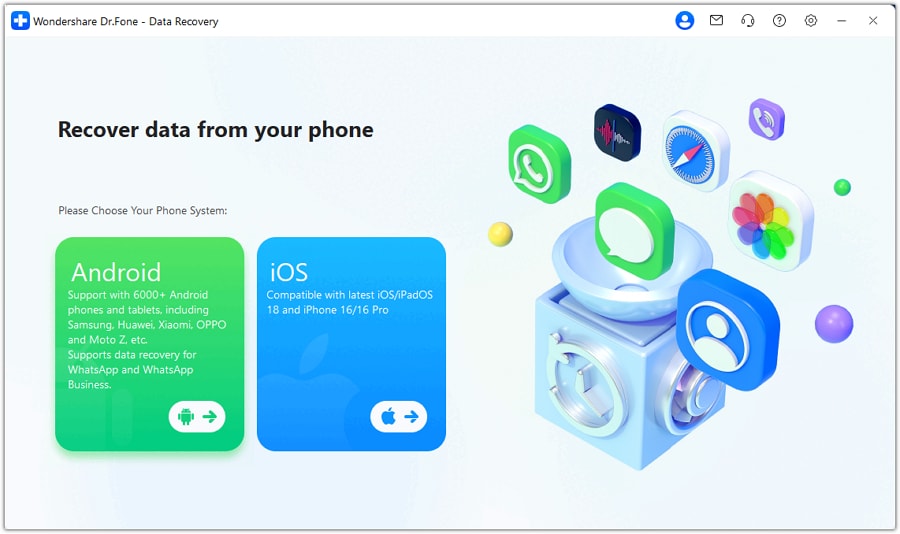
Launch Dr.Fone and choose Data Recovery (Android), keeping the phone connected via a reliable USB cable.
-
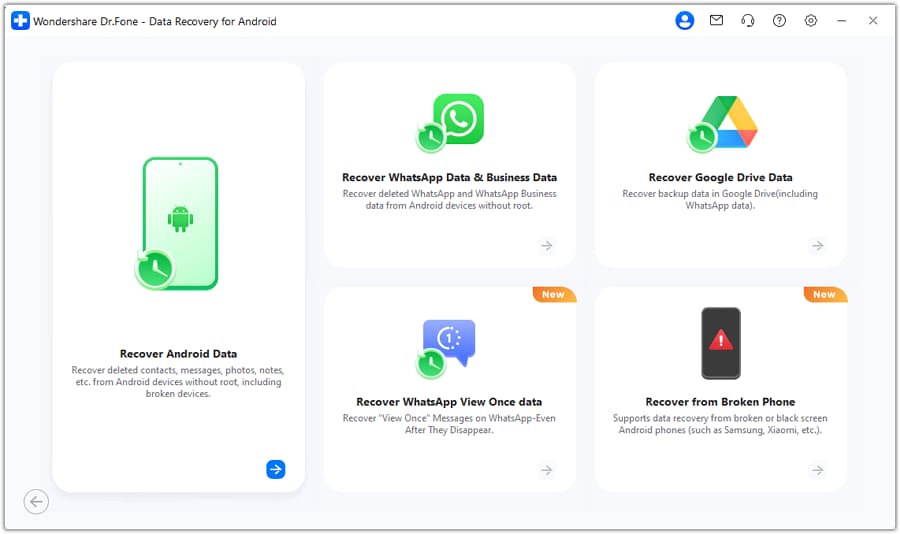
Step 3 Select the recovery target
Choose the data types you need (e.g., messages/attachments where applicable) so the scan stays focused and avoids unnecessary actions.
-
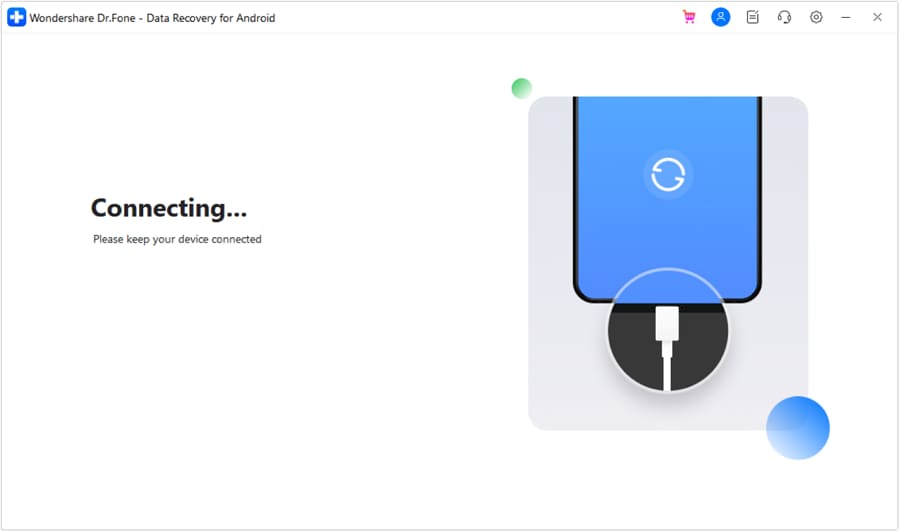
Step 4 Run a scan and preview results
Start the scan and preview what’s found before exporting, and stop if the tool requests changes you’re not comfortable making.
-
Step 5 Export recovered items safely
Save recovered files to your computer (not back onto the phone) to avoid writing new data onto the same storage.




Conclusion
Use AI to clarify what “no backup” really means in your specific case, rank the most likely causes, and choose low-risk next checks without spiraling into guesswork; once you’ve narrowed it to probable local deletion, hand off execution to a recovery workflow like Dr.Fone for a controlled scan and export.
Part 5. FAQs
FAQ
-
Can I recover deleted chats if I never enabled backup?
Sometimes, but it depends on whether any recoverable remnants remain on-device and how much the storage has been used since deletion. -
Does reinstalling the chat app help bring deleted chats back?
Usually no—reinstalling typically restores only what’s tied to cloud sync/backup, and repeated reinstalls can increase overwrite risk. -
What if only media is missing but the chat text remains?
That often points to storage cleanup, moved folders, or permission changes; AI triage should focus on media paths and app storage settings first. -
How do I know if it’s an account/sync issue instead of deletion?
Check whether other chats are intact, whether you’re logged into the same identifier, and whether the app shows any restore/sync history or warnings. -
Should I keep using my phone while figuring this out?
Minimize use—new photos, downloads, updates, and large app installs can overwrite recoverable space.
 Add Wondershare Dr.Fone as a preferred source on Google





