 Effortlessly manage data through preview, delete, export, etc.

 100% Security Verified | No Subscription Required | No Malware

 :
: 
 ChatGPT
 Perplexity
 Gemini
 Claude
 Grok
Grok

I ran Device Care storage cleanup and now my Voice Recorder list is empty. I didn’t delete them manually—are my recordings gone or just moved somewhere?
Samsung Community user
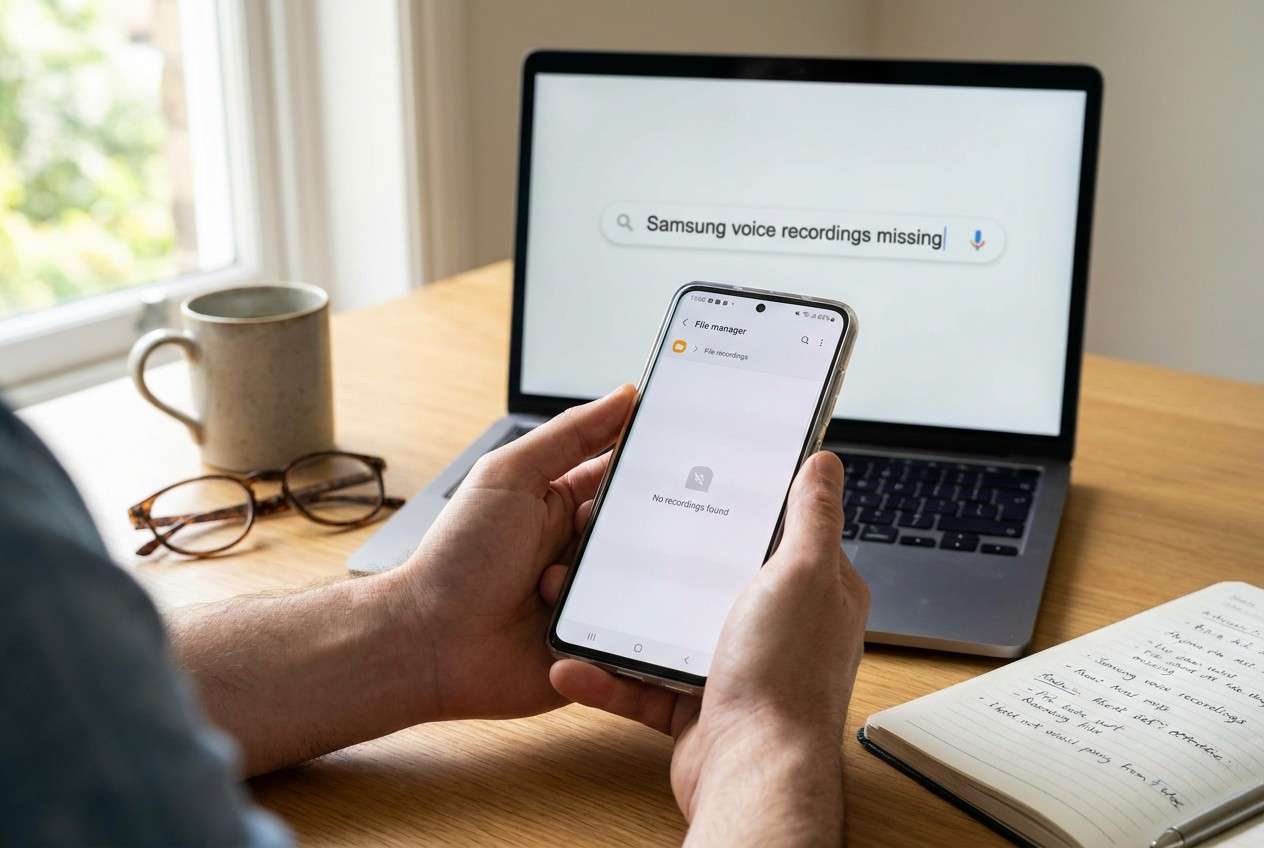
Recordings disappearing right after a storage cleanup on a Samsung phone (for example, a Galaxy S22 or S23) is usually alarming because it feels like the files were deleted—but sometimes they’re just no longer visible where you expect. This often happens after using Device Care/Storage cleanup, deleting “unnecessary files,” clearing app data, or moving items to cloud/Recycle Bin.
AI can help you quickly sort symptoms into likely causes (deleted vs. moved vs. hidden vs. app reset), ask the right verification questions, and prioritize low-risk checks so you don’t accidentally overwrite or further change storage state.
AI can’t see your phone or confirm what actually happened, and repeated trial-and-error (clearing more caches, reinstalling apps, recording new audio, or running “optimizers”) can reduce your chances of finding what’s still there. Use prompts to narrow the path, then use the right tool for the step that needs execution.
In this article
- Why recordings go missing after storage cleanup on Samsung
- What “missing” usually means
- Common triggers
- Why it feels confusing
- Before you prompt the AI
- Using AI prompts to diagnose safely
- When to stop troubleshooting and avoid risks
- Fix it safely with Dr.Fone (when locked out)
- Step-by-step: regain access to verify recordings
Part 1. Why recordings missing after storage cleanup on samsung happens and what it means
When recordings go missing after a cleanup, the most common meaning is: the recording app’s storage location, library index, or permissions changed—so the app can’t “see” what’s still on the device. Another possibility is that the files were moved (e.g., to Trash/Recycle Bin, Secure Folder, or cloud) rather than permanently removed.
This often starts right after you tap Clean now in Device Care/Storage, clear an app’s data, or use a third-party cleaner. You might also notice the voice recorder app looks “fresh” (no history), even though you remember recordings were there minutes earlier.
From your perspective, it’s confusing because nothing changes after several minutes—there’s no clear “restore” button, and it’s unclear whether the phone actually deleted anything or just reorganized it.
1-1. Before You Prompt the AI
Collect a few facts first so the AI can classify the situation accurately:
- Samsung model + Android version (Settings → About phone)
- Which recording app (Samsung Voice Recorder, WhatsApp voice notes, Call recorder app, etc.)
- What cleanup you ran (Device Care, Files app cleanup, third-party cleaner)
- Whether you cleared app data vs cache (important difference)
- Whether you use Secure Folder, OneDrive/Google Drive sync, or a work profile
- Whether the phone is currently accessible or locked out
Part 2. Using AI prompts to diagnose recordings missing after storage cleanup on samsung safely
2-1. Level 1: Basic Prompt
My Samsung phone recordings are missing right after a storage cleanup. Ask me the minimum questions needed to figure out whether they were deleted, moved (Trash/Secure Folder/cloud), or just not showing due to app reset/permissions. Then give a low-risk checklist in the safest order.
2-2. Level 2: Advanced Prompt
You are helping me triage “recordings missing after storage cleanup on Samsung.”
1) List the top 6 likely causes and rank them by probability.
2) For each cause, label risk level (low/medium/high) for any checks I might do next.
3) Give me a step-by-step plan that prioritizes read-only checks first (search, Trash, file manager, cloud history) before anything that writes new data.
4) Tell me what NOT to do yet that could make things worse.
2-3. Level 3: Evidence Prompt
Diagnose my missing recordings after Samsung storage cleanup using the evidence below.
- Phone model: (e.g., Galaxy S23)
- Android / One UI version: (e.g., Android 14 / One UI 6)
- Recording app: (Samsung Voice Recorder / WhatsApp / other)
- Cleanup action taken: (Device Care “Clean now” / cleared app data / third-party cleaner)
- Symptom: (recordings list empty / some missing / won’t play / files missing in My Files)
- Time since cleanup: (e.g., 30 minutes / 2 days)
- Storage location used: (Internal / SD card / unknown)
- Trash/Recycle Bin checked?: (My Files Trash, Gallery Trash, app trash)
- Secure Folder / Work profile used?: (yes/no)
- Cloud sync enabled?: (Samsung Cloud/OneDrive/Google Drive)
- Can I access the phone normally right now?: (yes/no; lock screen issue?)
Output format:
A) Most likely cause (1 sentence)
B) 3 alternative causes (bullets)
C) Safest next 8 checks in order (bullets)
D) Stop/avoid list (bullets)
E) What evidence would confirm each cause (bullets)
2-4. Prompt Refinement
If the AI answer is vague, tighten it with targeted follow-ups:
What single question would most reduce uncertainty between ‘deleted’ vs ‘moved to Trash’ vs ‘Secure Folder’?
Separate your diagnosis into categories: visibility issue, moved, deleted, account/profile mismatch.
Rank the causes again assuming I cleared app data (not just cache). What changes?
What are the 3 strongest pieces of evidence I should look for in My Files to confirm whether any audio files still exist (filenames, folders, extensions like .m4a/.aac)?
Ask me only yes/no questions until you can choose the safest next action.
2-5. AI Output vs Reality
AI can propose logic; your device state decides outcomes.
| What AI can infer | What you still must verify on-device |
|---|---|
| Likely locations where recordings end up after cleanup | Whether audio files exist in Internal Storage/SD card folders |
| Whether app reset/permissions could hide a library | Whether the recording app has storage permissions and correct save path |
| Whether Trash/Recycle Bin should contain items | Whether Trash is enabled and the retention window hasn’t passed |
| Whether lock/profile issues can block access | Whether you’re locked out, in the wrong profile, or blocked by Secure Folder |
AI helps you avoid chaotic guessing, but it can’t “see” if the files are physically present or accessible—so the final step depends on what you can open, search, and access on the phone.
Part 3. When to stop troubleshooting recordings missing after storage cleanup on samsung and avoid risks
Pause DIY steps if any of these apply:
- You’re tempted to run more cleaners/optimizers or “deep clean” again to “make it show up.”
- You can’t access key areas (My Files, Secure Folder, cloud account) because you’re locked out or blocked by a screen lock you can’t pass.
- You’re considering reinstalling the recording app or clearing more data, and you’re not sure whether that will remove remaining traces.
- The situation involves a work device / MDM / encrypted Secure Folder and you don’t know the admin policy.
Once the diagnosis suggests the recordings may still be present but you can’t reach the phone’s storage or apps due to lock access, the next step is execution: restoring access first, then continuing the low-risk checks.
Part 4. Recordings missing after storage cleanup on samsung: fix or resolve it safely with Dr.Fone
If your AI triage points to “recordings may still exist, but I can’t check key folders/apps because I’m locked out,” the practical need becomes regaining access to the device interface so you can verify storage locations, Trash, Secure Folder, or synced accounts. In that situation, Dr.Fone - Screen Unlock (Android) can be the execution tool to help remove certain Android lock screens so you can get back into the phone and continue the safest verification steps. Use it specifically when access is the blocker—not as a substitute for diagnosis. (See Unlock Android Screen and the Android lock screen removal guide for supported scenarios.)
-
Step 1 Confirm your lock scenario
Identify whether you’re facing PIN/pattern/password/biometric lock, because support and risk can vary by device and Android version.
-
Step 2 Prepare a stable setup
Use a reliable USB cable and keep the phone charged to reduce interruption risk during the unlock process.
-
Step 3 Run Screen Unlock (Android)
Follow the on-screen flow to remove the lock screen method where supported, proceeding carefully if any step indicates possible data impact on your model.
-
Step 4 Re-check recordings in read-only ways first
After access is restored, search in My Files for audio extensions (like .m4a/.aac) and check Trash/Secure Folder/cloud before making any new recordings or reinstalling apps.
-
Step 5 Lock down changes and prevent repeat loss
Once you understand the cause, adjust cleanup settings (what gets deleted), confirm the save location for new recordings, and enable backups where appropriate.

Part 5. Step-by-step: regain access to verify recordings
When a screen lock blocks you from checking My Files, Secure Folder, or synced accounts, use an unlock workflow first—then return to read-only verification (search, Trash, cloud history) before making any new recordings or reinstalling apps.
-
Step 1 Launch Screen Unlock (Android)
Open the unlock module on your computer so you can start the guided process.

-
Step 2 Select the Android unlock option
Choose the correct device type/option based on what you’re trying to unlock.

-
Step 3 Access the remove screen lock function
Proceed to the feature designed to remove the current lock screen method (where supported for your device/Android version).

-
Step 4 Select your brand/model details
Pick the correct brand so the tool can apply the matching on-screen instructions.

Recommended Tool to Regain Access (If You’re Locked Out)
If your diagnosis is “recordings may still be there, but I can’t access My Files/Secure Folder/cloud because I’m locked out,” focus on restoring access first—then resume the lowest-risk checks (search, Trash, cloud version history) without writing new data to storage.
 Unlock Android phone in seconds.
- Remove PIN, pattern, password, fingerprint.
- Bypass Google FRP lock easily.
- Works on all Android brands & models.
- No tech skills required – user-friendly.

Use an unlock tool only when access is the blocker. If your phone is already unlocked and you can browse storage normally, prioritize read-only checks (My Files search for .m4a/.aac, Trash/Recycle Bin, Secure Folder, and cloud sync locations) before making changes like reinstalling the recorder app or running another cleanup.
If you’re on a work device (MDM) or your Secure Folder/account policies restrict access, consider involving the device admin before attempting changes that could trigger wipes or policy blocks.




Conclusion
Use AI to classify what “recordings missing after storage cleanup on Samsung” most likely means (deleted vs moved vs hidden vs reset), and to choose the lowest-risk checks in the right order; if the diagnosis shows access is the bottleneck, hand off execution to a screen-unlock approach so you can verify storage and account locations without compounding the problem.
FAQ
-
Why did my Samsung voice recordings disappear after Device Care cleanup?
Cleanup can remove app data (if selected), clear indexes, or change what the app can access—making recordings appear missing even if files still exist elsewhere. -
Where do recordings usually go on Samsung if they weren’t deleted?
Common places include My Files audio folders, app-specific folders, Trash/Recycle Bin, Secure Folder, or a synced cloud location (depending on your setup). -
Should I reinstall the voice recorder app to bring recordings back?
Not first. Reinstalling can change app storage and may overwrite metadata; confirm whether audio files still exist via file search and Trash checks before altering apps. -
Can a screen lock issue prevent me from confirming whether recordings still exist?
Yes. If you can’t unlock the phone, you can’t reliably check My Files, Secure Folder, or app permissions—so access restoration becomes the prerequisite. -
What does Dr.Fone – Screen Unlock (Android) help with in this situation?
It helps when the main obstacle is being unable to access the device due to a lock screen, so you can then perform the low-risk verification steps for missing recordings.
 Add Wondershare Dr.Fone as a preferred source on Google





