 Effortlessly manage data through preview, delete, export, etc.

 100% Security Verified | No Subscription Required | No Malware

 :
: 
 ChatGPT
 Perplexity
 Gemini
 Claude
 Grok
Grok

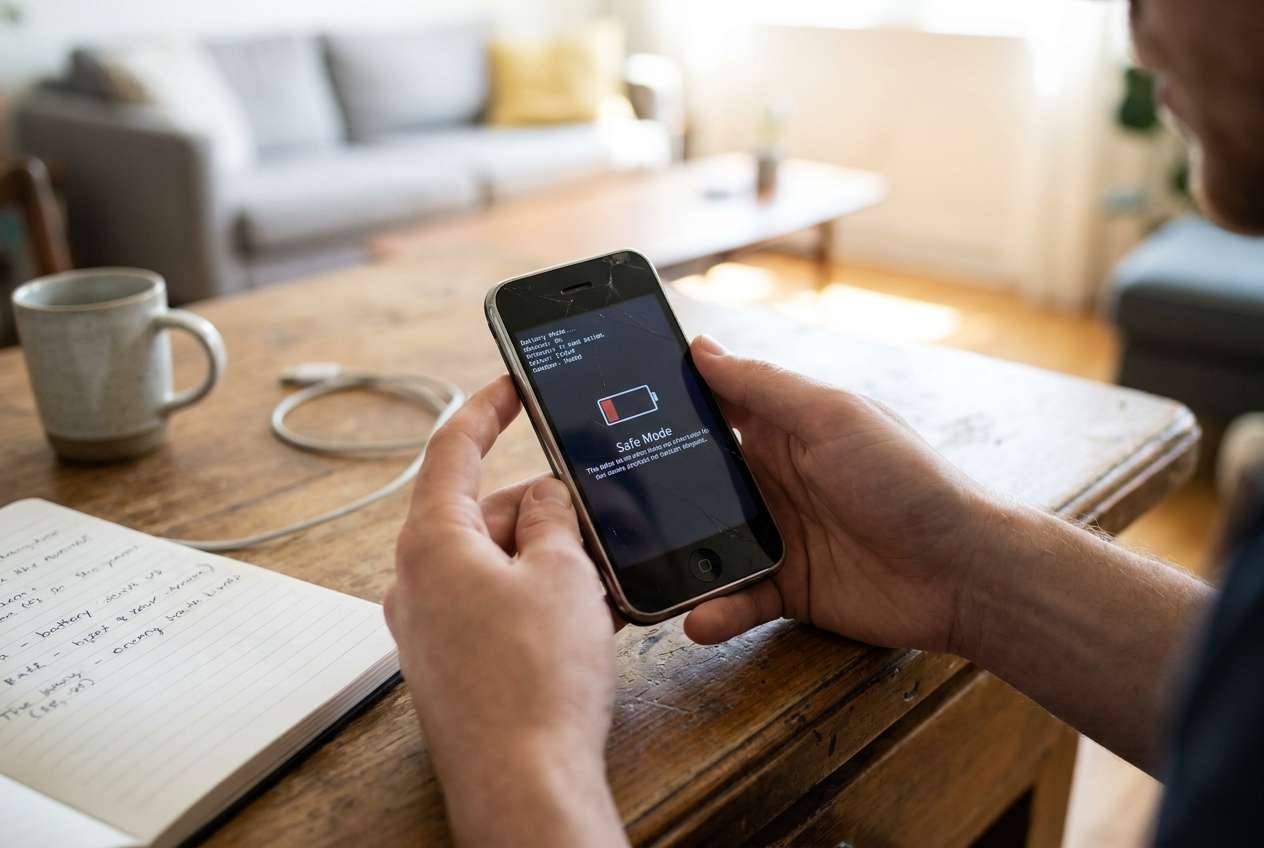
My phone technically works, but the battery anxiety is the worst part—if I don’t manage it all day, it can die at the wrong time.
Reddit user, r/Android
Generic “best choice” answers don’t help much here because the right move depends on your daily usage, your battery health, and how costly failure would be if your phone dies at the wrong time.
AI can help you turn fuzzy preferences (“I want it to last”) into a clearer set of trade-offs: what to change, what you’ll tolerate, and what risk level is acceptable for the next 12 months.
AI still can’t feel your real-life friction (charging anxiety, surprise shutdowns, travel days) or verify actual battery condition—so once the decision is clearer, your real usage and next-step actions matter.
In this article
- How to Compare Based on Real Priorities
- Why this decision isn’t just “new vs old”
- What usually causes the uncertainty
- The practical tension: money vs reliability
- How to define “one more year”
- What the AI Needs to Compare
- Using AI Prompts to Evaluate More Clearly
- When to Stop Researching and Make the Call
- After Choosing: Switch or Prepare Smoothly with Dr.Fone
Part 1. How to Compare: Can better battery habits keep an old phone one more year? Based on Real Priorities
You’re not just deciding “new phone vs old phone.” You’re deciding whether behavior changes (charging routines, app control, brightness habits, battery-friendly settings) can realistically bridge the gap without constant hassle.
The uncertainty usually comes from not knowing what’s truly causing the drain: battery wear, background apps, poor signal, heat, heavy use (navigation/video), or simply a too-small battery for today’s routines.
The tension is practical: saving money and avoiding setup time vs risking a year of battery stress, emergency charging, and the possibility that the phone becomes unreliable when you need it most.
Part 2. What the AI Needs to Compare
Share the details below so the AI can compare your “keep for a year” plan vs other realistic options.
- Phone model + age (approx.) and whether the battery has ever been replaced
- Your typical day: screen time, calls, GPS, gaming/video, hotspot use
- The failure risk you can’t accept (work calls, travel days, medical needs, etc.)
- Current symptoms: fast drain, random shutdowns, overheating, slow charging, swelling, poor standby
- Charging access: desk charger, car charger, power bank, long commutes, travel frequency
- What “one more year” must feel like (end-of-day % target, no midday charging, etc.)
- Budget + alternatives you’d consider (battery replacement, refurbished phone, upgrade now)
- Data/switching tolerance (how painful a move would be, app logins, photos, 2FA)
Part 3. Using AI Prompts to Evaluate can better battery habits, keep old phone one more year, More Clearly
Use these prompts to force a decision based on trade-offs, not wishful thinking.
3-1. Level 1: Basic Prompt
I want to know if better battery habits can keep my current phone usable for one more year.
Compare “change habits and keep it” vs “replace battery or upgrade now” based on reliability, cost, and daily inconvenience.
3-2. Level 2: Advanced Prompt
Act as a decision assistant.
Compare three options for the next 12 months:
1) keep my phone and change battery habits, 2) replace the battery/repair, 3) upgrade to a newer phone.
Ask me the minimum questions needed, then rank the options by (a) reliability risk, (b) daily friction (charging anxiety), (c) total cost, and (d) time/setup burden.
Explain which option fits best and what trade-offs I’d be accepting.
3-3. Level 3: Evidence Prompt
Here’s my context: [phone model/age], battery symptoms: [drain/shutdown/heat], typical day: [screen time + heavy apps], charging access: [home/work/car], and my “must not fail” moments: [work/travel].
Recommend whether better battery habits can realistically get me through the next year, or whether I should replace the battery/upgrade.
For each option, spell out what I gain and what I give up, and name one key assumption (about my usage, battery condition, or charging access) that would flip your recommendation.
3-4. Prompt Refinement (Follow-up Prompts)
If I refuse midday charging, how does that change your recommendation—and which option becomes least risky?
What’s the most likely “regret point” 6 weeks from now for each option (habits-only vs battery replacement vs upgrade)?
Which 2–3 behavior changes would deliver the biggest battery stability with the least daily annoyance for my usage?
What evidence should I collect for 7 days (screen time patterns, battery drop overnight, heat events) to reduce guesswork—and what thresholds would trigger “stop trying, upgrade”?
If I travel 1–2 times per month and can’t rely on outlets, which option minimizes failure risk the most, and why?
3-5. AI Recommendation vs Real-World Fit
| Likely AI recommendation or conclusion | What real-life use may change or reveal |
|---|---|
| “Habits can stretch it another year if you accept some charging routines.” | You may find the routine mentally taxing (constant monitoring, battery anxiety) even if it works technically. |
| “Replace the battery for the best value if the phone is otherwise fine.” | Repair quality and post-repair performance vary; you might still have drain from apps, weak signal areas, or heat. |
| “Upgrade now if reliability matters more than cost.” | Set up burden, login/2FA friction, and adapting to a new device may be more disruptive than expected. |
| “A small workaround (power bank, app cleanup) could be enough.” | Carrying extras or managing settings may feel like a permanent inconvenience, not a temporary fix. |
AI can clarify likely fit and trade-offs, but hands-on use, workflow friction, and daily habits ultimately determine whether “one more year” feels easy—or exhausting.
Part 4. When to Stop Researching, can better battery habits keep an old phone one more year, and make the Call
- You can describe your “minimum acceptable day” (e.g., finish workday without emergency charging), and you know which option meets it with the least stress.
- You’ve identified your top 1–2 non-negotiables (reliability, cost, convenience, time) and the option that best protects them.
- You’ve named the single biggest risk (random shutdowns, travel days, work calls) and chosen the path that reduces that risk enough.
- You’ve accepted the trade-off you’re making (money vs hassle vs reliability), and it doesn’t feel like a gamble.
Once you can state your choice and the trade-off you’re accepting without hesitation, you’re ready to act.
Part 5. After choosing, can better battery habits keep an old phone one more year? Switch or Prepare Smoothly with Dr.Fone
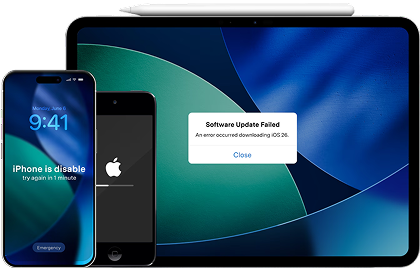
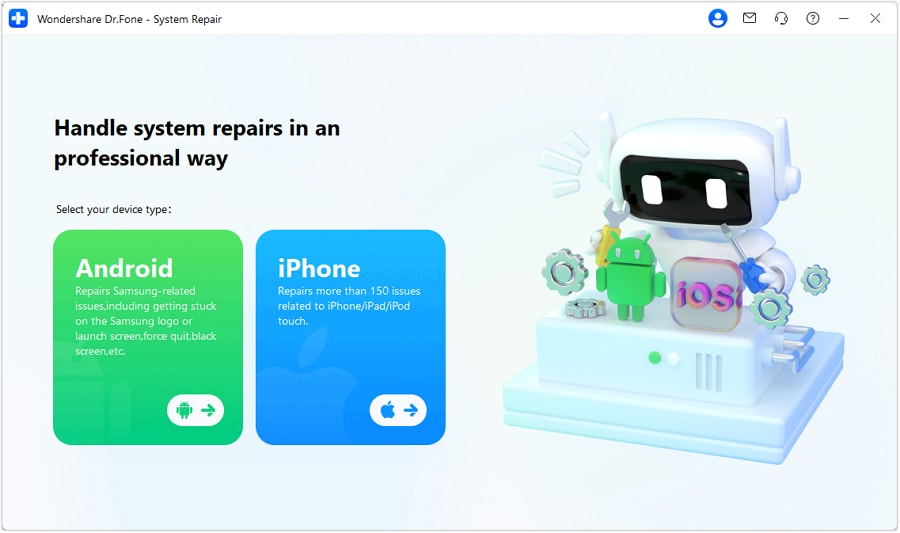
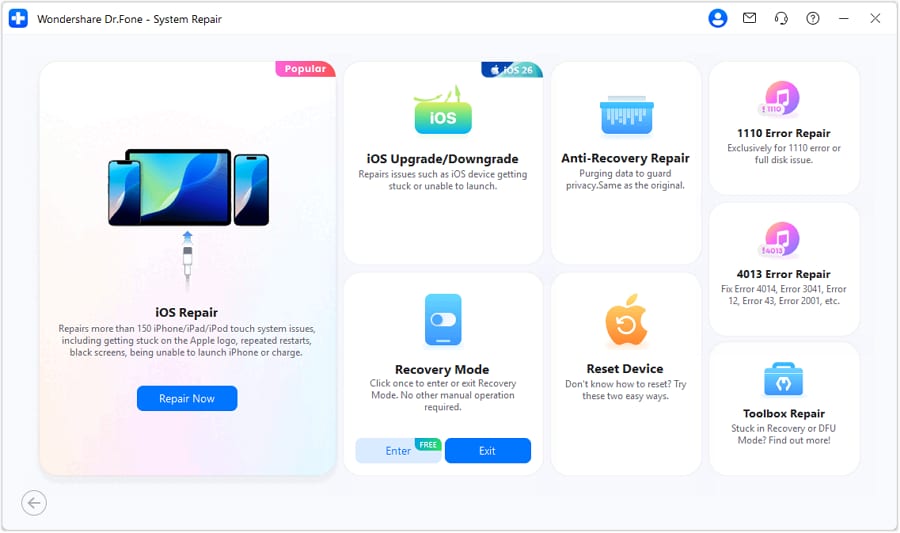
After the decision, the practical risk shifts to execution: protecting your data, reducing clutter that worsens performance, and preparing cleanly if you’re switching or selling. If you also face iOS stability problems (Apple logo loop, black screen, recovery mode), Dr.Fone - System Repair (iOS) can help you address system errors as part of your “make it last” plan.
 Fix iOS issues, no data loss.
- One-click repair for all iOS problems.
- Solve recovery mode, Apple logo, black screen, etc.
- Upgrade or downgrade iOS without iTunes
-
Step 1 Secure a complete backup before you change anything

Action: Use Dr.Fone to back up key data (photos, messages where supported, contacts, files) so a battery failure or reset doesn’t become a data-loss event.
Limitation: Backup coverage varies by device/OS and app type; verify the specific data categories you care about.
-
Step 2 If upgrading, transfer what you actually need (not the mess)
Action: Use Dr.Fone Phone Transfer to move essential data to the new phone while leaving behind clutter that can slow setup and restore.
Limitation: Some app data and logins may not transfer due to platform restrictions; plan time for 2FA and re-authentication.
-
Step 3 If keeping or reselling, clean up and protect privacy
Action: Use Dr.Fone tools to help remove unnecessary data and, if you’re selling, perform a proper erase so personal information isn’t recoverable.
Limitation: Resale readiness still depends on account sign-outs (Apple ID/Google), SIM/eSIM handling, and activation-lock removal steps you must complete yourself.
-
Step 4 If iOS system issues are part of the problem, repair the system to improve stability
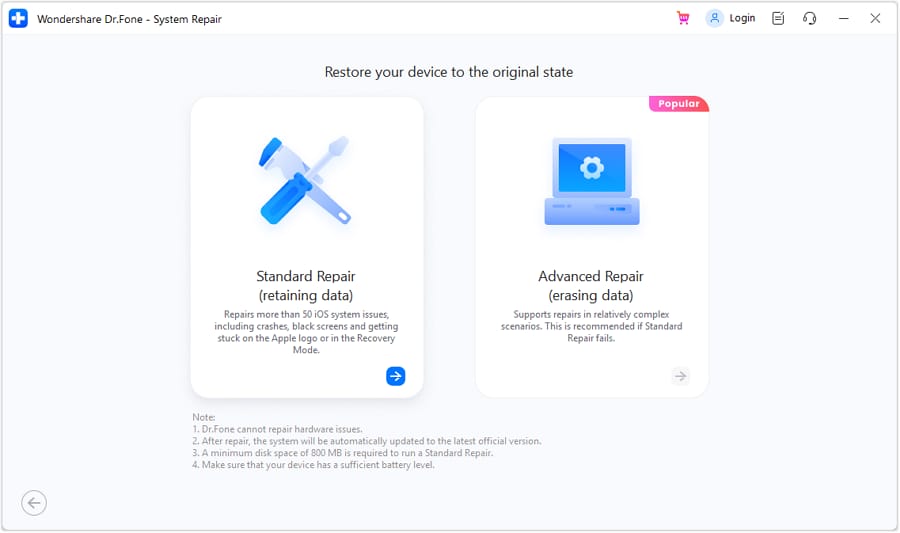
Action: If your iPhone gets stuck in recovery mode, shows the Apple logo repeatedly, or has a black screen, use the iOS System Repair workflow to restore system stability without forcing a full reset.
Limitation: System repair can’t fix physical battery aging; if the core issue is worn battery hardware, you may still need battery replacement or an upgrade.




Conclusion
AI can help you decide whether better battery habits are a reasonable one-year bridge or just delayed frustration, but real-world routines are the final proof; once you choose, Dr.Fone helps you execute the switch, backup, cleanup, or resale prep cleanly if it’s needed.
FAQ
-
Can I trust an AI to tell me if my battery will last another year?
Use AI for decision structure, not certainty. It can map your priorities to trade-offs, but it can’t verify your battery’s true health or how annoying new habits will feel daily. -
What’s the most important trade-off in “habits vs upgrade”?
Reliability vs friction. Habits may save money, but if you can’t tolerate constant charging management—or you can’t risk shutdowns—an upgrade (or battery replacement) often wins. -
How do I avoid a generic spec-based decision?
Anchor the choice to your “must not fail” moments (work/travel/health), your charging access, and what inconvenience you’ll actually follow for 12 months—not peak performance claims. -
What’s a realistic way to test the “one more year” plan before committing?
Run a 7-day trial: lock in your proposed habits (brightness, background limits, charging routine) and track end-of-day battery, unexpected drops, heat, and any emergency charging. -
If I upgrade, what should I prepare so switching is low-stress?
Make a backup, list critical apps/accounts (banking, authenticator, work tools), and plan time for logins and 2FA. If you’re moving lots of photos/files, plan a clean transfer instead of copying everything blindly. -
If I sell the old phone, what’s the biggest thing people forget?
Privacy and lockouts: sign out of accounts, remove activation locks, and erase properly—otherwise the buyer may be blocked and your data may remain recoverable.
 Add Wondershare Dr.Fone as a preferred source on Google





